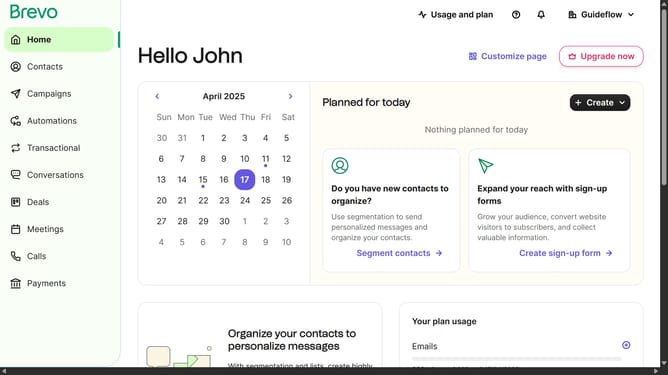
How to input a social media button in Brevo
Here is how to input a social media button in brevo
- First click on "Campaigns" in the left sidebar menu
- Then click on the "Market Email" draft campaign from the list
- Next click on the "Edit design" button in the campaign editor
- Then click and drag on the "Title" block option in the left sidebar blocks menu
- Finally click on the collapsible arrow in the "Social media links" section of the editor to input your social media links
Why should you input a social media button in Brevo
Brevo stands out as a versatile platform designed to streamline communication and enhance user engagement.
One of its intuitive features is the ability to seamlessly integrate social media buttons into your content. This allows users to effortlessly connect and engage with your social media channels.
Incorporating social media buttons in Brevo offers the advantage of increasing your reach and visibility, fostering an interactive experience for your audience. By leveraging this feature, you can build a stronger online presence and facilitate smoother connections with your followers.
Last update