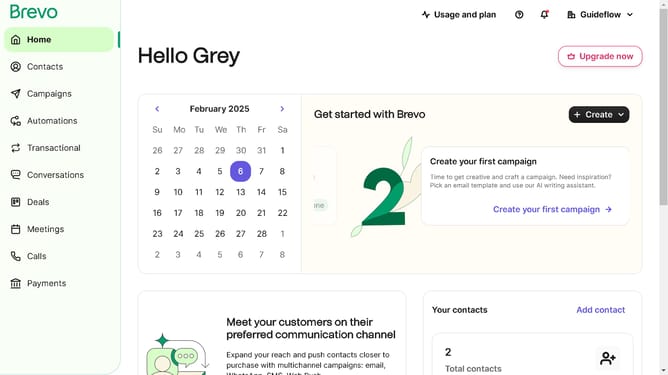
How to identify for the SMTP port in Brevo
Here is how to identify for the smtp port in brevo
- First click on the "Guideflow" button in the top-right header menu
- Then click on "SMTP & API" option in the dropdown menu
- Finally locate the SMTP port in the "SMTP API" window panel
Why should you identify for the SMTP port in Brevo
Brevo is a dynamic email marketing platform designed to streamline communication for businesses of all sizes.
Identifying the SMTP port in Brevo allows users to configure their email services accurately. This feature ensures that emails are sent through the correct server, minimizing delivery issues and enhancing reliability in communication strategies.
Understanding how to locate the SMTP port can help users guarantee secure and efficient email transactions. Using Brevo’s SMTP setup adds an extra layer of efficiency by optimizing how emails are dispatched to recipients, improving overall business communication.
Last update