How to make a copy of an automation in Brevo
Here is how to make a copy of an automation in brevo
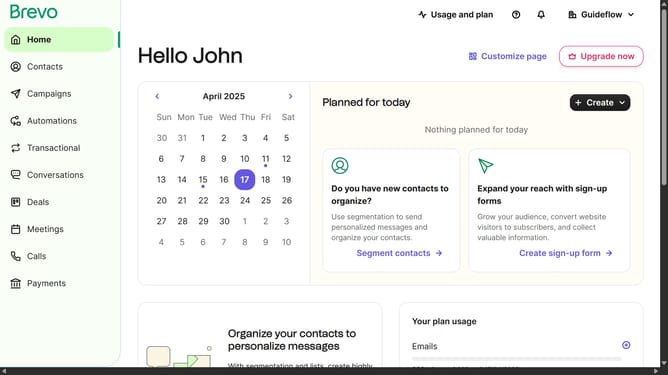
- First click on "Automations" item in the left sidebar
- Next click the options menu (three dots) button in the automation card
- After that click the "Duplicate" option from the dropdown menu
Why should you make a copy of an automation in Brevo
Brevo is an intuitive platform designed to streamline business automation processes.
The ability to make a copy of an automation in Brevo is a powerful feature that enhances productivity and efficiency.
By allowing users to duplicate existing workflows, it saves valuable time that would otherwise be spent on recreating complex automation from scratch.
This feature not only simplifies the process but also ensures consistency and accuracy across multiple projects, providing a seamless experience in managing automated tasks.
Last update