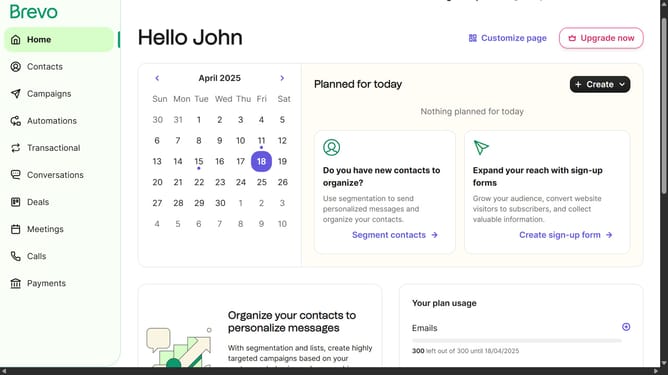
How to delete form in Brevo
Here is how to delete form in brevo
- First click on the sidebar menu item "Contacts" to access the contacts section
- Then click on the submenu item "Forms" in the contacts sidebar section
- Next click on the menu button (three dots) next to the "Copy of Testing Form" in the forms list
- Then click on the "Delete" option from the dropdown menu
- Finally click on the "Delete form" button in the confirmation dialog
Why should you delete form in Brevo
Brevo is a versatile platform designed to streamline your communication and marketing tasks efficiently.
The feature to delete a form in Brevo is intuitive, ensuring that your outdated or unnecessary forms don't clutter your workspace. This functionality offers a seamless way to maintain an organized digital environment, thereby enhancing productivity.
By effortlessly managing your forms, you ensure that only relevant information is available, allowing you to focus on active communication strategies. This not only simplifies your workflow but also aids in keeping your audience engaged with updated content.
Last update