How to create a marketing activity automation in Brevo
Here is how to create a marketing activity automation in brevo
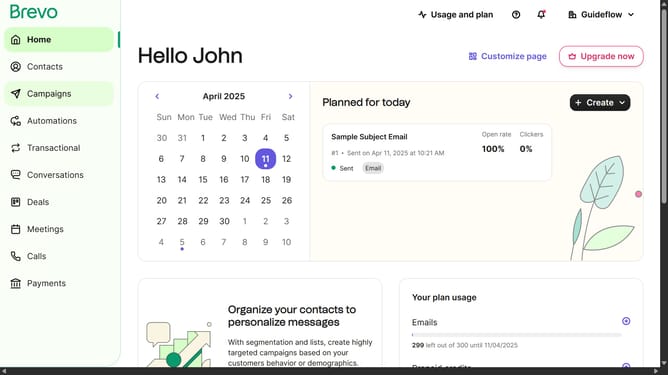
- First click on the "Automations" link in the left sidebar menu
- Then click on the "Create an automation" button in the top-right corner
- Then click on the "Marketing activity" automation template in the main dialog window to set up email campaign tracking
- Finally click on the "Create automation" button in the bottom-right corner of the configuration modal to finalize the marketing activity automation setup
Why should you create a marketing activity automation in Brevo
Brevo is a powerful platform designed to streamline your marketing efforts with ease.
Creating a marketing activity automation in Brevo allows businesses to efficiently manage tasks without manual intervention. This feature empowers you to automate routine marketing processes, ensuring that nothing falls through the cracks and your campaigns run smoothly.
By adopting marketing activity automation, users can focus on strategic tasks, knowing that Brevo takes care of repetitive and time-consuming work. This not only enhances productivity but also improves campaign consistency and effectiveness.
Experience the seamless integration of automation in your marketing strategy, freeing you to innovate and grow with Brevo's intuitive solutions.
Last update