How to use an anniversary date automation in Brevo
Here is how to use an anniversary date automation in brevo
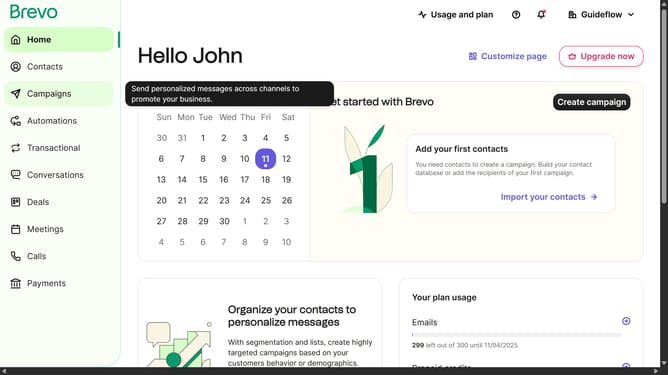
- First click on the "Automations" link in the left sidebar menu
- Then click on the "Create an automation" button in the top-right corner
- Then click on the "Anniversary date" card option to set up birthday-based automations
- Finally click the "Create automation" button to finalize and save the automation
Why should you use an anniversary date automation in Brevo
Brevo is your go-to platform for seamless and personalized customer engagement.
Utilizing the anniversary date automation in Brevo allows you to effortlessly commemorate special dates with your clients, fostering stronger relationships.
Leveraging this feature keeps your brand top-of-mind, as it shows clients you value their milestones.
Enhancing customer loyalty has never been easier, with timely and personalized communications that celebrate important anniversaries.
Last update