How to create a share link of an email template in Brevo
Here is how to create a share link of an email template in brevo
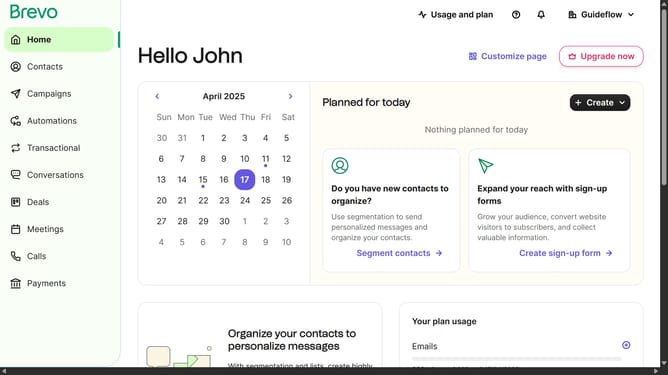
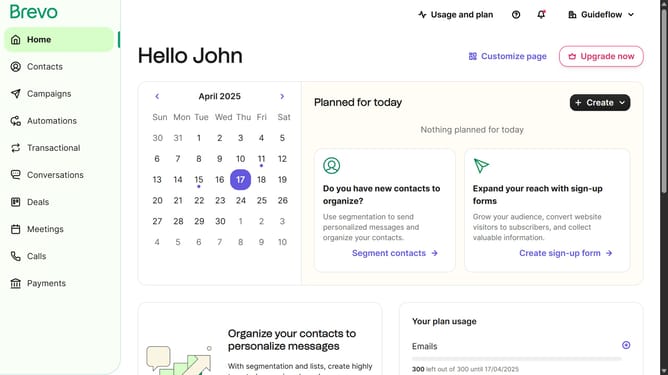
- First click on the "Campaigns" link in the left sidebar
- Then click on "Templates" in the campaigns submenu
- Next click on the "More options" menu (three dots icon) in the template card
- Then select the "Share" option from the dropdown menu
- Finally click the "Copy link" button in the share dialog to copy the template's sharing link
Why should you create a share link of an email template in Brevo
Brevo is a dynamic platform aimed at simplifying communication through expertly designed email solutions.
Creating a share link for an email template in Brevo empowers teams to streamline their collaborative efforts. This feature allows users to effortlessly distribute templates, ensuring everyone stays aligned with branding and messaging standards.
Utilizing share links not only fosters consistency but also speeds up workflow, making marketing campaigns more effective with minimal effort. It's an indispensable tool for any team striving for seamless communication and efficiency.
Last update