How to obtain the link of an automation in Brevo
Here is how to obtain the link of an automation in brevo
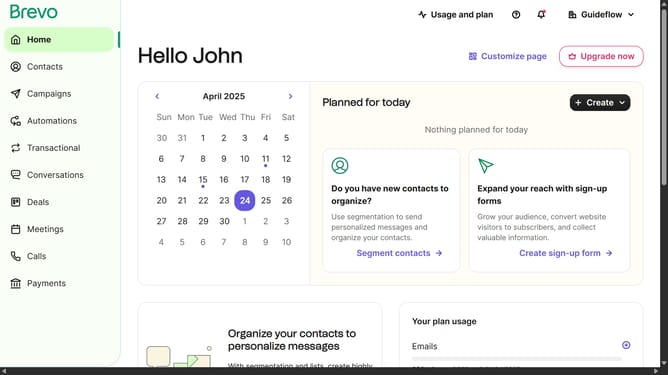
- First click on "Automations" item in the left sidebar
- Next click the options menu (three dots) button in the automation card
- Then click on "Share" option from the dropdown menu
- Finally click on "Copy Link" button in the sharing dialog to copy the automation sharing link
Why should you obtain the link of an automation in Brevo
Brevo is a powerful platform designed to streamline and automate your workflow.
One of the standout features of Brevo is the ability to easily obtain the link of an automation. This feature simplifies sharing and collaborating on automated tasks, making your team more efficient and informed.
By accessing the link, you can effortlessly track and monitor automation progress, ensuring that everything runs smoothly without a hitch.
This enhances teamwork by allowing easy updates and insights to be communicated, ultimately driving productivity and success.
Last update