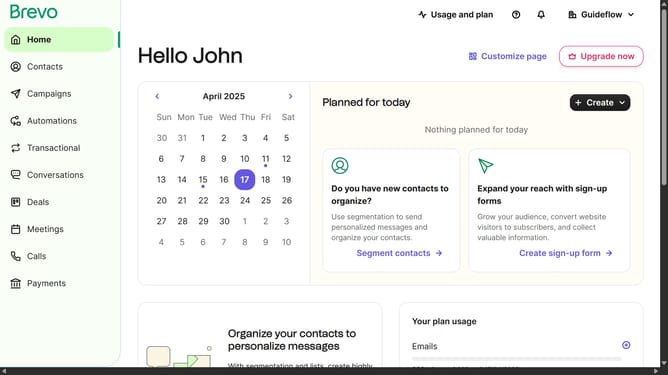
How to delete contact folder in Brevo
Here is how to delete contact folder in brevo
- First click on "Contacts" in the left sidebar navigation menu
- Then click on "Lists" in the submenu under Contacts section
- Next click on the dropdown button in the "Lists" main menu section
- Then click on the contact folder from the expanded dropdown menu
- In the main content area, click on the "Delete folder" button located next to the folder name
- Next click the checkbox that says "I am sure I want to delete the folder and the included lists"
- Finally, click the "Delete folder and lists" button in the confirmation dialog
Why should you delete contact folder in Brevo
Brevo is a dynamic platform designed to streamline contact management and enhance communication efficiency.
One standout feature is the ability to delete contact folders seamlessly. This function allows users to maintain a neat and organized contact list by removing outdated or unnecessary folders.
Streamlining your contact list can lead to improved efficiency, ensuring that you focus on valuable connections without distraction. This helps in maintaining a clean database, which is essential for effective communication and management processes.
Last update