How to use a page visit automation in Brevo
Here is how to use a page visit automation in brevo
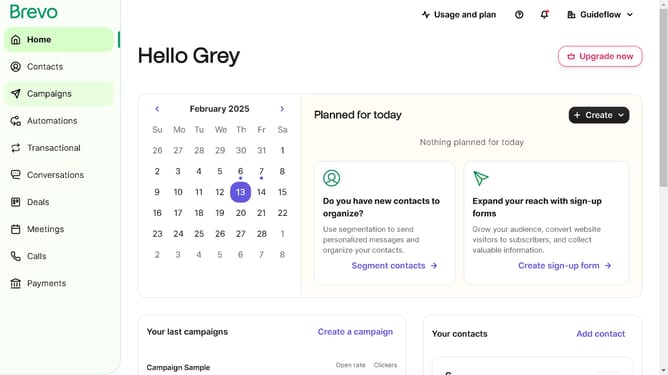
- First click on the "Automations" link in the left sidebar menu
- Then click on the "Create an automation" button in the top-right corner
- Next select the "Page visit" template from the pre-built automation options
- Finally click the "Create automation" link at the bottom of the page visit configuration screen
Why should you use a page visit automation in Brevo
Brevo empowers businesses to seamlessly automate their marketing processes and enhance customer engagement.
With Brevo's page visit automation, you can track visitors' interactions on your website in real-time. This feature allows you to tailor communication strategies effectively by understanding user behavior on different webpages.
Utilizing page visit automation helps in delivering personalized content, which leads to improved customer experiences and increased conversion rates. By tapping into this feature, you gain valuable insights that drive smarter marketing decisions.
Last update