How to access opens details in Brevo
Here is how to access opens details in brevo
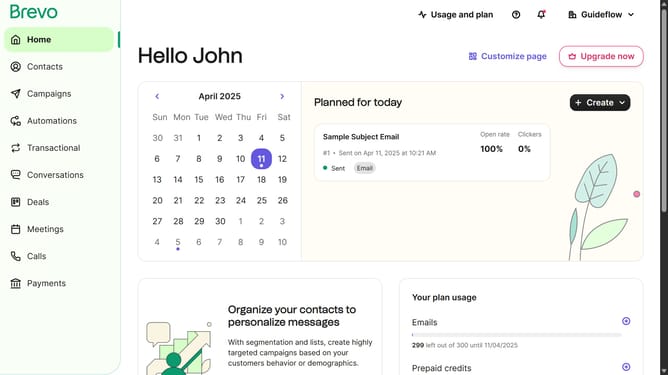
- First click on the "Campaigns" button in the left sidebar
- Then click on the "Report" icon button in the email campaign item
- Finally click on the "Opens" tab in the statistics panel
Why should you access opens details in Brevo
Brevo is your ultimate ally in streamlining communication, designed to enhance your interaction efficiency.
Unlocking opens details in Brevo is straightforward and offers a wealth of insights. By accessing this feature, you gain the ability to identify when and how recipients engage with your messages.
This information empowers you to refine your communication strategies. By understanding your audience's behavior, you increase engagement, ensuring your messages hit the mark every time.
Utilizing opens details transforms your outreach from guesswork to targeted precision, setting you on a path to achieve remarkable results.
Last update