How to produce a copy of a pop up card in Brevo
Here is how to produce a copy of a pop up card in brevo
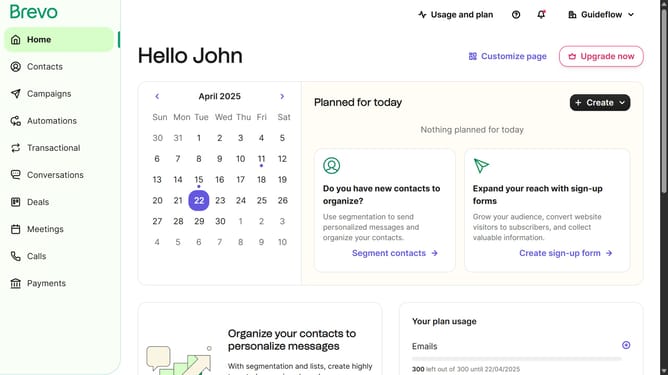
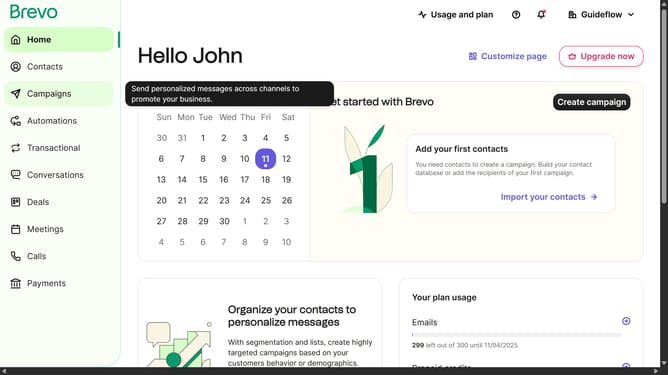
- First click on the sidebar menu item "Contacts" to access the contacts section
- Then click on the submenu item "Forms" in the contacts sidebar section
- Next click on the menu icon (three dots) in the top-right corner of the Pop-up Form card
- Then click on the "Duplicate" option from the dropdown menu that appears
- Finally click on the "Duplicate form" button in the confirmation dialog box
Why should you produce a copy of a pop up card in Brevo
Brevo is a cutting-edge platform designed to streamline your creative communication tasks effortlessly.
Producing a copy of a pop-up card in Brevo is a straightforward feature that enhances your creative outreach. It allows users to replicate beautiful designs effortlessly, ensuring consistency across multiple projects. This feature is especially beneficial for those looking to maintain uniformity in branding and messaging, without the hassle of starting from scratch.
With Brevo's easy-to-use interface, creating a copy of a pop-up card becomes an efficient task, saving time and boosting productivity. This empowers you to focus on refining your creative content, knowing your design requirements are easily managed.
Last update