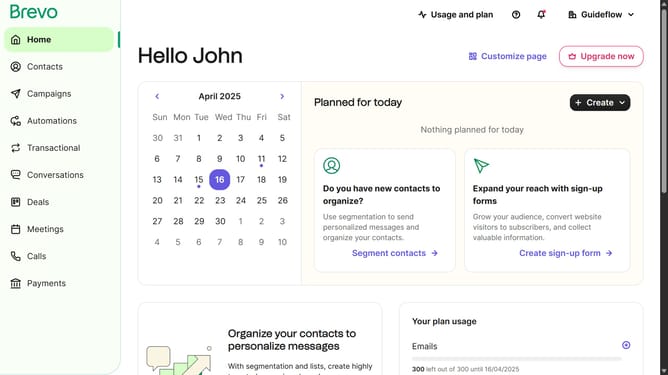
How to open the new editor automation in Brevo
Here is how to open the new editor automation in brevo
- First click on the "Automations" link in the left sidebar menu
- Then click on the "Create an automation" button in the top-right corner
- Next click on the "Create from scratch" dropdown in the modal window
- Finally click on the "New editor" option in the dropdown menu
Why should you open the new editor automation in Brevo
Brevo revolutionizes email marketing with innovative automation functionalities.
The new editor automation in Brevo streamlines the way users manage their campaigns by offering a user-friendly interface that simplifies the process. This feature is designed to enhance creativity while ensuring efficiency.
Opening the new editor automation allows users to easily navigate through their marketing tasks, boosting productivity. By integrating intuitive tools and customization options, Brevo transforms campaign management into a seamless experience. Embrace this feature for effortless and effective marketing.
Last update