How to access designer mode in Brevo
Here is how to access designer mode in brevo
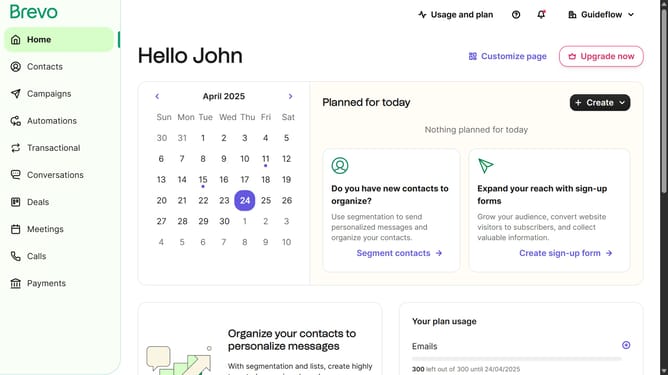
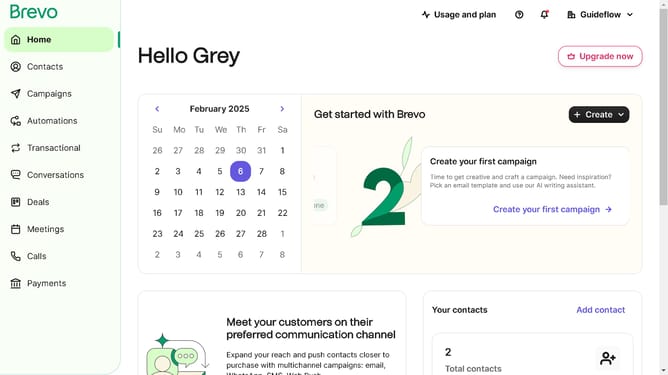
- First click on "Campaigns" in the left sidebar menu
- Then click on the "Market Email" draft campaign from the list
- Next click on the "Edit design" button in the campaign editor
- Next click on the "More action" button in the top navigation bar
- Finally click on the "Designer mode" option in the right sidebar menu
Why should you access designer mode in Brevo
Brevo is an innovative platform designed to enhance your digital design experience seamlessly.
Accessing Designer Mode in Brevo unlocks a realm of creative possibilities, enabling users to craft detailed and dynamic projects.
This feature empowers designers with the flexibility and control needed to tailor their work precisely to their vision.
By easily tapping into Designer Mode, users benefit from an intuitive interface that encourages creativity and maximizes efficiency, elevating project outcomes.
Last update