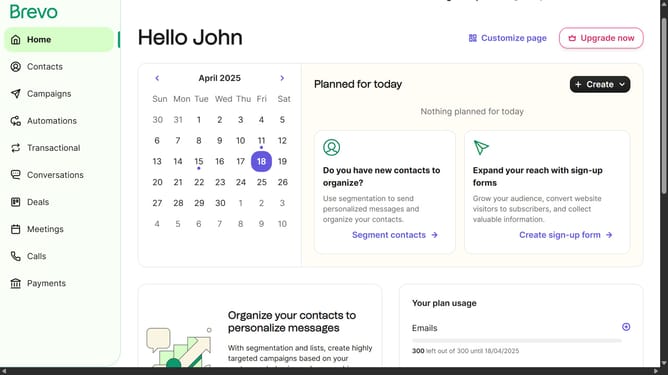
How to open the classic editor automation in Brevo
Here is how to open the classic editor automation in brevo
- First click on the "Automations" link in the left sidebar menu
- Then click on the "Create an automation" button in the top-right corner
- Next click on the "Create from scratch" dropdown in the modal window
- Then click on the "Classic editor" option in the dropdown menu
- Next click and type on the automation name input field
- Finally click on the "Create automation" button at the bottom of the modal
Why should you open the classic editor automation in Brevo
Brevo, a dynamic platform, streamlines communication through efficient automation features.
Opening the classic editor in Brevo's automation is a seamless experience that enhances user workflow by allowing full customization and control.
This feature empowers users to tailor their automation processes with ease, ensuring that communication strategies are personalized yet efficient.
Leveraging this tool boosts productivity and significantly enhances the user’s ability to manage campaigns effectively.
Last update