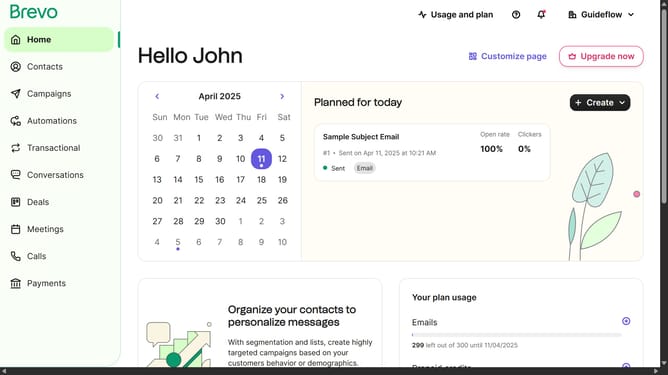
How to modify an email template in Brevo
Here is how to modify an email template in brevo
- First click on the "Campaigns" link in the left sidebar
- Then click on "Templates" in the campaigns submenu
- Next click on the "Testing Email Template" from the templates list in the main content area
- Finally click on both "Save & Quit" buttons in the top action bar
Why should you modify an email template in Brevo
Brevo is a dynamic platform designed to simplify and enhance your email marketing strategies.
Modifying an email template in Brevo is not just straightforward; it's an opportunity to infuse your unique brand essence into every message.
The ease of customization allows for tailored communication that resonates with your audience, thereby increasing engagement and conversion rates.
By using Brevo's feature to modify email templates, you ensure consistent and compelling communication, aligning your emails with your strategic goals seamlessly.
Last update