How to delete a SMS message in Brevo
Here is how to delete a sms message in brevo
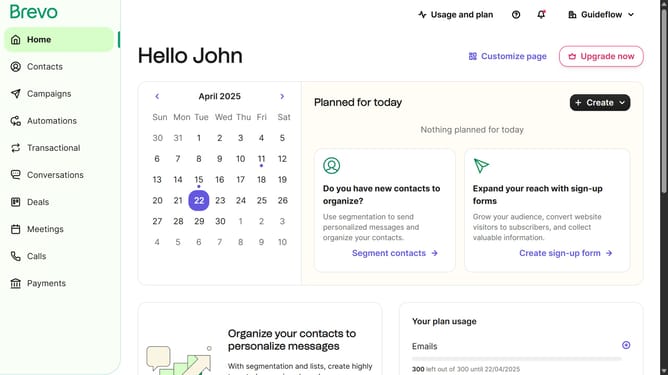
- First click on the "Campaigns" item in the left sidebar menu
- Then click on the "SMS" tab in the main content area
- Next click on the menu icon next to the "Daily Update" campaign
- From the dropdown menu that appears, click the "Delete" option
- Finally click the "Delete campaign" button to permanently remove the campaign
Why should you delete a SMS message in Brevo
Brevo is a versatile platform designed to streamline your communications, allowing for efficient management of SMS campaigns.
The ability to delete an SMS message in Brevo ensures your messaging remains relevant and targeted. Removing outdated or incorrect messages helps maintain the accuracy and effectiveness of your communication strategy.
Utilizing the delete feature enhances your control over message flow, keeping your campaign agile and responsive to change. This bolsters not only the efficiency but also the professionalism of your communications.
Last update