How to remove an email template in Brevo
Here is how to remove an email template in brevo
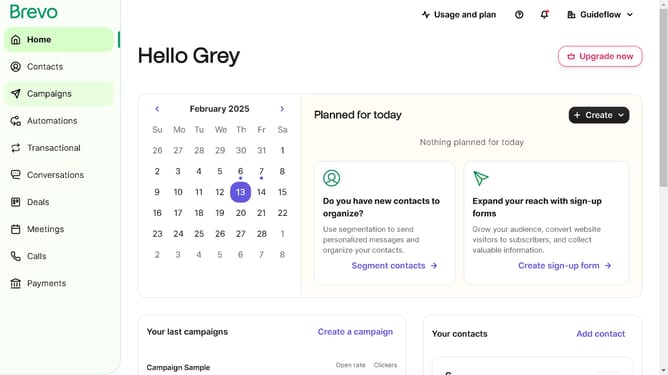
- First click on the "Campaigns" link in the left sidebar
- Then click on "Templates" in the campaigns submenu
- Next click on the "Options" menu button (three dots) in the top-right corner of the template item
- Then click on the "Delete" option from the dropdown menu
- Finally click on the "Delete template" button in the confirmation dialog box
Why should you remove an email template in Brevo
Brevo is a dynamic platform designed to simplify email marketing through intuitive tools.
Removing an email template in Brevo is a seamless feature that helps keep your workspace organized and efficient. By tidying up unnecessary templates, you maintain a clutter-free environment, ensuring quick access to frequently used templates.
Using this feature, you can optimize your email marketing strategy by focusing on currently effective templates, saving time and resources. Moreover, a streamlined template library enhances creativity and productivity for your team.
Last update