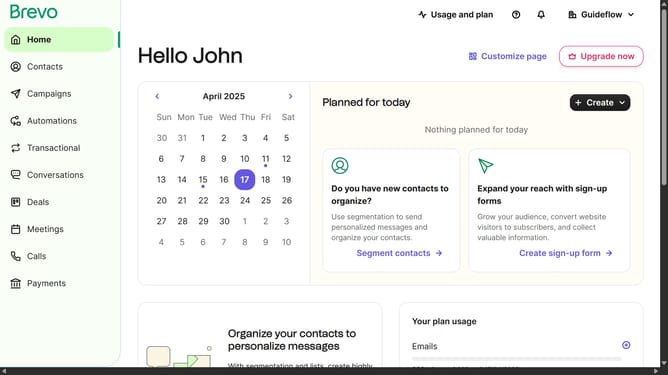
How to create contact folder in Brevo
Here is how to create contact folder in brevo
- First click on "Contacts" in the left sidebar navigation menu
- Then click on "Lists" in the submenu under Contacts section
- Next click on the dropdown button in the "Lists" main menu section
- Then click on "Create a new folder" option in the dropdown menu
- Next click in the text field to type in your folder name
- Finally click on the "Create folder" button to create a new folder
Why should you create contact folder in Brevo
Brevo is a powerful platform designed for seamless communication management.
Creating a contact folder in Brevo is an essential feature that offers streamlined organization of your contact lists. This feature simplifies how you manage your communications, ensuring that your audience is always well-targeted and personalized.
By organizing contacts into specific folders, you enhance efficiency and ensure that your message reaches the right audience. This not only saves time but also boosts your engagement strategy significantly.
Brevo's contact folder creation feature empowers you to maintain a cleaner, more organized contact database, maximizing the potential of your communication efforts.
Last update