How to make a transactional activity automation in Brevo
Here is how to make a transactional activity automation in brevo
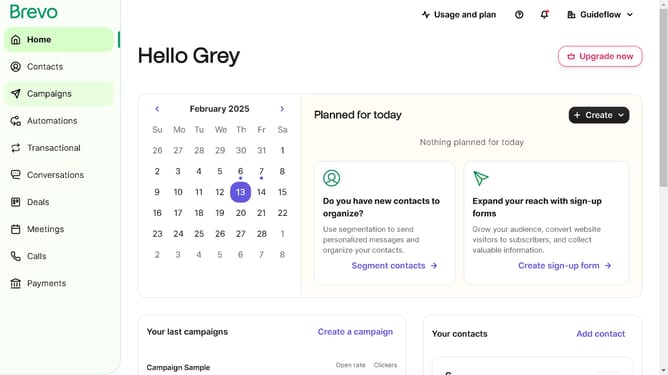
- First click on the "Automations" link in the left sidebar menu
- Then click on the "Create an automation" button in the top-right corner
- Next click on the "Transactional activity" option card to set up email triggers based on transaction-related actions
- Finally click the "Create automation" button in the bottom-right corner to complete the automation creation process
Why should you make a transactional activity automation in Brevo
Brevo is a powerful tool designed to streamline and automate communication activities.
By making transactional activity automation in Brevo, businesses can enhance efficiency and accuracy in their operations. This feature ensures that every crucial transactional message is sent promptly and consistently, minimizing the risk of errors and delays.
Utilizing Brevo's automation not only saves time but also allows for more personalization in customer interactions, leading to better engagement and satisfaction. Its intuitive interface makes setting up and managing automations straightforward, which is ideal for teams of all sizes.
Last update