How to copy the link of an email template in Brevo
Here is how to copy the link of an email template in brevo
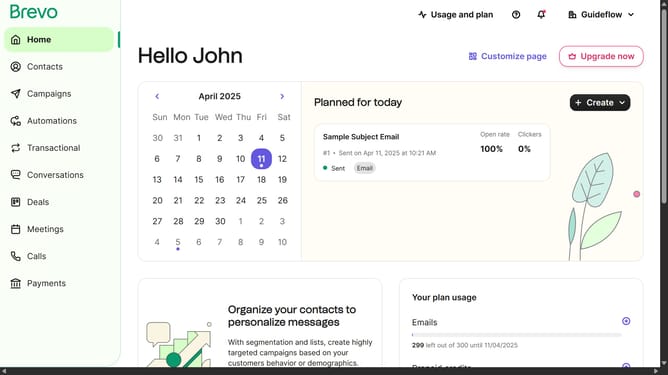
- First click on the "Campaigns" link in the left sidebar
- Then click on "Templates" in the campaigns submenu
- Next click on the "More options" menu (three dots icon) in the template card
- Then select the "Share" option from the dropdown menu
- Finally click the "Copy link" button in the share dialog to copy the template's sharing link
Why should you copy the link of an email template in Brevo
Brevo is your comprehensive solution for seamless email marketing communication.
With Brevo, the ability to copy the link of an email template empowers users to streamline sharing and collaboration efficiently. This feature allows you to easily share your beautifully crafted email templates with team members or stakeholders without having to recreate them.
Utilizing this feature not only saves valuable time but also ensures consistency across communications, helping maintain a cohesive brand message. Brevo makes professional email marketing effortlessly manageable.
Last update