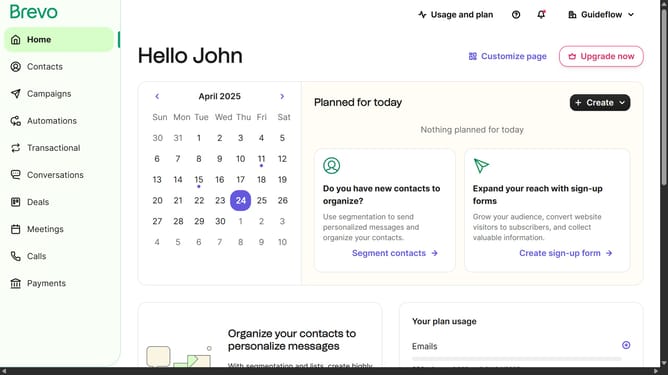
How to rename a contact list in Brevo
Here is how to rename a contact list in brevo
- First click on "Contacts" in the left sidebar navigation menu
- Then click on "Lists" in the submenu under Contacts section
- Next click on the folders dropdown menu in the main content area
- Then click on the folders list in the pop-up window panel
- Next click on the actions menu (three dots) for the "Sample List" item
- In the dropdown menu, select the "Rename" option
- Click in the "Name of the list" text field to edit the current name
- Finally, click the "Rename list" button in the bottom right corner of the dialog to confirm the changes
Why should you rename a contact list in Brevo
Brevo is a comprehensive tool designed to streamline and enhance your email marketing strategies.
Renaming a contact list in Brevo is a simple yet powerful feature that enhances organization and clarity in managing your campaigns.
This feature allows you to customize your contact list names to better reflect their purpose or the audience target, bringing more efficiency and insight.
By keeping your lists accurately named, you improve team communication and strategic planning, ensuring all team members can easily navigate and use your resources effectively.
Last update