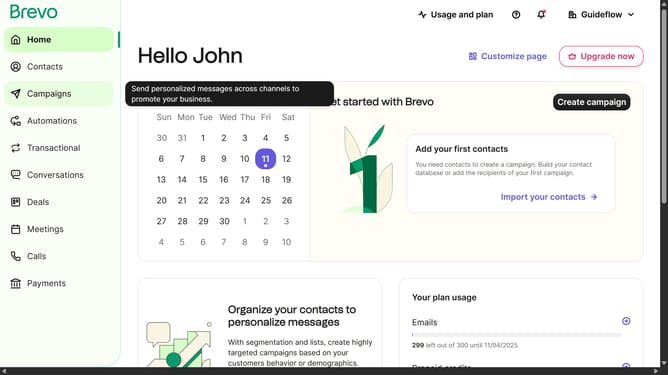
How to use a marketing activity automation in Brevo
Here is how to use a marketing activity automation in brevo
- First click on the "Automations" link in the left sidebar menu
- Then click on the "Create an automation" button in the top-right corner
- Then click on the "Marketing activity" automation template in the main dialog window to set up email campaign tracking
- Finally click on the "Create automation" button in the bottom-right corner of the configuration modal to finalize the marketing activity automation setup
Why should you use a marketing activity automation in Brevo
Brevo is an innovative platform designed for optimizing your marketing efforts with ease and precision.
By utilizing marketing activity automation in Brevo, businesses can streamline their marketing processes, ensuring tasks are executed flawlessly and on time.
This feature offers users the ability to schedule and automate various marketing tasks, reducing manual effort and potential errors while enhancing productivity.
Overall, Brevo's automation capabilities significantly increase efficiency, allowing marketers to focus on more strategic initiatives.
Last update