How to filter email templates in Brevo
Here is how to filter email templates in brevo
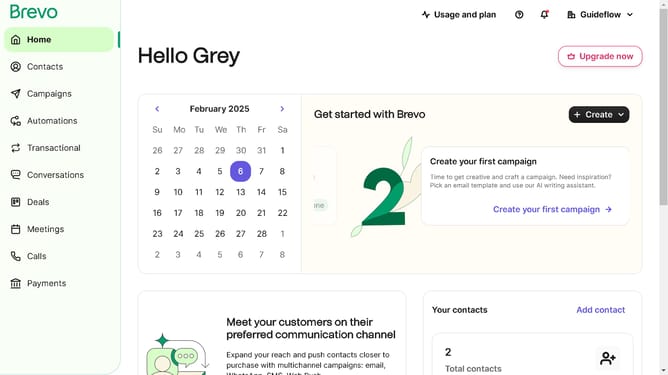
- First click on the "Campaigns" link in the left sidebar
- Then click on "Templates" in the campaigns submenu
- Next click on the "All statuses" dropdown in the filter section at the top of the templates list
- Finally select "Active" option from the status dropdown menu to filter templates by active status
Why should you filter email templates in Brevo
Brevo is a powerful platform designed to streamline and enhance your email marketing efforts.
Efficiently managing email templates in Brevo is made easy with its intuitive filtering feature. This feature allows users to quickly locate specific templates, enabling seamless organization and saving valuable time.
By filtering email templates, users can focus on the most relevant designs for their campaigns. This ensures consistent branding and cohesive messaging. It's an invaluable tool for enhancing productivity and maintaining the quality of your email marketing strategy.
Last update