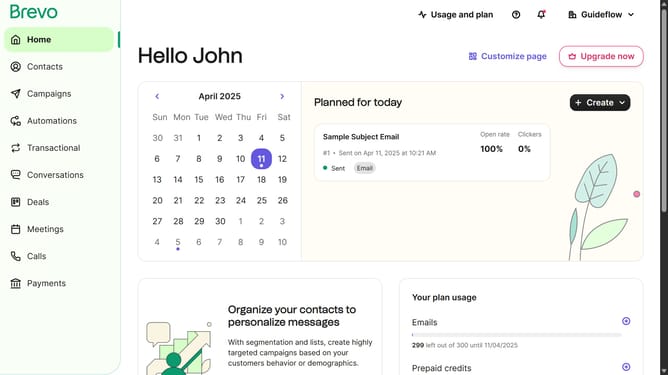
How to input a spacer block on a campaign in Brevo
Here is how to input a spacer block on a campaign in brevo
- First click on "Campaigns" in the left sidebar menu
- Then click on the "Market Email" draft campaign from the list
- Next click on the "Edit design" button in the campaign editor
- Next click on the "Spacer" block in the left sidebar under the blocks section
- Then click in the content area below the headline to place the spacer
- Finally click on the "Block alignment" option and select center alignment in the Spacer Settings panel
Why should you input a spacer block on a campaign in Brevo
Brevo is a versatile platform designed to amplify your digital marketing campaigns.
Integrating a spacer block into your Brevo campaign adds visual balance, making content easier to digest. By creating clean sections between text and images, you enhance readability and aesthetic appeal.
Using spacer blocks ensures your message is impactful without overwhelming the reader. This feature streamlines your campaign's design, ultimately benefiting user engagement and retention.
Last update