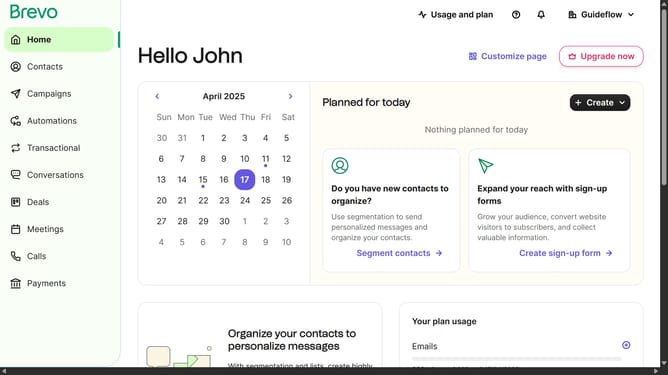
How to replace the name of a contact folder in Brevo
Here is how to replace the name of a contact folder in brevo
- First click on "Contacts" in the left sidebar navigation menu
- Then click on "Lists" in the submenu under Contacts section
- Next click on the dropdown button in the "Lists" main menu section
- Then click on the contact folder from the expanded dropdown menu
- Next click on the "Edit folder" button to continue enriching your contact database
- Then click in the "New folder name" input field in the Edit folder modal
- Finally click the "Edit folder" button at the bottom of the Edit folder modal
Why should you replace the name of a contact folder in Brevo
Brevo is a dynamic platform designed to streamline contact management and enhance efficiency.
Renaming a contact folder in Brevo is a powerful feature that allows users to maintain clarity and organization in their contact lists.
Utilizing this feature can significantly improve your workflow by ensuring that folder names are always relevant and reflect the current status of your relationships.
Ultimately, leveraging this feature in Brevo helps keep your contact database user-friendly and adaptable to your evolving needs.
Last update