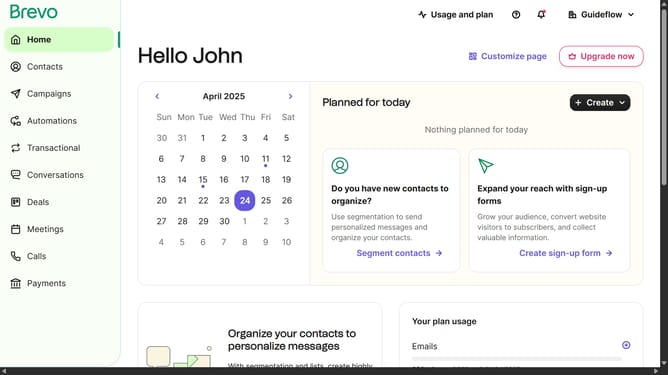
How to locate the SMTP key in Brevo
Here is how to locate the smtp key in brevo
- First click on the "Guideflow" button in the top-right header menu
- Then click on "SMTP & API" option in the dropdown menu
- Finally click on the eye icon next to the Master Password in the SMTP keys table to reveal the password
Why should you locate the SMTP key in Brevo
Brevo stands as an intuitive platform designed to streamline your email communication strategies effectively.
Locating the SMTP key in Brevo is a beneficial feature that enhances your email sending capabilities by securely connecting to Brevo’s servers.
This facilitates seamless email dispatch without compromising security or functionality. Having easy access to this feature ensures that your email campaigns are not only efficient but also protected against unauthorized access, optimizing both productivity and peace of mind.
Last update