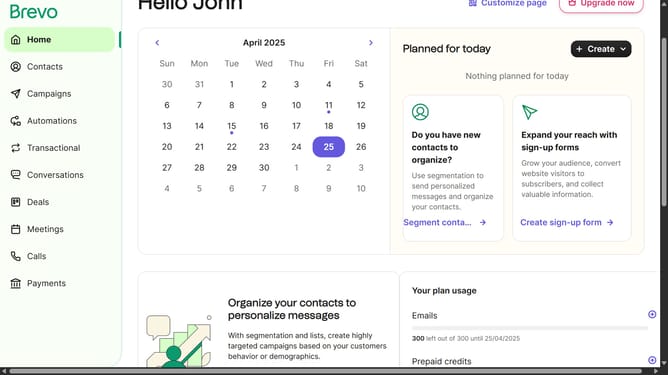
How to create a new API key in Brevo
Here is how to create a new api key in brevo
- First click on the "Guideflow" button in the top-right header
- In the dropdown menu, click on "SMTP & API" option
- Next select the "API Keys" tab in the SMTP & API settings page
- Then click on the "Generate a new API key" button in the top-right corner of the SMTP & API page
- In the popup modal, click on the API key name input field
- Enter "Backup Password" in the name field and click the "Generate" button
- Finally, click the "OK" button in the confirmation dialog to complete the API key generation
Why should you create a new API key in Brevo
Brevo is a dynamic platform designed to streamline and enhance communication through effective API integration.
Creating a new API key in Brevo maximizes security and efficiency, offering you personalized access control for various applications. This feature is essential for developers and businesses looking to integrate Brevo's robust communication tools seamlessly into their existing systems.
Utilizing a new API key ensures that all interactions with Brevo are secure, authenticating your requests and safeguarding data.
Ultimately, generating a new API key enhances your operational workflow, fostering a more connected and responsive environment.
Last update