How to remove form in Brevo
Here is how to remove form in brevo
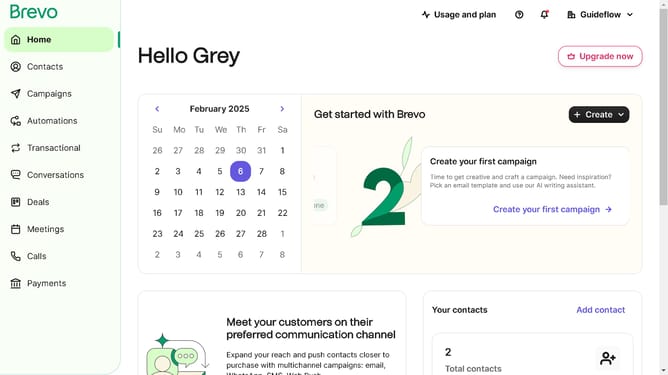
- First click on the sidebar menu item "Contacts" to access the contacts section
- Then click on the submenu item "Forms" in the contacts sidebar section
- Next click on the menu button (three dots) next to the "Copy of Testing Form" in the forms list
- Then click on the "Delete" option from the dropdown menu
- Finally click on the "Delete form" button in the confirmation dialog
Why should you remove form in Brevo
Brevo is an intuitive platform designed to optimize your digital interactions and streamline your online workflows.
Removing a form in Brevo enhances the user experience by decluttering your digital environment, allowing you to focus on essential tasks.
This feature aids in maintaining a tidy and effective platform, eliminating unnecessary distractions and optimizing efficiency.
Using the remove form feature ensures your Brevo interface remains clean, which significantly improves navigation and overall usability.
Last update