

Every form fill, badge scan, and chatbot conversation represents a moment when anonymous traffic becomes a real prospect. The difference between teams that convert and teams that chase is often just how fast and cleanly that data reaches sales.
This guide breaks down what lead capture software actually does, the features that separate useful tools from noise, and 10 options ranked by use case, from interactive demo capture to event badge scanning.
What's inside
This guide covers what lead capture software actually does, the features that matter when evaluating tools, and when different capture channels make sense for your team. You'll find 10 tools ranked by use case, from interactive demo capture to event badge scanning, with honest pricing and ratings. We picked these based on how well they integrate with existing CRM and marketing stacks, how quickly teams can get started, and whether they actually improve lead quality rather than just volume.
TL;DR
- Guideflow captures leads through gated interactive product demos, resulting in higher-intent prospects who engage with your product before providing contact info
- Best for marketing teams: HubSpot Marketing Hub offers forms, pop-ups, and automation in one platform with native CRM
- Best for landing pages: Leadpages and Unbounce specialize in high-converting templates and A/B testing
- Best for events: QuickTapSurvey provides offline mobile capture that syncs when connectivity returns
- Key buying criteria: CRM integration, lead scoring capabilities, and whether the tool matches where your prospects actually engage
What is lead capture software
Lead capture software automates collecting and organizing prospect contact information from websites, events, and marketing campaigns. These tools convert anonymous visitors into identifiable leads by gathering details through forms, pop-ups, chatbots, badge scanners, or gated content.
The core function is straightforward: remove friction between someone showing interest and your sales team knowing who they are. Without automation, you're copying data by hand, missing follow-ups during the average 47-hour B2B response window, and letting warm prospects slip to competitors who respond faster.
How lead capture systems work
The basic workflow follows a predictable pattern across most tools:
- Capture point: Forms, pop-ups, chatbots, badge scanners, or gated content collect visitor information at the moment of interest
- Data storage: Information flows automatically into a CRM or database without manual entry
- Qualification: Lead scoring ranks prospects by likelihood to convert based on behavior and fit criteria
- Routing: Qualified leads get assigned to sales reps or nurture sequences based on rules you define
What separates good tools from mediocre ones is how seamlessly these steps connect. Manual export and import between systems creates delays and data quality issues that compound over time.
Lead capture vs lead retrieval software
Lead capture refers to collecting new prospect data from any source, whether that's your website, ads, or events. Lead retrieval specifically means scanning badges or contacts at conferences to retrieve pre-registered attendee data. Most teams benefit from both, but the tools and workflows differ significantly.
Lead capture softwareLead retrieval softwareCollects new prospect dataRetrieves existing event registrant dataWorks across websites, ads, eventsPrimarily for conferences and trade showsForms, pop-ups, demos, chatbotsBadge scanners, QR codes, NFC
Key features to look for in lead capture tools
Not every feature matters equally for every team. The right combination depends on your primary capture channels and how leads flow into your sales process.
Form builders and landing pages
Drag-and-drop form creation without coding is table stakes for most tools. What separates better options is the ability to build multi-step forms that qualify leads progressively and improve completion rates by 20-30%, mobile-responsive designs that work on phones, and landing page builders that pair forms with conversion-optimized layouts.
Lead verification and data enrichment
Verification validates email addresses and phone numbers at the point of capture, catching typos and fake submissions before they pollute your database. Enrichment appends company data, job titles, and firmographics automatically. Both improve lead quality before handoff to sales.
CRM and marketing automation integration
Automatic sync to tools like HubSpot, Salesforce, or Zoho eliminates manual data entry that kills speed-to-lead. The best integrations push lead data in real-time and pull context back into the capture tool so you can personalize follow-up. If you're evaluating marketing automation software, check whether your lead capture tool connects natively or requires middleware.
Lead scoring and qualification
Lead scoring ranks prospects by conversion likelihood based on behavior signals and fit criteria. A prospect who views your pricing page three times and downloads a case study scores higher than someone who bounced after ten seconds. Scores help sales prioritize follow-up and avoid wasting time on leads who aren't ready - qualified leads convert at 40% versus 11% for unqualified prospects.
Analytics and conversion tracking
Tracking form views, submissions, drop-off points, and conversion rates reveals where your capture process breaks down. Integration with analytics tools lets you measure campaign ROI and attribute leads to specific sources.
When to use lead capture software
Different capture channels suit different buyer journeys. The right tool depends on where your prospects actually engage with your brand.
Website and landing page capture
Pop-ups, embedded forms, exit-intent triggers, and gated content offers work best for inbound traffic from SEO, ads, or content marketing. Exit-intent technology detects when someone is about to leave and presents a final offer at exactly that moment.
Event and trade show capture
Badge scanning, lead capture apps for iPad and Android, QR codes, and offline capability replace paper business card collection at conferences. The key requirement is working without WiFi, since conference connectivity is notoriously unreliable.
Interactive demo and product tour capture
Gated interactive demos let prospects experience your product while providing contact info. This approach captures higher-intent leads who engage with product content rather than just downloading a PDF. For product marketing teams and pre-sales, demo-based capture often produces better-qualified leads than traditional form fills.
Best lead capture software comparison table
1. Guideflow
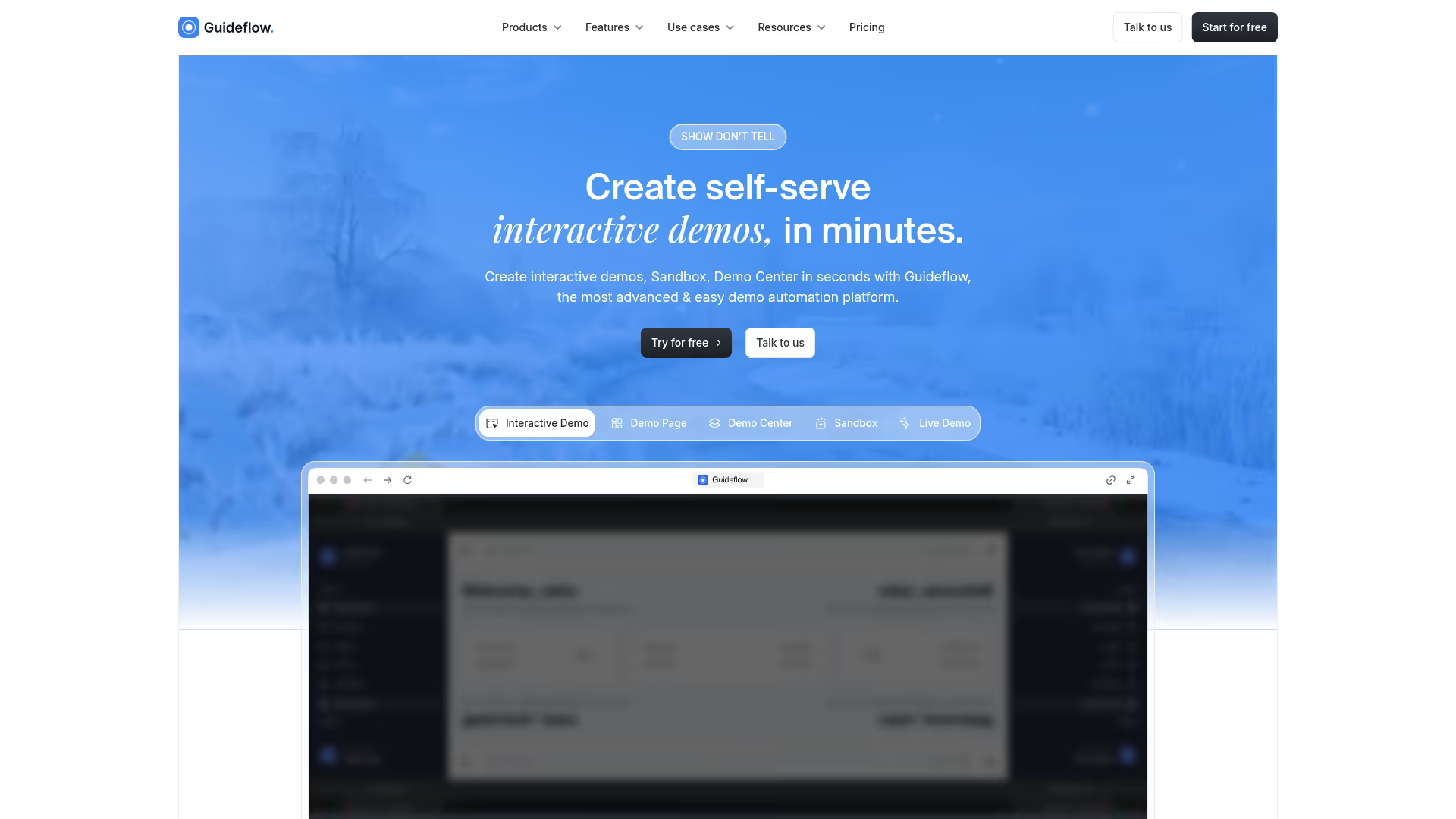
Guideflow takes a different approach to lead capture by letting prospects experience your product before providing contact information. Instead of static forms or gated PDFs, you create clickable, step-by-step demos that visitors explore on their own. When they want to continue or access more, they provide their details.
The platform works by capturing your actual product flow through your browser, then turning it into an interactive walkthrough you can embed on landing pages, link in outbound emails, or share on social. No engineering work required.
Key strengths
- Gated interactive demos: Prospects provide contact info to access self-serve product experiences, capturing leads who engage rather than just browse
- No-code demo builder: Capture your product flow in clicks and edit with a drag-and-drop interface
- Personalization at scale: Use CRM variables to tailor demos for different segments without creating separate versions
- Engagement analytics: Track which demo steps drive conversions and where prospects drop off
- Multi-channel distribution: Embed on websites, share via links, add to emails, or post on LinkedIn and Twitter
Best for: Pre-sales teams and growth marketers using PLG-style distribution who want prospects to experience the product before a call.
Pricing: Free plan includes 5 guideflows with unlimited viewers. Solo plan starts at $40/month with unlimited guideflows, advanced analytics, and lead forms. Growth and Enterprise tiers available for larger teams.
Start your journey with Guideflow today!
2. HubSpot Marketing Hub
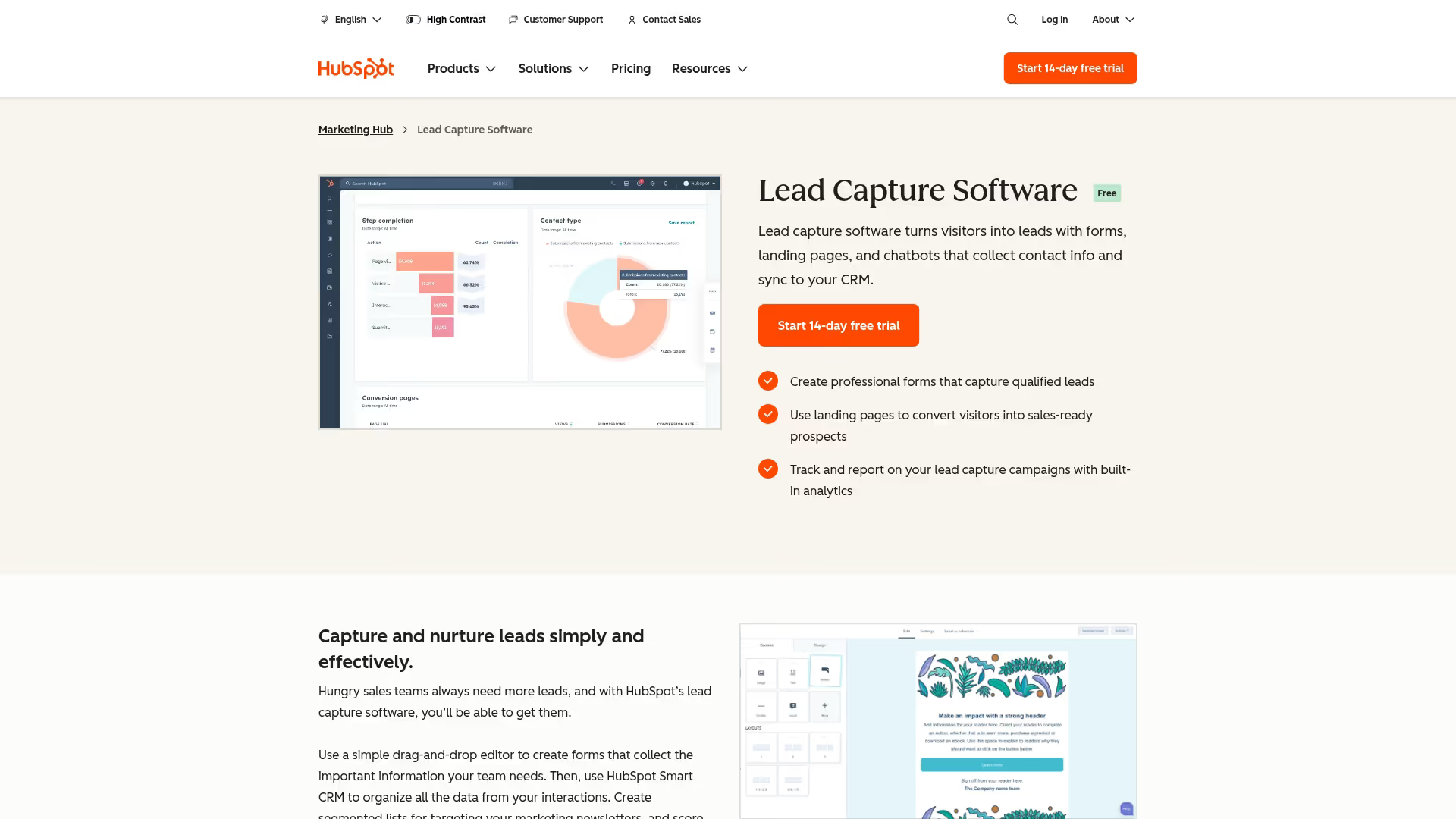
HubSpot Marketing Hub combines forms, pop-ups, landing pages, and automation in one platform with a native CRM. Captured leads flow directly into your contact database without integration headaches. For teams already using HubSpot for sales or service, adding marketing creates a unified view of every prospect interaction.
The platform handles the full lifecycle from capture through nurturing. You build forms with a drag-and-drop editor, set up automated email sequences triggered by form submissions, and track which campaigns generate actual pipeline.
Key strengths
- Free CRM with built-in forms: Start capturing leads without paying, then upgrade as volume grows
- Pop-ups and embedded forms: Multiple capture formats with targeting rules based on page, device, or visitor behavior
- Automated nurture sequences: Trigger email workflows immediately after capture without manual intervention
- Attribution reporting: See which forms and campaigns generate revenue, not just submissions
Best for: B2B marketing teams who want forms, CRM, and automation in one platform without juggling integrations.
3. Leadpages
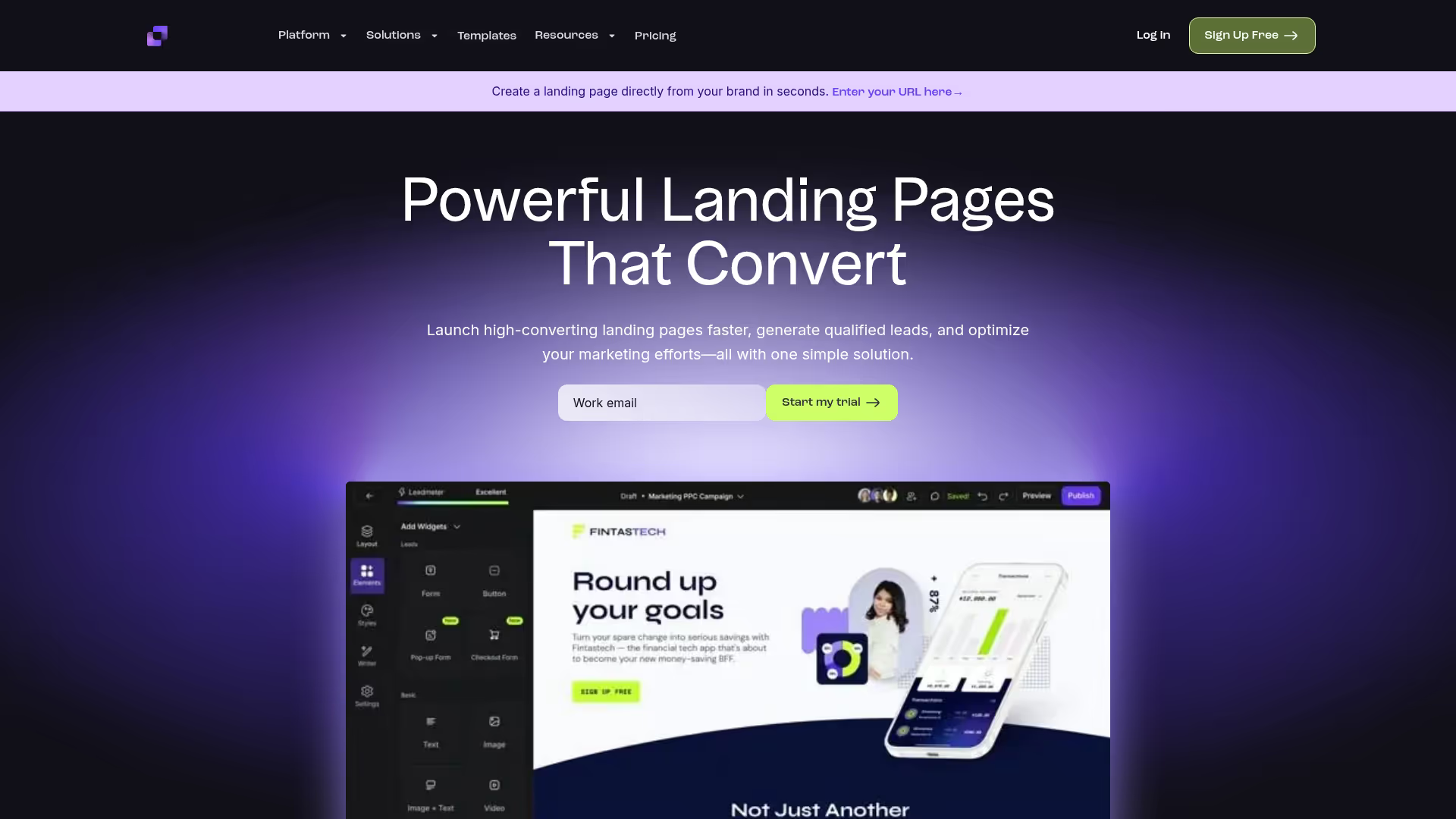
Leadpages focuses specifically on high-converting landing pages with built-in lead capture. The platform provides hundreds of templates organized by industry and goal, so you're not starting from scratch. Each template is designed around conversion best practices with forms, CTAs, and layouts tested across thousands of campaigns.
What makes Leadpages useful is speed to launch. You can have a professional landing page live in under an hour, complete with forms that connect to your email marketing or CRM.
Key strengths
- Conversion-optimized templates: Pre-built designs for webinars, ebooks, consultations, and product launches
- Drag-and-drop builder: Customize any template without touching code
- Built-in A/B testing: Test headlines, images, and form fields to improve conversion rates
- Pop-ups and alert bars: Add secondary capture methods to any page
Best for: Marketing teams who want professional landing pages quickly without design resources.
Pricing: Standard plan starts at $49/month with unlimited landing pages and pop-ups. Pro plan at $99/month adds A/B testing and online payments.
4. OptinMonster
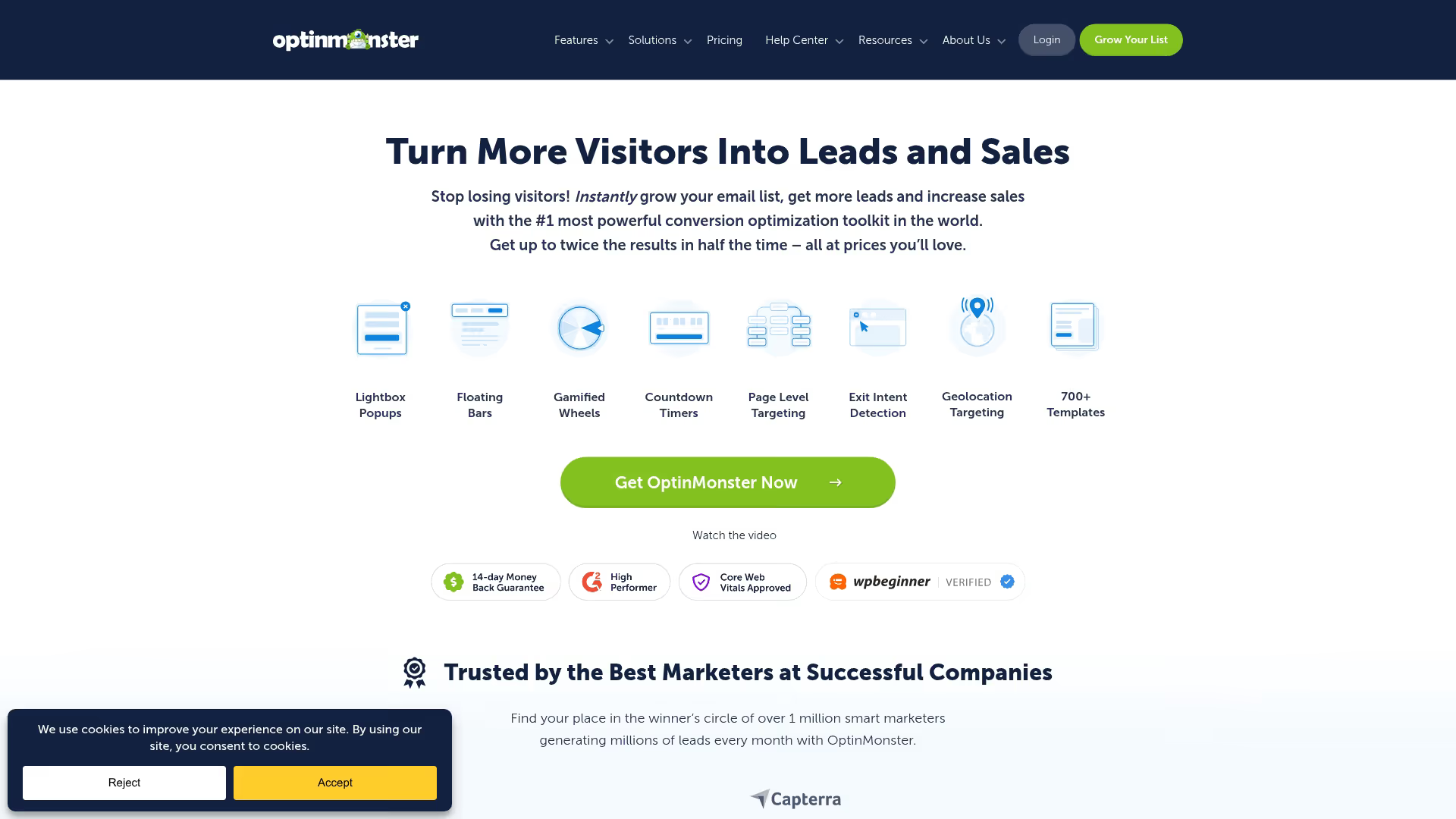
OptinMonster specializes in website pop-ups and on-site conversion optimization. The platform's exit-intent technology detects when visitors are about to leave and presents a targeted offer at exactly that moment. You can also trigger pop-ups based on scroll depth, time on page, or specific pages visited.
The targeting rules are where OptinMonster stands out. You can show different offers to new versus returning visitors, segment by referral source, or personalize based on geographic location.
Key strengths
- Exit-intent detection: Capture leaving visitors with a final offer before they bounce
- Page-level targeting: Show relevant offers based on which content someone is viewing
- Multiple campaign types: Pop-ups, slide-ins, floating bars, and inline forms
- Integrations: Connects with major email marketing platforms and CRMs
Best for: Content sites and e-commerce stores that want to convert more existing traffic without increasing ad spend.
Pricing: Basic plan starts at $9/month for a single site. Plus plan at $19/month adds A/B testing and more campaign types.
5. Unbounce
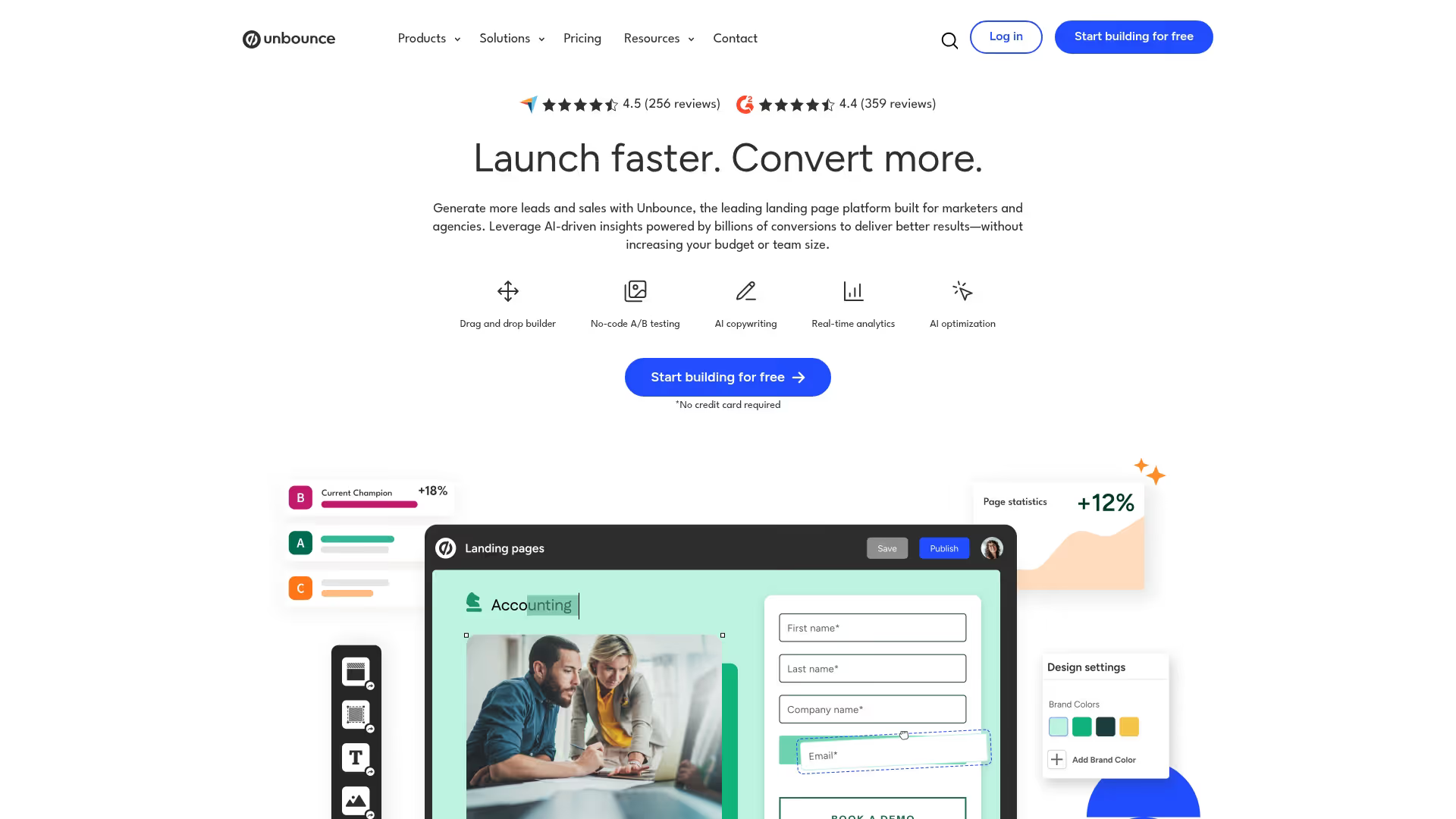
Unbounce combines landing page building with AI-powered optimization. The platform's Smart Traffic feature automatically routes visitors to the page variant most likely to convert them, based on attributes like device, location, and behavior patterns.
The landing page builder itself is flexible enough for custom designs while providing enough structure that non-designers can create professional pages. Dynamic text replacement lets you match landing page headlines to the exact keywords someone searched.
Key strengths
- Smart Traffic AI: Automatically sends visitors to their best-matching page variant
- Dynamic text replacement: Match headlines to search queries for better ad relevance
- Conversion-focused templates: Layouts designed around proven conversion principles
- Pop-ups and sticky bars: Add secondary capture methods to landing pages or your main site
Best for: Performance marketers running paid campaigns who want to maximize conversion rates through testing and personalization.
Pricing: Build plan starts at $99/month. Experiment plan at $149/month adds Smart Traffic and A/B testing.
6. Typeform
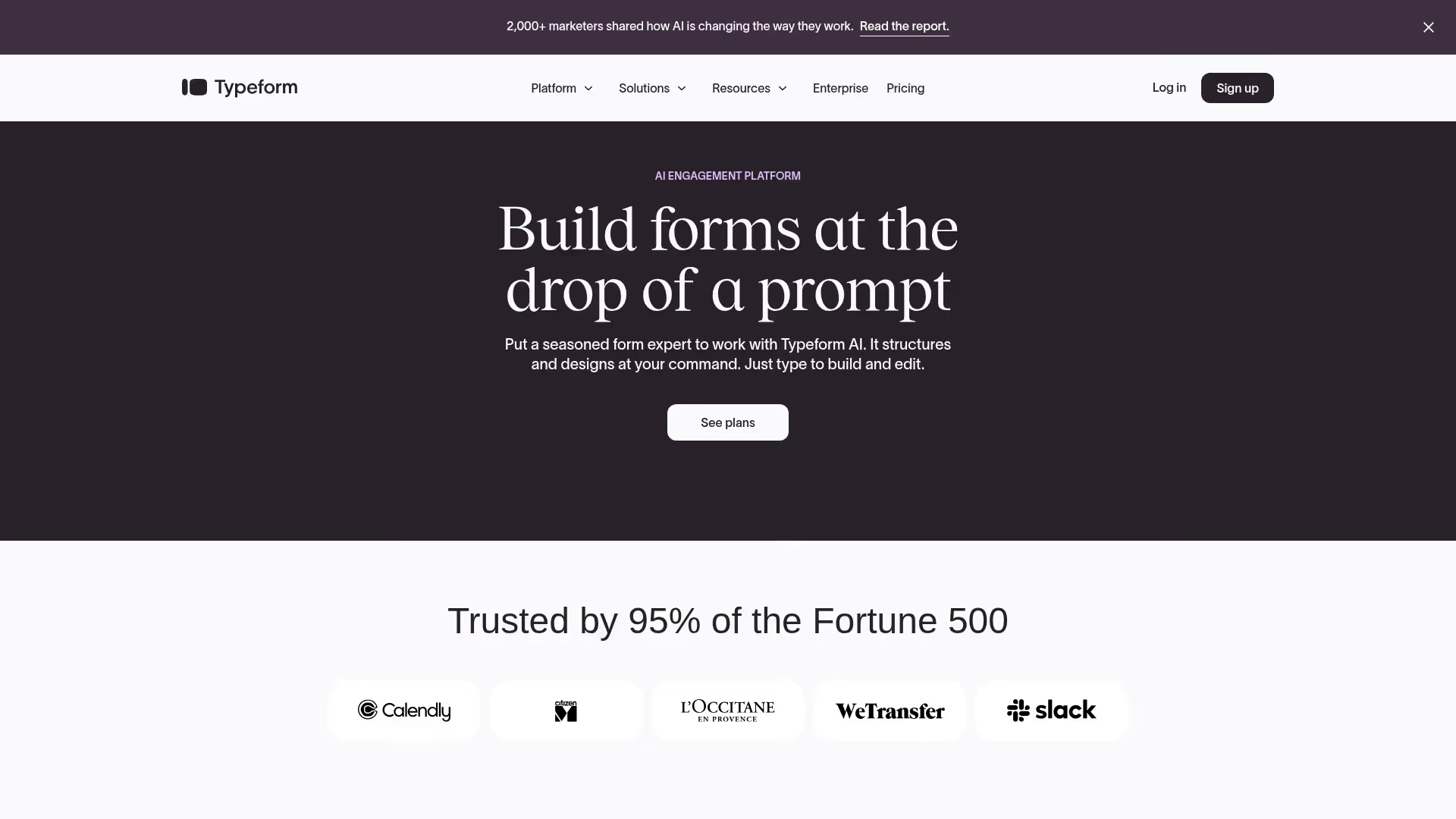
Typeform reimagines forms as conversations. Instead of presenting all fields at once, Typeform shows one question at a time with smooth transitions between them. This approach feels more like a dialogue than a data collection exercise.
Logic jumps let you create branching paths based on answers, so each respondent sees only relevant questions. You can use branching for lead qualification, showing different follow-up questions based on company size, role, or use case.
Key strengths
- Conversational format: One question at a time increases engagement and completion
- Logic jumps and branching: Personalize the form path based on previous answers
- Visual design flexibility: Customize colors, fonts, images, and layouts to match your brand
- Integrations: Connects with CRMs, email tools, and automation platforms
Best for: Teams who want engaging lead qualification forms that feel different from typical web forms.
Pricing: Free plan includes 10 responses per month. Basic plan starts at $25/month with unlimited responses.
7. Jotform
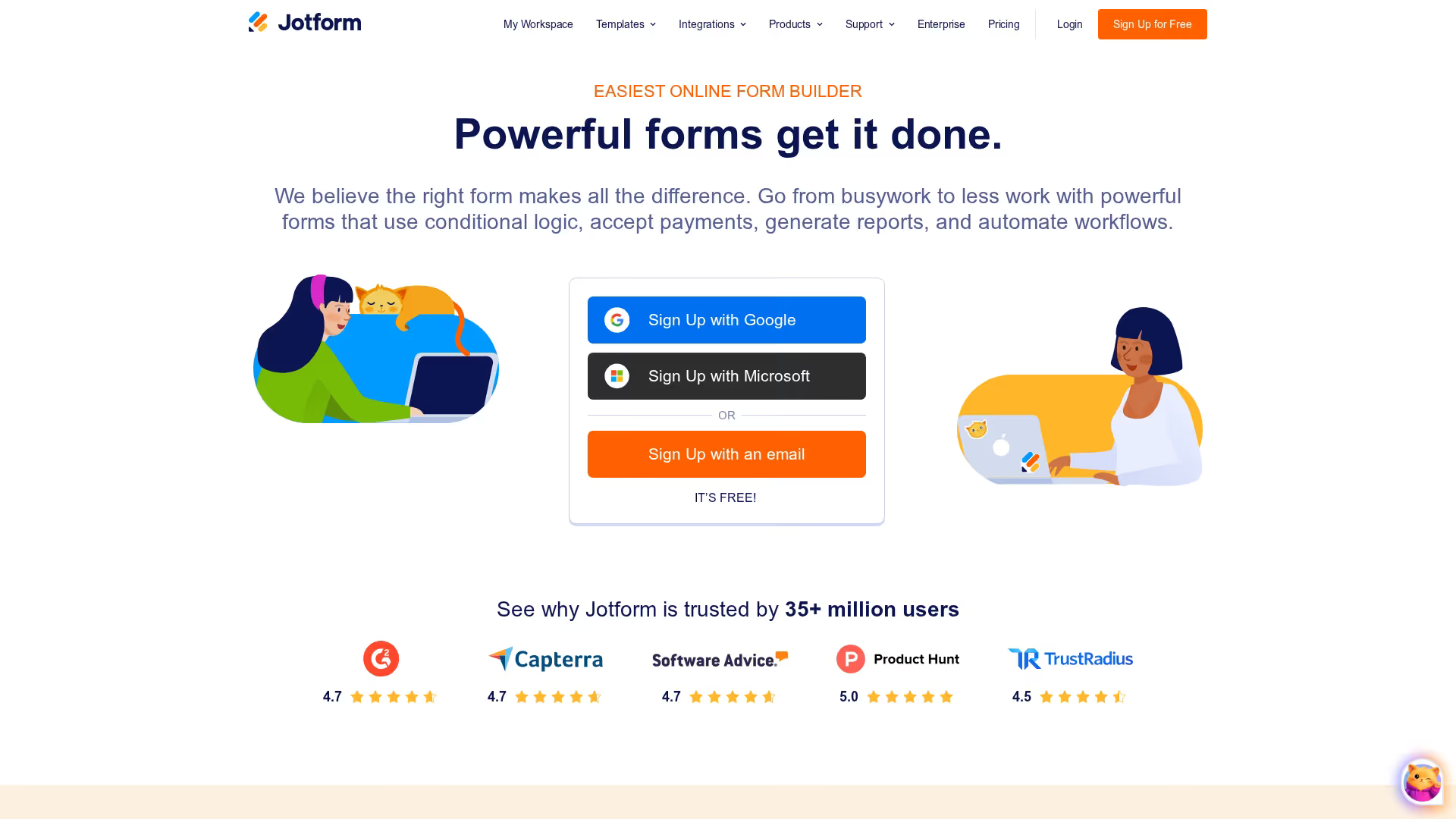
Jotform provides one of the largest template libraries for form building, with thousands of pre-built forms across industries and use cases. Whether you want a contact form, event registration, or detailed qualification questionnaire, there's likely a template close to what you want.
The platform handles complex form requirements like conditional logic, calculation fields, and payment collection. HIPAA-compliant options make it suitable for healthcare organizations.
Key strengths
- Massive template library: Thousands of forms across industries ready to customize
- Conditional logic: Show or hide fields based on previous answers
- Payment collection: Accept payments directly through forms
- HIPAA compliance: Available for healthcare and sensitive data collection
Best for: Teams who want flexible form building with extensive templates and don't want to start from scratch.
Pricing: Free plan includes 5 forms and 100 monthly submissions. Bronze plan starts at $39/month with more forms and submissions.
8. QuickTapSurvey
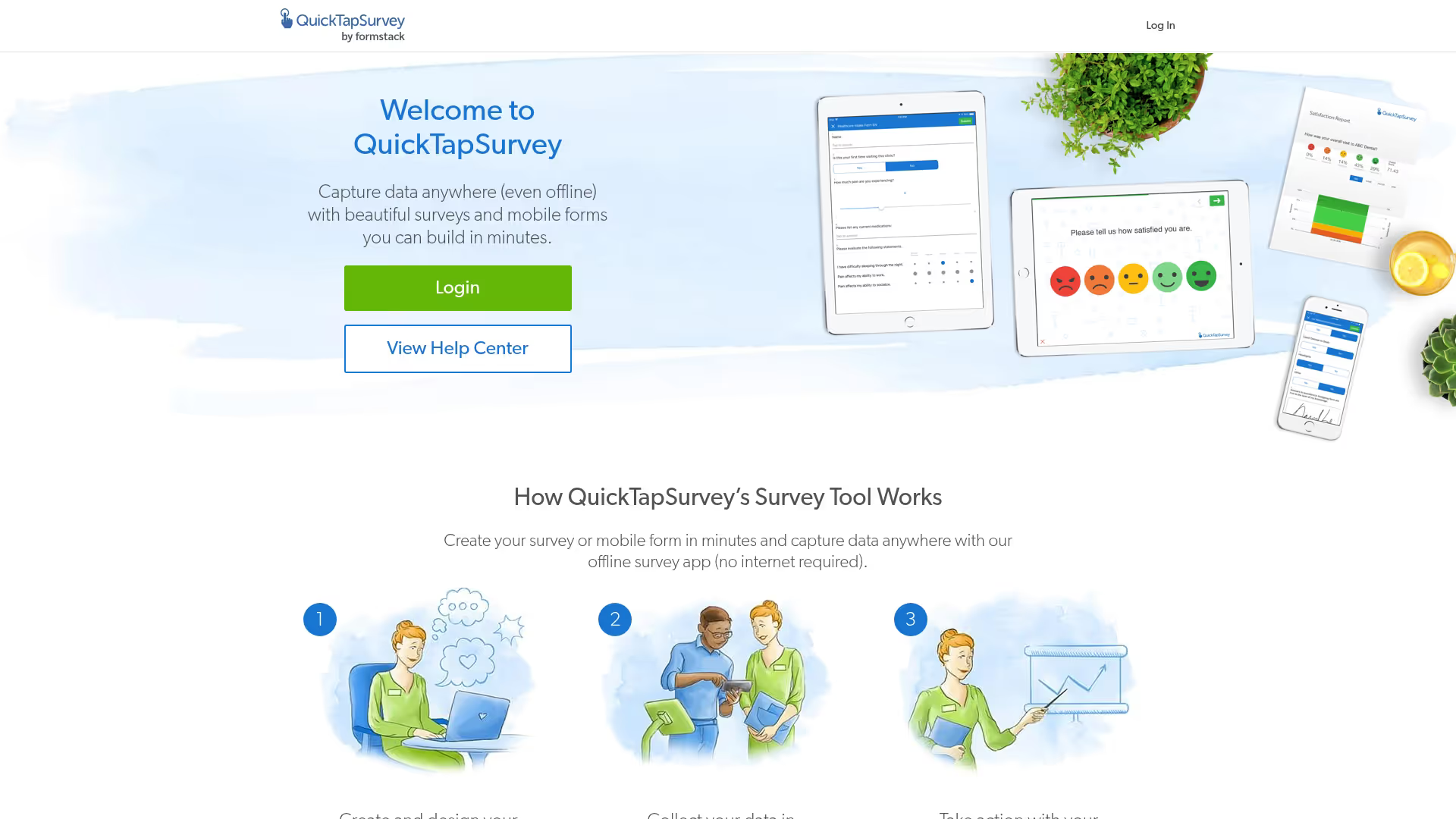
QuickTapSurvey is built specifically for capturing leads at events and trade shows. The mobile apps for iPad and Android work offline, storing data locally until connectivity returns. This solves the biggest pain point of event capture: unreliable conference WiFi.
You can add lead scoring questions to qualify prospects on the spot, then trigger auto-reply emails immediately after capture.
Key strengths
- Offline capability: Capture leads without WiFi and sync when connected
- Mobile-native apps: Purpose-built for iPad and Android field use
- Lead scoring questions: Qualify prospects during capture with custom questions
- Auto-reply emails: Send immediate follow-up to captured leads
Best for: Event and field sales teams who capture leads in person and want reliable offline functionality.
Pricing: Plans start at $19/month for basic capture. Professional plans with advanced features available at higher tiers.
9. Leadfeeder
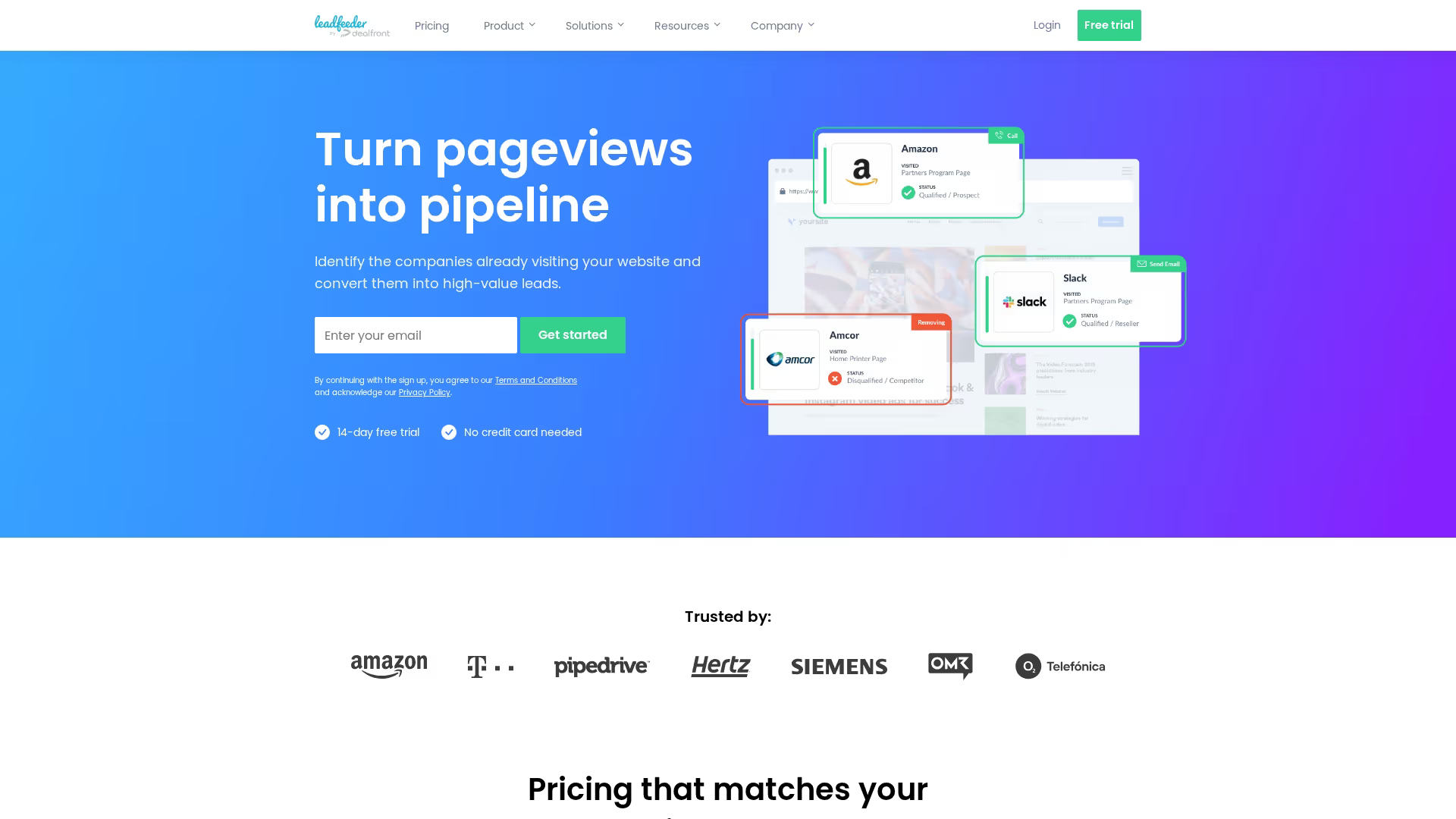
Leadfeeder identifies companies visiting your website even when they don't fill out forms. The platform matches IP addresses to company databases, showing you which organizations are browsing your site, which pages they viewed, and how engaged they were.
Leadfeeder works alongside form-based capture to catch leads who research but don't convert. You can see when target accounts visit, set up alerts for high-value companies, and push identified visitors into your CRM for sales follow-up.
Key strengths
- Company identification: See which organizations visit your site without form fills
- Page-level tracking: Understand which content interests each company
- CRM integration: Push identified companies into Salesforce, HubSpot, or Pipedrive
- Filters and alerts: Focus on target accounts and get notified when they visit
Best for: B2B sales teams who want visibility into website visitors beyond form submissions.
Pricing: Free plan shows last 7 days of data. Paid plans start at $99/month with full history and integrations.
10. Intercom
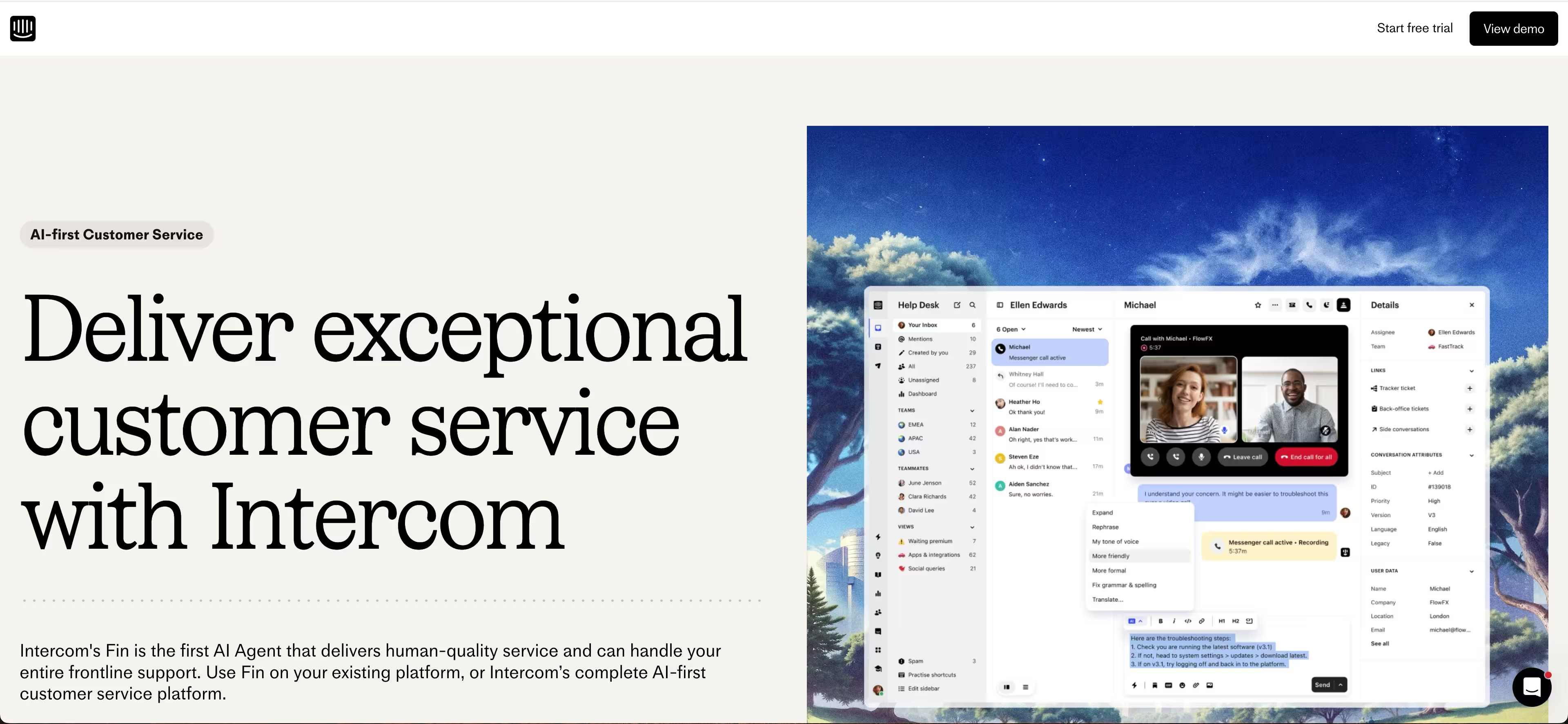
Intercom captures leads through conversational chatbots and live chat. Instead of static forms, visitors engage in dialogue with bots that qualify them through questions, then route qualified leads to sales reps for live conversation.
The platform combines capture with immediate engagement. A visitor asking about pricing can be qualified by a bot, then connected to a sales rep in real-time.
Key strengths
- Conversational bots: Qualify and capture leads through automated dialogue
- Live chat handoff: Connect qualified leads to sales reps in real-time
- Branching conversations: Build custom bot logic based on responses
- CRM and support integration: Captured leads flow into your existing workflows
Best for: Teams who want to engage website visitors in real-time and qualify through conversation rather than forms.
Pricing: Custom pricing based on usage and features. Starter plans available for small teams.
How to choose the best lead capture platform
The right tool depends on your capture channels, integration requirements, and whether you're optimizing for lead volume or lead quality.
Define your primary capture channel
Start by identifying where you actually capture leads today. Website traffic points toward form builders and pop-up tools. Events and trade shows require mobile apps with offline capability. Product-led teams benefit from interactive demo capture that qualifies through engagement.
Evaluate integration requirements
List your CRM, marketing automation, and analytics tools. Verify native integrations exist for each. Manual export and import creates delays and data quality issues that compound over time.
Consider lead quality vs lead quantity
High-volume capture methods like pop-ups and gated content bring more leads but often lower intent. Interactive demos and qualification forms capture fewer leads but higher quality - product-qualified leads convert at 2-3x the rate of traditional marketing leads. Choose based on your sales team's capacity.
Assess pricing and scalability
Check pricing tiers based on lead volume, features, and seats. Free plans work for testing but often limit integrations or analytics. Calculate cost per lead at your expected volume to compare true costs across tools.
Capture more qualified leads with the right tools
Lead capture software removes friction between prospect interest and sales follow-up. The best tool depends on your capture channels, integration stack, and whether you're optimizing for volume or quality. For teams who want prospects to experience the product before providing contact info, interactive demo capture produces higher-intent leads than traditional forms.
Start your journey with Guideflow today!