A deposition runs three hours. The transcript takes days. Somewhere between the recording and the final searchable document, someone on your team is chasing files, re-syncing video, and re-explaining the same workflow to a new hire.
That gap is the real cost. Not the recording itself, but everything after it: transcription accuracy, cloud access, search, review, and getting clean testimony in front of the people who need it.
The market reflects how much this matters. The global court reporting software market hit roughly USD 102 million in 2025 and is projected to reach USD 170 million by 2032, a 7.7% CAGR, according to Market Publishers (2025). And 61% of court systems now use digital reporting platforms to improve efficiency and transcript accessibility, per Global Growth Insights (2026).
The problem is that "court reporting software" means five different things depending on who you ask. A stenographer wants a writer and CAT software. A litigation team wants searchable transcripts and deposition analysis. A court wants cloud recording and compliance. This guide sorts them by workflow so you can pick the tool that fits your actual job.
What's inside
This guide is for legal operations leads, litigation support managers, court reporters, and law firm buyers comparing software across the full deposition workflow, not just recording.
We selected the seven tools below based on four criteria:
- Workflow coverage: recording, transcription, cloud access, search, and post-session analysis
- Fit for remote proceedings: support for court reporting software for remote depositions
- Pricing transparency: what you can actually verify before a sales call
- Buyer relevance: whether real legal teams evaluate the tool in 2026
We skipped tools with no verifiable presence in legal proceedings and focused on the platforms and services buyers compare head to head.
TL;DR
- Best for digital recording and transcription: SoniClear, built for courts, hearings, and government proceedings with AI-generated transcripts.
- Best for litigation teams and deposition analysis: Filevine, with live testimony monitoring, searchable transcripts, and AI deposition tools inside a full case platform.
- Best for cloud court recording at scale: For The Record, for courts and justice organizations needing secure cloud storage and search.
- Best for stenographers and reporters: Stenograph, the CAT software and writer ecosystem professional reporters rely on.
- Best for reporting agencies: RepAgencyWorks, for scheduling, billing, and transcript repository management.
- Best for managed deposition services: Veritext and Lexitas, for teams that want the proceeding handled end to end rather than run in-house.
What is court reporting software?
Court reporting software is a category of tools that capture, transcribe, store, search, and manage the record of legal proceedings such as depositions, hearings, and trials.
Some tools focus on the capture side: digital court reporting software records multichannel audio and video, identifies speakers, and produces a clean record. Others focus on what happens after: deposition transcription software turns that record into text, and transcript review software makes it searchable and reviewable across a case team.
The category splits into a few distinct types:
- Digital recording platforms: capture audio and video, often with real-time transcription and speaker identification
- CAT software for stenographers: computer-aided transcription that turns steno input into finished transcripts
- AI transcription for legal proceedings: speech-to-text engines that generate draft transcripts and summaries
- Cloud court reporting systems: centralized repositories for recording, storage, search, and distribution
- Deposition and case platforms: tools that add analysis, synced video, and litigation workflow on top of the transcript
- Agency management software: scheduling, billing, and transcript coordination for reporting firms
- Managed reporting services: vendors that supply reporters plus a delivery platform
Most legal teams do not buy one tool. They combine a recording or transcription layer with a review and storage layer, then decide whether to run remote proceedings in-house or hand them to a service.
When to use court reporting software
Run remote depositions without losing the record
Remote legal proceedings became standard, and the software has to keep up. Court reporting software for remote depositions handles video conferencing, synced recording, exhibit sharing, and real-time transcription so the record holds up whether everyone is in the room or on screen. If your caseload includes witnesses in other states, this is non-negotiable.
Make testimony searchable after the fact
A transcript you cannot search is a liability. When you need to find every mention of a term across a 200-page deposition, searchable transcripts turn hours of scrolling into a query. Litigation teams building a case rely on this for impeachment prep, summaries, and cross-referencing testimony.
Centralize recording and storage across a team
Courts and larger firms need one place where every recording, transcript, and exhibit lives. Cloud court reporting systems replace scattered drives and email attachments with a secure repository the whole team can access, with permissions and audit trails intact.
Court reporting software comparison
Here is how the seven tools compare across intent, differentiation, pricing, and rating. Pricing reflects publicly verifiable figures at the time of writing; several vendors quote by job or region.
| # | Product | Intent | Key differentiation | Pricing | G2 rating |
|---|---|---|---|---|---|
| 1 | SoniClear | Digital recording and transcription | Multichannel audio, video, AI legal transcripts | Quote-based | Not listed |
| 2 | Filevine | Litigation and deposition analysis | Live testimony monitoring, AI deposition analysis, searchable transcripts | Custom, free trial | 4.7/5 |
| 3 | For The Record | Cloud court recording | Secure cloud storage, real-time speech-to-text, search | Free player; suite from $165 | 4.0/5 |
| 4 | Stenograph | CAT software and writers | Steno hardware plus transcription and editing software | From $399 one-time | Not listed |
| 5 | RepAgencyWorks | Agency management | Scheduling, billing, transcript repository | From $75/mo | Not listed |
| 6 | Veritext | Managed reporting service | Remote proceedings, client portal, AI transcript search | Quote-based | Not listed |
| 7 | Lexitas | Managed reporting service | Deposition and litigation support services | Quote-based | Not listed |
Best court reporting software for 2026
1. SoniClear
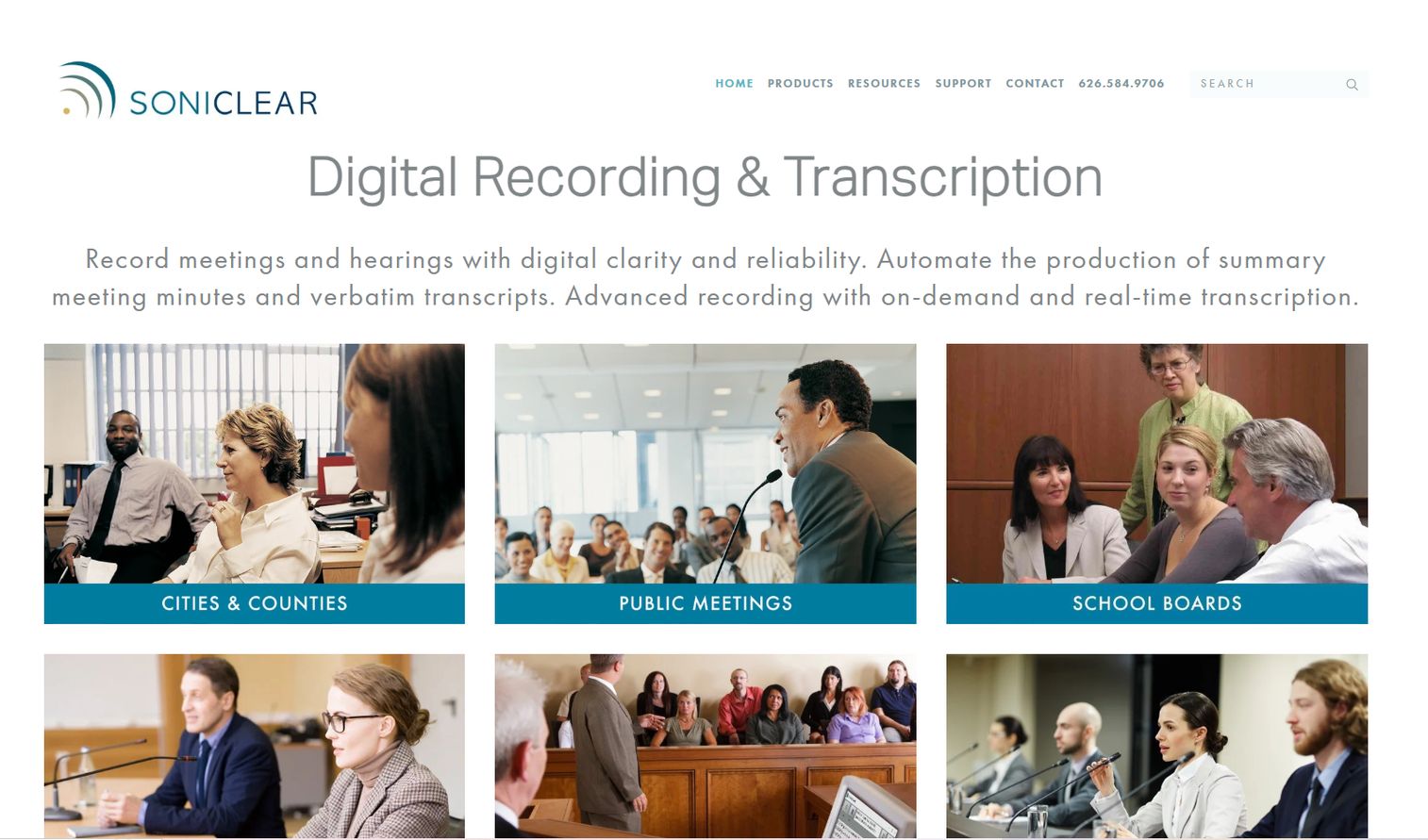
SoniClear is digital court reporting software built for the capture side of the record. It handles multichannel audio and video recording for courts, hearings, depositions, and government proceedings, then produces AI-generated meeting minutes and legal transcripts. Speaker identification and real-time transcription keep the record clean while the proceeding is still live.
The tool fits teams that need reliable capture first and transcription second. If your priority is a defensible audio and video record with a fast path to a draft transcript, SoniClear covers that without the overhead of a full case platform.
Best for: Government, court, and business teams that need recording plus transcription in one workflow.
Key strengths
- Multichannel recording: Separate audio channels for speaker clarity.
- Video recording: Synced audio and video for the full record.
- AI transcripts: Auto-generated minutes and legal transcripts.
- Real-time transcription: Live text during proceedings.
Why choose SoniClear: It is the right pick when your workflow starts with capture and you want AI transcription for legal proceedings built in. Teams that also need deep post-deposition analysis often pair a capture tool like this with a broader litigation platform.
SoniClear pricing: Pricing is quote-based. SoniClear directs buyers to request a quote, and prices are listed for USA customers, but no public figure is published on the site.
2. Filevine
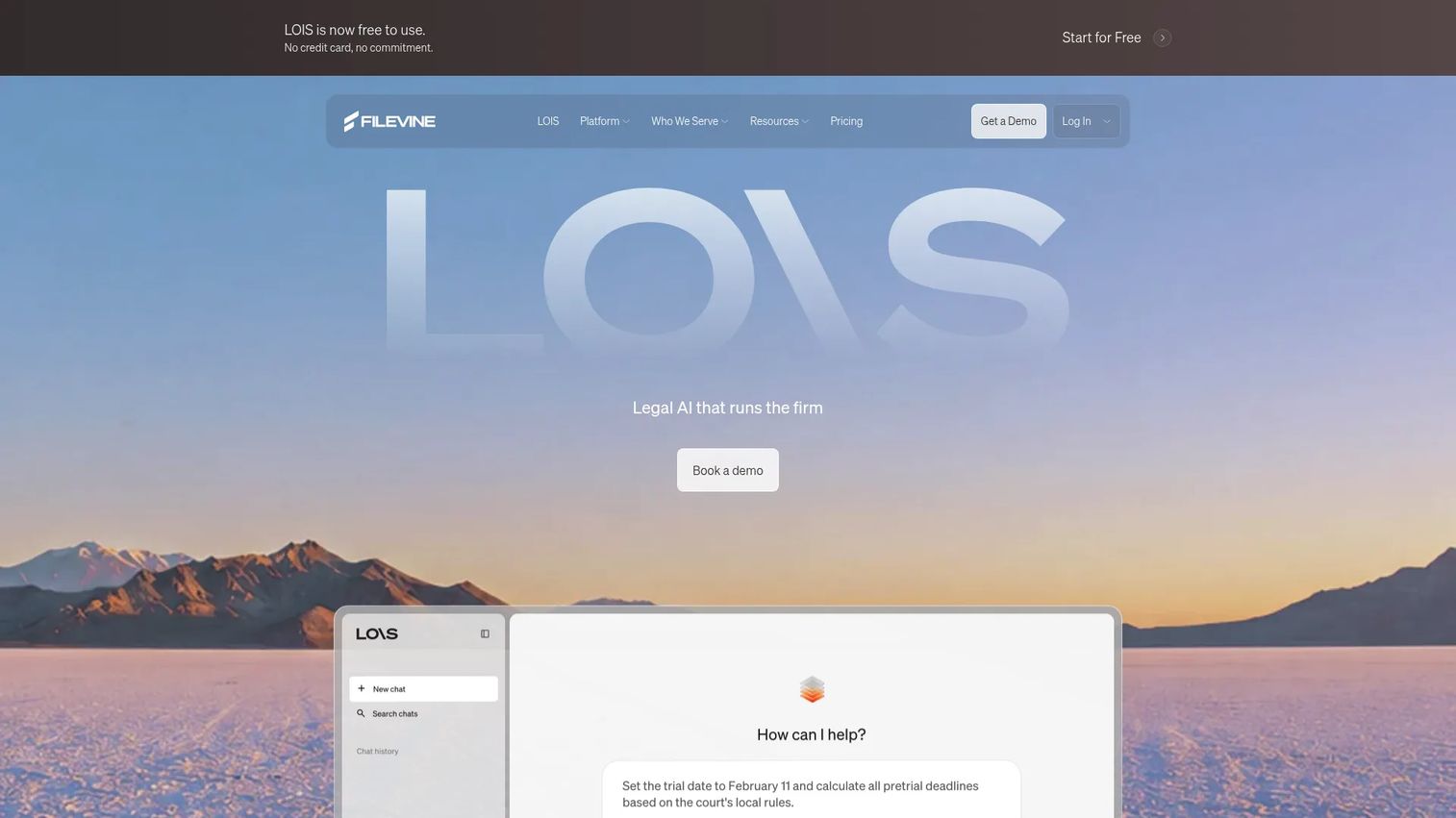
Filevine approaches court reporting from the litigation side. Instead of positioning as a recorder, it puts deposition workflow inside a full legal operating platform: case management, AI drafting, deposition and e-signature workflows, and post-deposition reuse. For teams that need to do something with testimony after it is captured, this is the deepest option on the list.
The standout is what happens around the transcript. Live testimony monitoring lets a case team follow a deposition as it unfolds, flag key exchanges, and prepare follow-ups in real time. After the session, searchable transcripts and AI deposition analysis surface every relevant mention across the record, so impeachment prep and case summaries stop being manual scavenger hunts.
Filevine also handles transcript review software work: syncing video to transcript text, importing outside transcripts, and generating summaries. That makes it strong for firms running deposition analysis software workflows across many active matters, not just single proceedings.
Best for: Law firms and legal teams needing a customizable case management and AI workflow platform.
Key strengths
- Live testimony monitoring: Follow depositions in real time.
- AI deposition analysis: Surface key testimony automatically.
- Searchable transcripts: Query the full record instantly.
- Case management hub: Depositions inside the wider matter.
Why choose Filevine: It fits litigation teams that treat the transcript as the start of the work, not the end. If your value comes from analysis, search, and reuse across a case, Filevine earns its place. Reviewers rate it 4.7/5 on G2.
Filevine pricing: All packages are custom built, and Filevine directs prospects to book a demo for a quote. A free trial is available. No standard starting price is published.
3. For The Record

For The Record is cloud court recording software built for courts and justice organizations that need scale, security, and access. It captures proceedings, stores them in secure cloud storage for legal files, and adds real-time speech-to-text, search, and playback so the record is usable long after the hearing ends.
The appeal is breadth of audience. Courts, attorneys, transcription teams, and public sector users all work from the same platform. That makes For The Record a fit when the buyer is an institution managing a high volume of proceedings, not a single reporter or firm. Remote access and centralized repositories mean distributed teams pull the same record without shuffling files.
Compliance and security sit at the center of the pitch. For justice-system buyers, chain of custody, access control, and audit trails are the deciding factors, and this is where the cloud court reporting model earns its keep. Video synced transcripts and real-time transcription round out the workflow for teams that need both the recording and the reviewable text.
Best for: Courts and justice organizations needing digital court recording and access workflows.
Key strengths
- Secure cloud recording: Capture and store in the cloud.
- Real-time speech-to-text: Live transcription during proceedings.
- Search and playback: Find and replay any moment.
- Distribution controls: Manage who accesses the record.
Why choose For The Record: It is built for institutions that record at volume and need centralized, secure access. If your buying committee includes IT and compliance, this platform speaks their language.
For The Record pricing: The FTR Player is a free download. The FTR Gold Annotation Suite (Version 7) is listed at $165.00 USD plus tax as a one-time purchase. Broader platform subscription pricing is not published publicly.
4. Stenograph
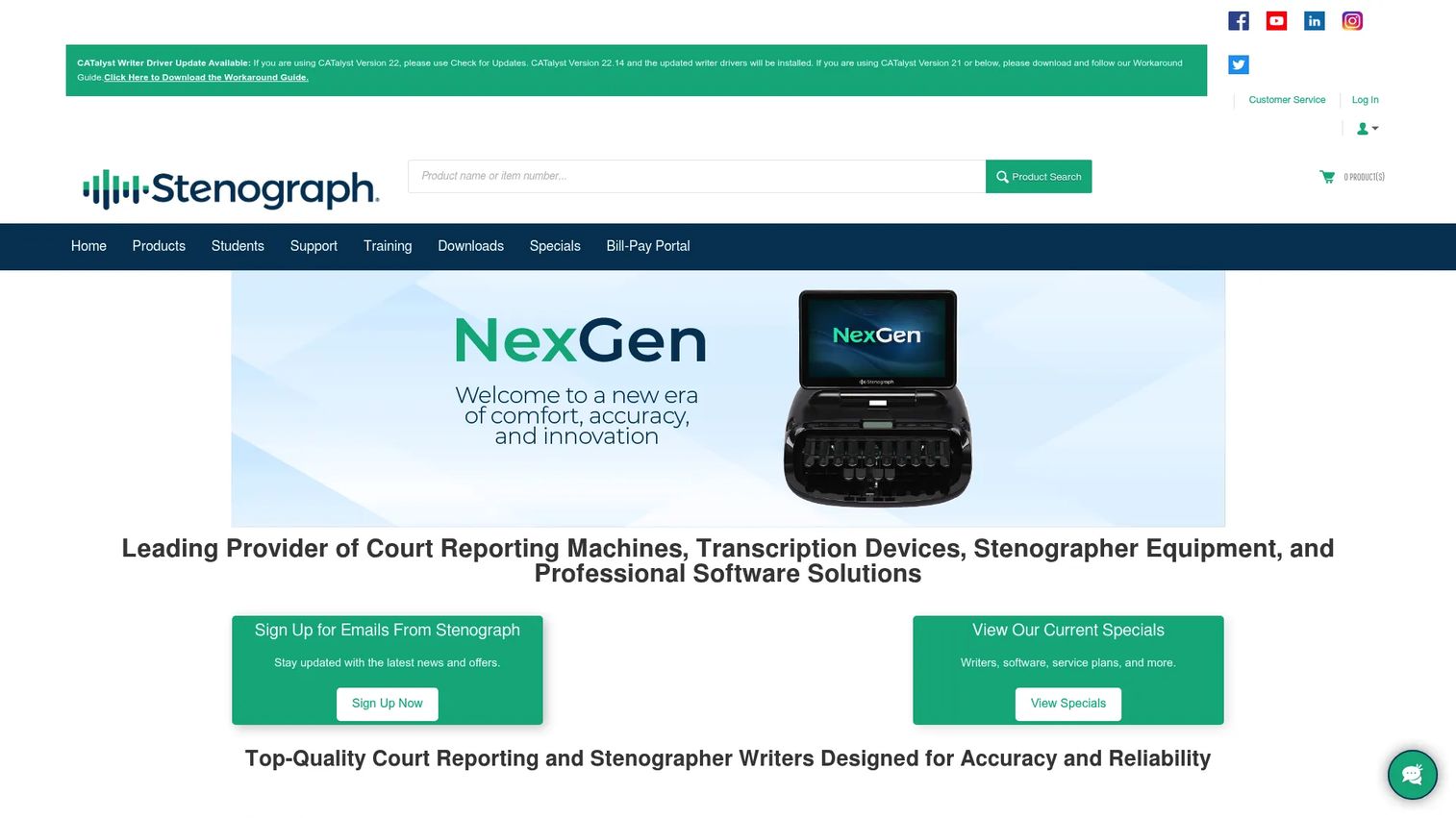
Stenograph is the legacy standard for stenographers. It sells both the hardware and the software: steno writers like the NexGen and Luminex lines, plus CATalyst for translation, editing, and job management. For professional reporters who write steno, this is the ecosystem the profession was built on.
The software side covers the core reporter workflow. CATalyst handles translation from steno input, transcript editing software functions, realtime streaming to attorneys during proceedings, and job management across assignments. Reporters and captioners who need transcript editing software with deep steno fidelity choose Stenograph for exactly that reliability.
This is a reporter-first stack. Where cloud platforms center on institutions and litigation teams center on analysis, Stenograph centers on the person creating the record. If you or your team write steno, the writer plus CAT software combination is the workflow, and the transcript review software tools are built around how reporters actually work.
Best for: Court reporters and captioners needing stenography writers and CAT software.
Key strengths
- CATalyst software: Translation, editing, and job management.
- Steno writers: NexGen and Luminex hardware lines.
- Realtime streaming: Live transcript to attorneys.
- Reporter tools: Products for pros, students, and pre-owned buyers.
Why choose Stenograph: It fits working stenographers who need proven writer hardware and CAT software from a vendor the profession trusts. This is the specialist reporter tool, not a general platform.
Stenograph pricing: Products sell as one-time purchases. CATalyst Student is $399.00, the Luminex CSE Student writer is $2,259.00, CATalyst Pro is $4,299.00, and NexGen models start at $4,999.00. No subscription tier or free plan is shown.
5. RepAgencyWorks
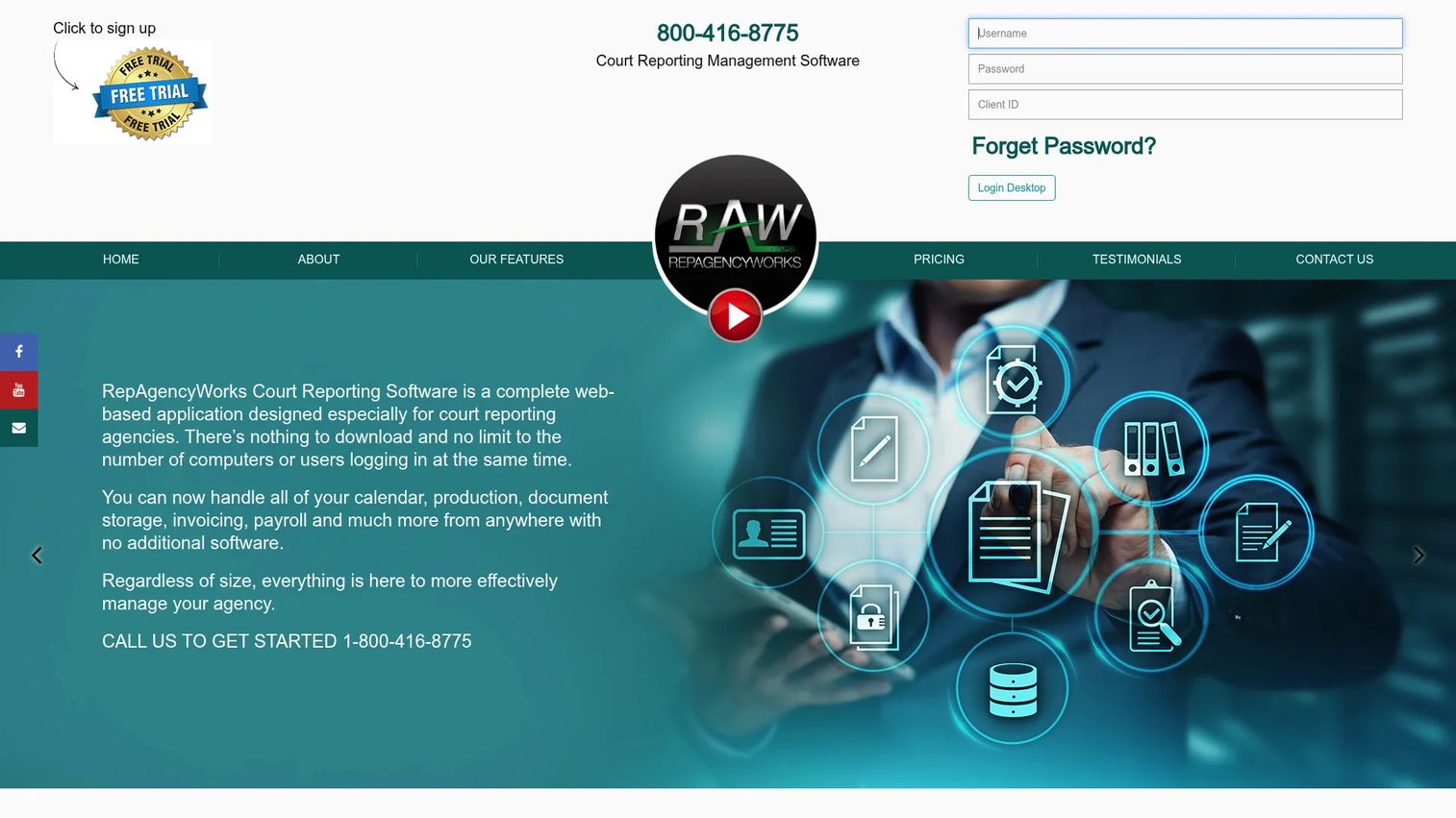
RepAgencyWorks solves a different problem: running the agency, not the proceeding. It is web-based court reporting agency management software built for firms that coordinate reporters, schedule jobs, produce transcripts, and bill clients. If your bottleneck is operations rather than capture, this is the tool.
The core is scheduling and coordination. Calendar and job scheduling assigns reporters to proceedings, a transcript production and document repository keeps every deliverable in one place, and invoicing and payroll close the loop on the business side. For a reporting agency juggling many reporters and cases, that consolidation replaces spreadsheets and manual handoffs.
This is deposition management software aimed at the firm running proceedings, not the litigation team consuming the output. Agencies use it to keep communication, organization, and the deposition process moving without dropped balls between booking, production, and billing.
Best for: Court reporting agencies needing scheduling, billing, and transcript repository tools.
Key strengths
- Job scheduling: Calendar and reporter assignment.
- Transcript repository: Central document production and storage.
- Invoicing and payroll: Billing and reporter pay in one place.
- Agency coordination: Manage the full deposition process.
Why choose RepAgencyWorks: It fits agencies that need operational software to run scheduling, production, and billing, rather than a tool for capturing or analyzing testimony.
RepAgencyWorks pricing: Basic is $75.00/month, Standard is $125.00/month, and Pro is $200.00/month. All plans carry a one-time setup fee of $500.00 and a data importation fee of $1,500.00, with optional transcript production at $75.00/month.
6. Veritext

Veritext sits at the intersection of software and managed service. It is a court reporting and litigation support company, so instead of buying a platform to run yourself, you get reporters, remote proceeding tools, and a client portal that delivers the finished record. Buyers compare it against pure software because the outcome is the same: a clean, searchable transcript.
The platform side is real. The MyVeritext client portal gives clients access to transcripts and exhibits, Veritext Virtual runs remote proceedings, and Smart AI features include Smart Search and Smart Summary for working through testimony. So while the reporter and coordination are handled for you, the review and search tools still live in your hands.
The distinction to keep clear: this is a service with software attached, not software you operate. For teams that would rather not staff and run proceedings in-house, that tradeoff is the whole point. You compare Veritext when the question is buy versus build for the reporting function itself.
Best for: Law firms and corporate legal teams needing deposition, transcript, and litigation support services.
Key strengths
- MyVeritext portal: Access transcripts and exhibits.
- Veritext Virtual: Remote proceedings handled end to end.
- Smart AI: Smart Search and Smart Summary for testimony.
- Managed service: Reporters and coordination included.
Why choose Veritext: It fits teams that want proceedings run for them, with a modern portal and AI search on top, rather than software they staff and operate internally.
Veritext pricing: The MyVeritext portal is available at no charge to clients. Service pricing is job and region dependent and is not published; the site directs users to contact the local office for rates.
7. Lexitas
Lexitas is another managed litigation support option that shows up in purchase comparisons for the same reason as Veritext: it delivers the reporting outcome without asking you to run the software yourself. It provides deposition services, remote proceedings, and transcript delivery as a service, positioned for legal teams that prefer to outsource the reporting function.
Because Lexitas is services-heavy, the buying intent overlaps with software even though the model differs. A litigation team weighing whether to license a platform or hand proceedings to a vendor will put Lexitas on the same shortlist. The comparison is less about feature lists and more about capacity, coverage, and how much of the workflow you want off your plate.
For firms with fluctuating caseloads or coverage needs across regions, a service like this scales without the fixed cost of building an internal reporting operation. That is the practical reason it belongs in a court reporting software comparison even as a services-first option.
Best for: Legal teams that prefer to outsource depositions, remote proceedings, and transcript delivery rather than run software in-house.
Key strengths
- Deposition services: Reporters and proceedings handled.
- Remote proceedings: Coverage for remote legal proceedings.
- Transcript delivery: Finished record delivered to your team.
- Litigation support: Services across the case workflow.
Why choose Lexitas: It fits teams that want a managed alternative to in-house software, especially when caseload or regional coverage makes outsourcing more practical than building.
Lexitas pricing: No public pricing is published on the site. Service rates depend on the engagement, so buyers contact Lexitas directly for a quote.
Considerations before you buy
Sorting these tools by workflow gets you to a shortlist. Use this checklist to close the decision.
Where the work actually lives
Decide whether your gap is capture, transcription, storage, analysis, or operations. A capture tool and a litigation platform solve different problems. Buying the wrong layer means you still have the original bottleneck plus a new invoice.
Remote proceeding support
If any of your proceedings run remote, verify the tool handles video, synced recording, exhibit sharing, and real-time transcription without a separate stack. Court reporting software for remote depositions should not require you to bolt on three other tools.
Search and review depth
Ask how deep the search goes. Full-text searchable transcripts are table stakes; the differentiator is whether you can search across a whole case, sync video to text, and generate summaries. For litigation teams, this is where time is won or lost.
Security and compliance
For courts and larger firms, chain of custody, access controls, and audit trails decide the purchase. Confirm secure cloud storage for legal files, permission granularity, and any certifications your jurisdiction requires before you sign.
Buy versus build
Weigh running software in-house against a managed service. Services like Veritext and Lexitas remove staffing and coverage risk; software like For The Record or Filevine gives you control and lower marginal cost at volume. The right answer depends on caseload and how much of the workflow you want to own.
Conclusion
There is no single best court reporting software, only the best fit for where your workflow breaks.
If you need clean digital recording with AI transcription, SoniClear covers capture. If your value is in what happens after the deposition, analysis, search, and reuse, Filevine is the deepest litigation platform here. Courts and justice organizations recording at volume should look at For The Record for secure cloud storage and access. Working stenographers stay with Stenograph for writers and CAT software. Agencies running proceedings need RepAgencyWorks for scheduling and billing. And teams that would rather outsource the whole reporting function compare Veritext and Lexitas as managed services.
Start by naming your bottleneck. If it is capture, look at the recording tools. If it is finding testimony in a mountain of transcripts, prioritize search and deposition analysis. If it is running the operation itself, weigh agency software against a managed service. Match the tool to the gap, and the rest of the litigation support software decision gets a lot simpler.
FAQs
It is used to capture, transcribe, store, search, and manage the record of legal proceedings like depositions, hearings, and trials. Some tools focus on digital court recording software and capture, others on transcription, and others on making transcripts searchable and reviewable across a case team. Most legal teams combine a capture layer with a review and storage layer.
At minimum: reliable recording, accurate transcription, secure storage, and full-text search. For remote work, look for video conferencing, synced recording, and real-time transcription. For litigation teams, deposition transcription software with searchable transcripts, video sync, and summaries matters most. Match the feature set to whether your gap is capture, review, or operations.
They overlap but are not identical. Court reporting software is the broad category covering recording and transcription for any proceeding. Deposition management software is a subset focused on the deposition workflow specifically: scheduling, live monitoring, transcript sync, and post-session analysis. A tool like Filevine leans deposition-focused, while a platform like For The Record covers court recording more broadly.
Digital court reporting software captures proceedings using digital audio and video rather than steno, often with multichannel recording, speaker identification, and AI transcription for legal proceedings. It contrasts with the stenographer-plus-CAT-software model. SoniClear and For The Record are examples of the digital recording approach, while Stenograph serves the steno workflow.
Yes. Court reporting software for remote depositions supports video conferencing, synced recording, exhibit sharing, and real-time transcription so the record holds up whether participants are in the room or remote. Filevine, For The Record, and services like Veritext all support remote legal proceedings. Verify that video, recording, and transcription work in one stack before you buy.
For deep search and review, Filevine leads with searchable transcripts, AI deposition analysis, and video synced transcripts across a full case. For The Record offers strong search and playback for cloud-recorded proceedings. Veritext adds Smart Search and Smart Summary in its client portal. Prioritize whichever fits how your team actually reviews testimony.
Yes, and increasingly so. Global Growth Insights (2026) reports that 61% of court systems use digital reporting platforms to improve efficiency and transcript accessibility. Cloud court reporting systems like For The Record give courts secure storage, centralized access, and search across high volumes of proceedings, which is why justice organizations adopt them.
Start with your bottleneck. If you need capture, prioritize recording quality and transcription. If you need to work testimony hard, prioritize searchable transcripts and deposition analysis software. Confirm remote deposition support, secure cloud storage for legal files, and the access controls your jurisdiction requires. Then decide whether to run software in-house or use a managed litigation support software service.