It is board prep week. Your bank feed says one thing, the spreadsheet your ops lead maintains says another, and the invoices sit in a third tool. Nobody fully trusts the numbers, and you close the books late again. That is the moment most founders stop treating accounting as a side task and start treating it as infrastructure.
The category is large and growing fast. The global accounting software market was worth roughly USD 20.03 billion in 2025 and is projected to reach USD 37.34 billion by 2030, according to Research and Markets (2026). The same report, citing Xero data, notes that cloud accounting users saw 74 percent revenue growth versus 41 percent among non-cloud users. Cloud access is no longer a nice-to-have. It is the baseline.
For a Series B founder, the real job is not basic bookkeeping. It is choosing an online accounting software that reduces founder dependency, gives leadership and the board clean visibility, and scales from a lean finance function to a more operational one. You want fewer spreadsheets, faster close, and a system your finance lead or bookkeeper can own without you sitting in every exception.
If you are also evaluating adjacent finance and operations tooling, it can help to see how other categories rank. Guides on business intelligence reporting, contract management, and audit management software cover the surrounding stack that feeds and consumes your financial data.
This guide compares the best accounting software for small business and growing teams, from free bookkeeping software to full finance systems.
What's inside
This guide compares 7 accounting software tools for 2026. We selected them based on small business fit, cloud access, pricing transparency, core accounting workflows like invoicing and bank reconciliation, and how well each scales as your team grows.
The list spans three tiers: free and lightweight options, standard small business platforms, and scale-ready finance systems for teams with more complexity. Each entry covers what it does well, who it fits, and current pricing. Use the comparison table to jump straight to the tier that matches your stage, then read the sections that apply to you.
TL;DR
Short on time? Here are the decision shortcuts.
- Best overall for growing SaaS teams: QuickBooks, for its broad ecosystem and familiar finance stack.
- Best for accountant collaboration: Xero, for clean cloud bookkeeping and easy handoff to advisors.
- Best for finance teams that need deeper controls: Sage Intacct, for reporting and multi-entity consolidation.
- Best for freelancers and service businesses: FreshBooks, for client invoicing and time tracking.
- Best free accounting software: Wave, for free core bookkeeping and invoicing.
- Best budget-friendly cloud accounting: Zoho Books, which includes a free plan and low-cost paid tiers.
- Best for all-in-one business operations: NetSuite, for ERP-grade finance across entities.
What is accounting software?
Accounting software is a tool that records, organizes, and reports on a company's financial transactions, replacing manual ledgers and spreadsheets. Modern cloud accounting software runs in the browser, connects to your bank, and gives finance teams a shared, real-time view of the books.
The main jobs it handles are consistent across tools:
- Invoicing: create, send, and track invoices, often with online payment links. Good invoicing software also handles recurring billing.
- Expense tracking: capture receipts and categorize spend automatically.
- Bill pay: manage accounts payable and schedule vendor payments.
- Bank reconciliation: connect bank and card feeds, then match transactions to your records so the books stay accurate.
- Cash flow management: monitor money in and out so you can forecast runway and avoid surprises.
- Financial reporting: generate profit and loss, balance sheet, and cash flow statements for leadership and the board.
Better bookkeeping software layers on multi-user access, role-based permissions, accountant access, and audit trails. Cloud bookkeeping software also syncs with payroll, payments, and CRM tools, so the numbers stay clean without manual re-entry. These accounting systems range from simple tools for a single founder to full finance platforms that support monthly close and consolidation.
When to use accounting software
Replace spreadsheets when month-end starts slipping
Spreadsheets work until they do not. The break point usually arrives when transaction volume climbs, more than one person edits the file, and month-end close starts sliding past the first week. If you are copying bank exports by hand, chasing formula errors, or reconciling in a separate tab, the spreadsheet has become the bottleneck. Accounting software for small business automates the reconciliation and gives you one source of truth.
Add visibility before the next board meeting
Founders need real-time reporting, not a scramble the night before board prep. When your investors ask for clean metrics and you cannot produce a current profit and loss or cash position on demand, that is the signal. Cloud accounting software gives you live dashboards, faster close, and cash flow visibility that survives scrutiny. It also cuts the founder out of the reporting loop, which is the point.
Hand off finance work without losing control
At some stage you hire a finance lead, bring on a bookkeeper, or work with an external accountant. You want software all of them can use, with accountant access, multi-user access, and role-based permissions so the right people see the right data. The goal is a system you can hand off while still trusting the numbers, not another tool you personally have to babysit.
Comparison table
The table below separates free, small business, and scale-ready options. Read the intent column to find your fit, then check pricing and the G2 rating before you shortlist. These accounting platforms are ordered from broadest small business appeal to more specialized finance systems.
| # | Product | Intent | Key differentiation | Pricing | G2 rating |
|---|---|---|---|---|---|
| 1 | QuickBooks | Growing small businesses wanting the default ecosystem | Broadest integrations and familiar finance stack | From $10/mo (Solopreneur); Simple Start $19/mo | 4.4/5 |
| 2 | Xero | Teams that collaborate with accountants | Clean cloud bookkeeping and advisor handoff | From $18/mo (Early) | 4.4/5 |
| 3 | Sage Intacct | Finance teams needing deeper controls | Multi-entity consolidation and real-time reporting | Custom pricing | Not listed |
| 4 | FreshBooks | Freelancers and service businesses | Client invoicing and time tracking | Public tiered pricing; free trial | Not listed |
| 5 | Zoho Books | Cost-conscious teams wanting a serious tool | Free plan plus low-cost paid tiers | Free plan; Standard $15/mo billed annually | 4.5/5 |
| 6 | Wave | Freelancers and lean businesses | Free core bookkeeping and invoicing | Free (Starter); Pro $19/mo | 4.3/5 |
| 7 | NetSuite | Companies outgrowing SMB accounting | ERP-grade finance and consolidation | Custom pricing | 4.1/5 |
1. QuickBooks
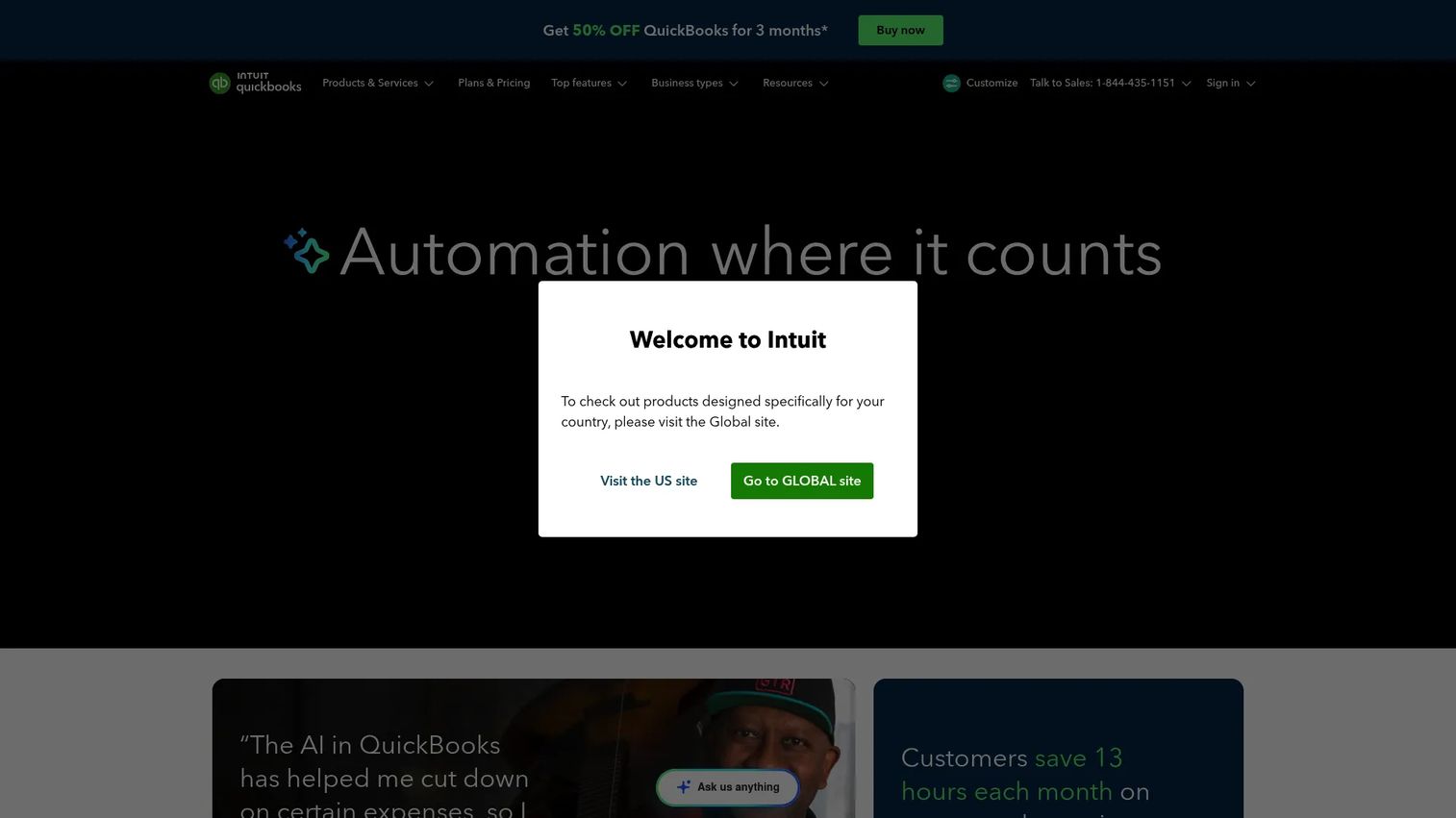
QuickBooks is cloud accounting software for small and mid-sized businesses, and it is the default many founders reach for first. It covers online accounting, invoicing and payments, and expense tracking and reporting in one place. The reason it wins so often is not a single feature. It is the ecosystem: nearly every payroll, payments, and expense tool integrates with it, and most accountants already know it cold.
Best for: growing small businesses that want the broadest integrations and a finance stack their accountant already knows.
Key strengths
- Broad accounting software integrations: connects to the widest range of payroll, payments, and expense tools, so your stack stays in sync.
- Familiar accountant access: most bookkeepers and accountants work in QuickBooks daily, which makes handoff and month-end close easier.
- Multi-user access and reporting: role-based permissions plus profit and loss, balance sheet, and cash flow reports for leadership and the board.
Why choose QuickBooks: if you want the safest default, the largest integration surface, and a tool your finance hire can own from day one, QuickBooks is hard to beat. The tradeoff is that broad functionality can feel heavier than a lean freelancer needs, but for a growing team that is exactly the point.
QuickBooks pricing: QuickBooks Online starts at $10/mo for Solopreneur, with Simple Start at $19/mo, Essentials, Plus, and Advanced tiers scaling up from there. Pricing is monthly, and the pricing page frequently shows a promotional introductory discount for the first three months. There is no permanent free tier.
2. Xero
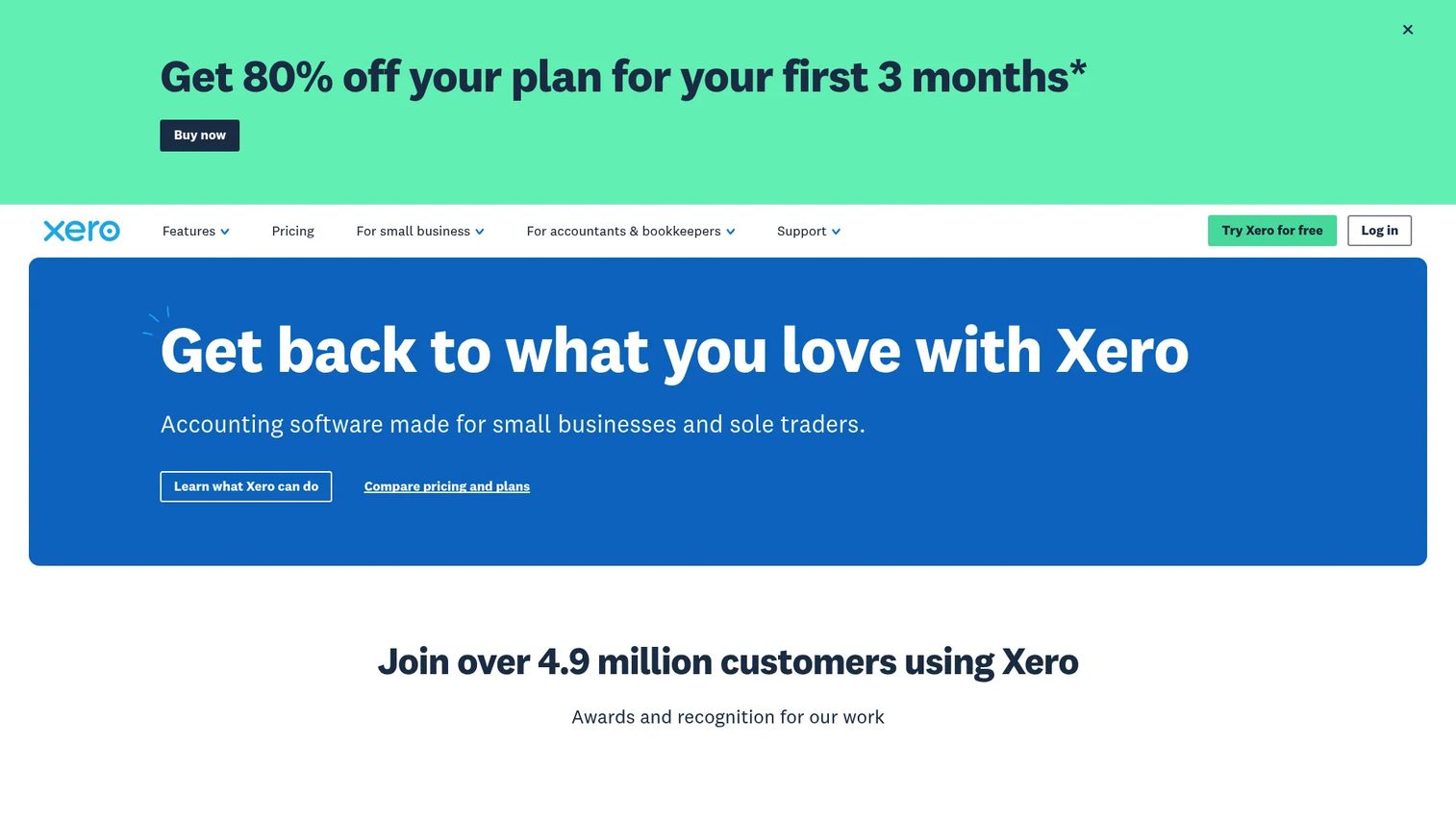
Xero is cloud-based accounting software built for small businesses and their advisors. It handles online invoicing, bank connections and reconciliation, and extends into bills, reporting, projects, expenses, and multi-currency accounting. Where Xero stands out is collaboration. It was designed from the start for founders and accountants to work in the same live file, which makes handoff to finance or an external advisor genuinely clean.
Best for: teams that want tidy cloud bookkeeping and easy collaboration with an accountant or external finance support.
Key strengths
- Advisor-friendly accountant access: built for founders and accountants to share one live ledger, so nobody emails spreadsheets back and forth.
- Reliable bank reconciliation: strong bank feeds and matching keep the books current without manual imports.
- Multi-user access and reporting: unlimited users on paid plans plus reporting, projects, and multi-currency support for growing teams.
Why choose Xero: if collaboration and a cloud-first workflow matter more than the sheer size of an ecosystem, Xero is the cleaner choice. It suits founders who plan to lean on an external accountant or a small in-house finance function.
Xero pricing: Xero's US pricing starts at $18/mo for the Early plan, with Growing and Established plans above it. Billing is monthly, and the pricing page shows a limited-time introductory discount plus a one-month free offer. There is no permanent free tier, but the trial lets you test bank feeds and reconciliation before committing.
3. Sage Intacct
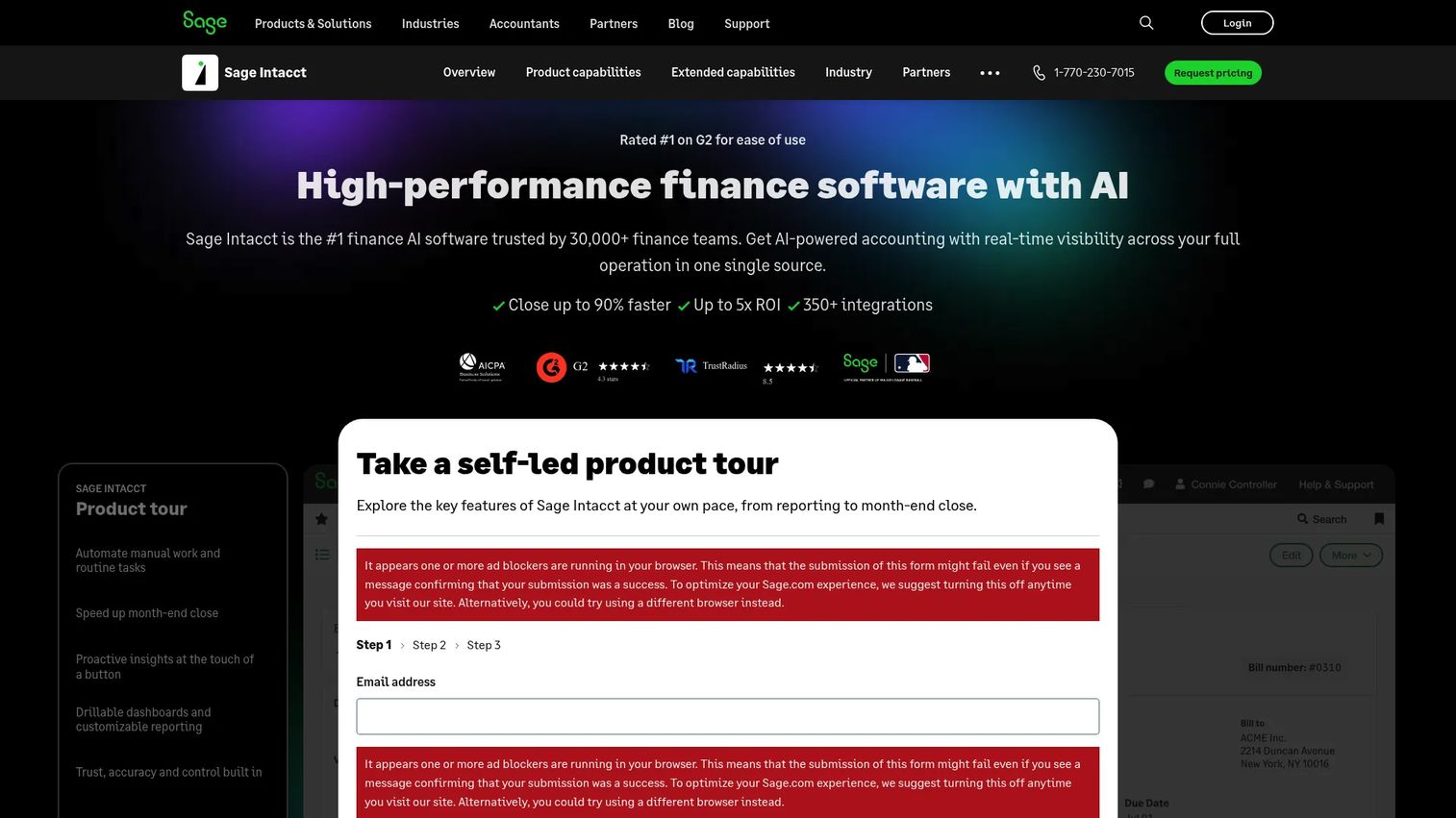
Sage Intacct is cloud-based financial management and accounting software built for growing and multi-entity organizations. It goes beyond standard small business bookkeeping with accounts payable and receivable automation, real-time dashboards and financial reporting, and multi-entity and multi-currency consolidation. This is the tool you graduate to when close, controls, and board-grade reporting matter more than simplicity alone.
Best for: finance teams that need scalable accounting, structured reporting, and consolidation across multiple entities.
Key strengths
- Multi-entity consolidation: roll up multiple entities and currencies into one clean set of financials, which manual bookkeeping cannot do at scale.
- Real-time financial reporting: live dashboards and dimensional reporting give leadership and the board department-level and consolidated views.
- AP and AR automation with controls: approval workflows and audit trails support a repeatable monthly close.
Why choose Sage Intacct: for a founder whose finance function has outgrown basic bookkeeping software, Sage Intacct adds the approval controls, structured reporting, and consolidation that survive due diligence. It is a step up in complexity, and that is deliberate.
Sage Intacct pricing: Sage prices Intacct on a custom basis, scoped by industry, company size, modules, and requirements. There is no public price or free tier, so plan on a quote and an implementation conversation. A Capterra rating of 4.3/5 is available for reference.
4. FreshBooks
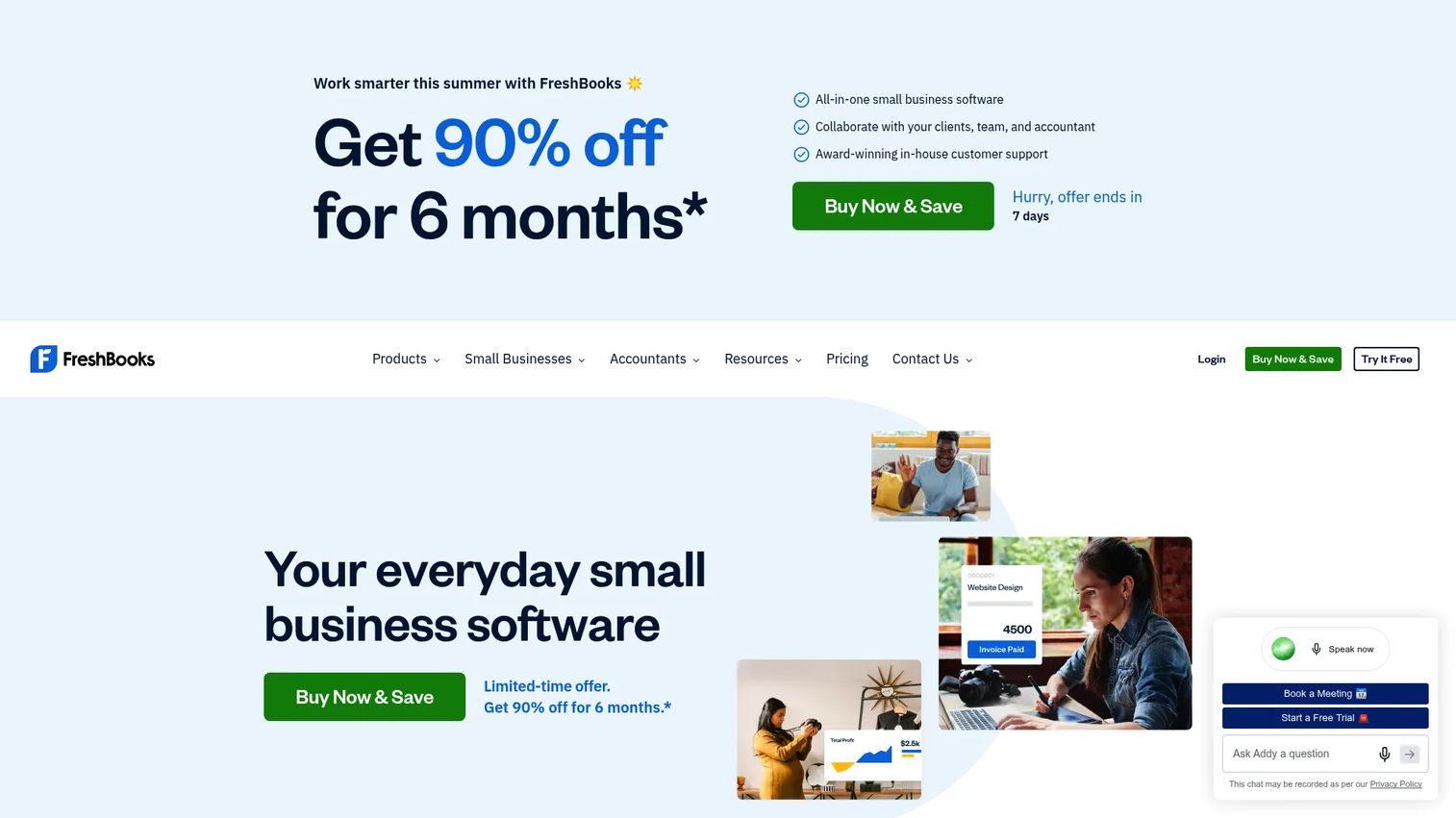
FreshBooks started as invoicing software for freelancers and grew into a full accounting tool for service businesses. It shines at client billing, time tracking, expense capture, and staying cash-flow aware, all wrapped in an interface that non-accountants find easy. If your business bills clients for time and projects, FreshBooks removes friction from the part of finance you touch most.
Best for: freelancers, consultants, and service businesses that care more about billing clients cleanly than running a full finance system.
Key strengths
- Client-first invoicing software: professional invoices, recurring billing, and online payments built around service work.
- Time tracking to invoice: log billable hours and turn them into invoices without a separate tool.
- Simple cash flow management: expense capture and clear dashboards keep a lean business aware of where cash sits.
Why choose FreshBooks: if your finance reality is mostly invoices, expenses, and cash flow rather than multi-entity reporting, FreshBooks keeps things light and fast. It fits founders who want to bill clients and move on, not build a finance department.
FreshBooks pricing: FreshBooks uses public tiered pricing that scales with billable clients and features, and offers a free trial so you can test invoicing and time tracking before you pay. Check the current tiers on its pricing page, since promotional discounts are common.
5. Zoho Books
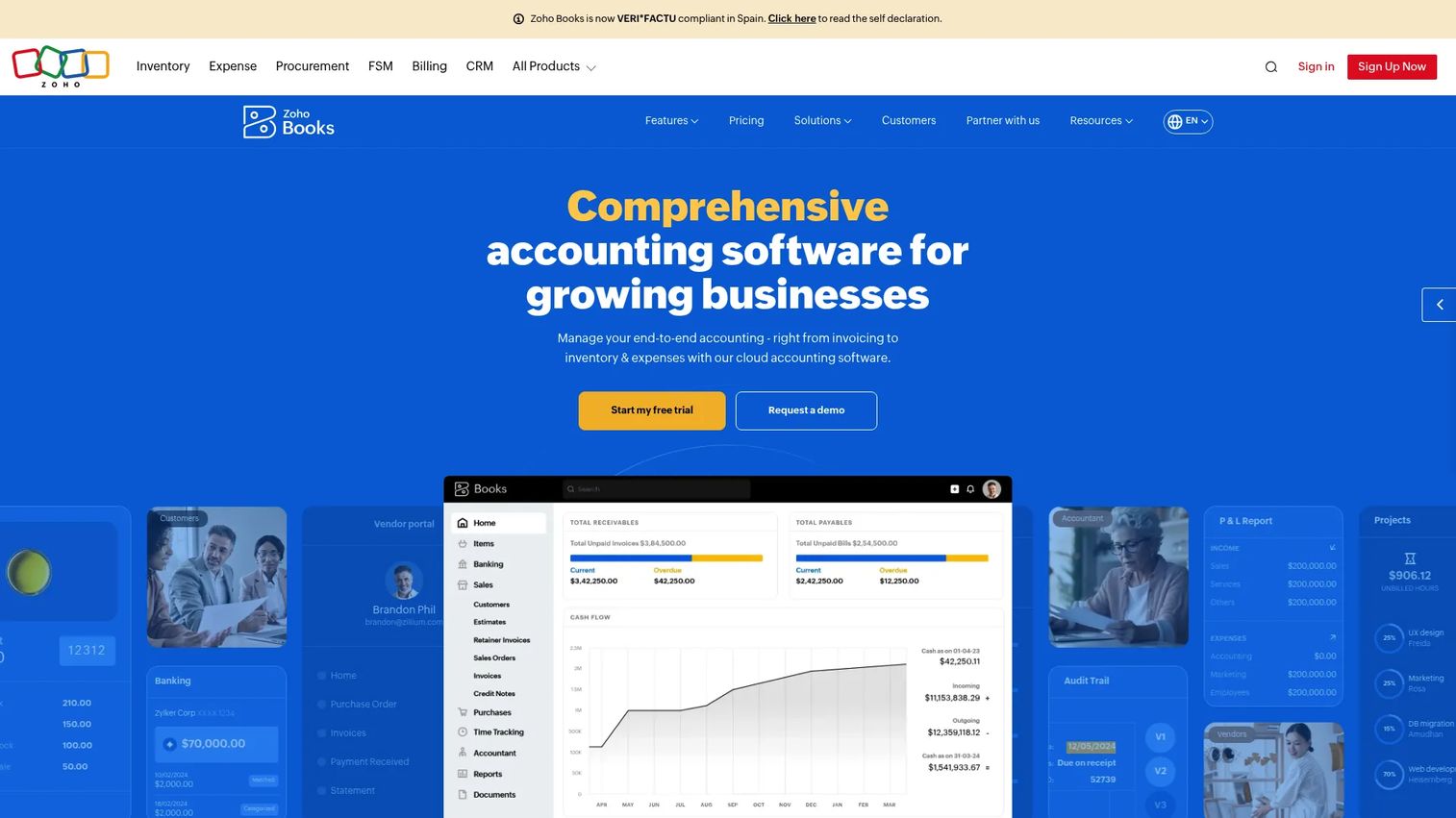
Zoho Books is cloud accounting software for small businesses and growing companies, and it delivers a lot of tool for the money. It covers invoicing and billing, bank reconciliation, and inventory and project accounting, plus tight integration with the wider Zoho ecosystem. For cost-conscious teams that still want a serious accounting tool, it is one of the strongest values on this list.
Best for: budget-minded businesses that want affordable, all-in-one bookkeeping and invoicing without giving up depth.
Key strengths
- Value pricing with a free plan: a genuine free tier plus low-cost paid plans make it easy to start and scale.
- Automated invoicing and bank reconciliation: recurring invoices, payment reminders, and bank feed matching reduce manual work.
- Accountant access and ecosystem fit: invite your accountant in and connect the broader Zoho suite for CRM, inventory, and more.
Why choose Zoho Books: if you want most of what the premium tools offer at a fraction of the accounting software pricing, Zoho Books is the pragmatic pick. It rewards teams already using or open to the Zoho ecosystem.
Zoho Books pricing: Zoho Books offers a Free plan at $0 per organization per month, then Standard at $15, Professional at $40, Premium at $60, Elite at $120, and Ultimate at $240 per organization per month, billed annually. The free plan makes it a strong entry point for small business accounting software free of upfront cost.
6. Wave
Wave leads with free. It offers free accounting and invoicing, receipt scanning with OCR, and paid add-ons for online payments, payroll, and bookkeeping. For freelancers and lean businesses that need real bookkeeping without a monthly bill, Wave covers the core jobs: invoicing, connecting a bank account, and staying tax-ready. It is the clearest free accounting software on this list.
Best for: freelancers and small businesses that need free core bookkeeping and invoicing with room to add paid features later.
Key strengths
- Genuinely free core accounting: invoicing and bookkeeping at no cost, which is rare among serious tools.
- Receipt scanning with OCR: capture and categorize expenses from your phone to keep records clean.
- Bank connection and tax readiness: link your accounts and keep the books organized for filing season.
Why choose Wave: if you are early, lean, and cost-sensitive, Wave gives you real bookkeeping software without a subscription. It is enough for many solo and small operations, and you can add payments or payroll only when you need them.
Wave pricing: the Starter plan is free. The Pro Plan is $19/mo billed monthly or $190/year billed annually, and the Receipts feature is a separate add-on at $8/month or $72/year. Payroll and Wave Advisors are additional paid offerings.
7. NetSuite
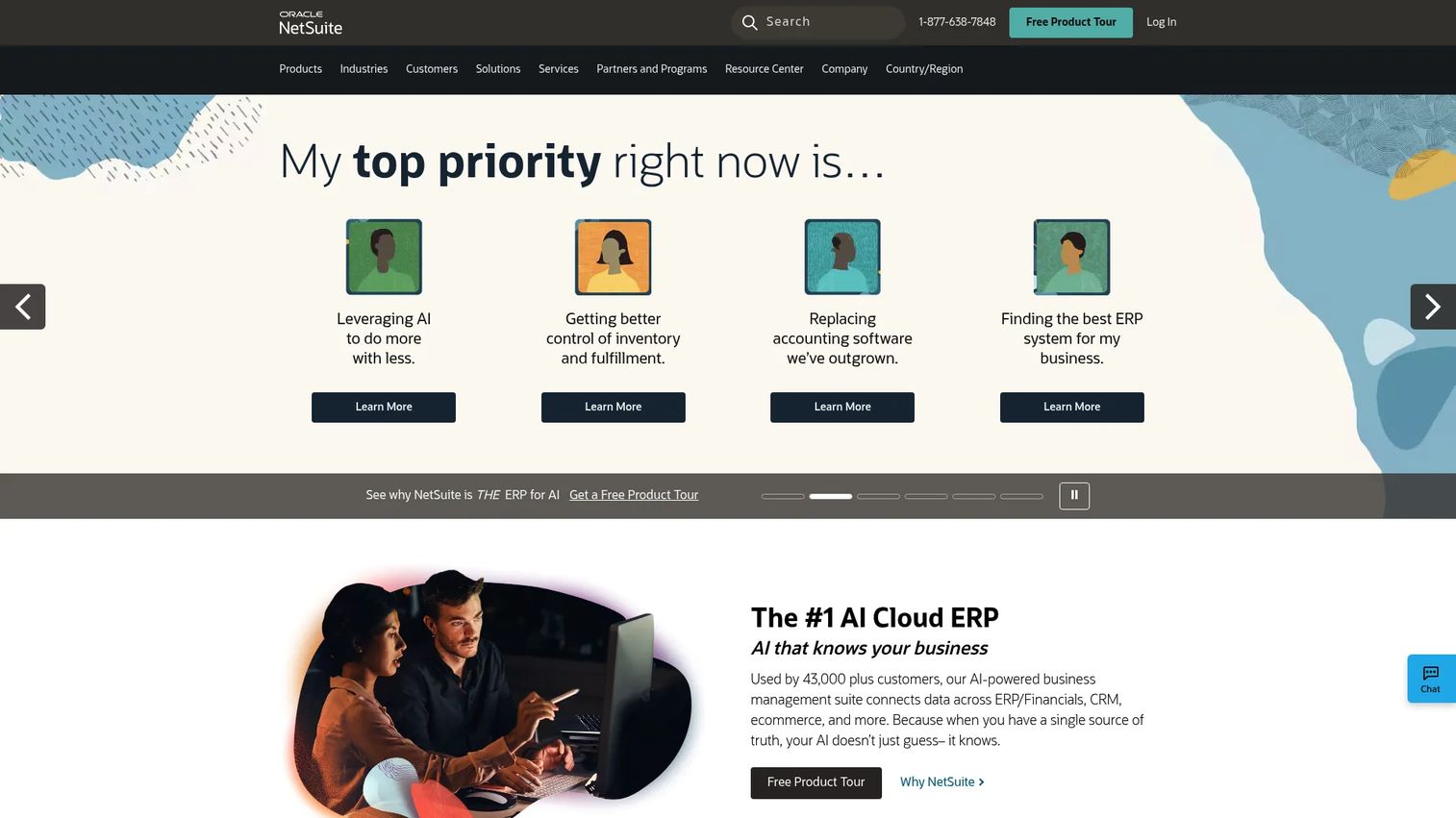
NetSuite is a cloud ERP and business management suite that reaches well beyond accounting into ERP financials, CRM, and inventory and fulfillment. It is the right answer only when your company has real complexity: multiple entities, heavy consolidation needs, or a requirement for a finance system that connects operations end to end. For teams that have outgrown standard SMB accounting, NetSuite is the platform they consolidate onto.
Best for: mid-market companies that need a unified cloud ERP where finance, operations, and reporting live in one system.
Key strengths
- ERP-grade financials: deep general ledger, consolidation, and reporting for complex, multi-entity finance.
- Multi-user access across functions: finance, operations, and leadership work in one system with role-based access.
- Reporting and consolidation depth: board-grade financial reporting and real-time visibility across the business.
Why choose NetSuite: when spreadsheets and standard accounting tools can no longer hold your complexity, NetSuite unifies the stack. It is a bigger commitment, and it fits companies scaling into multiple entities or operational finance.
NetSuite pricing: NetSuite does not publish public pricing. Plans are quoted based on modules, users, and requirements, so expect a sales conversation and an implementation timeline. It carries a G2 rating of 4.1/5.
Considerations before you buy
Before you commit, run each shortlisted tool through these checks. They map to what a founder and a finance lead actually need.
Security and access control
Financial data is sensitive, so verify the basics. Look for role-based access, multi-factor authentication, encrypted data, regular backups, and audit trails that log who changed what. These controls matter more as you add users and prepare for due diligence, where auditability becomes a real gate.
Bank feeds and reconciliation
The whole point of cloud accounting is that the books stay current. Confirm how reliably the tool connects to your banks and payment processors, and how easily it matches transactions. Weak bank reconciliation means someone is back in a spreadsheet, which defeats the purpose.
Reporting depth
Ask whether the software supports the reporting you actually need: monthly close, board-ready profit and loss and cash flow, and department or entity views. Lightweight tools handle the basics well; scale-ready systems like Sage Intacct and NetSuite add consolidation and dimensional reporting.
Integrations and accountant access
Check that the tool fits your current stack, including payroll, payments, and CRM. Confirm your bookkeeper or accountant can work inside it directly through accountant access, so month-end close is a shared workflow rather than a founder task. Strong accounting software integrations keep data clean without manual re-entry.
Pricing and growth path
Confirm the price at your current size and what happens as you add users, entities, or move upmarket. A cheap entry tier that balloons at scale can cost more than a mid-range tool that grows with you. Match accounting software pricing to your two-year trajectory, not just this quarter.
Conclusion
The right pick depends on your stage, not a universal winner. Here is the shortlist by company profile.
- QuickBooks for broad SMB coverage and the deepest integration ecosystem.
- Xero for collaboration and clean cloud-first workflows with your accountant.
- Sage Intacct or NetSuite for teams outgrowing basic accounting and needing consolidation and controls.
- FreshBooks or Wave for simpler, lower-friction use cases and service businesses.
- Zoho Books for the best balance of price and depth.
Your practical next step: pick the two tools that match your tier, start a free trial or free plan, and connect one real bank account plus your last month of transactions. You will learn more from reconciling live data for a week than from any feature list. Involve your finance lead or accountant early, so the tool you choose is one they can own after you hand it off.
Whatever you choose, the goal is the same: clean numbers, faster close, and finance that no longer routes through the founder.
FAQs
Accounting software records, organizes, and reports on a business's financial transactions. It handles invoicing, expense tracking, bill pay, bank reconciliation, cash flow management, and financial reporting, replacing manual ledgers and spreadsheets with a single source of truth. Cloud bookkeeping software adds bank feeds, multi-user access, and integrations so the books stay current automatically.
There is no single winner; the best choice depends on your stage. QuickBooks fits growing teams that want the broadest ecosystem, Xero suits founders who collaborate with accountants, Wave works for lean and cost-sensitive businesses, and Zoho Books balances price and depth. Match the tool to your size, complexity, and reporting needs.
Free accounting software like Wave or the Zoho Books free plan is often enough early on, when transaction volume is low and one person owns the books. The tradeoff is depth: free tiers usually limit multi-user access, advanced reporting, and integrations. Upgrade once you hire finance, add users, or need board-grade reporting.
Prioritize invoicing, reliable bank feeds and bank reconciliation, financial reporting, and access controls. For a growing team, also weigh accounting software integrations, multi-user access, accountant access, and audit trails. These determine whether the tool stays clean as you scale and whether you can hand it off to a finance lead.
QuickBooks wins on ecosystem size and familiarity, since most accountants already use it and nearly every finance tool integrates with it. Xero wins on collaboration, with a cloud-first workflow built for founders and advisors to share one live ledger. Choose QuickBooks for the safest default and largest integration surface, Xero for cleaner accountant collaboration.
Upgrade when you need multi-user access with role-based permissions, board-grade financial reporting, or consolidation across multiple entities. Other triggers include a monthly close that keeps slipping, an upcoming fundraise or audit, and a finance hire who needs real controls. That is when platforms like Sage Intacct or NetSuite earn their cost.
Yes, if you plan to work with a bookkeeper or external accountant. Accountant access lets them work directly in your live books, which speeds up month-end close and removes the founder from the middle of every exception. Xero and Zoho Books both make advisor collaboration a core part of the workflow.
Reputable cloud accounting software encrypts data in transit and at rest, offers multi-factor authentication, and maintains regular backups. Look for role-based access and audit trails so you can see who changed what, which matters during due diligence and audits. Confirm these controls before you store financial data in any tool.