
You need three nines of uptime, a carrier ecosystem that keeps latency low, physical security that passes an audit, and a cost structure your finance team can defend. Every one of those requirements pulls in a different direction, and the wrong colocation provider locks you into a facility you outgrow in eighteen months.
Colocation services let you place your own hardware inside a third-party data center while the provider handles power, cooling, physical security, and connectivity. You keep control of the servers. They keep the building running. That split is why colocation still wins for workloads that need dedicated performance, specific compliance postures, or predictable long-term cost that public cloud struggles to match.
The market backs up the demand. The global data center colocation market is projected to grow from $99.2 billion in 2026 to $184.4 billion by 2033, a 9.3% CAGR, according to Grand View Research (2026). North America alone accounts for roughly 38 to 45% of that revenue, per Grand View Research (2025). Capacity is tight, power is scarce, and picking the right colocation service provider now shapes what your infrastructure can do for the next decade.
If you are a presales leader or technical buyer building the case for a colocation deployment, the evaluation looks a lot like any hard technical validation: you need proof, not promises. The same way sales engineers lean on hands-on formats like a sandbox to let buyers validate fit before committing, you want to pressure-test facilities, contracts, and connectivity before you sign. This guide is that pressure test.
What's inside
This guide is for teams evaluating colocation providers: technical buyers, infrastructure architects, and the presales leaders who support those decisions inside a larger sale. It is a buyer's shortlist, not a definition-only explainer.
We selected and structured this list using six criteria that matter most when you are comparing colocation facilities: footprint and geographic reach, reliability and redundancy, connectivity and interconnection depth, physical security and compliance, operational support like remote hands, and scalability across footprint and power density. Three entries are decision frameworks rather than providers, because choosing well matters as much as knowing the names.
TL;DR
- Best overall for interconnection depth: CoreSite, for its native cloud onramps and dense carrier ecosystem.
- Best for high-density and hybrid IT: Flexential, for high-power deployments across a broad multi-market footprint.
- Best for educational buyers who need the basics: DataBank for hybrid infrastructure breadth, and Fortinet as a glossary-style reference for what colocation is and how it works.
- Best for transparent small to mid-size pricing: InterServer, with a public pricing tool for single servers through full racks.
- Best decision aids: the provider selection checklist, the colocation vs cloud breakdown, and the security considerations section will keep your shortlist honest.
Presales and technical evaluation teams that live in tools like Guideflow for demos and validation will recognize the pattern here: shortlist, criteria, proof.
Background
Colocation is a service where you own the physical servers and networking hardware while a third-party provider supplies the data center space, power, cooling, physical security, and network connectivity to run them. That is the colocation definition in one sentence, and it explains the whole model.
Here is how colocation services work in practice. You buy or already own your hardware. The provider gives you space measured in rack units, full racks, cages, or private suites inside a colocation data center. They deliver conditioned power with redundancy, precision cooling, fire suppression, and layered physical security. You connect to their carrier ecosystem for internet transit and direct cloud onramps. When you cannot send staff on-site, remote hands technicians perform physical tasks like reboots, cabling, and hardware swaps on your behalf.
Service tiers scale with your needs. A few rack units suit a small deployment. Cage colocation gives you a physically segregated area. Private suites and wholesale colocation serve large enterprises that need dedicated space and power blocks. Edge colocation places smaller footprints closer to end users for low-latency workloads. Across all of these, colocation supports hybrid IT, disaster recovery, and business continuity strategies.
Key features to understand before you compare data center colocation providers:
- Uptime and redundancy: N+1 or 2N power and cooling, and the SLA that backs it.
- Physical security controls: multi-factor access, surveillance, mantraps, and biometric entry.
- Carrier choice and interconnection: how many networks and cloud providers you can reach on-net.
- Scalability by footprint and density: whether you can grow from a rack to a suite without moving.
- Remote support options: availability and pricing of remote hands and managed services.
- Compliance and certifications: SOC 2, ISO 27001, PCI DSS, HIPAA, and the audit reports to prove them.
When to use
Colocation is not the answer to every infrastructure question. It wins in specific situations. Pattern-match your workload to one of these before you shortlist.
Use colocation when uptime and continuity matter
If downtime carries real cost, revenue lost per minute, SLA penalties, or regulatory exposure, facility resilience matters more than fully outsourcing the stack. Colocation facilities are built around redundant power, cooling, and network paths with uptime SLAs you can contract against. You keep control of the hardware while inheriting a building engineered for continuity and disaster recovery.
Use colocation when you need more control than cloud
Owning the hardware still makes sense for specialized performance, GPU-dense compute, custom networking, strict data residency, or security configurations you cannot fully control in a shared cloud tenant. Colocation gives you bare-metal control and predictable long-term cost while offloading the facility burden you should not be running yourself.
Use colocation when your team needs geographic reach
Multi-market footprints support low-latency access to users, regional resilience across separate failure domains, and closer placement to partners or exchange points. If your users are distributed or your compliance rules require in-region data, a provider with the right map matters as much as the right rack.
Comparison table
The table below summarizes the four providers and four decision frameworks in this guide. Providers are quote-based unless they publish a public rate. G2 ratings are shown where a credible current product rating exists.
| # | Product | Intent | Key differentiation | Pricing | G2 rating |
|---|---|---|---|---|---|
| 1 | CoreSite | Interconnection-first colocation | Native cloud onramps, Open Cloud Exchange, dense carrier ecosystem | Quote-based | 4.8/5 |
| 2 | Flexential | High-density and hybrid IT | High-power deployments, broad multi-market footprint | Quote-based | 3.6/5 |
| 3 | DataBank | Hybrid infrastructure breadth | Colocation plus cloud, bare metal, and managed services | From $650/mo (bare metal); colocation quote-based | verify |
| 4 | Fortinet | Category education reference | Glossary-style explanation of colocation and security | N/A | 4.4/5 |
| 5 | Provider selection checklist | Buyer decision framework | What to verify before you sign | N/A | N/A |
| 6 | Colocation vs cloud | Deployment model comparison | When colocation beats cloud and when it does not | N/A | N/A |
| 7 | Security considerations | Evaluation framework | Facility vs customer responsibility split | N/A | N/A |
| 8 | Deployment types | Configuration guide | Rack, cage, suite, wholesale, and edge | N/A | N/A |
1. CoreSite
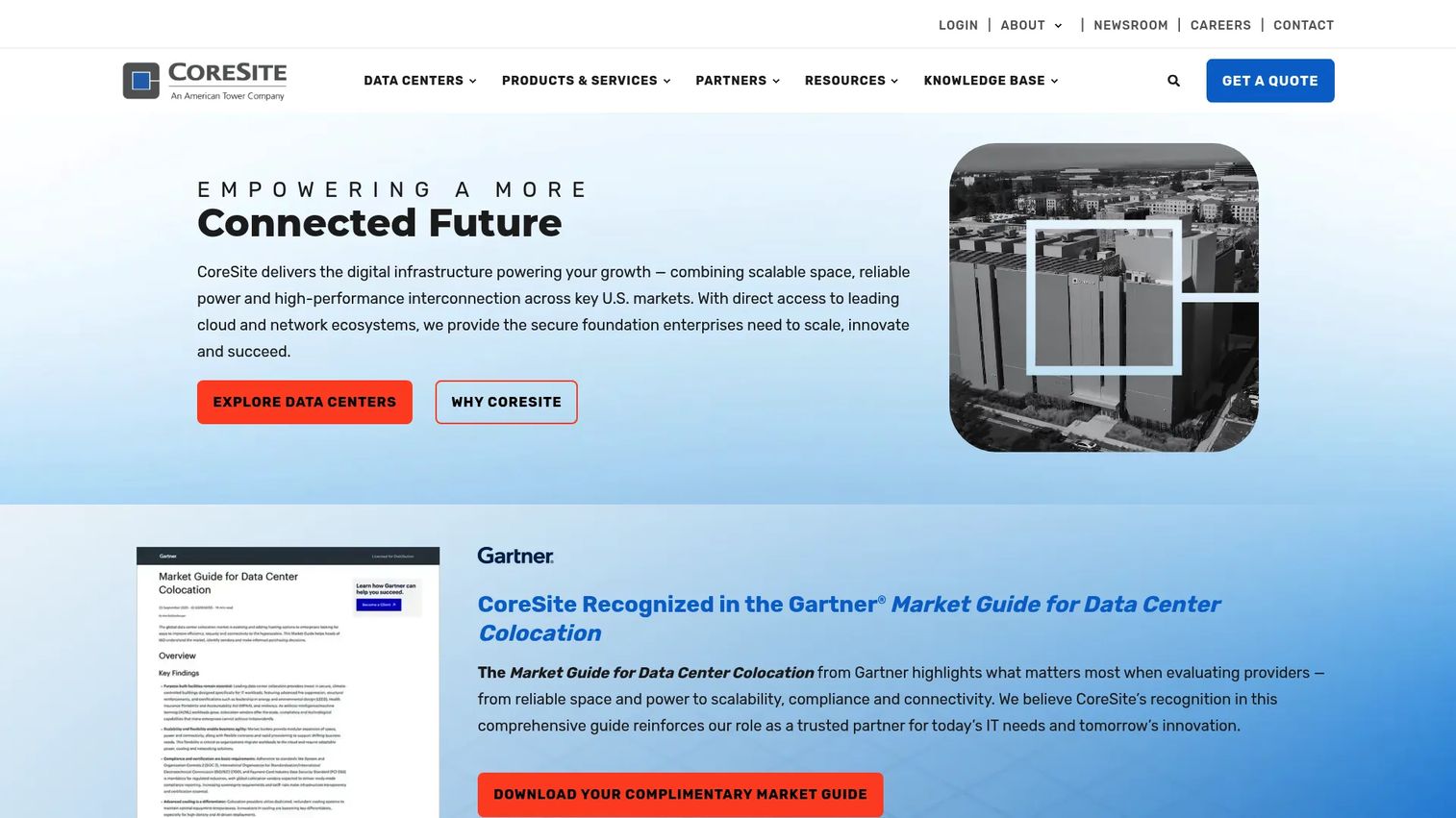
CoreSite is a U.S. data center and interconnection provider offering colocation, native cloud onramps, and network connectivity across major metros. Its whole pitch centers on connectivity: if your workloads depend on low-latency access to clouds, carriers, and peering partners, CoreSite is built for that. The Open Cloud Exchange (OCX) lets you provision direct, software-defined connections to major cloud providers without hauling traffic across the public internet.
Best for: Enterprises that need highly connected colocation and cloud interconnection in major U.S. markets.
Key strengths
- Interconnection density: Direct on-net access to a large ecosystem of carriers, clouds, and networks in each market.
- Native cloud onramps: OCX provisions private, software-defined cloud connectivity for hybrid architectures.
- Reliability posture: Strong uptime record and certifications that hold up in enterprise procurement and audit.
Why choose CoreSite: If interconnection is the deciding factor, this is the strongest fit on the list. Teams building hybrid IT architectures that span colocated hardware and multiple public clouds get the shortest, most controllable network paths here. The trade-off is footprint: CoreSite concentrates on major U.S. interconnection hubs rather than blanketing every regional market.
CoreSite pricing: CoreSite does not publish public colocation pricing. Rates depend on space, power draw, and the interconnection services you attach, so you request a quote. Its G2 rating sits at 4.8/5, among the strongest for any provider in this category.
2. Flexential
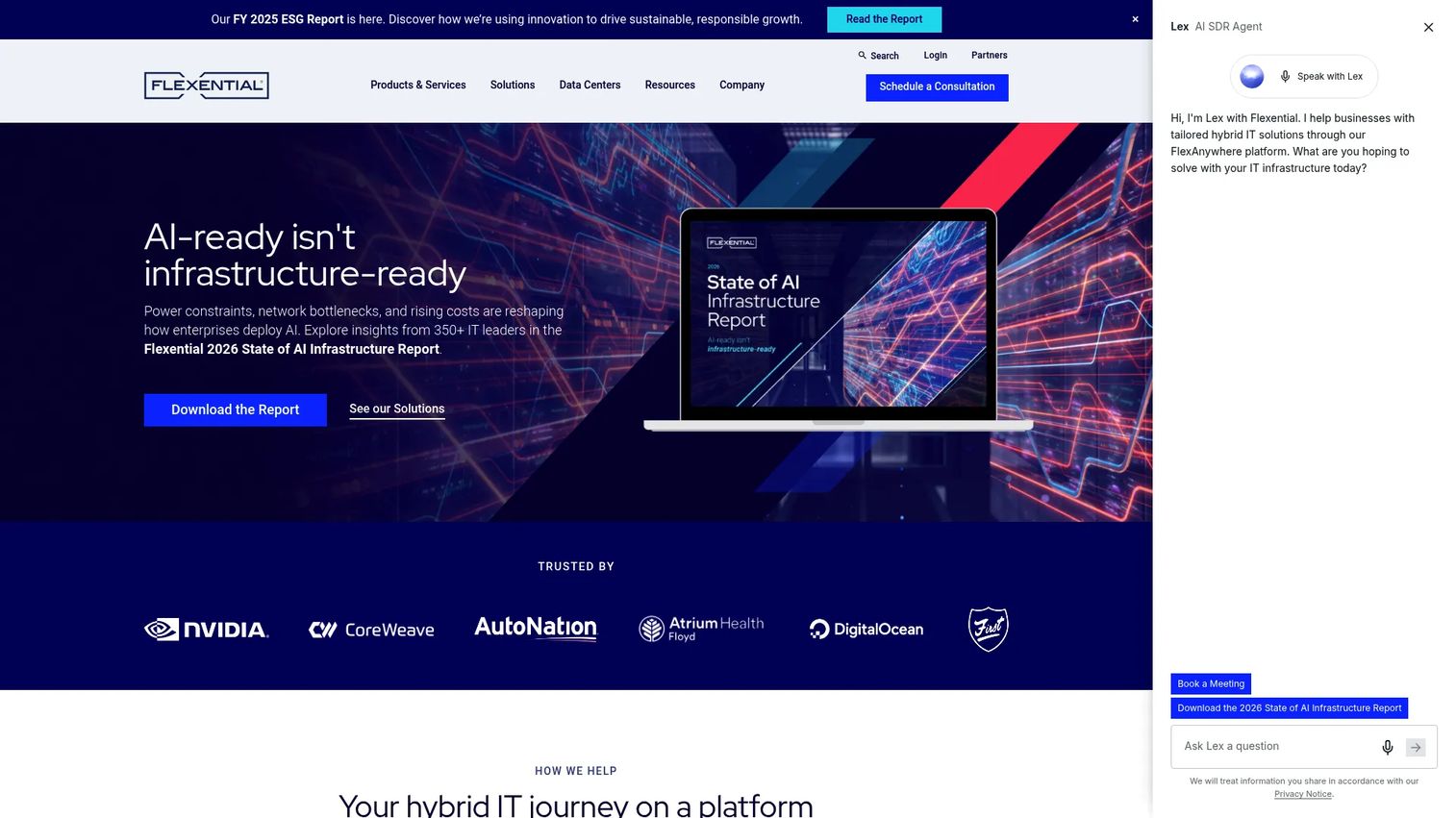
Flexential is a U.S. data center and hybrid IT provider focused on colocation, interconnection, cloud, data protection, and professional services. Its strength is flexibility across a broad footprint. If you need high-density power in one market and a disaster recovery site in another, Flexential supports both from a single relationship, with connectivity services that tie colocated hardware to public clouds.
Best for: Enterprises needing customized colocation and hybrid IT infrastructure across multiple markets.
Key strengths
- High-density support: Handles high-power deployments that many older colocation facilities cannot cool or feed.
- Broad footprint: Multi-market presence supports regional resilience and workload placement flexibility.
- Hybrid IT services: Interconnection, cloud, and data protection wrap around the core colocation offering.
Why choose Flexential: This fits hybrid IT teams that want one provider spanning colocation, cloud connectivity, and data protection rather than stitching together several vendors. The consultative model means you get workload placement guidance, which helps when you are deciding what stays on colocated hardware and what moves to cloud. Its G2 seller rating is 3.6/5.
Flexential pricing: Flexential does not list public pricing. It routes buyers to request a quote so it can scope power, density, footprint, and services to your workload. Expect a consultation before you see numbers.
3. DataBank
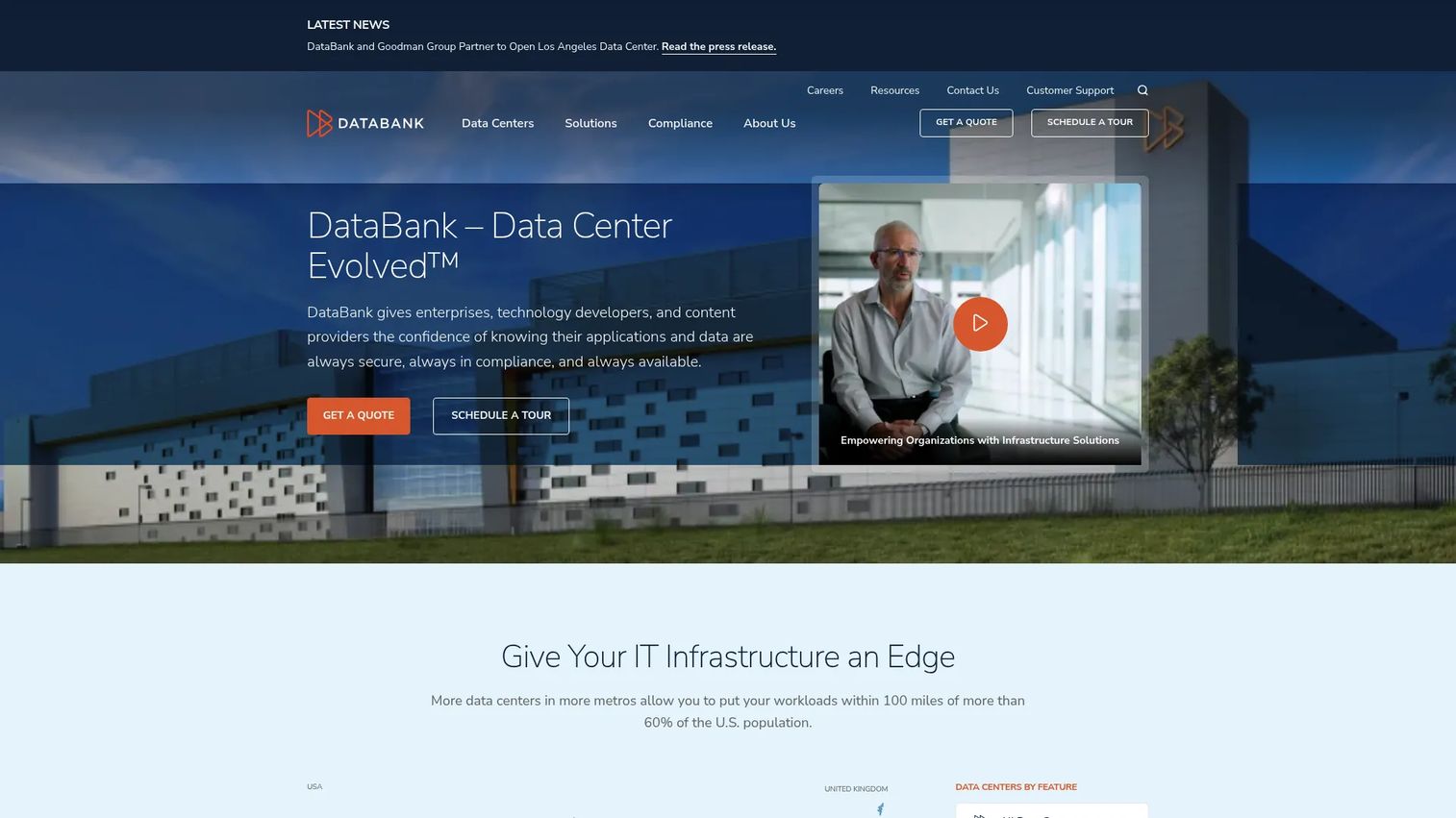
DataBank is a hybrid infrastructure provider offering colocation, cloud, bare metal, interconnection, and managed services. It fits buyers who want a broad services menu and a partner for colocation plus adjacent infrastructure planning. If you are not sure yet whether a workload belongs on colocated hardware, bare metal, or a managed cloud platform, DataBank can host the conversation because it sells all three.
Best for: Enterprises needing hybrid data center, cloud, and bare metal infrastructure under one roof.
Key strengths
- Service breadth: Colocation, high-density space, cloud, and bare metal from a single provider.
- Deployment flexibility: Supports rack, cage, suite, and wholesale configurations as you scale.
- Customer portal: A single interface for monitoring, tickets, billing, and scheduling remote hands.
Why choose DataBank: Pick DataBank when you value optionality and want room to shift workloads between colocation, bare metal, and cloud without changing vendors. That breadth suits teams still mapping their hybrid IT strategy. It is also useful when you need a provider that can grow with you from a single rack to a private suite.
DataBank pricing: DataBank publishes public pricing for select bare metal server configurations, starting at $650/month for a c1.small, $1,160/month for a c1.medium, and $2,575/month for an s1.large. Broader colocation offerings are quote-based and scoped to your footprint and power needs.
4. Fortinet
Fortinet is a cybersecurity company offering a unified security and networking platform, not a colocation provider you would rent rack space from. It earns a spot on this list as a category education reference. If you are early in the journey and still asking "what is colocation," Fortinet's glossary-style content explains the model, the types, and the security implications in plain terms before you evaluate vendors.
Best for: Readers who need a clear, vendor-neutral explanation of colocation and its security model before shortlisting providers.
Key strengths
- Clear definitions: Explains colocation, how it works, and the deployment types without vendor spin.
- Security framing: Covers the physical and network security dimensions that matter in a colocation data center.
- Networking depth: Fortinet's core expertise means its security and networking explanations carry weight.
Why choose Fortinet as a reference: Use it to level-set your team before provider conversations. When a stakeholder needs to understand the difference between facility security and the network security you still own, a neutral explainer saves you a meeting. Its overall G2 rating is 4.4/5, reflecting its security platform rather than any colocation service.
Fortinet pricing: Not applicable to colocation. Fortinet's own security products are quote-based and scoped to your environment. There is no rack space to buy here.
5. Colocation services provider selection checklist
This section is a decision framework, not a vendor profile. Before you sign with any colocation service provider, verify every item below. The gaps you find in a sales call are the gaps that hurt you in year two.
Uptime and redundancy
- Confirm the SLA in writing, including credits and how downtime is measured.
- Ask whether power and cooling are N+1, 2N, or better, and request the single points of failure.
Security controls and compliance
- Request current SOC 2 Type II, ISO 27001, PCI DSS, or HIPAA reports relevant to your workload.
- Walk the access control layers: perimeter, building, cage, and cabinet.
Network ecosystem and carrier options
- Count the carriers and cloud onramps available on-net in your target facility.
- Confirm whether you can add interconnection later without a physical migration.
Remote hands and managed support
- Clarify remote hands availability, response times, and how billing works.
- Ask what managed services are available if your team is thin on-site.
Scalability and future density
- Confirm you can grow from your current footprint to a cage or suite in the same facility.
- Verify the maximum power density per rack, because high-density workloads outgrow legacy facilities fast.
Run this checklist against every shortlisted provider. The one that answers all of it cleanly is usually the one you want.
6. Colocation vs cloud
The colocation vs cloud question is not either-or for most teams. It is about matching each workload to the right model. Here is how the two compare on the dimensions that decide it.
| Dimension | Colocation | Cloud |
|---|---|---|
| Control | Full control of your own hardware and networking | Provider controls the underlying infrastructure |
| Cost structure | Predictable fixed cost, capital plus recurring | Variable operating cost that scales with usage |
| Compliance | Easier to prove data residency and hardware control | Depends on provider certifications and shared responsibility |
| Scalability | Scale by adding hardware and space | Near-instant elastic scaling |
| Performance | Dedicated, bare-metal performance | Shared tenancy with configurable dedicated options |
| Operations | You manage hardware; provider manages facility | Provider manages nearly everything |
Colocation is the better fit when you have steady, predictable workloads, need dedicated performance, own hardware you want to keep using, or face compliance rules that favor physical control. Cloud is the cleaner answer when demand is spiky, you want to avoid capital expenditure, or you need to spin capacity up and down fast. Most mature infrastructure teams run both, which is exactly why hybrid IT and strong interconnection between colocation and cloud matter so much.
7. Colocation security considerations
Security in a colocation data center is a shared responsibility, and the split is where buyers get burned. The provider secures the facility. You secure your hardware, operating systems, and data. Confusing the two leaves gaps.
What the facility secures
- Physical layers: Perimeter fencing, mantraps, biometric access, and 24/7 on-site staff.
- Surveillance: CCTV coverage with retained footage across entry points and data floors.
- Environmental protection: Fire detection and suppression, leak detection, and climate control.
- Access control: Role-based entry down to the cage or cabinet, with audit logs.
What you still own
- Server hardening, patching, and OS-level security.
- Network security, firewalls, and encryption in transit and at rest.
- Access management for your own administrators.
- Data governance and compliance for what runs on your machines.
Practical questions to ask during vendor evaluation: How is cabinet-level access controlled and logged? What compliance certifications do you hold and can I see the audit reports? How do you handle escorted versus unescorted access? What happens to surveillance footage and for how long is it retained? A provider that answers these crisply is a provider that takes security as seriously as you do.
8. Colocation deployment types
Colocation is not one product. The configuration you choose sets your cost, your physical isolation, and how far you can scale in place. Match the deployment type to your footprint and growth curve.
- Rack space: You rent rack units or a full rack. Best for small deployments and teams starting out. Minimal physical isolation, shared aisles, lowest entry cost.
- Cage colocation: A physically enclosed, lockable area for your racks. Best for mid-size deployments needing separation from other tenants for security or compliance.
- Private suite: A dedicated, walled room. Best for large enterprises that need isolation, custom layouts, and their own controlled environment inside the facility.
- Wholesale colocation: Large blocks of space and power, often a data hall or building. Best for hyperscale-adjacent workloads and organizations consuming megawatts of power.
- Edge colocation: Smaller footprints in distributed, regional locations. Best for latency-sensitive workloads that need to sit close to end users or local data sources.
Choosing the right configuration comes down to three questions: How much power density do you need, how much physical isolation does compliance require, and how fast will you grow? Start one tier below where you think you will land and confirm you can expand in the same facility. Migrating between buildings is the expensive mistake.
Conclusion
The best colocation service is the one that matches the problem you are actually solving. If interconnection and low-latency cloud access drive the decision, CoreSite leads. If you need high-density power and hybrid IT flexibility across markets, Flexential fits. If you want a single partner spanning colocation, bare metal, and cloud, DataBank gives you that breadth. For transparent small to mid-size pricing, InterServer's public pricing tool is a rare bit of clarity in a quote-heavy market. And if your team is still learning the model, Fortinet's explainer content gets everyone aligned before the first vendor call.
Do not shortcut the evaluation. Run every candidate against the provider selection checklist, weigh colocation against cloud for each workload, and pressure-test the security responsibility split before you sign. The providers that answer cleanly are the ones worth a site visit.
If your work also involves showing complex products to technical buyers and helping them validate fit fast, start your journey with Guideflow today!
FAQs
Colocation is a service where you place your own servers and networking hardware in a third-party data center that supplies the space, power, cooling, physical security, and connectivity. You keep full control of the hardware while the provider runs the facility around it. It sits between running your own data center and renting fully managed cloud infrastructure.
A colocation data center is a facility built to house hardware owned by multiple customers under one roof. It provides redundant power and cooling, layered physical security, fire suppression, and a carrier ecosystem for connectivity. Space is sold as rack units, full racks, cages, private suites, or wholesale blocks depending on your footprint.
You provide the servers, the provider provides everything the servers need to run. They allocate you space and conditioned, redundant power, deliver cooling and physical security, and connect you to their network of carriers and cloud onramps. When you cannot be on-site, remote hands technicians handle physical tasks like reboots, cabling, and hardware swaps for you.
The main types are rack space for small deployments, cage colocation for a physically enclosed area, private suites for dedicated walled rooms, wholesale colocation for large power and space blocks, and edge colocation for smaller footprints placed close to users. Each step up adds physical isolation and scale. You choose based on power density, compliance needs, and growth plans.
Neither is universally better; they solve different problems. Colocation wins for steady workloads, dedicated performance, hardware you already own, and compliance rules that favor physical control with predictable cost. Cloud wins for spiky demand, fast elastic scaling, and avoiding capital expenditure. Most mature teams run a hybrid IT model and use interconnection to link the two.
Verify the uptime SLA and power redundancy, current security certifications and audit reports, the carrier and cloud onramp ecosystem in your target facility, remote hands availability and pricing, and your ability to scale from a rack to a suite in place. The right colocation service provider answers all of these clearly and in writing, not just on a sales call.
Remote hands is the service where the provider's on-site technicians perform physical tasks on your hardware when your team cannot be present. That includes rebooting servers, running or reseating cables, swapping failed components, and reading console output. It reduces travel and lets small teams run distributed colocation facilities without staffing every site.
Colocation gives you a home for the workloads that belong on dedicated hardware while interconnection and cloud onramps link that hardware to public cloud services. That lets you keep compliance-sensitive or performance-critical systems on colocated servers and burst or scale other workloads in the cloud. Strong carrier density and low-latency connectivity are what make the hybrid model perform.