Your shared inbox is a mess. Three people replied to the same customer. Two emails sat unanswered for days. Nobody knows who's handling what.
This is the reality for most teams still managing support@, sales@, or billing@ through a basic Gmail or Outlook shared mailbox. The inbox becomes a black hole where accountability disappears and response times balloon. Shared inbox software exists to fix exactly this, but with dozens of tools on the market, picking the right one takes more work than it should.
We evaluated 15 shared inbox tools across collaboration features, AI capabilities, pricing transparency, multichannel support, and honest trade-offs. Every tool in this list was assessed for a specific use case, not ranked by who has the biggest marketing budget.
What's inside
This guide covers the 15 best shared inbox software tools available in 2026, organized by ideal use case. You'll find a quick comparison table, detailed reviews with pricing and limitations, a feature breakdown, use case mapping by team type, and a step-by-step setup guide. Tools were selected based on feature depth, pricing fairness, team fit, and real-world adoption patterns.
TL;DR
- Best for multichannel at scale: Front handles email, SMS, social, and chat with mature routing and SLA management
- Best for simplicity: Help Scout and SupportBee keep things clean for teams that don't need complexity
- Best for Gmail teams: Hiver and Gmelius add shared inbox features without leaving your Gmail interface
- Best for collaboration: Missive's in-thread chat and shared drafts are unmatched for team-first email workflows
- Best free option: Crisp's free tier is genuinely usable; Freshdesk and Outlook Shared Mailbox also offer no-cost entry points
- AI is the 2026 differentiator: Tools without AI triage, suggested replies, or smart routing are falling behind fast
What is shared inbox software?
Shared inbox software is a tool that lets multiple team members access, manage, and respond to emails sent to a single address (support@, sales@, info@) without sharing passwords or stepping on each other's toes.
It goes beyond what a basic shared mailbox in Gmail or Outlook offers. A standard shared mailbox gives everyone access to the same emails, but it doesn't tell you who's handling what, doesn't warn you when two people are drafting replies to the same message, and doesn't let you leave internal notes or track response times.
Shared inbox tools add the layer that makes team email management actually work: assignment, collision detection, internal notes, automation rules, and analytics. Teams across support, sales, finance, HR, and operations use them to manage addresses like:
- support@
- sales@
- billing@
- info@
- careers@
- invoices@
The gap between a shared mailbox and purpose-built shared inbox software is the difference between "everyone can see the emails" and "everyone knows exactly what to do with them."
Why your team needs shared inbox software in 2026
Eliminate duplicate replies
Collision detection alerts your team when two people are viewing or replying to the same email. Without it, customers get conflicting responses and your team looks disorganized. Most shared inbox tools now include this as a standard feature.
Clear ownership and accountability
Email assignment removes ambiguity. Every message gets an owner, with round-robin auto-assignment distributing load evenly. Managers can see who's handling what without asking in Slack.
Faster response times and SLA management
SLA tracking sets expectations and enforces them. Teams using dedicated shared inbox tools tend to see measurable improvements in first-response times because nothing falls through the cracks.
Internal collaboration without forwarding chains
Internal notes and shared drafts let you discuss a reply before sending it, right inside the email thread. No more forwarding chains or side conversations in a separate channel. Inbox collaboration happens where the work happens.
Full visibility for managers
Analytics dashboards show response times, resolution rates, team workload, and customer satisfaction. This data makes it possible to build a business case for headcount or identify bottlenecks before they become crises.
AI-powered efficiency
In 2026, AI features are becoming table stakes. Auto-categorization, AI-suggested replies, smart triage, and AI drafting help teams handle higher volume without adding headcount. Tools without AI capabilities are starting to feel like they're a generation behind. If you're exploring how AI is reshaping sales workflows more broadly, our guide to the best AI sales tools covers the landscape.
How to choose the best shared inbox software
Before diving into the list, here's what to evaluate. Think of this as your shortlist checklist for team inbox management.
Channel coverage: Do you only need email, or do you also handle SMS, social media, and live chat? Some tools are email-only. Others cover five or more channels.
Collaboration features: Look for internal notes, shared drafts, @mentions, and in-thread chat. These determine how well your team can work together on replies. For teams evaluating how collaboration features work in practice, seeing them in action makes a difference.
Automation and AI: Rule-based routing, auto-tagging, AI triage, and AI-suggested replies separate basic tools from modern ones. AI is the 2026 differentiator.
Integrations: Check for CRM connections (Salesforce, HubSpot), project management (Asana, Jira), communication (Slack), and automation (Zapier). API access matters for custom workflows. The ability to integrate with your existing stack should be a non-negotiable.
Scalability and pricing: Per-user pricing adds up fast. Look for free tiers, transparent pricing, and plans that won't price you out as you grow from 5 to 50 users.
Security and compliance: If you're in healthcare, finance, or handle sensitive data, check for SOC 2, HIPAA, GDPR compliance, and SSO support.
Quick comparison table: 15 best shared inbox software at a glance
| # | Product | Best for | Key differentiator | Starting price | Free plan? |
|---|---|---|---|---|---|
| 1 | Front | High-volume multichannel teams | Omnichannel routing + SLA management | $19/user/mo | No |
| 2 | Help Scout | Customer-centric support | Simple UX + Beacon widget | $50/user/mo | No |
| 3 | Missive | Deep email collaboration | In-thread team chat | $14/user/mo | Yes |
| 4 | Hiver | Gmail-native teams | Works inside Gmail | $19/user/mo | Yes |
| 5 | Freshdesk | Scaling to full helpdesk | 1,000+ marketplace integrations | $15/agent/mo | Yes |
| 6 | HubSpot Service Hub | HubSpot CRM users | CRM-native shared inbox | $15/seat/mo | Yes |
| 7 | Gmelius | Gmail + Kanban workflows | Visual board view for email | $15/user/mo | No |
| 8 | Crisp | Startups wanting all-in-one | Chat + inbox + chatbot + CRM | $29/mo (4 seats) | Yes |
| 9 | Kayako | Customer journey context | Full journey visualization | Contact for pricing | No |
| 10 | ProProfs Help Desk | Budget-conscious small teams | Affordable with solid basics | $20/user/mo | No |
| 11 | HappyFox | IT and internal support | ITIL-ready features | $29/agent/mo | No |
| 12 | SupportBee | Email-only simplicity | Intentionally minimal feature set | $13/user/mo | No |
| 13 | Salesmate | Sales teams | CRM + shared inbox in one | $23/user/mo | No |
| 14 | Outlook Shared Mailbox | Microsoft 365 teams (basic needs) | Free with M365 subscription | Free (with M365) | Yes |
| 15 | Pipefy | Process-heavy operations teams | Workflow automation + email | $24/user/mo | Yes |
15 best shared inbox software tools for 2026
Here's our in-depth look at each tool. Every review covers key features, pricing, ideal use case, and what makes the tool stand out, along with honest limitations.
1. Front - best for high-volume teams needing multichannel support
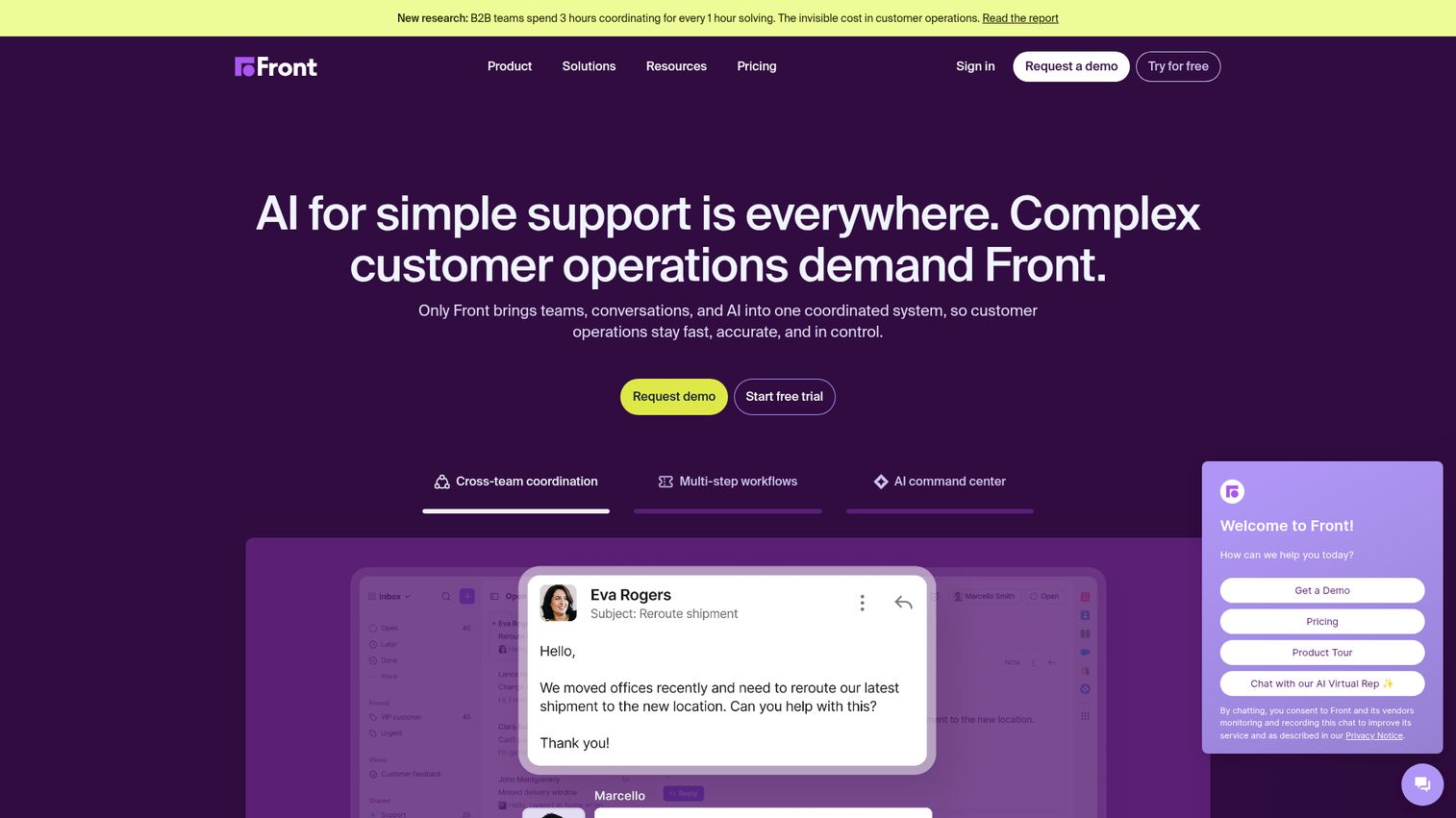
Front is one of the most mature multichannel shared inbox platforms on the market, handling email, SMS, social media, and live chat in a single interface. You can also explore an interactive demo of Front to see the interface firsthand.
Where Front stands out is in its routing and SLA management. For mid-market to enterprise teams processing hundreds or thousands of messages daily, Front's assignment rules, analytics, and shared drafts provide the operational backbone to keep response times consistent. It integrates with Salesforce, Jira, and over 100 other tools, and its collaboration features (comments, shared drafts, @mentions) are polished and reliable.
The trade-off is price. Front's per-user cost is on the higher end, and the more advanced features like SLA management and analytics sit behind premium tiers. For a 3-person team handling 50 emails a day, it's overkill. But for operations and support teams at scale, it tends to justify the investment quickly.
Best for: Mid-market to enterprise support and ops teams with high message volume across multiple channels.
Key strengths
- Omnichannel inbox covering email, SMS, social, and chat
- Mature SLA management and routing rules
- Shared drafts and internal commenting on threads
- 100+ integrations including Salesforce and Jira
- Detailed team performance analytics
Pricing: Starting at $19/user/month (Starter). Growth and Scale plans with advanced features run higher.
2. Help Scout - best for customer-centric support teams
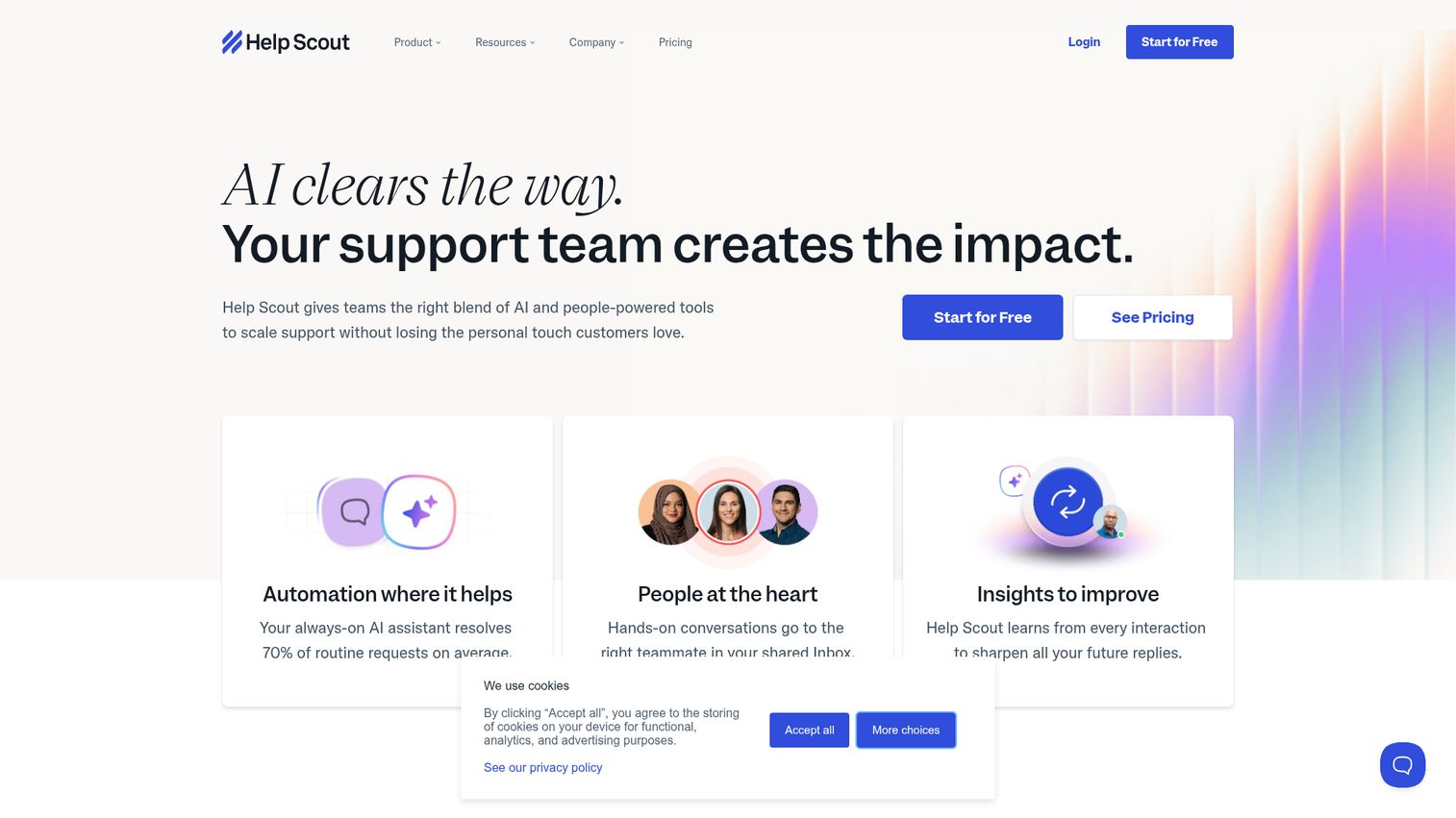
Help Scout has built a reputation for simplicity and customer-first design. Its shared inbox includes collision detection, saved replies, customer profiles, and satisfaction ratings, all wrapped in a clean interface that doesn't overwhelm new users.
The Beacon widget is a standout: it combines live chat, help center access, and proactive suggestions in one embeddable tool. Help Scout also offers Docs (a built-in knowledge base) and AI features including AI Summarize and AI Drafts for faster responses. If you're evaluating dedicated knowledge base solutions alongside your shared inbox, our roundup of the best knowledge base software is worth a look.
The limitation is scope. Help Scout is built for customer support. If you need a shared team inbox for sales, finance, or HR, you'll find it less flexible than tools like Missive or Front. It's also not the cheapest option, with plans starting at $50/user/month.
Best for: SMBs and mid-market support teams who want a clean, simple UX focused on customer communication.
Key strengths
- Beacon widget for in-app help and live chat
- Collision detection and saved replies
- Built-in knowledge base (Docs)
- AI Summarize and AI Drafts for faster replies
- Customer satisfaction ratings and reporting
Pricing: Starting at $50/user/month (Standard plan).
3. Missive - best for teams that live in email and need deep collaboration
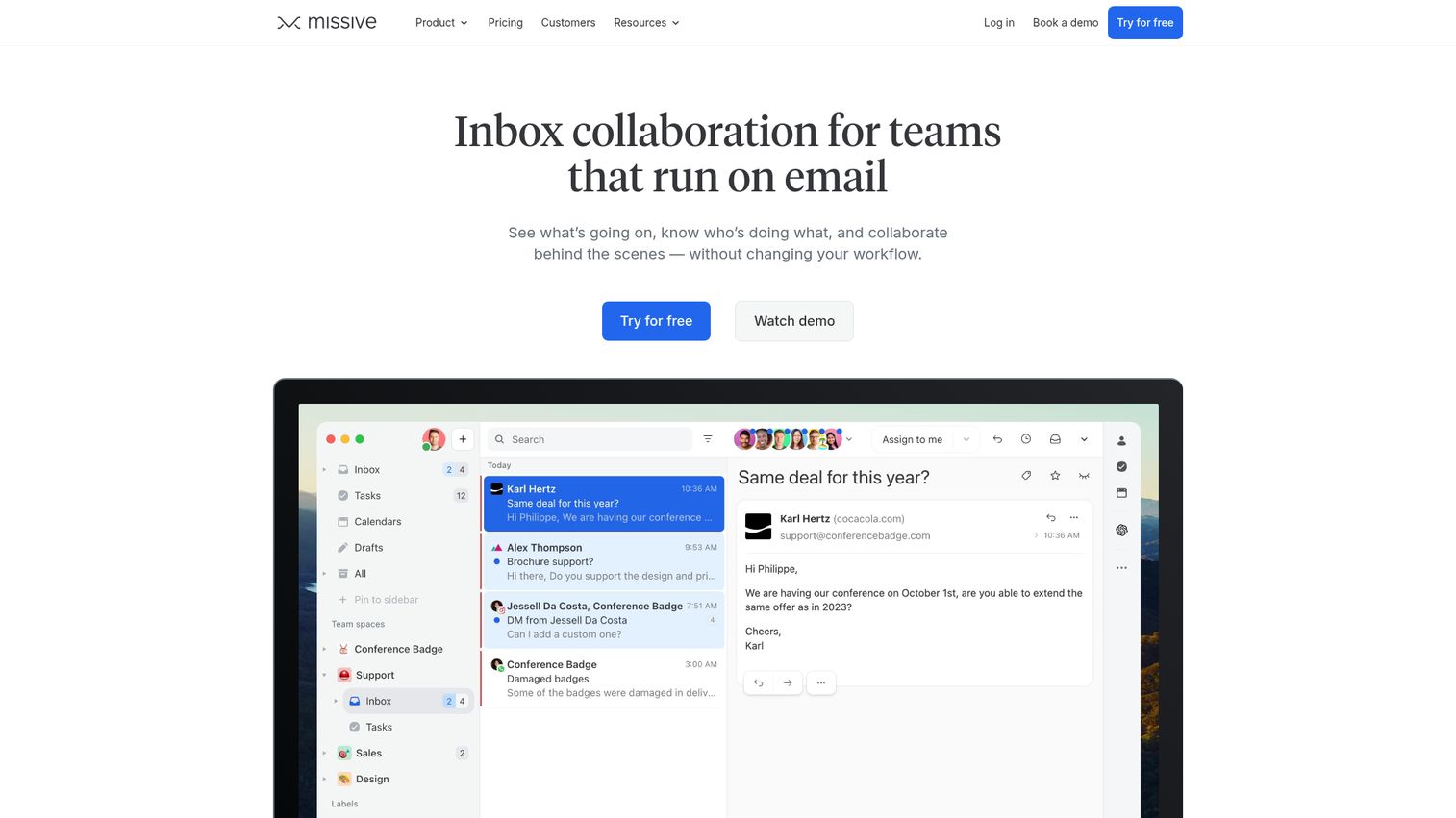
Missive replaces your email client entirely and bakes collaboration into every thread. Its genuine differentiator is in-email chat: your team can have a real-time conversation inside any email thread without the recipient ever seeing it.
Beyond chat, Missive offers shared drafts, shared labels, team inboxes, assignment, internal statuses, rules and automation, and integrations with Salesforce, Shopify, and Zapier. It also includes a calendar. The shared inbox app works across desktop and mobile, making it popular with agencies and remote teams.
The pricing is competitive, with a free plan for small teams. The trade-off is that Missive asks you to switch email clients entirely. If your team is deeply embedded in Gmail or Outlook and resistant to change, the adoption curve may be steeper than expected.
Best for: Teams that want a collaboration-first email client where inbox collaboration happens natively in every thread.
Key strengths
- Real-time in-email chat within threads
- Shared drafts for collaborative reply editing
- Full email client replacement with calendar
- Rules, automation, and integrations (Salesforce, Zapier)
- Competitive pricing with a free plan
Pricing: Free plan available. Paid plans from $14/user/month.
4. Hiver - best shared inbox for Gmail users
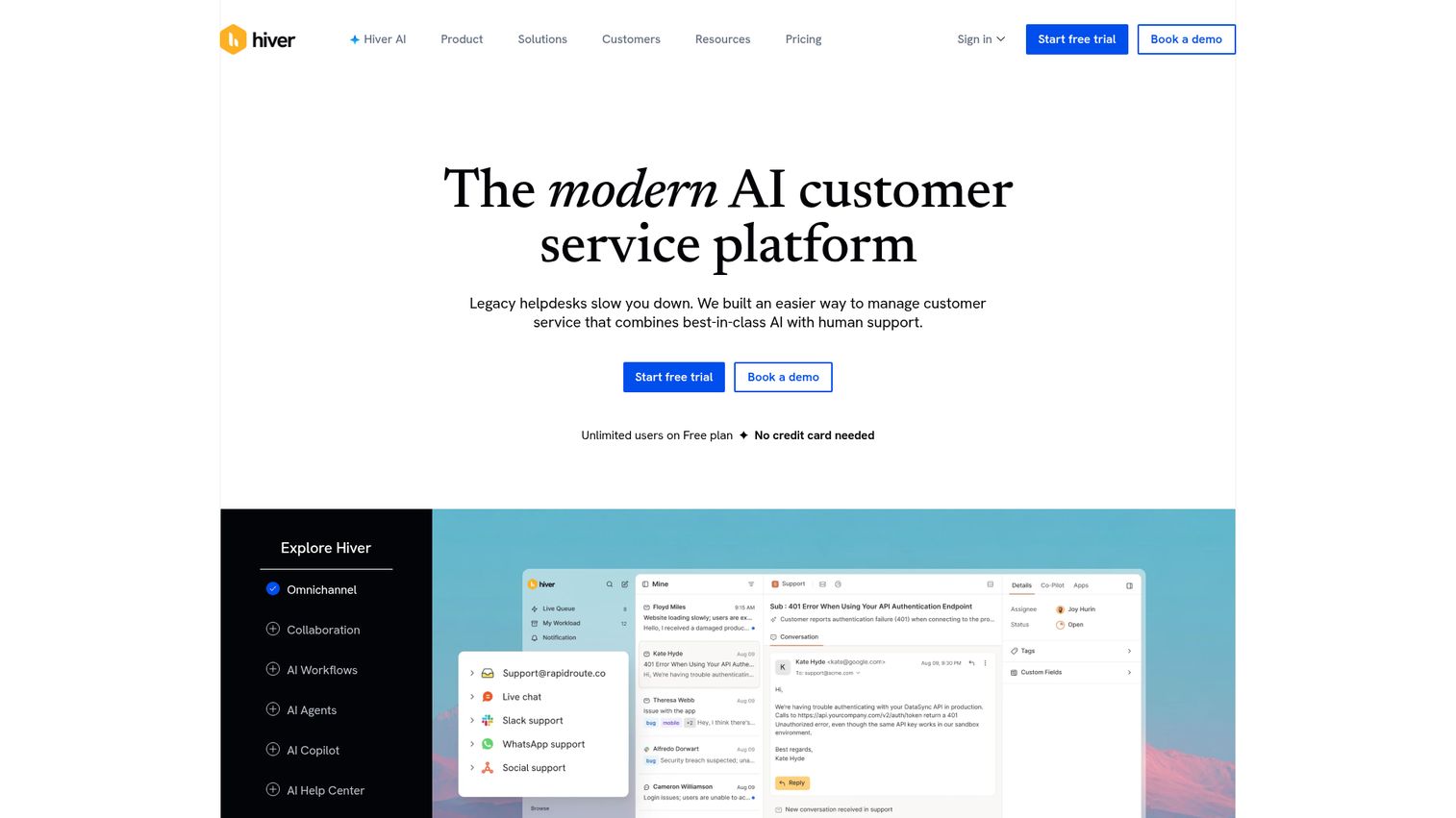
Hiver works inside Gmail. There's no new interface to learn, no new app to adopt. For teams already invested in Google Workspace who resist new tools, Hiver is the lowest-friction option for turning Gmail into a shared inbox for Gmail.
It adds email assignment, collision alerts, email notes, shared drafts, SLA tracking, analytics, and automation rules directly inside the Gmail interface. Hiver also includes AI features through its Harvey AI bot for suggested responses and email categorization.
The limitation is clear: it's Gmail-only. If anyone on your team uses Outlook or another client, Hiver won't work for them. The feature set is also narrower than standalone tools like Front or Missive. But for pure Google Workspace teams, it's hard to beat the adoption speed.
Best for: Teams on Google Workspace who want shared inbox features without leaving Gmail.
Key strengths
- Operates entirely within the Gmail interface
- Email assignment with collision alerts
- Harvey AI bot for suggested replies
- SLA tracking and team analytics
- Automation rules for routing and tagging
Pricing: Free plan available. Paid plans from $19/user/month.
5. Freshdesk - best for teams scaling from email to full helpdesk
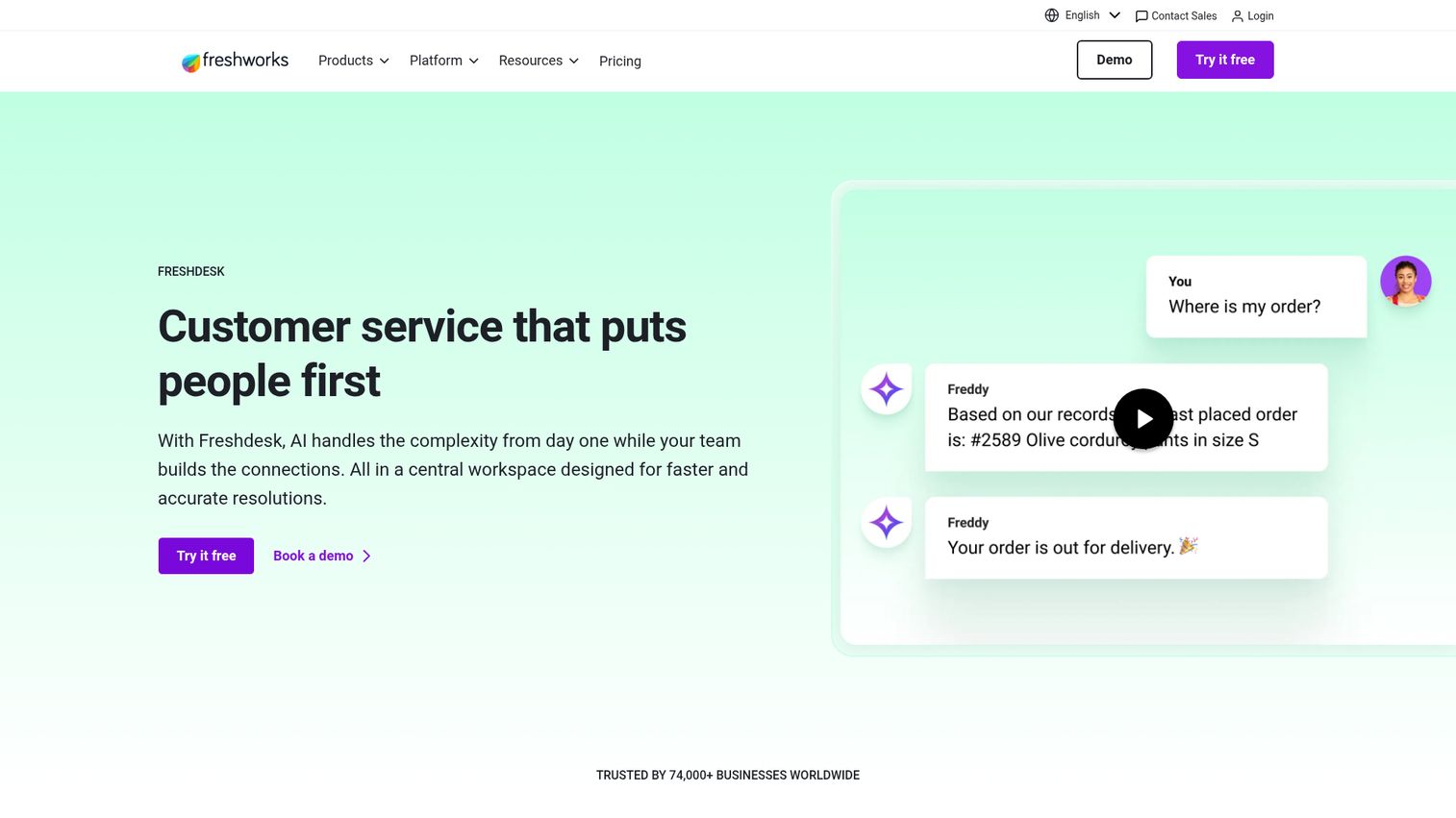
Freshdesk offers a shared inbox as part of a broader helpdesk suite. The real value isn't just the inbox, it's the ecosystem you grow into: ticketing, automation, SLA management, canned responses, collision detection, and multichannel support across email, phone, chat, and social. Check out an interactive demo of Freshworks to explore the platform's interface.
Freshdesk's AI assistant (Freddy AI) handles auto-triage, suggested responses, and ticket routing. The marketplace includes over 1,000 integrations, and there's a genuinely useful free tier for small teams.
The trade-off is weight. If you only need a shared team inbox for email and nothing else, Freshdesk can feel heavy. The interface has more complexity than a focused tool like SupportBee or Help Scout. But if you know your team will grow into ticketing, phone support, and multi-channel workflows, starting here saves a painful migration later.
Best for: Teams that need shared inbox now but will grow into a full helpdesk within 6-12 months.
Key strengths
- Multichannel support: email, phone, chat, social
- Freddy AI for triage and suggested responses
- 1,000+ marketplace integrations
- Free tier for small teams
- SLA management with escalation rules
Pricing: Free plan available. Paid plans from $15/agent/month.
6. HubSpot Service Hub - best for teams already using HubSpot CRM
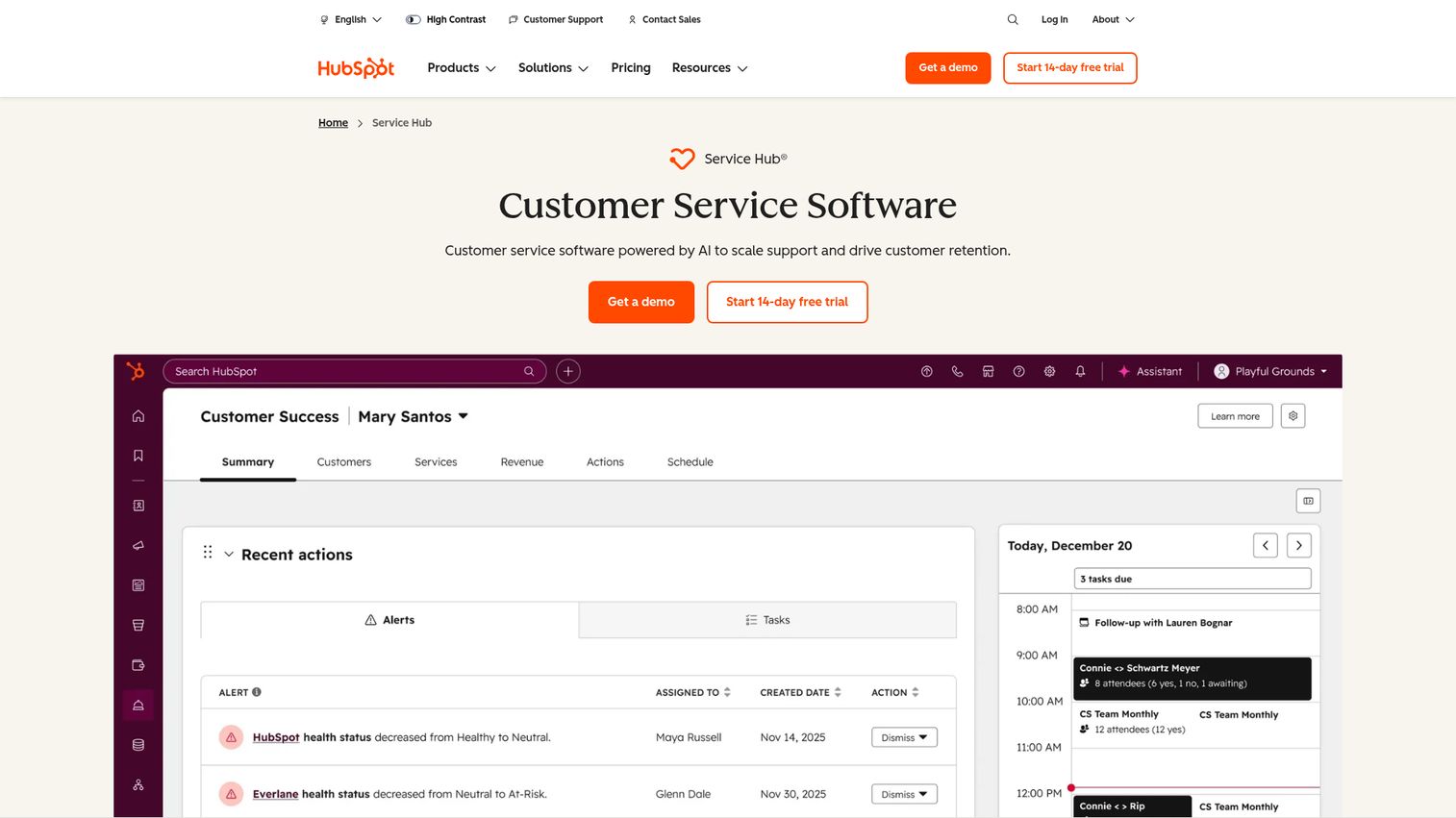
HubSpot Service Hub ties your shared inbox directly to HubSpot CRM. Every email is automatically linked to a contact record, giving your team full customer context without switching tabs. You can see the HubSpot interface in action through this interactive HubSpot demo.
The platform includes ticketing, automation, a knowledge base, live chat, chatbots, SLA management, and reporting. AI features include an AI email writer and conversation intelligence. Free tools are available, with paid tiers scaling up for larger teams. If you're comparing CRM platforms more broadly, our list of the best CRM software covers the full landscape.
Here's the honest trade-off: if you're already a HubSpot shop, this is a no-brainer. The CRM-native shared inbox email experience is genuinely useful. If you're not using HubSpot CRM, the cost and complexity of adopting Service Hub just for shared inbox features probably doesn't justify itself. You'd be better served by a focused tool like Missive or Help Scout.
Best for: Teams already using HubSpot CRM who want shared inbox and customer service in one platform.
Key strengths
- CRM-native inbox with full contact context
- AI email writer and conversation intelligence
- Built-in knowledge base and chatbots
- Ticketing with SLA management
- Free tier available for basic features
Pricing: Free tools available. Paid plans from $15/seat/month (Starter).
7. Gmelius - best for Gmail-based teams wanting Kanban + email
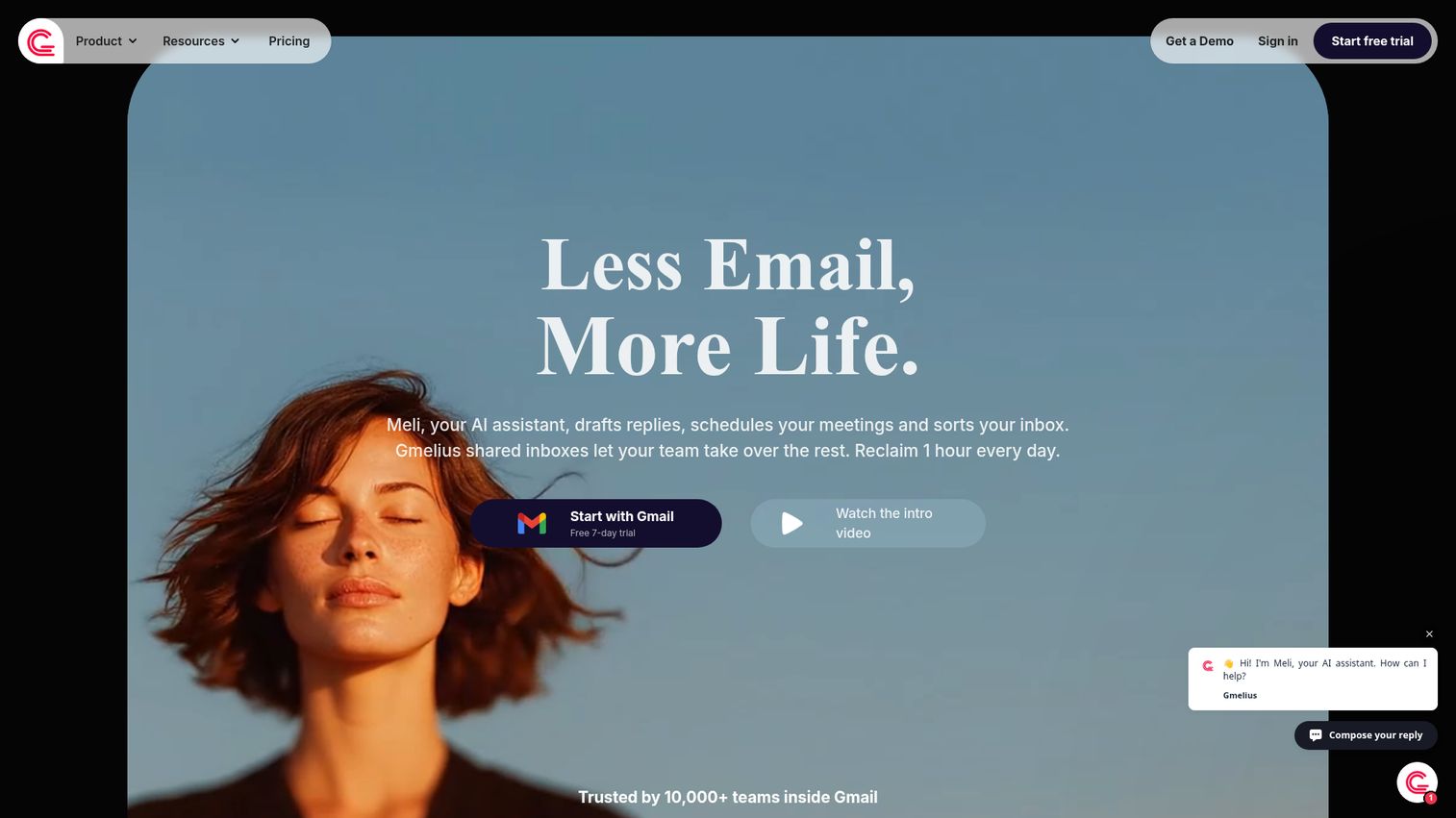
Gmelius turns Gmail into a shared inbox with a twist: Kanban boards. If your team thinks visually and wants project-management-style views of their inbox, Gmelius adds board views, email assignment, shared labels, email sequences, automation, shared templates, and SLA tracking, all inside Gmail.
The Kanban view is what separates Gmelius from Hiver. While both are Gmail-only shared inbox tools, Gmelius appeals to teams that want to drag emails across stages (New → In Progress → Done) rather than just assign and track them. Integrations include Slack, Trello, and Zapier.
Like Hiver, the limitation is Gmail-only. And the Kanban approach works well for process-oriented teams but may feel unnecessary for teams that just need basic assignment and collision detection.
Best for: Gmail teams that want visual workflow management alongside their shared inbox.
Key strengths
- Kanban board view for email workflows
- Email assignment and shared labels inside Gmail
- Email sequences and shared templates
- Automation rules and SLA tracking
- Integrations with Slack, Trello, and Zapier
Pricing: Starting at $15/user/month.
8. Crisp - best for startups wanting shared inbox + live chat + chatbot
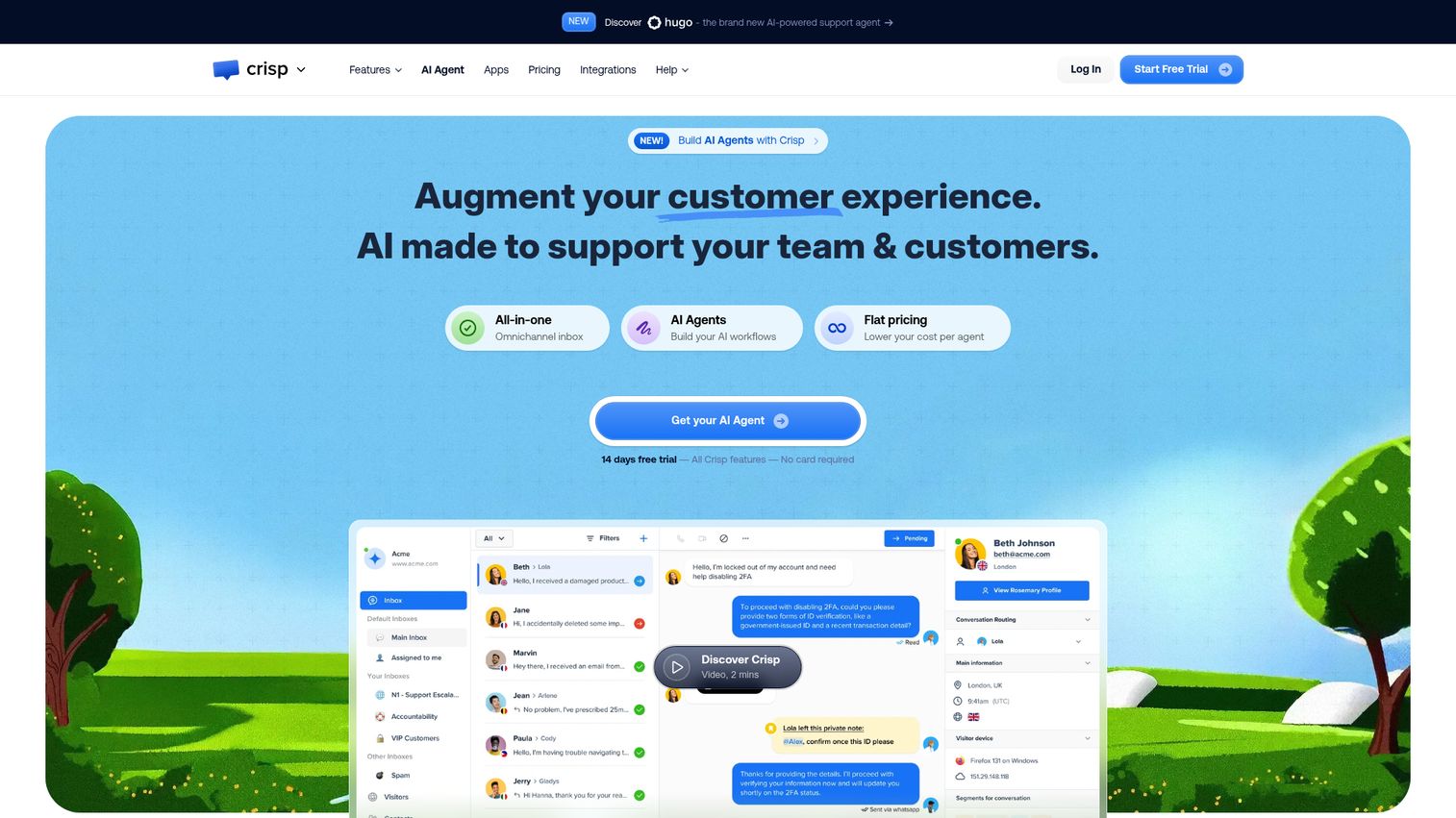
Crisp is the startup's Swiss Army knife. It combines a shared inbox, live chat, chatbot, knowledge base, and CRM in one platform. Multichannel coverage includes email, chat, Messenger, WhatsApp, and SMS. There's even a co-browsing feature for real-time customer assistance. Explore the Crisp interface through an interactive demo to see how it all fits together.
The free plan is genuinely useful for small teams getting started. Paid plans bundle four seats at a flat rate, which makes pricing predictable as you grow.
The trade-off: Crisp's email shared inbox is solid but not as deep as dedicated tools like Front or Help Scout. If email is your primary channel and you need advanced routing, SLA management, or detailed email analytics, a focused shared inbox tool will serve you better. But if you want one platform covering chat, email, and bots without juggling multiple subscriptions, Crisp is a strong starting point. Teams interested in conversational approaches may also want to explore our guide to the best conversational marketing software.
Best for: Startups and small teams that want an all-in-one customer messaging platform with a useful free tier.
Key strengths
- Shared inbox covering email, chat, WhatsApp, and SMS
- Built-in chatbot and knowledge base
- Co-browsing for real-time customer support
- Free plan with core features included
- Flat-rate pricing with four seats per plan
Pricing: Free plan available. Paid plans from $29/month (includes 4 seats).
9. Kayako - best for teams needing customer journey context
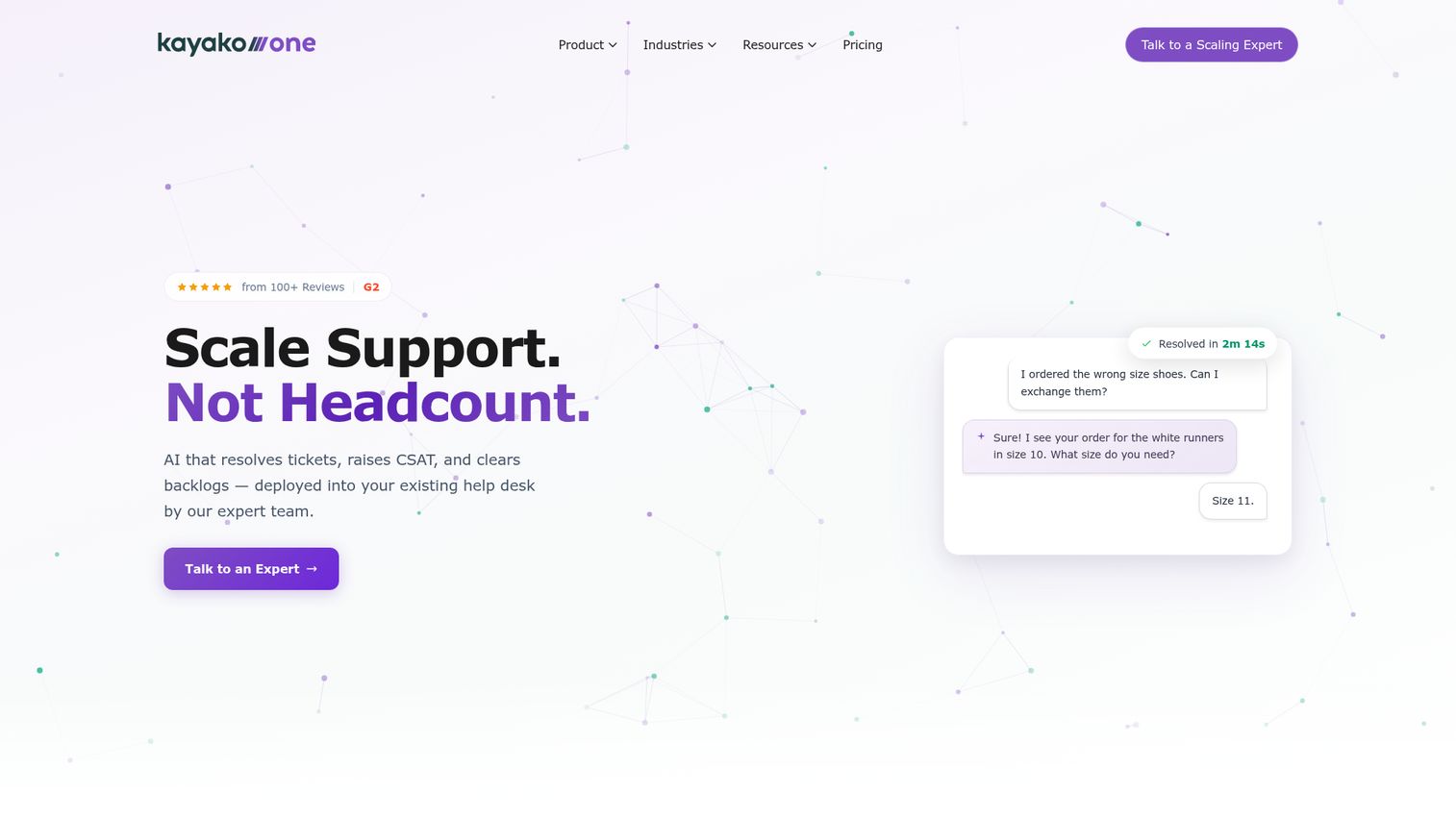
Kayako differentiates with its customer journey visualization. When you open a conversation, you see every interaction that customer has had across channels: site visits, previous tickets, chat transcripts, and email history, all in one timeline. If understanding the full customer journey is a priority, our roundup of customer journey analytics software covers complementary tools.
The platform includes a shared inbox, live chat, help center, automation, and SLA management. For teams where understanding the full customer context is critical to providing good support, Kayako's approach adds real value.
Note: Kayako has gone through ownership changes in recent years. Before committing, verify current pricing, feature availability, and support responsiveness. The product has strong bones, but the stability of the company behind it is worth checking.
Best for: Support teams that need deep customer context alongside email management.
Key strengths
- Full customer journey visualization across channels
- Shared inbox with live chat and help center
- SLA management and automation rules
- Unified timeline of all customer interactions
- Multichannel support in a single view
Pricing: Contact Kayako for current pricing.
10. ProProfs Help Desk - best budget-friendly shared inbox for small teams
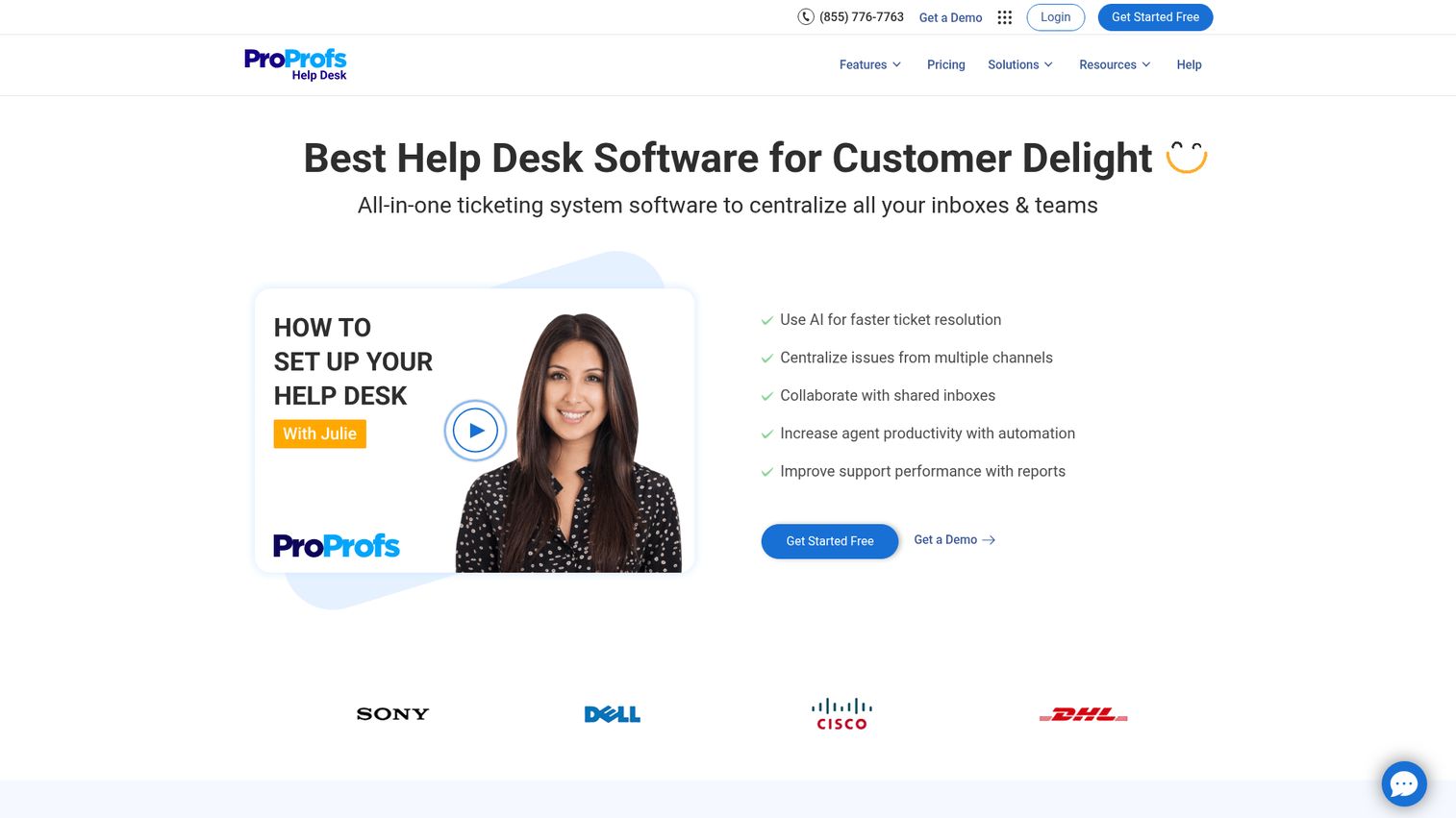
ProProfs Help Desk does the basics well at a price that won't strain a small team's budget. It offers a shared inbox, ticketing, canned responses, collision detection, internal notes, SLA management, and reporting.
It integrates with the broader ProProfs ecosystem, including their knowledge base, chat, and survey tools. For teams that need a straightforward shared inbox without the complexity of a full helpdesk platform, ProProfs is a solid, no-frills option.
The limitation is feature depth. You won't find the collaboration sophistication of Missive's in-thread chat or Front's multichannel routing. AI features are limited compared to tools like Freshdesk or Hiver. But for a 5-person team managing support@ on a budget, it covers the essentials.
Best for: Budget-conscious small teams that need reliable shared inbox basics without paying for features they won't use.
Key strengths
- Collision detection and internal notes
- Canned responses and SLA management
- Integration with ProProfs knowledge base and chat
- Clean, simple interface for small teams
- Affordable per-user pricing
Pricing: Starting at $20/user/month.
11. HappyFox - best for IT and internal support teams
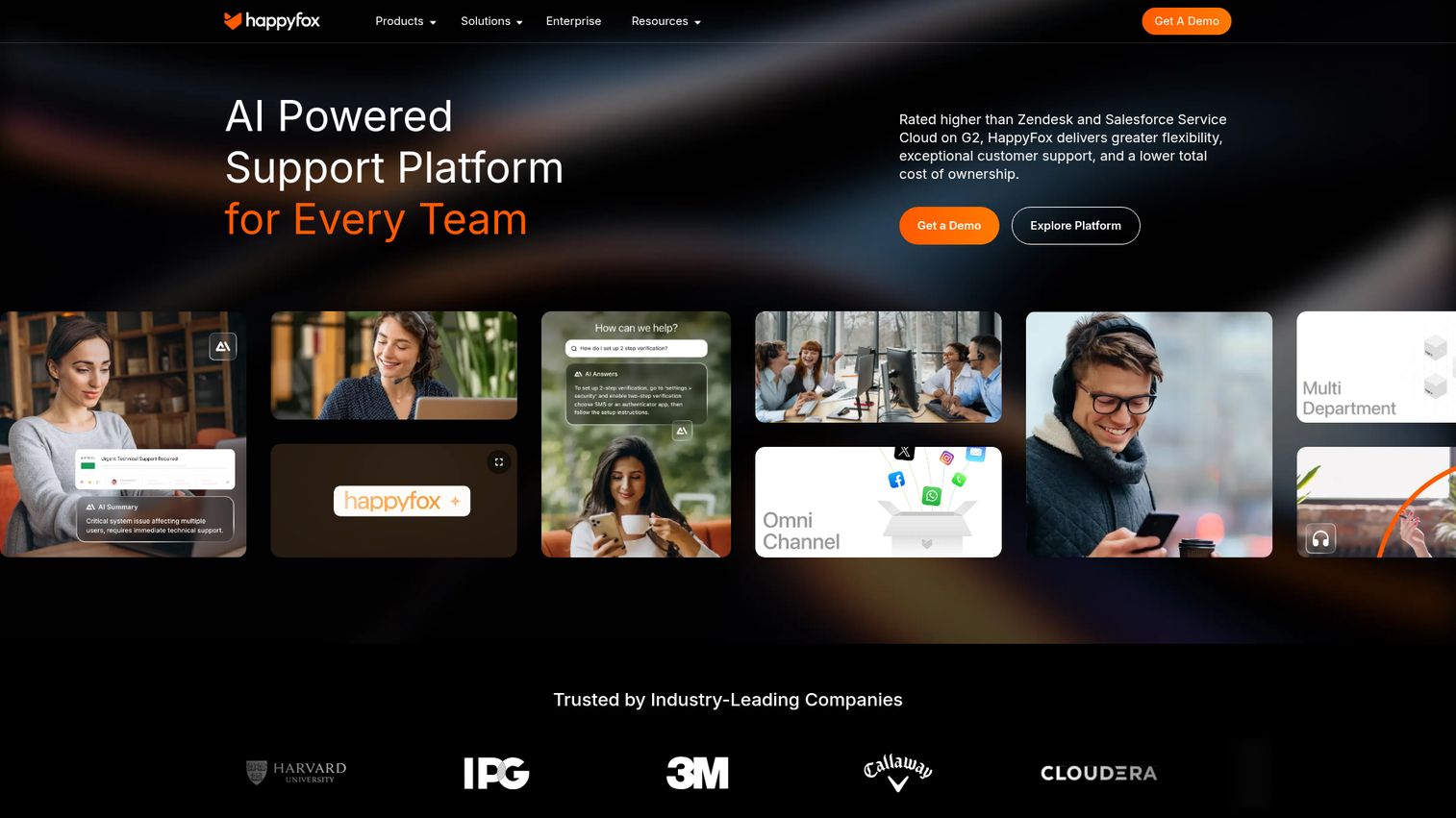
HappyFox straddles the line between customer support and IT helpdesk. Its shared inbox includes ticketing, automation, asset management, SLA management, a knowledge base, and multilingual support. ITIL-ready features make it a fit for IT teams that need structured service management.
Most shared inbox tools target external customer support. HappyFox is one of the few that works equally well for internal support teams managing IT requests, facilities issues, or HR inquiries.
The trade-off: no free plan, and pricing sits in the mid-range. If you're a small team that only needs email support, HappyFox is more than you need. But for IT helpdesks and internal support operations, the ITIL alignment and asset management features are hard to find elsewhere.
Best for: IT helpdesks and internal support teams that need structured service management alongside shared inbox.
Key strengths
- ITIL-ready features for IT service management
- Asset management tied to support tickets
- Multilingual support for global teams
- SLA management with escalation workflows
- Knowledge base with self-service portal
Pricing: Starting at $29/agent/month. No free plan.
12. SupportBee - best simple shared inbox for email-only teams
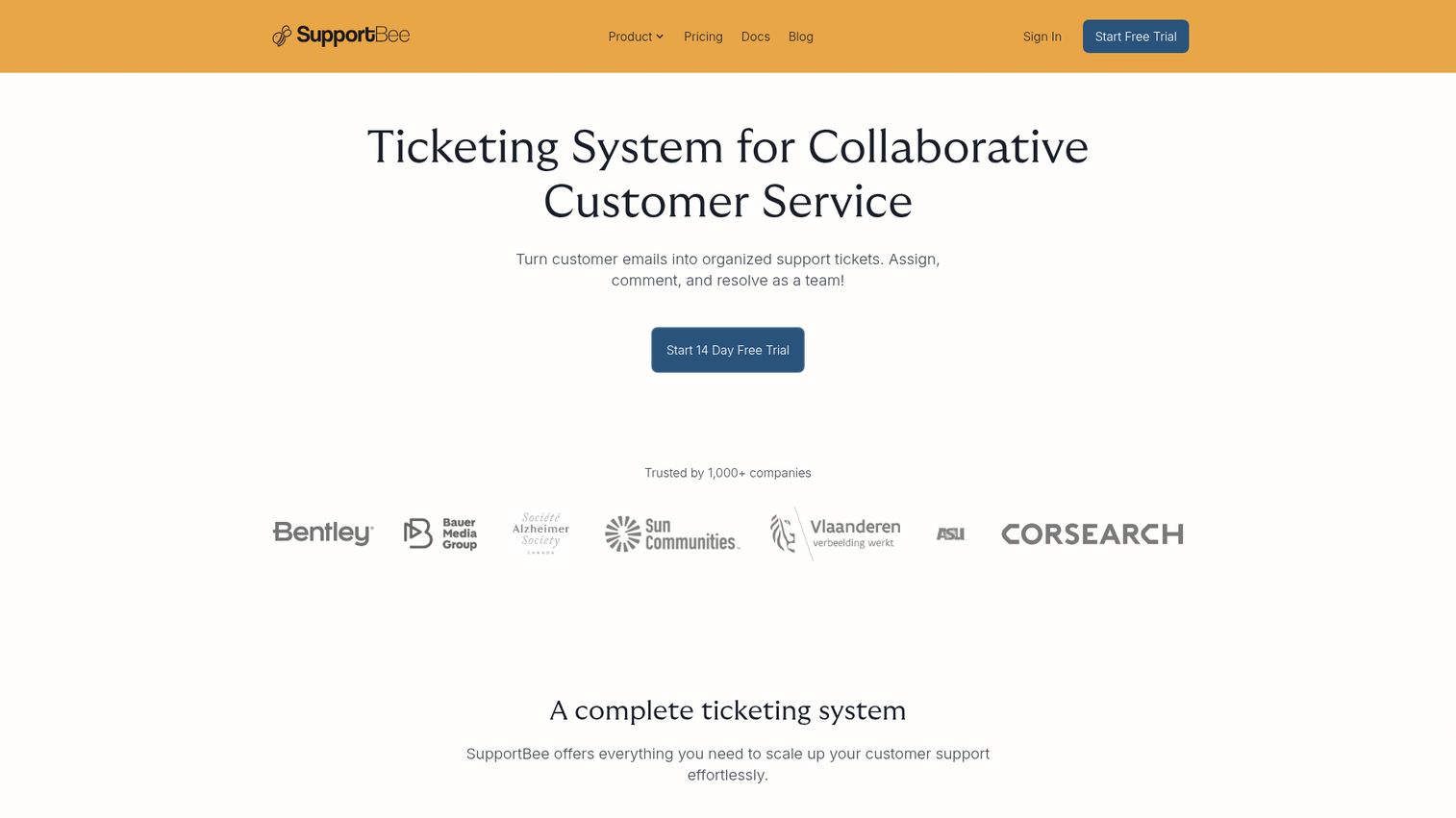
SupportBee is intentionally simple. It offers a shared inbox, email assignment, labels, snippets (canned responses), a customer portal, and a knowledge base. No live chat. No social media. No complex automation. Just email done well.
The appeal is radical simplicity. If your team doesn't need multichannel support, AI features, or complex workflow automation, SupportBee is refreshingly straightforward. Setup takes minutes, and the learning curve is close to zero.
The limited feature set is both the strength and the weakness. You won't outgrow SupportBee if email is all you need. But the moment you want live chat, AI triage, or social media support, you'll need to switch to a different tool entirely.
Best for: Small teams that only need email support and want zero complexity in their shared inbox app.
Key strengths
- Intentionally minimal and easy to learn
- Email assignment with labels and snippets
- Built-in customer portal and knowledge base
- Affordable pricing for small teams
- Fast setup with near-zero learning curve
Pricing: Starting at $13/user/month.
13. Salesmate - best shared inbox for sales teams
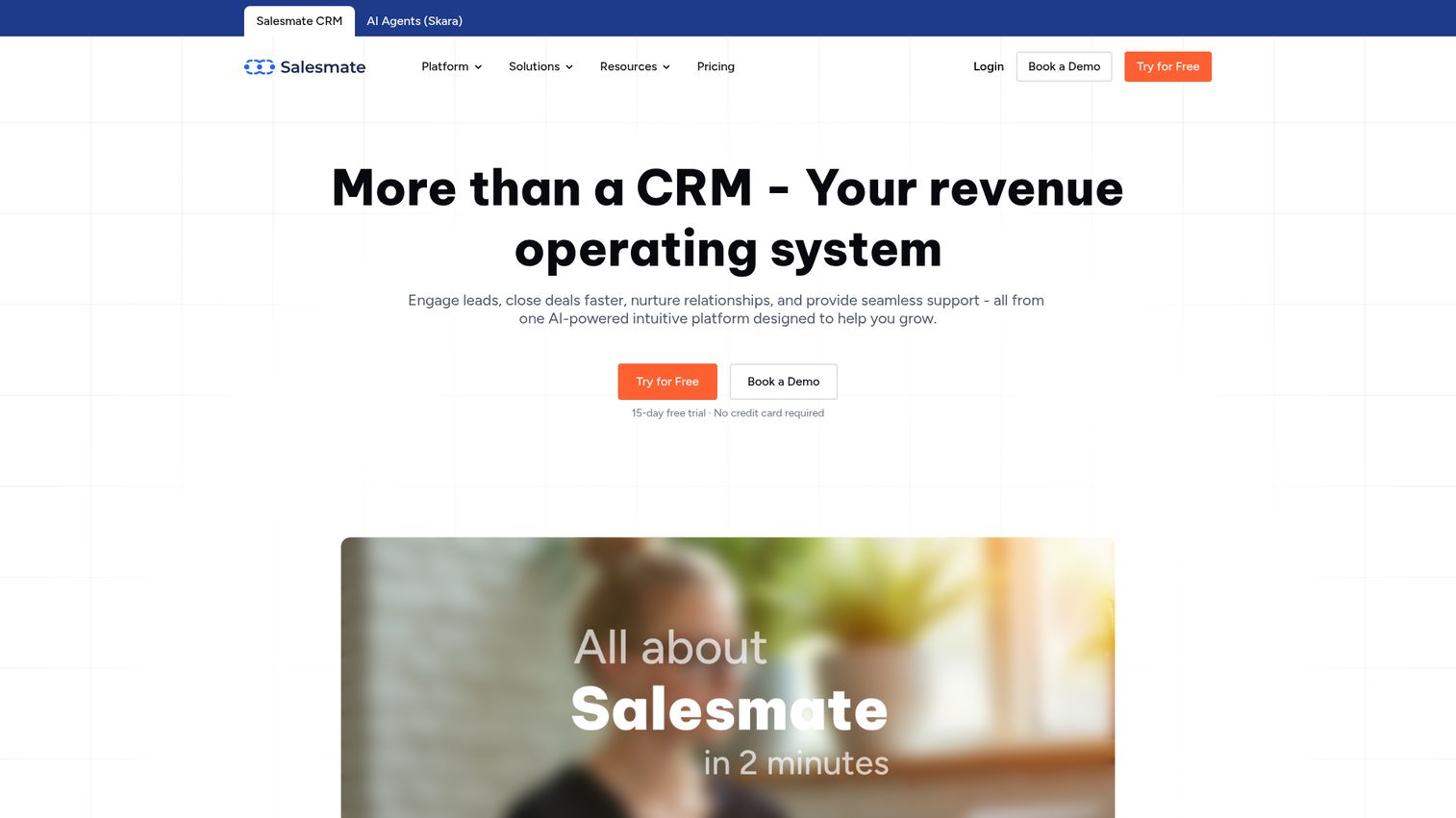
Salesmate combines CRM with shared inbox, built specifically for sales teams. Email tracking, shared mailboxes, sequences, automation, built-in calling, and text messaging all sit alongside pipeline management. For teams evaluating the broader sales tool landscape, our guide to the best sales management software covers additional options.
Most shared inbox tools for customer support aren't built for the sales workflow. Salesmate is. You can see pipeline stage, deal value, and contact history right next to the email thread. Sequences let you automate follow-ups, and built-in calling means one less tool in your stack.
The limitation: it's less suited for pure customer support. If your primary use case is managing support@ with ticketing and SLA tracking, tools like Help Scout or Freshdesk are better fits. But for sales teams managing sales@ and lead inquiries, Salesmate removes the need to juggle a CRM and a separate shared inbox.
Best for: Sales teams that want CRM and shared inbox in one tool without juggling two platforms.
Key strengths
- CRM with pipeline management alongside shared inbox
- Email sequences and automated follow-ups
- Built-in calling and text messaging
- Email tracking with open and click notifications
- Contact history and deal context in every thread
Pricing: Starting at $23/user/month.
14. Outlook Shared Mailbox - best free option for Microsoft 365 teams
Microsoft 365's built-in shared mailbox feature gives multiple people access to one email address. It's free with any M365 subscription and includes shared calendar and contacts. You can explore the Microsoft interface through an interactive demo to see the shared mailbox experience.
Let's be direct: this is not shared inbox software. It's a shared mailbox. The difference matters.
What's missing:
- ❌ No email assignment
- ❌ No collision detection
- ❌ No internal notes
- ❌ No automation rules
- ❌ No analytics or reporting
- ❌ No SLA tracking
For a 2-3 person team with low email volume and basic needs, it works. For anything beyond that, you'll quickly feel the limitations. This section exists to help you understand the gap between a shared mailbox and purpose-built shared inbox tools, so you can make an informed decision about when to upgrade.
Best for: Very small teams with basic needs who are already on Microsoft 365 and don't want to pay for additional tools.
Key strengths
- Free with any Microsoft 365 subscription
- Shared calendar and contacts included
- No additional setup or third-party tools needed
- Familiar Outlook interface for M365 users
- Works for basic shared email access
Pricing: Free (included with Microsoft 365 subscription).
15. Pipefy - best for process-heavy teams wanting email + workflow automation
Pipefy is a workflow automation platform that includes shared inbox as a component. Email management is tied to customizable workflows, automation, templates, forms, and approvals.
This is not a traditional shared inbox tool. It's built for teams where emails trigger multi-step processes: procurement requests, employee onboarding, invoice approvals, or vendor management. If your operations or finance team needs structured processes around email, Pipefy connects the inbox to the workflow.
The trade-off: if you just need a shared inbox for customer support, Pipefy is the wrong tool. It doesn't have collision detection, SLA tracking, or the collaboration features you'd find in Front or Missive. But for process-heavy teams, the workflow automation is the point.
Best for: Operations and finance teams that need structured, multi-step workflows triggered by email.
Key strengths
- Email management tied to workflow automation
- Customizable templates, forms, and approvals
- Built for multi-step processes like procurement
- Automation rules for routing and task creation
- Free plan available for small teams
Pricing: Free plan available. Paid plans from $24/user/month.
Key features to look for in shared inbox software
Assignment and ownership
Email assignment is the foundation. Every incoming message gets an owner, either manually or through round-robin auto-assignment. This prevents the "I thought you were handling it" problem that plagues basic shared mailboxes. Front and Hiver both offer strong auto-assignment rules.
Collision detection
Collision detection alerts your team when two people are viewing or replying to the same email. It's a small feature that prevents big embarrassments. Most dedicated shared inbox tools include it. Outlook Shared Mailbox and Pipefy do not.
Internal notes and shared drafts
Internal notes let you discuss an email inside the thread without the customer seeing it. Shared drafts let teammates review a reply before it's sent. Missive's in-email chat takes this a step further by enabling real-time conversation within the thread, making it the standout for inbox collaboration.
Automation and AI features
Rule-based routing and auto-tagging are table stakes. In 2026, the differentiators are AI triage (automatically prioritizing urgent messages), AI-suggested replies, and AI email drafting. Freshdesk's Freddy AI, Hiver's Harvey AI, and HubSpot's AI writer are leading this shift. Tools without AI capabilities are falling behind.
Analytics and SLA tracking
Response time tracking, resolution time, team performance, and CSAT scores give managers the data to optimize. SLA alerts notify you before a deadline is missed. Front and Freshdesk offer the deepest analytics in this list. Teams that want to go deeper into performance measurement may also benefit from product analytics software.
Integrations
Your shared inbox needs to connect with your CRM (Salesforce, HubSpot), project management tools (Asana, Jira), communication platforms (Slack), and automation tools (Zapier). API access matters for custom workflows. Front leads with 100+ native integrations.
| Feature | What it does | Tools that excel |
|---|---|---|
| Assignment | Routes emails to specific team members | Front, Hiver, Missive |
| Collision detection | Prevents duplicate replies | Help Scout, Hiver, Freshdesk |
| Internal notes | In-thread team discussion | Missive, Help Scout, Front |
| AI features | Smart triage, suggested replies, drafting | Freshdesk, Hiver, HubSpot |
| Analytics | Response times, SLAs, team performance | Front, Freshdesk, HappyFox |
| Integrations | CRM, project management, Slack, Zapier | Front, Freshdesk, HubSpot |
Shared inbox software use cases by team
Customer support
The most common use case. Managing support@ and help@ with SLA tracking, canned responses, and CSAT measurement. Top picks: Help Scout for simplicity, Front for scale, Freshdesk for teams growing into a full helpdesk. Teams looking to enhance their support experience with self-service walkthroughs should also consider a demo center for customer support.
Sales teams
Managing sales@ and lead inquiries with CRM integration, email sequences, and pipeline visibility. Top picks: Salesmate for CRM-native inbox, HubSpot Service Hub for teams already in HubSpot. For broader sales enablement, explore the best sales engagement tools.
Finance and operations
Managing billing@, invoices@, and procurement@ with workflow automation and approval processes. Top picks: Pipefy for process-heavy workflows, Front for high-volume operations.
HR and people ops
Managing careers@ and people@ with onboarding workflows and candidate communication. Top picks: Missive for collaborative responses, Hiver for Gmail-based HR teams. Teams building onboarding flows may also benefit from user onboarding software to guide new hires through product training.
TeamTop picksKey needCustomer supportHelp Scout, Front, FreshdeskSLA tracking, canned responses, CSATSalesSalesmate, HubSpot Service HubCRM integration, sequences, pipelineFinance & operationsPipefy, FrontWorkflow automation, approvalsHR & people opsMissive, HiverCollaboration, onboarding workflows
How to set up a shared inbox (step-by-step)
Most shared inbox tools offer guided onboarding, but here's the general process to get your team running.
Use the comparison table and reviews above to match your team's needs, budget, and existing tech stack.
Forward or integrate your support@, sales@, or billing@ address. Most tools support Google Workspace, Microsoft 365, and custom IMAP/SMTP.
Add your team and configure permissions: admin, agent, and viewer roles control who can assign, reply, and manage settings.
Decide between manual assignment, round-robin auto-assignment, or rule-based routing (e.g., billing emails go to the finance team automatically).
Create rules for auto-tagging, routing by keyword or sender, and SLA alerts that notify the team before deadlines are missed.
Standardize replies to common questions. This saves time and ensures consistent messaging across your team.
Define when to use internal notes versus shared drafts versus @mentions. Document this so new team members know the protocol.
Run a pilot week before going live. Send test emails, practice assignment workflows, and gather feedback before routing real customer messages through the new system.
Choose the right shared inbox software for your team
The right tool depends on your team size, channels, budget, and existing stack. Here are clear recommendation paths:
- Small team on Gmail → Hiver or Gmelius
- Multichannel support at scale → Front or Freshdesk
- Collaboration is your priority → Missive
- CRM + inbox in one → HubSpot Service Hub or Salesmate
- Tight budget → Crisp (free tier) or SupportBee
Trial 2-3 tools before committing. Most offer free trials or free plans. In 2026, the best shared inbox tools are the ones that combine AI-powered automation with genuine team collaboration, not just a shared mailbox with a fresh coat of paint.
Start your journey with Guideflow today!
Frequently asked questions
A shared mailbox (Gmail or Outlook) gives multiple people access to one email address but lacks collaboration features. Shared inbox software adds assignment, collision detection, internal notes, automation, and analytics on top of that shared access. The mailbox is the starting point; the software is the operational layer.
Teams need shared inbox software to prevent duplicate replies, ensure every email has a clear owner, improve response times with SLA tracking, and enable internal collaboration without forwarding chains. Without it, shared email addresses become accountability black holes.
Crisp offers the most capable free tier with chat, email, and chatbot features included. Freshdesk has a free plan for basic ticketing and email. Hiver and Missive both offer free plans with limited features. Outlook Shared Mailbox is free with M365 but lacks core shared inbox features like assignment and collision detection.
Natively, you can use Google Groups or Google Collaborative Inbox for basic shared access. For a more robust shared inbox for Gmail with assignment, collision detection, and automation, tools like Hiver and Gmelius add those features directly inside the Gmail interface without requiring a separate app.
Help Scout is the best fit for teams that want simplicity and a clean customer experience. Front is better for teams handling high volume across multiple channels. Freshdesk works well for teams that will grow into a full helpdesk with phone, chat, and social support. The right choice depends on your team size and channel needs.
Yes. Front, Freshdesk, and HappyFox all integrate with Outlook. Microsoft 365's native shared mailbox is also an option, but it lacks the advanced features (assignment, collision detection, automation, analytics) that dedicated shared inbox tools provide.
Pricing ranges from free (Crisp, Freshdesk free tier, Outlook Shared Mailbox) to $13-25/user/month for mid-range tools (SupportBee, Missive, Hiver) to $29-50+/user/month for full-featured platforms (Front, Help Scout, HappyFox). Most tools offer free trials, so you can test before committing.
Assignment, collision detection, internal notes, automation rules, reporting and analytics, and integrations with your existing stack. In 2026, AI features like smart triage, AI-suggested replies, and AI drafts are becoming table stakes. Tools without them are increasingly hard to recommend for growing teams.