Most fundraising teams are running their program across too many disconnected tools. Donation forms live on one platform. Donor records sit in a spreadsheet. Event ticketing runs somewhere else. Email and receipts are stitched together by hand. Every reconciliation, every year-end report, every donor thank-you becomes manual work that eats hours nobody has.
That fragmentation is expensive. When donor data lives in five places, retention slips because nobody sees the full picture in time to act. Reporting gets slow and unreliable, which makes board updates painful and grant applications harder to defend. And the more tools you bolt on, the more each renewal cycle turns into a budget question you can't cleanly answer.
The category is growing fast because nonprofits feel this pain acutely. The global non-profit fundraising software market is projected to grow from $3.75 billion in 2024 to $9.60 billion in 2032, a 12.47% CAGR, according to Credence Research (2024). Fundraising and donation management modules alone accounted for 44.74% of total non-profit software spend in 2025, per Mordor Intelligence (2025). Spending is concentrating on platforms that consolidate the whole motion.
That consolidation is the point. The right platform replaces several line items at once, tightens your reporting, and automates the repetitive work so your team spends time on relationships instead of data entry. If you evaluate tools the way growth teams evaluate their stack, ask the same question here: what does this replace? For adjacent buying decisions, our guides to the best CRM software, event management platforms, and marketing automation tools use the same consolidation lens.
What's inside
This guide covers eight fundraising platforms chosen for breadth of fundraising motion, nonprofit fit, donation workflow quality, automation and reporting depth, pricing transparency, and support. We prioritized tools that centralize donations, donor records, events, and recurring giving rather than single-feature point solutions.
The list spans platforms for small nonprofits with limited admin time, growing organizations that need more donor intelligence, and teams that want true all-in-one fundraising software with accounting or enterprise governance attached. Each section covers who the tool fits, its verified pricing, and where it stands out so you can build a shortlist quickly.
TL;DR
- Best all-in-one donor CRM and fundraising: DonorPerfect, for teams that want deep donor operations, automation, and campaign management in one system.
- Best free or low-fee fundraising: Zeffy for a genuinely zero-fee model, with Givebutter for free core tools plus optional upgrades.
- Best for events and peer-to-peer: GiveSmart for event operations and mobile bidding, with GoFundMe Pro for enterprise peer-to-peer campaigns.
- Best all-in-one with back office: MonkeyPod, for lean teams that want fundraising, accounting, and grants together.
- Best for fast setup and donation capture: Donorbox, for teams that want embeddable forms and recurring giving live quickly.
- Best for automation-forward campaigns: Funraise, for teams that lead with fundraising automation and campaign execution.
What is fundraising software?
Fundraising software is a platform that helps nonprofits collect donations, manage donor relationships, and run fundraising campaigns from a central system. Modern platforms bundle donor management, donation forms, automation, reporting, campaigns, events, and payment processing so that giving, records, and outreach stay connected instead of scattered across separate tools.
The strongest all-in-one fundraising software reduces both manual work and tool sprawl. Instead of exporting donation data into a spreadsheet and reconciling it by hand, the platform records each online donation against a donor profile, triggers a receipt, and updates your reporting automatically.
Core capabilities to expect from nonprofit fundraising software:
- Donor CRM: a unified donor database that tracks gifts, contact history, and engagement.
- Donation forms: embeddable, branded forms for online donations and one-time or recurring gifts.
- Fundraising automation: automated receipts, thank-yous, and follow-up sequences.
- Reporting and analytics: dashboards for revenue, retention, and campaign performance.
- Campaign management: tools to run appeals, capital campaigns, and multi-channel drives.
- Events and recurring gifts: ticketing, registration, monthly giving, and peer-to-peer fundraising.
Sorting platforms into three groups helps: all-in-one suites that cover the full motion, donor-management-first tools that lead with CRM depth, and free or low-fee platforms built around donation processing.
When to use fundraising software
Use it when donations and donor data live in too many places
If your donation forms, donor records, and email lists sit in separate tools, you are paying a reconciliation tax every month. Data gets copied by hand, gifts get missed, and reporting is never quite current. A consolidated platform captures each online donation against a donor profile automatically, so your numbers stay clean and your year-end reports take hours instead of days.
Use it when recurring giving and retention matter
Recurring donations are the most predictable revenue a nonprofit has, but they decay without attention. Fundraising automation keeps monthly giving healthy by retrying failed cards, sending renewal prompts, and flagging lapsing donors. Donor intelligence features, like scoring and prioritization, help your team spend time on the relationships most likely to grow.
Use it when events, peer-to-peer, and online giving all matter
Multi-channel fundraising is hard to run from disconnected tools. When you host galas, run peer-to-peer campaigns, and collect online donations year-round, a single platform ties every gift back to one donor record. That unified view is what makes cross-channel reporting and donor stewardship actually work.
Comparison table
Compare these platforms on the fundraising motion they support best, donor management depth, automation, pricing model, and support. A gala-heavy organization has different needs than a team focused on recurring online donations, so weight the columns against your own motion and budget.
| # | Product | Intent | Key use case | Pricing | G2 rating |
|---|---|---|---|---|---|
| 1 | DonorPerfect | All-in-one donor CRM | Donor operations, automation, campaign management | Starting at $99/month | 4.4/5 |
| 2 | Givebutter | Free core + paid CRM | Donation forms, events, auctions, engagement | Free; Plus from $29/month | 4.7/5 |
| 3 | GiveSmart | Event-led all-in-one | Events, mobile bidding, donor management | Demo-based pricing | 4.5/5 |
| 4 | MonkeyPod | All-in-one with back office | CRM, accounting, fundraising, grants | From $167/month | Not listed |
| 5 | Funraise | Automation-forward | Fundraising automation, campaigns, P2P | Free; premium via sales | Not listed |
| 6 | Zeffy | 100% free | Donation forms, ticketing, donor CRM | $0 | Not listed |
| 7 | GoFundMe Pro | Enterprise fundraising | Campaigns, peer-to-peer, donation pages | Request access; custom | 4.4/5 |
| 8 | Donorbox | Fast donation capture | Embeddable forms, recurring giving | Free; Pro from $150/month | 4.6/5 |
1. DonorPerfect
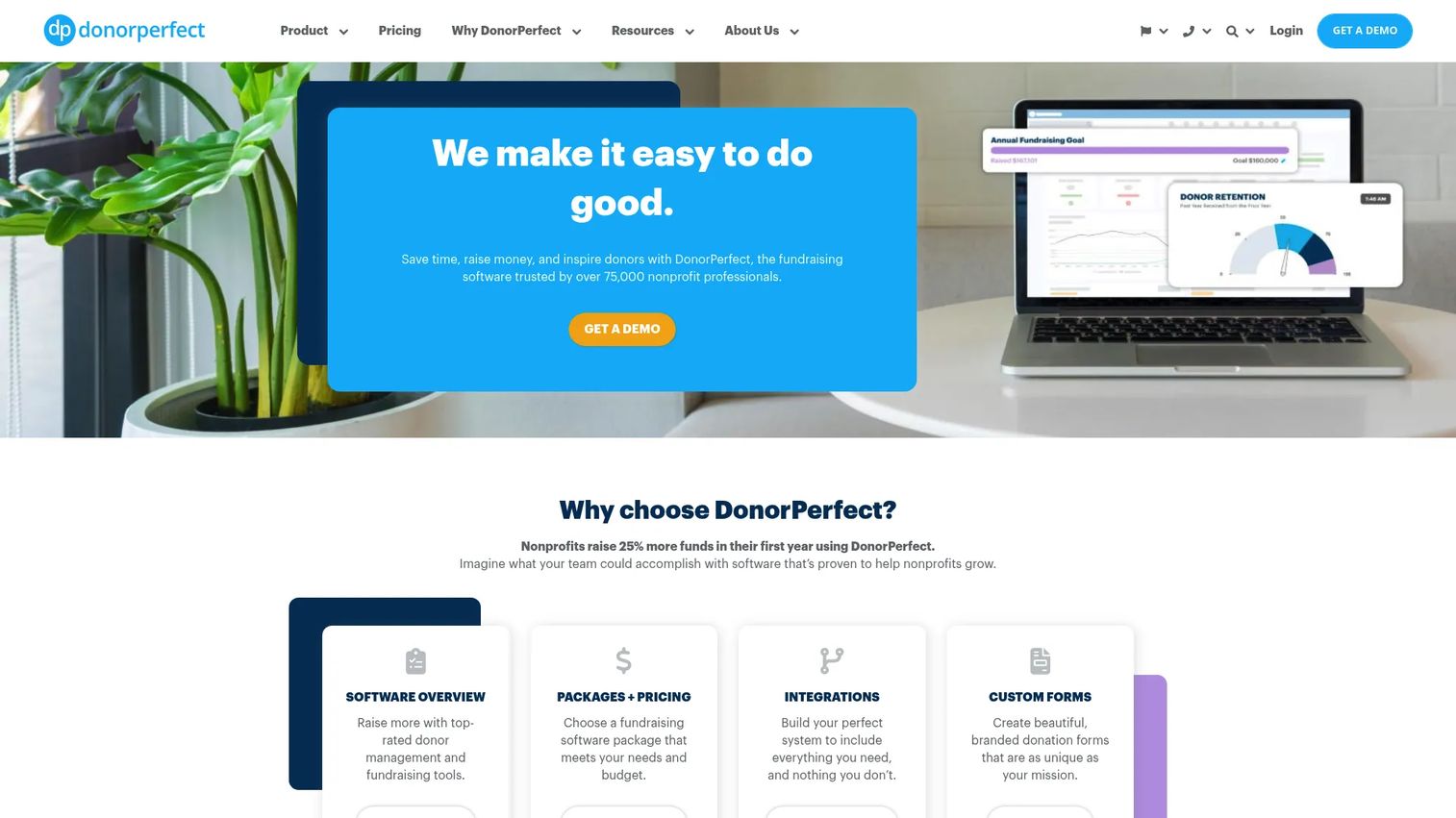
DonorPerfect is cloud-based fundraising and donor management software built to run a nonprofit's entire donor operation from one place. It combines a unified donor database with online donation forms, automated receipts, and campaign management, so gifts, records, and stewardship stay connected. Teams that want deep donor CRM alongside fundraising tools tend to shortlist it first.
Best for: Nonprofits that need an all-in-one donor CRM and fundraising platform with strong reporting and automation.
Key strengths
- Unified donor database: Every gift, contact, and interaction lives on one donor profile for a complete history.
- Automated receipts and thank-yous: Fundraising automation sends acknowledgments and follow-ups without manual work.
- Online donation forms: Branded forms capture one-time and recurring online donations directly into the CRM.
Why choose DonorPerfect: If your priority is donor operations depth, campaign management, and reporting you can defend to a board, DonorPerfect covers the full motion in one system. It fits organizations that have outgrown spreadsheets and want automation and donor intelligence without stitching several tools together.
DonorPerfect pricing: DonorPerfect's public pricing page shows fundraising suites starting at $99/month, with Core and Plus tiers available. Full tier pricing is provided on request rather than published in full, so ask for a quote based on your record count and feature needs. There is no free tier.
2. Givebutter
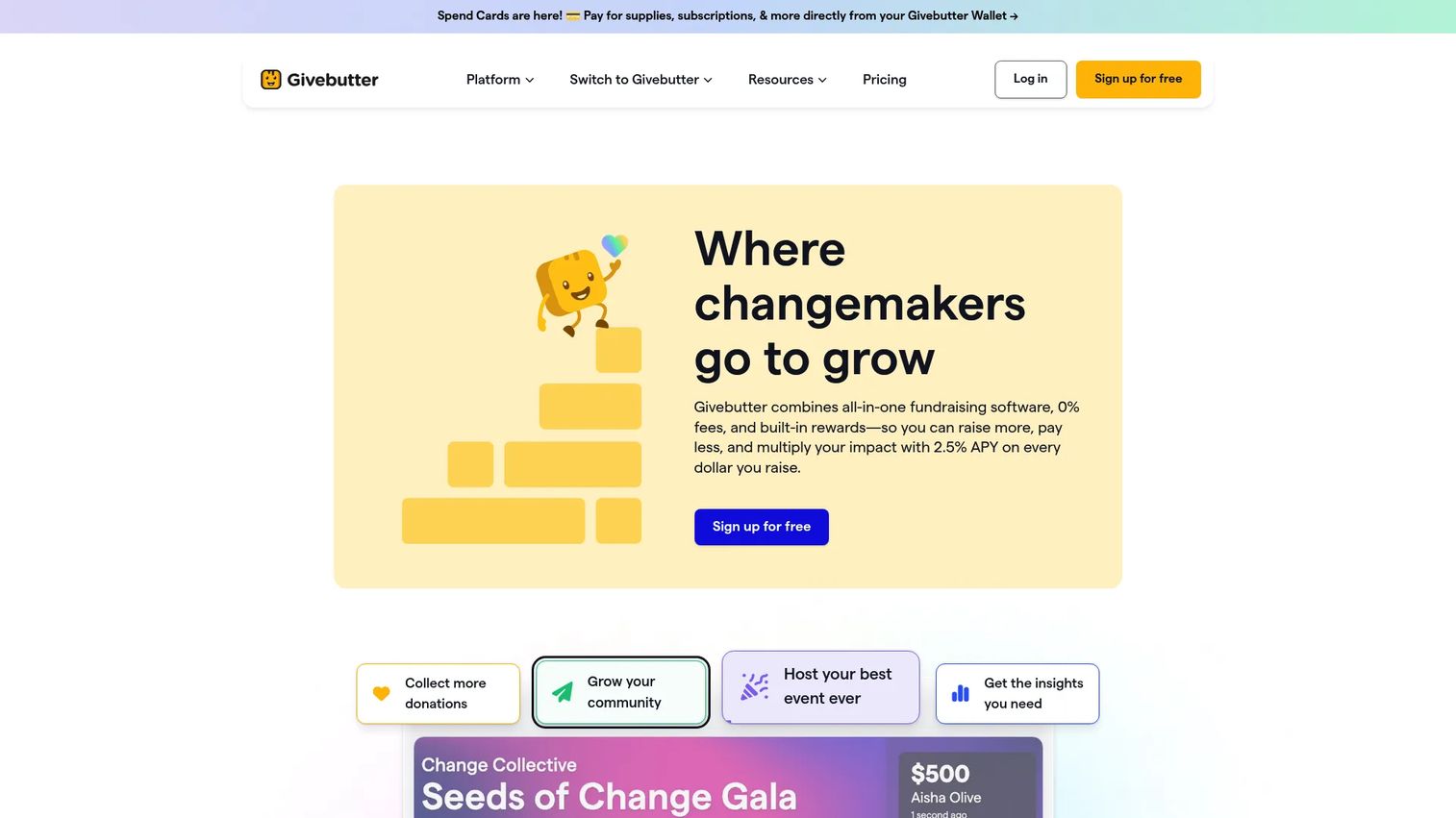
Givebutter is an all-in-one fundraising and nonprofit CRM platform covering donations, events, auctions, and supporter engagement. It appeals to teams that want a modern, lightweight setup with broad payment coverage and a genuinely free entry point. Donation forms, donor management, email and text marketing, and event tools all live in one place.
Best for: Nonprofits that want free fundraising tools with the option to add paid CRM and engagement upgrades as they grow.
Key strengths
- Free core fundraising: Donation forms, events, and auctions are free, with an optional tips model that keeps platform fees at $0.
- Broad fundraising motion: Events, peer-to-peer, auctions, and widgets support multiple campaign types from one account.
- Built-in marketing: Email and text marketing let teams run outreach without a separate tool.
Why choose Givebutter: Givebutter is a strong fit for teams that want to start free and adopt quickly. When donors opt to leave tips, the platform fee stays at $0; if tips are disabled, a 3% platform fee plus standard processing applies. That flexibility makes it easy to launch donation forms fast and expand into CRM later.
Givebutter pricing: Core fundraising tools are free forever at $0/month. Givebutter Plus, the paid CRM and engagement tier, starts at $29/month for smaller contact volumes, with higher tiers on the pricing page. Standard payment processing fees apply to transactions.
3. GiveSmart
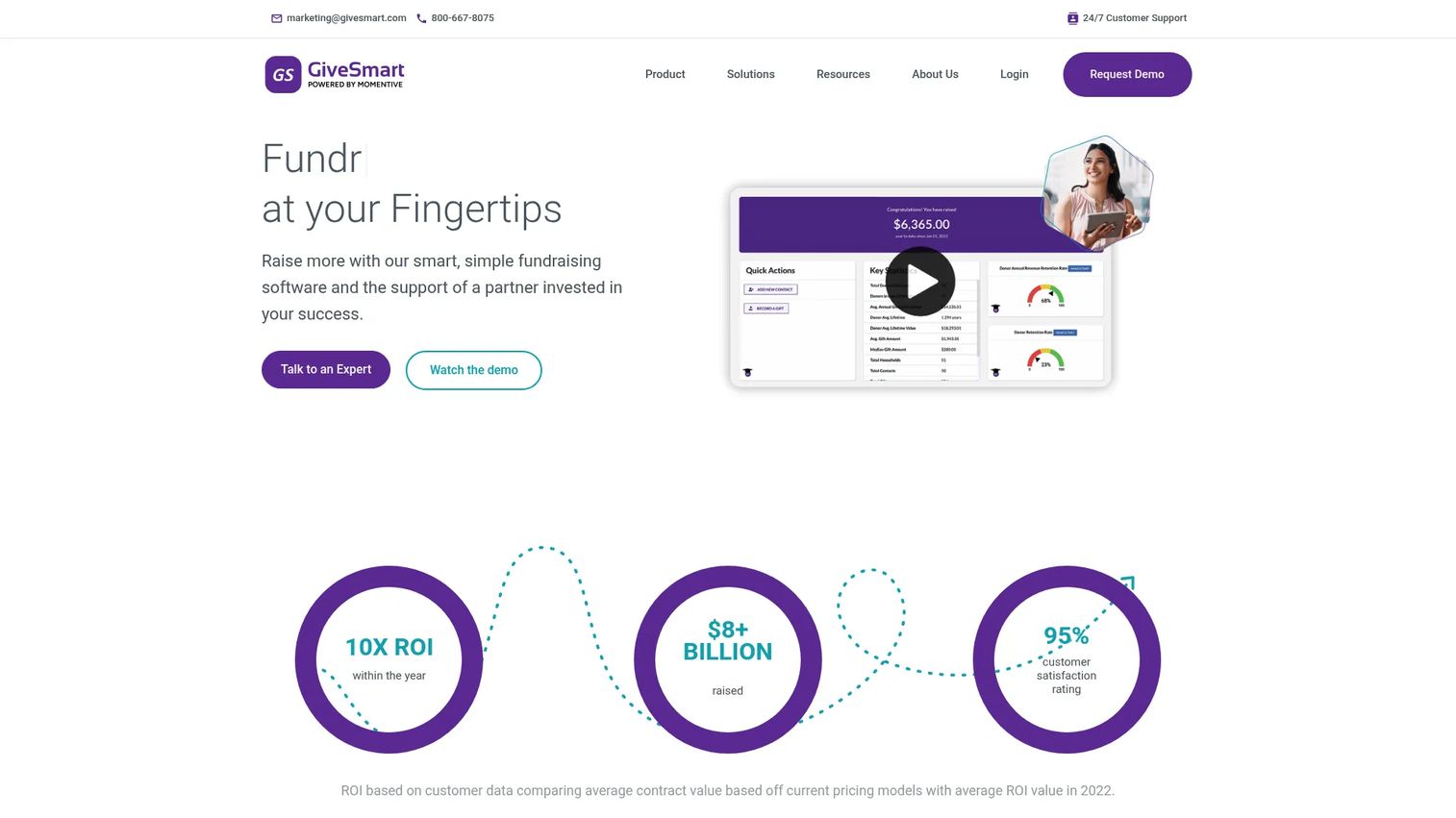
GiveSmart is fundraising, event, and donor management software for nonprofits and schools. It stands out for event operations: customizable donation forms, ticketing and seating management, and live, virtual, and hybrid event tools sit alongside donor management and analytics. Organizations that run galas and auctions as a core part of their program gravitate to it.
Best for: Nonprofits that need a robust all-in-one fundraising and event management suite with strong support.
Key strengths
- Event management: Run live, virtual, and hybrid events with ticketing, seating, and mobile bidding in one place.
- Embeddable donation forms: Customizable forms capture online donations and connect to donor records.
- Donor management and analytics: Track engagement and campaign performance across events and appeals.
Why choose GiveSmart: If events drive a large share of your revenue, GiveSmart puts event operations and donor management on the same platform, which keeps auction bids, ticket sales, and gifts tied to one donor record. Its support and training reputation makes it a fit for teams running high-stakes live events.
GiveSmart pricing: GiveSmart's pricing page lists plan names, Champion, Expert, and a Donor CRM option, and describes pricing as transparent and fixed, but does not publish numeric prices. The site directs visitors to request a demo for a quote, so budget a conversation to confirm cost against your event volume.
4. MonkeyPod
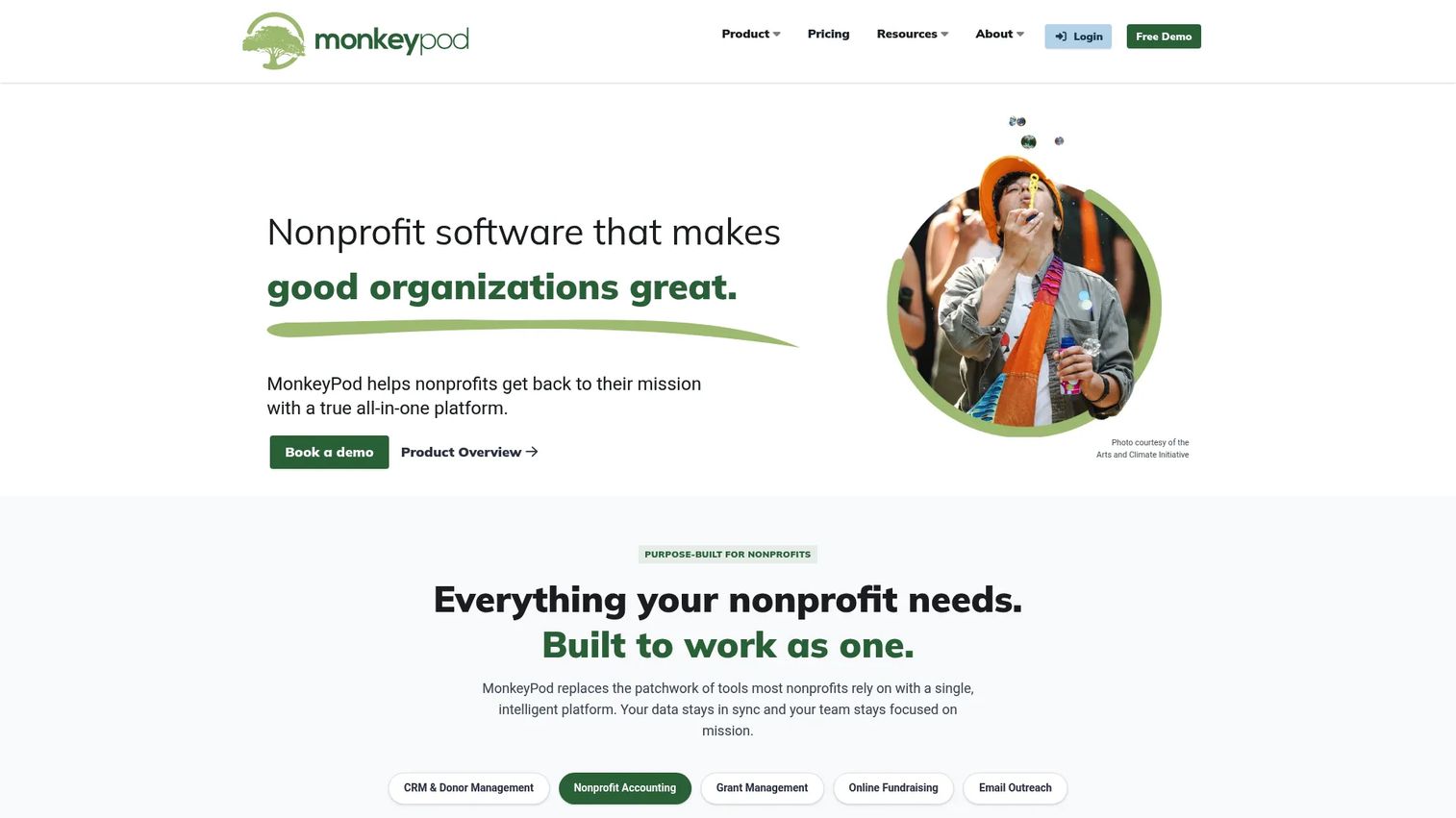
MonkeyPod is all-in-one nonprofit management software that brings CRM, accounting, fundraising, grant management, and email marketing under one roof. Its differentiator is the back office: fundraising and nonprofit fund accounting sit in the same system, which is rare in this category. Lean teams that juggle both development and finance work benefit most.
Best for: Nonprofits that want donor CRM, accounting, fundraising, and grants in one connected system.
Key strengths
- Fundraising plus fund accounting: Donations flow into nonprofit accounting without exporting and re-keying data.
- Grant management: Track grants alongside donor records and campaigns in the same platform.
- Donor CRM and email marketing: Manage donor relationships and run outreach without a separate tool.
Why choose MonkeyPod: For small teams, the appeal is fewer systems and less reconciliation. When your fundraising and accounting share a source of truth, month-end and audit prep get materially simpler. It fits organizations that would otherwise run a donor CRM and a separate accounting tool.
MonkeyPod pricing: MonkeyPod offers three paid plans. Essentials is $167/month, Pro is $292/month, and Enterprise is $417/month, each billed annually with a 17% savings versus monthly. Monthly billing is also available. There is no free tier.
5. Funraise
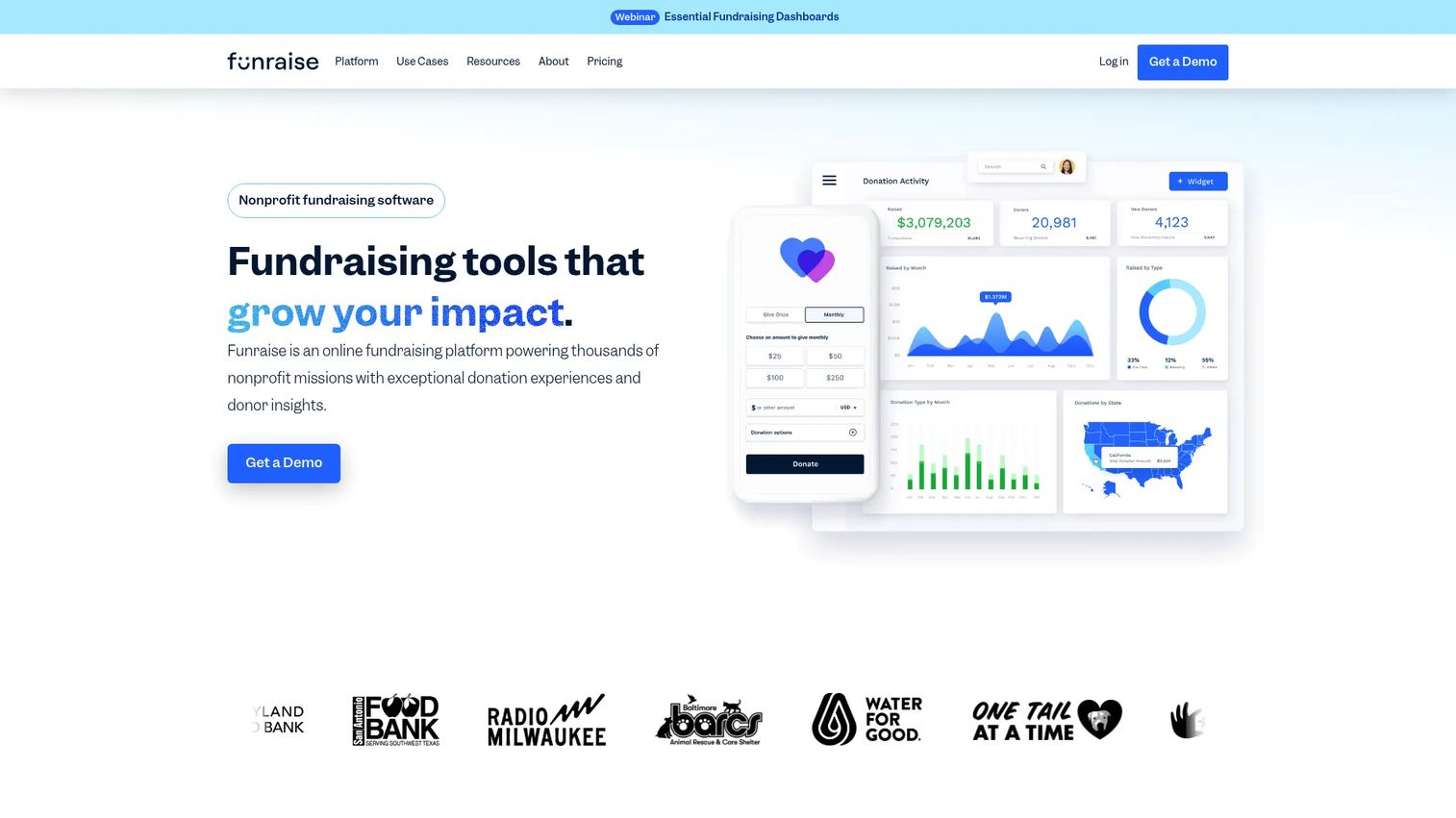
Funraise is a nonprofit fundraising and donor management platform built around automation and campaign execution. Donation forms and pages, recurring giving, a donor CRM, dashboards, SMS text-to-give, and fundraising websites come together to support multi-channel campaigns. Teams that lead with fundraising automation find it a strong fit.
Best for: Nonprofits that want an all-in-one fundraising and donor CRM platform with a free entry point and automation-forward tooling.
Key strengths
- Donation forms and pages: Branded forms and campaign pages capture online donations across channels.
- Recurring giving and donor CRM: Manage monthly giving and donor relationships from one system.
- Reporting and text-to-give: Dashboards, SMS giving, and fundraising websites support campaign execution.
Why choose Funraise: Funraise fits teams that want to run automated, multi-channel campaigns without assembling a stack of point tools. The free Essentials plan lets smaller organizations start at no subscription cost, then move up to premium plans as their fundraising motion grows.
Funraise pricing: Funraise's Essentials plan starts at $0/month with no subscription cost. Premium plans, which add advanced fundraising features, are quoted through sales rather than published. Confirm processing and premium pricing against your expected volume during that conversation.
6. Zeffy
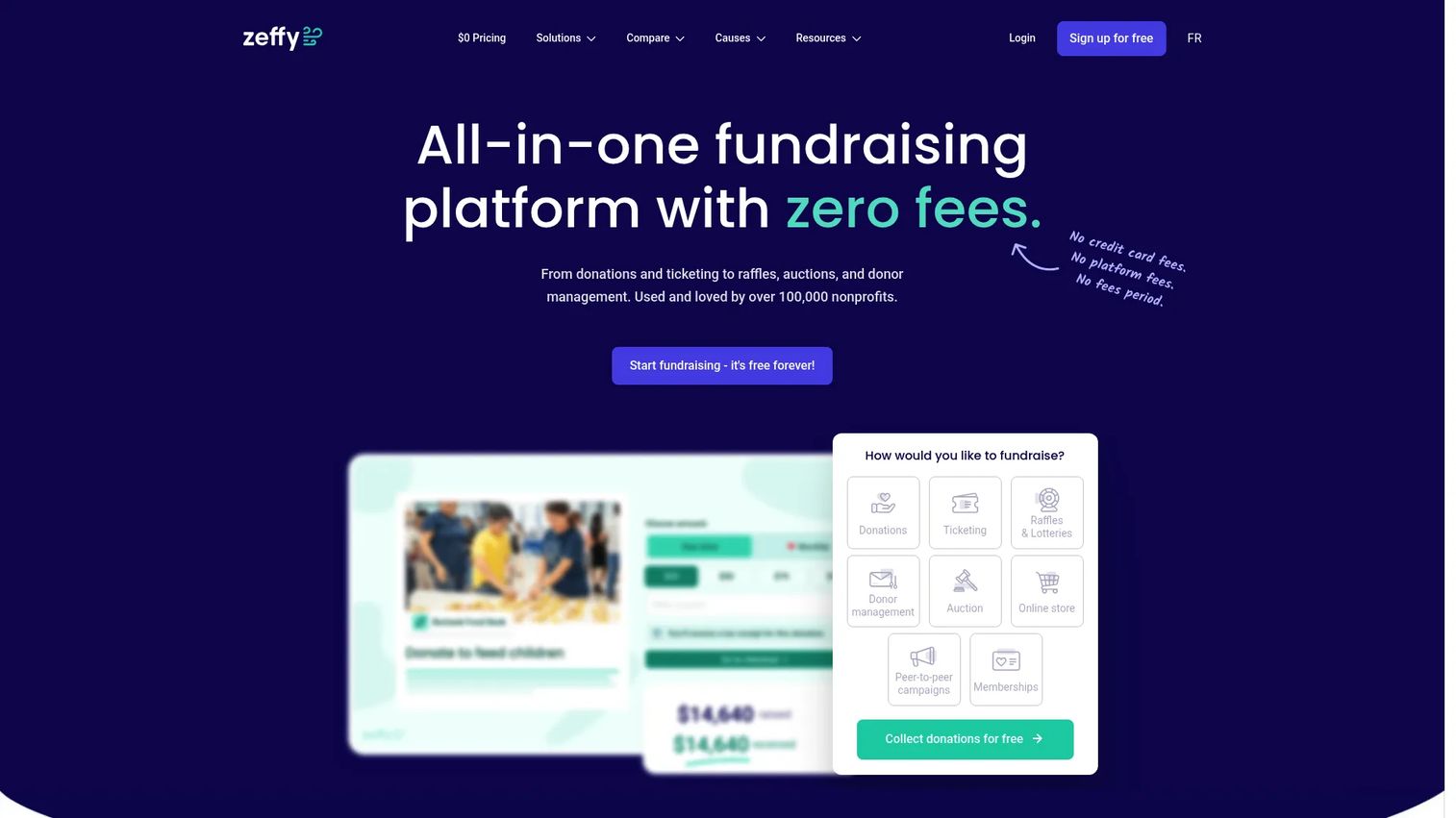
Zeffy is a 100% free fundraising platform for nonprofits. Donation forms, recurring giving, event ticketing and registration, and donor CRM and membership management are all included at no cost. Its model relies on optional donor contributions rather than platform or transaction fees, which is why budget-sensitive teams often evaluate it first.
Best for: Nonprofits that want zero-fee fundraising, ticketing, and donor management.
Key strengths
- Donation forms and recurring giving: Capture one-time and monthly online donations with no platform fee.
- Event ticketing and registration: Sell tickets and manage registrations inside the same free platform.
- Donor CRM and membership: Track donors and members without paying for a separate CRM.
Why choose Zeffy: Zeffy's appeal is straightforward: every feature is 100% free, with no platform, transaction, or credit card fees. The model works because donors are prompted to add an optional contribution to Zeffy at checkout. For small nonprofits watching every dollar, it removes fees from the equation entirely.
Zeffy pricing: Zeffy is free. It offers a single free plan and states that every feature is 100% free, with no platform, transaction, or credit card fees. Revenue comes from optional donor tips at checkout, which supporters can adjust or decline.
7. GoFundMe Pro
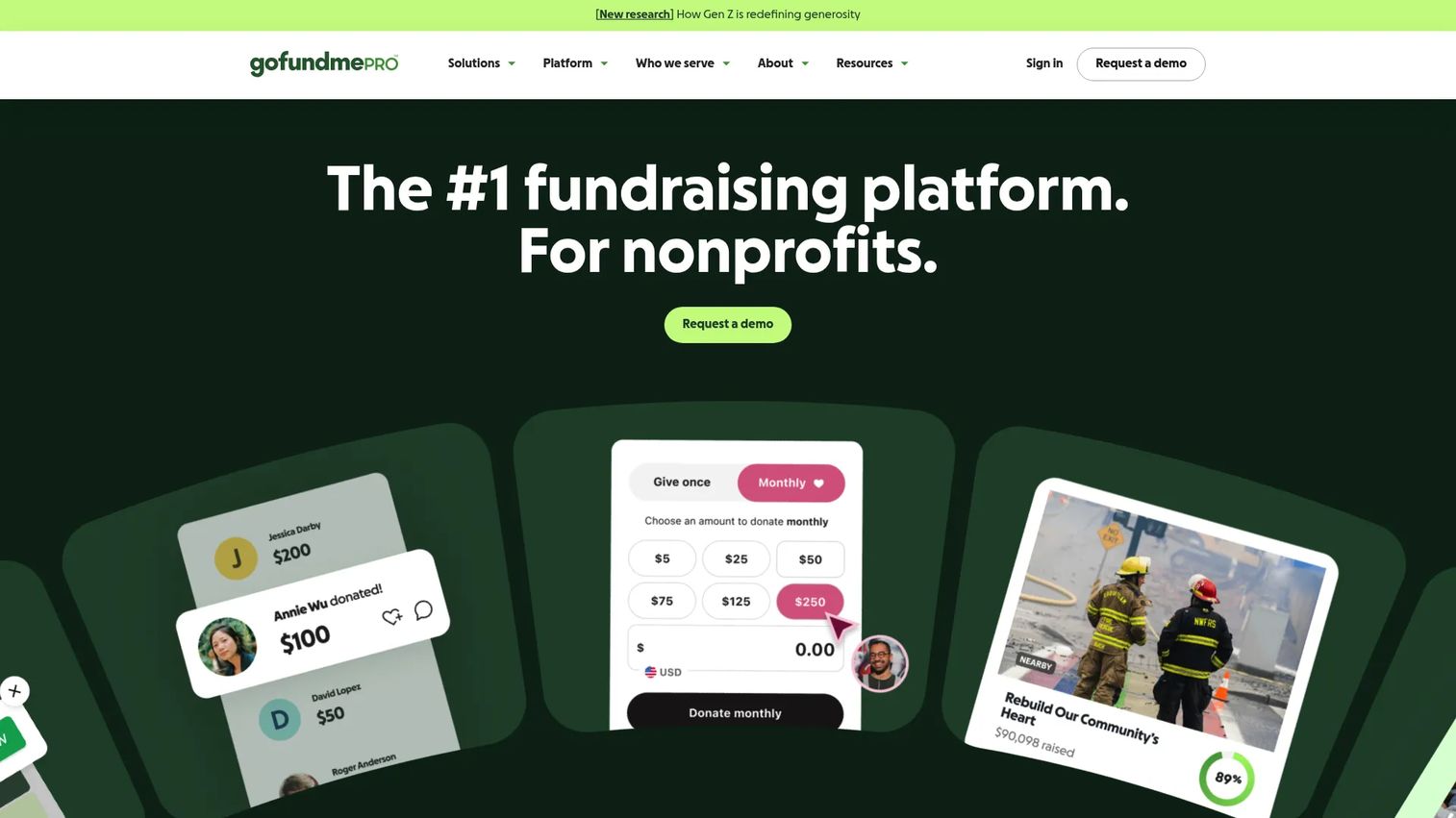
GoFundMe Pro, presented on its site as formerly Classy and part of GoFundMe, is a nonprofit online fundraising platform for campaigns, donation forms, events, and peer-to-peer giving. It targets larger organizations with more complex operations and governance needs, and pairs branded fundraising tools with donor management and reporting.
Best for: Nonprofits that need branded online fundraising with peer-to-peer and event tools at scale.
Key strengths
- Donation forms and pages: Branded forms and campaign pages support high-volume online donations.
- Peer-to-peer fundraising: Supporter-led campaigns extend reach beyond your direct donor base.
- Campaign and donor management: Reporting and donor tools support enterprise fundraising operations.
Why choose GoFundMe Pro: For larger nonprofits, the draw is scale and structure: branded campaigns, peer-to-peer at volume, and reporting that supports more formal governance. It fits development teams that need consistent campaign infrastructure across many concurrent drives.
GoFundMe Pro pricing: The public pricing page shows two paths. Essentials, positioned for organizations with annual revenue under $1 million, advertises zero subscription fees and no setup costs and requires requesting access. Organizations above $1 million connect with the team for custom pricing. No numeric price is published.
8. Donorbox
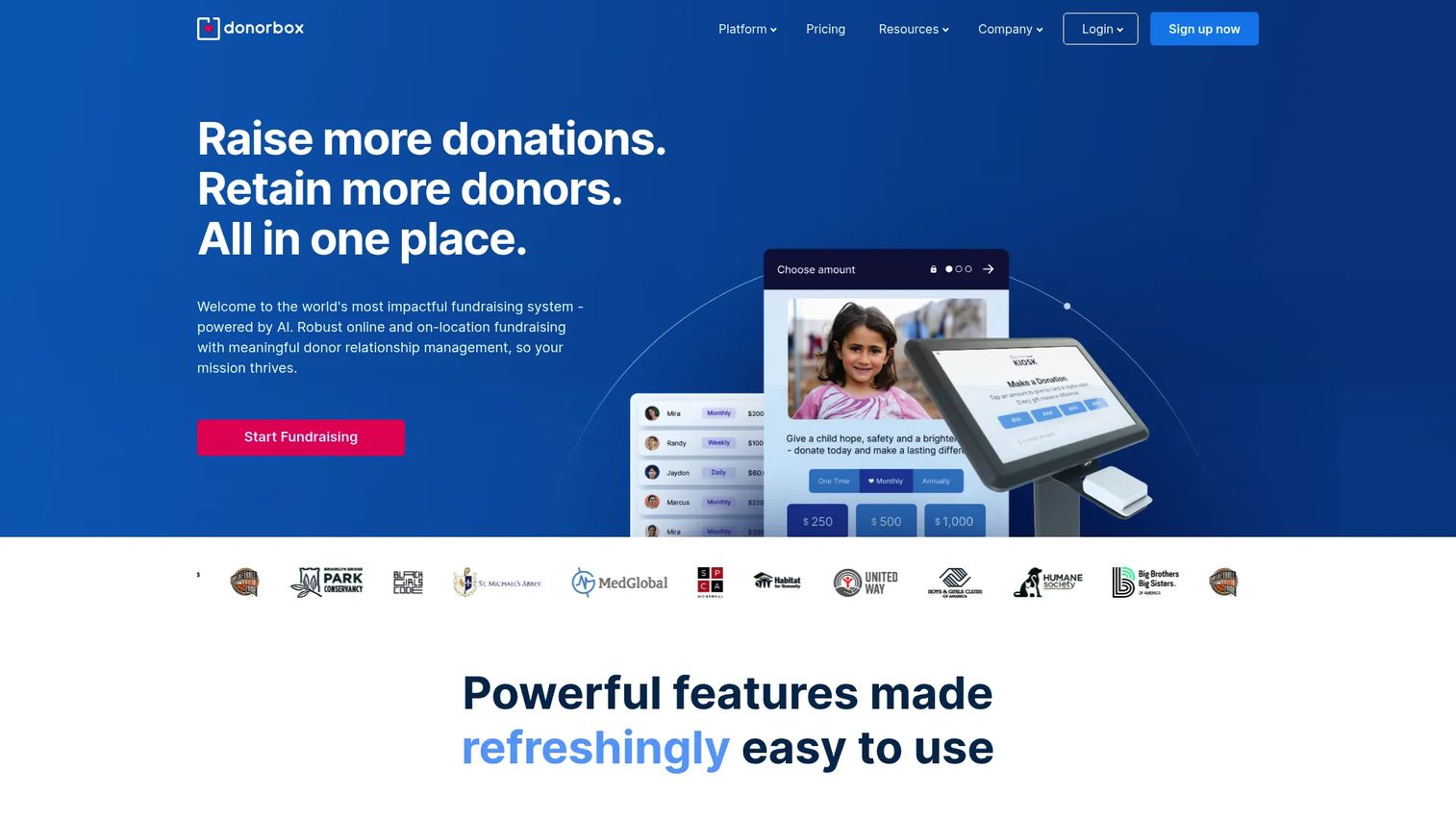
Donorbox is an online fundraising platform for nonprofits and mission-driven organizations, known for embeddable donation forms and fast setup. Text-to-Give, recurring donations, peer-to-peer, crowdfunding, memberships, and events round out the feature set. Teams that want donation capture live quickly often start here.
Best for: Nonprofits that need donation forms plus recurring and multi-channel fundraising with a quick implementation.
Key strengths
- Embeddable donation forms: Drop branded forms onto any site to capture online donations fast.
- Recurring donations: Built-in monthly giving supports predictable, repeatable revenue.
- Multi-channel fundraising: Text-to-Give, peer-to-peer, crowdfunding, memberships, and events extend reach.
Why choose Donorbox: Donorbox is a fit when speed to launch matters. The forms embed on an existing website in minutes, and recurring giving is built in, so teams can start collecting donations without a long implementation. It suits organizations that want capture and recurring revenue first, with room to add events and peer-to-peer later.
Donorbox pricing: Donorbox's Standard plan is free to set up with no monthly fee. Pro starts at $150/month, and Premium is custom-priced. Platform fees vary by plan and feature, so confirm the fee percentage for the specific features you plan to use.
Considerations before you buy
Use this checklist to pressure-test any shortlist before you commit budget.
Donor management depth
Look past the donation form and evaluate the donor CRM underneath. Can it track gift history, segment donors, and surface donor intelligence like scoring or prioritization? Shallow donor records limit retention work, so verify the depth matches how you plan to steward relationships over years, not just one campaign.
Automation and workflow fit
Fundraising automation is where consolidation pays off. Confirm the platform can automate receipts, thank-yous, recurring gift retries, and lapsing-donor prompts. Map the automations to your actual workflow before buying, because a feature you never configure delivers no ROI.
Payment rails and donation methods
Check which donation methods the platform supports: cards, ACH, digital wallets, text-to-give, and recurring billing. Then read the fee structure closely. Platform fees, processing fees, and optional tip models vary widely, and on high volume those percentages add up to real money.
Reporting and analytics quality
Your reporting has to satisfy your board and your grant applications. Verify you can build the revenue, retention, and campaign reports you need without exporting to a spreadsheet. Reporting and analytics quality is often the difference between a platform that saves time and one that adds it.
Pricing, fees, and support
Compare total cost, not just the headline subscription. Factor in platform fees, processing rates, contract flexibility, and what onboarding and support actually cost. A free platform with higher effective fees can cost more than a paid one, so model your real transaction volume.
Conclusion
The right fundraising software depends on your motion and your budget, not on a single "best" label. For deep donor operations and campaign management, DonorPerfect leads. For free or low-fee fundraising, Zeffy's zero-fee model and Givebutter's free core are the strongest starting points. If events drive your revenue, GiveSmart puts event operations and donor management on one platform, while GoFundMe Pro handles enterprise peer-to-peer at scale.
For lean teams that want fundraising and back-office work together, MonkeyPod consolidates CRM, accounting, and grants. Funraise fits automation-forward campaigns, and Donorbox gets embeddable donation forms and recurring giving live fast.
Your next step: shortlist two or three platforms that match your primary fundraising motion, then compare them on donor CRM depth, automation, total fees, and reporting. Run a real donation and a test report in each before you sign, because the platform that fits your workflow beats the one with the longest feature list.
FAQs
There is no single best platform. DonorPerfect leads for all-in-one donor CRM and campaign management, Zeffy for zero-fee fundraising, and GiveSmart for events. The right choice depends on your fundraising motion, budget, and how much donor management depth you need.
At minimum, look for a donor CRM, embeddable donation forms, fundraising automation for receipts and follow-ups, reporting and analytics, campaign management, and support for recurring donations and events. All-in-one fundraising software bundles these so donations, donor records, and outreach stay connected.
Yes, for many small teams. Zeffy offers a genuinely 100% free model funded by optional donor tips, and Givebutter, Funraise, and Donorbox all offer free entry tiers. Read the fee structure carefully, since some free plans still carry platform or processing fees on transactions.
Donor management software, or donor CRM, focuses on tracking donor records, gift history, and relationships. Fundraising software is broader, adding donation forms, campaigns, events, and payment processing on top of the CRM. Most modern all-in-one platforms combine both.
GiveSmart is built around event operations, with ticketing, seating, and mobile bidding. GoFundMe Pro handles enterprise peer-to-peer campaigns at scale. Givebutter and Donorbox also support events and peer-to-peer for teams that want them inside a broader platform.
Yes. Recurring donations are a core feature across DonorPerfect, Donorbox, Funraise, Givebutter, and Zeffy. The better platforms also automate failed-card retries, renewal prompts, and lapsing-donor alerts, which keeps monthly giving revenue healthy over time.
Compare total cost, not the headline subscription. Add platform fees, payment processing rates, and any optional tip models to the base price, then model your real transaction volume. Also check contract flexibility and what onboarding and support cost, since those shape the true price.
Zeffy and Donorbox stand out for fast setup and low overhead, and Givebutter is easy to adopt free. MonkeyPod suits small teams that want fundraising and accounting together to cut reconciliation work. Prioritize quick implementation and strong automation so the tool reduces manual effort rather than adding it.