You scoped an AR experience for a product launch. The design team built the 3D asset. Then the questions started: does it need an app install, or does it run in a browser? Does it work on Android and iOS? Who updates the content when the model changes? Three weeks later, you are still comparing platforms instead of shipping.
That friction is the real problem with augmented reality platform selection. The technology works. What slows teams down is fragmentation: dozens of tools that each solve a different slice of the create-publish-deliver pipeline, with wildly different delivery models and engineering costs. Pick the wrong layer and you either over-build with an SDK you do not need, or hit a wall with a no-code tool that cannot scale.
The market is large enough that the stakes are real. Mordor Intelligence pegged the augmented reality market at USD 125.11 billion in 2026, growing at a 25.35% CAGR through 2031. North America alone represented 44.42% of AR market revenue in 2025. That growth means more platforms, more overlap, and more decisions where "which AR platform" is really "which delivery model, for which workflow, owned by which team."
This guide compares the AR software worth evaluating in 2026 through that lens. If you also evaluate adjacent tooling, our roundups on AI app builder software and content creation software cover the surrounding stack.
What's inside
This is a buyer-oriented comparison of 10 augmented reality platforms for product managers, marketers, and technical evaluators who need to create, publish, or deliver AR experiences. It includes both no-code AR publishing tools and platform-layer technologies such as AR SDKs and frameworks.
We selected and ranked entries on four criteria that decide real deployments:
- Delivery model: WebAR, app-based AR, SDK, or hybrid
- Content workflow: how fast teams create, update, and version AR content
- Ecosystem depth: device coverage, integrations, and platform maturity
- Use-case breadth: marketing, education, e-commerce, product, and enterprise fit
Entries are ordered by relevance to buyer intent, not alphabetically.
TL;DR
- Best for no-code AR campaigns from print and visual media: Artivive
- Best for browser-first WebAR publishing: Overly
- Best for creative prototyping inside a design workflow: Adobe Aero
- Best for cross-platform mobile AR development: Unity AR Foundation
- Best for Android-native AR infrastructure: Google ARCore
- Best for Apple ecosystem and spatial AR: Apple RealityKit
- Best for location-based and large-scale AR: Niantic
- Best for browser-based 3D model hosting and AR sharing: Sketchfab
If you need a fast, shareable experience without engineering, start with a no-code AR tool. If you are building a native app with custom logic, an AR SDK or framework is the right layer.
What is an augmented reality platform?
An augmented reality platform is software that lets teams create, publish, or deliver digital content layered onto the real world through a phone, tablet, headset, or browser camera. The category spans four distinct platform types, and most buying mistakes come from confusing them.
- No-code AR publishing tools. Upload assets, attach a trigger, and publish a shareable experience without writing code. Built for marketing, publishing, museums, and education teams that need speed and iteration.
- Browser-based AR delivery (WebAR). Runs in the phone's browser through a QR code or image trigger, so users skip the app install. Lowest friction for campaigns and shareability.
- AR SDKs and frameworks. Developer toolkits that give an app motion tracking, plane detection, and anchoring. This is AR infrastructure, not a finished product, and it powers native app-based AR.
- 3D content and viewer platforms. Host, embed, and present 3D models in the browser, often with an app-free AR view. A content layer that feeds the other three.
Each type serves a different workflow. A marketer launching a QR-triggered campaign wants WebAR. A product team embedding a spatial feature in a native app wants an AR SDK. A design team validating a concept wants a no-code authoring tool. The taxonomy matters more than any single feature list, because it determines friction, distribution, and engineering cost before you evaluate a single vendor.
When to use each type of AR platform
Launch a browser-based AR campaign
WebAR is the right delivery model when reach and shareability matter more than deep functionality. A QR code on packaging or an image trigger in a magazine opens the experience in the browser, so there is no app to install and no store approval to wait on. That removes the single biggest source of drop-off in consumer AR. For marketing campaigns, retail activations, and print-to-digital experiences, browser-based AR is usually the fastest path from idea to live.
Build an interactive AR experience without heavy engineering
When you have limited developer bandwidth, a no-code or low-code AR platform lets a marketer or designer own the whole workflow. The benefits compound:
- Speed: publish in hours, not sprints
- Iteration: update content without a release cycle
- Creative control: the team closest to the message owns the experience
- Lower opportunity cost: engineering stays focused on the core product
This path fits campaigns, education, publishing, and e-commerce, where the AR content changes often and the team needs to move without filing tickets.
Ship a mobile or cross-device AR experience
When AR is a core product feature, not a campaign, native development or a framework-based build makes more sense. Here the distinction between authoring tools and platform infrastructure matters. An AR SDK such as Google ARCore or Apple RealityKit gives your app tracking, anchoring, and environmental understanding, but you build the experience around it. A cross-platform AR framework like Unity AR Foundation abstracts multiple SDKs behind shared code so one build targets Android, iOS, and headsets. Choose infrastructure when you need custom logic, persistence, or tight integration with your product.
Comparison table
The table below sorts platforms by relevance to buyer intent, from no-code publishing tools that ship fastest to the SDKs and frameworks that power custom builds. Pricing and ratings reflect verified first-party and G2 sources where available; where a platform does not publish a price, the field is left open.
| # | Product | Intent | Key differentiation | Pricing | G2 rating |
|---|---|---|---|---|---|
| 1 | Artivive | No-code AR from art and print | Turns static images into layered AR | Free; paid from €11.66/mo | Not verified |
| 2 | Overly | No-code WebAR + app-based AR | Web and app delivery in one tool | Free trial; from €11.99/mo per experience | 4.5/5 |
| 3 | Adobe Aero | Creative AR prototyping | Design-first authoring in Adobe workflow | Free | Not verified |
| 4 | Wikitude | AR SDK (end-of-life) | Legacy image/object tracking SDK | Not public | 4.3/5 |
| 5 | Unity AR Foundation | Cross-platform AR framework | One codebase for iOS, Android, headsets | Free; Pro $210/mo | 4.5/5 |
| 6 | Google ARCore | Android-first AR SDK | Motion tracking, depth, Geospatial API | Not public | 4.5/5 |
| 7 | Apple RealityKit | Apple ecosystem AR framework | Native 3D + ARKit across Apple devices | Dev Program $99/yr | Not verified |
| 8 | Niantic | Location-based AR platform | Persistence and real-world scale | Not public | Not verified |
| 9 | Sketchfab | 3D hosting + app-free AR | Browser 3D viewer with AR sharing | Free; Pro from $15/mo | 4.4/5 |
| 10 | ARToolKit | Open-source AR toolkit | Foundational marker-based tracking | Not public | 4.2/5 |
1. Artivive
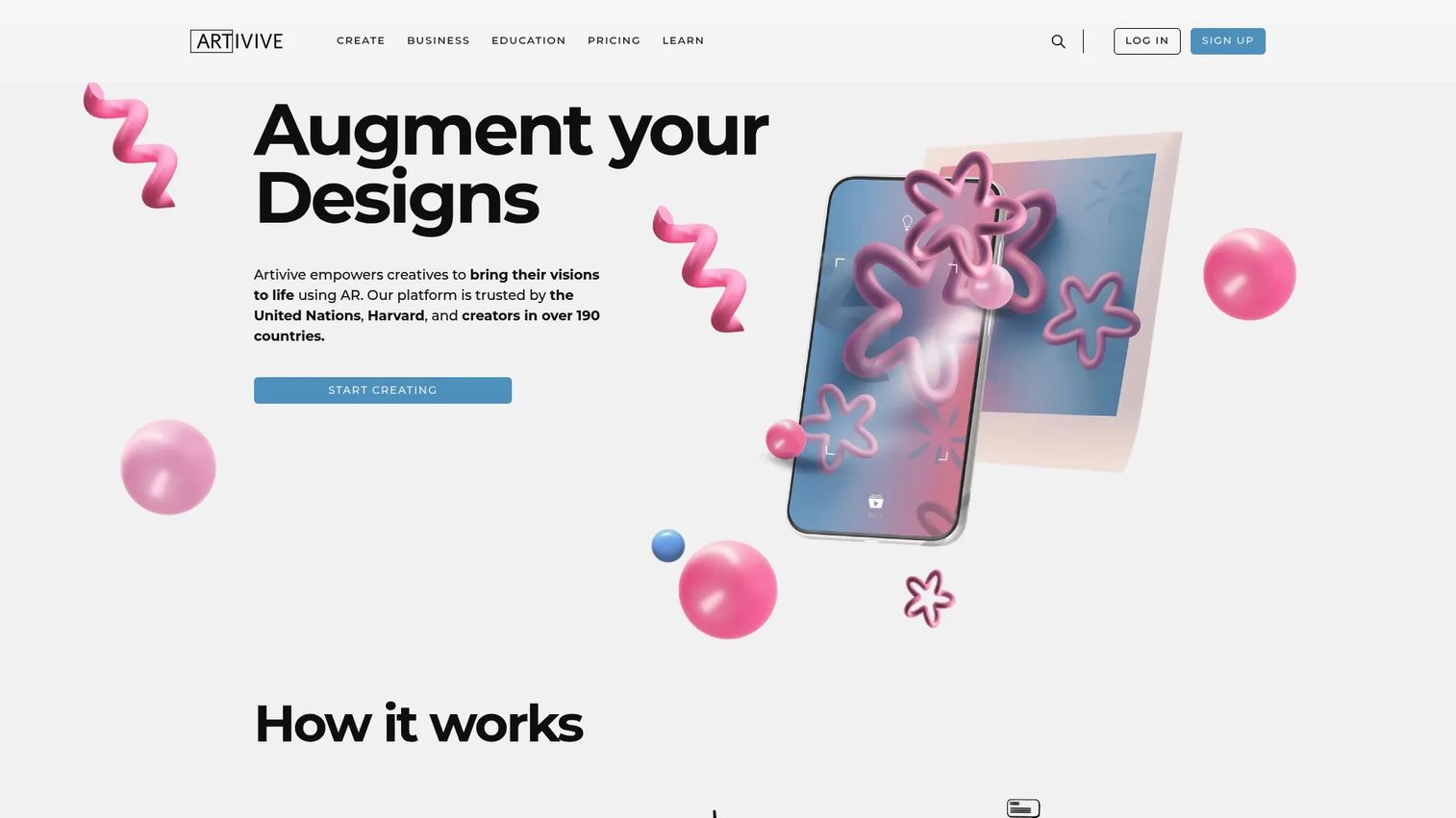
Artivive is a no-code augmented reality platform built to turn static art, images, and print into interactive AR experiences. It layers video, 3D objects, audio, text, and particle effects onto a physical trigger, then delivers the result through both WebAR and an app. Artists, museums, publishers, and brands use it to make posters, packaging, and exhibitions come alive without touching code.
Best for: artists, museums, and brands adding AR to physical and printed media.
Key strengths
- Unlimited artworks: create as many AR pieces as you need on both free and paid plans.
- WebAR plus Timeline: browser-based delivery and time-based sequencing on Pro Plus and above.
- Multi-layer content: stack video, images, 3D, audio, text, and particle effects on one trigger.
Why choose Artivive: if your AR lives on something physical, a canvas, a page, a product, Artivive removes the technical wall between print and digital. The scan-first workflow means a viewer points their camera and the experience plays, which is exactly what a museum or publisher needs. It is less relevant if your AR belongs inside a native software product.
Artivive pricing: the Basic plan is free forever. Paid personal plans start at Pro for €11.66/month billed annually, then Pro Plus at €33.33/month and Business at €83.25/month, both billed annually. An Enterprise white-label WebAR plan runs €249.92/month billed annually. WebAR and Timeline features unlock at Pro Plus and above.
2. Overly
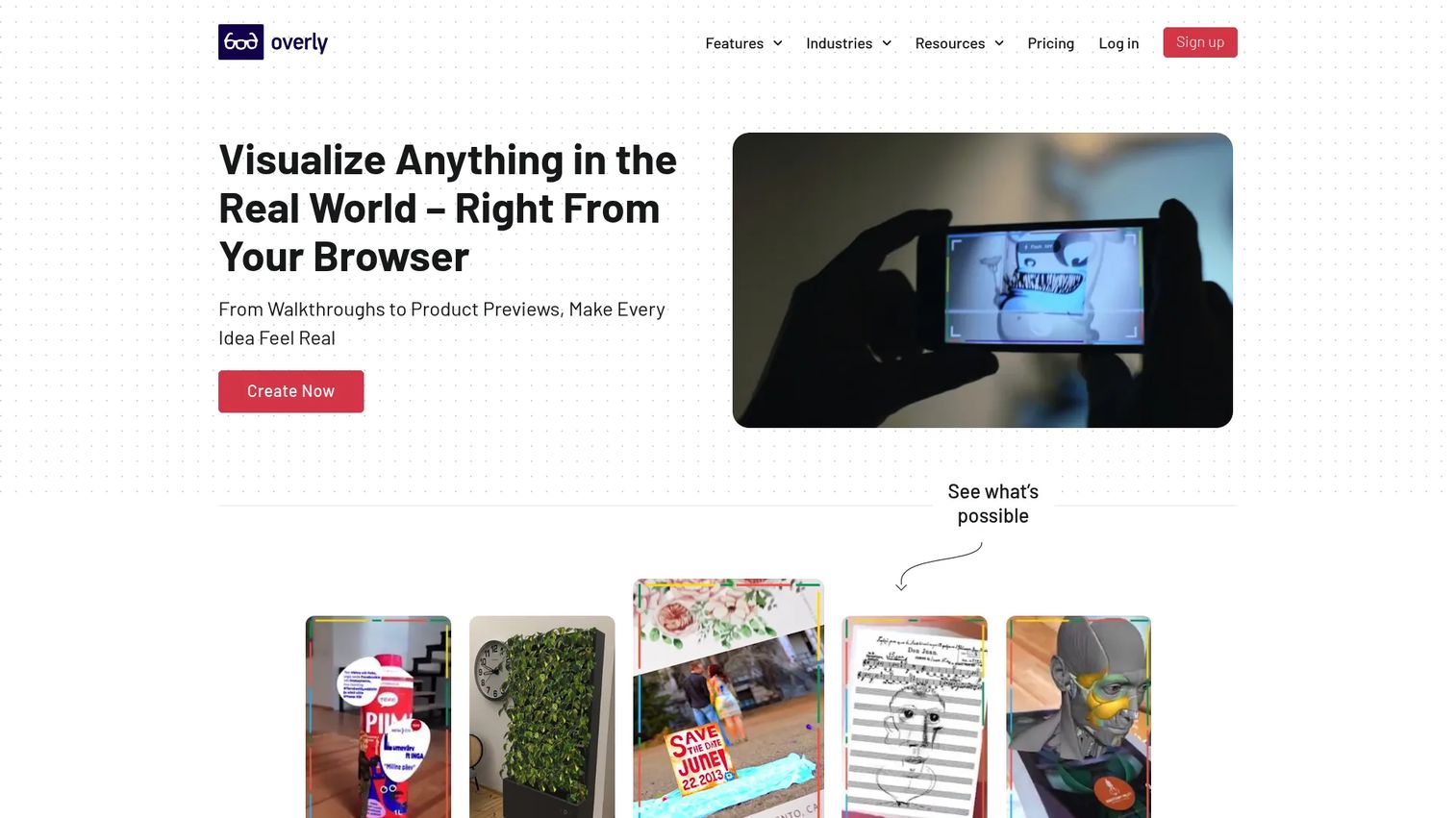
Overly is a no-code AR platform for creating both app-based and web-based AR experiences. Its upload-and-publish flow, 3D editor, and marker-based triggers let teams build browser-first AR for marketing, education, publishing, and e-commerce without engineering. That makes it a practical choice when you want the low friction of WebAR but may also need an app-based experience for the same asset.
Best for: teams that want a no-code AR creation platform spanning marketing, education, publishing, and e-commerce.
Key strengths
- App-based AR: deliver richer experiences through a dedicated app when the use case needs it.
- WebAR: publish browser-based AR that opens from a QR or image trigger, no install required.
- 3D editor: import and arrange 3D objects directly in the platform.
Why choose Overly: the appeal is flexibility across delivery models. A quick campaign runs in the browser, while a more involved museum or retail experience can use the app path, all from one no-code editor. Compared to a full AR SDK, Overly trades deep custom logic for speed, which is the right trade when marketing or education owns the project.
Overly pricing: Overly offers a free trial. Its lowest publicly visible Pro plan starts at €11.99/month per experience on monthly billing, or €19.99/month per experience on annual billing, with an alternate USD view of $14/month per experience. Enterprise and Individual plans require contacting Overly. Overly holds a 4.5/5 rating on G2.
3. Adobe Aero
Adobe Aero is Adobe's AR authoring and viewing platform for building, sharing, and viewing interactive AR experiences without code. It imports 2D and 3D assets, PSD, OBJ, GLB, FBX, GIF, PNG sequences, WAV, and MP3, and shares experiences through a quick link, QR code, .REAL, .USDZ, image, or video. For designers already in the Adobe ecosystem, it turns a static comp into an AR prototype fast.
Best for: designers and marketers who want quick AR experimentation inside an Adobe workflow.
Key strengths
- No-code authoring: compose AR scenes visually without writing a line of code.
- Broad asset import: bring in PSD, OBJ, GLB, FBX, and audio formats directly.
- Flexible sharing: distribute via link, QR code, .USDZ, or exported video.
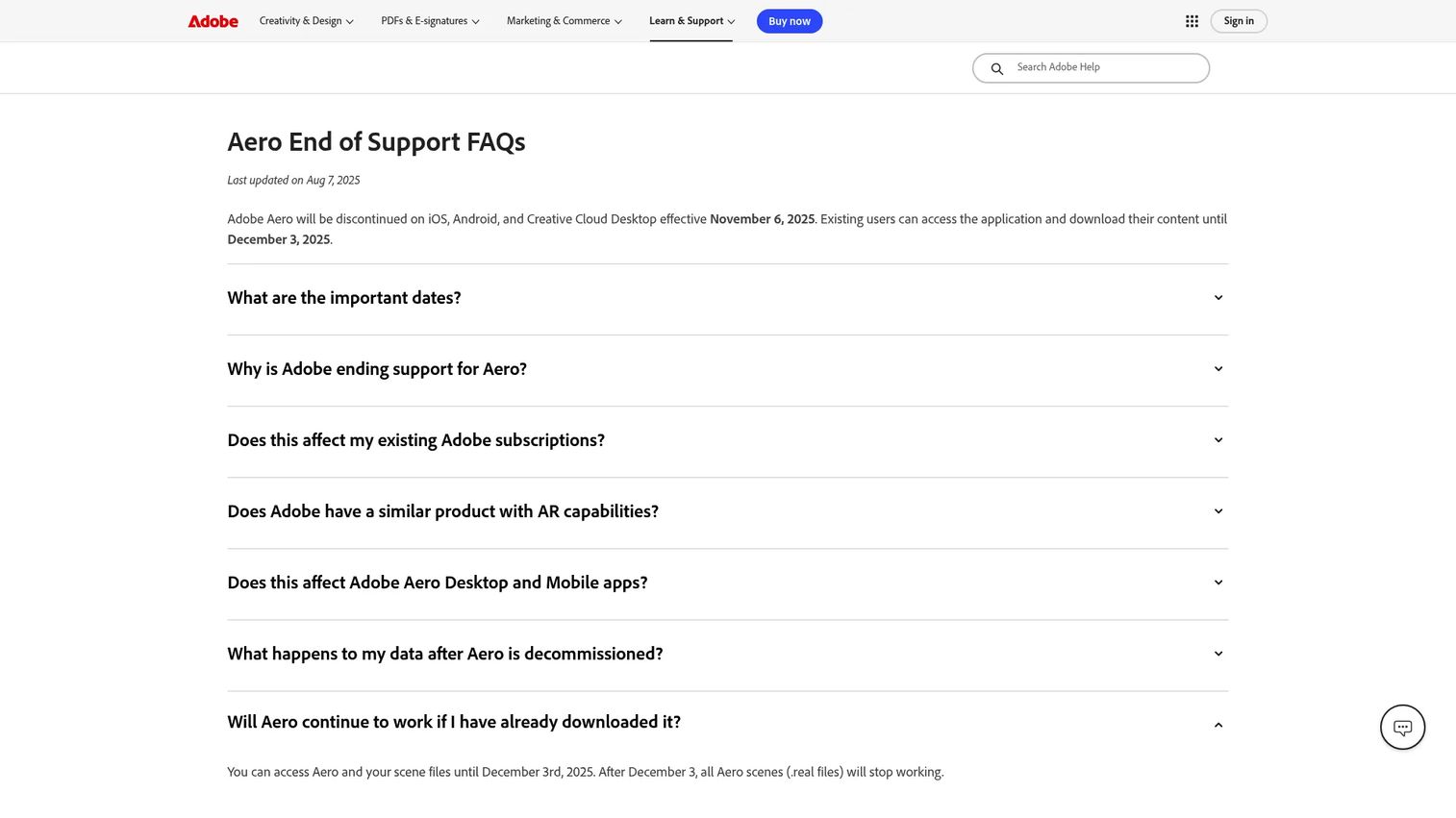
Why choose Adobe Aero: if your team lives in Photoshop and other Adobe apps, Aero is the shortest path from design asset to interactive AR. It excels at prototyping and lightweight demos where creative iteration matters most. Note that Adobe has stated Aero will be discontinued across iOS, Android, and Creative Cloud Desktop as of November 6, 2025, so teams starting new long-term projects in 2026 should weigh that lifecycle carefully and plan for a migration path.
Adobe Aero pricing: Adobe states Aero has always been free of charge, with no public paid tiers listed. Given the announced discontinuation, treat it as a prototyping tool rather than a platform to standardize on.
4. Wikitude
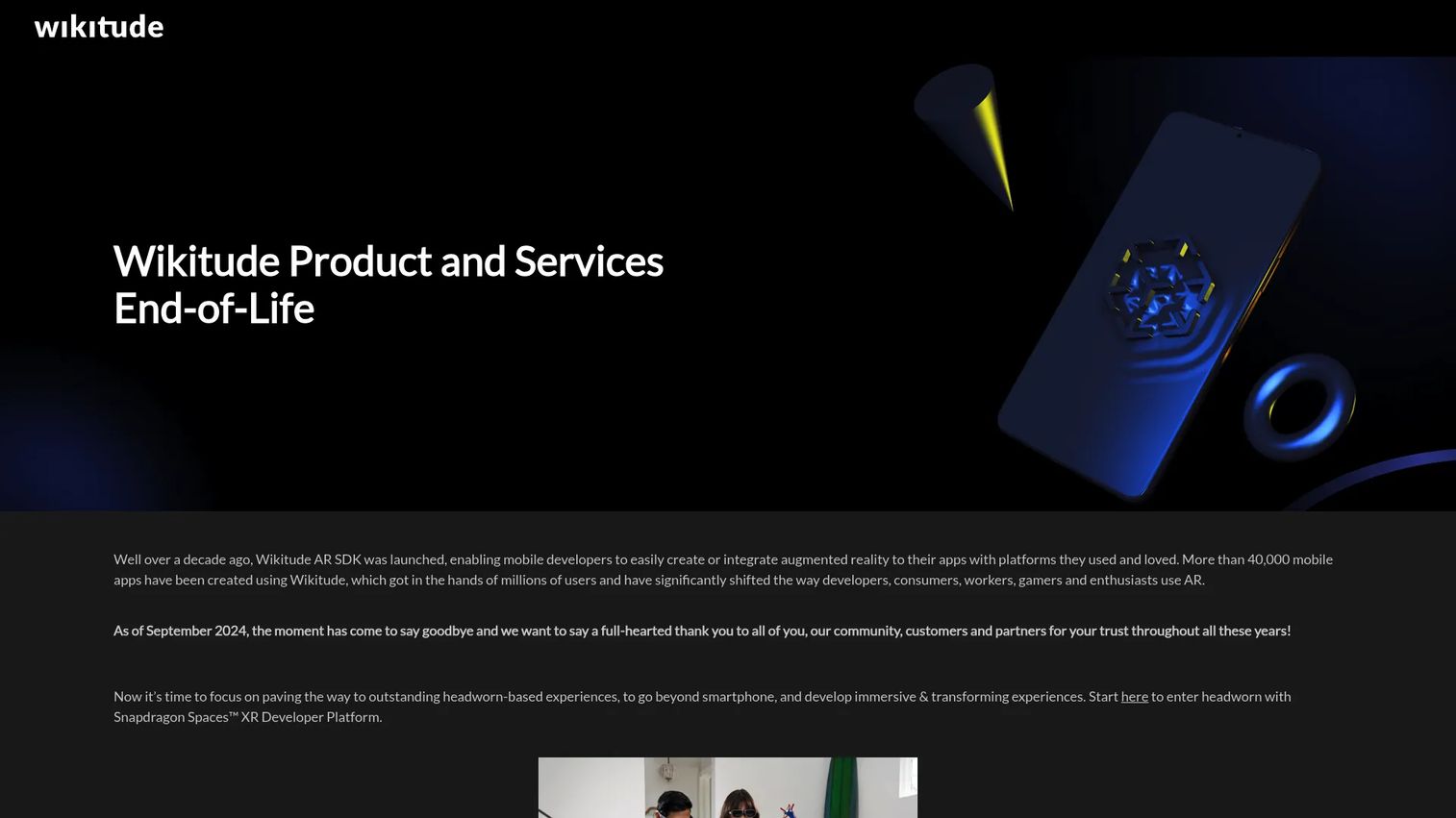
Wikitude was a cross-platform AR SDK for mobile apps, offering image and object recognition, tracking, and location-based AR. For years it was a common choice for teams building app-based AR without stitching together lower-level frameworks. Its SDK approach suited enterprises that needed robust tracking inside their own apps rather than a no-code publishing tool.
Best for: teams that previously built mobile AR experiences on Wikitude's SDK and are now planning a migration.
Key strengths
- Cross-platform SDK: one AR toolkit targeting multiple mobile platforms.
- Recognition and tracking: image and object recognition with markerless tracking.
- Location-based AR: geo-anchored experiences for outdoor and place-based use.
Why choose Wikitude: the honest answer for 2026 is that you probably would not start here. Wikitude services were shut down on September 21, 2024, with Studio, Cloud, and the Studio API disabled. We include it because teams with legacy Wikitude builds still need to recognize the end-of-life status and plan a move to an active framework such as Unity AR Foundation, Google ARCore, or Apple RealityKit. It carries a 4.3/5 historical rating on G2.
Wikitude pricing: no public first-party pricing is available following the shutdown.
5. Unity AR Foundation
Unity AR Foundation is Unity's cross-platform framework for building augmented reality apps. It exposes AR features, session, tracking, camera, plane, image, object, face, body, meshing, occlusion, and anchors, through a common API, then routes to platform provider plug-ins such as ARCore, ARKit, OpenXR, and Meta OpenXR. That means one codebase can target iOS, Android, HoloLens, and Meta Quest, which is the core reason engineering teams reach for it.
Best for: teams building cross-platform AR apps in Unity for iOS, Android, HoloLens, or Meta Quest.
Key strengths
- Multi-platform builds: write once, deploy across mobile and headset ecosystems.
- Deep tracking support: planes, images, objects, faces, bodies, meshing, and occlusion.
- Provider plug-ins: works with ARCore, ARKit, OpenXR, and Meta OpenXR under one API.
Why choose Unity AR Foundation: if AR is a durable product feature and you already build in Unity, this framework saves you from maintaining separate native codebases. It fits teams with real engineering capacity that need advanced, custom experiences rather than a fast campaign. The trade is engineering investment, which pays off when the experience is central to your product.
Unity AR Foundation pricing: AR Foundation itself is part of Unity's plans. Unity Personal is free, Unity Pro is $210.00/month or from $2,310.00/year, and Unity Enterprise and Industry are custom-priced through sales. Unity products hold a 4.5/5 rating on G2.
6. Google ARCore
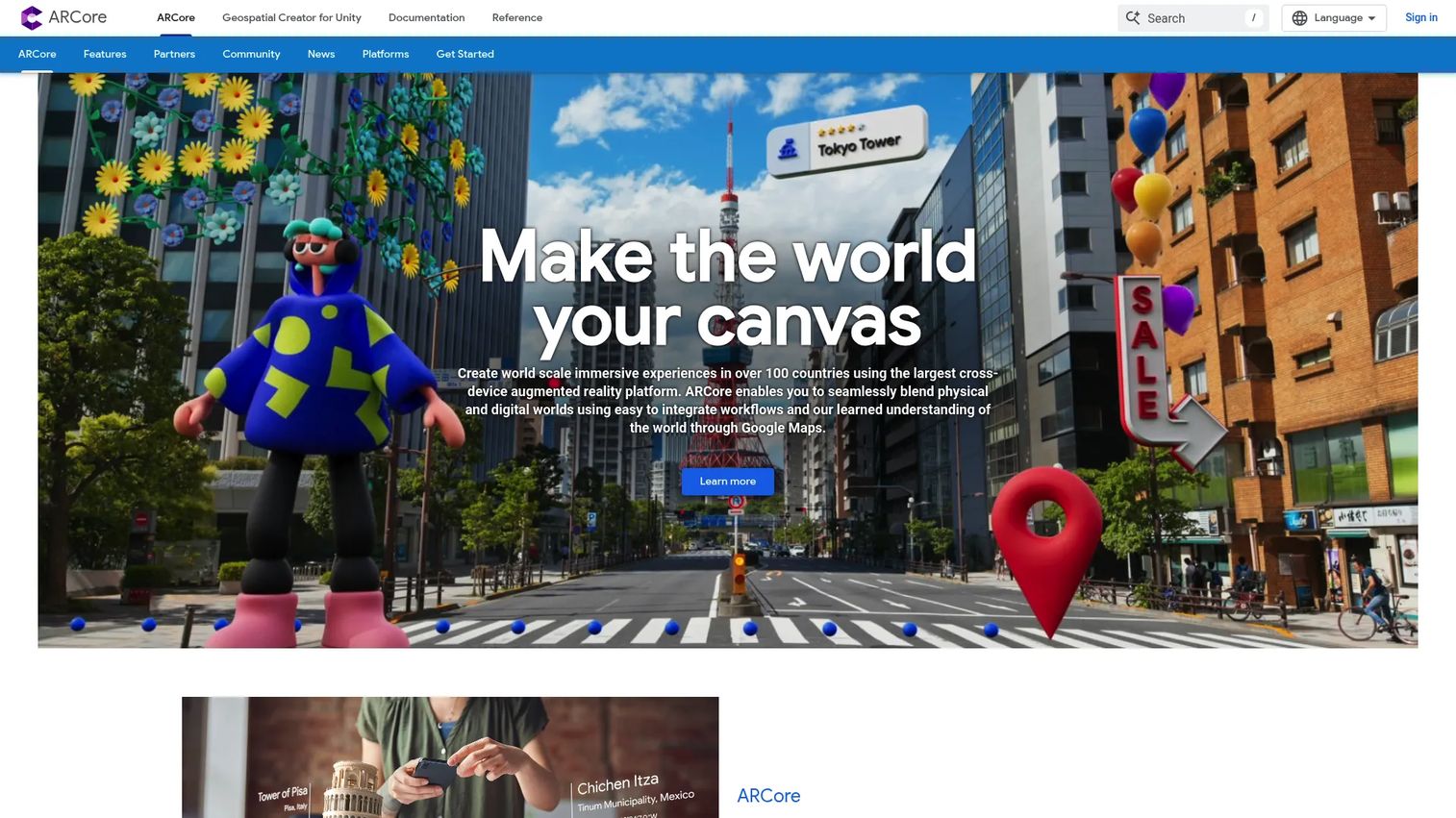
Google ARCore is Google's AR SDK for building immersive experiences across Android, iOS, Unity, and the web. It supplies the low-level capabilities that make AR believable: motion tracking, anchors, environmental and depth understanding, light estimation, and a Geospatial API for world-scale placement. This is infrastructure, not a no-code platform, so it lives inside an engineering workflow.
Best for: developers building cross-platform AR apps, especially Android-first experiences.
Key strengths
- Motion tracking and depth: accurate placement and occlusion in real environments.
- Geospatial API: anchor content to real-world locations at scale.
- Advanced capabilities: Scene Semantics, Persistent Cloud Anchors, and Streetscape Geometry.
Why choose Google ARCore: for Android-native AR, ARCore is the foundational layer, and its Geospatial and Cloud Anchor features make it strong for location-based and persistent experiences. It is the right choice when you are building a real app and want direct control over tracking quality. It is not the tool for a marketer who needs a shareable campaign this week. ARCore holds a 4.5/5 rating on G2.
Google ARCore pricing: ARCore is a developer SDK with no published price on Google's product site.
7. Apple RealityKit
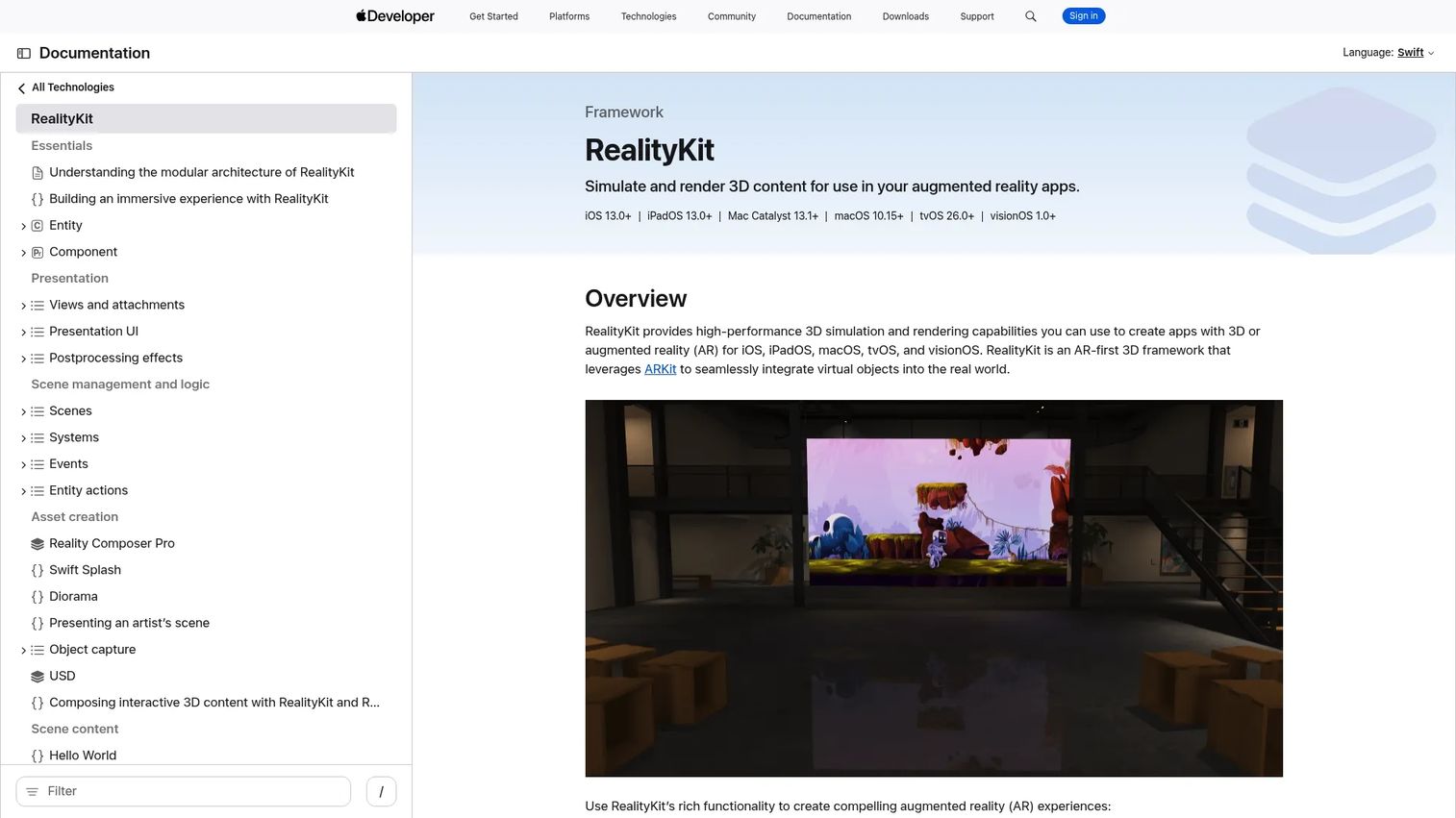
Apple RealityKit is Apple's AR-first 3D framework for building immersive experiences across iOS, iPadOS, macOS, tvOS, and visionOS. It pairs high-performance 3D simulation and rendering with ARKit integration to blend virtual objects into the real world, and supports models, animations, spatial audio, custom Metal shaders, and post-processing. For teams committed to Apple devices, it is the native path to spatial AR.
Best for: developers building AR and spatial apps for iPhone, iPad, and Apple Vision Pro.
Key strengths
- High-performance rendering: realistic 3D simulation tuned for Apple silicon.
- ARKit integration: tight coupling with Apple's tracking and scene understanding.
- Spatial support: models, animations, spatial audio, and custom shaders.
Why choose Apple RealityKit: if your product targets the Apple ecosystem and especially visionOS, RealityKit is purpose-built for that spatial workflow. It excels when native performance and deep device integration matter more than cross-platform reach. Pair it with a cross-platform framework only if you also need Android coverage from the same team.
Apple RealityKit pricing: RealityKit is a free framework. Access requires an Apple Developer account, which is free, while the Apple Developer Program for distribution is $99/year.
8. Niantic
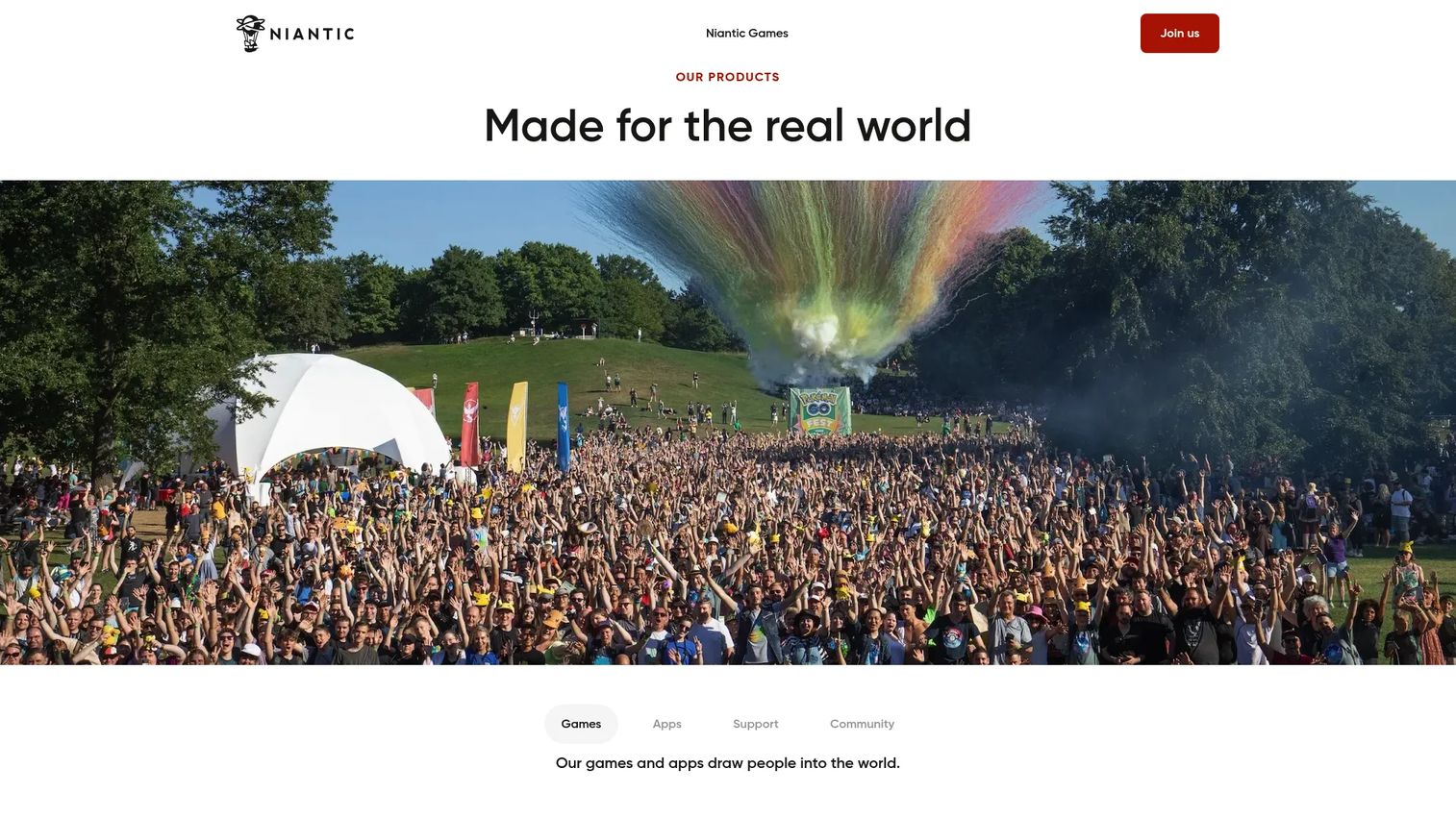
Niantic builds real-world games, apps, and spatial computing tools centered on exploration and AR. Beyond its games, Niantic offers a spatial platform layer, plus tools like Wayfarer and the Campfire community app, aimed at large-scale, location-based AR. It is the reference point when persistence, real-world mapping, and community interaction are the point of the experience, not just an overlay.
Best for: companies and creators building real-world, location-based AR experiences at scale.
Key strengths
- Real-world scale: infrastructure built for outdoor, mapped, persistent AR.
- Spatial platform tools: Wayfarer and related tooling for place-based experiences.
- Community layer: the Campfire app supports social and community interaction.
Why choose Niantic: if your AR concept depends on location, persistence, and many users sharing the same anchored world, Niantic's platform is built for exactly that scale. It is a specialist choice, strongest for ambitious location-based and community-driven experiences rather than a quick product overlay or a print campaign.
Niantic pricing: Niantic's site highlights products and apps rather than a standalone public pricing page; its games are free to download with optional in-app purchases, and platform access is handled through Niantic directly.
9. Sketchfab
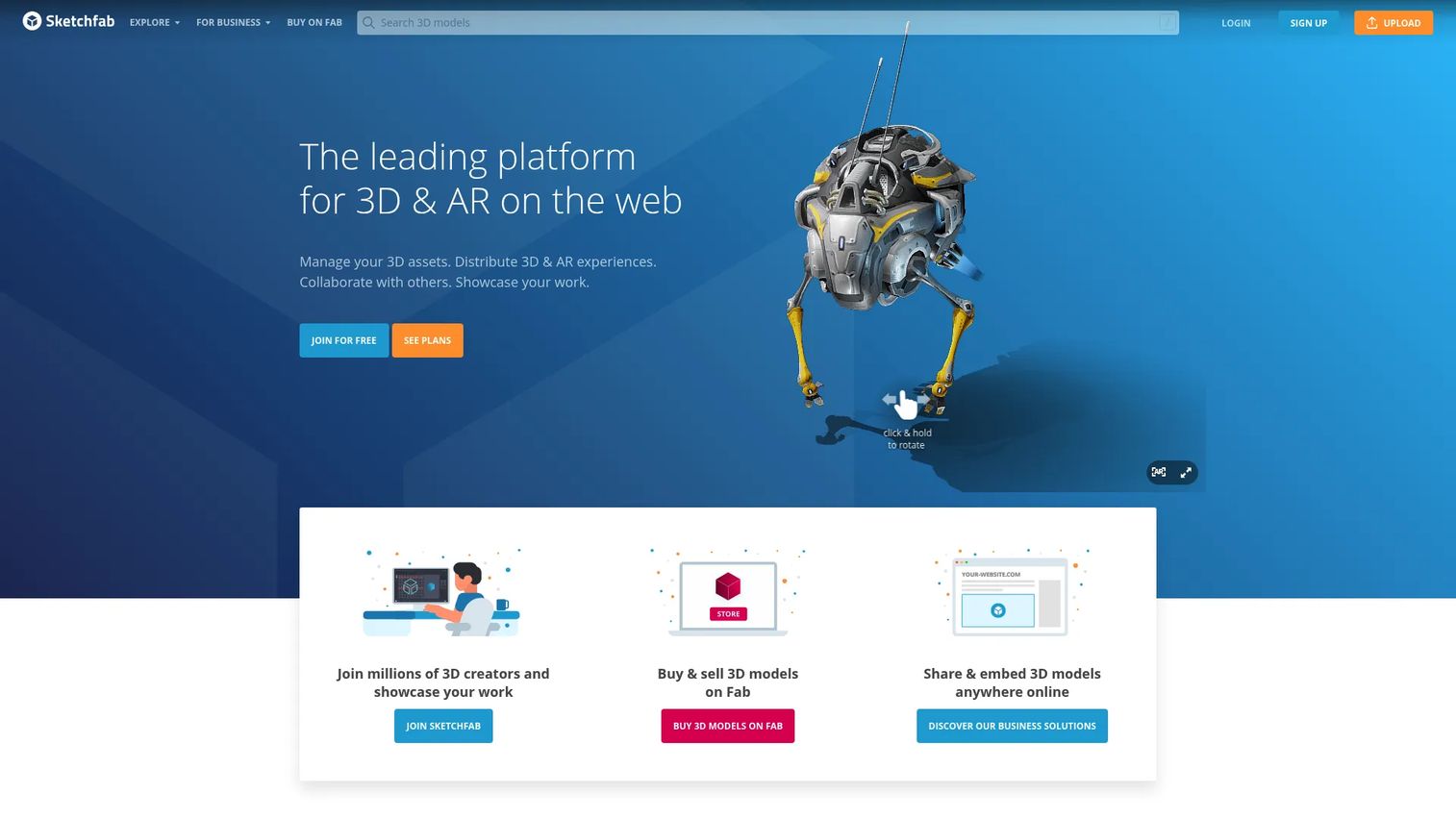
Sketchfab is a web-based platform for viewing, sharing, and embedding interactive 3D and AR models. Its interactive 3D viewer, Viewer API, and app-free AR make it a strong content and presentation layer for teams that need rich 3D models in the browser. It is not a full end-to-end AR creation suite, and that focus is exactly why it fits so cleanly into product, e-commerce, and education workflows.
Best for: teams needing browser-based 3D model hosting, embedding, and AR sharing.
Key strengths
- Interactive 3D viewer: embed explorable models on any web page.
- Viewer API: power custom apps and product configurators.
- App-free AR: let users view models in AR without installing anything.
Why choose Sketchfab: when the hard part is hosting and presenting 3D content, not building tracking logic, Sketchfab handles it with annotations, private uploads, team collaboration, and white-label embeds. Pair it with an AR SDK or a WebAR tool when you need a fuller experience, and use Sketchfab as the 3D backbone.
Sketchfab pricing: the Basic plan is free. Pro is $15/month billed yearly, Premium is $79/month billed yearly, and Enterprise is quote-based. Sketchfab holds a 4.4/5 rating on G2.
10. ARToolKit
ARToolKit is one of the foundational open-source AR toolkits, best known for pioneering marker-based tracking that many later platforms built on. Teams still evaluate it for experimental, research, or highly customized technical workflows where open-source control and a well-understood marker approach matter more than a polished authoring experience.
Best for: developers and researchers who want an open-source, marker-based AR toolkit for custom or experimental work.
Key strengths
- Open source: full control over the AR pipeline with no license gate.
- Marker-based tracking: reliable, well-documented QR and image-marker detection.
- Foundational maturity: a long track record that many modern tools trace back to.
Why choose ARToolKit: in 2026 its appeal is niche. Teams that need to tinker at the tracking level, run research prototypes, or avoid commercial dependencies still reach for it. For a production consumer experience with modern device support, an actively maintained framework will serve most teams better. ARToolKit holds a 4.2/5 rating on G2.
ARToolKit pricing: as an open-source toolkit, there is no published commercial price; confirm the current maintained fork and its license before adopting.
Considerations before you choose an AR platform
Before you commit, run the shortlist against the operational realities that decide whether a platform survives contact with your team.
Delivery model
Decide first whether you need WebAR, app-based AR, an AR SDK, or a hybrid setup.
- Does the experience need to reach users without an app install?
- Will a QR or image trigger cover the distribution you need?
- Is AR a campaign, or a durable product feature that justifies native development?
Delivery model drives friction, distribution, and engineering cost more than any other factor.
Content workflow
Evaluate how easily a non-engineer can create, update, and version AR content.
- Can a marketer or designer publish and iterate without a release cycle?
- Does the platform version content so you can roll back a bad update?
- Do you need design tools, developer support, or a no-code editor?
Cross-device support
Confirm real coverage across the devices your audience actually uses.
- Does it work in browsers on both Android and iOS?
- Are headsets or spatial devices in scope now or later?
- Is the AR viewer experience acceptable on mid-range phones, not just flagships?
Analytics and measurement
Assess whether the platform reports engagement in a way you can act on.
- Do you get scan counts, completion, dwell time, or conversion signals?
- Can you tie AR engagement back to a campaign or product goal?
- Does the data export into the analytics stack you already run?
Maintenance and scalability
Ask how much ongoing effort keeps content current as your product and campaigns change.
- Who owns trigger management and content updates?
- How does the platform handle many experiences across teams or regions?
- What happens to your content if the vendor changes course, as the Aero and Wikitude examples show?
Conclusion
The strongest AR platform for your team is the one that matches your delivery model, workflow, and content ownership, not the one with the longest feature list. For no-code campaigns tied to print and physical media, Artivive is the cleanest fit. For browser-first WebAR that a marketing team can own end to end, Overly is the practical pick. Designers prototyping in an Adobe workflow will move fastest in Adobe Aero, with the discontinuation timeline in mind.
When AR is a core product feature, the decision moves to infrastructure. Unity AR Foundation covers cross-platform builds from one codebase, Google ARCore anchors Android-native and location-based experiences, and Apple RealityKit is the native path for Apple and visionOS. Niantic serves large-scale, persistent, location-based AR, Sketchfab is the 3D content and viewer layer, and ARToolKit remains the open-source option for experimental work.
Narrow your shortlist against one real deployment scenario: name the audience, the device, the trigger, and who updates the content. That single scenario will tell you whether you need a no-code AR tool or an AR SDK far faster than any feature comparison.
FAQs
An augmented reality platform is software for creating, publishing, or delivering digital content overlaid on the real world through a camera on a phone, tablet, headset, or browser. It differs from a single AR app: a platform is the tooling you use to build and distribute many experiences, while an app is one finished experience a user opens.
No-code teams are best served by publishing tools like Artivive, Overly, and Adobe Aero, which let a marketer or designer upload assets and publish without engineering. Evaluate them on publishing speed, whether WebAR removes the app-install barrier, and how easily you can update content after launch.
WebAR runs in the phone's browser through a QR or image trigger, so users skip the app install and friction stays low. App-based AR requires a download but can support richer, more custom functionality. The trade is reach and speed versus depth and control, which is why many teams use WebAR for campaigns and app-based AR for core product features.
Product managers should weigh maintainability, analytics, and cross-team workflow over raw features. A no-code WebAR tool wins when marketing owns the content and needs fast iteration; an AR SDK or framework wins when AR is a durable product feature that engineering maintains. The deciding factors are how easily content updates ship and how well the platform covers the devices your users actually hold.
It depends on team size and engineering capacity. If AR is a campaign or a lightweight experience and you have limited developer bandwidth, a no-code tool ships far faster. If AR is central to your product and you need custom logic across iOS, Android, and headsets, a framework like Unity AR Foundation is the better long-term foundation.
Neither is universally better; they solve different jobs. AR SDKs like Google ARCore and Apple RealityKit are the right choice for custom, native technical builds with tight tracking control. AR publishing tools are better for fast, shareable deployment by non-engineers. Match the tool to whether AR is infrastructure or a campaign.
Focus on delivery model, content workflow, analytics, and device compatibility first. Then weigh maintainability, since platform lifecycle matters: two well-known AR tools reached end-of-life recently, so confirm a vendor is actively maintained before you standardize on it. A platform that is easy to update and works across the devices your audience uses will outlast one with a flashier feature list.
Yes. Many platforms serve both well, but the right fit depends on trigger type, shareability, and how often content changes. Marketing campaigns usually favor WebAR with QR or image triggers for reach, while education and museums often benefit from layered content and print-to-digital experiences. Tools like Artivive and Overly cover these use cases without engineering, while SDKs suit teams building AR into a dedicated app.