
Your team manually reviews a small fraction of calls each week. The rest go unheard. Inside those unheard calls sit the compliance slips, the coaching moments, and the recurring "how do I" questions that quietly inflate your ticket queue.
Manual QA was never built to scale. A reviewer can listen to a handful of calls per agent per month, then extrapolate. That sampling approach worked when call volume was lower and products were simpler. It does not work when a support org handles thousands of conversations a day across voice, chat, and messaging.
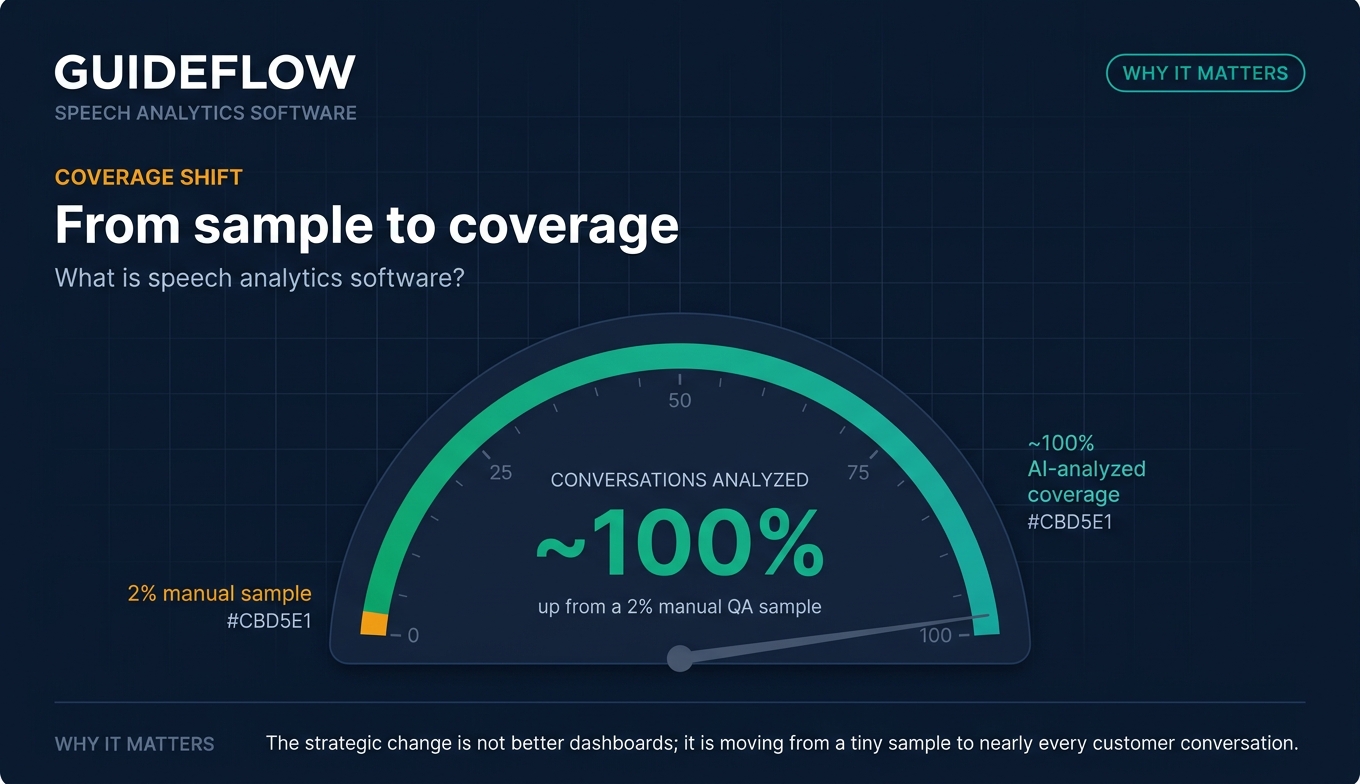
Speech analytics software flips the model. Instead of sampling, modern platforms transcribe and analyze close to 100% of conversations. Observe.AI's definition of contact center speech analytics defines it as technology that transcribes every voice call with AI and derives trends and metrics from each one. That shift, from a 2% sample to near-total coverage, is what makes the category worth your evaluation time.
The market reflects the demand. The Business Research Company projects the global speech analytics market to reach roughly $4.8 billion in 2026, as cited by Ringly in its 2026 speech analytics overview. This is not an emerging technology. OpenText notes speech analytics transforming contact center analysis for nearly two decades. What changed recently is the AI layer: better transcription, sentiment scoring, and automated QA that a support team can actually act on.
This guide reviews ten platforms through one lens: what a support leader needs. Not generic contact center marketing. The calls your agents handle, the compliance you answer for, and the tickets you are trying to deflect.
What's inside
This guide is written for support leaders, contact center operations managers, and QA and compliance teams evaluating speech analytics software. We selected the ten platforms below using four criteria that matter most to support stacks:
- Transcription and ASR accuracy: how reliably the tool turns real call audio into usable text.
- Sentiment and emotion analysis depth: how well it reads customer mood and frustration signals.
- Compliance and QA automation: disclosure monitoring, PII redaction, and automated agent scoring across every call.
- Integration and pricing transparency: how it connects to your CCaaS and CRM, and how clearly it prices.
Each tool entry includes verified features, pricing where published, and current G2 ratings.
TL;DR
Short on time? Here is the decision shortcut.
- Best for deep enterprise conversation intelligence: CallMiner Eureka, for AI analysis across 100% of interactions with emotion and acoustic analytics.
- Best for large enterprise CX operations: NICE CXone and Verint Speech Analytics, both built for high-volume, compliance-heavy contact centers.
- Best for real-time agent guidance: Observe.AI, for live agent assist and automated QA.
- Best for native CCaaS users: Genesys Cloud CX, Talkdesk, and Five9, if analytics inside your existing contact center matters most.
- Best budget pick for smaller support teams: Enthu.AI and CallFinder, for transparent pricing and fast setup.
What is speech analytics software?
Speech analytics software uses AI, automatic speech recognition explained (ASR), and natural language processing to convert recorded and live calls into searchable text, then analyzes that text for sentiment, intent, compliance, and trends.
NICE describes the underlying pipeline clearly: ASR converts spoken words into structured data, NLP interprets context and sentiment, and machine learning identifies patterns at scale, the ASR to NLP to machine learning pipeline. InMoment record, transcribe, interpret, and predict framework frames the same flow as record, transcribe, interpret, and predict. The result is that a support team can analyze every conversation instead of a sample.
Here are the core capabilities you should expect from any modern speech analytics tool:
- ASR and speech-to-text transcription: accurate, speaker-separated text for every call.
- Sentiment and emotion (acoustic) analysis: reading customer mood through words, plus signals like pitch, stress, and silence.
- Topic and intent detection: surfacing keywords, themes, and call reasons automatically.
- Compliance and risk monitoring: PII redaction and disclosure detection across calls.
- Automated QA and agent scoring: scorecards applied to interactions without manual sampling.
- Real-time alerts and coaching prompts: live guidance during calls, not just after.
- Omnichannel conversation analytics: coverage across voice plus chat, email, and messaging.
The label "speech analytics" emphasizes voice. Many platforms now extend the same engine across digital channels, which is why you will also see the term voice analytics software and the broader term conversation analytics used interchangeably in vendor materials. For a support team, the practical question is simple: can it read every conversation and tell you what to fix?
When support teams use speech analytics
Speech analytics earns its place when manual review can no longer keep up. Three situations come up repeatedly for support leaders.
Catch compliance gaps across every call
Manual spot checks catch a fraction of disclosure misses and PII handling errors. Enterprise speech analytics platforms can automatically monitor 100% of calls for required disclosures and sensitive data, using rules and AI models instead of a reviewer with a checklist. For regulated support environments in finance or healthcare, that coverage is the difference between catching a problem and explaining it to an auditor, especially given strict PII handling and disclosure compliance requirements.
Find what's driving repeat tickets and contacts
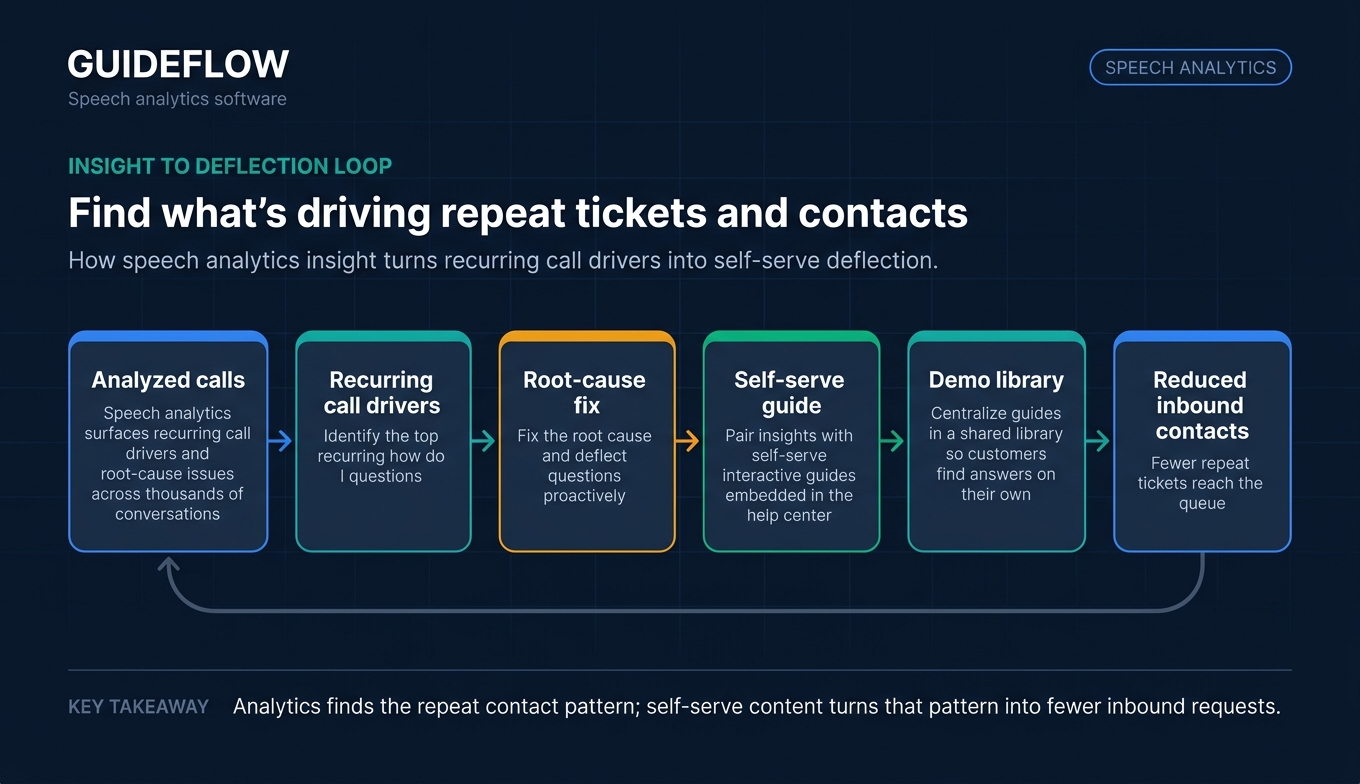
Speech analytics surfaces the recurring call drivers and root-cause issues that show up across thousands of conversations. InMoment research on customer pain point identification notes the technology identifies trends and customer pain points that inform process improvement. Once you see the top recurring "how do I" questions, you can fix the root cause and deflect them proactively. Many support teams pair this insight with self-serve interactive guides embedded in the help center, turning the most common voice questions into a complementary self-serve layer that resolves issues before they reach the queue. The analytics tells you what to deflect; the interactive demo does the deflecting. Teams often centralize these guides in a shared demo library so customers can find answers on their own. Pairing analytics with the right knowledge base software further reduces inbound contacts.
Coach agents with data instead of guesswork
Random call sampling coaches a handful of interactions and hopes they represent the rest. Automated QA scoring applies a consistent scorecard to every call, then flags the moments worth coaching. Observe.AI and similar platforms position this full-coverage QA as a replacement for random sampling, so coaching conversations start from evidence instead of a hunch. Many support orgs reinforce this with structured enablement, drawing on sales coaching software to turn analytics findings into repeatable agent development.
Speech analytics software comparison
The table below summarizes the ten call center speech analytics software options in this guide. Pricing reflects each vendor's published figures at the time of writing; many enterprise speech analytics vendors price through sales. G2 ratings are pulled from each tool's live G2 contact center speech analytics category listing. Use this as a shortlist starter, then read the full sections for fit.
| # | Product | Intent | Key use case | Pricing | G2 rating |
|---|---|---|---|---|---|
| 1 | CallMiner Eureka | Enterprise conversation intelligence | AI analysis across 100% of interactions | Custom, by volume and modules | 4.5/5 |
| 2 | Verint Speech Analytics | Enterprise voice analytics and compliance | Themes, sentiment, and root cause at scale | Custom by deployment | 4.4/5 |
| 3 | Observe.AI | Real-time agent assist and QA | Live guidance plus automated QA | Talk to sales | 4.6/5 |
| 4 | Genesys Cloud CX | Native CCaaS analytics | Speech and text analytics inside the platform | From $75/user/mo | 4.4/5 |
| 5 | Talkdesk | Cloud-first CCaaS analytics | Interaction analytics bundled with contact center | From $85/user/mo | 4.4/5 |
| 6 | Five9 | CCaaS with AI insights | Real-time and post-call analysis | From $119/seat/mo | 4.1/5 |
| 7 | Calabrio ONE | WEM plus analytics | QA and analytics paired with workforce management | Custom quote | 4.5/5 |
| 8 | NICE CXone | Enterprise CX platform | Interaction analytics with Enlighten AI | From $110/agent/mo | 4.3/5 |
| 9 | Enthu.AI | SMB QA and analytics | Affordable scoring and coaching | From $59/agent/mo | 4.9/5 |
| 10 | CallFinder | Managed SMB analytics | Automated reviews and scorecards | Starting as low as $600 | 4.5/5 |
The 10 best speech analytics software tools for 2026
1. CallMiner Eureka
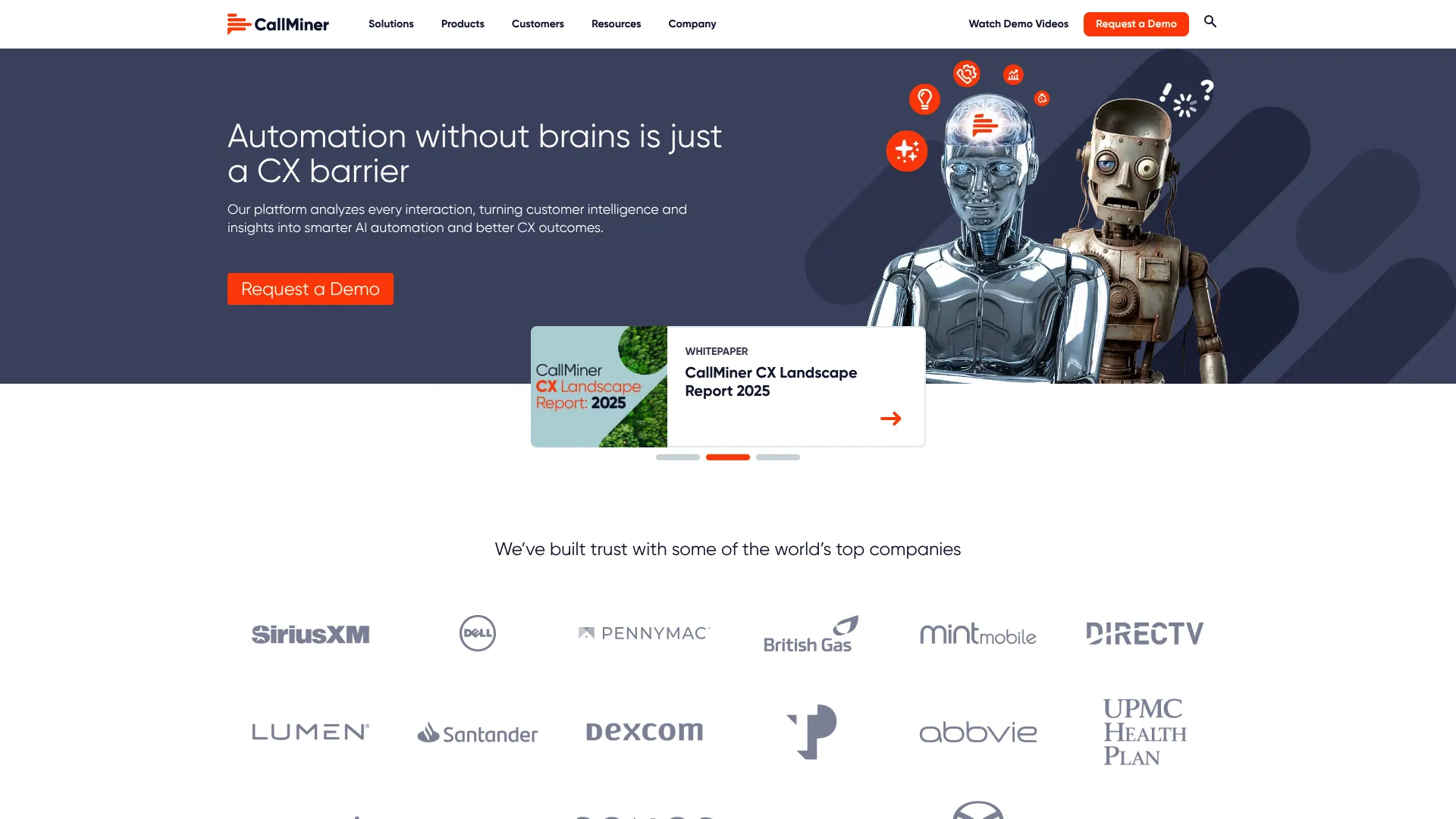
CallMiner Eureka is an AI-powered conversation intelligence and CX automation platform built to capture, analyze, and act on customer interactions at scale. It analyzes voice and digital conversations across the full population, not a sample, and layers on sentiment tagging, emotion detection, and root-cause analysis. For support orgs that want the deepest read on why conversations go the way they do, CallMiner sits at the high end of the category.
Best for: Midsize to enterprise contact centers that need AI-driven conversation analytics, QA automation, and agent coaching at scale.
Key strengths
- Full-population analysis: Captures, redacts, and analyzes voice and digital interactions across every conversation.
- AI insights and root cause: Sentiment and emotion tagging, automated notifications, and root-cause analysis surface what is driving outcomes.
- Coaching and scoring: Real-time guidance, automated scoring, and performance tracking turn analysis into agent development.
Why choose CallMiner Eureka: If your support operation is large enough that recurring issues hide in the volume, CallMiner gives you the analytical depth to find them. It holds a 4.5/5 rating on G2, and its emotion and acoustic analytics go further than tools that stop at keyword spotting. This is a platform for teams ready to operationalize insight, not just generate reports.
CallMiner Eureka pricing: CallMiner does not publish list pricing. The company states it offers bundled packages priced by user count or interaction volume, with cost influenced by analytics modules, integrations, and deployment model. Expect a custom quote shaped around your call volume and the modules you need. Pricing conversations run through CallMiner's sales team rather than a public pricing page.
2. Verint Speech Analytics
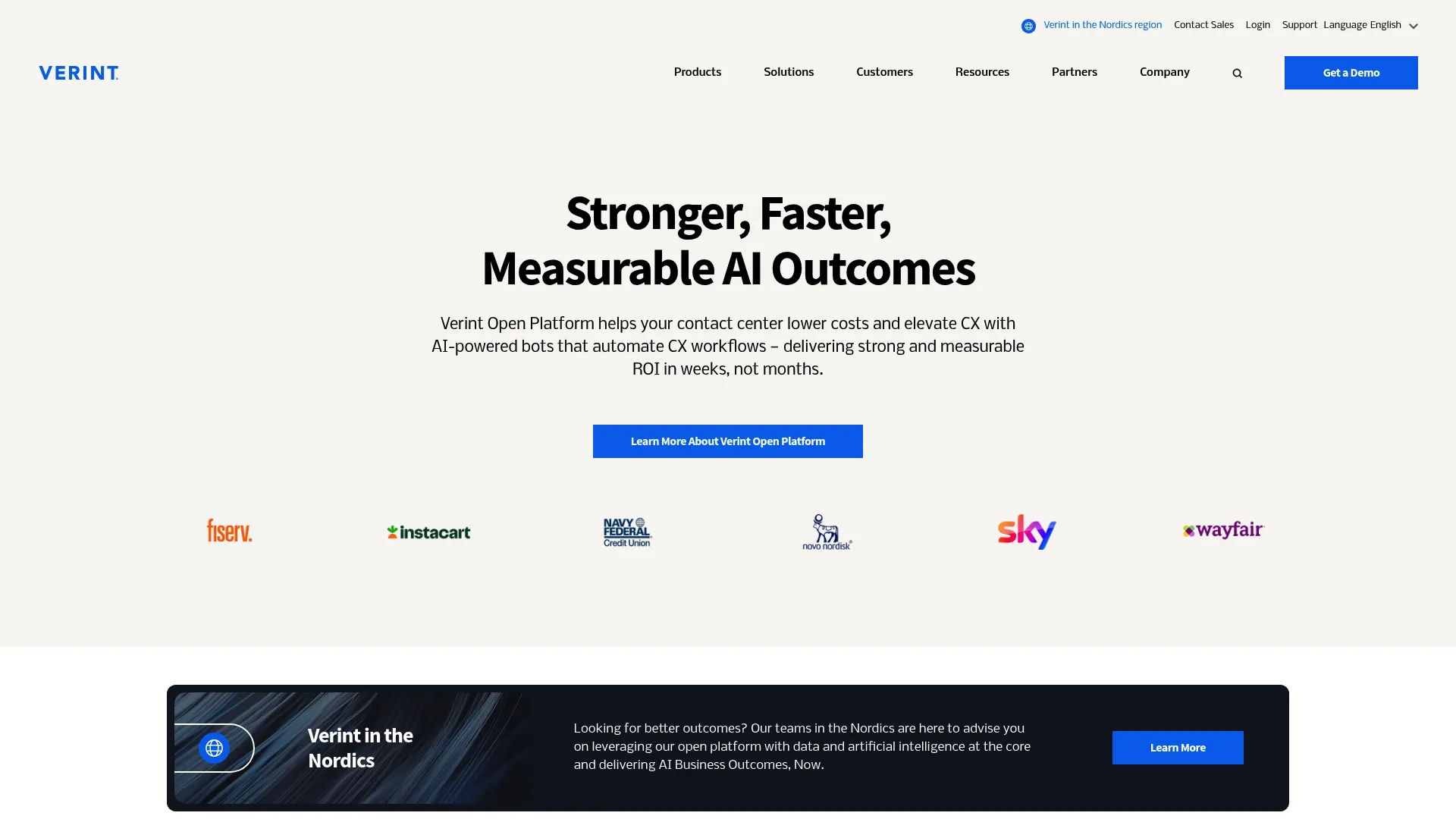
Verint Speech Analytics is enterprise-grade software that transcribes and analyzes customer interactions to uncover themes, sentiment, compliance issues, and operational insights. It is built for large contact centers handling high volumes of voice across phone, chat, and digital channels. Verint pairs broad transcription coverage with AI-driven analysis aimed at CX, agent performance, and regulatory needs.
Best for: Enterprise contact centers that need AI-assisted analysis of large interaction volumes for CX, performance, and compliance.
Key strengths
- Automatic theme discovery: Surfaces words, phrases, categories, and conversational themes without manual tagging.
- Speaker-separated transcription: The Verint Exact Transcription Bot transcribes 100% of customer interactions with speaker separation.
- AI-driven analysis: Root-cause analysis, sentiment scoring, visual call maps, automated KPI calculations, and GenAI interaction summaries.
Why choose Verint Speech Analytics: Verint suits large enterprise support operations where compliance and operational reporting carry weight. The GenAI summaries and automated KPI calculations reduce the manual lift of turning transcripts into decisions. It holds a 4.4/5 rating on G2, reflecting its standing as a deep, enterprise-focused contact center speech analytics platform.
Verint Speech Analytics pricing: Verint does not publish numeric pricing. The company states that cost varies by features, scalability, and deployment type, and provides custom pricing based on business needs. Plan on a sales-led quote sized to your deployment model and volume.
3. Observe.AI
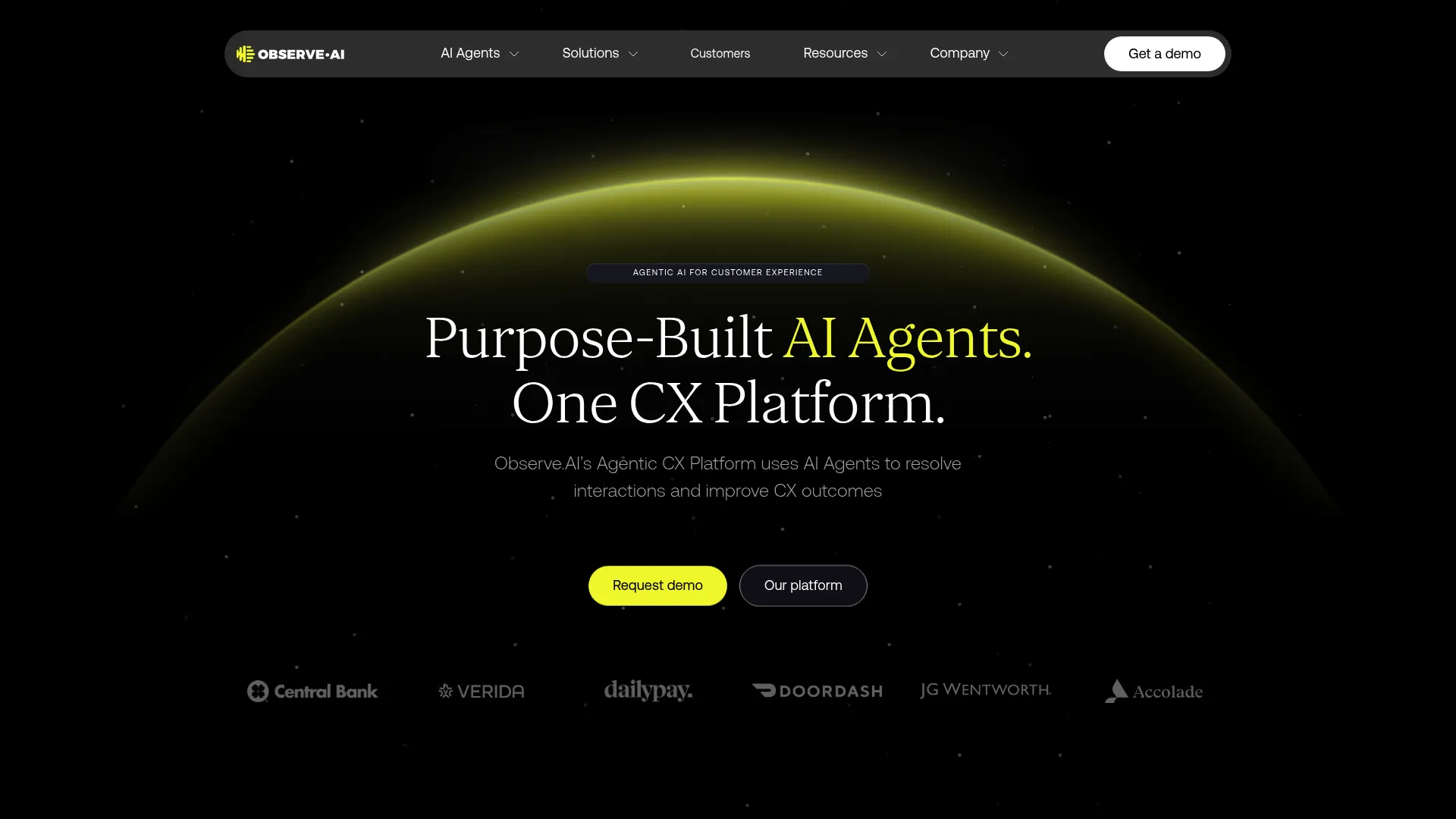
Observe.AI is an agentic CX platform that uses AI agents, copilots, and conversation intelligence to automate and improve contact center interactions. Where it stands out for support teams is the real-time layer: agents get AI-driven guidance during the call, not just a scorecard afterward. It combines live assist, post-interaction QA, and coaching in one platform.
Best for: Mid-market to enterprise support teams that want real-time agent guidance alongside automated QA.
Key strengths
- VoiceAI Agents: Natural voice conversations and call automation for high-volume contact types.
- Real-time agent assist: AI-driven guidance during live interactions to speed resolution.
- Post-interaction AI: Auto QA, agent performance scoring, and coaching across calls.
Why choose Observe.AI: If your priority is helping agents in the moment, Observe.AI's real-time assist is the differentiator. The combination of live guidance and automated QA means coaching is continuous rather than retrospective. It holds a 4.6/5 rating on G2, the highest among the enterprise platforms in this guide, which speaks to support sentiment from teams running it daily.
Observe.AI pricing: Observe.AI's pricing page lists plans named VoiceAI Agents, Real-time AI, Post-interaction AI, Enterprise Advanced, and Enterprise Unlimited. Every plan directs you to talk to sales, with no public figures displayed. Pricing is structured around which AI capabilities you need and your scale.
4. Genesys Cloud CX
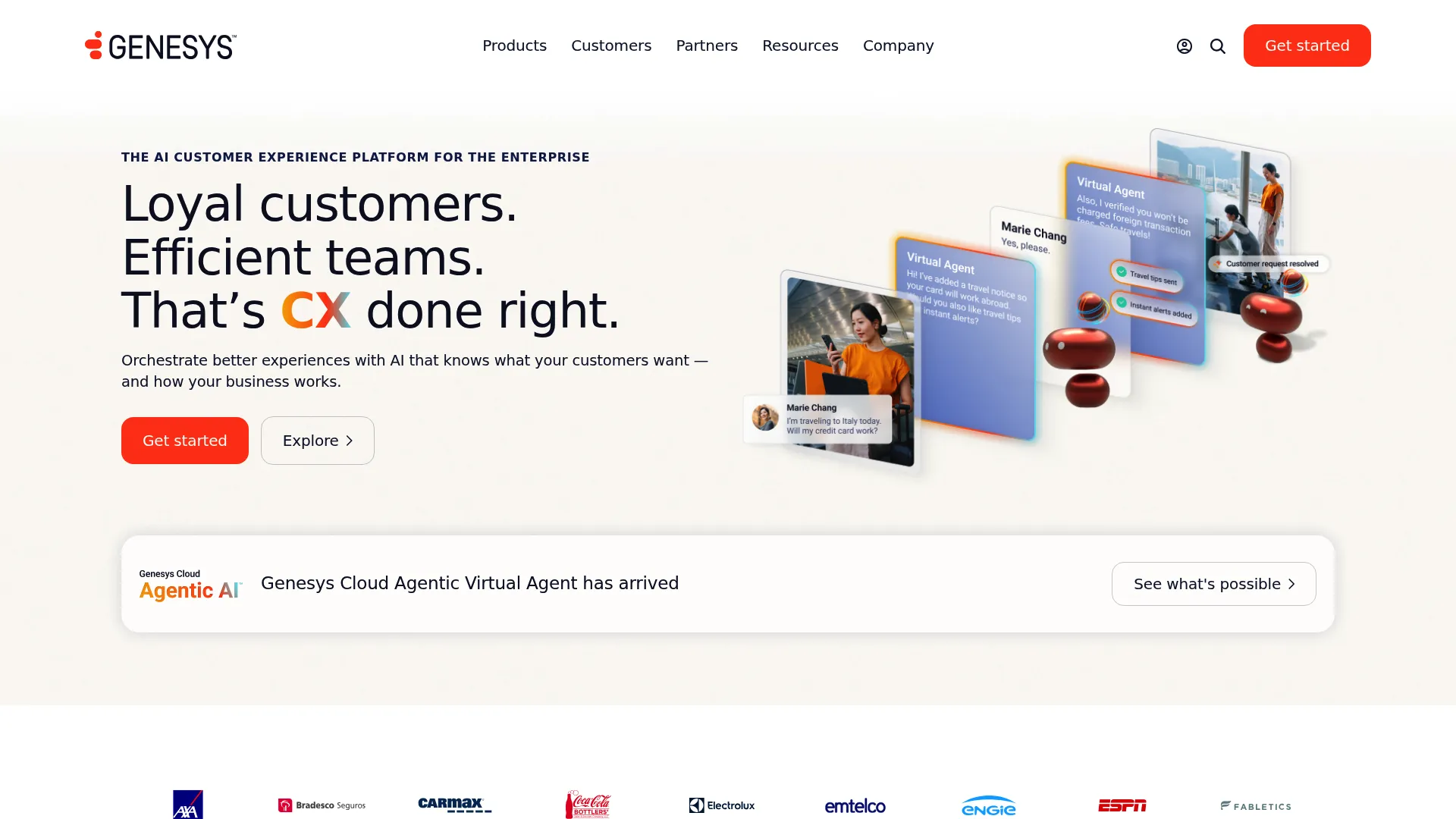
Genesys Cloud CX is an AI-powered cloud contact center platform with speech and text analytics built natively into the suite. If you are already running Genesys, or considering it, the analytics live where your agents and routing already do. Sentiment analysis and topic spotting come as part of the broader workforce engagement and journey management toolkit.
Best for: Enterprise and mid-market contact centers that want speech analytics native to their CCaaS platform.
Key strengths
- Omnichannel engagement: Analytics span voice and digital channels in one platform.
- Intelligent routing with native AI: Insights connect directly to routing and automation.
- Built-in workforce engagement: Quality management and analytics sit alongside WEM and journey management.
Why choose Genesys Cloud CX: The case for Genesys is consolidation. Running analytics inside the same platform that handles routing, recording, and workforce management removes integration friction. It holds a 4.4/5 rating on G2 and suits teams that prefer one vendor over a best-of-breed stack.
Genesys Cloud CX pricing: Genesys publishes transparent tiers. Genesys Cloud CX 1 starts at $75 per user per month billed annually for voice. CX 2 is $115 and adds omnichannel with quality assurance and compliance. CX 3 is $155 and adds full workforce engagement management. CX 4 is $240 and adds AI experience capabilities including journey management. There is no free tier.
5. Talkdesk
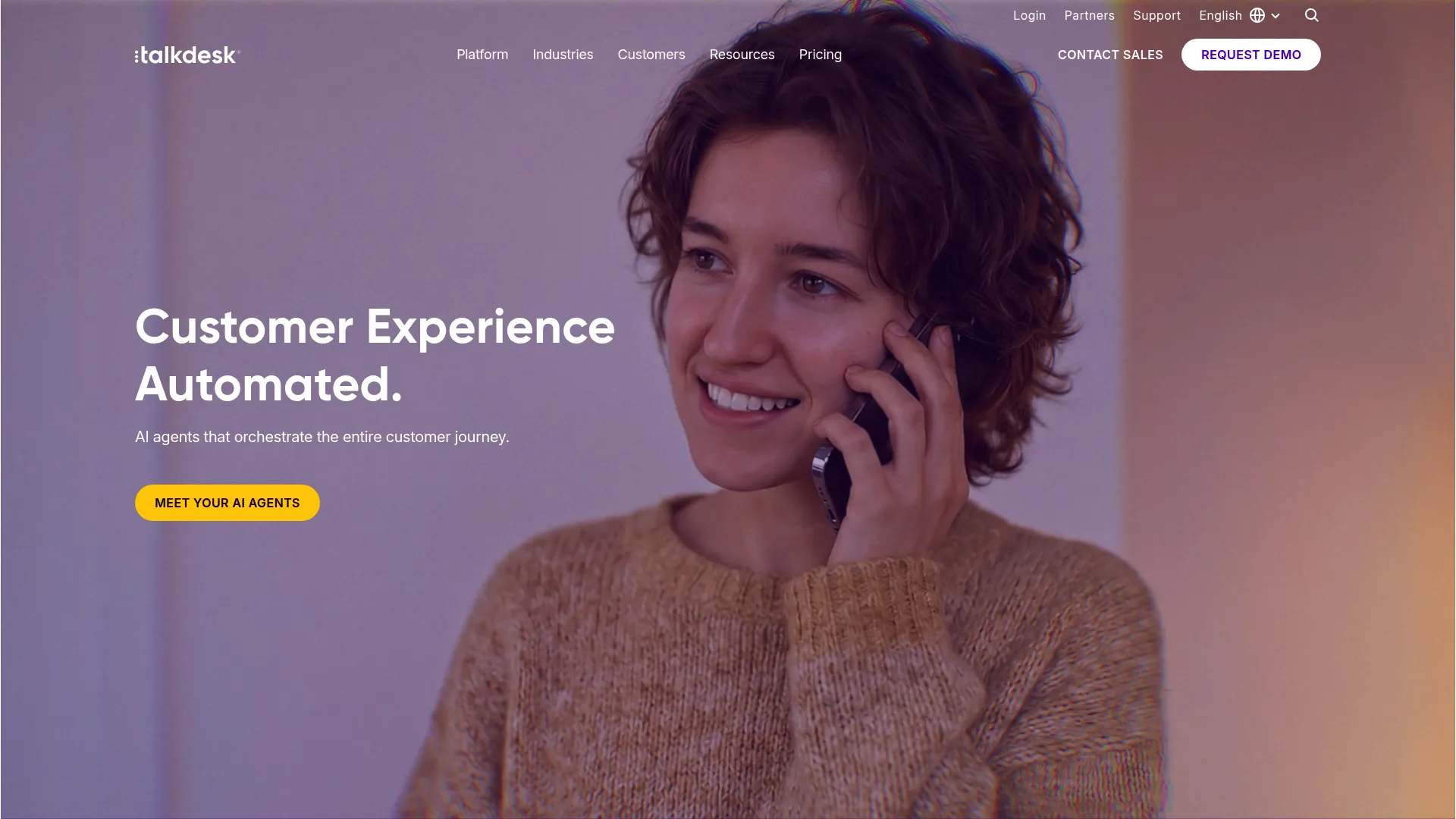
Talkdesk is an AI-powered cloud contact center platform with interaction and quality analytics bundled into the product. Its AI suite includes Talkdesk Copilot, Autopilot, Navigator, and Interaction & Quality Analytics, alongside voice engagement with speech recognition and voicemail transcription. For cloud-first support orgs, the analytics arrive as part of the contact center rather than a separate purchase.
Best for: Cloud-first support organizations that want analytics bundled with their contact center platform.
Key strengths
- Voice and digital engagement: Speech recognition, transcription, and digital channels in one place.
- AI analytics suite: Interaction & Quality Analytics plus Copilot and Autopilot for automation.
- Deep integrations: Connects with Salesforce, Zendesk, Microsoft Teams, ServiceNow, HubSpot, and more.
Why choose Talkdesk: Talkdesk fits support teams that want a modern cloud contact center with analytics already attached and a strong integration roster. Its connections into Salesforce, Zendesk, and HubSpot make it a natural fit for support stacks built on those CRMs. It holds a 4.4/5 rating on G2.
Talkdesk pricing: Talkdesk publishes per-user pricing. Digital Essentials starts at $85 per user per month, Voice Essentials at $105, Elite at $165, and Industry Experience Clouds at $225. Government pricing is custom. Talkdesk Express, a US and Canada small-business option, includes 25 licenses and $100 in free credit.
6. Five9
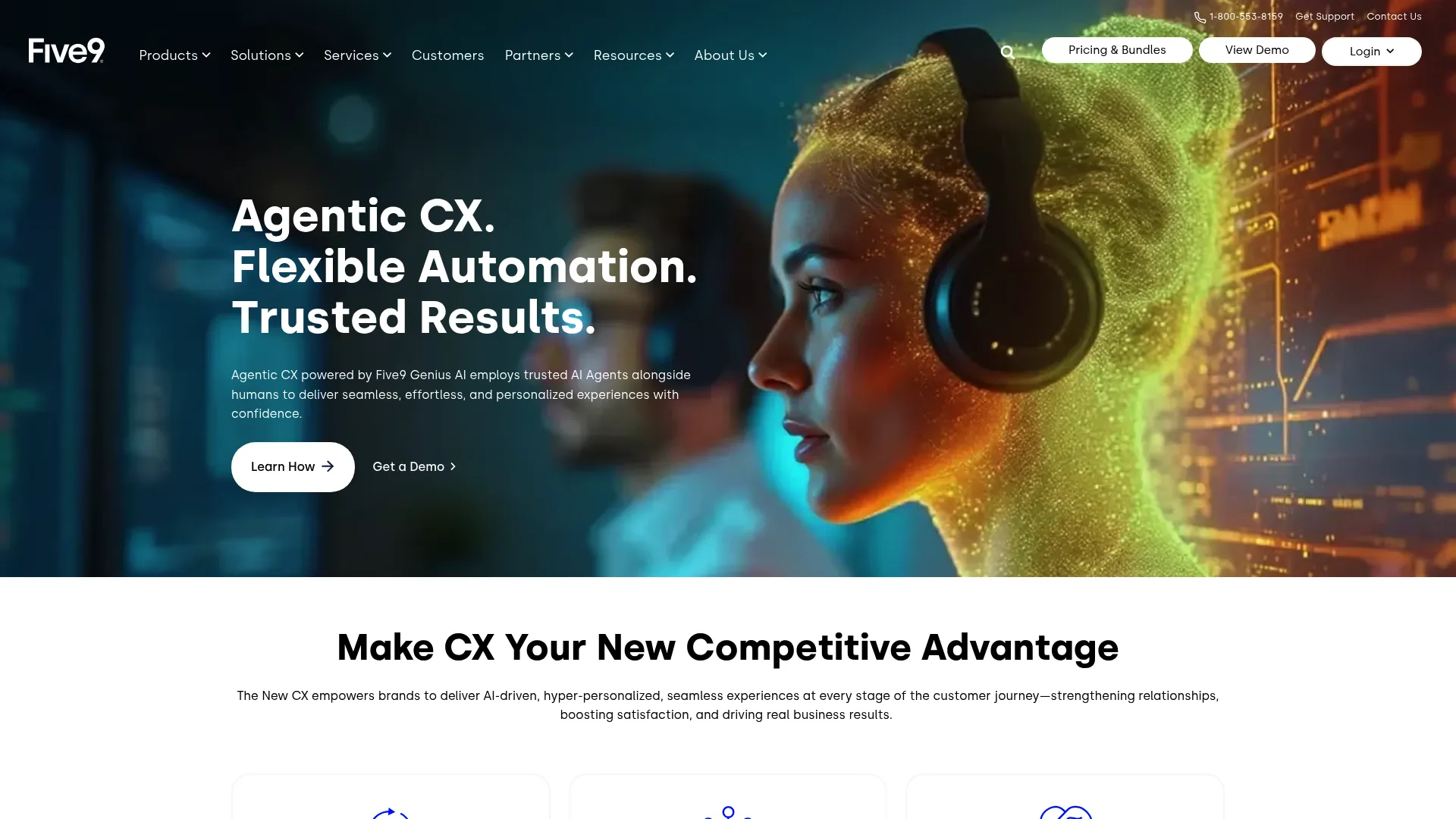
Five9 provides a cloud contact center and CX platform with speech analytics available across voice and digital channels. Its AI capabilities include AI Summaries, Live Transcription, AI Insights, and AI Agent Assist, covering both real-time and post-call needs. For teams already on Five9, the analytics extend the platform they run every day.
Best for: Mid-market and enterprise contact centers, especially existing Five9 users wanting native AI analytics.
Key strengths
- Blended contact center: Inbound and outbound with agent desktop, recording, dialer, ACD, and IVR.
- Digital channels: Chat, email, SMS/MMS, and social messaging alongside voice.
- AI insights: AI Summaries, Live Transcription, AI Agent Assist, and AI Knowledge for live and post-call analysis.
Why choose Five9: Five9 makes sense when you want analytics embedded in a full cloud contact center with real-time and post-call coverage. The AI Agent Assist and Live Transcription features support agents during the call, while AI Insights handle the retrospective view. It holds a 4.1/5 rating on G2.
Five9 pricing: Five9 publishes two priced bundles and three sales-led tiers. Digital is $119 per seat per month for digital channels only. Core is $159 per seat per month for all channels with essential AI. Plus, Pro, and Enterprise require contacting sales. Pricing is per concurrent user with a 50-seat minimum, and usage-based pricing may apply.
7. Calabrio ONE
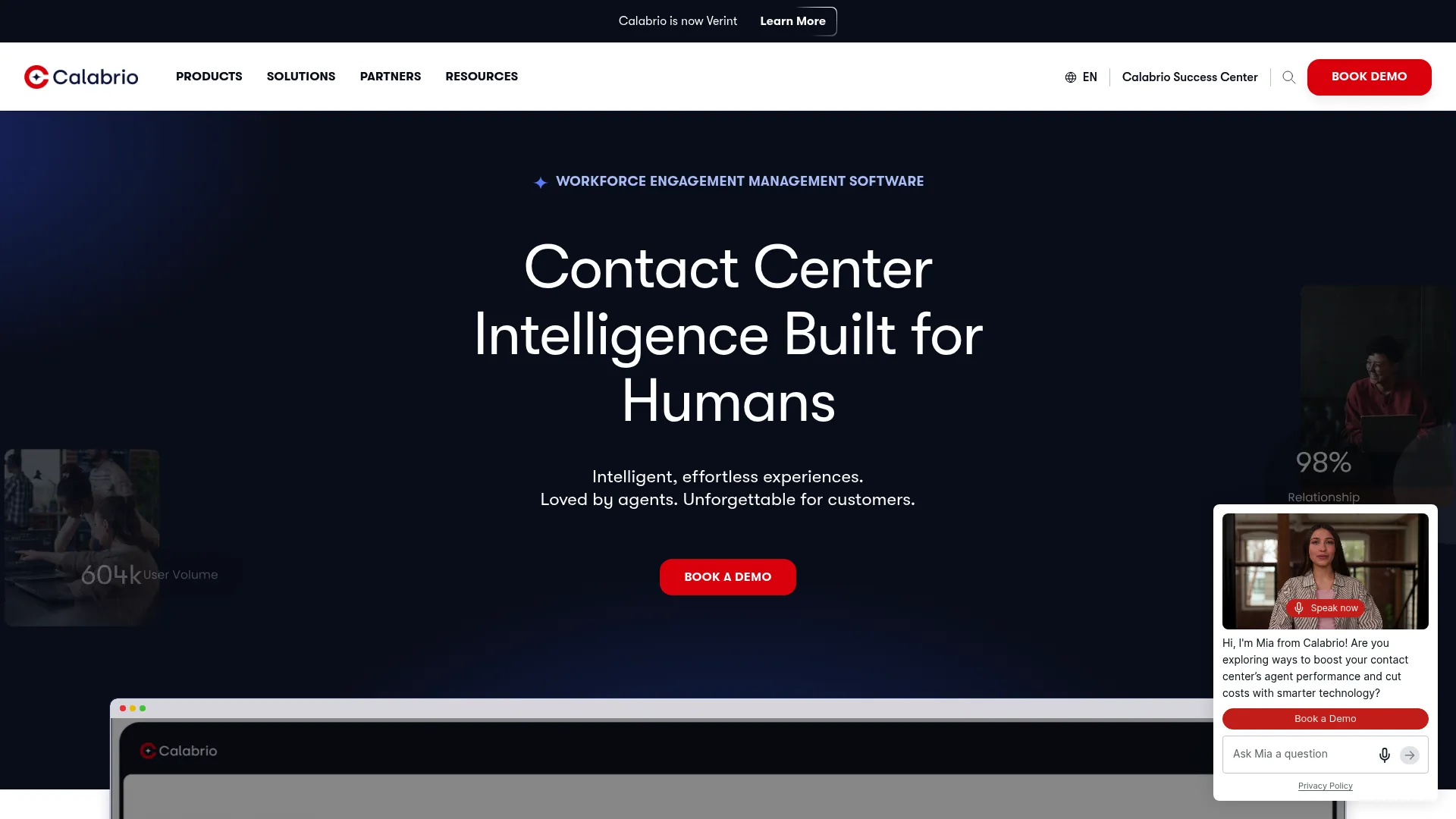
Calabrio ONE is an AI-driven workforce optimization suite that pairs interaction analytics with workforce management, quality management, and agent engagement. Speech analytics here lives inside a broader WEM context, which suits support teams that want forecasting, scheduling, and analytics from one vendor. Auto QM and advanced sentiment handle the analytics side.
Best for: Contact centers that want an integrated suite combining workforce management, quality management, and analytics.
Key strengths
- Forecasting and scheduling: Workforce management built into the same platform as analytics.
- AI-powered Auto QM: Automated quality management with advanced sentiment and customizable prompts.
- Voice of the Customer analytics: Interaction analytics that feed operational insight and coaching.
Why choose Calabrio ONE: Calabrio fits support leaders who treat workforce management and analytics as one problem rather than two tools. Pairing WFM with Auto QM and sentiment means your scheduling and your quality data inform each other. It holds a 4.5/5 rating on G2.
Calabrio ONE pricing: Calabrio does not publish public pricing. Its site routes you to request a free, personalized quote rather than listing plan tiers or figures. Expect a sales-led conversation scoped to your team size and the modules you need.
8. NICE CXone
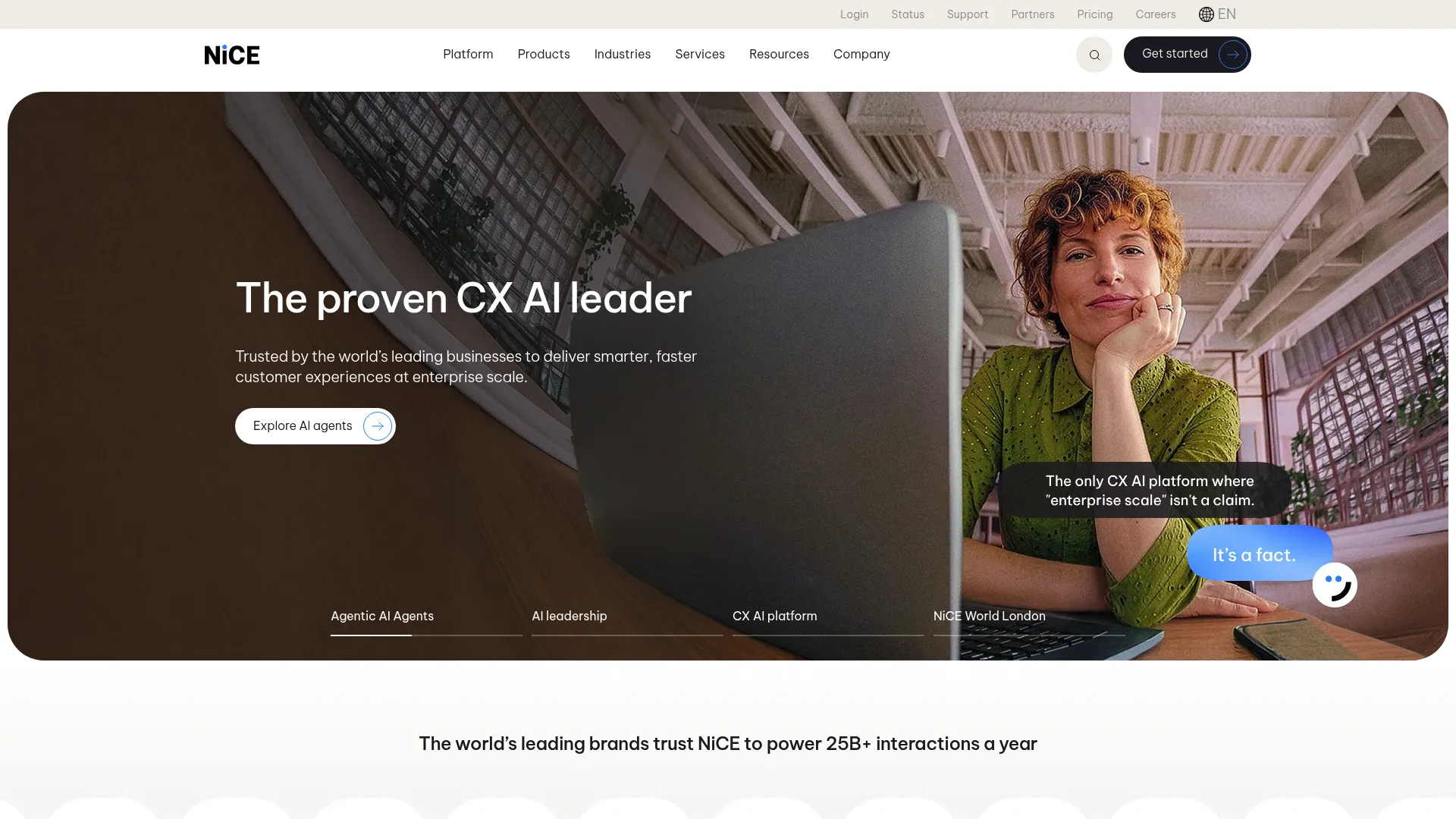
NICE CXone is an AI-powered customer experience platform that orchestrates human and AI agents across channels, with interaction analytics and Enlighten AI at its core. Its workforce engagement layer includes quality management, performance management, interaction analytics, and gamification. For large enterprise CX operations, NICE is one of the most established names in the category.
Best for: Enterprises that need an AI-driven engagement platform spanning channels, analytics, workforce tools, and automation.
Key strengths
- Omnichannel routing: Voice and digital channels with unified routing.
- Recording and compliance: Built-in compliance tooling for regulated support environments.
- Workforce engagement: Quality management, workforce management, interaction analytics, and performance management in one suite.
Why choose NICE CXone: NICE suits large enterprise support operations that need analytics, compliance, and workforce tools under one roof at scale. The Enlighten AI layer drives sentiment and interaction analytics across the platform. It holds a 4.3/5 rating on G2 and is a frequent shortlist name for enterprise CX buyers.
NICE CXone pricing: NICE publishes usage-based, tiered pricing billed monthly in arrears. The Omnichannel Suite starts at $110 per agent per month, Essential at $135, Core at $169, Complete at $209, and Ultimate at $249 per agent per month plus $0.25 per session.
9. Enthu.AI
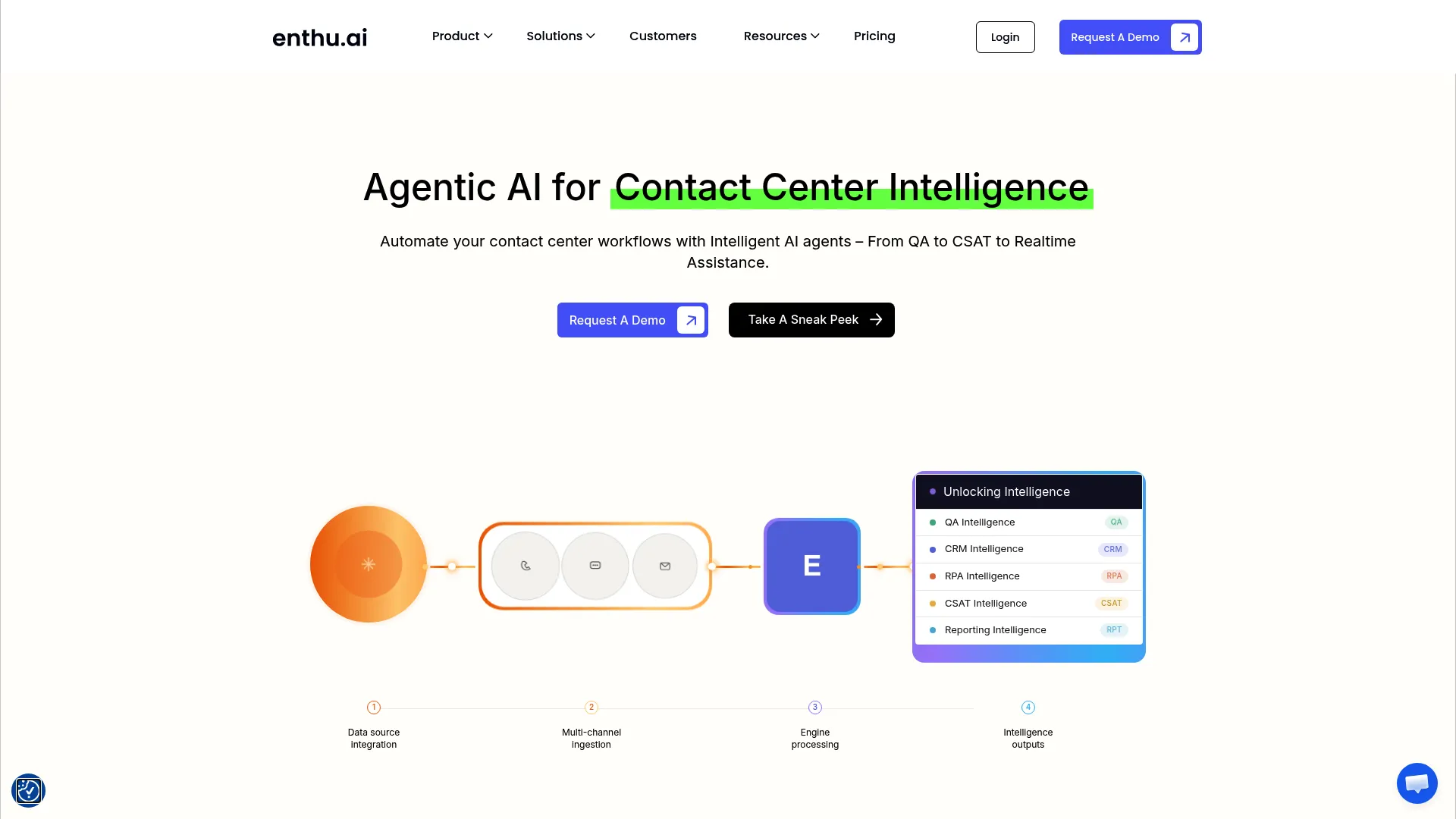
Enthu.AI is an AI-enabled speech analytics and conversation intelligence platform built for contact center QA, coaching, compliance, and reporting. It targets smaller support teams that want call scoring and coaching without enterprise complexity or enterprise pricing. Transcription with speaker separation, AI summaries, and custom scorecards cover the core jobs.
Best for: Smaller support teams that want fast setup, automated QA, and transparent pricing.
Key strengths
- Speaker-separated transcription: Clean call transcripts that separate agent and customer.
- AI summaries and sentiment: Quick interaction summaries and sentiment scoring per call.
- Custom scorecards and auto sampling: Auto call sampling and automated scorecard evaluation for QA.
Why choose Enthu.AI: Enthu.AI is the practical pick for support teams that found enterprise speech analytics too heavy and too expensive. It carries a 4.9/5 rating on G2, the highest in this guide, reflecting strong sentiment from smaller teams. The transparent published pricing also removes the sales-call guessing game.
Enthu.AI pricing: Enthu.AI publishes tiered pricing in USD. A Growth plan runs $59 per agent per month for teams up to 25 voice agents with 60 hours per agent monthly. Manual QA plans include SMB at $500 per month for up to 100 agents and Mid-enterprise at $1,499 per month for up to 500 agents. Larger teams get custom Enterprise pricing. Paid plans bill semi-annually or annually, with a 14-day free trial available.
10. CallFinder
CallFinder is a speech analytics solution that automates call reviews, QA scoring, transcription, and conversation insights for smaller and mid-market contact centers. It leans toward a managed, easy-to-run experience, with no per-seat license costs and unlimited users. Automated reviews and agent scorecards do the heavy lifting so a lean support team does not have to.
Best for: Small to mid-market contact centers that want managed, easy speech analytics with QA scorecards.
Key strengths
- AI-fueled call reviews: Automated call reviews and QA performance insights without manual sampling.
- Agent scorecards: Built-in scoring to monitor and coach agents consistently.
- Searchable transcripts and analysis: Transcriptions, sentiment and emotion analysis, plus silence and overtalk detection.
Why choose CallFinder: CallFinder fits support leaders who want speech analytics outcomes without managing a complex platform. The unlimited-user model and managed approach suit smaller teams without dedicated analytics staff. It holds a 4.5/5 rating on G2.
CallFinder pricing: CallFinder states pricing is custom and unique to each contact center environment. Its request-pricing page publicly notes that accounts start as low as $600, with pricing varying based on monthly hours of recordings. There are no per-seat license costs and users are unlimited.
Considerations before you buy
A demo will make every platform look capable. Pressure-test these factors against your actual call data before you commit.
Transcription accuracy for your call types
Vendor accuracy benchmarks usually run on clean audio. Your calls have accents, industry jargon, crosstalk, and background noise. Ask to run a trial on representative recordings and check whether the tool supports custom vocabularies and multi-language coverage for your specific environment.
Compliance and data privacy
If you operate in finance or healthcare, PII redaction and disclosure monitoring are not optional. Confirm the deployment options offered, on-premise, hybrid, or cloud, and verify the regulatory features map to your obligations. Automated monitoring across 100% of calls only helps if it covers the right rules.
Integration with your support stack
Speech analytics is only as useful as the systems it connects to. Check support for your CCaaS platform and your CRM, whether that is Zendesk, Salesforce, or HubSpot, plus any existing QA tooling. The same logic applies to any tool you add to your workflow, so review how each platform handles integrations before committing. Confirm whether the tool handles real-time analysis, post-call analysis, or both.
Real-time vs. post-call analysis
Decide what you actually need. Real-time analysis powers live agent assist and supervisor alerts during the call. Post-call analysis drives QA scoring, trend reporting, and root-cause work after the fact. Some teams need both; paying for real-time you will not use inflates cost.
Total cost and contract terms
Pricing models vary widely. SMB tools often publish transparent per-seat or per-agent pricing, while enterprise speech analytics vendors quote custom by volume and modules. Clarify seat versus usage pricing, minimum contracts, and seat minimums, and ask about free trials or proof-of-concept periods before signing.
How to choose the right speech analytics software
Match the tool to your size, stack, and compliance reality rather than the longest feature list.
If you are a smaller support team that wants results without complexity or a sales cycle, start with Enthu.AI or CallFinder. Both offer transparent pricing, fast setup, and the core jobs of transcription, scoring, and coaching. Run a trial on your own calls and judge accuracy directly.
If you are already on a CCaaS platform, the path of least resistance is native analytics. Genesys Cloud CX, Talkdesk, and Five9 all bundle speech analytics into the contact center you already run, which removes integration work and keeps your data in one place.
If you are an enterprise with heavy volume and compliance obligations, look hard at CallMiner Eureka, Verint Speech Analytics, and NICE CXone. These platforms go deepest on full-population analysis, root cause, and regulatory monitoring. If real-time agent guidance is the priority, Observe.AI's live assist is the strongest fit.
Whatever your shortlist, the next step is the same: book a demo with two or three vendors and insist on running them against your real call audio. Once a tool is in place, support teams often complement it with digital adoption platforms and knowledge base tools to act on the insights and deflect repeat contacts at the source.
Conclusion
The category breaks down cleanly by use case. For the deepest enterprise conversation intelligence, CallMiner Eureka and Verint Speech Analytics lead. For real-time agent coaching during the call, Observe.AI stands out. For native analytics inside your contact center, Genesys Cloud CX, Talkdesk, and Five9 keep everything in one platform. For smaller support teams watching budget, Enthu.AI and CallFinder deliver the core jobs at transparent prices. NICE CXone and Calabrio ONE serve teams that want analytics paired with broader CX or workforce management.
The right next step is concrete: shortlist two or three tools that match your size and stack, then run trials with your actual call data. A demo on clean vendor audio tells you little; your accents, your jargon, and your compliance rules tell you everything.
AI-driven analysis of nearly 100% of calls is rapidly becoming the norm, especially in larger contact centers. The teams that move from sampling to full coverage in 2026 will catch the compliance gaps, coaching moments, and recurring issues that their competitors keep missing.
FAQs
Speech analytics software is an AI tool that uses automatic speech recognition (ASR) and natural language processing to transcribe and analyze calls. It examines conversations for sentiment, intent, compliance issues, and trends across up to 100% of interactions rather than a manual sample. The output helps support and contact center teams improve CX, coaching, and quality.
The pipeline runs in stages: the system records the call, transcribes it to text with ASR, then analyzes that text for sentiment, intent, and keywords. From there it scores the interaction against QA criteria and can trigger alerts, coaching prompts, or reports. NICE and InMoment both describe this record, transcribe, analyze, and act flow as the core of the technology.
Speech analytics focuses on voice and audio interactions, transcribing and analyzing phone calls. Conversation analytics is broader, covering voice plus text channels like chat, email, and messaging. In practice many vendors now extend their speech engines across digital channels, so the terms increasingly overlap. Check whether a tool covers the specific channels your support team handles.
Pricing varies widely. SMB-focused tools often publish transparent figures, with Enthu.AI starting at $59 per agent per month and CallFinder accounts starting as low as $600. CCaaS platforms publish per-user pricing, such as Genesys Cloud CX from $75 per user per month. Enterprise vendors like CallMiner and Verint quote custom pricing by volume and modules, and many vendors offer free trials or proof-of-concept periods.
Yes, indirectly. By analyzing every conversation, speech analytics surfaces the recurring call drivers and root-cause issues behind repeat contacts. Once a team sees the top recurring questions, it can fix the underlying process or build proactive self-serve resources to deflect them. The reduction comes from acting on the insight, not from the analytics alone.
Real-time speech analytics analyzes a conversation live, while the call is still happening. It can trigger agent prompts, compliance alerts, and supervisor escalations in the moment, rather than after the call ends. This powers live agent assist and is a key differentiator for tools like Observe.AI and Five9, which surface guidance during the interaction.
Modern ASR systems can approach or exceed 90% accuracy on clean, general-domain audio in many benchmarks, with ASR accuracy benchmarks above 90% widely documented. Real-world accuracy depends on audio quality, accents, crosstalk, and how well the tool is tuned for your industry vocabulary. The practical move is to trial a platform on your own representative call recordings before judging its accuracy.
Prioritize transcription accuracy on your call types, sentiment and emotion analysis, compliance and PII redaction, and automated QA scoring. Add real-time alerts if you need live agent assist, and confirm integration with your CCaaS platform and CRM. For regulated environments, disclosure monitoring and deployment flexibility move to the top of the list.