You have 40 requests in the backlog. Sales wants three of them shipped yesterday. Support has data showing a fourth would cut tickets. An exec pinged you about a fifth in the hallway. Every one of these people is certain their thing is the priority.
That is the actual job. Not deciding what to build. Deciding what to build first, and then defending that order to people who disagree with it.
Spreadsheets break down here. They do not survive five people editing at once, they lose the reasoning behind each score, and they turn every roadmap review into a fresh argument. The strategy management software market hit $2.79 billion in 2024, and 47% of enterprises were already using tools to connect priorities with performance tracking, according to MarketGrowthReports (2024). Teams are moving off ad hoc scoring for a reason.
Good prioritization tools replace opinion-driven debate with transparent, traceable decisions. They give you a shared scoring model, a record of why each item ranked where it did, and something you can point to when an executive asks why their feature is number seven. That is the difference between task tracking and real prioritization, and it is what separates product prioritization software from a to-do list.
What's inside
This guide covers the best prioritization software for product and cross-functional teams making roadmap and project decisions in 2026. We selected tools based on four criteria that matter to product managers evaluating a prioritization tool:
- Scoring frameworks: support for RICE, MoSCoW, weighted scoring, and priority matrix workflows
- Collaboration and consensus building: stakeholder voting, shared criteria, and alignment features
- Roadmap visibility: traceability from strategy through prioritization to delivery
- Integrations and enterprise readiness: connections to your existing stack, plus governance and security
The list spans project prioritization software, product prioritization software, and flexible platforms you can shape into your own priority matrix software.
TL;DR
- Best for objective scoring and portfolio decisions: TransparentChoice, built on AHP decision science for defensible ranking.
- Best for product prioritization: airfocus, with RICE, MoSCoW, and weighted scoring linked directly to roadmaps.
- Best for flexible matrix workflows: monday.com, where impact vs effort and Eisenhower templates are easy to build.
- Best for Jira-centric product teams: Jira, for backlog ranking tied to engineering delivery.
- Best for simple team collaboration: Notion and Microsoft Planner, for lightweight ranking without heavy setup.
- Best for custom scoring systems: Airtable, for teams that want to design their own decision framework.
The strongest picks all do the same core thing: they reduce politics and give you stakeholder alignment you can trace back to shared criteria.
What is prioritization software
Prioritization software helps teams score, rank, and defend decisions about which work to do first, using consistent criteria instead of the loudest voice in the room. It applies a decision framework to a backlog of competing initiatives, so product and project choices become repeatable and traceable rather than political.
This is where it differs from task management tools. A task manager tracks work you have already decided to do. Prioritization software decides what belongs on that list in the first place, and in what order. One answers "what is the status of this task." The other answers "should we even be doing this task before that one."
Most prioritization tools support one or more established methods:
- RICE: scores each item on Reach, Impact, Confidence, and Effort, then ranks by the combined result
- MoSCoW: buckets work into Must have, Should have, Could have, and Won't have
- Weighted scoring: applies custom weights to criteria like revenue, effort, and strategic fit
- Impact vs effort: plots initiatives on a two-axis grid to surface quick wins
- Priority matrix workflows: visual grids like the Eisenhower matrix that rank by urgency and importance
Features to look for when evaluating a prioritization tool:
- Scoring models: built-in RICE, weighted scoring, and custom frameworks
- Stakeholder voting: input from product, sales, and CS on the same criteria
- Roadmap visibility: a line from strategy through score to delivery
- Customer feedback linking: tying requests and insights to ranked items
- Integrations: connections to Jira, CRMs, and analytics for objective scoring
The best tools also support portfolio prioritization, so leaders can rank initiatives across teams, not just features within one product.
When to use prioritization software
When backlog politics slow decisions
When every stakeholder argues their request is urgent, you need a neutral referee. Prioritization software forces every item through the same criteria, so a sales-requested feature and a support-requested fix get compared on the same scale. The score does the arguing for you.
When product, sales, and CS disagree
Cross-functional teams rarely agree on what matters most because they measure different things. Transparent scoring turns subjective debate into a structured conversation about weights and evidence. Instead of "I feel this is important," the discussion becomes "here is the reach, here is the confidence." That is real consensus building, not a truce.
When roadmap choices need traceability
Executives ask why. When your VP wants to know why a feature slipped, "it scored lower on our shared model" is a far better answer than "we ran out of time." Prioritization tools give you defensible decisions you can explain upward to leadership and outward to customers. That traceability is what earns you the freedom to keep making calls without relitigating each one.
Prioritization software comparison
Read this table as a shortlist by motion, not a ranking. The first column tells you what each tool is best for, the second gives its standout differentiator, then pricing and G2 rating. Match the "best for" column to your team's setup: portfolio decisions, product roadmap prioritization, matrix workflows, or engineering-aligned backlogs.
| # | Product | Best for | Key differentiator | Pricing | G2 rating |
|---|---|---|---|---|---|
| 1 | TransparentChoice | Portfolio and project prioritization | AHP-based objective scoring | Custom pricing | 4.5/5 |
| 2 | airfocus | Product prioritization and roadmaps | RICE, MoSCoW, weighted scoring in one system | Request pricing | 4.4/5 |
| 3 | monday.com | Flexible matrix workflows | Custom boards for impact vs effort | From $9 seat/mo | 4.7/5 |
| 4 | Asana | Prioritization inside execution | Multiple project views and portfolios | Free plan available | Not published |
| 5 | Jira | Engineering-aligned backlogs | Backlog ranking tied to delivery | Free plan available | 4.3/5 |
| 6 | Microsoft Planner | Microsoft 365 teams | Lightweight ranking inside Teams | Included in Microsoft 365 | 4.2/5 |
| 7 | Airtable | Custom scoring systems | Build-your-own priority matrix | Free plan available | 4.6/5 |
| 8 | Notion | Documentation-led prioritization | Planning and rationale in one place | Free plan available | Not published |
1. TransparentChoice
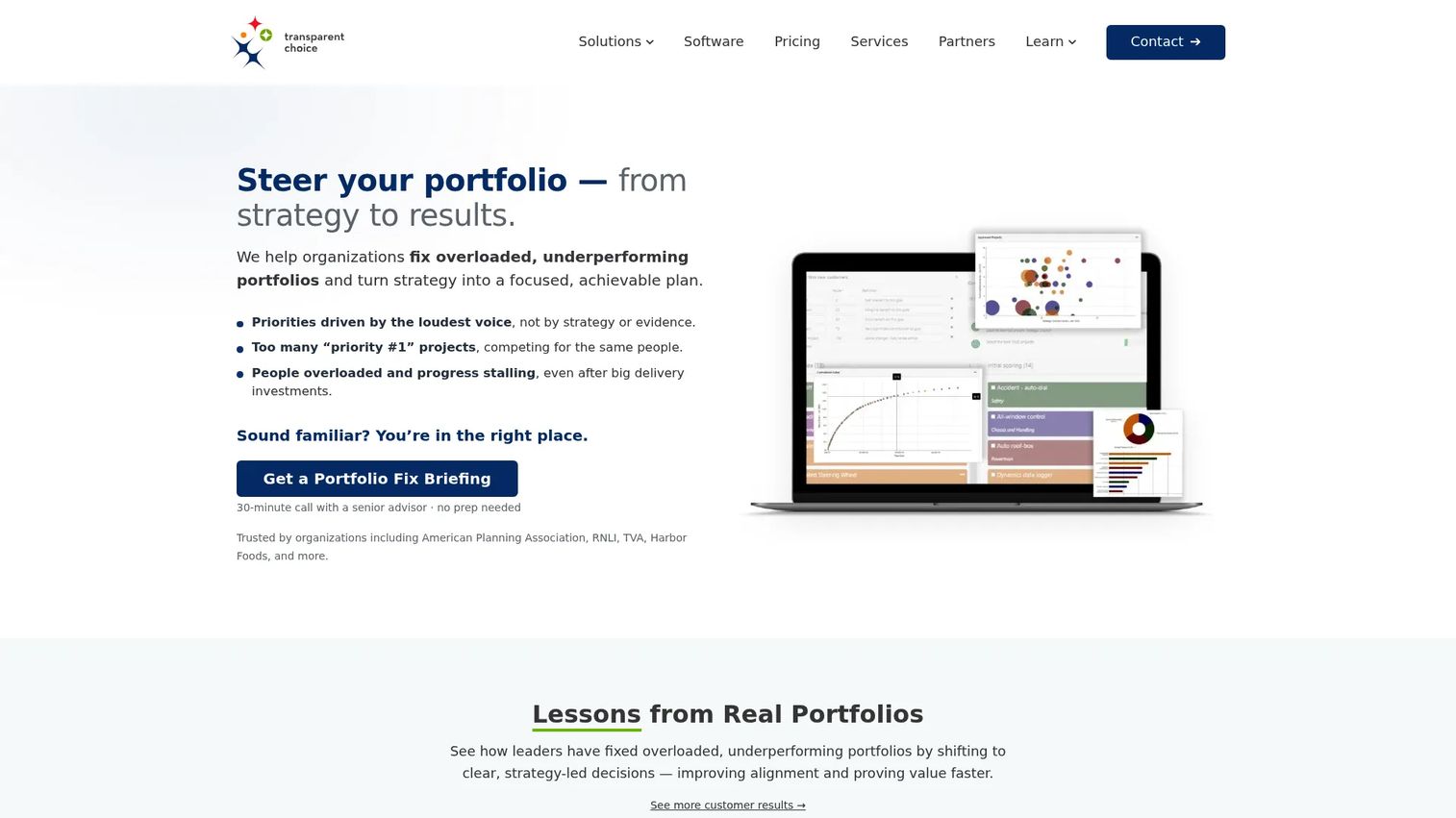
TransparentChoice is portfolio prioritization and planning software built for strategy, transformation, and PMO leaders. It leans hard into decision science, using the Analytic Hierarchy Process (AHP) to turn competing criteria into a defensible ranking. Where most tools let you assign scores, TransparentChoice structures how those scores get weighted so the output holds up under scrutiny.
That AHP foundation is the differentiator. Instead of a single person guessing weights, stakeholders compare criteria in pairs, and the software derives consistent priorities from those comparisons. The result is objective scoring that leaders can trace back to explicit tradeoffs, not gut feel. For a PMO defending a portfolio to an executive committee, that traceability is the whole point.
Best for: Organizations that need to prioritize projects and align portfolio decisions with strategy across multiple teams.
Key strengths
- Project prioritization with AHP-based scoring
- Demand management for incoming initiatives
- Capacity planning against ranked priorities
- Portfolio ranking mapped to strategic goals
- Enterprise governance and deployment flexibility
Why choose TransparentChoice: If your prioritization problem is portfolio-level and political, this is the tool built for it. It fits transformation offices and PMOs that need executive alignment and structured consensus building more than they need day-to-day task tracking.
TransparentChoice pricing: Pricing is customized to portfolio size, complexity, hosting, security, support level, and integrations, so no public numeric price is listed. Deployment options range from a one to three month proof of concept through annual planning, single portfolio rollout, and full enterprise deployment. A free trial is available with no credit card required.
2. airfocus
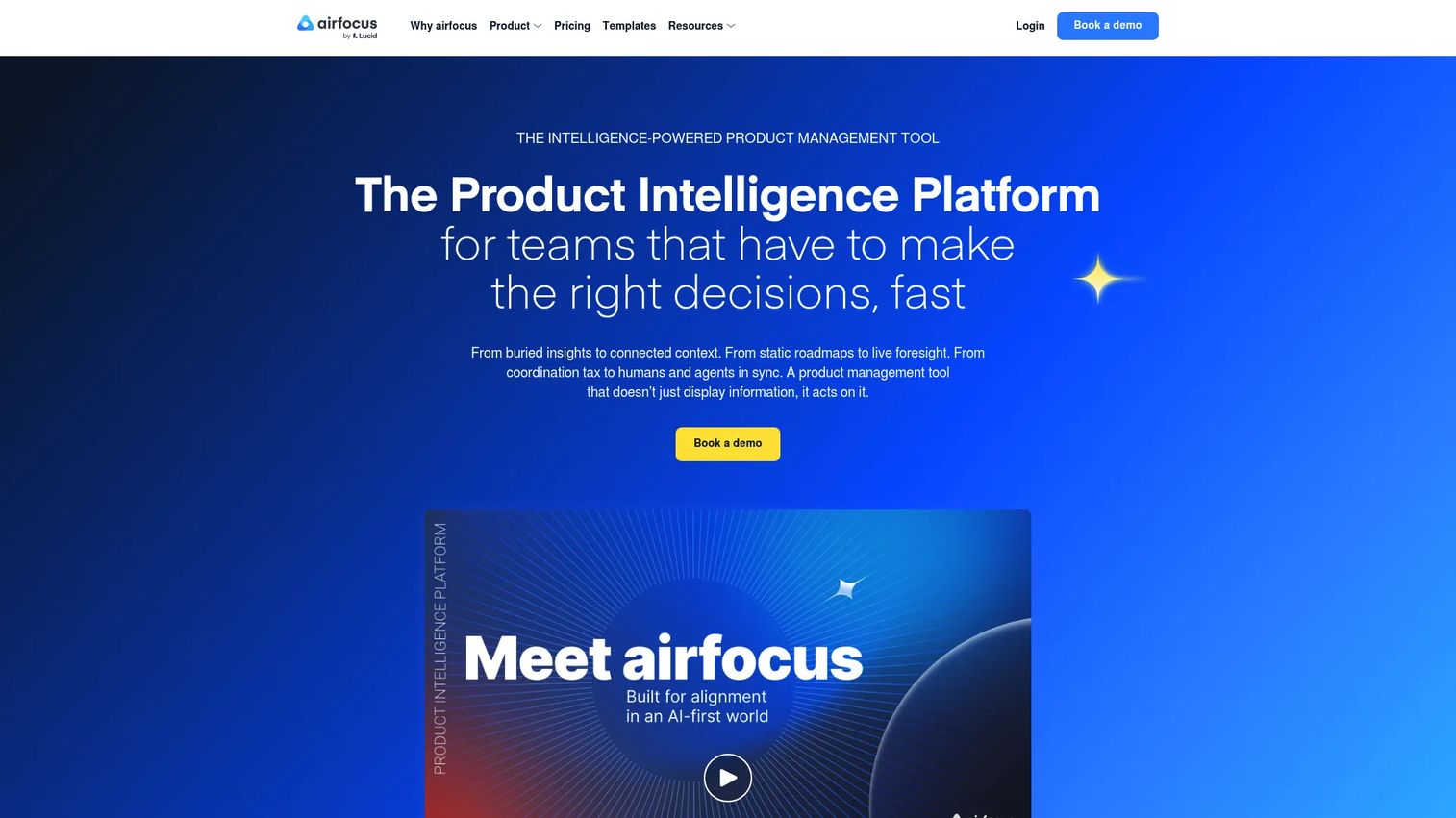
airfocus is a product intelligence platform that pulls prioritization, feedback, and roadmaps into one system. It is framework-first: you can score items with RICE, MoSCoW, weighted scoring, or a custom model, then connect those scores straight to a roadmap. That link from criteria to plan is what product teams come for.
The standout is how airfocus closes the loop between customer feedback and prioritization. Requests and insights feed into scored items, so the reasoning behind roadmap prioritization stays visible. When an executive asks why a feature ranked where it did, the evidence is attached, not buried in a separate spreadsheet.
Best for: Product teams that need roadmap, prioritization, and feedback management traceable from strategy to delivery.
Key strengths
- Multiple prioritization frameworks: RICE, MoSCoW, weighted scoring
- Roadmaps and portfolio views tied to scores
- Feedback and insights management linked to items
- AI agents and MCP server support
- Integrations with Jira and Azure DevOps
Why choose airfocus: Choose it when product prioritization is your core motion and you want scoring, feedback, and roadmap in one connected system rather than three disconnected tools. It fits product managers who need traceability more than generic project tracking.
airfocus pricing: airfocus publishes two plans, Professional and Enterprise, both with request pricing rather than public numeric rates. The pricing page notes there is no free trial. For exact figures you contact the airfocus team directly.
3. monday.com
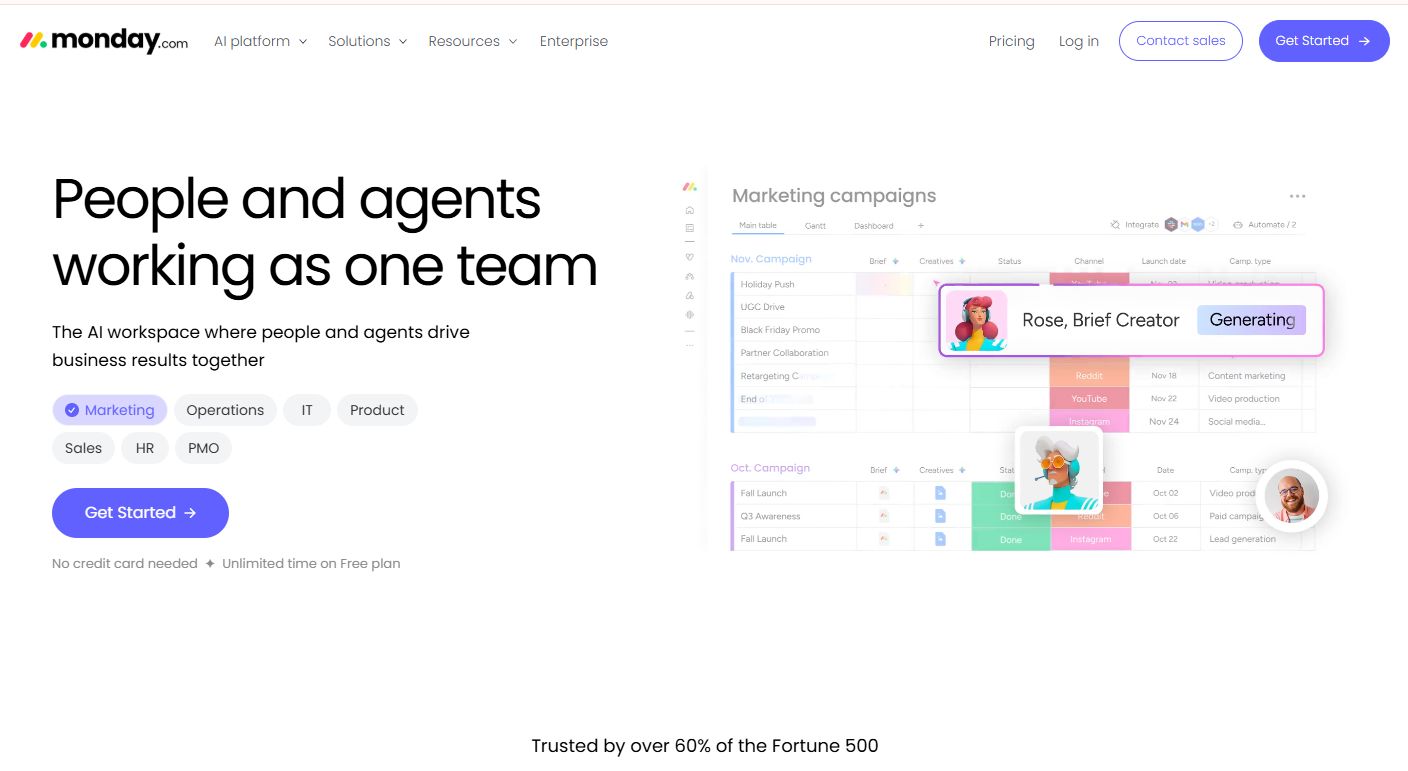
monday.com is a flexible work platform where prioritization is one job among many. Its appeal for managers is customization: you build boards that model your own priority matrix, whether that is impact vs effort, an Eisenhower-style urgent-important grid, or a weighted scoring column set. Nothing is locked to one framework.
The differentiator is that flexibility paired with fast adoption. You can stand up a priority matrix software workflow in an afternoon, then plug it into the same boards your team already uses for execution. Prioritization and delivery live side by side, which suits managers who do not want a separate tool just to rank work.
Best for: Teams and managers who want to design matrix-based prioritization inside a broader work management platform.
Key strengths
- Flexible boards and workflows for custom matrices
- Dashboards and reporting for visibility
- Templates for impact vs effort and Eisenhower grids
- Integrations and automations across the stack
- Seat-based plans that scale from small teams up
Why choose monday.com: Pick it when you want prioritization and project execution in one flexible platform, and you value custom workflows over a fixed scoring model. It fits cross-functional teams that already run work on monday and want ranking built in.
monday.com pricing: A free plan is available. Paid plans are seat-based and billed annually: Basic at $9 per seat per month, Standard at $12, and Pro at $19. Enterprise pricing is quote-based through sales.
4. Asana
Asana is work management software where prioritization happens inside collaborative execution. Rather than a dedicated scoring engine, it gives you custom fields, project views, and portfolios you can use to rank and organize work. Teams add a priority field, sort by it, and manage the follow-through in the same place.
Its strength is that combination of prioritization plus delivery tracking. Multiple views, list, board, timeline, and calendar, let different stakeholders see the same ranked work in the format they prefer. Portfolios roll that up for cross-functional visibility, so a PM can see priorities across several projects at once.
Best for: PMs who need practical prioritization alongside project execution and cross-team visibility.
Key strengths
- Tasks and projects with custom priority fields
- Views including list, calendar, timeline, and board
- Portfolios for cross-project prioritization
- Goals, reporting, and automations
- AI features for summarizing and organizing work
Why choose Asana: Choose it when your prioritization needs are practical rather than formula-heavy, and you want ranking to sit inside the tool where the work actually gets done. It suits teams that value collaboration and visibility over deep scoring models.
Asana pricing: The Personal plan is free forever. Starter is $10.99 per user per month billed annually, or $13.49 monthly. Advanced is $24.99 per user per month billed annually, or $30.49 monthly. Enterprise and Enterprise+ plans require contacting sales.
5. Jira
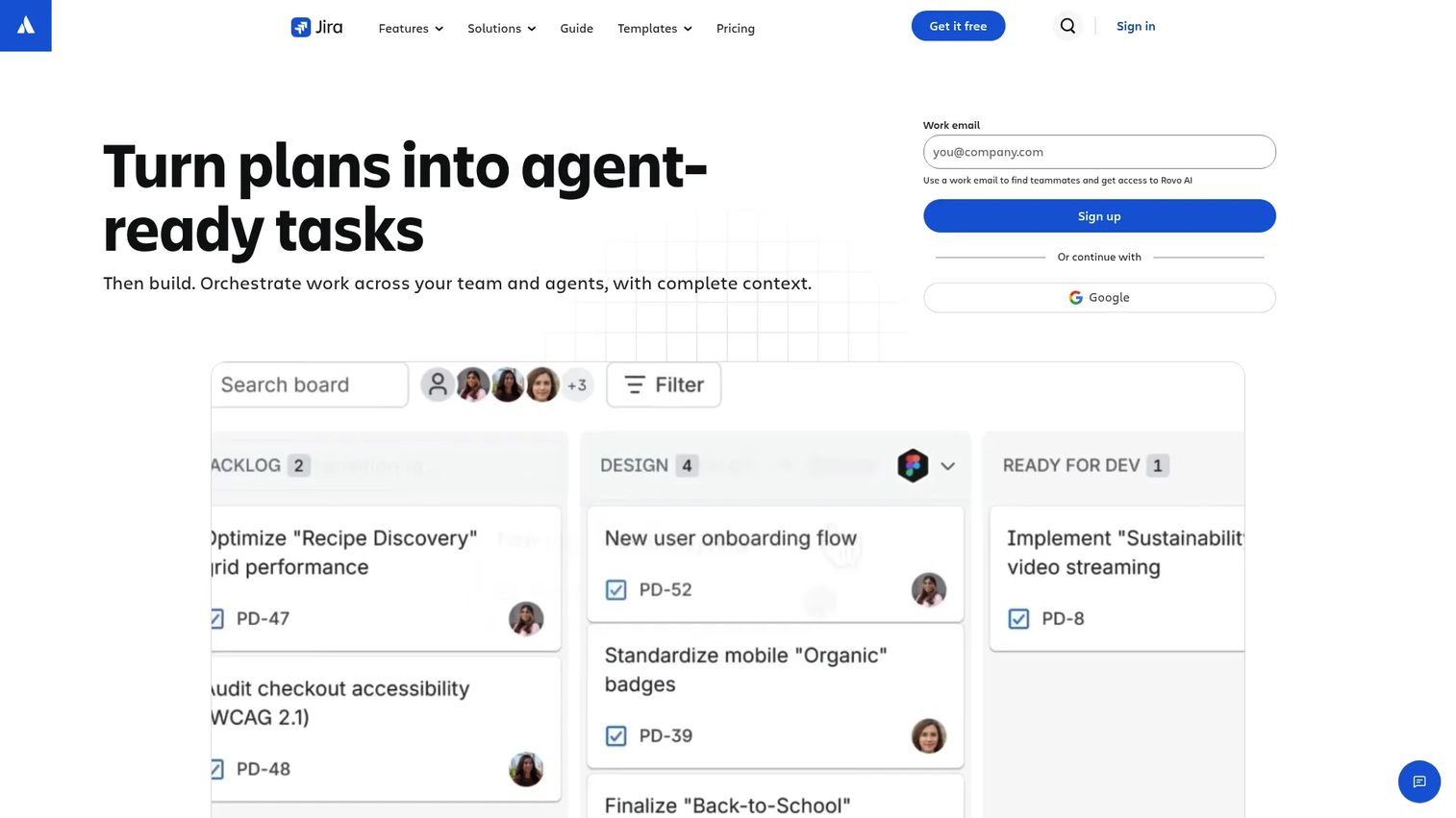
Jira is Atlassian's work management and issue tracking product, and it is where engineering-heavy product teams do their prioritization. Backlog ranking is native: you drag issues into order, and that order drives what engineering picks up next. Prioritization and delivery are the same surface, which is why product teams working closely with engineering default to it.
The value is traceability from ranked backlog to shipped work. Issues carry the context, sprints pull from the top of the ranked list, and roadmap views show how priorities map to timelines. It performs best when paired with a clear intake and scoring process, since Jira ranks the backlog but does not impose a scoring framework on its own. Teams often add a RICE or weighted scoring field to bring objective scoring into the ranking.
Best for: Product teams working closely with engineering who want backlog prioritization tied directly to delivery.
Key strengths
- Backlog ranking by drag-and-drop order
- Board, list, timeline, and calendar views
- Issue management with custom scoring fields
- Automation, reports, and dashboards
- AI-powered work features
Why choose Jira: Choose it when engineering is your closest partner and you want prioritization to live in the same system your developers already work in. It shines for roadmap prioritization that flows straight into sprints.
Jira pricing: The Free plan covers up to 10 users. Standard is $7.91 per user per month and Premium is $14.54 per user per month. Enterprise pricing is annual and quote-based through Atlassian sales.
6. Microsoft Planner
Microsoft Planner is Microsoft's work management app for organizing tasks, plans, and projects, and it fits teams already living inside Microsoft 365. For lightweight prioritization, you rank tasks and initiatives with buckets and labels, then manage them right inside Microsoft Teams. No new tool to adopt, no separate login.
The appeal is low process overhead. If your org runs on Microsoft 365, Planner gives you task and initiative ranking without buying or learning a standalone platform. It performs best for straightforward prioritization where a shared view and simple labels are enough, and it pairs naturally with the Teams and Project workflows your organization already uses.
Best for: Teams already using Microsoft 365 that want lightweight task and initiative ranking without extra tooling.
Key strengths
- Task and plan management with buckets and labels
- Views including lists, boards, schedule, and charts
- Collaboration inside Microsoft Teams and the web app
- Integration across the Microsoft 365 stack
- Scales up to Project plans for larger needs
Why choose Microsoft Planner: Choose it when you want prioritization inside a tool your team already opens every day and you value ecosystem fit over advanced scoring frameworks. It suits Microsoft-first teams that need practical ranking, not decision science.
Microsoft Planner pricing: Planner is included in Microsoft 365. Paid tiers add capability: Planner Plan 1 is $10.00 per user per month paid yearly, Planner and Project Plan 3 is $30.00, and Planner and Project Plan 5 is $55.00 per user per month paid yearly.
7. Airtable
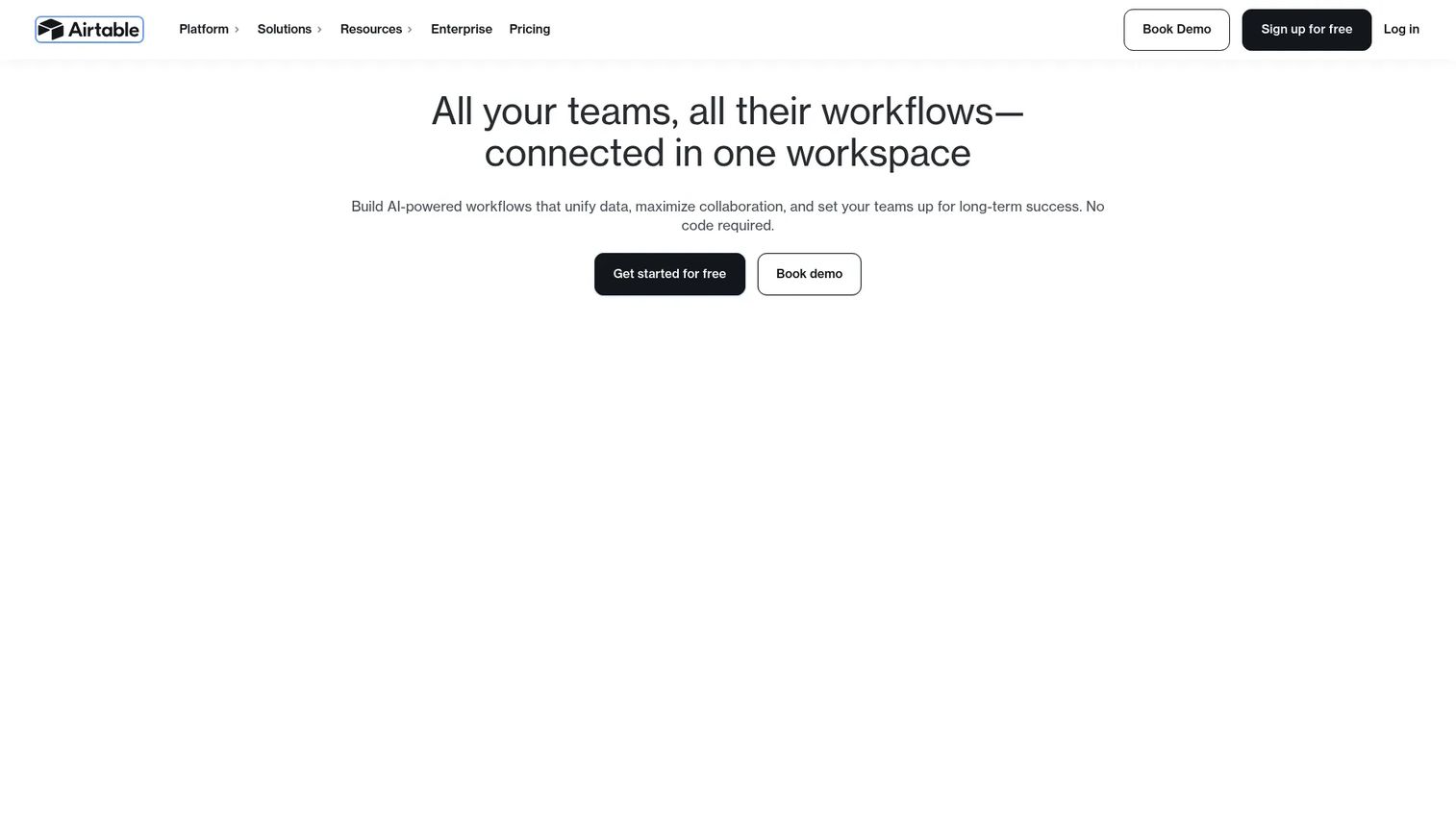
Airtable is a flexible database and app platform that lets you build prioritization exactly the way your team thinks about it. You create tables for requests, add scoring fields for reach, impact, and effort, then use formulas to calculate a ranked order. It is priority matrix software you design yourself, with full control over the criteria and weights.
That customization is the draw. PMs who want a bespoke decision framework can model RICE, weighted scoring, or a custom matrix, then build views that surface the top items for each stakeholder. Cross-functional intake forms feed requests straight into the base, so scoring starts the moment a request lands.
Best for: Teams that want to design their own scoring system and priority matrix rather than adopt a fixed framework.
Key strengths
- Bases, tables, records, and custom views
- Formula fields for RICE and weighted project scoring
- Automations, interfaces, and API integrations
- Intake forms for cross-functional requests
- AI-assisted app building via Omni AI
Why choose Airtable: Choose it when off-the-shelf frameworks do not fit and you want to build a prioritization system that matches your exact criteria. It rewards teams willing to invest a little setup for a process that is truly theirs.
Airtable pricing: A free plan is available. Team is $20 per user per month billed annually, and Business is $45 per user per month billed annually. Enterprise Scale is custom pricing through sales.
8. Notion
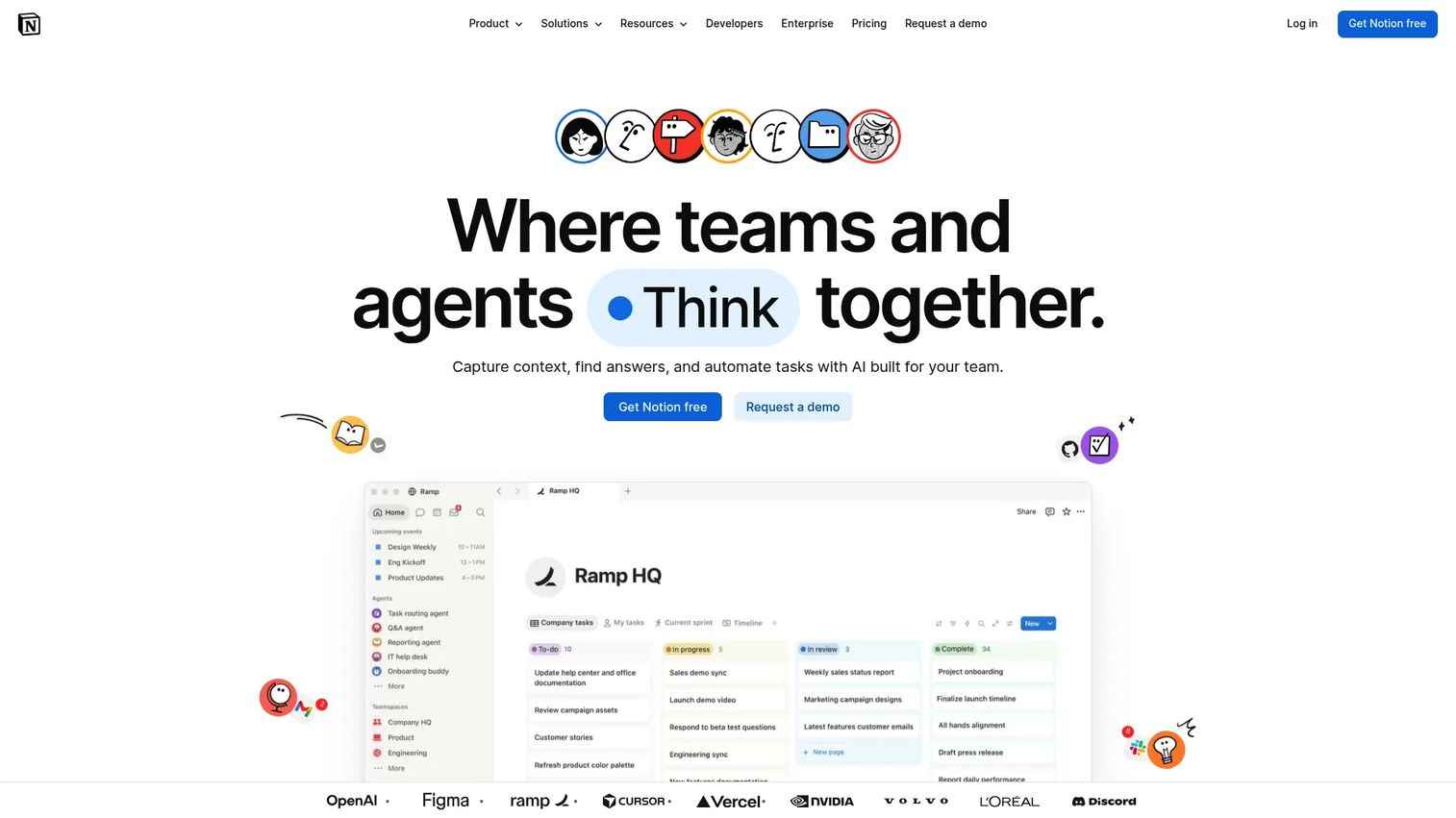
Notion is an all-in-one workspace where prioritization and documentation live together. You build a database of requests, add score and priority properties, then rank with sortable views. Because Notion is also where teams write specs and docs, the rationale behind each decision sits right next to the ranking.
That documentation-led approach is the appeal. Instead of scoring in one tool and writing the "why" in another, you keep both in the same place. It performs best for teams that want lightweight prioritization paired with planning and writing, where capturing the reasoning matters as much as the rank itself.
Best for: Teams that want to organize requests, score ideas, and document decision rationale in a single workspace.
Key strengths
- Databases with score and priority properties
- Multiple views for sorting and filtering ranked items
- Pages and blocks for specs and rationale
- Real-time collaboration across the team
- Templates for backlogs and roadmaps
Why choose Notion: Choose it when planning and writing belong in the same tool and your prioritization needs are lightweight rather than portfolio-scale. It fits teams that value documented reasoning and flexible collaboration over deep governance.
Notion pricing: Notion offers a free plan for individuals and teams getting started, with paid plans that add collaboration, larger workspaces, and admin controls. Check the Notion pricing page for current tier details.
Considerations before you buy
Before committing, run the shortlist against the criteria that actually decide whether a prioritization tool sticks.
Scoring framework fit
Decide whether you need built-in RICE and MoSCoW or the freedom to build a custom weighted scoring model. Tools like airfocus and TransparentChoice give you structured objective scoring out of the box. Airtable and Notion let you design the framework yourself. Match the tool to how formal your decision framework needs to be.
Consensus and stakeholder input
If product, sales, and CS all need a voice, look for stakeholder voting and shared criteria. Consensus building only works when everyone scores against the same weights. Check how each tool captures input from cross-functional stakeholders without turning ranking into another meeting.
Traceability and roadmap visibility
You will have to defend decisions upward. Prioritize tools that keep a line from strategy through score to delivery, so roadmap prioritization stays explainable. Ask whether the reasoning behind a rank is stored with the item or lost after the debate ends.
Integrations with your stack
A prioritization tool that ignores your Jira backlog, CRM, or analytics creates duplicate work. Confirm the integrations you need exist and run both directions. The goal is objective scoring fed by real data, not manual re-entry.
Scale and governance
Team-level ranking is one problem; portfolio prioritization across many teams is another. If leadership needs cross-team visibility and governance, weigh enterprise-ready options against lighter tools that excel at single-team speed.
Conclusion
The right prioritization software depends on your motion, not on which tool has the longest feature list. TransparentChoice fits structured decision science and portfolio prioritization where executive alignment is the goal. airfocus is the strong pick for product prioritization with traceable roadmaps. monday.com suits flexible matrix workflows, and Jira anchors engineering-aligned backlogs. Airtable and Notion reward teams that want to shape their own process, while Microsoft Planner and Asana keep things light and collaborative.
Whatever you choose, the payoff is the same: less politics, more defensible decisions, and cross-functional planning that survives scrutiny. The best prioritization tools replace "who argued hardest" with "what scored highest against shared criteria." That is how you protect team alignment and keep executive alignment intact through every roadmap review.
Start by mapping your team setup to the "best for" column in the comparison table, then trial the one or two tools that match. The fastest way to know if a prioritization tool works is to run your real backlog through it for a sprint.
Start your journey with Guideflow today!
FAQs
Prioritization software helps teams score, rank, and defend decisions about which work to do first using consistent criteria. Product managers use it to compare competing requests, run RICE or weighted scoring, and build a defensible product roadmap. The point is replacing opinion-driven debate with traceable, objective scoring.
For product prioritization specifically, airfocus stands out because it links RICE, MoSCoW, and weighted scoring directly to roadmaps and customer feedback. If your prioritization is portfolio-scale and needs executive sign-off, TransparentChoice fits better. Engineering-close teams often prefer Jira. The best choice depends on your motion, not a single ranking.
Project management software tracks work you have already decided to do, showing status, owners, and deadlines. Prioritization software decides what goes on that list and in what order, using scoring frameworks and shared criteria. Some tools like monday.com and Asana do both, but the prioritization job is deciding before executing.
RICE works well when you can estimate reach and impact with data, since it forces you to quantify each factor. MoSCoW suits release planning where you need clear Must-have versus Could-have buckets. Weighted scoring fits teams with custom strategic criteria. Most PMs use more than one depending on the decision.
Yes, and it is one of the strongest reasons to adopt it. Transparent scoring turns "I feel this is important" into a structured conversation about weights and evidence. When product, sales, and CS score against the same criteria, disagreement moves from the request to the model, which makes consensus building far easier.
Jira itself handles backlog ranking natively, and many teams add a RICE or weighted scoring field for objective scoring. airfocus integrates directly with Jira, so you can prioritize with dedicated frameworks and push the ranked order back into Jira for delivery. That pairing gives engineering-aligned teams both scoring depth and execution in one flow.
Priority matrix software plots initiatives on a grid, usually two axes like impact versus effort or urgency versus importance, to surface what to do first. It makes tradeoffs visual, so quick wins and low-value work are obvious at a glance. monday.com and Airtable both let you build custom matrix workflows, including Eisenhower-style grids.
Use RICE when you want a numeric ranking and have enough data to estimate reach, impact, confidence, and effort. Use MoSCoW when you need to align stakeholders on scope for a release and clear buckets matter more than precise scores. Many teams run MoSCoW for release planning and RICE for feature-level roadmap prioritization.