A driver walks around a rig at 5 a.m., checks brakes, lights, tires, coupling. Finds a cracked mirror. Scribbles it on a paper form. That form gets shoved in a clipboard, the truck rolls out, and the defect sits unread until the clipboard reaches the office three days later.
That gap is where compliance risk lives. The Federal Motor Carrier Safety Administration (FMCSA) requires drivers to complete and sign inspection reports for defects that affect safe operation, and carriers must keep those records on file. Paper makes that slow, hard to audit, and easy to lose. A digital DVIR closes the loop: the defect leaves the driver's phone the moment it's logged, a manager sees it, and maintenance can act before the next dispatch.
The DVIR software market reflects that shift. It was valued at $0.8B in 2025 and is projected to reach $1.77B by 2034 at a 9.2% CAGR, per Marketintelo (2025). North America drove 42.3% of that revenue, and small and mid-sized fleets held 52.1% of market share. Fleets are moving off clipboards, and the tool you choose decides whether you get a searchable audit trail or another data silo.
This guide compares 12 DVIR software options for 2026 so you can match a tool to your inspection volume, device mix, and maintenance workflow.
What's inside
This guide is for fleet managers, compliance and safety teams, dispatch leaders, and owner-operators comparing digital inspection tools. We ranked each option by the factors that actually move the needle for DVIR buyers, not generic feature counts.
Selection criteria:
- Compliance support: FMCSA-aligned pre-trip and post-trip workflows, signature capture, and record retention.
- Mobile usability: how fast drivers can complete a digital DVIR on a smartphone or tablet, including offline mode.
- Audit trail depth: timestamps, photos, defect history, and exportable reports for roadside checks and DOT compliance.
- Maintenance workflow: how defects become work orders and how follow-up gets tracked.
- Pricing transparency: what you can actually verify before you buy.
You'll get a comparison table, 12 tool breakdowns, and a buyer's checklist.
TL;DR
- Best for frontline and mixed inspection workflows: SafetyCulture, with customizable templates, photos, and a free tier for small teams.
- Best for inspections tied to fleet operations: Fleetio, which connects FMCSA-compliant DVIRs to maintenance and asset records.
- Best for maintenance follow-up out of the box: Driveroo, with automated work-order routing from visual inspections.
- Best for telematics-connected fleets: Geotab and Samsara, if you want inspections tied to GPS and vehicle data.
- Best for configurable, form-heavy operations: Fulcrum and Sitemate, for teams that want inspection logic mapped to asset types.
- Best for compliance-first environments: Encompass from J. J. Keller, built around regulated fleet recordkeeping.
What is DVIR software?
DVIR software is a digital tool that replaces paper Driver Vehicle Inspection Reports, letting drivers complete pre-trip and post-trip inspections on a mobile device and route defects to managers and maintenance automatically. DVIR meaning is simple: a Driver Vehicle Inspection Report documents the condition of a commercial vehicle before and after a trip. An electronic DVIR system, sometimes called an eDVIR, captures that same record digitally with timestamps, photos, and signatures instead of a clipboard.
The core workflow is consistent across tools. A driver opens a mobile inspection app, walks through a vehicle inspection checklist, logs any defect with photo capture and notes, signs off, and submits. A fleet manager reviews the report on a dashboard, flags safety-critical defects, and hands them to maintenance. Records are retained and searchable for audits and roadside inspection history.
Digital DVIR matters because it turns a compliance obligation into usable data. Paper forms can't be searched, timestamped reliably, or pulled up during a DOT audit in seconds. An electronic DVIR app can.
Must-have capabilities to look for:
- Customizable inspection forms: adapt checklists to trucks, trailers, or equipment.
- Photo and signature capture: document defects and confirm driver sign-off.
- Offline mode: log inspections where there's no signal, sync when reconnected.
- Alerts and defect reporting: notify managers of safety-critical issues in real time.
- Compliance reporting and record retention: exportable, audit-ready inspection records.
- Cross-device access: smartphone, tablet, and desktop, on Apple devices and Android devices.
When to use DVIR software
Replace paper inspection logs
Move off paper the moment inspections outgrow a single truck. Spreadsheets and clipboards break down on auditability, speed, and standardization. A digital driver inspection workflow gives every driver the same checklist, timestamps every submission, and makes the whole log searchable. If you can't answer "show me last Tuesday's post-trip on unit 47" in under a minute, you've outgrown paper.
Support roadside readiness and audit trails
Inspection history, timestamps, and signatures are what a DOT officer or auditor actually wants to see. An FMCSA compliant digital record proves the pre-trip and post-trip inspection happened, when, and who signed it. Managers need a searchable audit trail, not a shoebox of scattered PDFs. Electronic records also make it far harder to backdate or lose a report.
Connect inspections to maintenance follow-up
The point of catching a defect is fixing it. DVIR software with a maintenance workflow turns a logged defect into a work order and tracks it to resolution. That closes the loop between the driver who spotted the cracked mirror and the tech who replaces it, cutting the days a defect sits ignored and lowering the odds it becomes a roadside violation.
Comparison table
Here's how the 12 tools stack up. Read it as a shortlist filter: match your intent (compliance, fleet ops, maintenance depth) to the "best for" column, then check pricing and rating. Ratings are from G2 at the time of writing; several vendors quote custom pricing tied to fleet size.
| # | Product | Best for | Key use case | Pricing | G2 rating |
|---|---|---|---|---|---|
| 1 | SafetyCulture | Frontline and mixed inspection teams | Customizable DVIR templates with photos and signatures | Free up to 10 users; $29/user/mo | 4.6/5 |
| 2 | GPS Insight | Fleet ops with maintenance | Electronic DVIRs plus defect tracking | Quote-based | 4.5/5 |
| 3 | Driveroo | Maintenance follow-up | Visual DVIRs with work-order routing | From $5/asset/mo | 4.9/5 |
| 4 | Fulcrum | Configurable form workflows | Drag-and-drop DVIR customization | From $43/user/mo | 4.6/5 |
| 5 | Fleetio | Inspections tied to fleet ops | FMCSA-compliant DVIRs in a fleet system | From $4/vehicle/mo | 4.6/5 |
| 6 | Trimble | Enterprise commercial fleets | DVIRs connected to maintenance workflows | Quote-based | 4.4/5 |
| 7 | Connecteam | Workforce-management teams | Paperless DVIRs plus scheduling | Free tier; $29/mo | 4.6/5 |
| 8 | Geotab | Telematics-connected fleets | eDVIRs inside a driver compliance app | Reseller quote | 4.5/5 |
| 9 | Sitemate | Structured field operations | Configurable inspection forms | Free app; plan-based | 4.7/5 |
| 10 | Encompass | Compliance-first fleets | eDVIRs without ELD hardware | Quote-based | Not listed |
| 11 | Samsara | Broader fleet management | Inspections plus telematics and safety | Quote-based | 4.5/5 |
| 12 | Heads Up | Safety alerts and bypass | In-cab safety with inspection support | From $17.99/mo | 4.7/5 |
Best 12 DVIR software for 2026
1. SafetyCulture DVIR app
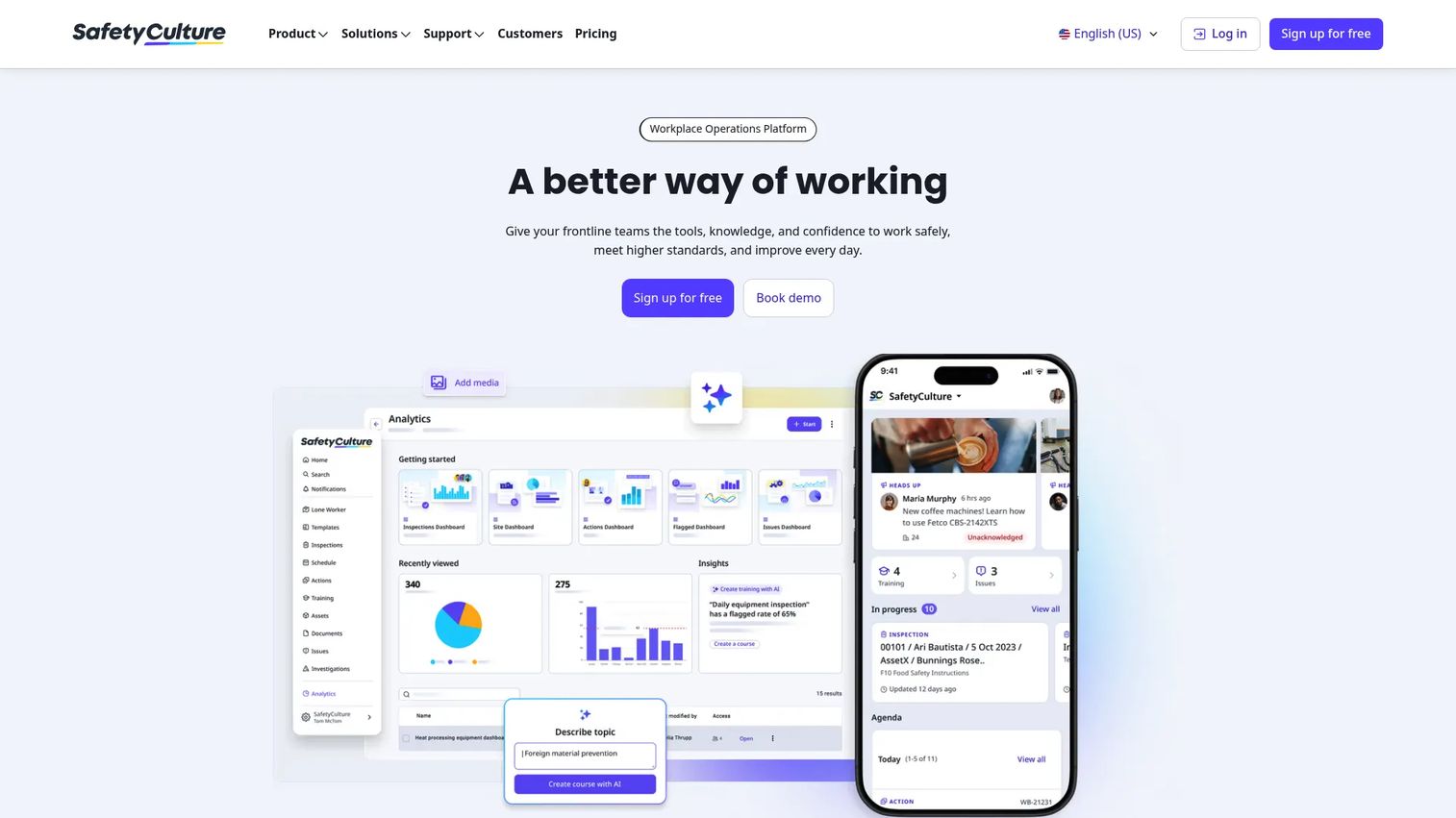
SafetyCulture is a mobile-first operations platform used to run inspections and manage field workflows, DVIR included. It's built around customizable templates, so you can shape a pre-trip and post-trip inspection checklist to match your vehicle types, then have drivers complete them on a smartphone or tablet with photos, notes, and digital signatures attached.
Best for: fleet and frontline teams that want flexible digital inspections without buying a heavyweight telematics suite.
Key strengths
- Customizable inspection templates: build DVIR forms per vehicle or asset type.
- Mobile and web inspections: run reports on Apple devices, Android devices, or desktop.
- Photos, notes, and digital signatures: capture defects and confirm driver sign-off.
Why choose SafetyCulture: it fits teams that treat DVIR as one of several field workflows, not their only compliance task. The free tier lets a small fleet standardize inspections before committing budget, and the template flexibility handles mixed asset types well.
SafetyCulture pricing: free plan for teams up to 10 users. The Premium plan is $29 per user per month billed monthly, or $24 per seat per month billed annually. Enterprise is custom.
2. GPS Insight DVIR app
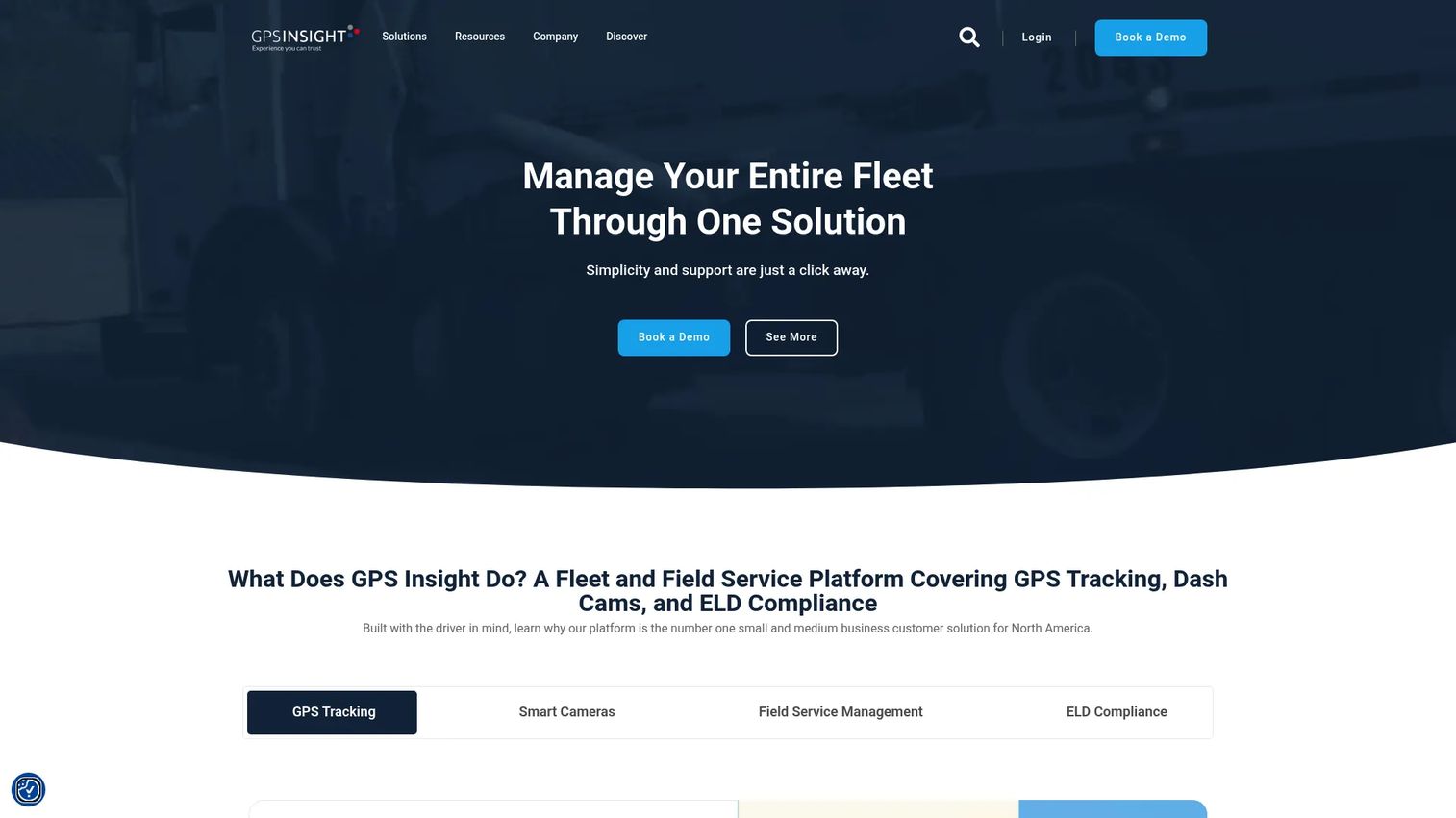
GPS Insight is fleet DVIR and maintenance software built for electronic inspections, defect tracking, and compliance workflows. Its Inspect+ product handles pre-trip and post-trip electronic DVIRs with custom forms, then ties defect reporting to real-time alerts so a safety-critical issue reaches a manager fast.
Best for: fleet operators who want a compliant DVIR app with optional maintenance workflow layered on top.
Key strengths
- Electronic DVIRs: pre-trip and post-trip inspections on mobile.
- Custom inspection templates: adapt forms to your fleet.
- Defect reporting with photos and alerts: flag issues in real time.
Why choose GPS Insight: the tiered structure lets you start with inspections and add maintenance as your needs grow. That suits fleets that expect their compliance program to expand rather than stay static.
GPS Insight pricing: Inspect+ comes in Inspect, Inspect & Maintain, and Full Bundle plans. No public price is listed; pricing is quote-based through the vendor.
3. Driveroo DVIR app
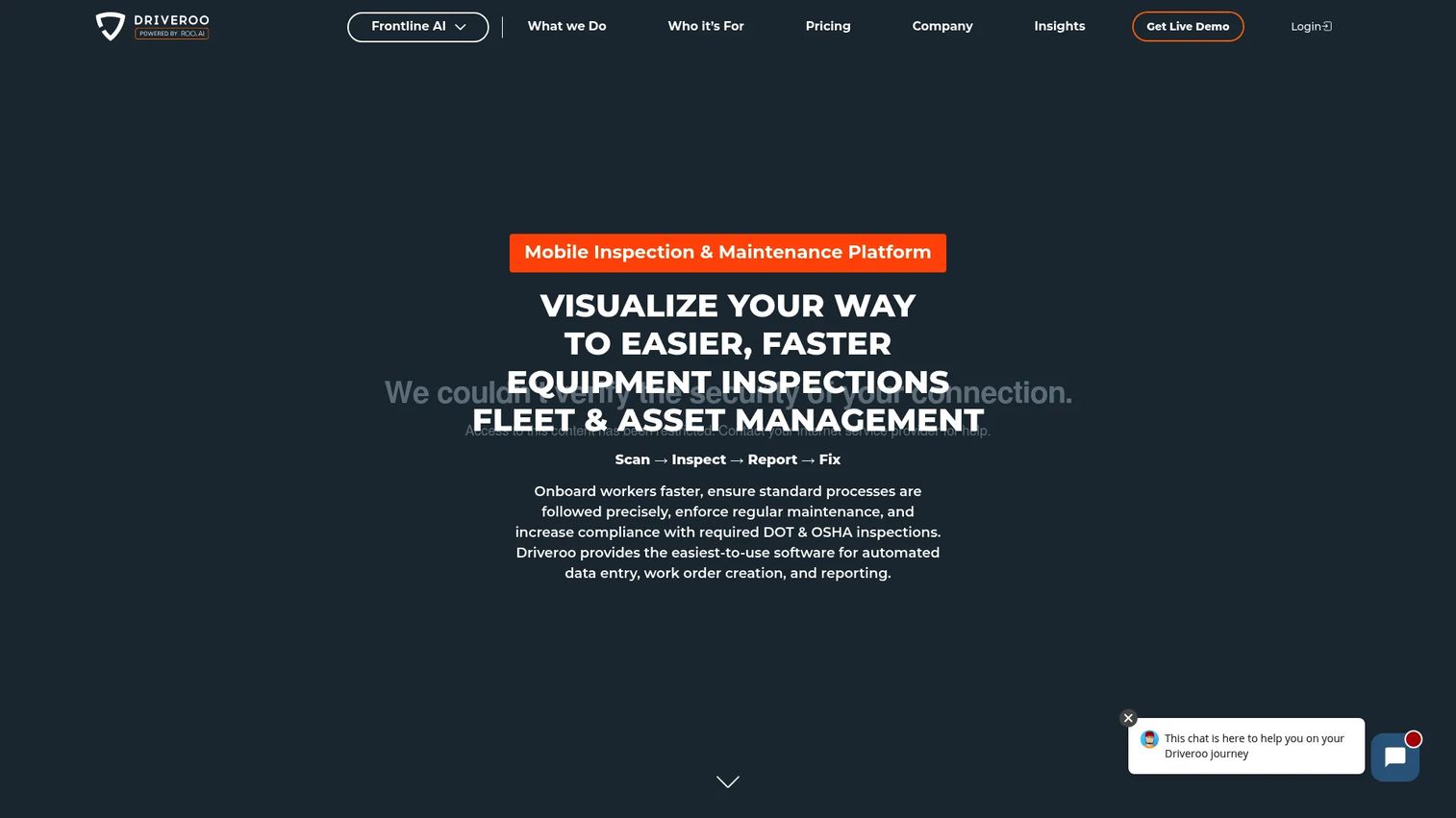
Driveroo is fleet inspection and maintenance software with a visual DVIR app. Drivers run inspections with photos and video, work offline when signal drops, and defects route automatically into work orders. That automated handoff is the differentiator: the defect doesn't wait for a manager to re-key it.
Best for: fleets that want a mobile DVIR workflow with maintenance follow-up built in, not bolted on later.
Key strengths
- Visual DVIR inspections: photos, video, and offline mobile support.
- Automated maintenance routing: defects become work orders.
- Audit-ready inspection history: compliance tracking baked in.
Why choose Driveroo: if your biggest problem is defects falling through the cracks between inspection and repair, Driveroo's automated routing directly addresses it. The visual-first approach also gives you photo evidence for every logged issue.
Driveroo pricing: Essentials starts at $5 per asset per month, Pro at $7 per asset per month, both on annual contracts with minimums. Enterprise is contact-sales.
4. Fulcrum DVIR app
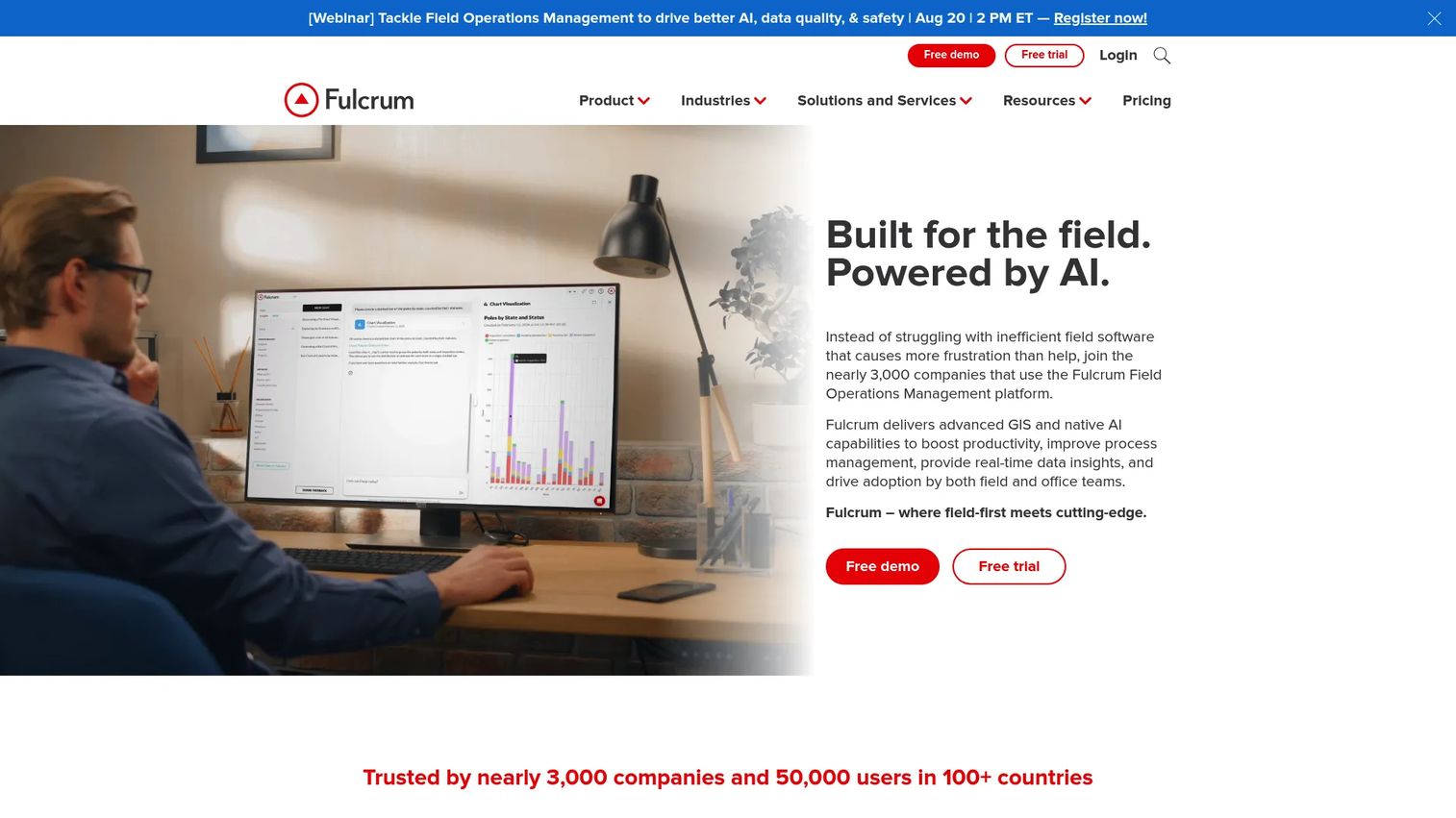
Fulcrum offers a customizable mobile DVIR template for pre- and post-trip inspections, built on a broader field data capture platform. Drivers run inspections on a smartphone, work fully offline, and the app syncs automatically once it reconnects. Drag-and-drop customization lets you reshape inspection fields without code.
Best for: fleet and transportation teams that need inspection logic mapped tightly to their own asset types and processes.
Key strengths
- Smartphone-based inspections: pre- and post-trip on mobile.
- Offline operation: automatic sync when reconnected.
- Drag-and-drop customization: reshape inspection fields freely.
Why choose Fulcrum: it fits teams that treat the inspection form as something to engineer, not accept off the shelf. If your inspections vary widely by asset or route, the configurability pays off.
Fulcrum pricing: the Professional plan is $43 per user license per month; Elite is $39 per user license per month; Enterprise is custom. A free trial is available, with no permanent free tier.
5. Fleetio DVIR app
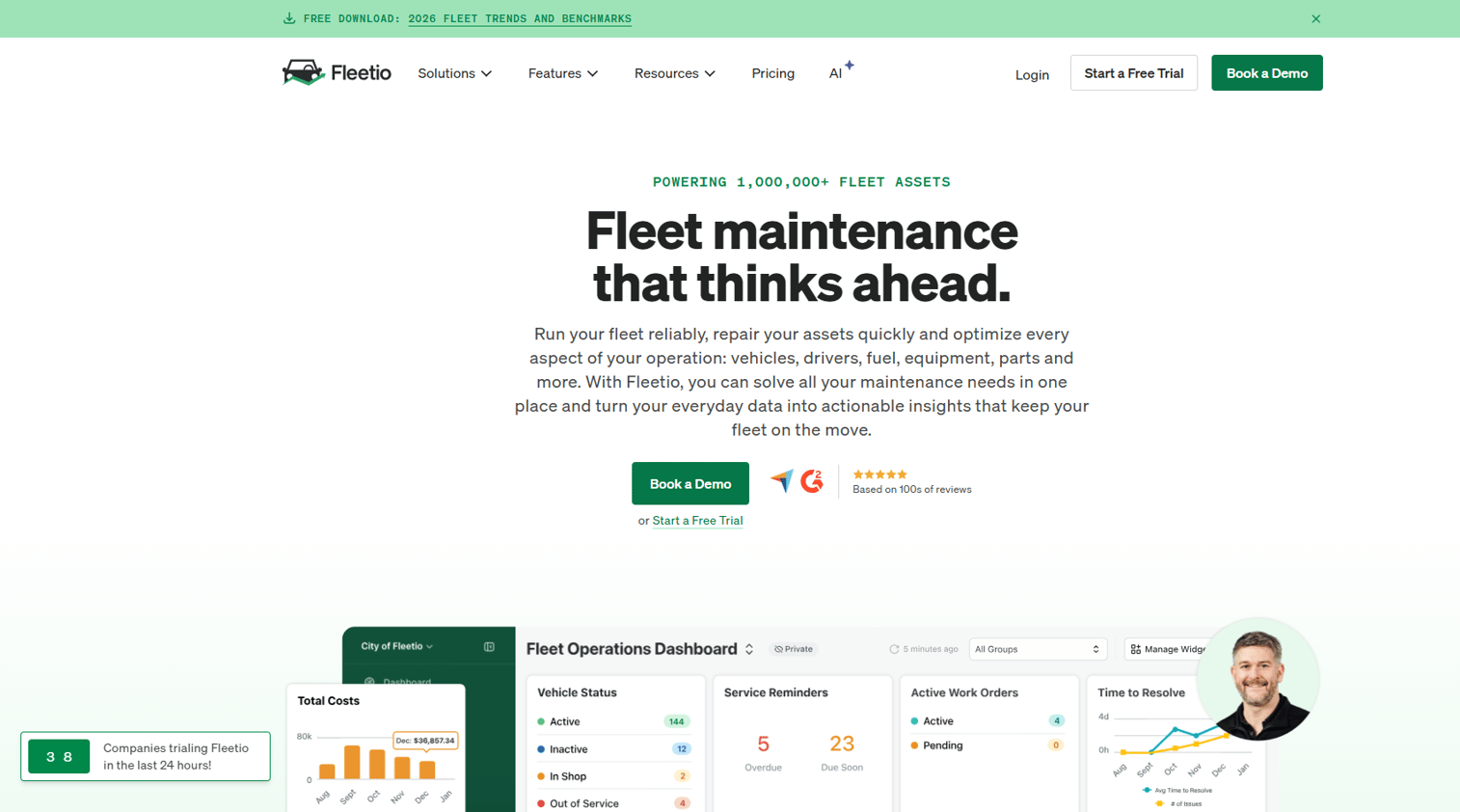
Fleetio folds DVIR into a full fleet management platform, so digital inspections and compliance live alongside maintenance, asset records, and repair tracking. Drivers complete FMCSA-compliant DVIRs on mobile, including offline, and defects connect directly to the maintenance side of the system.
Best for: fleets that want inspections connected to broader fleet operations rather than running as a standalone app.
Key strengths
- Customizable inspection forms: tailor checklists per vehicle.
- Offline mobile inspections: log reports anywhere.
- FMCSA-compliant DVIRs: built for DOT compliance.
Why choose Fleetio: the value is the connective tissue. When a defect from a post-trip inspection becomes a maintenance workflow inside the same platform, you get end-to-end visibility from issue to resolution without exporting between tools.
Fleetio pricing: Essential is $4 per vehicle per month billed annually ($5 monthly); Professional is $7 per vehicle per month billed annually; Premium is $10 per vehicle per month billed annually. A 14-day free trial is available.
6. Trimble DVIR app
Trimble provides driver vehicle inspection reporting for commercial fleets, connected to its wider transportation and fleet maintenance ecosystem. The digital DVIR process pulls in real-time meter data and links inspections to maintenance workflows and work orders, so records flow into the same system that manages repairs.
Best for: fleet operators who need DVIR tied into a broader Trimble maintenance and telematics stack.
Key strengths
- Digital DVIR with meter data: inspections enriched with real-time vehicle data.
- Maintenance workflow connection: DVIRs feed work orders.
- Ecosystem integration: works across Trimble transportation products.
Why choose Trimble: enterprise fleets already running Trimble telematics get operational visibility without stitching a separate inspection tool into the mix. The depth suits larger, more complex operations.
Trimble pricing: Trimble does not list public pricing for its DVIR capability. Reach the vendor for a quote tied to your fleet and stack.
7. Connecteam DVIR app
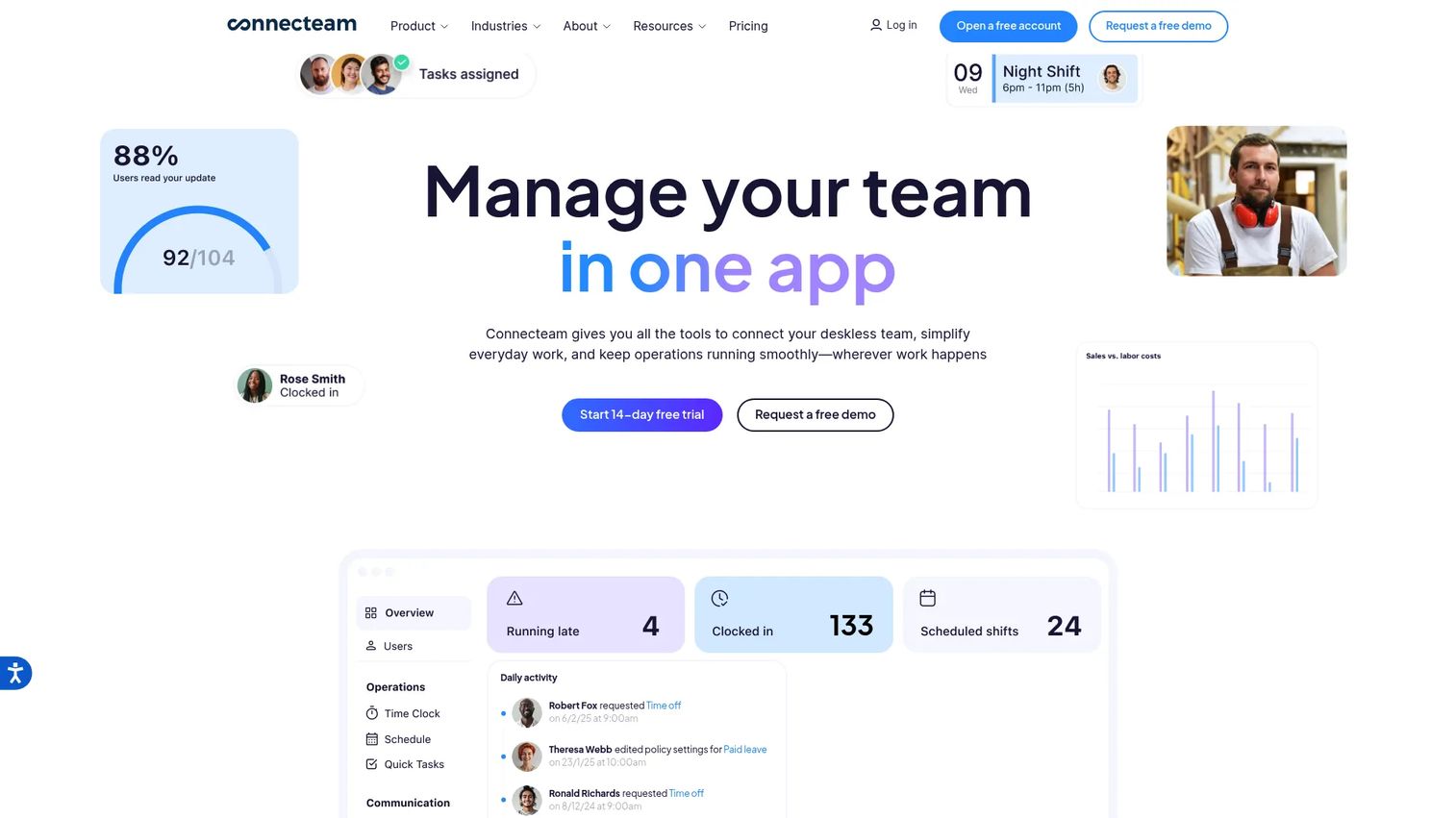
Connecteam is a mobile workforce management platform for field and deskless teams that includes paperless DVIRs alongside scheduling, time tracking, and operations checklists. Drivers submit inspections and custom reports from the same app they use for shifts, so DVIR isn't a separate login.
Best for: fleet, delivery, and field-service teams already using broader workforce management tools who want inspections in one place.
Key strengths
- Paperless DVIRs and custom reports: inspections inside the workforce app.
- Forms and checklists: operations workflows beyond inspection.
- GPS time clock and scheduling: manage shifts in the same tool.
Why choose Connecteam: if you're already juggling scheduling and time tracking, consolidating DVIR into the same app cuts tool sprawl and keeps drivers in one interface. The free tier makes it easy to trial with a small crew.
Connecteam pricing: a free Small Business plan covers up to 10 users. Paid Operations hub plans start at $29 per month for the first 30 users (Basic), with Advanced at $49 and Expert at $99. Enterprise is custom.
8. Geotab DVIR app
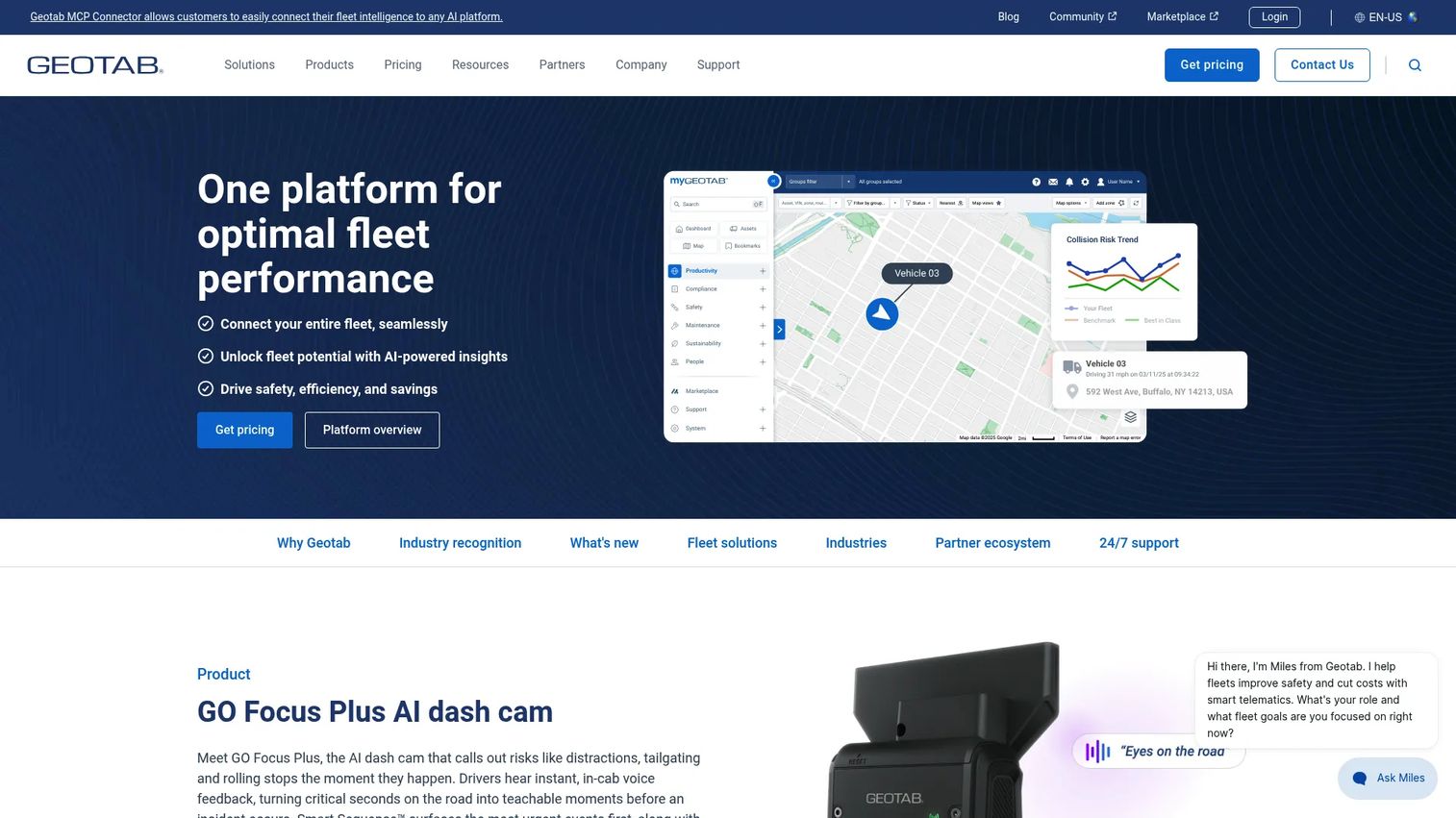
Geotab delivers DVIR through Geotab Drive, its driver compliance app, so electronic inspections sit next to ELD compliance, driver ID, and messaging. Drivers complete pre-trip and post-trip eDVIRs, and real-time defect notifications push issues toward faster maintenance scheduling.
Best for: commercial fleets that want electronic DVIR compliance inside a broader driver workflow and telematics platform.
Key strengths
- Electronic DVIRs: pre-trip and post-trip inspections.
- Real-time defect notifications: speed up maintenance scheduling.
- Geotab Drive integration: DVIR alongside ELD and driver ID.
Why choose Geotab: fleets that already run Geotab telematics get inspections tied to vehicle tracking data with no extra app for drivers to manage. The compliance workflow is part of the daily driver routine.
Geotab pricing: Geotab does not publish standalone DVIR pricing; it's sold through resellers or via a demo request tied to your fleet configuration.
9. Sitemate DVIR app
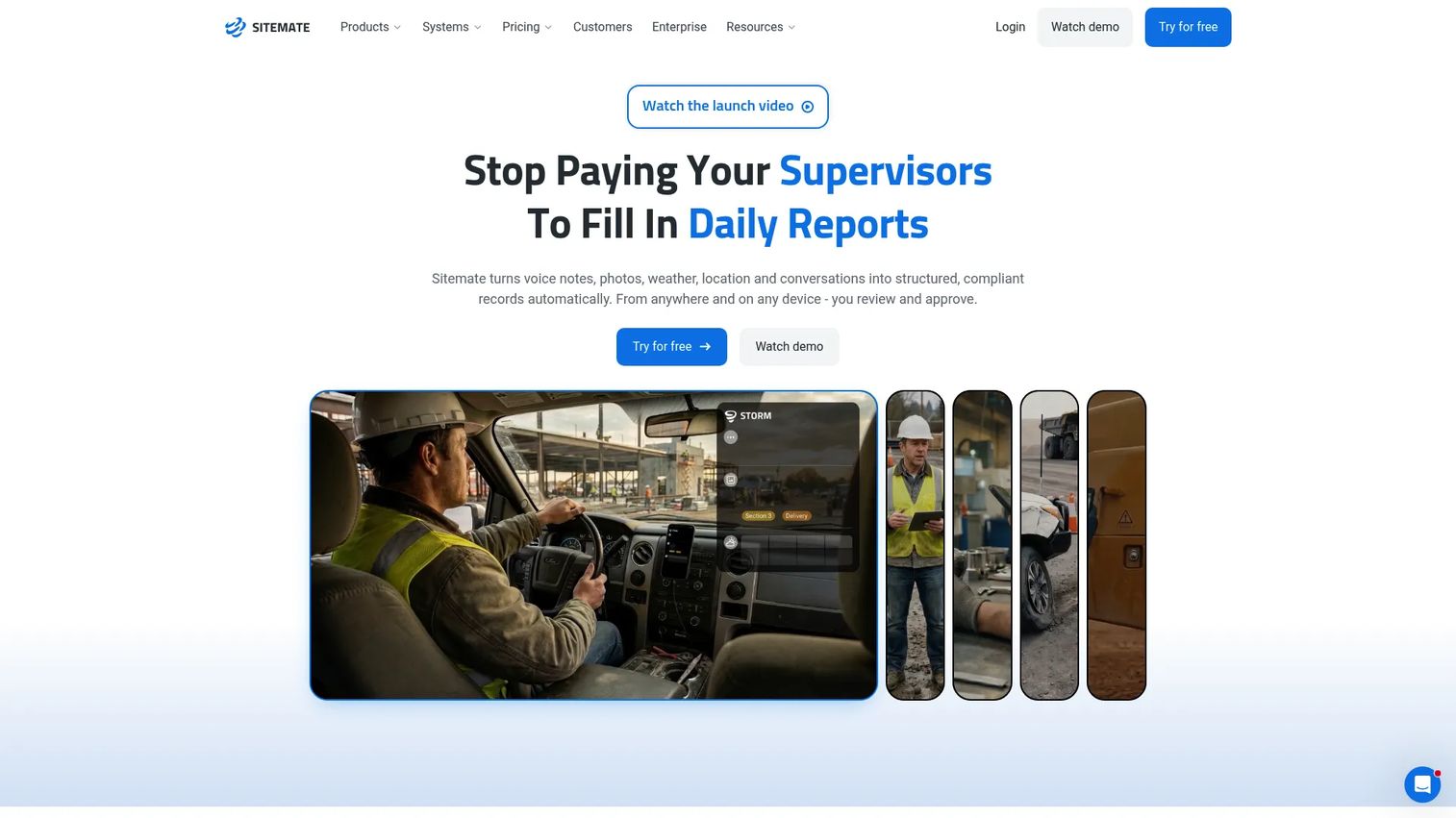
Sitemate provides a mobile app for frontline workers to submit forms, sign on, and access digital IDs, with configurable inspection templates that suit structured DVIR processes. Workers submit forms online or offline, use QR-code sign-on, and feed activity into a central record for document control and reporting.
Best for: field and operations teams that want structured, configurable inspection processes with strong document control.
Key strengths
- Configurable inspection templates: structured forms for repeatable processes.
- Offline and online form submission: log inspections anywhere.
- QR code sign-on and activity feed: track who did what, when.
Why choose Sitemate: teams that care about process rigor and audit-ready documentation get a flexible form engine. The free mobile app lowers the barrier to rolling it out across a crew.
Sitemate pricing: the Sitemate mobile app and digital ID are free. Companies pay for underlying products such as Dashpivot, which uses per-user, plan-based pricing, with a custom Enterprise option.
10. Encompass DVIR app
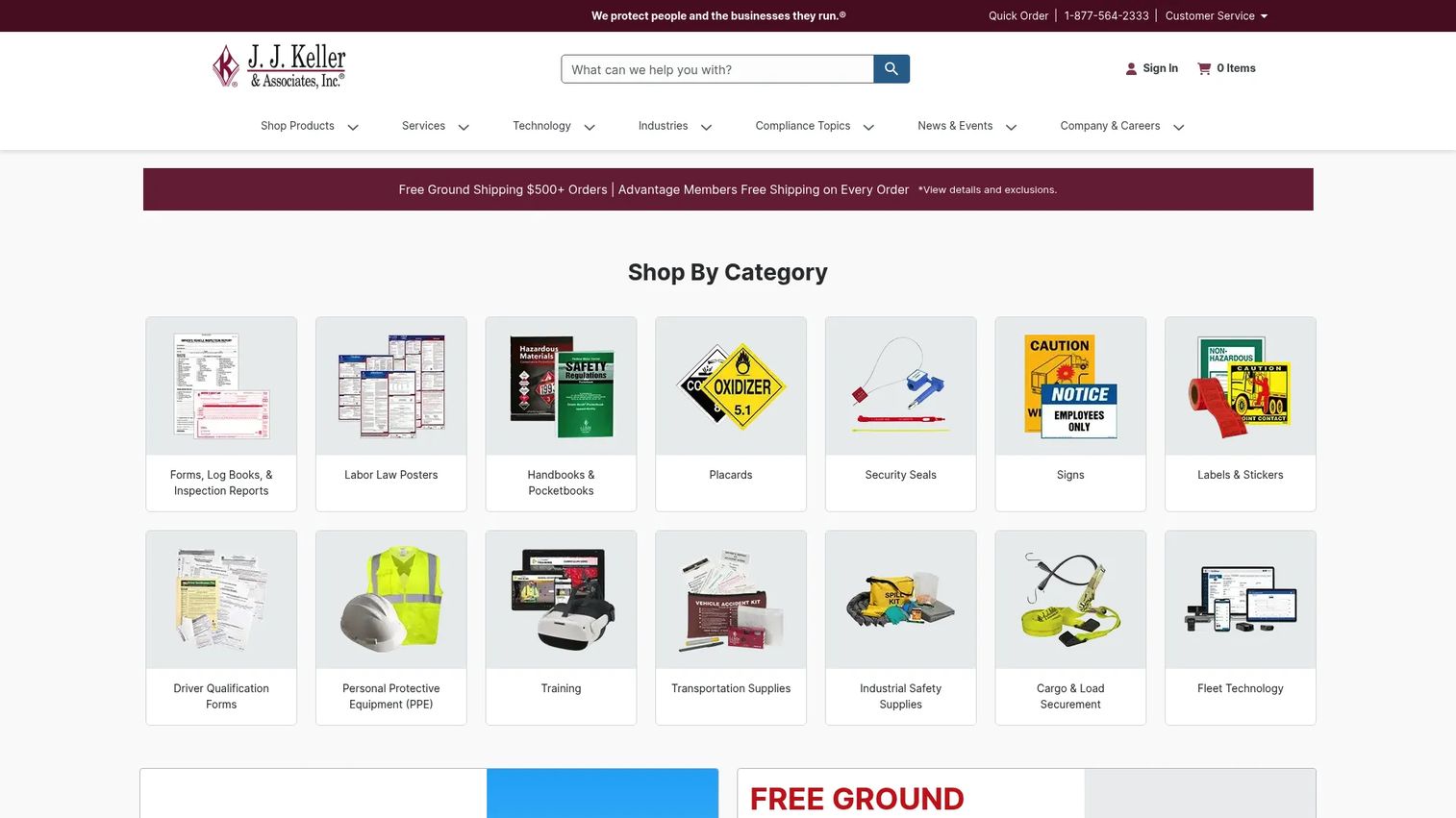
Encompass from J. J. Keller is an electronic DVIR app built for customizable vehicle inspections and time tracking, from a company whose whole business is regulatory compliance. Drivers run customizable pre- and post-trip inspections, select units, and transmit inspection records back to the office, with timesheet functionality included.
Best for: mixed fleets and non-regulated drivers who need eDVIRs without ELD hardware.
Key strengths
- Customizable pre- and post-trip inspections: shape forms to your fleet.
- Back-office record transmission: inspection records flow to the office.
- Timesheet functionality: time tracking alongside inspections.
Why choose Encompass: the pull is J. J. Keller's compliance pedigree. Fleets in heavily regulated environments often prefer a vendor built around FMCSA and DOT compliance, and the no-ELD-hardware path fits mixed or non-regulated drivers.
Encompass pricing: J. J. Keller does not list public pricing for the Encompass eDVIR app; the app is included for Encompass subscribers, and pricing is handled through a compliance specialist.
11. Samsara
Samsara is a connected operations platform for fleets, equipment, and sites, with inspections sitting inside a broader stack of telematics, safety, and compliance tools. Drivers run DVIRs alongside ELD compliance and driver workflows, while managers get fleet visibility through GPS tracking, routing, and safety dashboards.
Best for: fleets evaluating broader fleet management and safety tooling alongside their DVIR needs.
Key strengths
- AI dash cams and video safety: driver safety monitoring.
- Fleet telematics: GPS tracking, routing, and dispatch.
- ELD compliance and driver workflows: DVIR inside a compliance suite.
Why choose Samsara: if you're buying fleet management, safety, and compliance together, having inspections inside the same platform means one dashboard for the whole operation. It suits teams consolidating tools rather than adding a standalone DVIR app.
Samsara pricing: Samsara uses per-asset, per-month or annual pricing and offers a free trial. Public starting prices aren't listed; pricing is quote-based by fleet.
12. Heads Up
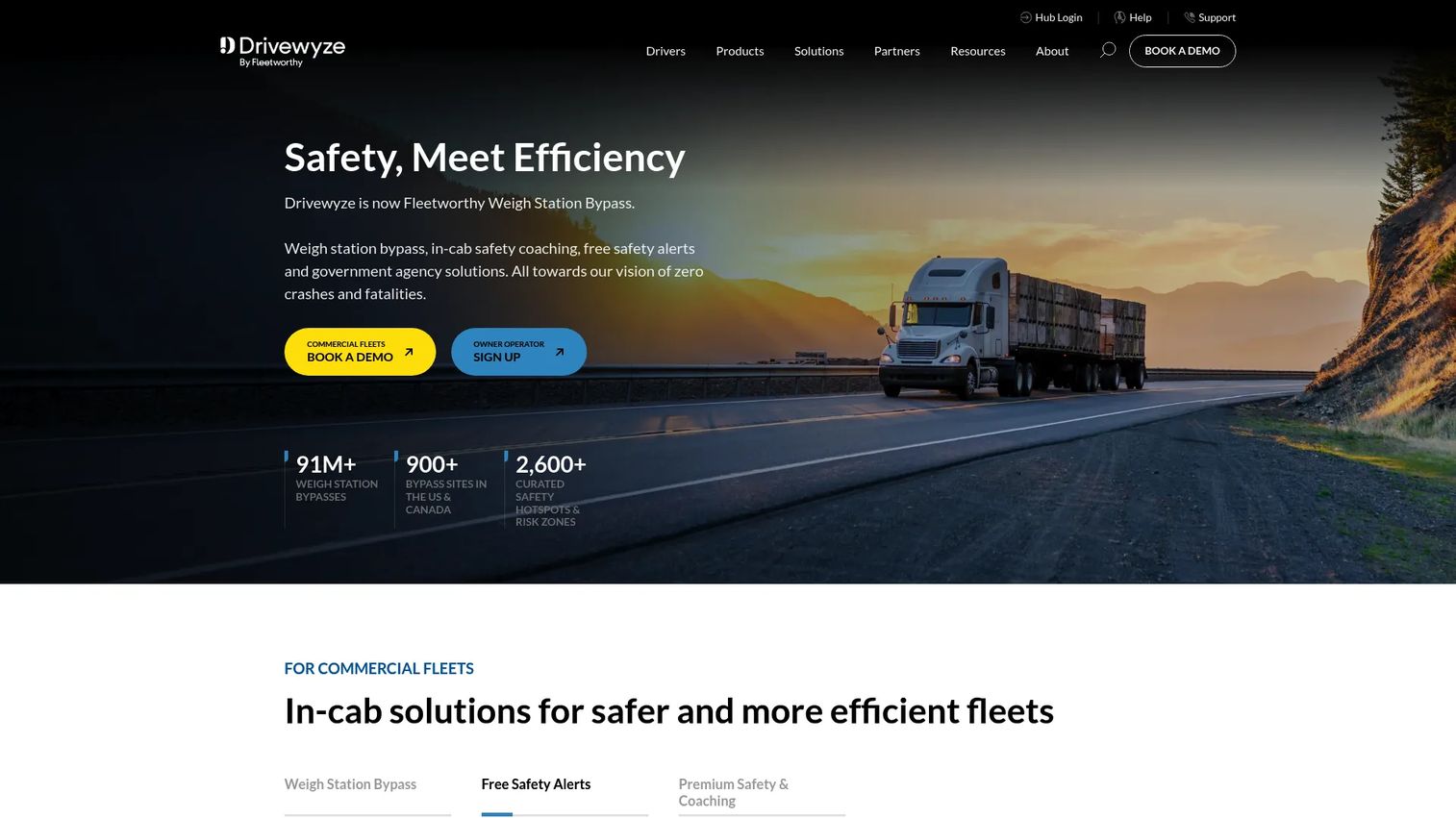
Heads Up, from Drivewyze, is a commercial fleet in-cab platform for weigh station bypass and proactive safety alerts, with inspection and defect support that fits a safety-focused operation. Drivers get bypass at hundreds of North America locations and real-time alerts for high-risk areas, keeping safety and compliance front of mind in the cab.
Best for: commercial fleets prioritizing weigh station bypass, in-cab safety alerts, and simple defect escalation.
Key strengths
- Weigh station bypass: at 900+ North America locations.
- Free safety alerts: 2,600+ high-risk areas flagged.
- Safety+ premium alerts: custom safety zones.
Why choose Heads Up: the draw is proactive in-cab safety and bypass, with inspection and defect notifications as part of a safety-first workflow. Fleets that value keeping trucks moving through weigh stations will find the bypass alone worth evaluating.
Heads Up pricing: a 30-day free trial is available, and Drivewyze services start at $17.99 USD per month. Fleet pricing and the Safety+ tier are quoted by sales.
Considerations
Compliance and record retention
Don't treat FMCSA compliant as a checkbox. Verify that the tool captures signatures, timestamps every submission, and stores records in an exportable format for DOT compliance. Confirm how long records are retained and how fast you can pull roadside inspection history during an audit. Exportability matters as much as capture.
Driver adoption
The best audit trail is worthless if drivers skip inspections. Evaluate mobile UX honestly: how many taps to complete a pre-trip, does offline mode work reliably, how fast does a form load on a mid-range phone. If drivers find it slower than paper, they'll cut corners. Test it on real devices with real drivers before you commit.
Maintenance workflow depth
Check how a defect becomes a maintenance task and how follow-up gets tracked. Some tools stop at reporting; others route defects into work orders automatically. Map the path from logged issue to closed repair, and confirm you get visibility at every step. That's the difference between catching a problem and actually fixing it.
Customization and templates
Confirm forms can adapt to vehicle types, routes, and inspection policies. A checklist for a box truck shouldn't match one for a tractor-trailer. Ask whether you can build asset-specific inspection logic, and how much effort it takes to change a form when your policy shifts.
Integrations and reporting
Ask how the software connects to telematics, maintenance, or fleet systems you already run. Check for a fleet manager dashboard, real-time alerts, exportable reports, and audit support. Integration depth decides whether DVIR data stays trapped in one app or feeds the rest of your operation.
Conclusion
The right DVIR software depends on inspection volume, device needs, and how tightly you want inspections wired to maintenance.
For compliance-heavy environments, Encompass and GPS Insight lead on regulatory depth. For fleets that want inspections inside broader operations, Fleetio, Samsara, and Geotab connect DVIRs to maintenance and telematics. For maintenance follow-up out of the box, Driveroo's automated work-order routing stands out. And for teams that want flexible, form-driven digital inspections without a heavy stack, SafetyCulture, Fulcrum, and Sitemate deliver configurable workflows.
The practical move: shortlist two or three tools that match your intent, then test the mobile inspection app with actual drivers on your real devices. Watch how fast a pre-trip and post-trip inspection completes, how defects route to maintenance, and how quickly you can export an audit-ready record. Workflow fit and recordkeeping depth beat feature counts every time.
FAQs
DVIR software is a digital tool that replaces paper Driver Vehicle Inspection Reports, letting drivers complete pre-trip and post-trip inspections on a smartphone or tablet. It captures defects with photos and signatures, routes them to managers and maintenance, and retains audit-ready records for DOT compliance.
Software itself isn't legally required, but the FMCSA requires drivers of many commercial vehicles to complete and sign inspection reports for defects affecting safe operation, and carriers must retain those records. A digital DVIR isn't mandated, but it makes meeting those requirements far easier to prove during an audit.
A strong electronic DVIR app includes customizable inspection forms, photo and signature capture, offline mode, real-time defect alerts, and exportable compliance reporting. Look for cross-device access on Apple devices and Android devices, plus a fleet manager dashboard for review and record retention.
Yes. Nearly all DVIR software runs on smartphones and tablets across Apple devices and Android devices, and many offer desktop access for managers. Offline mode is common, so drivers can log inspections without signal and sync once reconnected.
FMCSA rules require carriers to retain driver vehicle inspection reports and related maintenance records for a set period, commonly cited as at least three months for the report itself, with maintenance records kept longer. Digital tools make record retention and roadside inspection history easy to store and pull on demand.
A paper DVIR is a handwritten form that's slow to review, hard to search, and easy to lose. An electronic DVIR captures the same inspection digitally with reliable timestamps, photos, signatures, and an audit trail, then routes defects instantly to managers and maintenance instead of waiting for a clipboard to reach the office.
Yes. Many DVIR tools turn a logged defect into a work order automatically and track it to resolution. That maintenance workflow closes the loop between the driver who spots an issue and the technician who fixes it, cutting the time a defect sits ignored.
Small fleets often start with tools offering free tiers or low per-vehicle pricing, such as SafetyCulture (free up to 10 users), Connecteam (free small business plan), or Fleetio (from $4 per vehicle per month). The best fit depends on whether you need standalone inspections or DVIRs tied to maintenance and telematics.