You quoted a project at 480 hours. It closed at 610. Nobody flagged it until the invoice went out three weeks late, and by then the margin was already gone. Sound familiar? Most engineering firms lose visibility somewhere between the estimate and the final billing, and the gap usually lives in a spreadsheet nobody owns.
The pattern is consistent. Time gets tracked in one place, accounting runs in another, project schedules live in a third, and leadership stitches a picture together from screenshots on a Monday call. That fragmentation is expensive. It is why the market for purpose-built engineering firm software keeps growing. According to ResearchAndMarkets (2024), the global engineering software market is projected to grow from USD 64.7B in 2025 to USD 127.05B in 2030, at a 14% CAGR. Firms are not buying more tools for fun. They are buying systems that connect delivery, finance, and resources so nobody has to reconcile reality by hand.
This guide compares the engineering firm software that actually closes that gap: engineering ERP software that ties operations to financials, engineering accounting software built for job costing, engineering project management software for scheduling and delivery, and lighter practice management platforms for smaller teams. The goal is not to find the tool with the longest feature list. It is to help you match software depth to your firm's real bottleneck, whether that is billing, budgeting to completion, resource planning, or firm profitability.
What's inside
This guide is for product, operations, and finance leaders at engineering firms who are replacing spreadsheets and disconnected trackers with a real system of record. It covers eight platforms across four jobs: project accounting, ERP, scheduling, and project management.
We selected tools based on four criteria: engineering and A&E fit, workflow depth across job costing and billing, integration range with CAD/BIM and finance stacks, and scalability from small firms to enterprise. Pricing transparency and reporting quality shaped the ranking too. Every product here earns a place because it solves a specific operational problem, not because it markets well.
TL;DR
- Best for full A&E ERP: Deltek Vantagepoint, one system for project, pipeline, people, and financials.
- Best for project accounting and close control: Sage Intacct, strong multi-entity reporting and real-time dashboards.
- Best all-in-one practice management: BQE CORE, time, billing, accounting, and project management together.
- Best for portfolio scheduling and resource planning: Oracle Primavera P6, built for schedule-driven programs at scale.
- Best for small engineering firms: Deltek Ajera or Monograph, focused project accounting without ERP weight.
- Best for remote engineering teams: Wrike, configurable work management and collaboration.
- Best for execution-heavy delivery: Procore, field coordination and documentation.
What is engineering firm software?
Engineering firm software is a category of tools that help engineering, architecture, and consulting businesses manage projects, time, budgets, billing, resources, and reporting in one connected system. It replaces the spreadsheet-and-email approach with a shared source of truth that ties project delivery to firm profitability.
The strongest platforms combine project accounting with operational workflows, so a change on a project immediately shows up in financial reporting. That connection is what separates true engineering firm software from generic accounting or task tools.
Core capabilities to expect:
- Project accounting and job costing: track costs, budgets, and margin at the project level, with budgeting to completion.
- Time and expense tracking: capture billable hours and expenses tied directly to projects and phases.
- Billing and invoicing: generate invoices, including AIA-style billing and recurring billing schedules.
- Resource planning and capacity management: balance workload, staffing, and utilization across active projects.
- Reporting and analytics: real-time dashboards for project managers, finance, and leadership.
- Integrations with CAD/BIM and finance tools: reduce duplicate entry and reporting gaps across the stack.
The 2024 data from MarketGrowthReports shows 52% of organizations had adopted SaaS-based engineering software models, a clear shift toward cloud software delivery. That matters because cloud platforms make real-time reporting and multi-office collaboration far more practical than legacy on-premise systems.
What engineering firms should look for in software
Project accounting and job costing
Generic bookkeeping tells you the firm made money last quarter. It does not tell you which projects are bleeding margin right now. Engineering firms need project accounting that supports budgeting to completion, so you can see estimated cost at completion against the original budget while the work is still in progress.
This is where profitability leaks get caught. Job costing that ties labor, expenses, and consultant costs to a specific project and phase lets you spot the 610-hour job before it closes. Tie every dollar to a project code and margin control stops being a monthly surprise.
Time tracking and billing workflows
Time entry is where the money starts. If capturing billable hours is painful, entries get delayed, guessed at, or lost, and that directly hits revenue. Look for time tracking that is quick to enter, easy to approve, and directly connected to billing.
Billing complexity varies by firm. Some need simple hourly invoices. Others need AIA billing, percent-complete billing, or fixed-fee schedules with retainage. The billing engine should generate invoices from tracked time without re-keying, and support the approval workflows your finance team already runs.
Resource planning and utilization visibility
Understaffed projects slip. Overstaffed ones eat margin. Resource management gives project managers and operations leaders a view of who is available, who is overloaded, and where the next bottleneck is forming.
Good resource planning connects staffing decisions to project schedules and financials. When a project extends by two weeks, you should see the ripple effect on team capacity and on the firm's forecast, not discover it when someone burns out.
Integrations and data flow
Engineering firms rarely run on one tool. Design happens in CAD/BIM software, payroll runs elsewhere, and the CRM tracks pipeline. CAD/BIM integrations and clean data flow between systems reduce duplicate entry and the reporting gaps that come with it.
Before you buy, map the systems your teams touch daily. The value of any platform drops fast if it cannot connect to the tools your engineers already live in. Hidden integration costs are a common budget surprise, so ask about connectors and API access early.
Security, compliance, and governance
For larger or regulated firms, security and compliance are not optional. Role-based permissions, audit trails, data encryption, and enterprise controls protect both client data and the integrity of your financials.
This matters most for firms working on government contracts, regulated infrastructure, or multi-entity structures. Ask about SOC 2, role-based access, and audit logging before the shortlist stage, not after procurement flags it.
When engineering firms use this software
Replace spreadsheets with a system of record
Most firms start with spreadsheets and scattered trackers. It works until it doesn't, usually around the point where project count outpaces anyone's ability to reconcile hours, costs, and billing by hand. That is when a system of record earns its keep, centralizing job costing, approvals, and visibility.
Standardize project delivery across teams
Firms with multiple offices or disciplines struggle to keep delivery consistent. One team runs projects one way, another does its own thing, and reporting becomes apples to oranges. Standardized software enforces a shared process and gives leadership comparable data across teams.
Improve billing, close speed, and profitability
Finance and leadership feel the pain of slow invoicing and month-end close most acutely. The right platform speeds up billing, cuts invoice errors, and surfaces clear margin data. Faster close means faster cash and cleaner numbers for decisions.
Plan resources across active projects
Project managers and operations leaders use these tools to balance capacity across a portfolio. When you can see utilization and upcoming demand in one place, staffing and scheduling decisions get faster and less reactive.
Comparison table
Here is how the eight platforms compare across intent, primary use case, pricing, and rating. Use it as a shortlist filter, then read the sections that match your firm's biggest bottleneck. Pricing in this category is frequently quote-based, which is common for project accounting for engineering firms and enterprise ERP.
| # | Product | Intent | Key use case | Pricing | G2 rating |
|---|---|---|---|---|---|
| 1 | Deltek Vantagepoint | A&E ERP | Unified project, pipeline, people, and financials | Custom quote | 4.1/5 |
| 2 | Sage Intacct | Project accounting | Multi-entity accounting and real-time reporting | Custom quote | 4.3/5 |
| 3 | BQE CORE | Practice management | Time, billing, accounting, project management | Quote-based, module pricing | Not listed |
| 4 | Oracle Primavera P6 | Scheduling | Portfolio scheduling and resource optimization | From $2,750 perpetual license | Not listed |
| 5 | Deltek Ajera | Small-firm accounting | Project accounting plus project management | Custom quote | 4/5 |
| 6 | Wrike | Project management | Configurable work management for remote teams | Free; paid from $10/user/mo | 4.2/5 |
| 7 | Monograph | Small-firm management | Budgets, time, billing, profitability | From $25 to $490/mo annual | 4.5/5 |
| 8 | Procore | Project execution | Field coordination and documentation | Custom quote by volume | 4.6/5 |
1. Deltek Vantagepoint
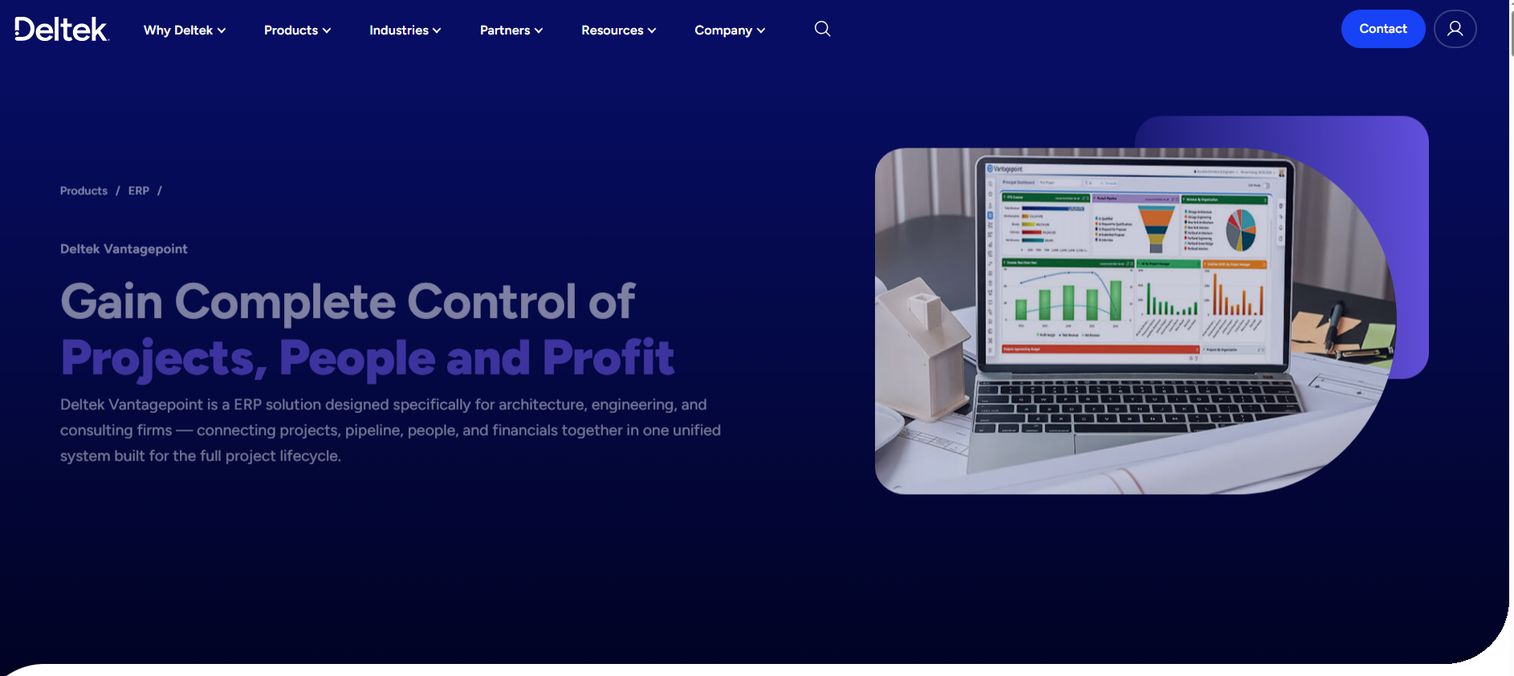
Deltek Vantagepoint is an ERP built specifically for architecture, engineering, and consulting firms. It brings CRM and pipeline, project management, resource planning, and financial management into one system, so a project moves from opportunity to delivery to invoice without leaving the platform. For firms tired of reconciling separate CRM, PM, and accounting tools, this is the consolidation play.
The value is in the connection. Because pipeline, projects, people, and financials share one data model, leadership gets real-time visibility from estimate to completion. Resource management shows utilization across the firm, and workflow automation reduces the manual handoffs that cause billing delays.
Best for: Larger or more complex A&E firms that want one system covering the full project lifecycle.
Key strengths
- CRM and pipeline management: track opportunities and connect won work directly to project setup.
- Project management and resource planning: manage delivery and staffing against budgets in one place.
- Accounting and financial management: run project accounting, billing, and firm financials natively.
Why choose Deltek Vantagepoint: If your firm runs enough projects that spreadsheet reconciliation is a real cost, Vantagepoint's unified model pays off. It fits firms that need engineering ERP software depth, including multi-office reporting and complex billing, rather than a lighter point tool.
Deltek Vantagepoint pricing: Deltek does not publish public pricing for Vantagepoint. The product pages route to a demo and quote process, so expect custom pricing tailored to firm size, module needs, and user count. Vantagepoint holds a 4.1/5 rating on G2.
2. Sage Intacct
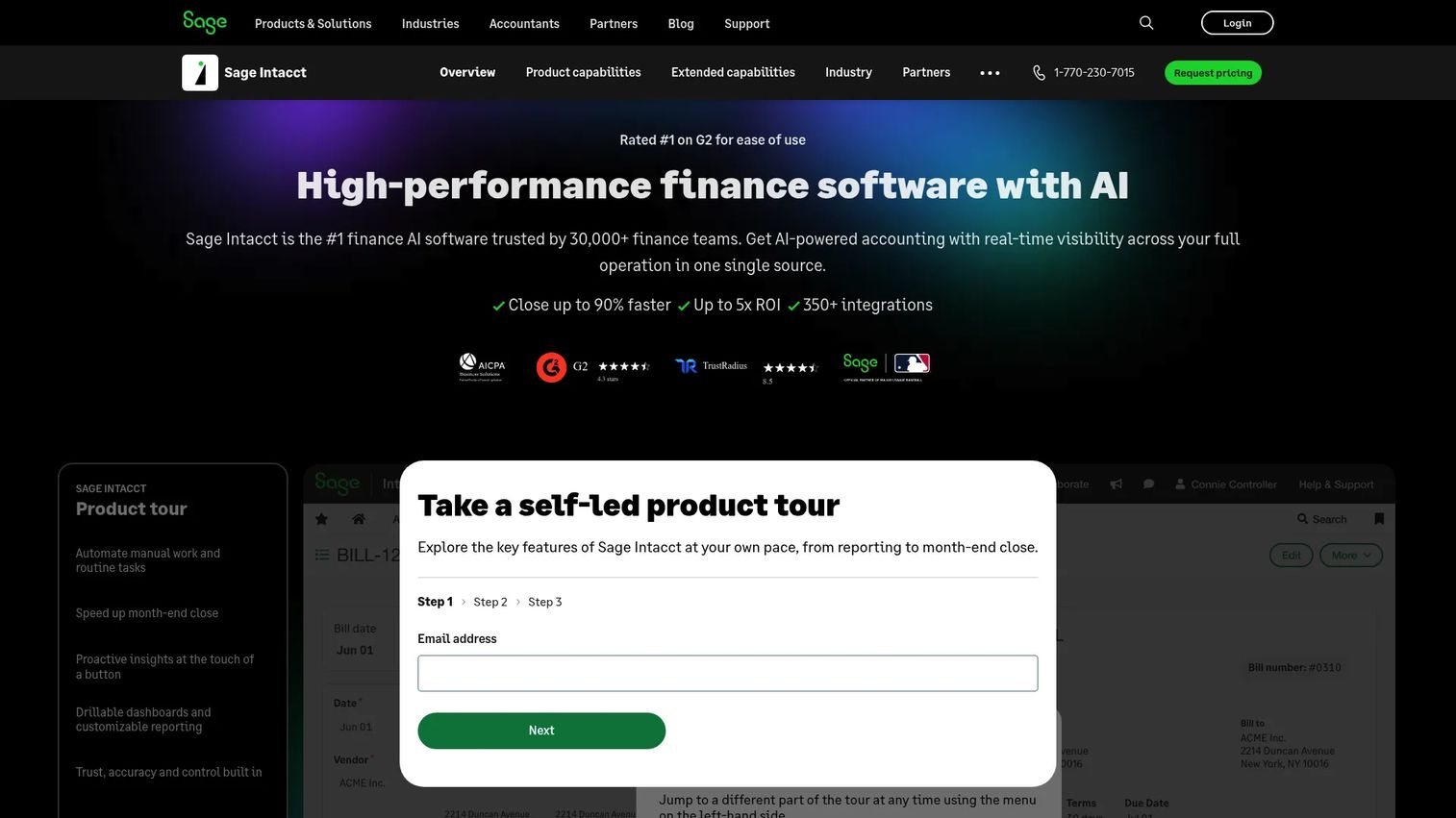
Sage Intacct is cloud finance and accounting software built for scaling and mid-sized businesses, and it fits engineering firms that need serious finance controls. It handles multi-entity accounting, real-time reporting, and revenue recognition, which makes it a strong engineering accounting software choice for firms with complex financial structures.
Where Intacct stands out is depth of financial reporting. Shared dashboards give finance and leadership real-time visibility into project profitability and firm performance, and multi-entity reporting handles firms operating across several legal entities or offices without manual consolidation.
Best for: Finance teams that need multi-entity accounting, real-time reporting, and tighter close control.
Key strengths
- Multi-entity accounting: consolidate financials across entities without manual spreadsheet work.
- Shared dashboards and reporting: give leadership real-time analytics on margin and firm profitability.
- AP automation agent: reduce manual accounts payable work with automation.
Why choose Sage Intacct: Choose Intacct when finance maturity is the priority and you want reporting and analytics that hold up under scrutiny. It pairs well with dedicated project management tools for firms whose accounting complexity outpaces their project-tool needs.
Sage Intacct pricing: Sage does not list public numeric pricing. Cost is tailored to organization size and needs, and the site directs you to request a customized quote. Sage Intacct holds a 4.3/5 rating on G2.
3. BQE CORE
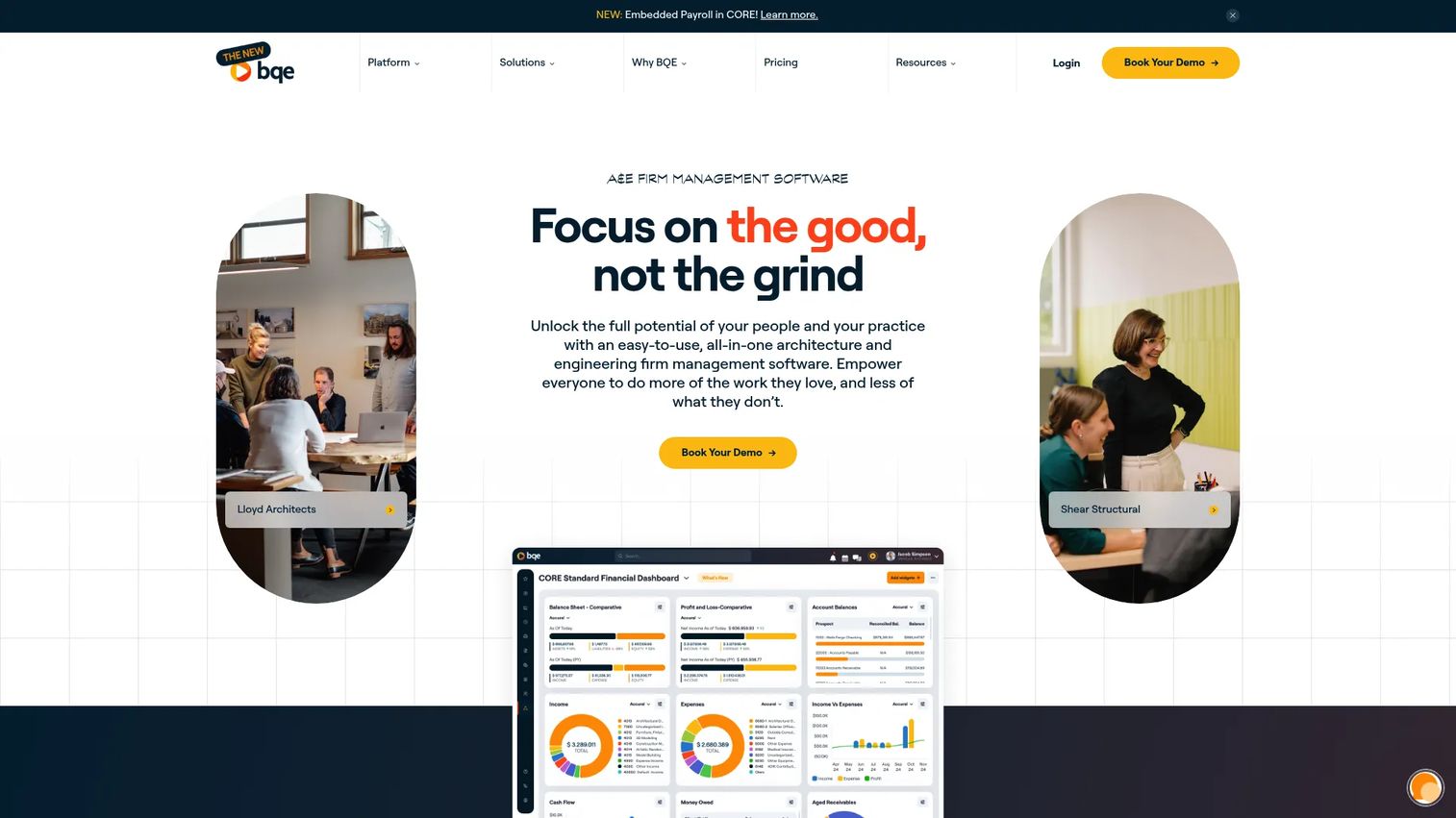
BQE CORE is cloud-based firm management software built for professional services firms, including engineering and architecture practices. It combines time tracking, billing and invoicing, accounting, project management, and CRM in one platform, which appeals to firms that want flexible practice management without stitching multiple tools together.
The draw is breadth with control. CORE handles time entry, project accounting, and invoicing in one flow, with workflow automation that cuts manual steps between tracking hours and sending invoices. Reporting ties it together, giving project and finance leaders a shared view of margin and utilization.
Best for: Professional services firms that want integrated time, billing, accounting, and project management in one system.
Key strengths
- Billing and invoicing: generate invoices from tracked time with flexible billing structures.
- CRM: manage client relationships and pipeline alongside project delivery.
- Project management: run project delivery connected to time and accounting data.
Why choose BQE CORE: CORE fits firms that want all-in-one practice management with room to configure workflows around how they actually operate. Its module-based structure lets you add capability as the firm grows rather than buying full ERP up front.
BQE CORE pricing: BQE offers modules including Foundations, Accounting, CRM, and HR, priced by modules and user count. Pricing is not published publicly; BQE asks visitors to request a quote based on the modules and seats they need.
4. Oracle Primavera P6
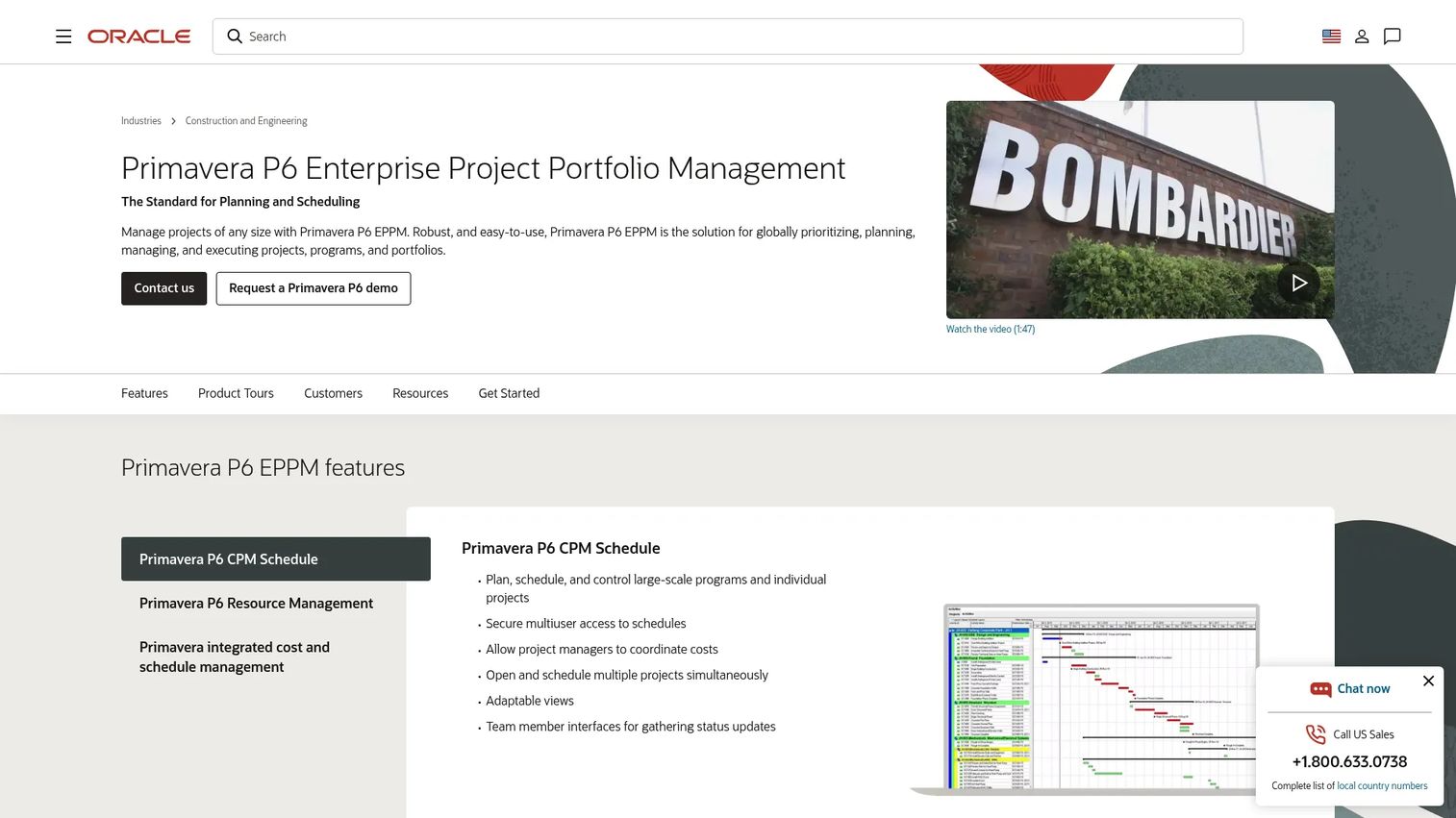
Oracle Primavera P6 is project portfolio management and scheduling software for planning, managing, and executing projects, programs, and portfolios. It is the tool of choice for large, schedule-driven engineering organizations running complex programs where the critical path matters more than the invoice.
P6 is built for scale. CPM scheduling handles large programs and individual projects, secure multiuser access keeps distributed teams on one schedule, and integrated cost and schedule management ties resource planning to program delivery. For infrastructure, energy, and heavy engineering work, this is the planning backbone.
Best for: Organizations that need enterprise-grade project scheduling and portfolio controls across complex programs.
Key strengths
- CPM scheduling: manage critical-path scheduling for large programs and individual projects.
- Secure multiuser access: keep distributed teams working from one authoritative schedule.
- Resource and cost management: connect resource planning to integrated cost and schedule control.
Why choose Oracle Primavera P6: Choose P6 when scheduling complexity is the core challenge and you need portfolio-level planning and risk management at scale. It pairs with accounting and ERP tools for firms whose scheduling needs outstrip what a practice-management platform offers.
Oracle Primavera P6 pricing: Oracle publishes a price list. Primavera P6 Professional Project Management starts at $2,750 per application user perpetual license, with software update and license support at $605. The Enterprise Project Portfolio Management tier starts at $3,850 per application user perpetual license, with support at $847. There is no free tier.
5. Deltek Ajera
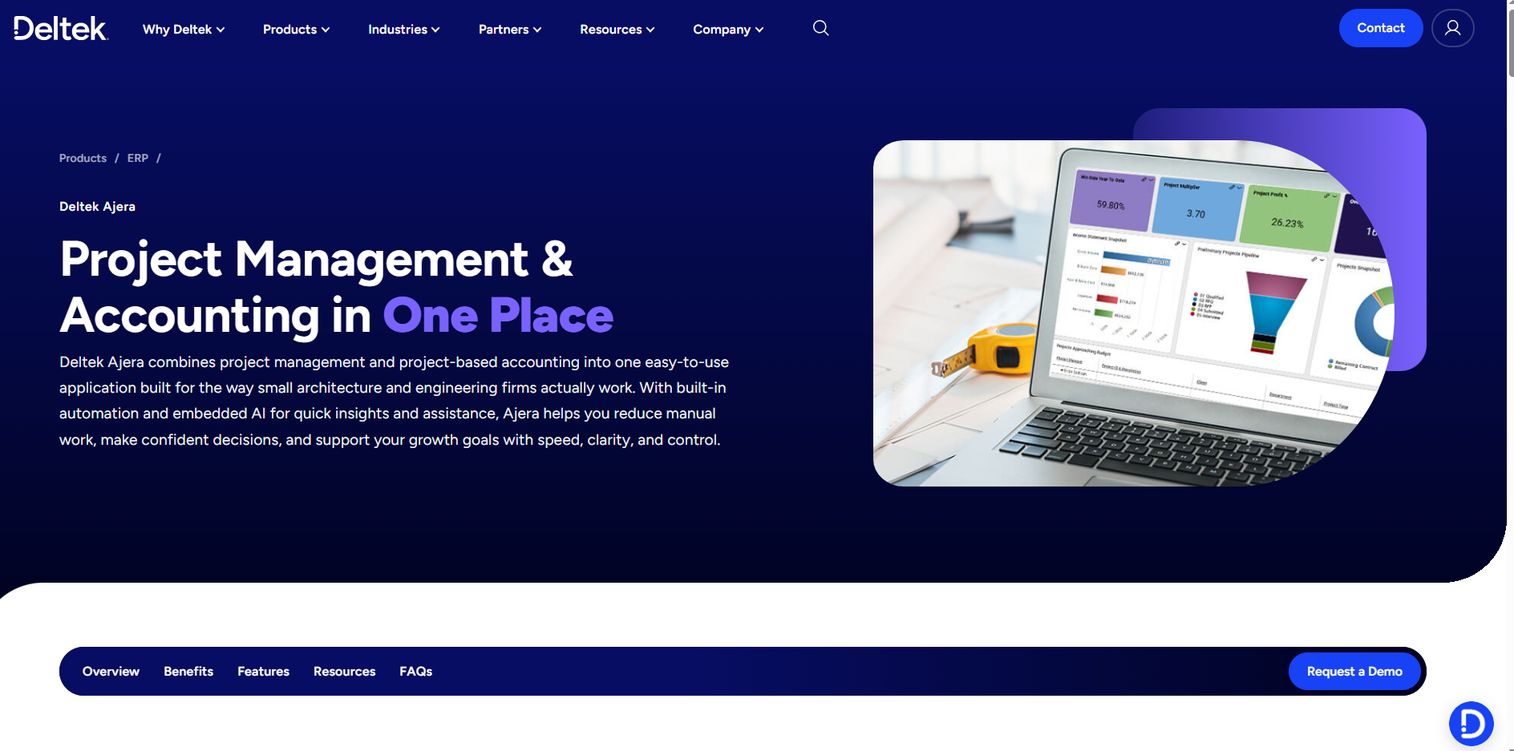
Deltek Ajera is project management and project-based accounting software built for small architecture and engineering firms. It gives smaller teams the project accounting depth of a purpose-built A&E tool without the weight of full enterprise ERP.
Ajera combines project management and accounting in one application, so time, billing, and project financials stay connected. Project dashboards and forecasting give role-based visibility, and AI and automation features like Timesheet Assist reduce manual entry. Billing and invoicing and the Schedule Manager round out a focused, firm-ready toolkit.
Best for: Small A&E firms that need integrated project accounting and project management without ERP complexity.
Key strengths
- Project management and accounting in one application: keep delivery and financials connected without separate tools.
- AI and automation: speed up timesheets and reduce manual data entry with built-in assistants.
- Project dashboards and forecasting: give leaders role-based visibility into margin and utilization.
Why choose Deltek Ajera: Ajera fits firms that have outgrown spreadsheets but do not need the full Vantagepoint footprint. It delivers A&E-specific job costing and reporting in a more focused package built for smaller headcounts.
Deltek Ajera pricing: Deltek does not publish public pricing for Ajera. Expect a custom quote based on firm size and needs. Ajera holds a 4/5 rating on G2.
6. Wrike
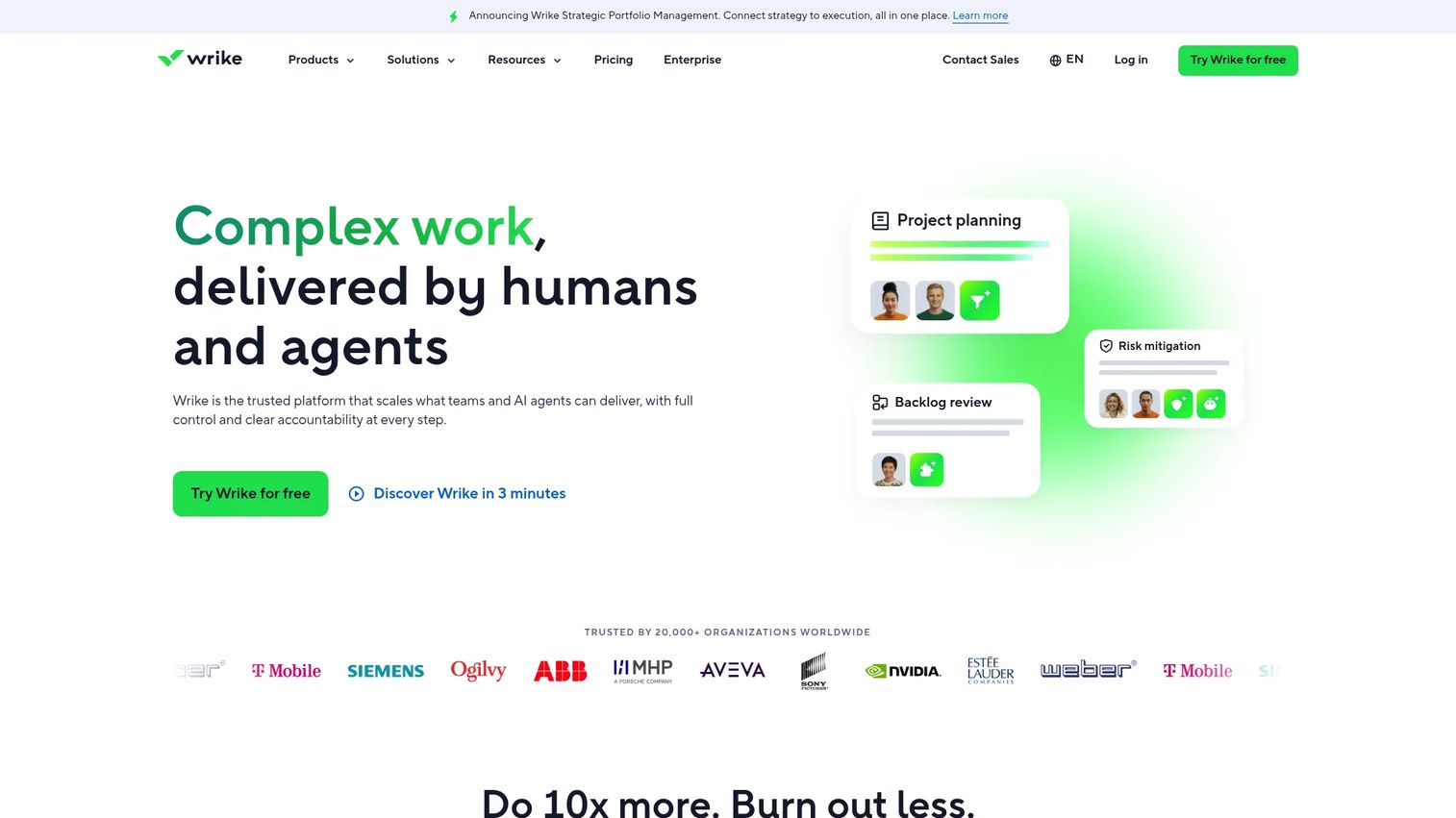
Wrike is an AI-powered work management platform for project, portfolio, and collaborative work delivery. It is not finance-heavy engineering accounting software; it is engineering project management software focused on execution, task coordination, and team collaboration, which makes it a strong fit for remote engineering teams.
Wrike's strength is configurable work management. Task and project management, Gantt charts, and dashboards give distributed teams operational clarity, while AI and workflow automation cut manual coordination. For firms whose main gap is delivery visibility rather than project accounting, Wrike keeps everyone aligned across locations.
Best for: Distributed and remote engineering teams that need highly configurable work management and collaboration.
Key strengths
- Task and project management: organize and track delivery across teams and locations.
- Gantt charts and dashboards: visualize timelines, dependencies, and progress in real time.
- AI and workflow automation: reduce manual coordination with automated routing and updates.
Why choose Wrike: Choose Wrike when the priority is project execution and collaboration rather than billing or job costing. It pairs well with a dedicated accounting platform for firms that want strong delivery tooling alongside their finance stack.
Wrike pricing: Wrike offers a free plan for basic task management. Paid plans start with Team at $10 per user per month and Business at $25 per user per month, billed annually. Pinnacle and Apex tiers use custom pricing. A 14-day free trial is available. Wrike holds a 4.2/5 rating on G2.
7. Monograph
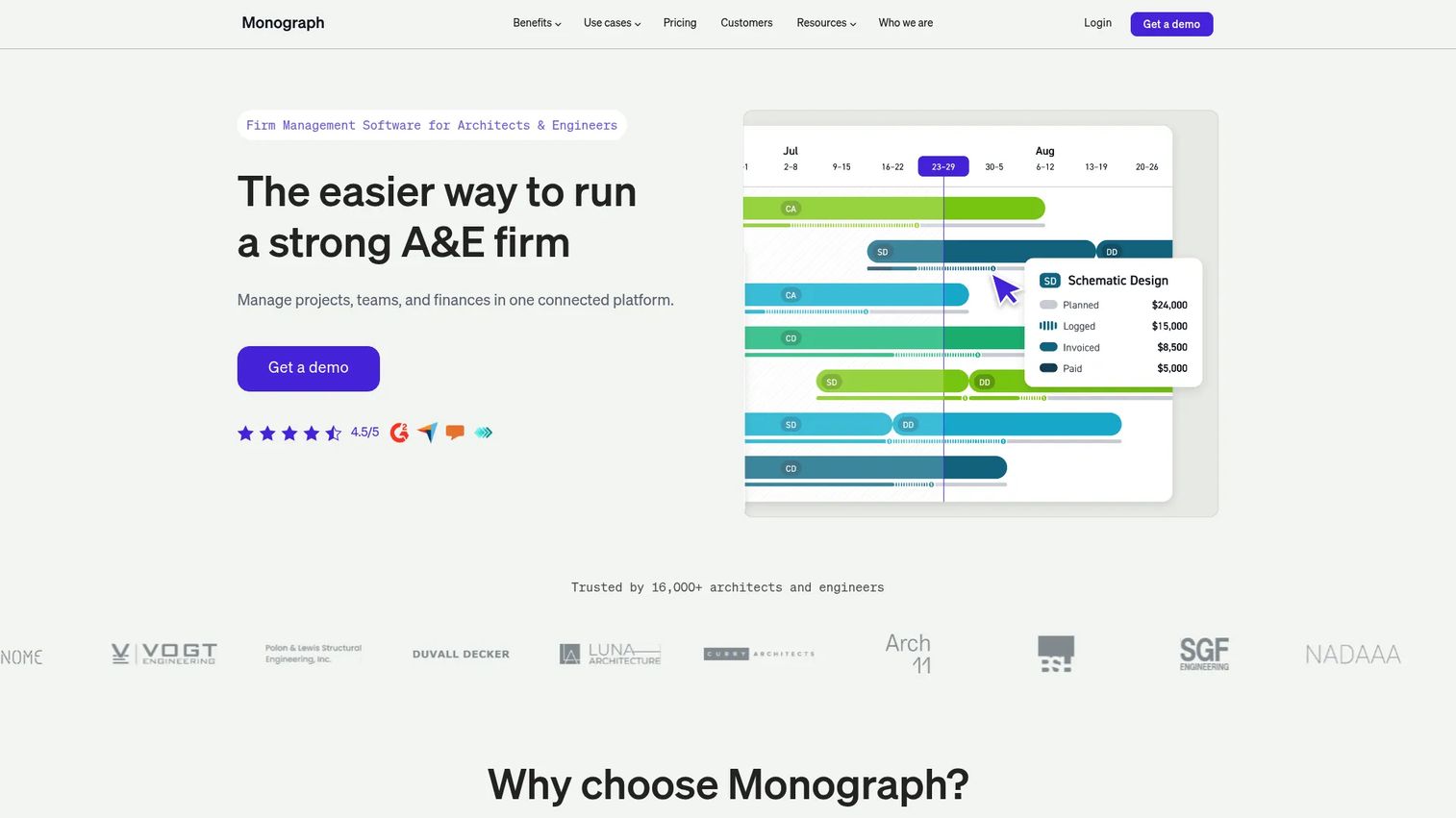
Monograph is firm management software for architecture and engineering teams, and it is popular with smaller firms that want a lighter operational stack, often paired with QuickBooks for accounting. It focuses on the essentials: budgets, time tracking, project management, and invoicing.
Monograph keeps things simple and firm-specific. Time tracking, project management, and invoicing and payments cover the daily operational needs of a small A&E practice, with clear project budgets and controls that surface profitability without heavy setup. For firms that want visibility fast, it is a focused choice.
Best for: Architecture and engineering firms that need one system for budgets, time, billing, and profitability.
Key strengths
- Time tracking: capture billable hours against projects and phases quickly.
- Project management: manage budgets and delivery in a firm-specific interface.
- Invoicing and payments: bill clients and collect payments connected to tracked work.
Why choose Monograph: Monograph suits smaller firms that want simplicity, budgeting, and project controls without ERP overhead. It works well for teams still running accounting in QuickBooks that need better project-level visibility on top.
Monograph pricing: Monograph offers Track and Grow plans, with monthly and annual billing. Published pricing runs from $25 to $490 per month paid annually. Track is aimed at firms of five or fewer employees, while Grow is the most popular option. Monograph holds a 4.5/5 rating on G2.
8. Procore

Procore is a construction management platform for owners, general contractors, and specialty contractors, and it fits engineering firms with heavy project execution and site coordination needs. Where finance-first tools stop at the invoice, Procore focuses on the field: documentation, coordination, and execution.
Procore's strength is breadth on the delivery side. Project management, cost management, and financial tools sit alongside bid management, inspections, submittals, schedules, and reporting. Unlimited users and unlimited data mean the whole project team, including field staff, works in one system without per-seat friction.
Best for: Construction and engineering firms that want an enterprise platform with unlimited users and volume-based pricing.
Key strengths
- Unlimited users and data: bring the entire project team onto one platform without seat limits.
- Project, cost, and financial tools: manage delivery and budgets alongside field workflows.
- Field coordination: run inspections, submittals, schedules, and reporting in one place.
Why choose Procore: Choose Procore when execution and field visibility drive your work more than project accounting. It fits firms coordinating heavy site delivery and documentation across many stakeholders.
Procore pricing: Procore does not publish numeric pricing. Cost is custom, based on the products you need and annual construction volume, with an upfront annual fee by product and ACV. There is no free tier. Procore holds a 4.6/5 rating on G2.
Considerations
Firm size and complexity
Match software depth to your firm's actual scale, project count, and number of offices. A five-person practice does not need enterprise ERP, and a 400-person multi-office firm will outgrow a lightweight tool fast. Overbuying enterprise software for a small firm wastes budget and slows adoption; underbuying leaves you back in spreadsheets within a year.
Finance and billing needs
Let billing complexity, revenue recognition, and job costing shape your shortlist. If you run AIA billing, percent-complete invoicing, or multi-entity structures, prioritize platforms built for that. Match the software to your accounting maturity rather than to the longest feature list, and be honest about how complex your billing really is.
Integration requirements
Address CAD/BIM, payroll, CRM, and BI stack fit before you commit. The tools your engineers use daily should connect cleanly to your system of record. Ask specifically about connectors and API access, and watch for hidden integration costs that surface after signing.
Implementation effort
Features rarely make or break a rollout. Onboarding time, data migration, and internal training do. Budget for implementation and treat change management as seriously as functionality. A great platform that nobody adopts delivers no ROI, so plan the rollout as carefully as the purchase.
Reporting and visibility
Leadership and project managers need different dashboards. PMs want utilization and project margin; leadership wants firm profitability and cash. Evaluate reporting and analytics against the decisions each group actually makes, because faster, clearer data is what drives margin control and decision speed.
Security and governance
For larger or regulated firms, confirm role-based access, audit trails, encryption, and compliance certifications early. Security and compliance requirements are easier to design for than to retrofit, and procurement will ask. This matters most for government contracts and regulated infrastructure projects.
Conclusion
The right engineering firm software depends on where your firm loses visibility today. For comprehensive A&E ERP, Deltek Vantagepoint unifies project, pipeline, people, and financials. For finance depth and multi-entity reporting, Sage Intacct leads. BQE CORE covers all-in-one practice management, while Oracle Primavera P6 owns schedule control for complex programs. Deltek Ajera and Monograph fit smaller firms that want focused project accounting without ERP weight. Wrike handles collaboration for remote teams, and Procore fits execution-heavy delivery.
Start with your biggest operational bottleneck, not the longest feature list. If billing and close speed hurt most, weight finance depth. If projects slip on scheduling, weight resource planning. Then map each shortlisted platform to your current workflows and must-have integrations, including CAD/BIM and payroll, before you request a single quote. That mapping exercise will tell you more than any demo, and it keeps you from buying capability you will never use.
FAQs
Engineering firm software is a category of tools that help engineering, architecture, and consulting businesses manage project accounting, scheduling, resource planning, billing, and reporting. It connects project delivery to firm financials so leadership can see margin and profitability from estimate to completion, rather than reconciling numbers across separate spreadsheets and accounting tools.
It depends on the firm's finance complexity. Firms with heavy finance workflows, multi-entity structures, or complex billing often need engineering ERP software that ties operations to financials. Smaller or execution-focused firms may start with project management or practice management software and add finance depth later.
Smaller firms often use focused tools like Deltek Ajera or Monograph rather than full enterprise ERP. These platforms deliver project accounting, time tracking, and billing without the setup weight and cost of larger systems. Smaller teams usually want less complexity and faster time to value.
Prioritize job costing, project billing, time tracking, and real-time revenue visibility. Approval workflows and reporting matter too, since they control accuracy and speed. The core test is whether the software connects tracked time and costs directly to project margin, so profitability is visible while work is in progress rather than after it closes.
CAD/BIM integration depth varies by workflow. Firms that live in design tools daily benefit most from tight connections that reduce duplicate entry. Prioritize the systems your teams actually use every day, and confirm connector availability and API access before you buy, since integration gaps create reporting problems downstream.
Check base tiers, per-user charges, implementation fees, and per-module costs, since total cost often exceeds the headline price. Quote-based pricing is common in this category, especially for ERP and project accounting for engineering firms. Ask vendors to break down onboarding and integration costs early so the ROI math holds up after implementation.
ERP combines finance, project, resource, and operations workflows in one connected system, so a project change flows straight into financial reporting. Accounting software is narrower, focused on bookkeeping and financials, and often needs pairing with dedicated project management tools to cover scheduling, resource planning, and delivery.