
Your customers keep asking the same five questions. Your support queue keeps growing. Your docs keep going stale. And the one thing that could fix all three, customers helping each other in a searchable, branded space, is still trapped inside a ticketing tool nobody wants to reopen.
That gap is why teams keep looking past help centers. A static knowledge base answers the question you predicted. It does nothing for the customer who wants to see how a peer solved the exact problem, vote on a feature, or read a thread that started six months ago. Buyers now expect self-service, peer answers, product education, and a place to give feedback, all in one destination that carries your brand.
The market reflects the shift. The online community management software market was valued at $5.3B in 2024 and is forecast to reach $11.72B by 2030 at a 12% CAGR, according to Virtue Market Research (2024). The same research found around 80% of organizations with 500 or more employees use or plan to use online community management software for customer interaction and support.
So the question is no longer whether you need a community layer. It is which customer community platform fits the job you are actually trying to do.
What's inside
This guide is for support, customer success, and product marketing teams evaluating customer community software platforms. It focuses on tools that help customers self-serve, connect with peers, and give your team sharper insight into what customers care about.
We selected platforms on four criteria:
- Branding and launch flexibility, so the community feels like your product, not a bolted-on forum
- Self-service and engagement features, including forums, groups, events, and gamification
- Integrations with CRM and support tools, plus knowledge base integration
- Moderation, permissions, and community analytics, so governance and ROI stay visible
TL;DR
- Best for all-around community operations: Gainsight Customer Communities, strong on self-service, groups, and customer success alignment.
- Best for enterprise customer communities: Higher Logic Vanilla, mature platform with deep moderation and reporting.
- Best for Salesforce-centric teams: Salesforce Experience Cloud, native CRM data continuity and portals.
- Best for support-led deflection: Zendesk Community, community tied directly to ticketing and self-service.
- Best for advocacy and engagement: Influitive, built around participation, referrals, and reviews.
- Best for enterprise governance at scale: Khoros Communities, control and analytics across large audiences.
- Match the tool to one primary job first: support, education, advocacy, or feedback. That decision drives everything else.
What is customer community software
Customer community software is a branded online platform where customers ask questions, share answers, access resources, and take part in discussions, groups, and events in one place.
It sits between a help desk and a public forum. Instead of one-to-one tickets or an unbranded message board, it gives customers a searchable, moderated space where peer-to-peer support, customer education, and product feedback happen in the open. Teams get a customer feedback loop and engagement data at the same time.
Core capabilities most customer community software platforms share:
- Community forums and discussions: threaded Q&A, topics, and searchable history
- Knowledge base integration: articles and answers indexed alongside discussions
- Moderation and permissions: roles, access control, spam handling, and approval flows
- Groups and events: segmented spaces for personas, tiers, or regions
- Community analytics: participation, deflection, and engagement reporting
- Integrations with CRM and support tools: routing, enrichment, and lifecycle triggers
- Branding controls: custom domains, themes, and layout to match your product
How it differs from a help desk: a help desk manages private tickets and SLAs. Community software enables public, reusable answers that deflect the next ticket before it opens. How it differs from a generic forum: a forum gives you threads. A customer community platform gives you moderation, permissions, analytics, and CRM connections built for retention, not just conversation.
The same "show, don't tell" logic that makes an interactive demo outperform a static PDF applies here. Customers learn faster when they can explore and see how others solved a problem, rather than reading a wall of text.
When to use customer community software
Deflect repetitive support questions
A community earns its keep when the same questions recur across many customers. Instead of answering "how do I reset this" for the hundredth time, the answer lives in a searchable thread that indexes for Google and gets reused. This works best when your support volume is dominated by a predictable set of how-to questions, not one-off edge cases. The more your queue repeats itself, the faster deflection compounds.
Build peer-to-peer customer education
Communities let experienced users answer newer ones and share workflows the docs never cover. That is powerful for onboarding, feature adoption, and power-user enablement. New customers reach value faster when they can see a peer's real setup instead of a generic tutorial. Many teams pair community threads with an interactive demo so customers can watch a workflow, then discuss it. It works best when your product has depth that rewards shared expertise.
Collect product feedback and ideas at scale
When product marketing and product teams need structured input, a community beats scattered survey responses. Members post ideas, vote, and surface recurring themes you can prioritize. This is strongest when you want an ongoing customer feedback loop rather than a one-time pulse. Voting and comment volume tell you what actually matters, and the discussion gives you the "why" a survey never captures.
Comparison table
Here is a side-by-side view of the six platforms, sorted by relevance to customer community software. Pricing is shown only where a vendor publishes it. Several route to a demo or sales conversation instead.
| # | Product | Best for | Key differentiator | Pricing | G2 rating |
|---|---|---|---|---|---|
| 1 | Gainsight Customer Communities | All-around community operations | Community tied to customer success outcomes | Custom pricing | Not published |
| 2 | Higher Logic Vanilla | Enterprise customer communities | Mature moderation, search, and reporting | Custom pricing | 4.3/5 |
| 3 | Salesforce Experience Cloud | Salesforce-centric teams | Native CRM data continuity and portals | Custom pricing | Not published |
| 4 | Zendesk Community | Support-led deflection | Community connected to ticketing | From $19 agent/month, billed yearly | 4.3/5 |
| 5 | Influitive | Advocacy and engagement | Advocacy, referrals, and reviews | Custom pricing | 4.4/5 |
| 6 | Khoros Communities | Enterprise governance at scale | AI-native self-service and moderation | Custom pricing | 4.1/5 |
Best customer community software for 2026
1. Gainsight Customer Communities
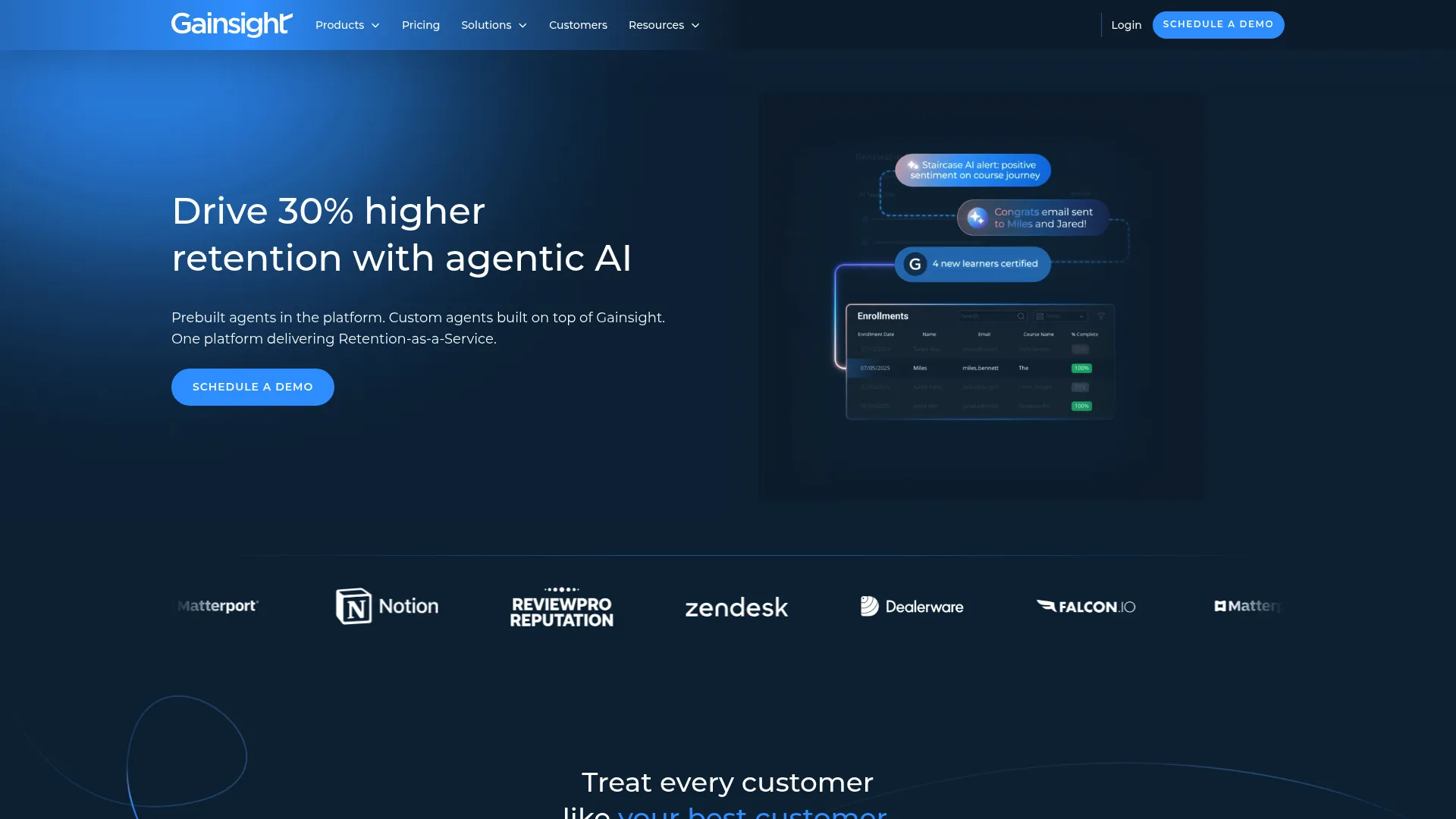
Gainsight Customer Communities is a customer community platform built for branded self-service, peer support, engagement, and analytics. It sits inside Gainsight's wider customer success footprint, which is what sets it apart for teams that want community activity to connect to health scores and retention, not live in a silo.
Best for: B2B teams that want a fully branded customer community with self-service and peer engagement tied to customer success.
Key strengths
- Customizable branded community
- Groups and events for segmented engagement
- Analytics and gamification to drive participation
Why choose Gainsight Customer Communities: If your community's job is retention and adoption, and you already think in customer success terms, the alignment matters. Community engagement becomes a signal your CS team can act on, not just a vanity metric.
Gainsight Customer Communities pricing: Gainsight lists Professional, Business, and Enterprise plans, but does not publish public prices for Customer Communities. Pricing routes through a demo and sales conversation.
2. Higher Logic Vanilla
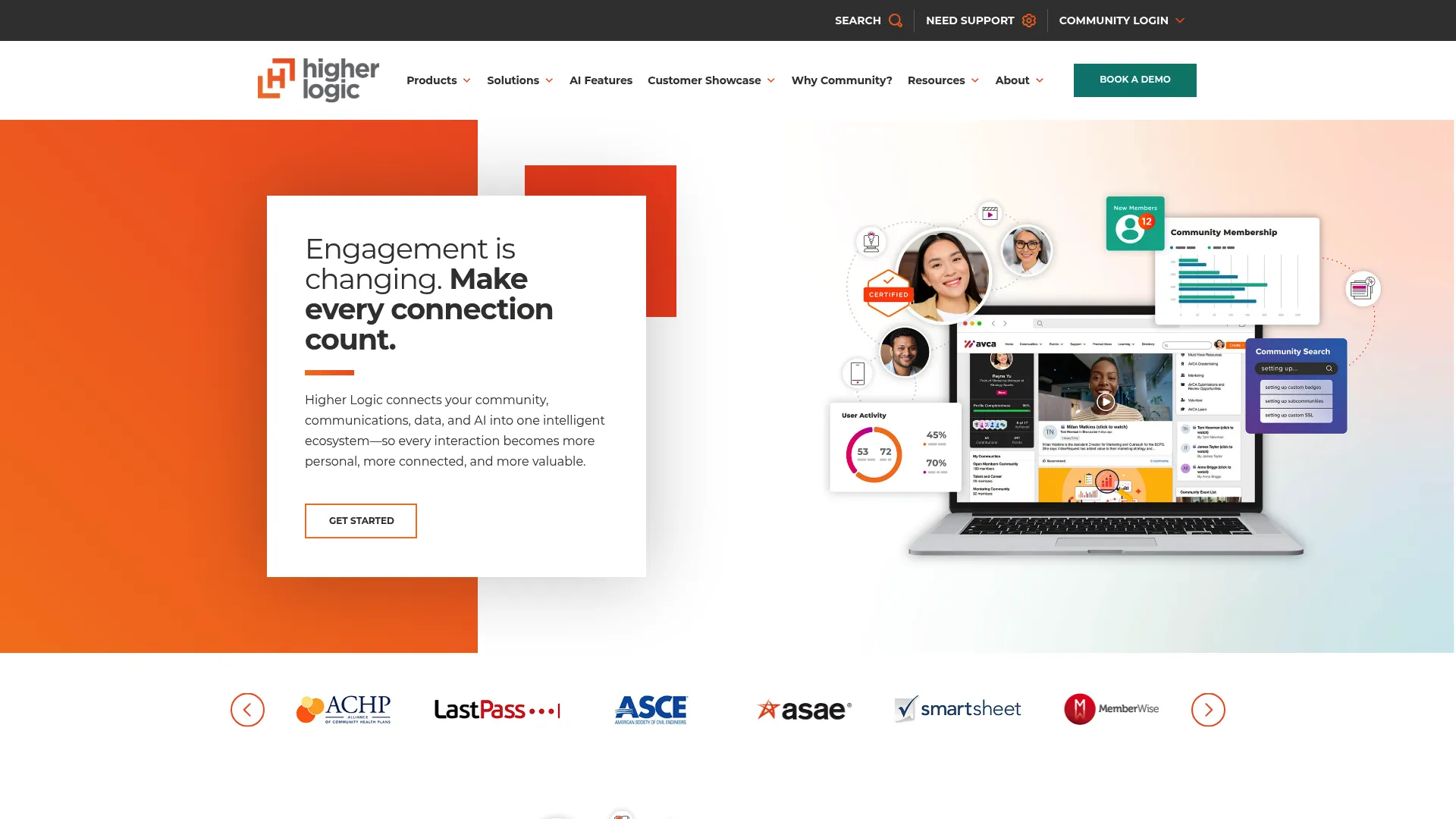
Higher Logic Vanilla is a branded online community platform built for discussions, support, engagement, and knowledge base use cases. It is a mature option with strong implementation support, which is why enterprise teams with complex governance needs gravitate toward it.
Best for: Organizations that want a branded community platform with support, engagement, and self-service features backed by deep configuration.
Key strengths
- Discussions and Q&A with federated search
- Moderation and community management controls
- Knowledge base integration alongside discussions
Why choose Higher Logic Vanilla: Choose it when you need a platform that scales content volume and membership without breaking, and you want reporting mature enough to defend internally. It fits teams that treat community as long-term infrastructure.
Higher Logic Vanilla pricing: Higher Logic shows Corporate, Enterprise, and Enterprise Plus packages, but does not display public prices. Pricing is handled through a demo or sales contact. On G2, Vanilla holds a 4.3/5 rating.
3. Salesforce Experience Cloud
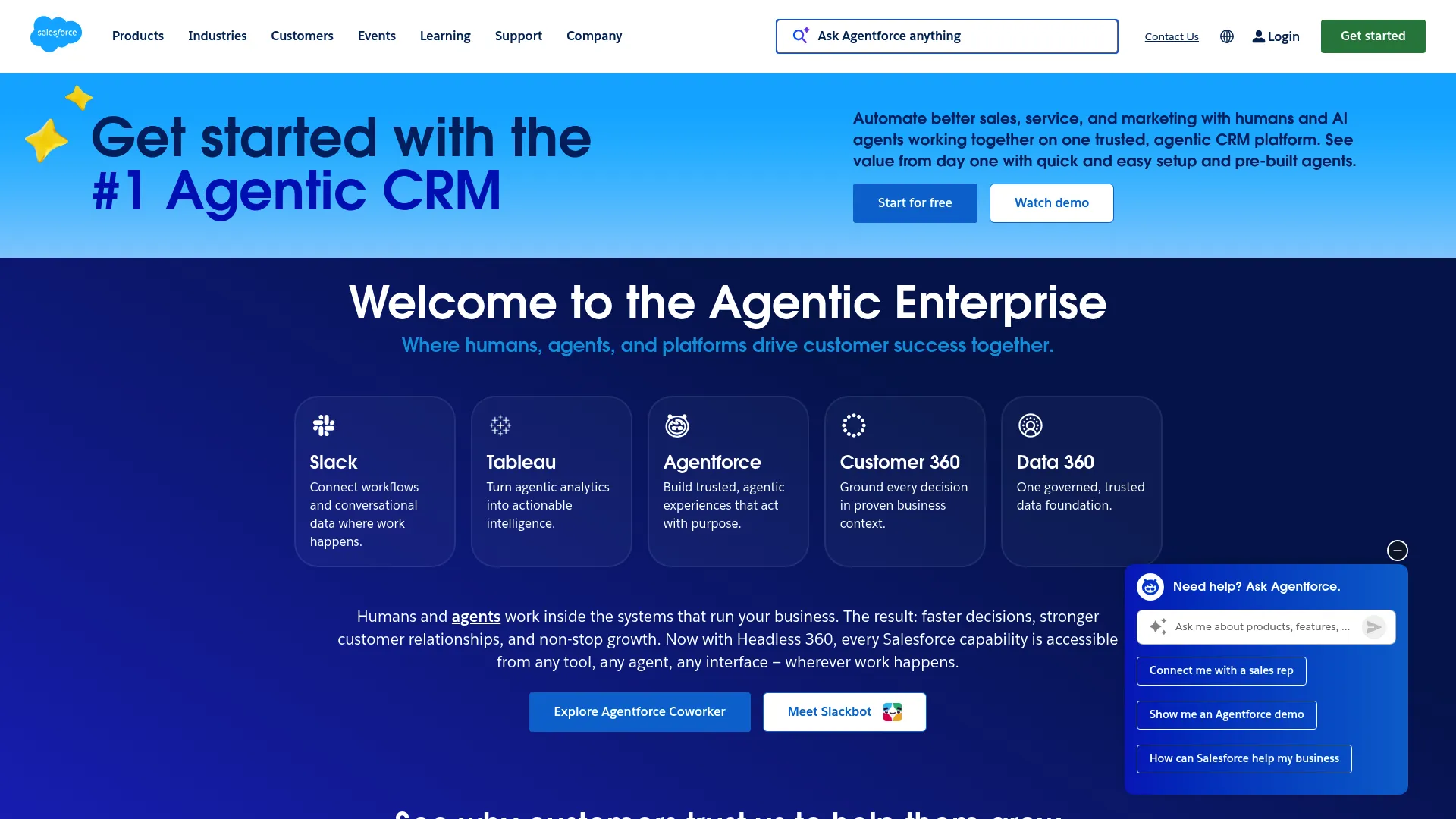
Salesforce Experience Cloud is Salesforce's digital experience platform for building branded sites, portals, and self-service experiences on top of CRM data. For teams already standardized on Salesforce, the draw is data continuity: your community, your records, and your automation share one system.
Best for: Organizations that need branded customer, partner, or employee portals built directly on Salesforce CRM.
Key strengths
- Experience Builder for no-code site creation
- Templates for customer, partner, and employee experiences
- CMS and mobile publishing integration
Why choose Salesforce Experience Cloud: Pick it when data continuity outweighs everything else. Permissions map to your existing Salesforce model, and self-service experiences pull live CRM data without a separate sync to maintain.
Salesforce Experience Cloud pricing: Salesforce does not show a single standalone public price for Experience Cloud on its main pricing page. It appears within specific product and industry bundles, and general pricing directs you to contact sales.
4. Zendesk Community
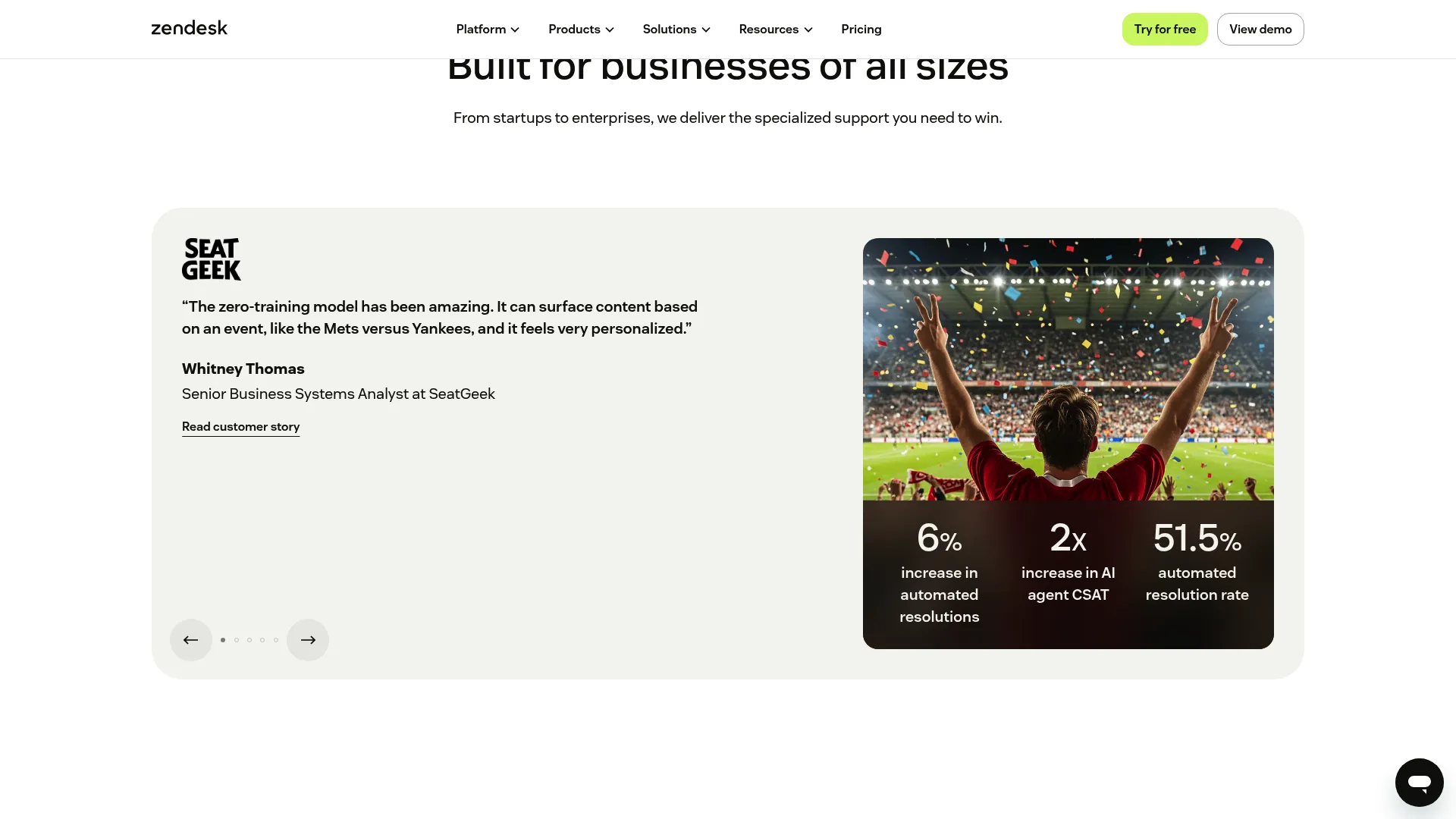
Zendesk Community is Zendesk's customer community forum for peer-to-peer support, discussion, and feedback inside the Zendesk ecosystem. Its edge is proximity to the ticket queue. Community answers sit next to your help center and ticketing, so support-led deflection has a short path.
Best for: Service teams that want a branded customer community for self-service, feedback, and peer support connected to ticketing.
Key strengths
- Customer discussion forums
- Post commenting and answers
- Badges and community feedback
Why choose Zendesk Community: If you already run support in Zendesk, the community lives where your agents and knowledge base already are. Repetitive tickets get public, reusable answers, and the loop back to ticketing stays tight.
Zendesk Community pricing: Zendesk is seat-based. Support Team starts at $19 per agent per month billed yearly, Suite Team at $55 per agent per month billed yearly, and Suite Professional at $115 per agent per month billed yearly. Community forum capabilities sit within the broader Zendesk product. On G2, Zendesk holds a 4.3/5 rating.
5. Influitive

Influitive is a customer advocacy, community, and engagement platform built to drive reviews, referrals, references, and customer feedback. It approaches community from the participation angle, so the value shows up as active advocacy rather than a passive forum.
Best for: B2B teams building customer advocacy and community programs where active participation is the goal.
Key strengths
- Customer advocacy workflows
- Digital community tools
- Reviews, referrals, and reference management
Why choose Influitive: Choose it when you want customers doing things, leaving reviews, making referrals, joining reference calls, not just reading threads. Gamified challenges and advocacy workflows turn engaged customers into a repeatable pipeline of proof.
Influitive pricing: Influitive groups its offering into Customer Advocacy and Digital Community plans, both of which require a sales conversation. No public numeric price is shown. On G2, Influitive holds a 4.4/5 rating.
6. Khoros Communities
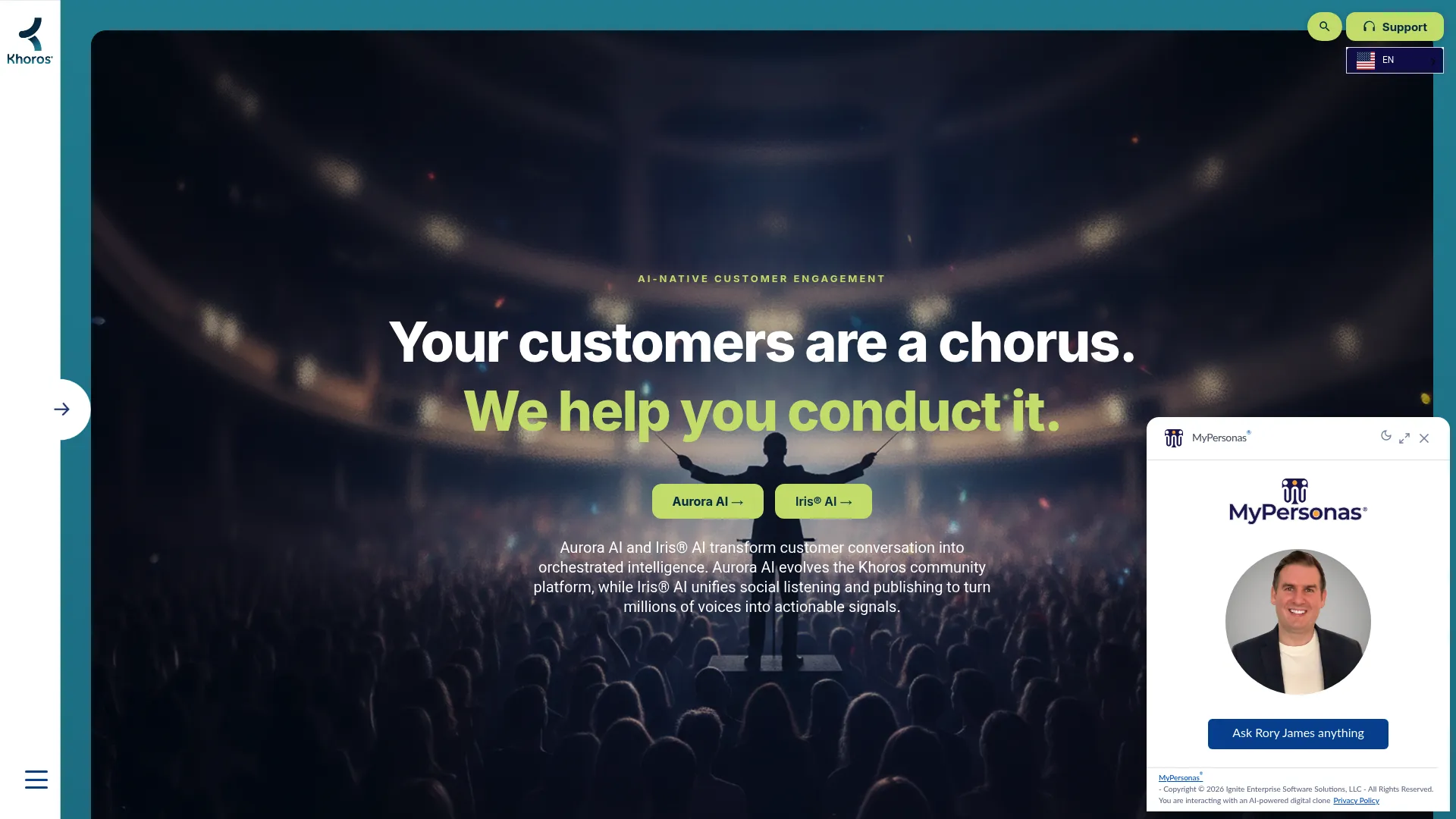
Khoros Communities is an enterprise community platform for building branded customer communities and self-service experiences. It is built for scale, with governance and analytics that suit large brands managing multiple audiences at once.
Best for: Large brands that need an enterprise customer community with self-service and moderation across many audiences.
Key strengths
- Forums, knowledge base, ideas, events, and groups
- AI-native self-service and moderation
- Community analytics and lifecycle management
Why choose Khoros Communities: Pick it when scale and control are the priority. Enterprise moderation, lifecycle management, and analytics hold up under high content volume and multiple segments. The homepage now redirects to khoros.ai, where the product appears as Aurora AI.
Khoros Communities pricing: Khoros does not publish a public price. The site directs visitors to request a demo. On G2, Khoros Communities holds a 4.1/5 rating.
Considerations
Define the community's main job
Decide upfront whether the community is mainly for support, education, advocacy, or feedback. Each job changes which features matter and which metrics you track. Pick the wrong primary job and you get weak adoption and muddy numbers that no one can defend in a review.
Check integration depth
Your community needs to connect with CRM, support, and learning systems, and surface-level integrations are not enough. If you need reliable routing, enrichment, or reporting, verify the depth before you buy. A shallow connector that only syncs email addresses will not carry the customer feedback loop you are building.
Review moderation and permissions
Permissions, access control, and moderation workflows matter from day one, not after a spam problem. Governance gets more important as membership and content volume grow. Confirm you can set roles, gate sections, and route flagged content without engineering help.
Ask how you will measure ROI
Define your metrics before launch: ticket deflection, engagement, adoption, and product feedback volume. Then set a baseline of support volume so you can compare before and after. The right platform makes community analytics easy enough to report without exporting to a spreadsheet every month. Community ROI you cannot show is community ROI you will lose budget on.
Think about launch and maintenance
The platform should be easy to brand, update, and keep current. Stale content or a messy launch kills participation fast, and a dead community is harder to revive than to start. Favor tools where updating content and layout does not require a ticket to your own dev team.
Conclusion
The right customer community platform depends on the job, not the feature list. Gainsight Customer Communities fits teams that want community tied to customer success and retention. Higher Logic Vanilla and Khoros Communities suit enterprise teams that need scale, moderation, and mature reporting. Salesforce Experience Cloud wins when CRM data continuity is non-negotiable. Zendesk Community is the natural pick for support-led deflection connected to ticketing. Influitive stands out when advocacy and active participation are the point.
Your next step is simple. Name the one job your community must do first, support, education, advocacy, or feedback. Then shortlist the two platforms above that serve that job best and run them against your integration and moderation requirements. Set your baseline support and engagement metrics now, before launch, so you can prove community ROI later. Match the tool to the job, and adoption follows.
FAQs
Customer community software is a branded online space where customers ask questions, share answers, and engage with each other and your team. It supports peer-to-peer support, knowledge sharing, product feedback, and customer engagement in one destination, backed by moderation and analytics.
A help desk manages private tickets, SLAs, and one-to-one resolution. Community software enables peer-to-peer interaction and public, reusable answers that deflect future tickets. The two work best together: the help desk handles what needs privacy, the community handles what benefits from being shared and searchable.
Moderation, search, permissions, branding, community analytics, and integrations with CRM and support tools. Search and knowledge base integration drive self-service support. Permissions and moderation keep the space healthy as it grows. Analytics let you prove deflection and member engagement rather than guess at it.
Yes, when common questions get answered publicly and indexed well. Repetitive how-to tickets shift out of the queue into searchable threads that get reused. Success depends on adoption and content quality. A community with thin content or poor search will not deflect much, so seed it and moderate it deliberately.
Track ticket deflection, participation, repeat visits, product feedback volume, and adoption signals. The most defensible approach is comparing baseline support volume before launch against volume after the community matures. Pair that with engagement trends so you can show both cost saved and value created.
No. Smaller teams use it to deflect tickets and build peer support without a large headcount. Enterprise buyers usually need more governance, deeper integrations, and moderation at scale, which is where platforms like Higher Logic Vanilla and Khoros Communities fit. Smaller teams can start leaner and grow into more structure.
It depends on the main goal. Support and deflection point toward Zendesk Community or Higher Logic Vanilla. Customer education and retention favor Gainsight Customer Communities. Advocacy favors Influitive. Many B2B teams need a hybrid that mixes support, education, and feedback, so choose a platform that covers your primary job without boxing out the secondary ones.