Friday at 4pm. Your floor manager just called out. Two servers swapped shifts without telling anyone. And payroll caught three overtime violations from last week that nobody flagged before the schedule went live.
This is the scheduling problem most restaurants actually have. Not a shortage of options but a shortage of systems that managers and hourly staff will actually use under pressure. According to 7shifts (2025), only 36% of restaurants hit their labor-cost targets, and 47% still run schedules on paper or whiteboards. The gap between knowing labor costs are leaking and doing something repeatable about it comes down to picking the right tool and getting your team to use it.
The right restaurant scheduling app is not the one with the longest feature list. It is the one your managers adopt in the first week, your hourly staff check from their phones, and your payroll team stops chasing down corrections for.
What's inside
This guide compares 20 restaurant scheduling software tools for 2026. It is written for restaurant owners, operations directors, franchise operators, and founder-type buyers who want a clear shortlist, not a vendor catalog.
Tools were selected and evaluated on:
- Scheduling depth for restaurant-specific workflows (shift swaps, availability, daypart coverage)
- Time clock and attendance capabilities
- Payroll integration or built-in payroll processing
- Multi-location readiness and manager adoption risk
- Verified pricing and G2 ratings at generation time
TL;DR
- Best for restaurant-first labor management: 7shifts covers scheduling, labor forecasting, tip management, and time clocks in a single restaurant-focused platform
- Best free or low-cost start: Homebase and Sling both offer free tiers; Brisk Table offers a free plan for small teams
- Best for multi-location or enterprise restaurants: HotSchedules, TCP, and Deputy handle complex labor controls across sites
- Best for payroll-connected workflows: Push Operations, Gusto, and Toast connect scheduling directly to payroll and HR
- Best for fast manager adoption: When I Work and Schedulefly are among the quickest to set up and get staff using within a week
What is restaurant scheduling software?
Restaurant scheduling software helps restaurants create, publish, manage, and track employee schedules across shifts, roles, locations, availability, time-off requests, and labor budgets.
Generic employee scheduling misses the operational realities that make restaurants different:
- Roles change by daypart: Host, server, bartender, line cook, prep, dishwasher, manager
- Demand swings by service period, day of week, events, reservations, and season
- Labor costs must be visible before schedules are published, not after
- Shift swaps need manager approval and coverage confirmation, not just a text thread
- Staff notifications must reach people who do not sit at a desk
Key features to look for:
- Schedule builder with drag-and-drop or template-based creation
- Employee availability and time-off request management
- Shift swap requests with manager approval workflow
- Mobile schedule access and push notifications
- Time clock with attendance tracking
- Labor-cost forecasting against hours or sales data
- Payroll export or direct payroll sync
- POS integration for demand-based scheduling
- Multi-location permissions and reporting
- Compliance alerts for overtime, breaks, and clopening rules
Restaurant scheduling software sits at the intersection of workforce management, HR tools, and absence management. The best tools pull these functions together so managers spend less time firefighting and more time running service.
When to use restaurant scheduling software
Replace spreadsheets and group text threads
When your schedule lives in a Google Sheet and shift changes happen through a group chat, version control breaks immediately. Someone updates the wrong copy. A new hire doesn't see the final version. A manager spends 45 minutes answering "when do I work?" messages. Scheduling software centralizes the schedule, sends notifications on publish, and gives staff a single place to check their shifts.
Control labor costs before the week starts
Payroll is the largest controllable cost in most restaurants, often running 28 to 35 percent of revenue. Scheduling software lets managers compare projected labor against historical sales or POS data before hitting publish. That visibility catches overtime and overstaffing problems while there is still time to fix them, not after the pay period closes.
Manage shift swaps without losing coverage
Employee-initiated swaps are inevitable. The risk is approving a swap that creates a coverage gap or qualifications mismatch. Good scheduling software routes swap requests through a manager approval step, shows who is available, and notifies everyone involved. The manager stays in control without becoming the bottleneck in a text chain.
Restaurant scheduling software comparison
The table below covers all 20 tools in this guide. Use it as a fast shortlist before reading the full sections. Pricing reflects verified figures from each vendor's current pricing page. G2 ratings are from live G2 listings at generation time; N/A indicates no verified G2 listing exists.
| # | Product | Best for | Key differentiator | Pricing | G2 rating |
|---|---|---|---|---|---|
| 1 | Sling | Free and low-cost scheduling | Scheduling, time clock, communication, and tasks in one platform | Free; paid from $2/user/mo | 4.4/5 |
| 2 | Schedulefly | Independent restaurants | Restaurant-only scheduling with simple team communication | From $30/mo flat | 4.4/5 |
| 3 | Toast | Toast POS restaurants | Scheduling inside a restaurant POS and operations stack | From $0/mo (POS); payroll custom | 4.2/5 |
| 4 | Connecteam | Mobile-first deskless teams | Scheduling plus communication, tasks, and forms | Free up to 10 users; from $29/mo | N/A |
| 5 | TCP | Complex workforce management | Scheduling, time, attendance, and compliance controls | From $2.75/employee/mo (annual) | 4.3/5 |
| 6 | When I Work | Fast manager adoption | Scheduling, messaging, and time clock for hourly teams | From $2.50/user/mo | 4.4/5 |
| 7 | 7shifts | Restaurant labor management | Restaurant scheduling, time clock, tips, and labor forecasting | From $89.99/location/mo | 4.5/5 |
| 8 | Buddy Punch | Time tracking plus scheduling | Time clock controls with GPS and scheduling add-ons | From $4.99/user/mo + $19 base | 4.8/5 |
| 9 | ZoomShift | Small hourly teams | Simple scheduling, shift swaps, and time tracking | Free up to 20 users; from $2/user/mo | N/A |
| 10 | HotSchedules | Enterprise restaurants | Forecasting, labor optimization, and manager workflows | Custom pricing | 4.3/5 |
| 11 | Push Operations | Payroll-integrated restaurants | Scheduling, time tracking, payroll, and HR in one system | From $30/mo for 5 employees | 4.4/5 |
| 12 | Planday | Hospitality rostering | Scheduling, payroll exports, and multi-location management | Custom per-user pricing | 4.5/5 |
| 13 | Deputy | Multi-site hourly workforces | Scheduling, time clock, compliance, and demand planning | From $5/user/mo | 4.6/5 |
| 14 | Homebase | Small restaurants and cafés | Free scheduling with time clocks, hiring, and messaging | Free for 1 location; from $30/location/mo | 4.6/5 |
| 15 | ADP Workforce Now | Payroll-led restaurant groups | HR, payroll, time, attendance, and workforce reporting | Custom pricing | 4.2/5 |
| 16 | Gusto | Small business payroll and HR | Payroll, benefits, time tracking, and HR in one platform | From $49/mo + $6/person | 4.6/5 |
| 17 | QuickBooks | Accounting-connected teams | Payroll and time tracking for QuickBooks users | From $0/mo (accounting) | 4.0/5 |
| 18 | Humanity Schedule | Advanced shift planning | Rules-based scheduling and workforce planning | Custom pricing | 4.3/5 |
| 19 | TimeClock Plus | Time and attendance control | Time tracking, scheduling, leave, and compliance | Custom pricing | 4.3/5 |
| 20 | Brisk Table | Free restaurant scheduling | Lightweight restaurant scheduling with quick setup | Free; paid from $9.99/mo | N/A |
Best 20 restaurant scheduling software tools for 2026
1. Sling
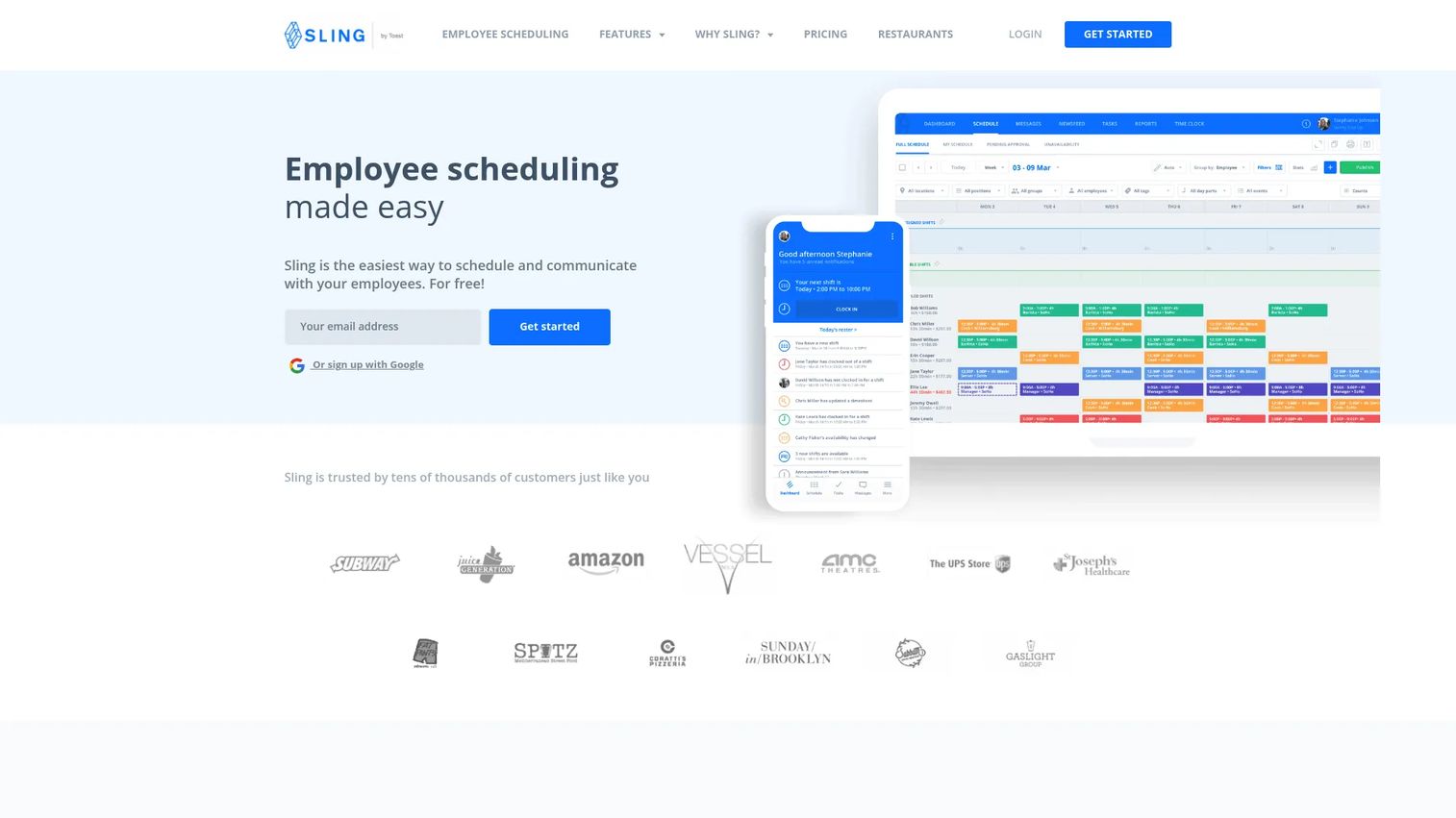
Sling is workforce management software that combines employee scheduling, time tracking, team communication, task management, and labor-cost reporting. It covers the core restaurant scheduling workflow without requiring a heavy implementation. Restaurants use it to move off spreadsheets and text threads without committing to a full HR or payroll platform.
Best for: Independent restaurants, bars, and small chains that want low-cost scheduling with mobile staff communication built in.
Key features
- Drag-and-drop schedule builder with shift notifications
- Shift swap requests with manager approvals
- Mobile time clock with labor-cost tracking
- Team messaging and task management
- PTO management and reporting
Why choose Sling: Sling fits teams that need scheduling, communication, and labor visibility in one place without paying per-user fees on a large hourly staff. The free tier covers up to 30 users, which handles most single-location restaurants.
Sling pricing: Free for up to 30 users with basic scheduling and communication. Premium adds mobile time tracking and overtime alerts at $2/user/month (or $1.70 billed annually). Business adds kiosk time tracking, detailed reports, and PTO management at $4/user/month (or $3.40 annually).
G2 rating: 4.4/5
2. Schedulefly
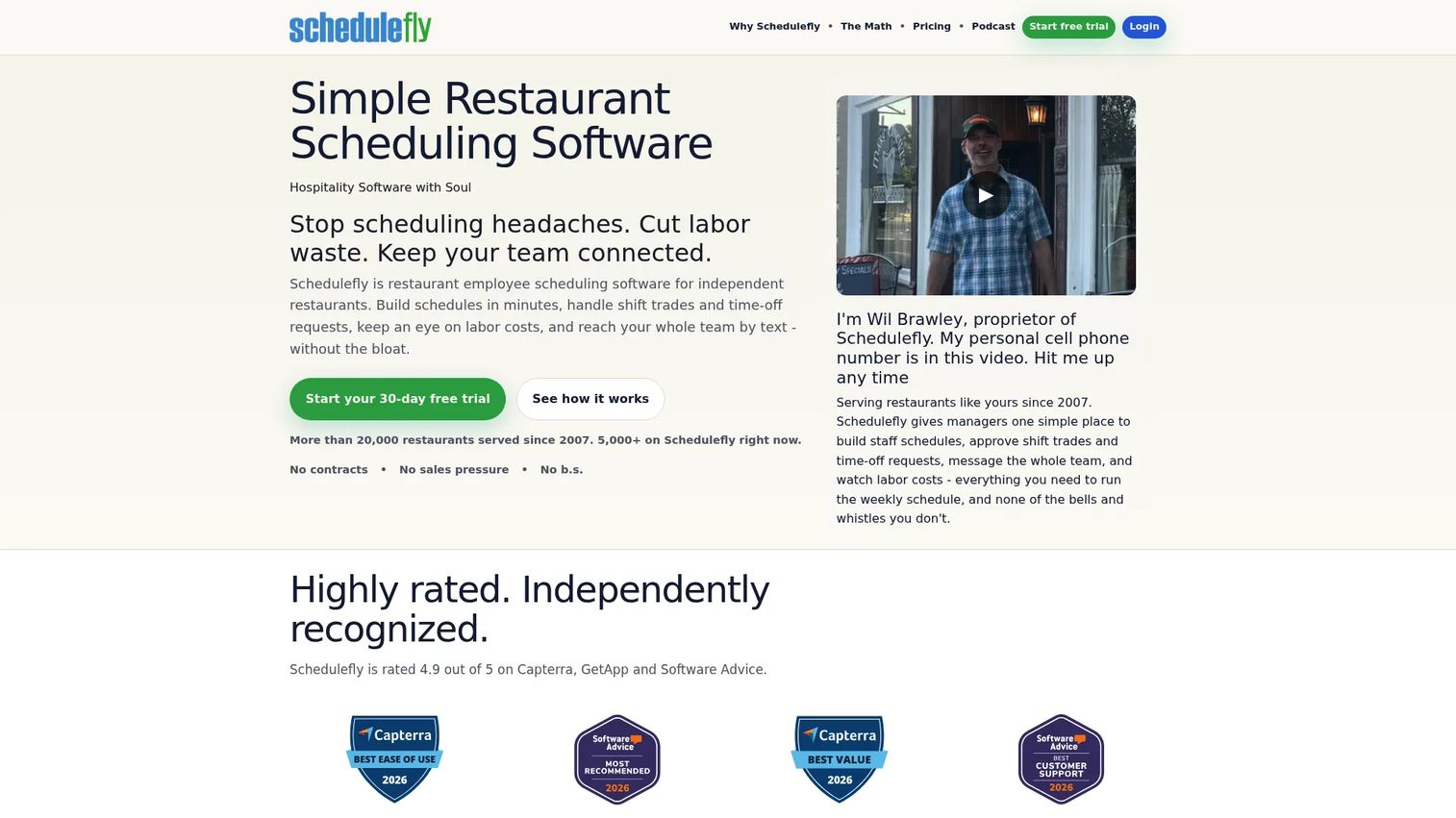
Schedulefly is restaurant-specific scheduling software built exclusively for the hospitality industry. It handles staff scheduling, shift trades, time-off requests, team messaging, and labor reporting. The positioning is deliberately simple: No bloated HR modules, just the scheduling and communication workflows restaurant teams actually use.
Best for: Independent restaurants that want fast adoption and a support team that understands restaurant operations.
Key features
- Staff schedule publishing with text and email delivery
- Shift trades and time-off request management
- Team messaging and manager announcements
- Labor-cost forecasting and reporting
- Google Calendar integration and iOS/Android apps
Why choose Schedulefly: If your main problem is moving off paper schedules and group texts, Schedulefly is one of the cleanest solutions available. It does not try to be a payroll system or an HR platform, so there is less setup overhead and managers adopt it faster.
Schedulefly pricing: All features included at every tier. Plans run $30/month for up to 19 staff, $40/month for 20 to 39 staff, $50/month for 40 to 59 staff, and $60/month for 60 to 79 staff. Multi-unit accounts get a 10% discount; annual prepay adds another 5%. Teams with 80+ staff contact Schedulefly directly. A 30-day free trial is available.
G2 rating: 4.4/5
3. Toast
Toast is an all-in-one restaurant management platform that connects POS, payments, online ordering, inventory, payroll, and team management. For restaurants already on or considering Toast POS, adding scheduling and payroll through the same system removes handoff errors between front-of-house operations and labor data.
Best for: Restaurants that want scheduling and payroll connected to their POS in a single vendor relationship.
Key features
- POS-connected team management and time tracking
- Payroll processing with restaurant-specific pay rules
- Labor reporting tied to sales data
- Kitchen display system integration
- Online ordering and delivery management
Why choose Toast: Toast makes the most sense when scheduling is part of a broader restaurant operating decision. If you are already evaluating Toast POS, bundling scheduling and payroll reduces the number of integrations your team has to maintain. For operators who just need a schedule builder, it is more platform than necessary.
Toast pricing: The Starter Kit starts at $0/month with one POS terminal. The Point of Sale plan starts at $69/month. Build Your Own bundles, which include payroll and team management modules, use custom pricing.
G2 rating: 4.2/5
4. Connecteam
Connecteam is a mobile-first employee management platform built for deskless workforces. For restaurants, it covers scheduling, time clock, team chat, task checklists, and forms in a single app. It is a strong fit when managers want one mobile tool for shifts, daily checklists, and staff announcements rather than separate apps for each function.
Best for: Restaurants that want scheduling plus daily operations management (tasks, checklists, announcements) in one mobile app.
Key features
- Mobile scheduling with shift notifications
- Time clock and GPS clock-in controls
- Team chat and company announcements
- Task checklists and forms
- Employee onboarding and document management
Why choose Connecteam: Connecteam earns its place when the problem extends beyond scheduling into daily operations. If managers are tracking opening checklists, food safety logs, and staff communications across multiple tools, consolidating into Connecteam reduces the app sprawl.
Connecteam pricing: Free for up to 10 users (Small Business plan). Paid plans start at $29/month for the first 30 users on Basic, $49/month on Advanced, and $99/month on Expert. Additional users above 30 incur extra charges. Enterprise pricing is custom.
5. TCP
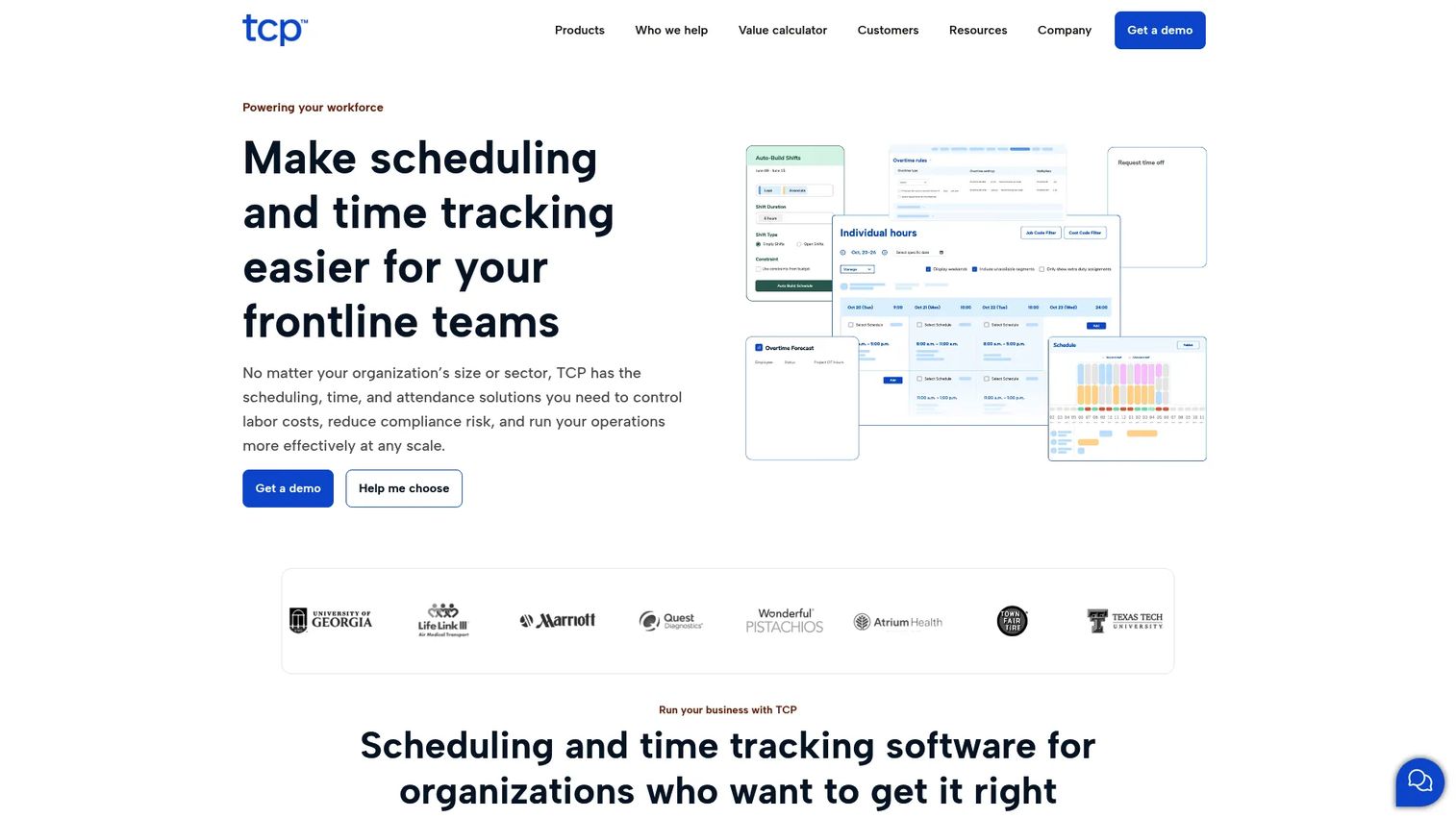
TCP is a workforce management platform covering employee scheduling, time and attendance, leave management, compliance controls, and payroll integrations. It fits restaurant groups and hospitality organizations that need stronger labor governance than a basic scheduling app provides, including rules-based time collection and multi-location reporting.
Best for: Restaurant groups and hospitality organizations with complex time, attendance, and compliance requirements across multiple locations.
Key features
- Employee scheduling with compliance alerts
- Time and attendance tracking with hardware and mobile options
- Leave management and accrual rules
- Payroll, HCM, and ERP integrations
- Workforce analytics and reporting
Why choose TCP: TCP suits teams where time data integrity and labor compliance matter as much as schedule creation. It handles the rules that complicate payroll calculations at scale: Complex pay codes, leave accruals, and location-level controls.
TCP pricing: TCP's Humanity Schedule pricing (available on the TCP pricing page) starts at $2.75/employee/month billed annually for Essentials, and $3.75/employee/month billed annually for Professional. Enterprise pricing is custom.
G2 rating: 4.3/5
6. When I Work
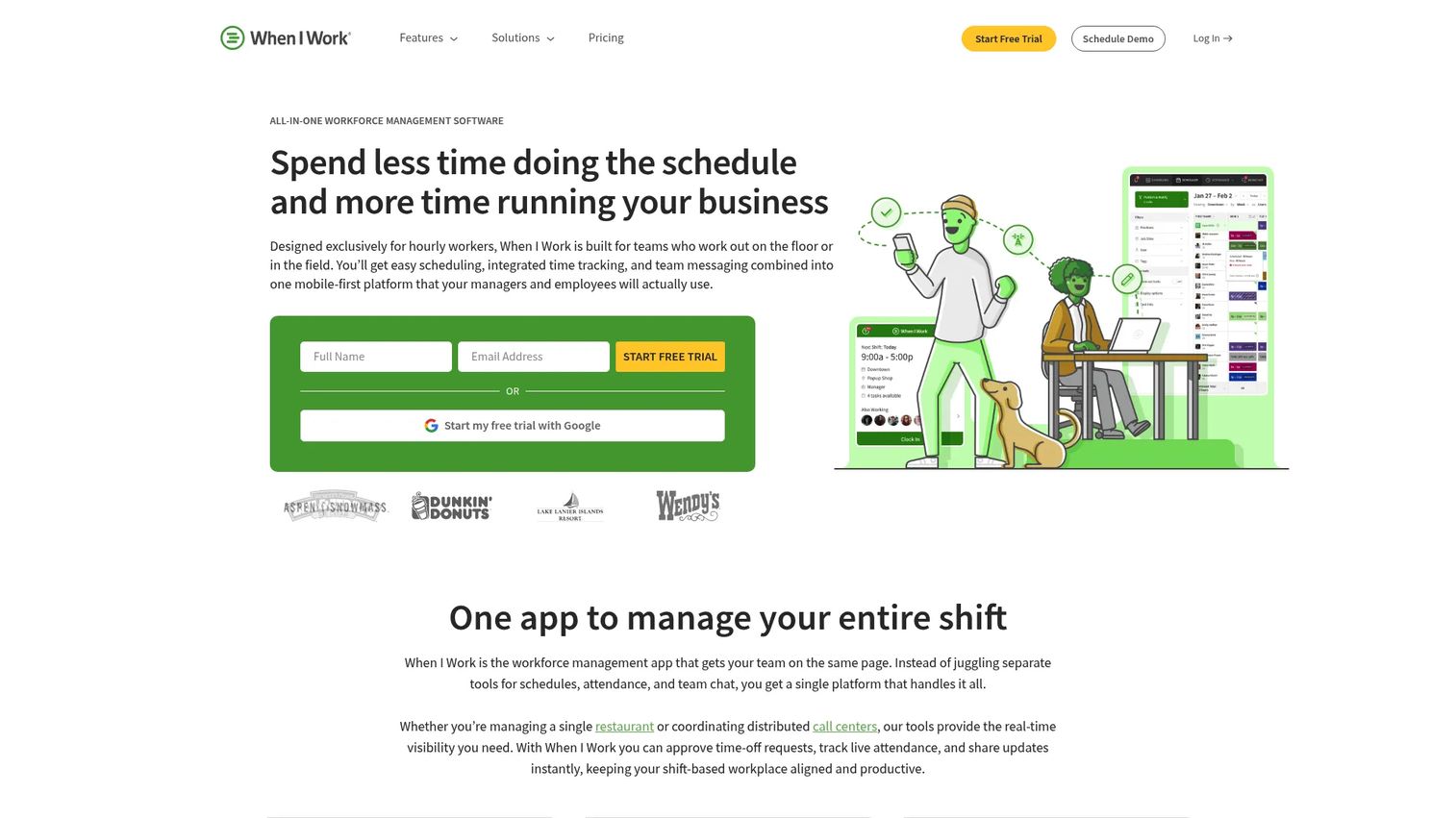
When I Work is a scheduling and time clock platform for hourly teams. It covers employee scheduling, shift swaps, team messaging, and attendance tracking. Restaurant managers value it for the speed of setup and the clarity of the mobile experience for hourly staff who need to check shifts and request changes quickly.
Best for: Restaurants that need scheduling, time tracking, and team communication running within the first week, without a long implementation process.
Key features
- Employee scheduling with open shift management
- Shift swapping and messaging
- Time clock and attendance reporting
- Payroll and POS integrations
- Schedule templates and forecasting
Why choose When I Work: When I Work is one of the faster tools to deploy. The mobile app is straightforward for hourly staff, and the manager dashboard covers shift coverage, attendance, and communication without requiring extensive configuration.
When I Work pricing: Essentials starts at $2.50/user/month. Pro adds advanced scheduling rules and labor sharing at $5/user/month. A 14-day free trial is available; no permanent free tier is offered.
G2 rating: 4.4/5
7. 7shifts
7shifts is one of the most restaurant-specific workforce platforms available. It covers scheduling, labor forecasting, time clocks, tip management, payroll, hiring, onboarding, and team engagement in a single restaurant-focused system. The platform is built around the actual operational rhythms of restaurant teams rather than adapted from generic hourly workforce software.
Best for: Restaurants that want a dedicated labor management platform built around restaurant workflows, from scheduling through payroll.
Key features
- Restaurant scheduling with POS-connected labor forecasting
- Time clock with labor compliance controls
- Tip management and payroll processing
- Team communication and manager tools
- Hiring, onboarding, and training modules
Why choose 7shifts: 7shifts covers more of the restaurant labor lifecycle than most scheduling apps. For operators who want scheduling, time clocks, tips, and payroll under one roof without stitching together separate tools, it is one of the strongest fits in the category.
7shifts pricing: Pro starts at $89.99/location/month. Premium, which adds payroll, tip management, and advanced reporting, starts at $149.99/location/month plus $6/month per paid employee. A 14-day free trial is available.
G2 rating: 4.5/5
8. Buddy Punch
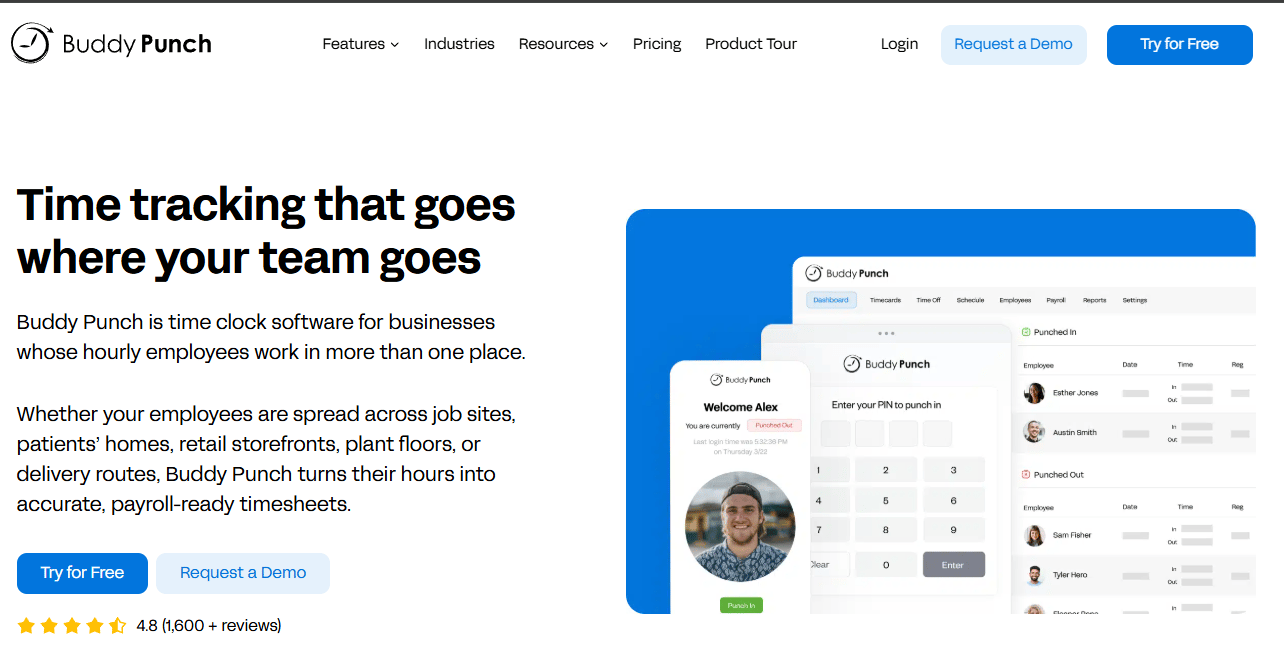
Buddy Punch is a time tracking and employee attendance platform with scheduling features. It is primarily used by teams where time clock accuracy, GPS verification, and PTO tracking matter as much as schedule creation. Restaurants with clock-in issues, buddy punching, or payroll cleanup problems often find Buddy Punch addresses those problems more directly than scheduling-first tools.
Best for: Restaurants that need reliable time clock controls, GPS verification, and scheduling connected to payroll-ready reporting.
Key features
- Time clock with GPS tracking and geofencing
- Webcam photos on punch-ins for accountability
- Employee scheduling
- PTO tracking and accrual management
- Payroll integrations and reporting
Why choose Buddy Punch: Buddy Punch is the right pick when the core problem is time theft, missed punches, or payroll reconciliation, and scheduling is secondary. The combination of GPS, webcam photos, and QR code or kiosk punching gives managers strong attendance accountability.
Buddy Punch pricing: Starter starts at $4.99/user/month plus a $19 base fee per month. Pro is $6.99/user/month plus the base fee. Advanced is $12.99/user/month plus the base fee. A 14-day free trial is available on all plans. Annual billing is also offered.
G2 rating: 4.8/5
9. ZoomShift
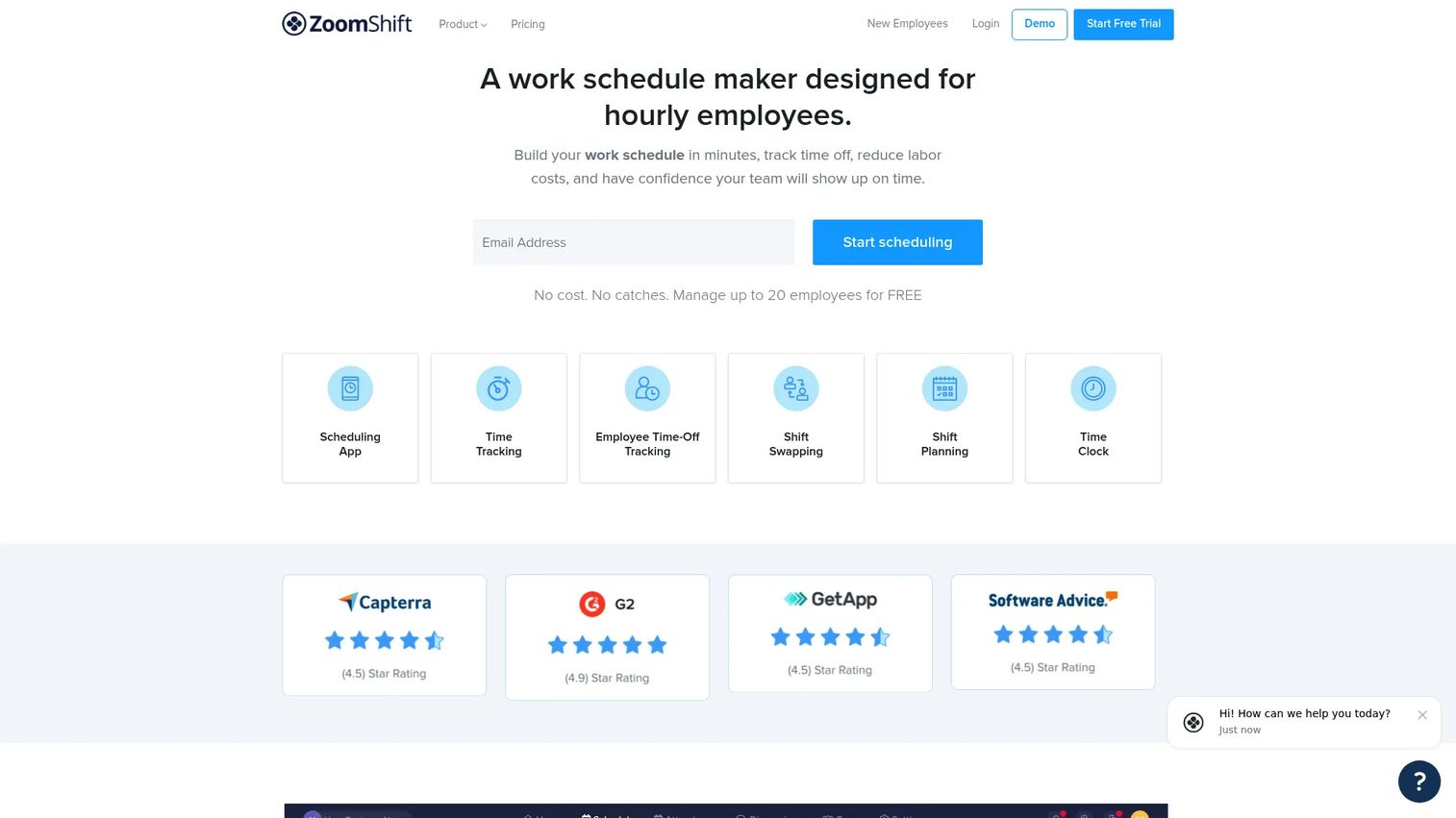
ZoomShift is a scheduling and time tracking tool designed for hourly teams. It handles shift scheduling, time-off requests, shift swaps, time clock, timesheets, and payroll exports. For smaller restaurants that want something more capable than a spreadsheet but less complex than a full workforce suite, ZoomShift sits in a practical middle ground.
Best for: Small and growing restaurants that want clear scheduling, time tracking, and shift coordination without heavy configuration.
Key features
- Shift scheduling with availability management
- Time-off and PTO tracking
- Shift swap requests and approvals
- Time clock and timesheet management
- Payroll export reporting
Why choose ZoomShift: ZoomShift keeps the experience simple on both the manager and employee side. For a single-location restaurant that has outgrown spreadsheets but does not need multi-location controls or advanced labor forecasting, it covers the core workflows at a reasonable cost.
ZoomShift pricing: Essentials is free for up to 20 active team members. Starter adds expanded features at $2/active team member/month. Premium adds workforce management and priority support at $4/active team member/month. Annual billing is available at a discount.
10. HotSchedules
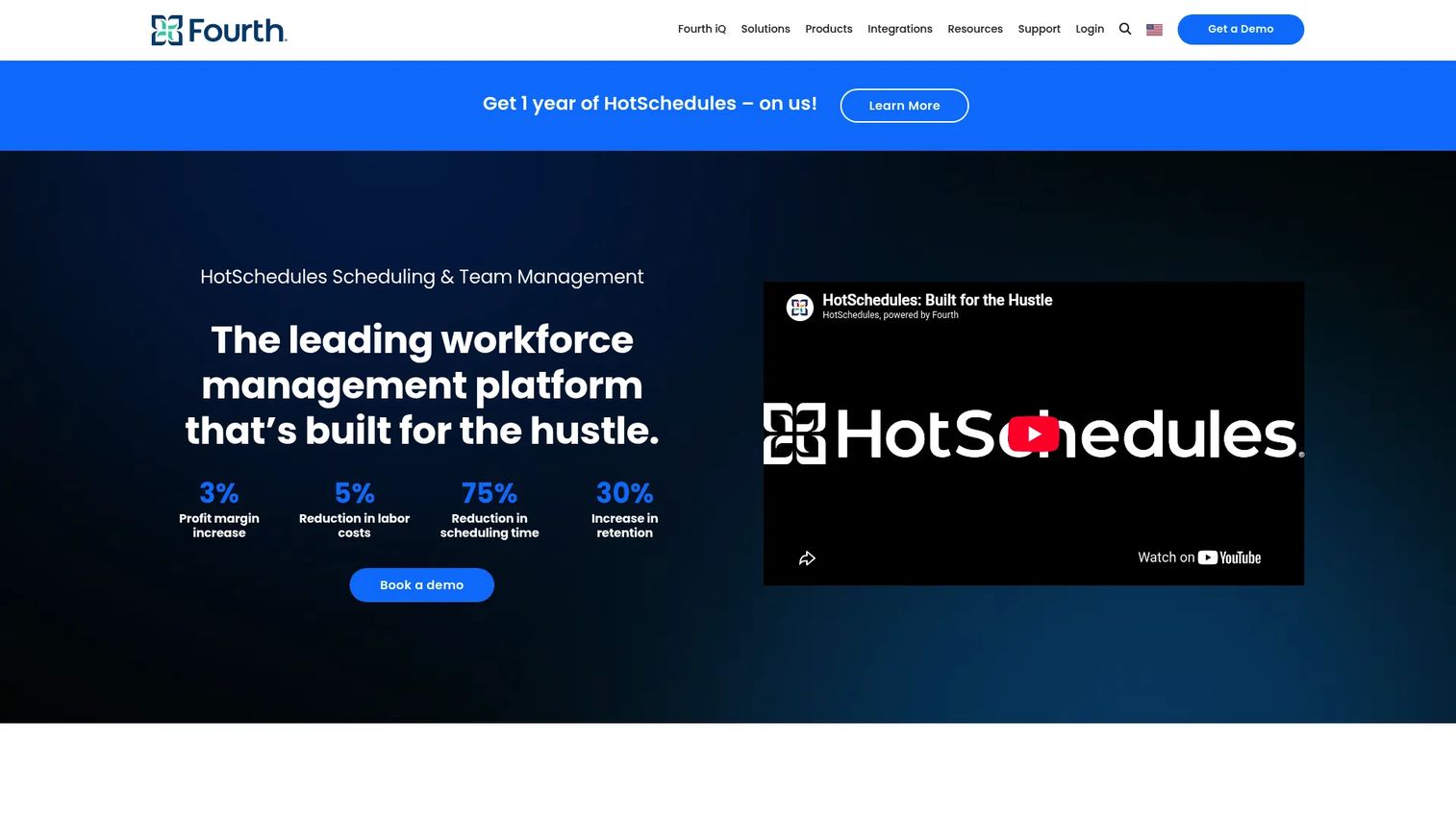
HotSchedules, now part of Fourth, is a restaurant and hospitality workforce management platform known for scheduling, demand forecasting, labor optimization, compliance, and manager communication tools. It serves larger restaurant groups, franchise operators, and enterprise hospitality teams that need standardized labor workflows across many locations.
Best for: Larger restaurant groups, franchise operators, and enterprise hospitality teams that need forecasting and labor standardization at scale.
Key features
- Employee scheduling with real-time updates and mobile access
- Labor optimization using sales data and demand forecasting
- Labor-law compliance alerts and reporting
- Manager communication and shift-change workflows
- POS integration for demand-based scheduling
Why choose HotSchedules: HotSchedules has deep roots in enterprise restaurant operations. For multi-unit operators who need consistent scheduling workflows, forecasting tied to sales data, and compliance controls across locations, it is one of the most established options in the category.
HotSchedules pricing: Custom pricing. Contact HotSchedules directly for a quote. No public tier pricing is available on the vendor site.
G2 rating: 4.3/5
11. Push Operations
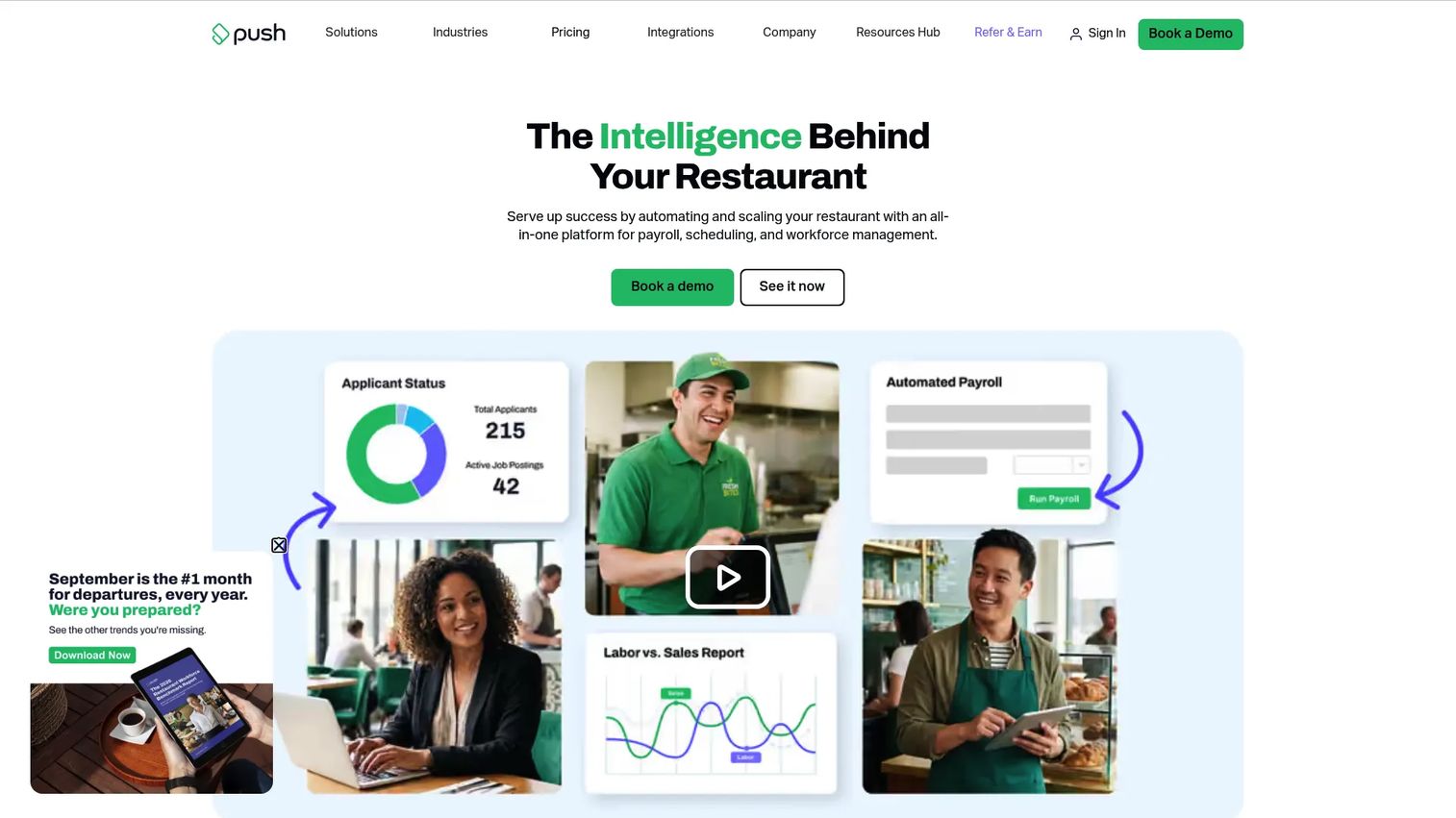
Push Operations combines scheduling, time tracking, HR, payroll, and labor analytics for restaurants. It is built specifically for the industry and handles the full employee lifecycle from hiring and onboarding through scheduling, time collection, and automated payroll. For operators who want to reduce the handoff between scheduling and payroll, Push Operations keeps everything in one system.
Best for: Restaurants that want scheduling, time tracking, and payroll in a single restaurant-focused platform without stitching together separate tools.
Key features
- Employee scheduling with shift swap and labor forecasting
- Time and attendance with photo capture for accountability
- Automated payroll and tax submission
- HR tools including digital onboarding and applicant tracking
- POS-integrated labor analytics and reporting
Why choose Push Operations: The strongest case for Push Operations is eliminating payroll reconciliation. When scheduling, time clocks, and payroll live in the same system, managers stop manually moving data between tools, and payroll errors from mis-recorded hours drop significantly.
Push Operations pricing: Starter begins at $30/month for up to 5 employees. Signature, Supreme, and Enterprise plan prices are not publicly displayed; teams with more than 50 employees contact Push Operations for a quote.
G2 rating: 4.4/5
12. Planday
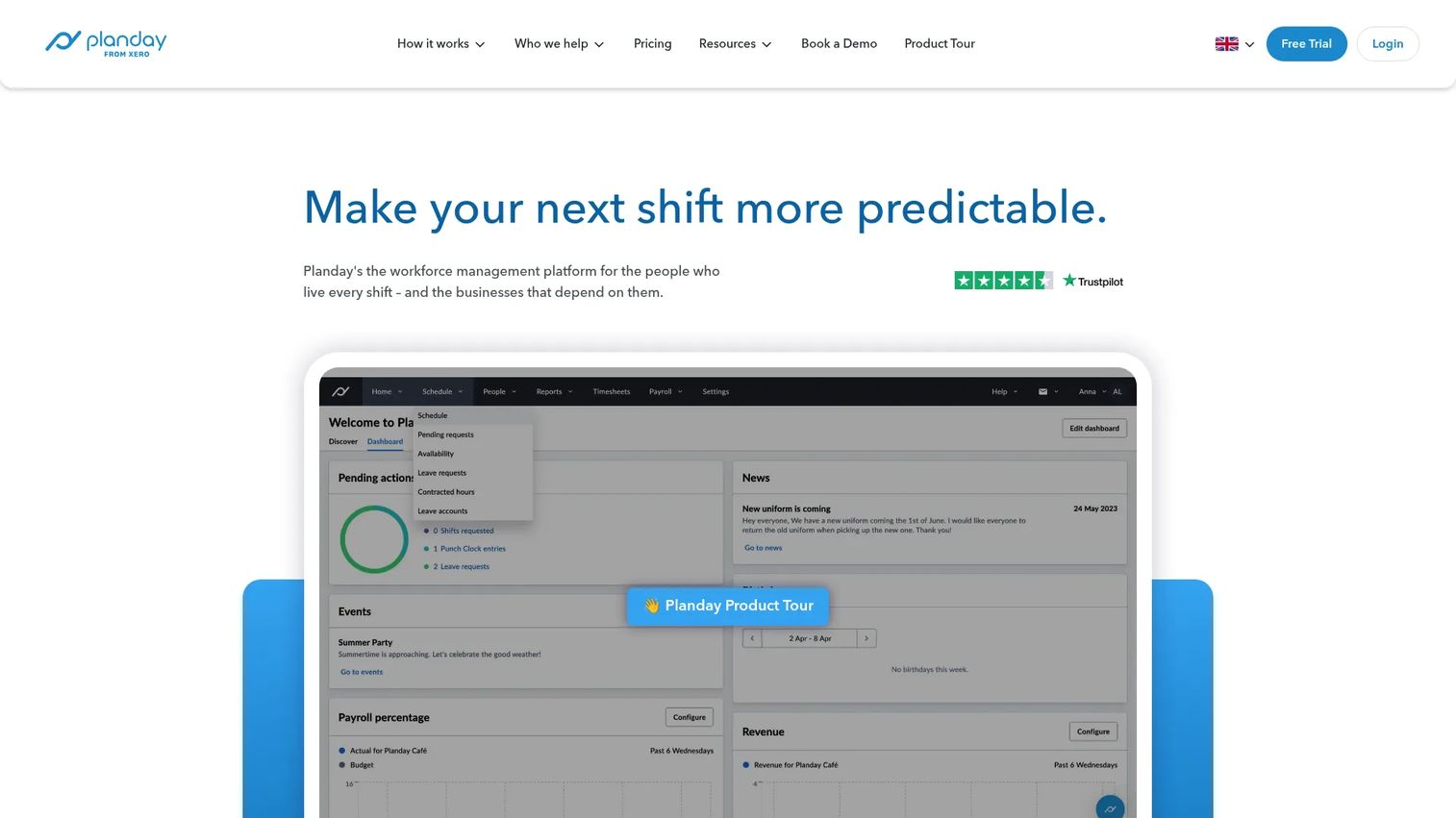
Planday is a workforce scheduling platform used in hospitality and shift-based businesses. It covers staff rostering, availability management, time tracking, payroll exports, and team communication. Multi-location operators in particular use it for the location-level controls and payroll preparation workflows.
Best for: Hospitality operators that need scheduling, rostering, and payroll-export workflows across multiple locations.
Key features
- Staff rostering with availability and time-off management
- Time clock and attendance tracking
- Payroll reporting and preparation exports
- Team communication and scheduling notifications
- Multi-location permissions and revenue reporting
Why choose Planday: Planday is a strong fit for hospitality teams that think in terms of rostering (not just scheduling) and need clean payroll exports to an existing payroll system. The Plus tier adds payroll integrations and advanced leave management, which matters when teams operate across multiple sites with different pay rules.
Planday pricing: Starter and Plus tiers use per-user monthly pricing, but exact figures were not publicly displayed at generation time. Pro is custom pricing. A 30-day free trial is available. Contact Planday for current per-user rates.
G2 rating: 4.5/5
13. Deputy
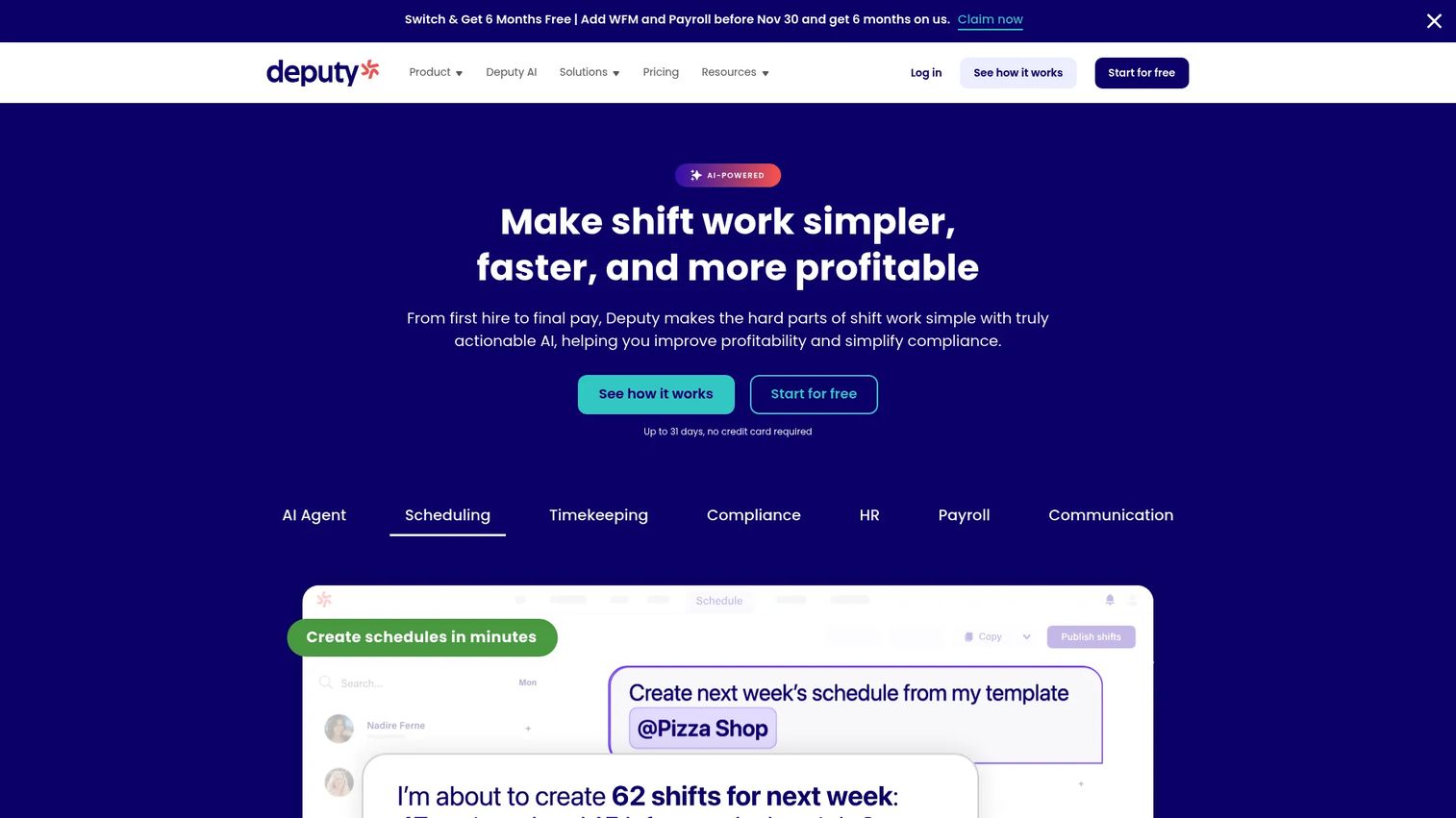
Deputy is a workforce management platform for shift-based teams covering scheduling, time clock, labor compliance, HR, payroll integrations, and team communication. Its AI auto-scheduling feature builds schedules based on demand, availability, and labor rules, which reduces the manual work for managers who run multiple locations or complex shift patterns.
Best for: Multi-site restaurants and hospitality teams that need demand-based scheduling plus break and overtime compliance workflows.
Key features
- AI auto-scheduling based on demand and availability
- Time and attendance tracking with timesheets
- Break compliance and labor-law alerts
- Leave, shift swapping, and replacement management
- Payroll, HR, and POS integrations
Why choose Deputy: Deputy is worth evaluating when compliance and demand-based scheduling are the primary problems. The auto-scheduling feature saves managers time across complex coverage requirements, and the compliance alerts help multi-location operators avoid break and overtime violations.
Deputy pricing: Lite starts at $5/user/month. Core is $6.50/user/month. Pro is $9/user/month. Add-ons for Payroll, HR, Messaging+, and Analytics+ are available separately. A free trial is offered. All prices exclude applicable taxes.
G2 rating: 4.6/5
14. Homebase
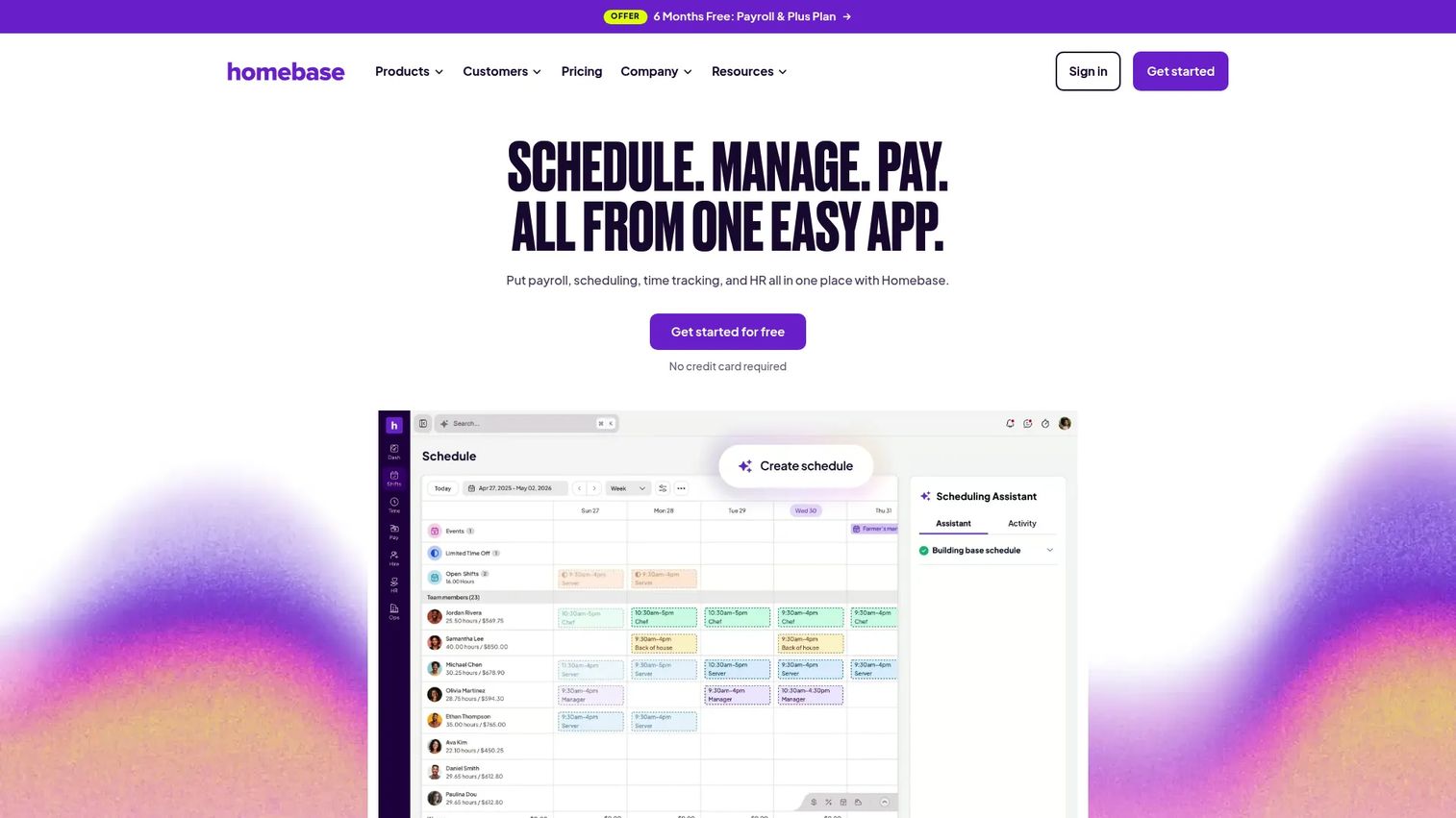
Homebase is an all-in-one workforce management platform for hourly teams covering scheduling, time tracking, payroll, team messaging, hiring, and HR. Restaurants frequently choose it because the free plan handles a single location and the paid tiers stay affordable as teams grow. It covers more of the hiring-to-payroll cycle than most pure scheduling tools.
Best for: Small restaurants, cafés, and bars that need low-cost scheduling with time clocks, hiring tools, and optional payroll.
Key features
- AI-powered auto-scheduling with drag-and-drop editing and templates
- Time tracking with overtime alerts and GPS clock-in
- Team messaging and shift coordination
- Hiring, onboarding, and HR tools
- Payroll processing as an add-on
Why choose Homebase: Homebase is the most complete free option for a single-location restaurant. The Basic plan covers scheduling, time clocks, and messaging at no cost. When the restaurant is ready to add payroll or a second location, the upgrade path is straightforward.
Homebase pricing: Basic is free for one location with up to 10 employees. Essentials is $30/location/month (or $24 billed annually). Plus is $70/location/month (or $56 annually). All-in-One is $120/location/month (or $96 annually). Payroll is an add-on at $39/month plus $6/month per employee.
G2 rating: 4.6/5
15. ADP Workforce Now
ADP Workforce Now is an enterprise HR and payroll suite with time, attendance, scheduling, benefits administration, talent management, and workforce analytics. For restaurant groups already using ADP for payroll or HR, adding scheduling and time tracking through the same platform reduces the number of integration points and consolidates labor reporting.
Best for: Larger restaurant groups and hospitality companies already running payroll through ADP that want to unify scheduling, time, and HR data.
Key features
- Payroll processing with proactive variance detection
- Time, scheduling, and attendance management
- HR management with employee records and compliance tools
- Benefits administration and digital open enrollment
- Workforce analytics with reporting dashboards
Why choose ADP Workforce Now: ADP is a payroll-first decision for most buyers. If the operational pain is managing payroll, benefits, and time data across a growing group of locations, ADP Workforce Now consolidates that into one platform. Smaller restaurants or single-location operations will likely find a more focused tool easier to adopt.
ADP Workforce Now pricing: ADP lists three packages (Select, Plus, Premium), but pricing is not publicly displayed. Contact ADP for a quote.
G2 rating: 4.2/5
16. Gusto
Gusto is a payroll, benefits, and HR platform for small businesses. For restaurants, it is most relevant when payroll accuracy, contractor payments, benefits administration, and basic time tracking matter more than restaurant-native scheduling depth. The scheduling features come through the Plus plan rather than as a core offering.
Best for: Small restaurant businesses that prioritize clean payroll, benefits, and HR management as the primary operational problem.
Key features
- Full-service payroll with automated tax filings
- Benefits administration including health insurance and 401(k)
- Hiring, onboarding, and employee self-service
- Time tracking and PTO management
- HR documents and compliance support
Why choose Gusto: Gusto fits restaurants where the owner or manager is spending too much time on payroll and HR compliance. For restaurants that need advanced shift scheduling with labor forecasting, pairing Gusto with a dedicated scheduling app is a common approach.
Gusto pricing: Simple starts at $49/month plus $6/month per person. Plus adds time tracking, scheduling, and multi-state payroll at $80/month plus $12/month per person. Premium is $180/month plus $22/month per person.
G2 rating: 4.6/5
17. QuickBooks
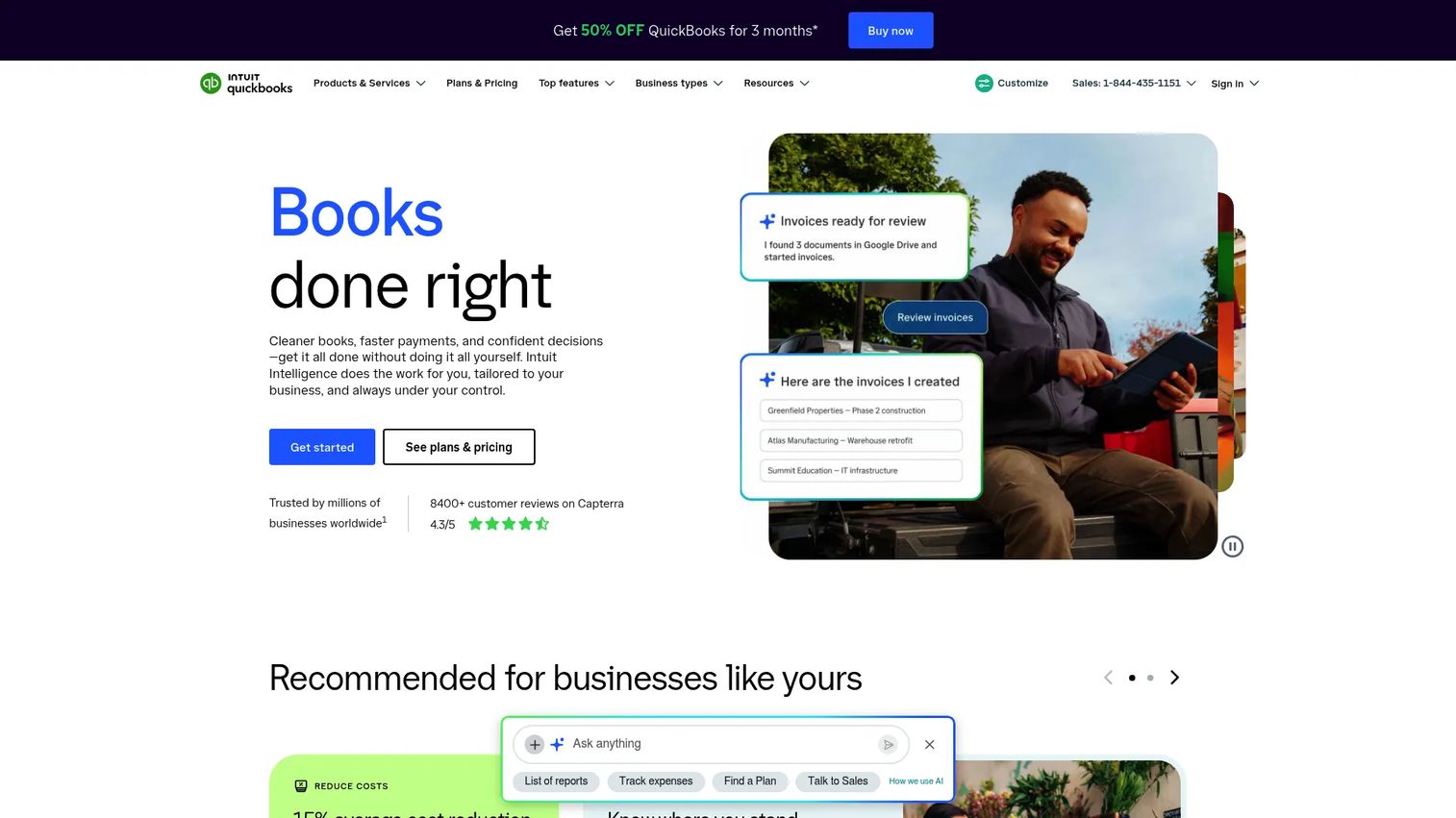
QuickBooks is a cloud-based accounting platform that includes payroll, time tracking, and basic workforce tools. For restaurants already running accounting through QuickBooks, adding payroll and time tracking through the same platform reduces the accounting-to-payroll handoff. Restaurant scheduling depth typically requires a connected scheduling app rather than QuickBooks alone.
Best for: Restaurants that already use QuickBooks for accounting and want payroll and time tracking without adding another vendor.
Key features
- Invoicing and payment collection
- Income, expense, and bank feed management
- Payroll tools (through QuickBooks Payroll)
- Time tracking and mobile timesheets
- Financial reporting and job costing
Why choose QuickBooks: QuickBooks makes the most sense as a consolidation decision for restaurants already in the Intuit ecosystem. Payroll and time tracking integrate directly with the books. For restaurants that need dedicated scheduling with shift swaps, notifications, and labor forecasting, connecting a restaurant scheduling app to QuickBooks Payroll is the more complete answer.
QuickBooks pricing: QuickBooks Online starts at $0/month (Free), with Simple Start at $38/month, Essentials at $85/month, Plus at $140/month, and Advanced at $340/month. QuickBooks Payroll is a separate add-on with its own pricing.
G2 rating: 4.0/5
18. Humanity Schedule
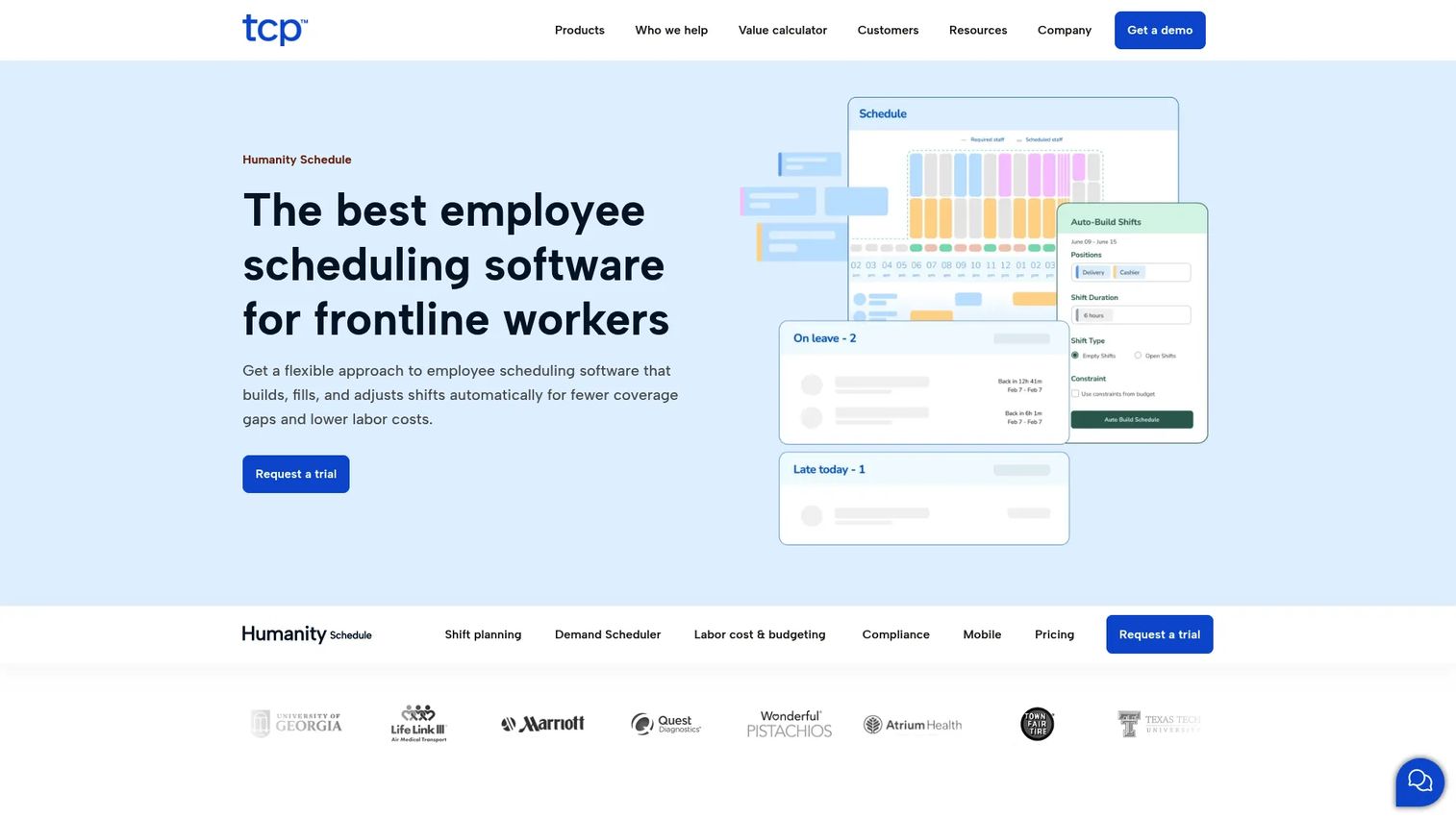
Humanity Schedule, part of TCP Software, is an employee scheduling platform for frontline workers. It uses AI-powered shift planning, demand forecasting, and real-time notifications to automate complex scheduling requirements. It suits hospitality teams with advanced scheduling rules, multiple roles per employee, or large staff rotations.
Best for: Restaurants and hospitality groups with complex scheduling rules, high employee counts, or multi-role shift planning needs.
Key features
- AI-powered shift planning and demand forecasting
- Real-time shift notifications via email, SMS, and mobile app
- Employee self-service for time-off requests, shift releases, and availability
- Compliance support and labor reporting
- Scheduling templates and rules-based automation
Why choose Humanity Schedule: Humanity Schedule fits organizations where manual scheduling creates errors because the complexity of roles, availability constraints, and compliance rules is too high for a spreadsheet or basic scheduling app. The automation reduces manager time on schedule-building for large or rotationally complex teams.
Humanity Schedule pricing: Pricing was not publicly listed on the Humanity Schedule site at generation time. Contact TCP Software for a quote.
G2 rating: 4.3/5
19. TimeClock Plus
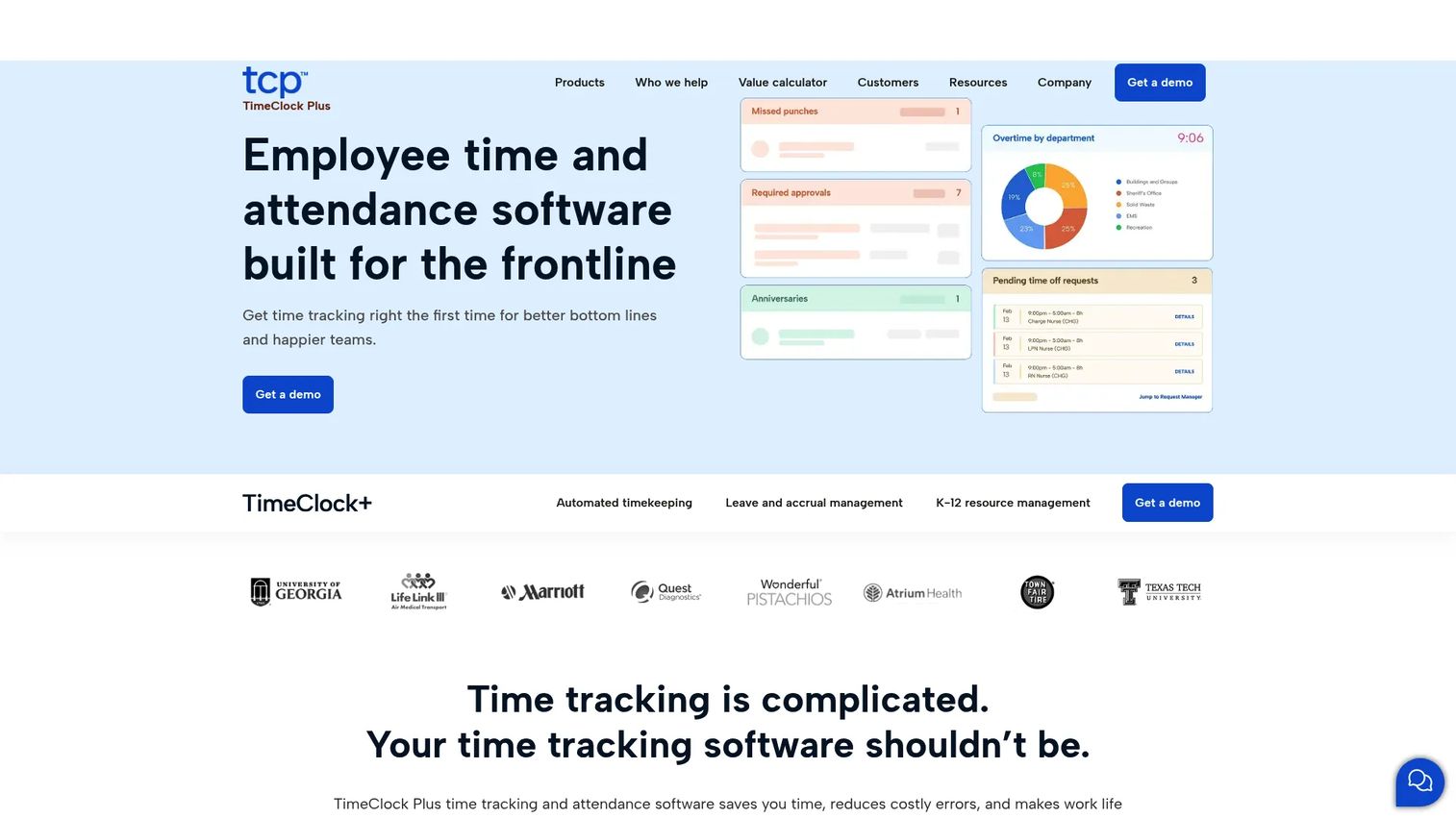
TimeClock Plus, also part of TCP Software, is a time and attendance platform designed for organizations with complex payroll rules, compliance requirements, and frontline workforces. For restaurants, it handles time collection, leave and accrual management, job costing, and overtime forecasting. Scheduling is included as a function within the broader time and attendance framework.
Best for: Organizations where time data integrity, compliance rules, and payroll accuracy are the primary operational problems.
Key features
- Automated timekeeping with complex pay rule calculations
- Leave and accrual management
- Job costing across departments and projects
- Compliance rules and exception reporting
- Overtime forecasting and workforce analytics
Why choose TimeClock Plus: TimeClock Plus is the right fit when the problem is not schedule creation but time data quality. For restaurants with complex pay rules, multiple job codes per employee, or history of payroll errors, it provides stronger time data controls than most scheduling-first apps.
TimeClock Plus pricing: Pricing is not publicly listed. Request a demo or quote directly from TCP Software.
G2 rating: 4.3/5
20. Brisk Table
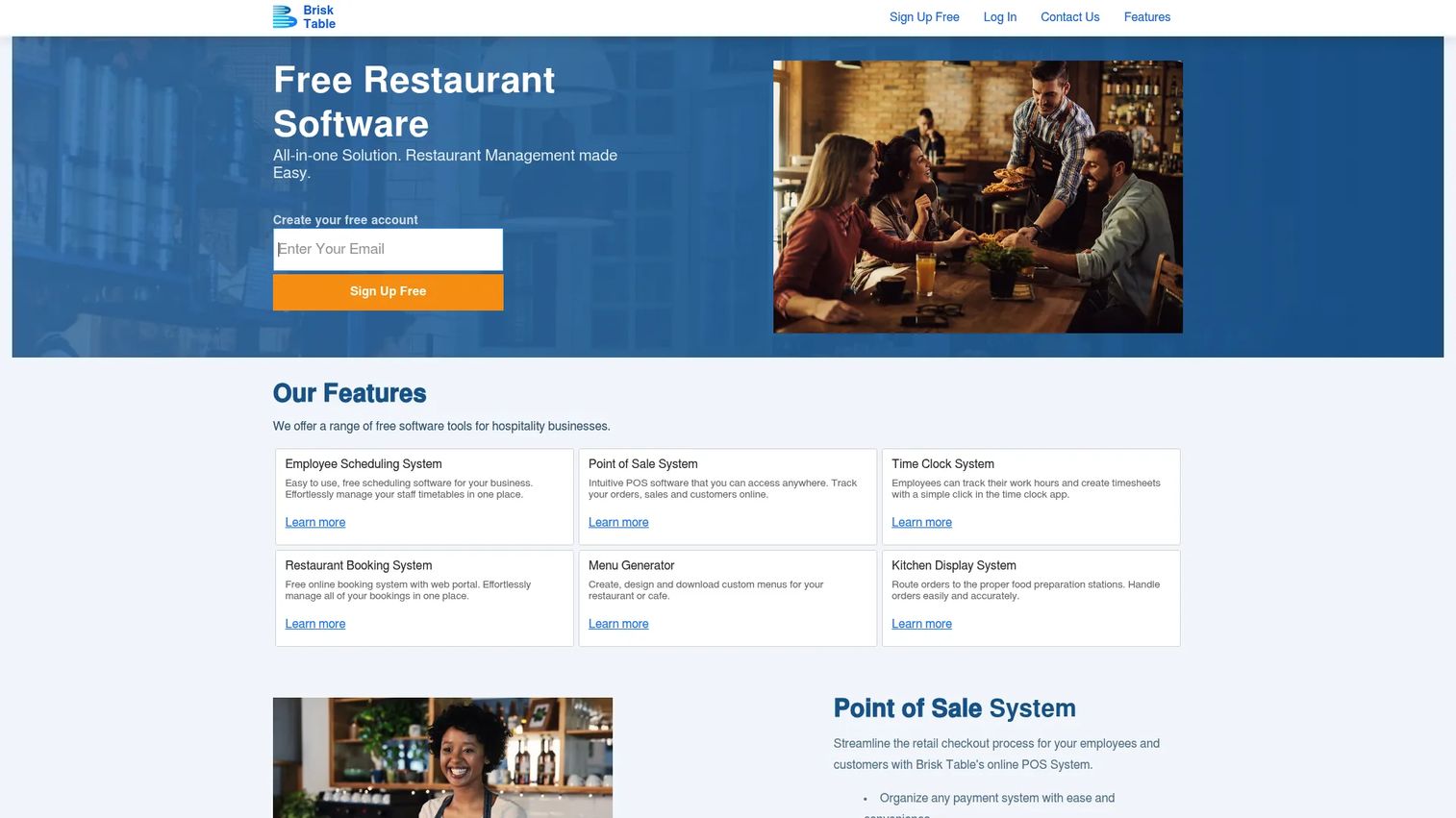
Brisk Table is a free restaurant management platform that includes POS, online bookings, employee scheduling, a time clock, and kitchen display tools. For restaurants that want scheduling without paying for it while they are still evaluating their full tech stack, the free plan covers the basics.
Best for: Restaurants and cafés that want a free schedule maker as part of a broader restaurant management tool.
Key features
- Online employee scheduling with time-off tracking
- Shift swapping and mobile access
- Scheduling reporting
- Time clock functionality
- Restaurant bookings and POS tools
Why choose Brisk Table: Brisk Table is worth considering for small restaurants that want scheduling as part of a broader free restaurant management system. It is a quicker path off paper schedules than implementing a full workforce platform. For restaurants that need payroll integration, labor forecasting, or multi-location controls, a more specialized tool will serve them better.
Brisk Table pricing: Free plan includes all features with up to 60 bookings per month. Basic is $9.99/month for up to 10 staff and 250 bookings. Premium is $19.99/month with unlimited bookings. Premium Plus adds multiple locations at $49.99/month. Paid plans include a 30-day free trial.
Considerations when choosing restaurant scheduling software
Start with the manager workflow
The manager workflow determines whether a tool gets used or abandoned. If publishing a schedule, approving a swap, or checking labor costs requires too many steps, managers revert to spreadsheets within the first month. Evaluate how many clicks it takes to publish a schedule, approve a swap request, and view projected labor before committing to a platform.
Check employee mobile adoption
Hourly restaurant staff check schedules from their phones. Evaluate how easy it is for an employee to view their shifts, request time off, and submit a swap without needing a full account setup or lengthy onboarding. Tools with poor mobile UX for employees create a support burden for managers who end up fielding questions the app should answer.
Match scheduling to your payroll reality
Schedules become expensive when time clocks, breaks, tips, and payroll exports do not connect cleanly. Before selecting a tool, verify what payroll system you use and how data moves between scheduling, time collection, and payroll. Check whether corrections and missed punches can be handled inside the tool or require manual rework.
Look for labor-cost visibility before publishing
The tools that deliver the most value show projected labor cost before a schedule goes live, not after payroll runs. Ask whether the platform compares scheduled hours against sales data or historical demand, and whether overtime alerts fire before the schedule is published.
Plan for location-level controls at scale
A tool that works well for one café may break operationally at 10 or 20 locations. Multi-location operators need location-level permissions, schedule templates, regional reporting, and the ability to push consistent labor rules across sites. If your restaurant group is growing, evaluate the tool for where you are heading, not only where you are today.
You can apply the same evaluation discipline used for workforce scheduling or absence management software decisions to this category: The criteria are different, but the process of checking workflow fit before price is the same.
Conclusion
Restaurant scheduling software earns its place in the stack when it reduces manager firefighting, keeps shifts covered without a text-thread scramble, and gives operations leadership cleaner labor data to work from.
For low-cost or free starts, Homebase, Sling, and Brisk Table cover the basics without requiring an implementation project. For restaurant-specific operations depth, 7shifts and Schedulefly are the strongest purpose-built options. Multi-location operators and enterprise groups will find more governance in HotSchedules, TCP, Deputy, and ADP Workforce Now. Restaurants where payroll is the primary problem should look closely at Push Operations, Gusto, and Toast.
Shortlist three tools based on four factors: Schedule complexity, payroll integration needs, number of locations, and how fast your managers realistically adopt new software. Start a trial with your top choice and measure whether managers are publishing schedules through it, not around it, by the end of the first pay period.
Start your journey with Guideflow today!
FAQs
Small restaurants typically prioritize price, fast setup, and mobile access over advanced labor forecasting. Homebase offers a genuinely free plan for one location, Sling covers up to 30 users for free, and Schedulefly starts at $30/month flat for up to 19 staff. ZoomShift and Brisk Table are also worth evaluating for teams under 20 people who need basic scheduling without a heavy configuration process.
Homebase and Sling both offer permanent free tiers, not just trials. Homebase's free Basic plan covers one location with up to 10 employees and includes scheduling, time clocks, and team messaging. Sling's free plan supports up to 30 users. Brisk Table also offers a free plan with scheduling and time clock features for smaller teams. Free tiers vary in employee limits and feature depth, so verify current restrictions on each vendor's pricing page before committing.
A complete restaurant scheduling app covers schedule building, employee availability management, shift swap requests with manager approvals, mobile schedule notifications, time clock and attendance tracking, labor-cost forecasting against hours or sales, payroll export or direct payroll sync, and POS integrations. Multi-location restaurants also need location-level permissions, schedule templates, and regional reporting. Compliance alerts for overtime, breaks, and clopening rules matter as restaurant groups scale.
Scheduling software reduces labor costs by giving managers visibility into projected labor before publishing, not after payroll closes. When the schedule builder shows estimated hours against a sales or budget target, managers can adjust coverage before overtime accrues or overstaffing occurs. According to 7shifts (2025), only 36% of restaurants currently hit their labor-cost targets, and the gap between that number and 100% is largely a visibility and process problem that scheduling software addresses directly.
Restaurants with hourly staff benefit significantly from combining scheduling and time tracking. A connected time clock compares scheduled hours with hours actually worked, surfaces missed punches before payroll runs, and gives managers one data source for both scheduling and attendance. Without it, payroll reconciliation requires manual cross-referencing of schedules and time records, which creates both errors and manager time waste. Most tools in this list include time clock functionality at paid tiers or above.
Multi-location operators should evaluate HotSchedules, Deputy, 7shifts, TCP, and ADP Workforce Now. The key factors are location-level permissions (so a manager at one site cannot edit another's schedule), scheduling templates that can be pushed across locations, consolidated labor reporting, and payroll integrations that handle different pay rules by location. For franchise groups or enterprise hospitality teams, HotSchedules and TCP are among the most established options. Deputy's compliance tools and auto-scheduling features also make it a strong fit for operators running 5 to 50 locations. For related workforce planning approaches, see our guide to advanced planning and scheduling software.
Most modern restaurant scheduling tools handle shift swap requests, manager approval workflows, employee notifications, and coverage verification. The best implementations let an employee request a swap from their phone, notify the manager, show whether the replacement meets role and availability requirements, and confirm the updated schedule to everyone involved without a single text message. Tools vary in how much control managers retain: Some require explicit approval on every swap, others allow automatic approvals within defined rules.
These categories overlap but are not identical. Scheduling software focuses on creating, publishing, and managing employee shifts. Labor management software adds functions like demand forecasting tied to sales data, time and attendance collection, payroll processing, tip management, compliance reporting, and labor-cost analytics. Tools like 7shifts, Push Operations, HotSchedules, and Deputy sit closer to the labor management end of the spectrum, while tools like Schedulefly, ZoomShift, and Brisk Table focus more narrowly on scheduling. Buyers who need both scheduling and labor cost control should evaluate whether they want a single platform that covers both, or a dedicated scheduling tool connected to their existing payroll system.