You have a Slack thread for the launch, a Notion doc for the spec, a spreadsheet tracking milestones, and three different people who think they own the same task. None of this is a tooling problem. It is a shared-system problem.
Product managers feel this more than most. You sit at the intersection of engineering, design, sales, and CS, which means you are also the person chasing updates across all of them. When collaboration is fragmented, your coordination overhead grows faster than your team's output.
The project collaboration software market reached $27.5B in 2025 and is projected to grow to $67.13B by 2033, according to SQ Magazine's Digital Workplace Statistics report (2026). That growth reflects a real shift: Teams are consolidating scattered workflows into single, structured environments where tasks, timelines, files, and ownership all live together.
This guide helps you pick the right one.
What's inside
This guide covers the seven strongest project collaboration tools available in 2026, evaluated for product managers and cross-functional teams.
Tools were selected based on:
- Cross-functional fit: Works across product, engineering, design, and operations without forcing a single workflow model
- Maintenance overhead: Low enough to update as the product and team change
- Integration depth: Connects to the tools already in your stack (CRM, analytics, docs, communication)
- Scalability: Handles growth from a 10-person team to a 200-person org without a full migration
TL;DR
- Best for cross-functional project planning: Asana, strong task hierarchy and dependency tracking across multiple teams
- Best all-in-one workspace: ClickUp, tasks, docs, and reporting in one place with a free tier
- Best for visual work management: monday.com, rated 4.7/5 on G2 with flexible board and dashboard setup
- Best for communication-first teams: Slack, the default messaging layer that connects to everything else
- Best for lightweight coordination: Trello, fast to adopt with a generous free plan
- Best for enterprise governance: Wrike, stronger request management and approval workflows
- Best for spreadsheet-native teams: Smartsheet, grid-style planning with automation and reporting
What is project collaboration software
Project collaboration software is a shared digital workspace where teams assign work, track progress, share files, and communicate around specific projects without relying on a chain of meetings or emails.
It differs from general chat tools (which lack task structure) and from pure project management platforms (which often lack real-time communication). The category sits between those two: Structured enough to enforce ownership and timelines, flexible enough to support how different teams actually work.
Core capabilities to expect from any serious tool:
- Task assignment and ownership: Clear accountability per task, with due dates and assignees
- Shared project timelines: Gantt charts, calendar views, or milestone tracking for cross-team visibility
- File sharing and document access: Attachments, linked docs, or embedded wikis alongside the work
- Comments, mentions, and notifications: In-context communication that keeps conversation attached to the work
- Permissions and version control: Role-based access so the right people see the right things
- Workflow automation: Recurring task creation, status triggers, and integration-based actions
- Reporting and progress tracking: Dashboards and exports that tell you where things actually stand
How it differs from adjacent categories:
- vs. chat tools (Slack, Teams): Chat lacks task hierarchy, ownership, and timeline structure
- vs. docs tools (Notion, Confluence): Docs are great for knowledge, weaker for deadline and assignment tracking
- vs. pure PM software (Jira, Linear): Those are optimized for engineering sprints, not cross-functional project ownership
The sweet spot for a product manager is a tool that gives engineering-adjacent rigor without forcing every function into sprint ceremonies.
When to use project collaboration software
Coordinate cross-functional work without endless meetings
Product launches, feature rollouts, and go-to-market cycles involve product, marketing, design, and sales, each with different workflows and tools. A shared project space gives everyone a single source of truth for who owns what and when. Instead of a weekly sync to review status, the tool carries that context automatically.
Keep remote and distributed teams aligned on deliverables
When your team spans time zones, status-chasing becomes expensive. Async updates, threaded comments on tasks, and visible progress tracking replace the need to wait for someone to come online. Distributed teams that adopt a central collaboration tool reduce the number of "where are we on X" messages significantly.
Track work that involves external stakeholders
Approvals, reviews, and sign-offs from people outside your core team (legal, executive sponsors, agency partners) benefit from shared visibility without requiring everyone to join your internal tools. Most platforms support guest access or external sharing so stakeholders see exactly what they need.
Project collaboration software comparison
The table below maps each tool to its strongest fit so you can narrow your shortlist before reading the full profiles.
| # | Product | Best for | Key use case | Pricing | G2 rating |
|---|---|---|---|---|---|
| 1 | Asana | Cross-functional project planning | Dependency tracking across teams | From $0 | N/A |
| 2 | ClickUp | All-in-one workspace | Tasks, docs, and reporting in one tool | From $0 | 4.6/5 |
| 3 | monday.com | Visual work management | Configurable boards and dashboards | From $0 | 4.7/5 |
| 4 | Slack | Communication-first teams | Messaging layer connecting existing tools | From $4.38/user/mo | 4.5/5 |
| 5 | Trello | Lightweight task coordination | Simple board-based project tracking | From $0 | 4.4/5 |
| 6 | Wrike | Enterprise workflow governance | Request management and approval routing | From $0 | 4.2/5 |
| 7 | Smartsheet | Spreadsheet-native planning | Grid-style project tracking with automation | From $12/member/mo | 4.4/5 |
Best 7 project collaboration software for 2026
1. Asana
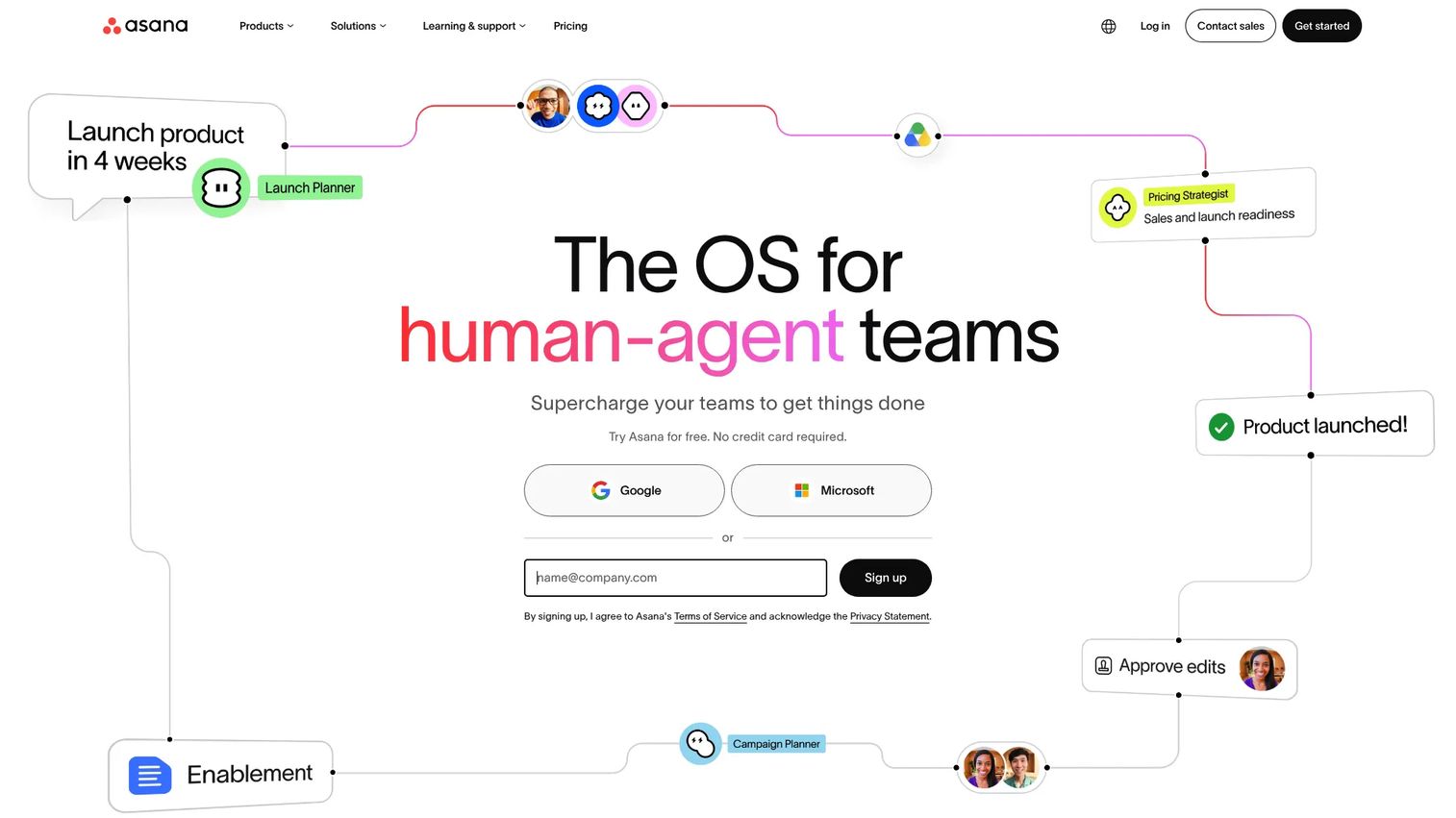
Asana is a work management platform built around task hierarchies, project timelines, and cross-team coordination. It supports list, calendar, timeline (Gantt), and Kanban views, along with custom fields, automations, and reporting dashboards. Product teams use it to track feature delivery across functions, connecting engineering milestones to marketing launches and CS onboarding in a single shared space.
Best for: Product and operations teams that need structured dependency tracking across multiple functions.
Key features
- Multiple project views: List, Kanban, timeline, and calendar in one project
- Custom fields and rules: Tailored task properties and automation triggers
- Cross-project reporting: Dashboards pulling status from multiple projects
- Goal tracking: Link tasks to team-level or company-level objectives
- Integrations: Connects to Slack, Google Workspace, Salesforce, and more
Why choose Asana: Asana performs best when your work involves clear handoffs between teams, because its dependency and subtask model makes multi-function projects readable at a glance. Teams that run mostly single-function work may find the structure heavier than needed.
Asana pricing: Asana offers a free Personal plan. The Starter plan runs $10.99 per user per month billed annually ($13.49 billed monthly), and the Advanced plan is $24.99 per user per month billed annually ($30.49 billed monthly). Enterprise pricing requires contacting sales.
Asana on G2: G2 rating data for Asana was not available at publication. Check the live G2 listing before finalizing your shortlist.
2. ClickUp
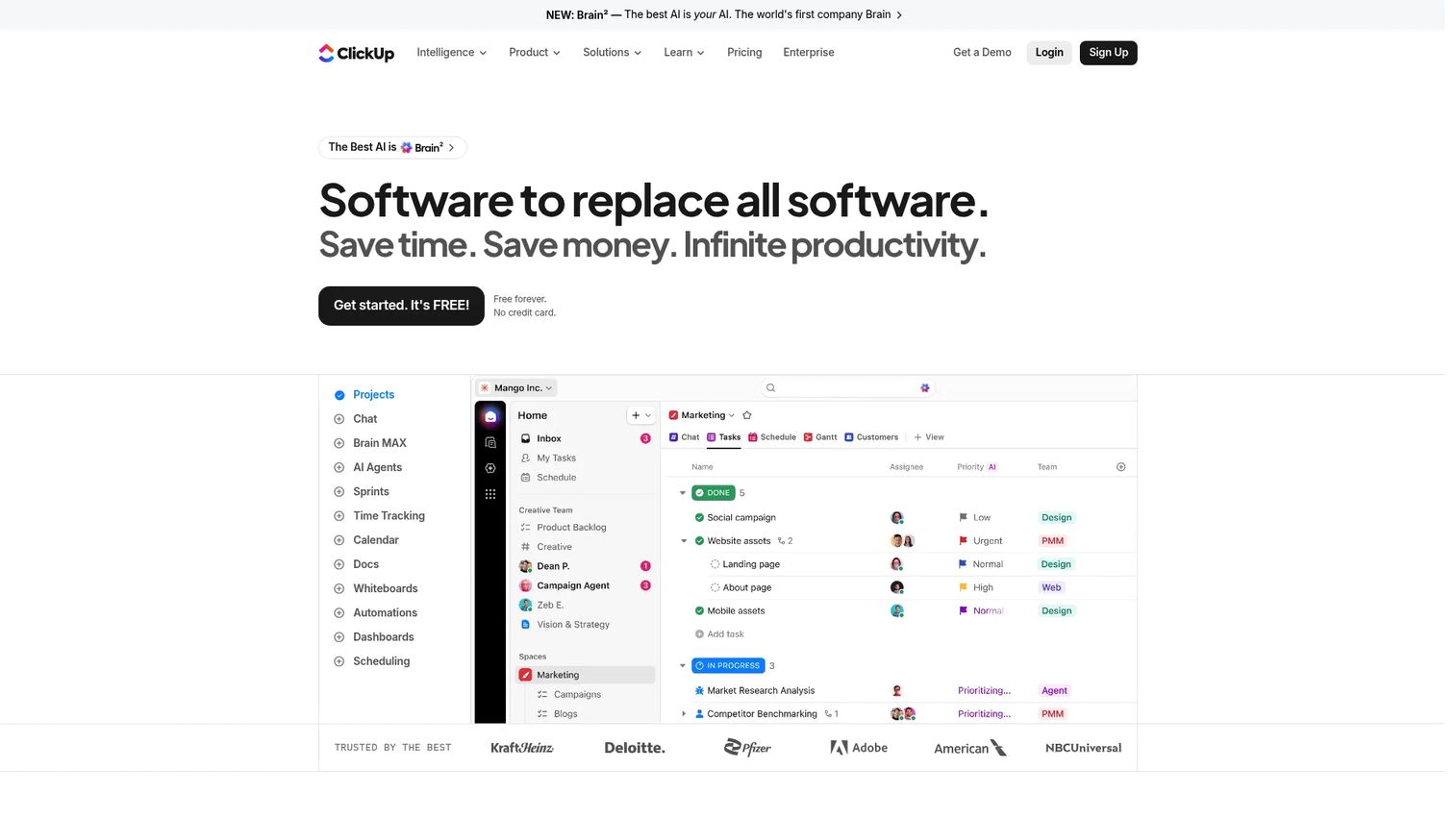
ClickUp positions itself as an all-in-one work management platform: Tasks, docs, wikis, chat, and reporting in a single workspace. It covers list, board, calendar, Gantt, table, and whiteboard views, and includes AI features (ClickUp Brain, AI Notetaker) alongside automations. For product teams trying to reduce tool sprawl, ClickUp's breadth means fewer context switches between their PM tool, their docs tool, and their communication layer.
Best for: Teams that want tasks, documentation, and reporting under one roof without managing multiple subscriptions.
Key features
- Docs and wikis: Create and link knowledge bases directly inside projects
- Multiple views: List, board, calendar, Gantt, table, and whiteboard
- AI features: Brain for task generation, AI Notetaker for meeting summaries
- Automations: Status triggers, recurring tasks, and cross-space workflows
- Built-in chat: Threaded messaging alongside tasks, reducing Slack dependency
Why choose ClickUp: ClickUp suits teams that have outgrown single-purpose tools and want to consolidate without a heavy migration. The tradeoff is configuration overhead: Its flexibility means more setup time than opinionated tools like Trello or Asana.
ClickUp pricing: The Free Forever plan covers unlimited tasks. Unlimited costs $7 per user per month billed annually ($10 billed monthly). Business runs $12 per user per month billed annually ($19 billed monthly). Enterprise requires contacting sales.
ClickUp on G2: Rated 4.6/5 on G2.
3. monday.com
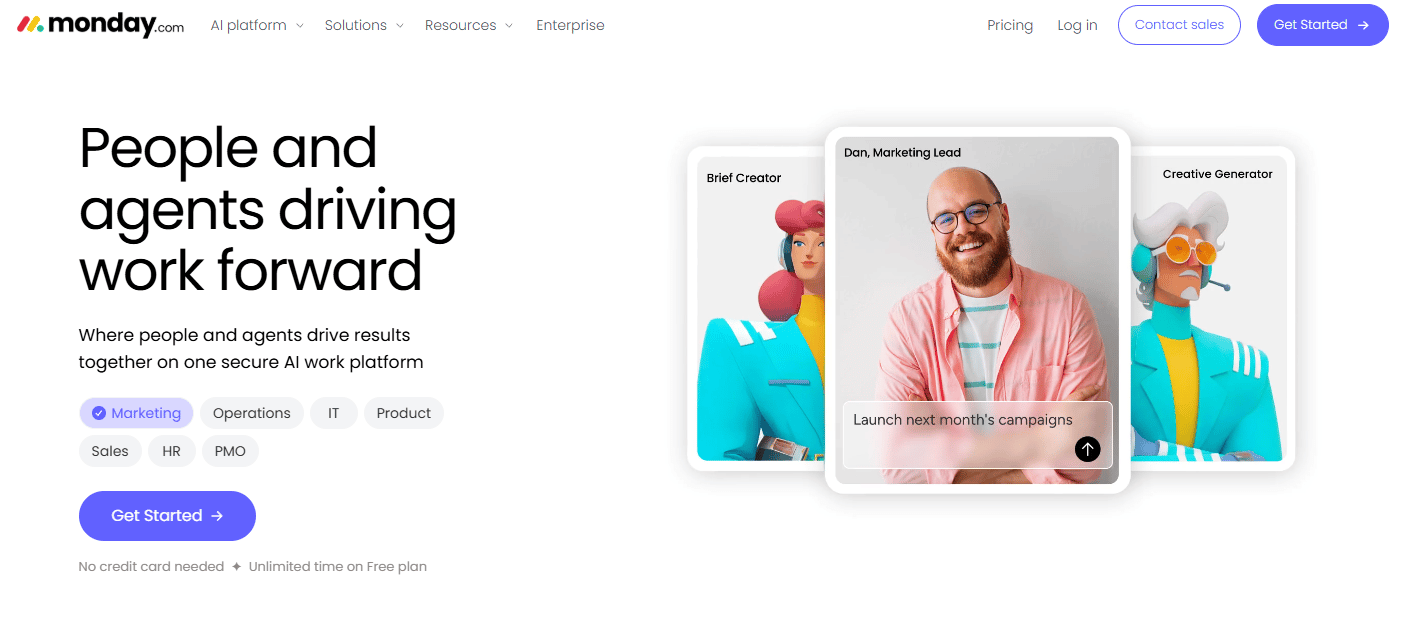
monday.com is a configurable work OS that lets teams build boards, dashboards, and automation workflows without engineering support. Its strength is visual clarity: Boards function as databases with customizable columns, making it easy for product managers to surface status across roadmaps, launches, and operational projects. The platform spans work management, CRM, service, and dev use cases from a single account.
Best for: Product and operations teams that want high visual clarity on cross-functional workflows without complex setup.
Key features
- Flexible boards: Column-based databases that adapt to any workflow type
- Dashboards: Aggregate data across multiple boards into real-time reports
- Automations: No-code rules for notifications, status changes, and integrations
- Multiple product lines: Work management, CRM, service, and dev in one account
- AI features: Content generation, workflow suggestions, and smart summaries
Why choose monday.com: monday.com excels when your team needs visible, configurable workflows that non-technical stakeholders can read and update without a training session. Teams with highly technical workflows (sprint planning, bug tracking) may prefer a more engineering-native tool alongside it.
monday.com pricing: Free plan available for up to two seats. Basic runs $9 per seat per month billed annually. Standard is $12 per seat per month billed annually. Pro is $28 per seat per month billed annually. Enterprise pricing requires contacting sales.
monday.com on G2: Rated 4.7/5 on G2.
4. Slack
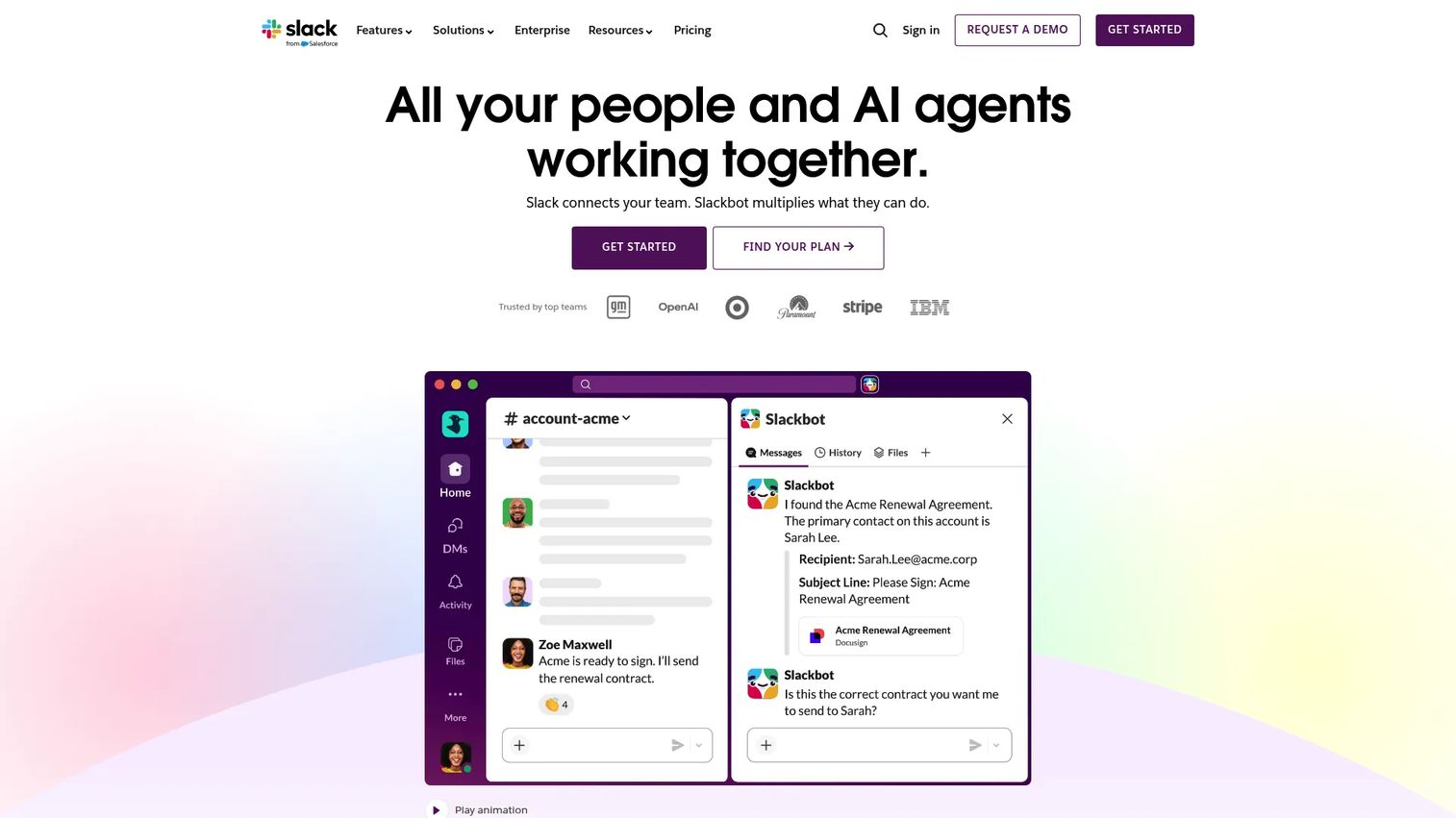
Slack is the messaging layer that most product teams already run on. It organizes conversations into channels, supports direct messages and huddles, and connects to nearly every tool in a modern SaaS stack through its integration marketplace. More recently, Slack added AI features including message summaries, search recaps, and workflow generation, which reduces the cost of catching up after time away.
Best for: Teams that need a fast, searchable communication hub that connects their existing project and engineering tools.
Key features
- Channels and DMs: Organized, searchable message and file history
- Slack Connect: External collaboration with clients and partners in shared channels
- AI features: Message summaries, search recaps, and channel digests
- Huddles: Lightweight audio and video calls without a calendar invite
- Integration library: Connects to Asana, Jira, GitHub, Salesforce, and hundreds more
Why choose Slack: Slack is not a substitute for structured project tracking, but it is the communication layer that makes every other tool more usable. If your team already lives in Slack, adding project notifications and workflow alerts there reduces the number of places people need to check.
Slack pricing: The Free plan is available with limited message history. Pro runs $4.38 per user per month (promotional rate at time of research; standard annual rate shown on the pricing page is $7.25 per user per month). Business+ is $9 per user per month (promotional) with a standard annual rate of $15 per user per month. Enterprise+ requires contacting sales.
Slack on G2: Rated 4.5/5 on G2.
5. Trello
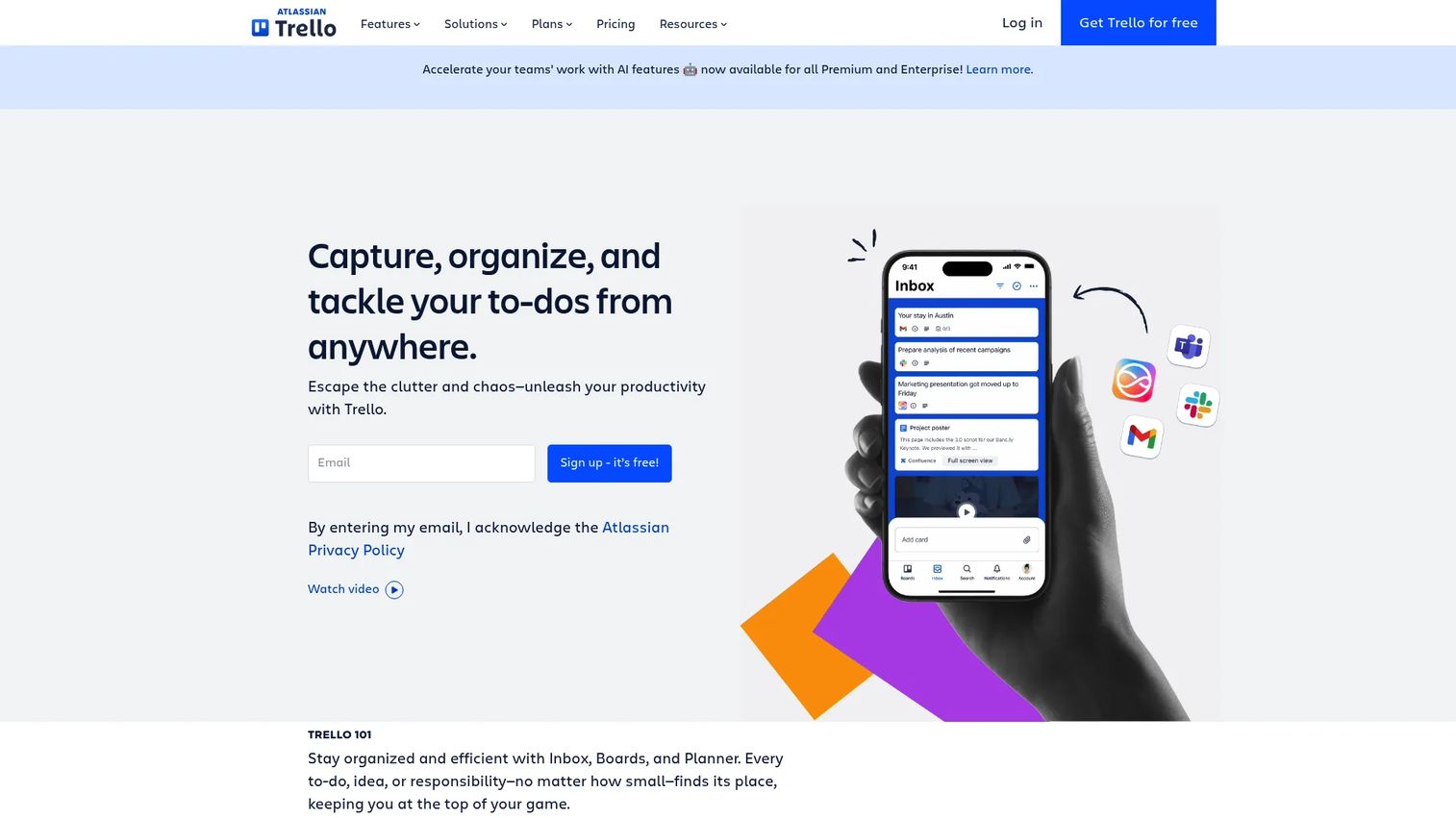
Trello is a board-based task tool built around cards and lists. Its core model is simple enough that most teams are up and running within an hour, making it the lowest-friction entry point in this category. Beyond basic boards, Trello now supports timeline, table, calendar, dashboard, and map views, and includes automation (Butler) and template libraries to reduce setup time for common workflows.
Best for: Smaller teams or individual workstreams that need fast, visual task coordination without heavy onboarding.
Key features
- Boards, lists, and cards: Simple drag-and-drop task organization
- Multiple views: Timeline, table, calendar, and dashboard alongside boards
- Butler automation: No-code rules for recurring actions and triggers
- Template library: Pre-built boards for common use cases
- Power-Ups: Integrations and feature extensions for added functionality
Why choose Trello: Trello's adoption curve is the lowest of any tool in this list. For a product team running a focused initiative, a lightweight feature rollout, or external stakeholder tracking, it gets the job done without process overhead. Teams managing complex multi-sprint roadmaps or deeply interdependent work will outgrow it.
Trello pricing: The Free plan covers unlimited cards and up to 10 boards per workspace. Standard costs $5 per user per month billed annually ($6 billed monthly). Premium is $10 per user per month billed annually ($12.50 billed monthly). Enterprise starts at $17.50 per user per month billed annually.
Trello on G2: Rated 4.4/5 on G2.
6. Wrike
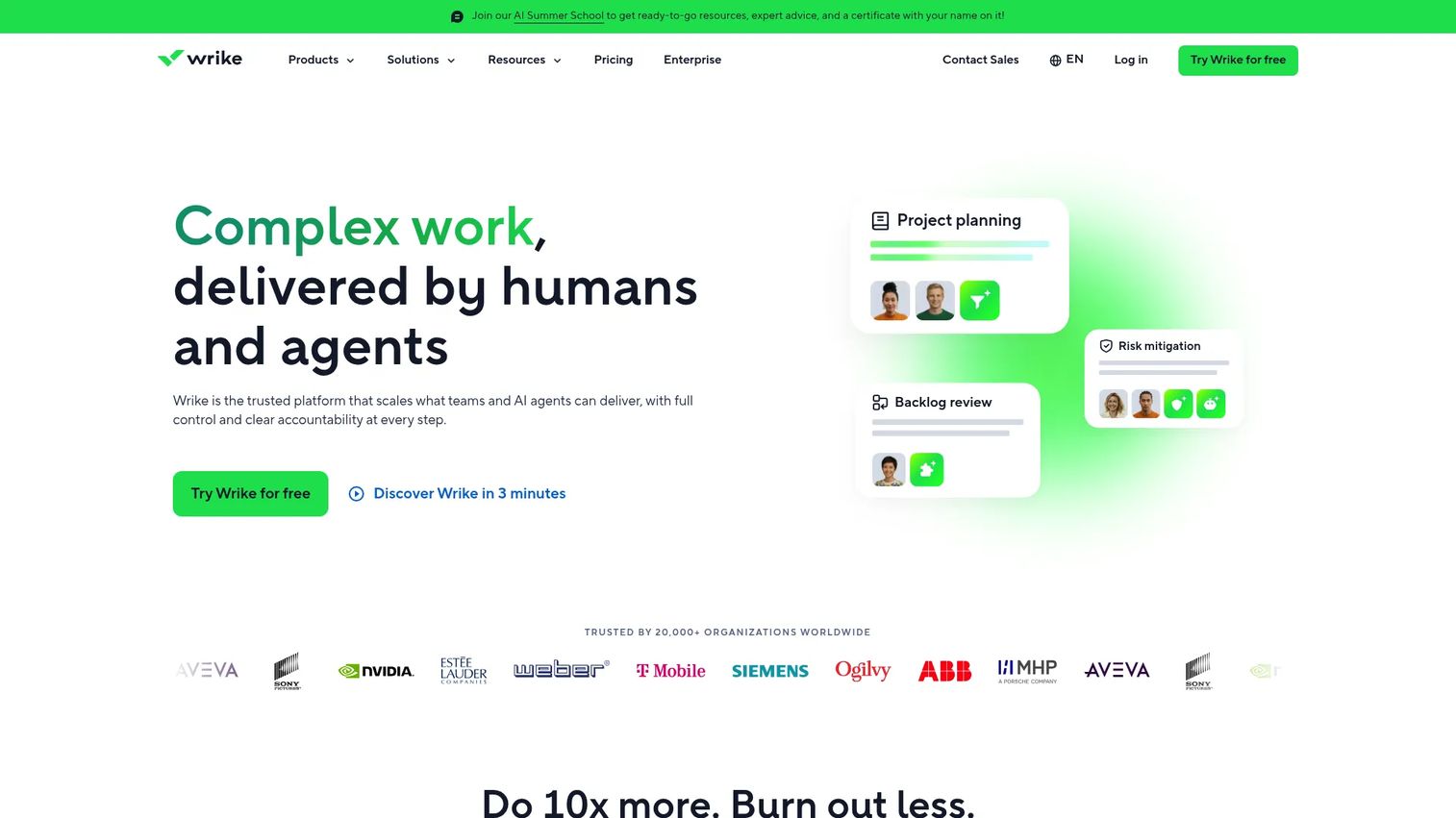
Wrike is a work management platform with stronger governance features than most tools in this category. Request management, approval workflows, proofing, and resource planning sit alongside standard project and task views. It suits product teams at organizations where work intake, review cycles, and cross-departmental approvals are a real operational concern, not an occasional edge case.
Best for: Mid-market and enterprise teams that need structured intake, approval routing, and detailed reporting alongside project tracking.
Key features
- Request forms: Structured work intake that routes tasks automatically
- Approval workflows: Built-in review and sign-off for assets and deliverables
- AI features: Generative AI for task creation and AI-powered automation
- Gantt charts and dashboards: Timeline planning and cross-project reporting
- Resource management: Workload visibility and capacity planning
Why choose Wrike: Wrike makes the most sense when your team has real governance requirements: Requests that need routing, deliverables that need sign-off, or reporting that needs to roll up across multiple departments. Smaller teams that do not have those constraints will find the setup heavier than alternatives.
Wrike pricing: The Free plan is available for unlimited users with core features. Team runs $10 per user per month. Business is $25 per user per month. Pinnacle and Apex tiers require contacting sales for pricing.
Wrike on G2: Rated 4.2/5 on G2.
7. Smartsheet
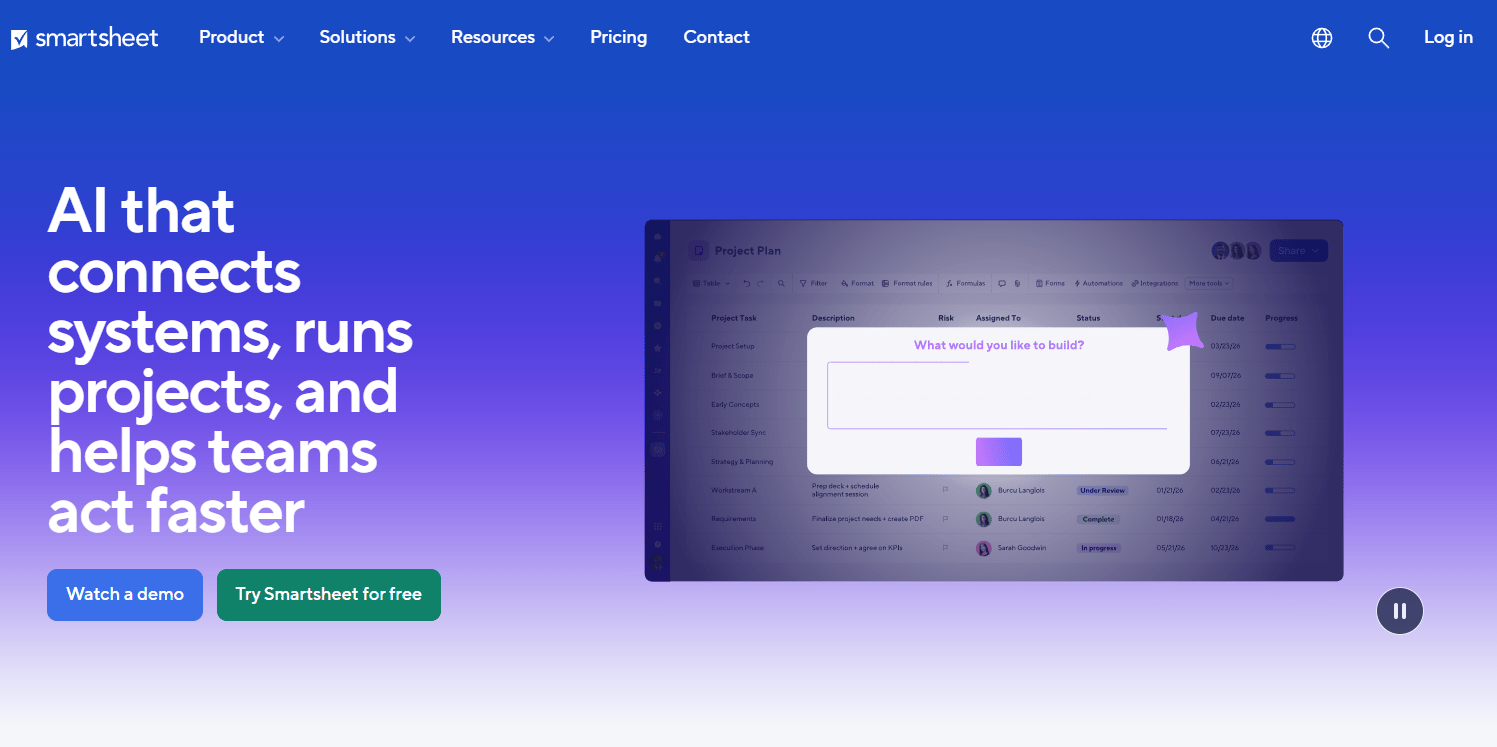
Smartsheet is a work management platform built on a spreadsheet-style grid, with Gantt, board, calendar, and timeline views layered on top. Teams that are comfortable in Excel or Google Sheets find Smartsheet's mental model familiar enough to adopt quickly, while still getting automation, reporting, and collaboration features that spreadsheets lack. It is widely used for operational planning, capacity tracking, and program management.
Best for: Operations and program management teams that want spreadsheet-style structure with project management depth and automation.
Key features
- Grid, Gantt, board, and calendar views: Flexible view switching on the same data
- Dashboards and reports: Aggregated views across multiple sheets
- Automation: No-code rules for notifications, row moves, and approvals
- Forms: Structured data collection that feeds directly into sheets
- AI features: AI-assisted content creation and formula generation
Why choose Smartsheet: Smartsheet performs best for teams managing operational complexity rather than product sprints. Program managers, ops leads, and cross-functional initiative owners who think in rows and columns will find it more intuitive than board-first tools. Pure engineering or design teams may prefer tools built closer to their existing workflows.
Smartsheet pricing: Pro costs $12 per member per month billed monthly. Business runs $24 per member per month billed monthly. Enterprise requires contacting sales. A free trial is available.
Smartsheet on G2: Rated 4.4/5 on G2.
Considerations
Before committing to any project collaboration tool, work through these four questions. Each one surfaces a different axis of fit that the feature lists alone won't show.
How much structure your team actually needs
Some teams need rigid task hierarchies, subtask dependencies, and approval chains. Others need a shared board and a few comments. Over-structuring a small team creates process debt that slows everything down. Assess whether your primary bottleneck is coordination (structure helps) or context-switching (fewer tools helps).
Whether integrations match your stack
A collaboration tool that doesn't connect to your CRM, analytics platform, or engineering tools creates a data silo. Check the specific integrations you rely on before shortlisting. Most tools in this guide integrate broadly, but depth varies, and some connections require paid tiers or third-party middleware.
How visible work needs to be across teams
If product, engineering, marketing, and CS all need to see the same project status, pick a tool whose sharing and permissions model supports that cleanly. Some platforms charge per seat for external collaborators, which changes the cost model quickly when you start adding stakeholders outside the core team.
Whether permissions and governance matter
For teams handling sensitive product data, client information, or regulated workflows, role-based access and audit trails are not optional. Wrike and Smartsheet have stronger governance stories here. Trello and ClickUp's free and lower tiers have more limited permission controls.
How much maintenance your team can absorb
Every tool you add creates a maintenance obligation: Updating tasks as the product changes, pruning stale workflows, and keeping naming conventions consistent. If your team's release cadence is high and your PM bandwidth is thin, prioritize tools that are fast to update and easy to clean up over tools with maximum feature depth.
Conclusion
The right project collaboration tool depends on two things: How your team works and how much coordination complexity you're managing.
For cross-functional product work with clear dependencies, Asana and monday.com handle multi-team visibility well. ClickUp suits teams that want to reduce their tool count by pulling tasks, docs, and reporting together. Slack fits as the communication layer alongside any of them. Trello works for contained, lower-complexity projects where speed of adoption matters more than depth. Wrike earns its place when governance and approval routing are real requirements. Smartsheet clicks for teams with an operational or program management mindset who think in grids and reports.
Start with the tool that matches your current workflow, not the one with the most features. The best collaboration software is the one your team actually uses.
Start your journey with Guideflow today!
FAQs
ClickUp's Free Forever plan and Trello's Free plan are the strongest free options for most teams. ClickUp covers unlimited tasks with multiple views and basic automations. Trello gives you unlimited cards across up to 10 boards per workspace. Asana and monday.com also have free tiers, though with seat or feature limits that matter at team scale.
At minimum: Task assignment with due dates, shared project timelines or boards, file attachments, in-context comments, and basic reporting. For product teams specifically, dependency tracking, custom fields, and integration with your engineering and analytics tools are worth prioritizing. Workflow automation becomes essential as team size and project volume grow.
Slack is a communication platform, not a project management tool. It handles messaging, file sharing, and integrations well, but it lacks task assignment, timeline tracking, and structured ownership. Most teams use Slack alongside a dedicated project collaboration tool rather than as a substitute for one.
Project management software (Jira, Linear) focuses on structured execution: Sprints, backlogs, velocity, and issue tracking. Collaboration software focuses on shared visibility and coordination across functions: Who owns what, what's due when, and how work connects across teams. Many tools now cover both, but the emphasis differs. Pick based on whether your primary need is engineering execution or cross-functional coordination.
Any of the seven tools in this guide support remote work. The differentiator is async communication quality: Slack's threaded channels and huddles, ClickUp's built-in docs, and monday.com's dashboard sharing all reduce the need for synchronous meetings. For fully distributed teams, prioritize tools with strong notification controls and mobile apps so updates surface without requiring everyone to be at their desk.
Start with your actual workflow, not the feature matrix. Run a two-week pilot with two or three shortlisted tools on a live project. Measure how many times your team needs to leave the tool to find information or context. The tool that keeps work visible with the fewest context switches is usually the right one, regardless of which features it has on paper.
For product managers, the highest-value integrations are typically your communication tool (Slack or Teams), your code repository (GitHub or GitLab), your CRM or analytics platform, and your documentation tool (Notion, Confluence, or Google Docs). If a collaboration tool can surface updates from those systems without requiring manual entry, your coordination overhead drops materially.
The key question is whether every function can use it without adopting a foreign workflow. A tool that forces the marketing team to work in sprint boards or requires engineering to use visual Kanban cards will see low adoption from at least one group. Look for tools with multiple views on the same data, so each function can work in the format that fits their cadence while contributing to a shared project record.