You hired four reps last quarter. Nobody redrew the map. Now two reps are fighting over the same metro, one owns three states with almost no accounts, and your best closer is complaining that half her pipeline came from someone else's old territory.
That is what a spreadsheet-based territory plan looks like at scale. It works until the moment headcount, segment strategy, or account density shifts. Then it breaks quietly, and you find out through pipeline gaps and a frustrated rep on a Friday call.
The stakes are not abstract. Organizations that adopt territory mapping software report 8 to 15% revenue uplift, 10 to 15% lower sales rep turnover, and 8 to 12% win-rate improvement from optimized territories, according to MarketIntelo (2025). That is the cost of getting territory design right, and the tax you pay when it stays stuck in a shared sheet.
Sales territory management software exists to make that redesign repeatable instead of painful. Good sales territory planning software turns CRM and account data into balanced, defensible territories you can model, adjust, and roll out without a week of manual copy-paste. This guide compares the tools that actually do that job.
What's inside
This guide is built for sales ops, revenue ops, enablement, and field sales leaders who are done managing coverage in spreadsheets.
We compared 12 tools on the criteria that decide real outcomes:
- CRM integration with Salesforce and other systems
- Balancing and optimization across accounts, revenue, workload, or drive time
- Scenario modeling for what-if planning before rollout
- Data support across geographic and non-geographic attributes
- Usability for the people who actually run the redesign
The list mixes standalone territory planning tools with broader mapping platforms. You get use cases, differentiation, verified pricing where public, and buying guidance for each.
TL;DR
- Best for advanced territory balancing: eSpatial, for automated optimization and recurring realignment.
- Best for Salesforce-heavy teams: Salesforce Maps, for CRM-native planning and field execution.
- Best for GIS depth and spatial analysis: Maptitude, for teams that need spatial rigor.
- Best for field sales and route efficiency: Badger Maps, for drive time reduction and daily execution.
- Best for broader territory planning workflows: Geopointe, for Salesforce routing and visitation.
- Best for teams replacing manual map work: SmartDraw, for fast, presentation-ready territory maps.
Most teams need one core planning tool plus one execution layer. Match the tool to your CRM and your redesign cadence, not the feature list.
What sales territory mapping software is
Sales territory mapping software is a tool that turns CRM and account data into visual, balanced sales territories you can design, optimize, and assign to reps.
It replaces the spreadsheet-and-guesswork approach with a data model. You import accounts, layer in geography and revenue potential, and the software helps you draw territories that spread workload and opportunity fairly across the team.
It helps to separate three related terms. Territory mapping is the visual design step: drawing boundaries and seeing coverage on a map. Territory management software adds the operational layer: assignment, balancing, ownership, and ongoing maintenance. Route planning is the field execution layer: sequencing visits and cutting drive time once territories exist.
Core capabilities to expect from sales territory design software:
- Data import from CRM and spreadsheets, with account and revenue attributes
- Geographic and non-geographic segmentation by ZIP, region, industry, or ICP
- Balancing across accounts, revenue potential, workload, or drive time
- Scenario modeling and what-if analysis before you commit
- Territory assignment and rollout to reps
- Reporting and ownership visibility across the whole map
Why it matters now
Static spreadsheets fail at scale for a simple reason: they do not know your data changed. Add ten reps, launch a new segment, or shift ICP, and the sheet keeps showing yesterday's map.
Territory design drives rep productivity, coverage equity, and forecast quality. When one rep owns most of the upside and another owns empty geography, quota attainment skews, coaching gets harder, and your forecast reflects territory luck more than rep skill.
The market reflects the demand. The sales territory mapping software category was valued at $0.8B in 2025 and is forecast to reach $1.9B by 2034 at a 10.2% CAGR, per MarketIntelo (2025), with cloud deployments making up 68.3% of revenue. Growth, restructures, and new ICP launches are what push teams off spreadsheets and into real territory planning tools.
When to use sales territory planning software
Not every team needs a dedicated tool. Here is when it earns its place.
Redesign territories after growth
Rapid hiring is the most common trigger. Every new rep you add without a redesign creates overlap, gaps, and workload imbalance. Territory management software lets you re-cut the map around the new headcount in hours instead of days, so nobody inherits an unfair split.
Balance accounts and opportunity potential
Geography alone is too blunt for modern coverage. A rep with a dense metro and a rep with three rural states can have wildly different books even if the map looks even. Balancing by account count, revenue potential, and workload is where territory balancing tools pay for themselves.
Support field selling and route planning
When reps drive to accounts, drive time reduction is money. Route planning and visit sequencing matter when visit density is high, and the right tool cuts wasted hours between stops. This is field sales territory work, distinct from strategic design.
Realign after market or product changes
New segments, new geographies, or a new product line break the old model. Territory redesign should follow those shifts, not lag them by a year. Scenario modeling lets you test the new structure before you disrupt live pipeline.
How we ranked the tools
We sorted this list by relevance to the core job: designing, balancing, and optimizing sales territories, then supporting the field teams who work them. Tools built specifically for territory design and balancing rank higher than general mapping platforms. Pricing and G2 ratings below are verified against first-party pages and G2 listings; where a vendor keeps pricing private, we say so instead of guessing.
| # | Product | Best for | Key differentiator | Pricing | G2 rating |
|---|---|---|---|---|---|
| 1 | eSpatial | Advanced balancing and realignment | Automated territory optimization from CRM or spreadsheet data | From $1,495/year | 4.3/5 |
| 2 | Salesforce Maps | Salesforce-native teams | CRM-native planning plus field route optimization | From $75/user/mo | 4.3/5 |
| 3 | Maptitude | GIS depth and spatial analysis | Full desktop and online GIS with territory tools | From $795 | 4.7/5 |
| 4 | Geopointe | Salesforce field workflows | Native routing, scheduling, and territory visibility | Custom | 4.2/5 |
| 5 | EasyTerritory | Microsoft and Power BI teams | Territory design plus Dynamics 365 and Power BI | From $2,400/year | 5.0/5 |
| 6 | ArcGIS Business Analyst | Enterprise spatial intelligence | Deep demographic and market data layers | Custom | 4.6/5 |
| 7 | Badger Maps | Field sales route efficiency | Mobile route optimization up to 120 stops | From $58/user/mo | 4.7/5 |
| 8 | SPOTIO | Outside sales execution | Activity tracking with location verification | Custom | 4.5/5 |
| 9 | Mapline | Fast data-to-map visualization | Excel-to-map with territory and routing | Free tier | 4.7/5 |
| 10 | AlignMix | Territory design and optimization | ZIP-based design with AI balancing tiers | From $2,400/user/yr | New listing |
| 11 | MapBusinessOnline | Small and midmarket mapping | Approachable territory and market analysis | From $150/year | 4.5/5 |
| 12 | SmartDraw | Quick visual territory maps | Template-driven map creation | From $8.95/mo | 4.5/5 |
Best 12 sales territory mapping software for 2026
1. eSpatial

eSpatial is territory mapping, routing, and spatial analytics software built for sales and operations teams that treat redesign as a recurring event, not a one-time project. It turns spreadsheet or CRM data into heat maps and pin maps, then lets you design, optimize, and balance territories on top of that data.
Best for: Sales ops teams managing frequent territory realignments who need automated balancing rather than manual line-drawing.
Key strengths
- Heat maps and pin maps from spreadsheets or CRM data
- Territory design, optimization, and balancing
- Route optimization and schedule planning
Why choose eSpatial: If your quarter includes a headcount jump or a segment shift, the automated balancing is the point. It reduces the subjective, argument-prone part of redesign by optimizing coverage against real account data. Teams that only draw a map once a year may not need this depth.
eSpatial pricing: No free tier. Plans are billed annually and each includes three users: Mapping Pro at $1,495/year, Professional Territory Manager at $7,995/year, and Advanced Territory Manager at $14,995/year. A 7-day free trial is available.
2. Salesforce Maps
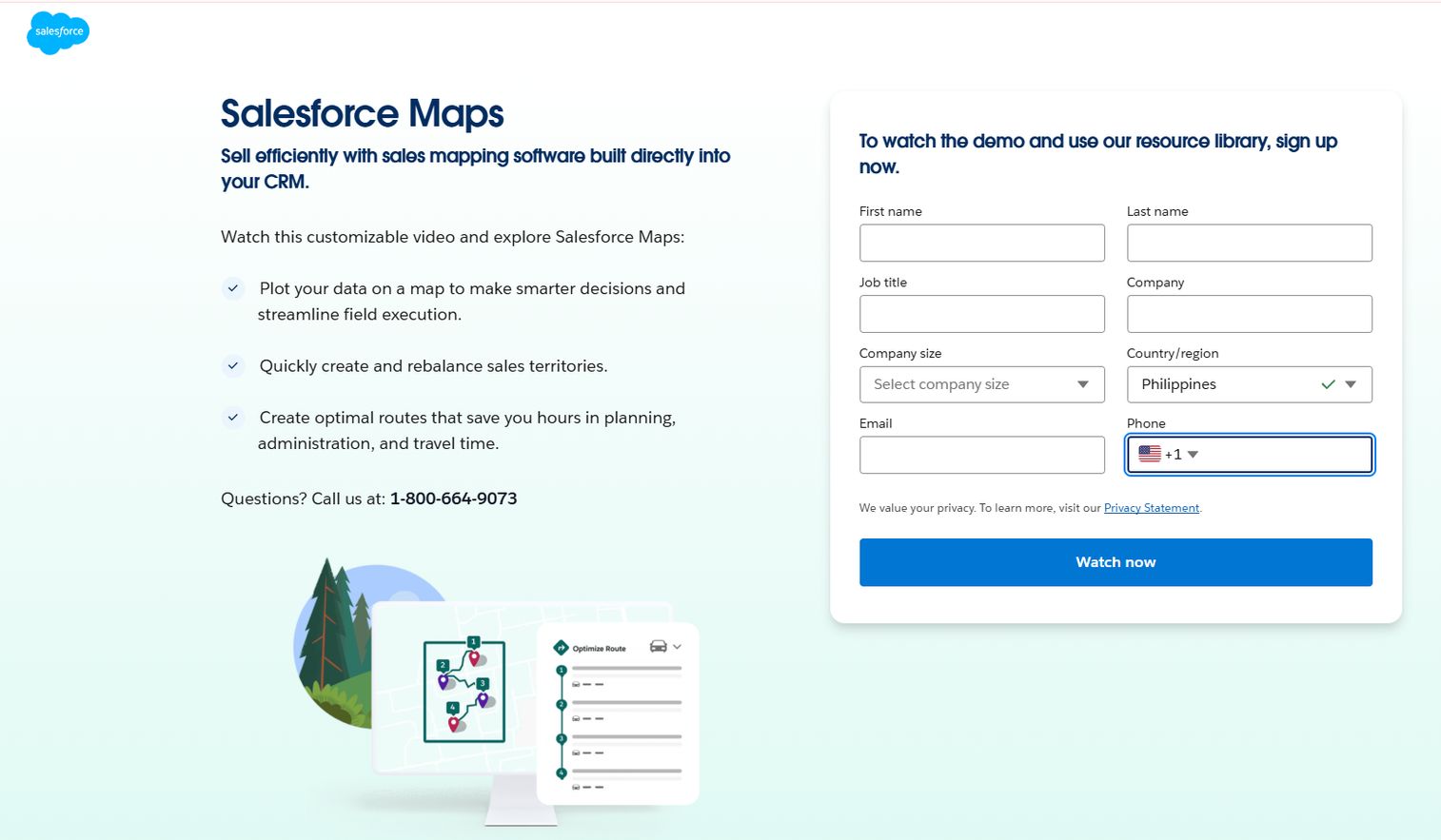
Salesforce Maps is location intelligence software that visualizes Salesforce data on a map, optimizes routes, and supports field planning. Its whole reason to exist is staying inside the CRM you already run, so territory design, assignment, and field execution never leave the Salesforce record.
Best for: Teams already standardized on Salesforce that want territory planning and route optimization without moving data to a separate tool.
Key strengths
- Interactive map-based visualization of CRM data
- Data-driven account prioritization
- Automated routes and schedules
Why choose Salesforce Maps: The value is CRM-native workflow. You design territory models on a map, balance workloads, and publish assignments straight back to Salesforce objects, so ownership and reporting stay clean. If your data lives elsewhere, the fit is weaker.
Salesforce Maps pricing: No free tier and no trial licenses currently offered. Two editions, both billed annually: Salesforce Maps at $75/user/month and Salesforce Maps: Advanced at $125/user/month. It can also be bought as a standalone add-on.
3. Maptitude
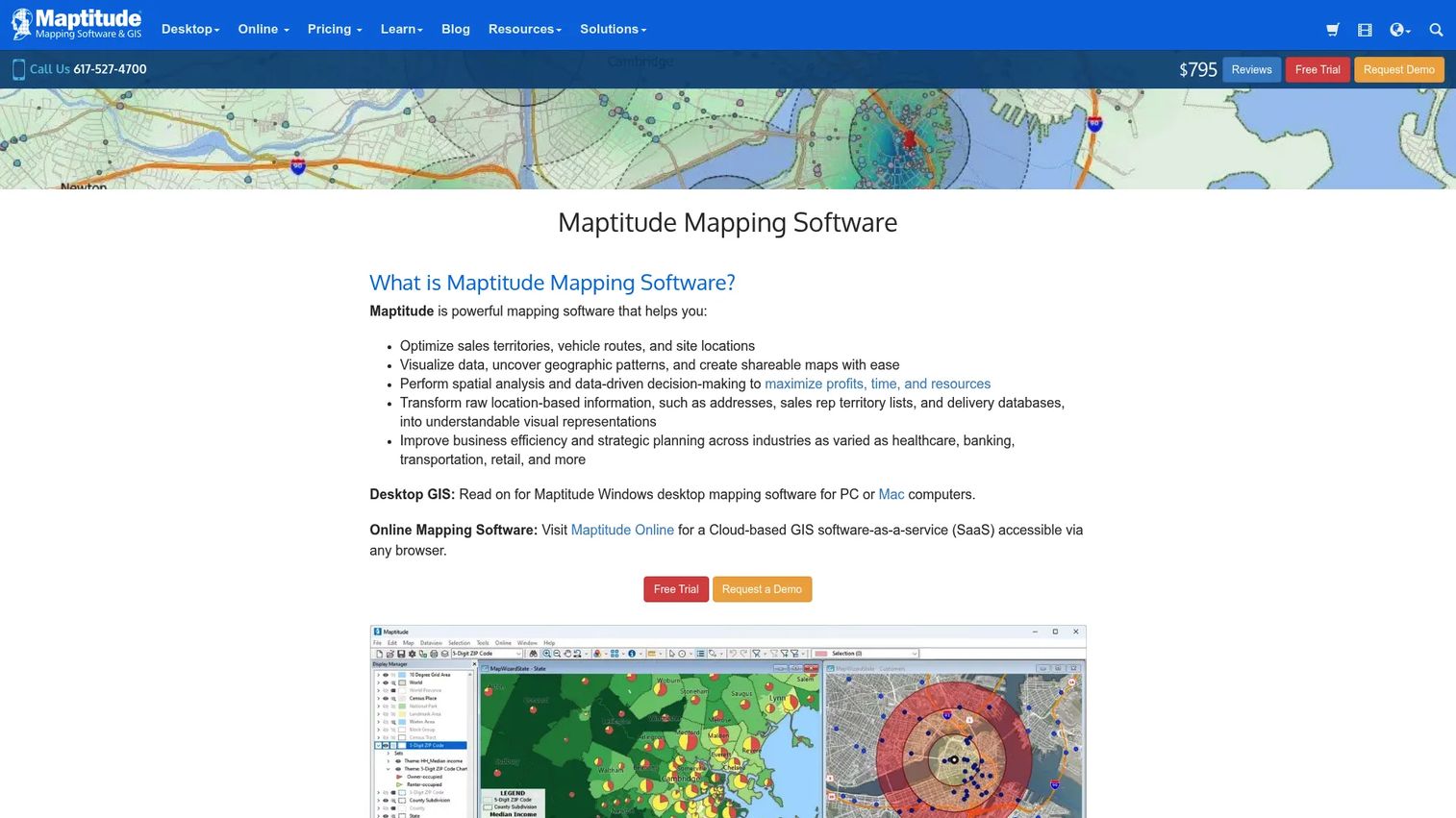
Maptitude is desktop and online GIS software covering territory management, routing, demographics, and site selection. It gives you spatial rigor that lighter mapping tools skip, which matters when your territory design depends on layered geographic and demographic data.
Best for: Teams that care about GIS depth and want to analyze complex data layers alongside territory design.
Key strengths
- Sales territory management and optimization
- Routing, drive-time, and logistics tools
- Geocoding, demographic analysis, and thematic mapping
Why choose Maptitude: You get real GIS at an accessible price, which is rare. If your redesign leans on demographics, drive-time bands, or site data, this is the depth you want. For a small team that just needs a balanced account split, it can be more tool than the job requires.
Maptitude pricing: A free option exists alongside paid licenses. Maptitude Online starts at $795 for a 1-year, single-user license, and Maptitude 2026 starts at US$795 with subscription pricing also available.
4. Geopointe
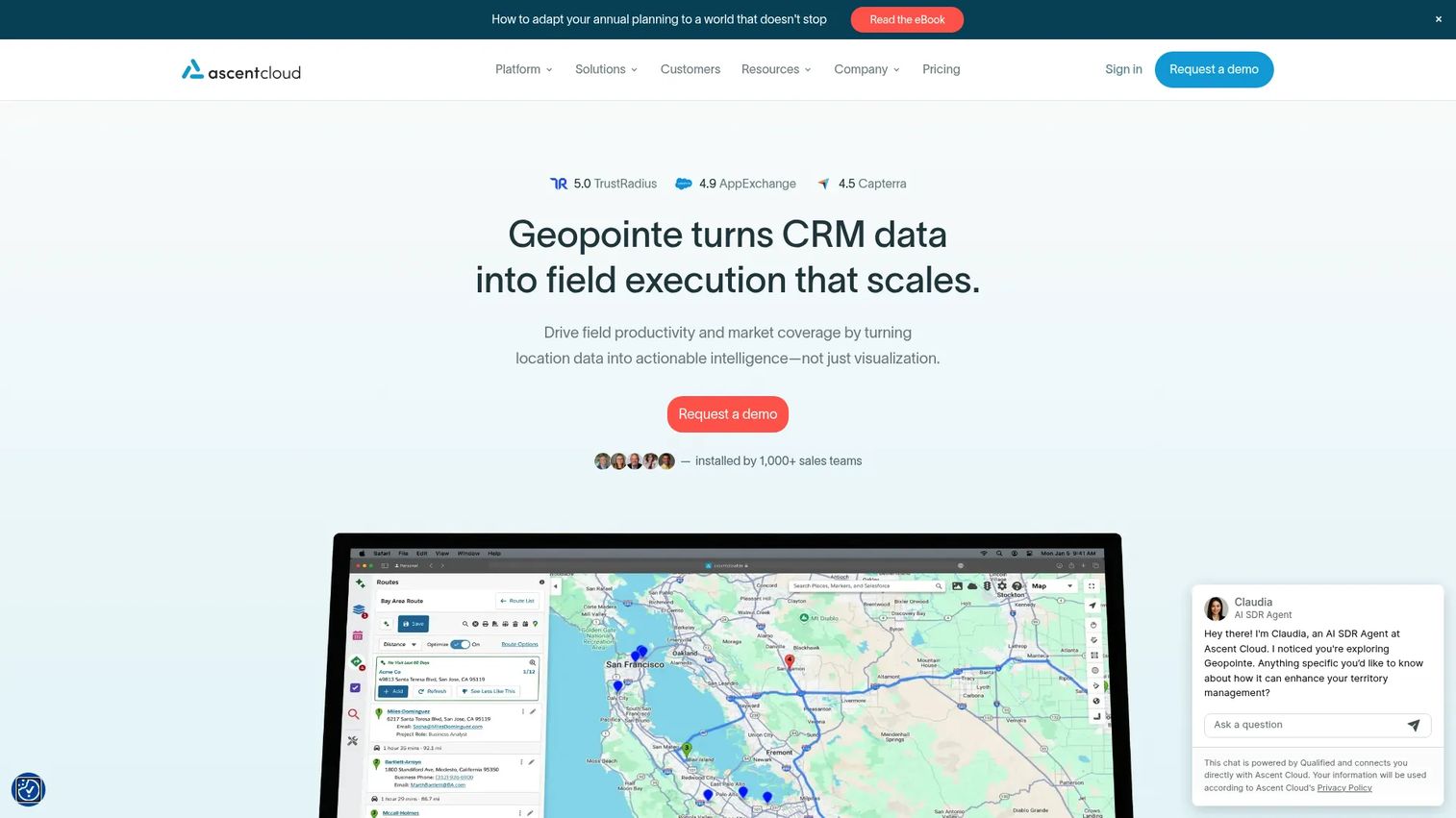
Geopointe is Salesforce-native geolocation software for mapping, routing, scheduling, and territory management. It bridges the gap between planning the map and working it, so field teams get routing and visit scheduling on top of territory visibility.
Best for: Salesforce-based sales and field teams that need map-based routing and daily account visitation alongside territory planning.
Key strengths
- Routing and optimization
- Calendar-based scheduling
- Complex filtering of Salesforce records
Why choose Geopointe: Its strength is connecting strategic planning to daily execution inside Salesforce. Reps see their territory, filter accounts, and build efficient visit routes in one place. If you need heavy standalone balancing math, a dedicated design tool goes deeper.
Geopointe pricing: Geopointe does not publish public pricing; the site routes to a demo request. Plan on a sales conversation to scope cost against your team size and Salesforce setup.
5. EasyTerritory
EasyTerritory is territory management and mapping software for sales, service, and spatial business intelligence, built close to the Microsoft ecosystem. It gives you planning logic and balancing without forcing a heavyweight GIS learning curve.
Best for: Teams in the Microsoft and Power BI world that want territory design, balancing, and account assignment with business-rule support.
Key strengths
- Territory Designer for building and balancing territories
- Territory Visual for Power BI integration
- EasyMap for Dynamics 365 and Microsoft support
Why choose EasyTerritory: If you live in Power BI and Dynamics 365, this fits your stack and supports scenario modeling and segmentation without extra tooling. Salesforce-first teams will find the native options above a closer match.
EasyTerritory pricing: No free tier. Standard Edition is $2,400/year and includes Excel and Power BI support with a 7-day trial. Enterprise Edition is $7,450/year and adds Dynamics 365, Power Platform support, API access, unlimited Power BI users, and a 14-day trial.
6. ArcGIS Business Analyst
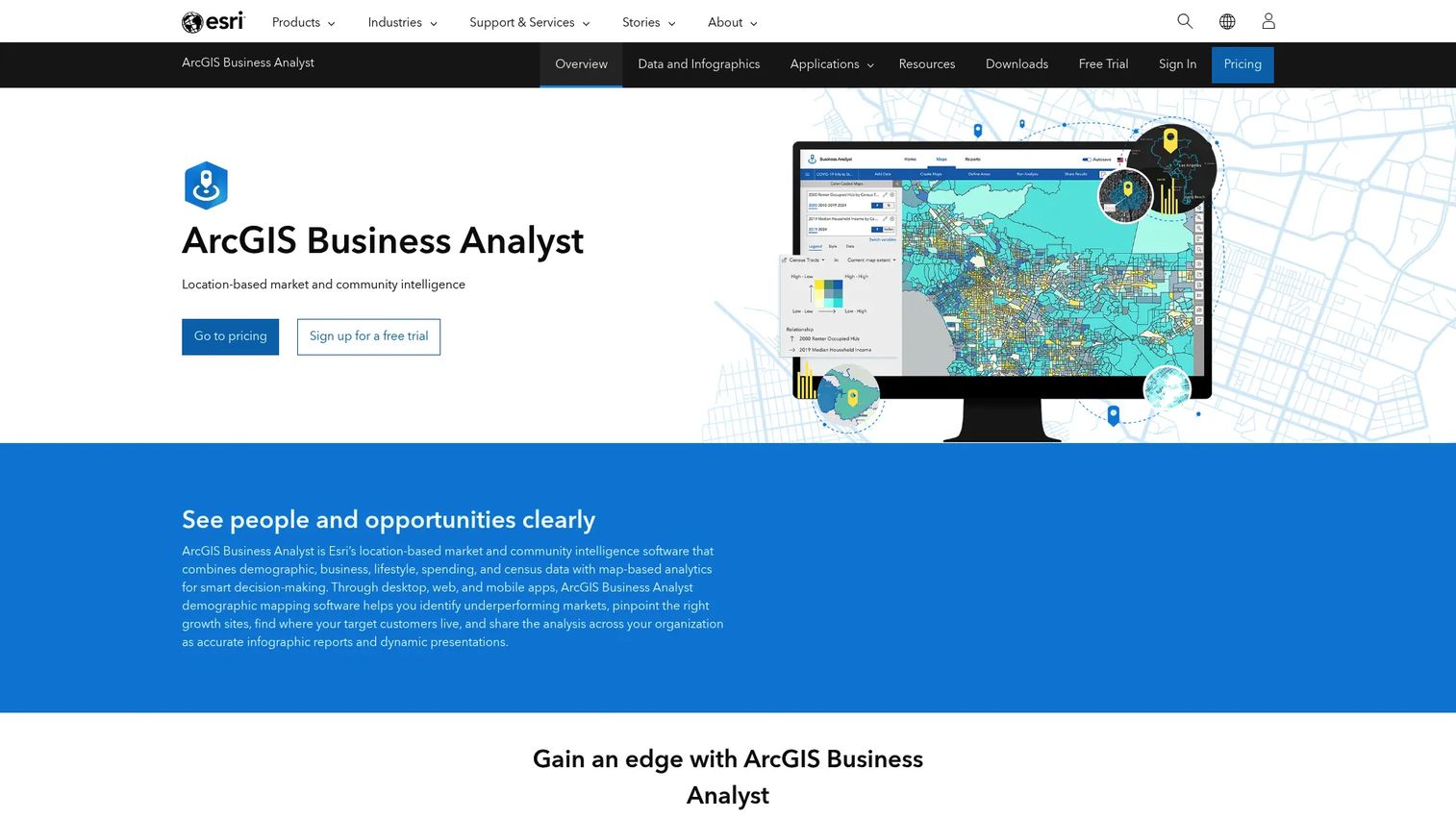
ArcGIS Business Analyst from Esri is location-based market and community intelligence software for site analysis, market planning, and customer segmentation. It brings enterprise-grade spatial analysis to territory design, backed by deep demographic data.
Best for: Data-heavy teams and larger organizations that need serious location intelligence for market planning and demographic analysis.
Key strengths
- Web and mobile apps plus ArcGIS Pro extension
- Global data access with 15,000+ variables across 170+ countries
- Infographics, reports, trade areas, and color-coded maps
Why choose ArcGIS Business Analyst: The payoff is spatial depth few tools match, ideal when territory decisions ride on market data and demographics. There is a learning curve, and it rewards teams that will actually use the advanced analysis rather than just draw boundaries.
ArcGIS Business Analyst pricing: Esri does not display public numeric pricing. Multiple license options exist, from Web App Standard through Enterprise, and the pricing page directs buyers to contact sales.
7. Badger Maps
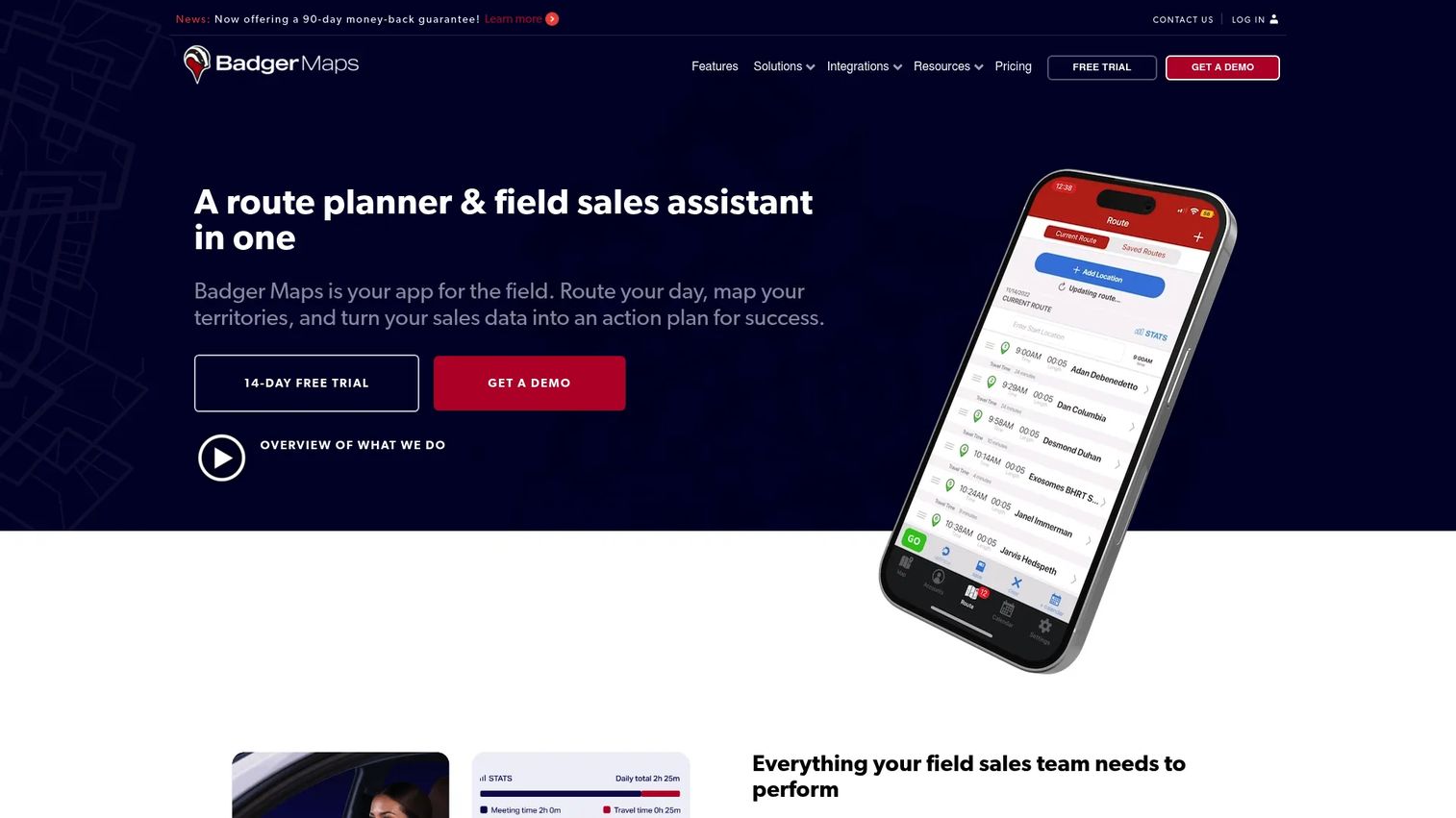
Badger Maps is mobile-first mapping and route-planning software for field sales teams. It is built for execution: getting reps to the right accounts in the right order with minimal windshield time.
Best for: Field sales teams that need route optimization, territory coverage, and CRM-connected mobile workflows day to day.
Key strengths
- Route planning and optimization up to 120 stops
- Interactive sales mapping with custom-field filtering
- CRM integrations and field data capture
Why choose Badger Maps: This is your pick for drive time reduction and daily coverage, not strategic redesign. Reps plan efficient routes and log activity from their phone. Pair it with a design tool when you also need to re-cut territories at the ops level.
Badger Maps pricing: No free tier. Business is $58/user/month billed annually ($69 monthly), and Enterprise is $95/user/month annually ($109 monthly). Add-ons include Badger Align at $20/territory/month and Lead Routing from $16/rep/month.
8. SPOTIO

SPOTIO is field sales execution software for B2B and B2C outside sales teams. It combines territory management with activity tracking and route logic, aimed at teams that knock doors or run dense visit schedules.
Best for: Door-to-door and route-heavy outside sales teams that need mobile execution and territory coverage tracking.
Key strengths
- Territory management
- Activity tracking with location verification
- Lead management and route optimization
Why choose SPOTIO: It fits outside sales motions where verifying rep activity in the field matters as much as the map. The location-verified tracking is the differentiator. For pure back-office territory design, a dedicated planning tool is a better fit.
SPOTIO pricing: SPOTIO does not publish public pricing and does not offer a free trial. It lists B2B, B2C, and Custom plans, quoted by team size, workflows, and use case.
9. Mapline
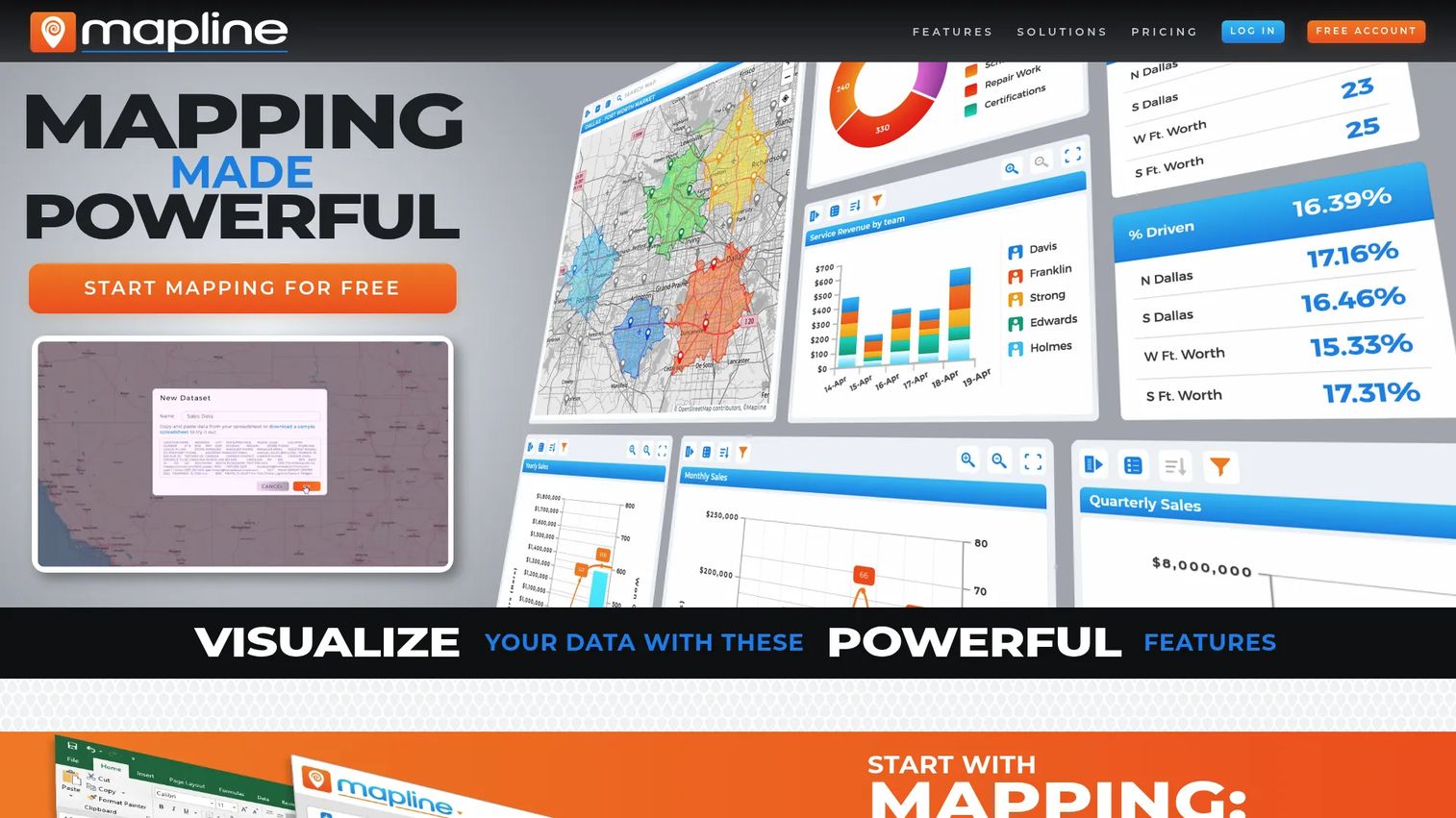
Mapline is geospatial mapping and operations software for visualizing, analyzing, routing, and scheduling business data. It is the lighter-weight, speed-first option when you need clarity fast and do not want a heavy GIS setup.
Best for: Teams that need quick Excel-to-map visualization plus territory, routing, and scheduling workflows.
Key strengths
- Excel and CSV-to-map visualization
- Territory mapping and heat maps
- Route optimization and scheduling
Why choose Mapline: Speed and simplicity are the draw. You go from spreadsheet to a clear territory map quickly, which is ideal for fast planning cycles. Teams that need deep automated balancing will want a design-first tool instead.
Mapline pricing: Mapline offers a free Starter Plan. It also lists a Mapline Plan, a Pro Plan, and an Enterprise Plan, though paid prices are not shown publicly and enterprise is contact-sales.
10. AlignMix
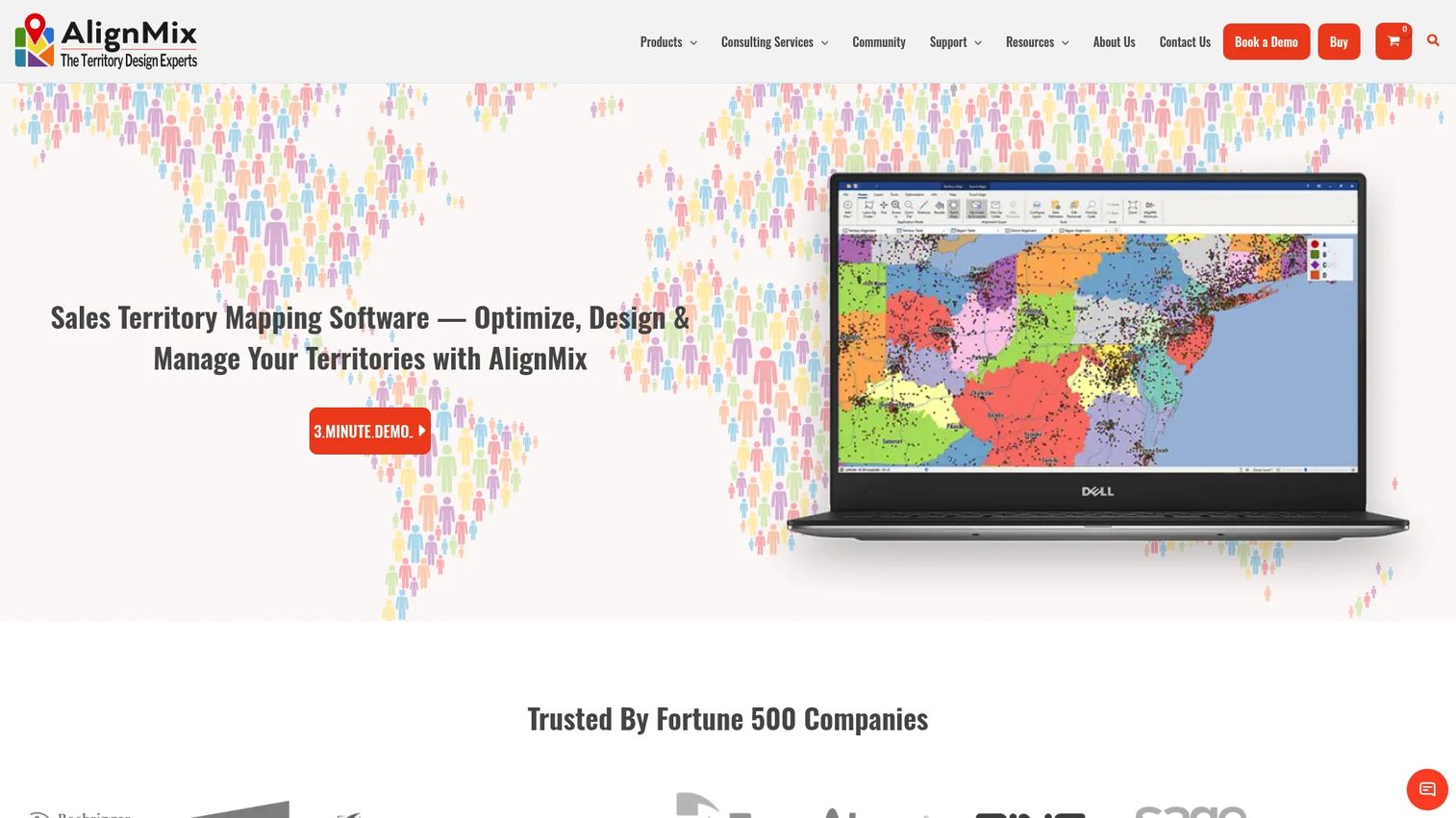
AlignMix is sales territory mapping and design software with optimization tools and AI-based territory balancing. It is purpose-built for the design job: aligning accounts to territories and reducing the manual, subjective part of the work.
Best for: Sales operations teams focused on territory alignment, ZIP-based design, and optimization.
Key strengths
- Up-to-date ZIP code shapes
- Lasso tools for fast territory building
- Clean Alignment Tool for balancing
Why choose AlignMix: The focus on territory design and AI-based balancing helps cut manual work and subjective decisions out of alignment. It is a specialist, not a general mapping platform, which is exactly what ops teams doing frequent realignment want.
AlignMix pricing: No free tier. AlignMix Professional in-house is $2,400/user/year, and the consulting license is $6,000/user/year. AI tiers run from Ai50 at $5,000/user/year up to Ai Unlimited at $15,000/user/year. Enterprise and multi-user licenses require contacting the team.
11. MapBusinessOnline
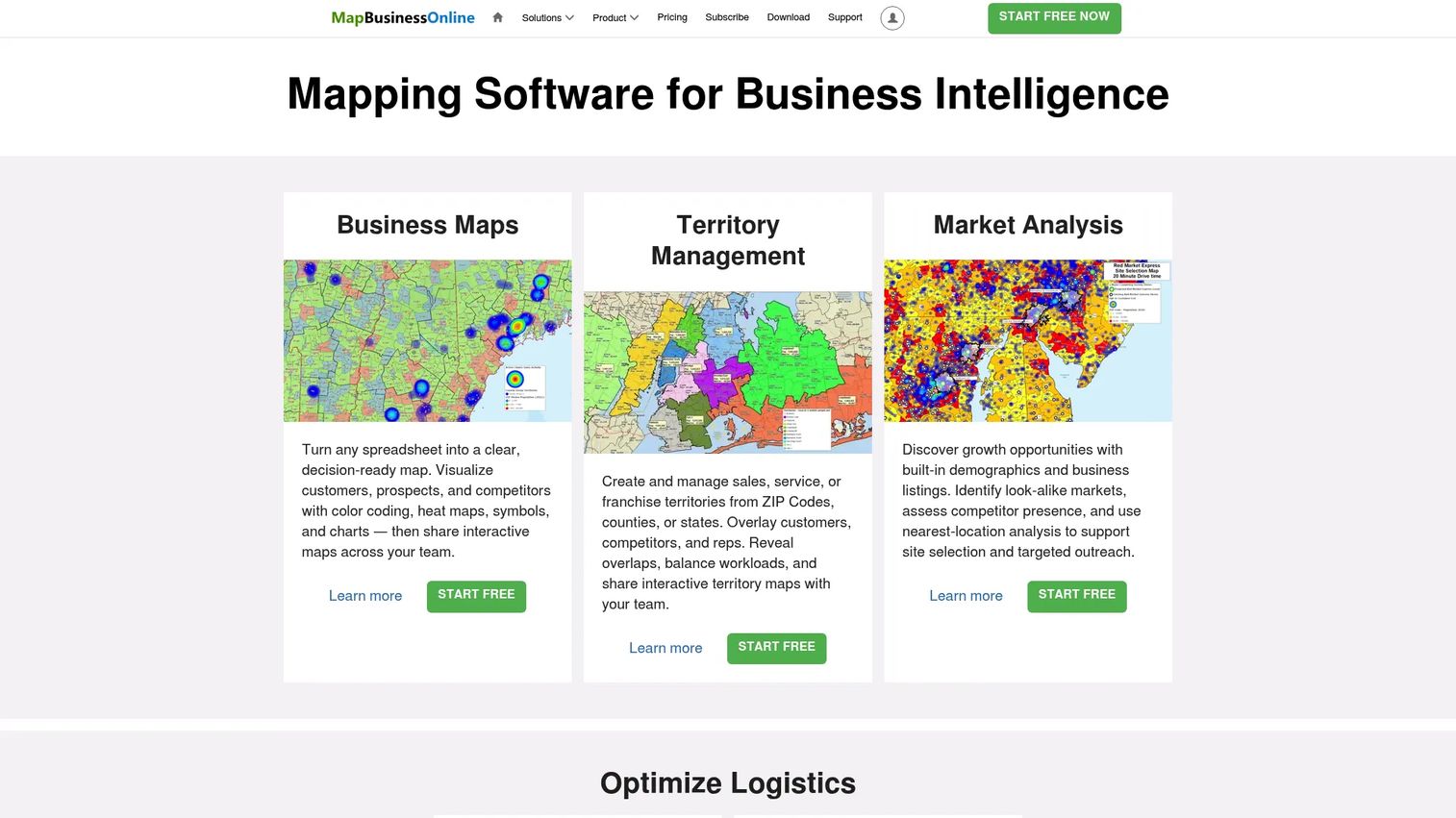
MapBusinessOnline is cloud-based business mapping software for territory management, market analysis, logistics planning, and map visualization. It is the approachable option for teams that want capable mapping without an enterprise price or learning curve.
Best for: Small and midmarket teams that want territory mapping and location-based analysis with desktop and cloud access.
Key strengths
- Business map visualization and data plotting
- Territory management
- Market analysis and routing/logistics planning
Why choose MapBusinessOnline: It hits the sweet spot of capability and approachability for smaller teams, with account planning and segmentation support. Larger orgs with complex balancing needs will outgrow it, but for the price it covers a lot of ground.
MapBusinessOnline pricing: Includes a 1-month free trial. Paid annual plans are Starter at $150/year, Standard at $500/year, and Pro at $900/year, all including the Windows, macOS, and Map Viewer apps.
12. SmartDraw
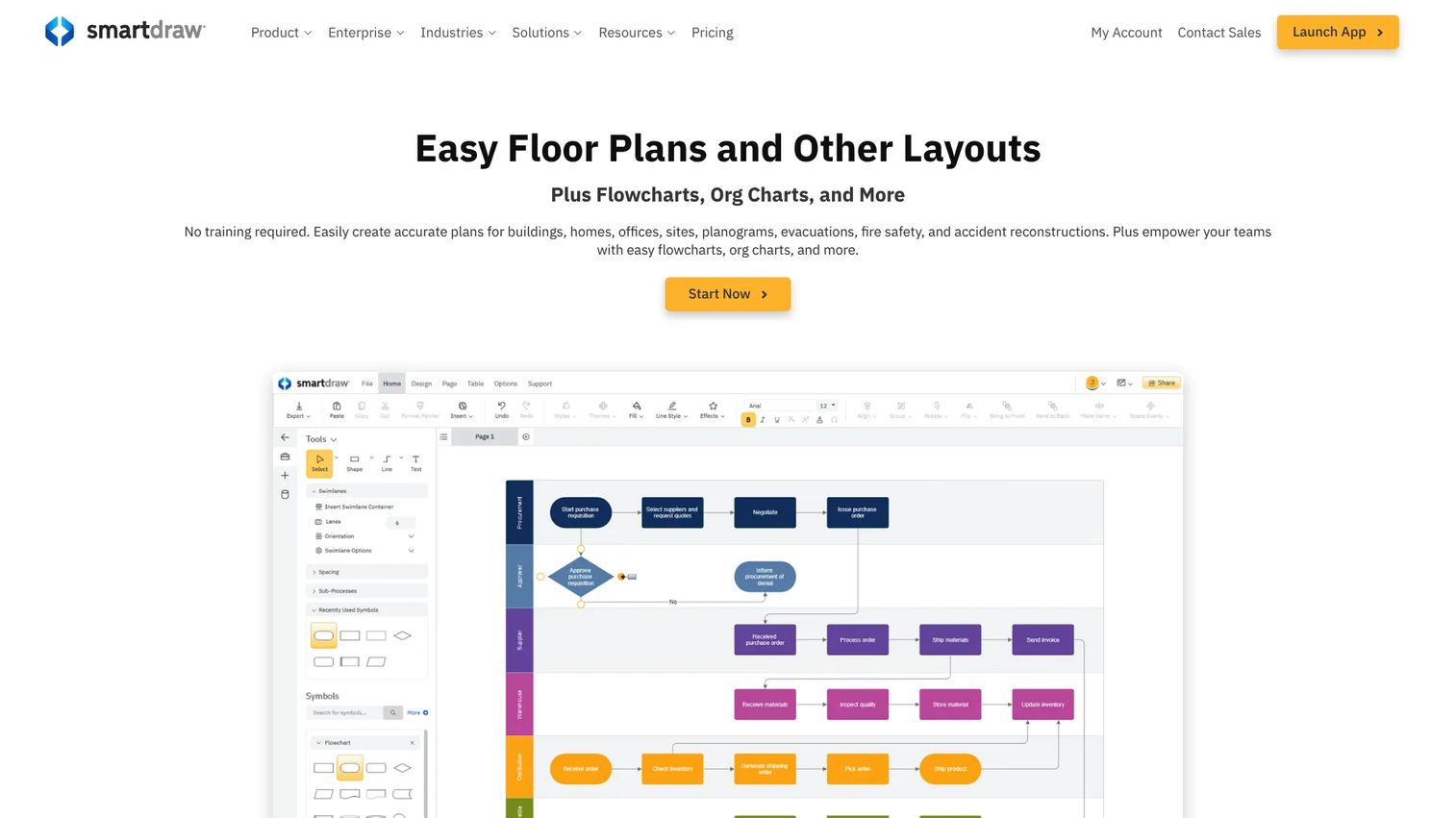
SmartDraw is diagramming and drawing software that includes territory map templates for fast, presentation-ready visuals. It is the tool for when you need a clean map to communicate a plan, not to optimize one.
Best for: Teams that need quick, visual territory maps for presentations and simple planning rather than deep optimization.
Key strengths
- Territory map templates for fast creation
- Flowcharts and organizational charts
- SSO, cloud storage, and Microsoft, Google, and Atlassian integrations
Why choose SmartDraw: Reach for it when the goal is a clear visual to show leadership or the team, produced fast. It excels at visualization and communication. For account-level balancing and scenario modeling, pair it with a dedicated planning tool.
SmartDraw pricing: No free tier. Individual is $9.95/month billed annually, Team is $8.95/user/month billed annually with a three-user minimum, and Enterprise is quote-based.
Considerations before you buy
Use this checklist to pressure-test any shortlist.
Data quality and CRM hygiene
Territory software is only as good as the data feeding it. If your CRM has duplicate accounts, missing revenue fields, or stale ownership, the map inherits every error. Clean the data model first, or budget time to clean it during rollout.
Balancing logic
Ask precisely what the tool balances on. Can it split by account count, revenue potential, workload, and drive time, or only geography? The right sales territory optimization software lets you weight multiple factors, because fair coverage is rarely about geography alone.
Scenario modeling
Check whether you can run what-if plans before rollout. Modeling two or three structures against your data, then comparing coverage and workload, is how you avoid disrupting live pipeline with an untested map.
Field execution needs
Separate planning from daily work. Some tools design the map; others help reps work it with routing and visit sequencing. Decide whether you need one, the other, or both, and do not pay for execution features a back-office team will never open.
Governance and change management
Look for ownership, approvals, versioning, and rollout support. A redesign that reps do not trust or understand gets ignored. Tools that track who owns what and support a clean rollout protect adoption long after launch day.
Conclusion
The right pick comes down to three questions: do you need planning depth, CRM-native workflow, or field execution?
For advanced balancing and recurring realignment, eSpatial and AlignMix are the specialists. If you live in Salesforce, Salesforce Maps and Geopointe keep everything native. Microsoft and Power BI teams should look hard at EasyTerritory. For spatial rigor, Maptitude and ArcGIS Business Analyst go deepest. When the job is field execution and drive time reduction, Badger Maps and SPOTIO run the daily motion, and SmartDraw or Mapline handle fast visual maps.
Start with your CRM, your data model, and your redesign cadence before you shortlist. A tool that fits your system and your rhythm beats a more powerful one that fights your stack. Then run a scenario test on real data, because adoption, not feature count, is the real measure of whether the plan sticks.
Have more questions? The FAQs below cover the ones sales ops teams ask most.
FAQs
It is software that visualizes and optimizes account coverage by turning CRM and geographic data into balanced sales territories. It handles the full loop: planning the map, balancing accounts and workload across reps, and rolling out assignments. The goal is fair, defensible coverage instead of a spreadsheet best-guess.
Start with CRM account data, geography such as ZIP or region, revenue potential, and segment attributes like industry or ICP. Rep locations help if you plan routes. Cleaner data produces better plans; duplicate accounts and missing revenue fields distort every territory the software draws.
Review annually as a baseline, then redesign whenever growth or market shifts trigger it. Major hiring, a new segment, a new product line, or a geographic expansion all warrant a reset. Let data drive the cadence, not habit. Redesigning on a calendar when nothing changed just disrupts reps.
Most serious territory management software connects to Salesforce and other major CRMs. Integration matters because it keeps account data current and pushes assignments back into the system reps already use. Without it, you get a static map that drifts out of date the moment your pipeline moves.
Territory mapping focuses on the visual design: drawing boundaries and seeing coverage on a map. Territory management adds the operational layer of assignment, balancing, ownership, and ongoing maintenance. Mapping shows you the plan; management runs it over time and keeps it fair as the team changes.
Watch for uneven rep workload, coverage gaps where nobody owns key accounts, and one rep sitting on most of the upside while others scramble. Wide swings in quota attainment that track territory rather than skill are another tell. Scenario modeling in territory planning tools lets you verify imbalance against real account data.
Yes, especially when route planning and drive time matter. Field sales tools add visit sequencing and drive time reduction on top of the map, so reps cover more accounts with less windshield time. Just separate planning, which designs the territory, from daily execution, which works it.
Prioritize CRM sync, real balancing logic across accounts and revenue, and easy scenario testing. Those three cover the jobs a spreadsheet cannot do well. The real test is adoption: pick the sales territory design software your reps and ops team will actually open every quarter, not the one with the longest feature list.