You shipped the signup flow. You wrote the welcome email. You even built a product tour. And yet, across 62 B2B SaaS companies, the average user activation rate is only 37.5%, which means roughly two-thirds of new signups never reach first value, according to DigitalApplied (2026). That gap is the real onboarding problem, and no single tool closes it on its own.
Most teams try to fix activation by adding one more piece of software. A tour builder here, an analytics tool there, a chatbot bolted on last quarter. The result is an onboarding pile, not an onboarding stack. Messages drift. Data lives in five places. Nobody can prove what actually moved time to value. For a Product Marketing Manager, that fragmentation is the difference between a launch that drives adoption and one that quietly stalls.
The honest truth is that onboarding is a system, not a product. Guidance, support, analytics, education, and lifecycle messaging each cover a different layer, and the best SaaS onboarding tools are chosen for how they fit together, not for how many features they list. If you want to show value instead of describing it, an interactive demo can carry a guided walkthrough that lives on a landing page, inside an activation flow, or in a help article, and tools like Guideflow make that experience easy to share across every surface a new user touches.
This guide breaks the market into stack layers and evaluates each product on activation impact, segmentation, analytics, and stack fit, so you can pick the right layer for your biggest bottleneck.
What's inside
This guide covers 12 SaaS onboarding tools across the full onboarding stack: interactive demos, in-app guidance and product tours, support and customer education, product analytics, behavior and session insight, and lifecycle automation. It is written for Product Marketing Managers, Product Managers, and Customer Success leaders building or rebuilding an onboarding program.
We selected tools based on four criteria that matter to a real buyer:
- Activation and adoption impact: does it move users toward first value, not just flow completion?
- Segmentation and personalization: can it tailor onboarding by role, plan, or lifecycle stage?
- Analytics and measurement: can you prove impact with funnels, cohorts, and events?
- Stack fit and integrations: does it connect to your CRM, analytics, support, and product data?
Onboarding usually takes more than one tool. The point is picking layers that work together.
TL;DR
Short on time? Here are the fast decision shortcuts:
- Best for showing value with interactive demos: Guideflow, for guided product walkthroughs that live on landing pages, in activation flows, and inside lifecycle emails.
- Best overall onboarding layer: Userpilot, for teams that want product tours, checklists, segmentation, and analytics in one platform.
- Best for fast in-app product tours: Appcues, for no-code iteration across web, mobile, email, and push.
- Best for enterprise onboarding plus analytics: Pendo, for larger SaaS orgs that need guides and product analytics together.
- Best for support-led onboarding: Intercom, for teams where activation and customer support overlap.
- Best for activation measurement: Amplitude or Mixpanel, for funnels, cohorts, and retention analysis.
- Best for lightweight self-serve onboarding: UserGuiding, for smaller teams that need quick setup.
What are SaaS onboarding tools?
SaaS onboarding tools are software products that guide new users to first value inside a product, then help them adopt more of it over time. They combine in-app guidance, customer education, support deflection, and onboarding analytics so teams can improve activation and retention without manually walking every user through the product.
It helps to separate two things that often get blurred. User onboarding happens inside the product: tours, checklists, tooltips, and nudges that help an individual user reach a first success. Customer onboarding is the broader account-level journey: kickoff, implementation, training, and success planning, often owned by Customer Success. Most product onboarding software focuses on the in-app layer, while customer onboarding tools lean toward project and lifecycle coordination. A mature onboarding stack orchestrates both.
The core functions these tools cover:
- Product tours and walkthroughs: guided, step-by-step in-app onboarding that shows users what to do first.
- Interactive demos: clickable, guided product experiences that show value before users are inside the product.
- Checklists and nudges: progress trackers and contextual prompts that drive users toward key actions.
- Resource centers and help content: self-serve knowledge base and in-app guidance for support deflection.
- Behavioral segmentation: targeting by role, plan, lifecycle stage, or in-app behavior.
- Onboarding analytics: funnels, cohorts, event tracking, and activation metrics.
- Support deflection: chat, help centers, and AI that answer repetitive questions during activation.
- Lifecycle messaging: email and in-app sequences that nudge users across the journey.
No single category owns all these functions. That is why onboarding software is usually assembled as a stack, with each tool covering a distinct layer of the activation and retention job.
What to look for in SaaS onboarding tools
A feature list tells you what a tool can do. It does not tell you whether it fits your onboarding program. Here are the four criteria a PMM should weigh before adding anything to the stack.
1. Activation and adoption impact
Flow completion is a vanity metric. A user can finish your product tour and still never reach value. What matters is whether the tool moves users toward first meaningful success, then toward habitual feature adoption. Look for tools that let you define activation events, tie guidance to those events, and measure whether onboarding actually shortens time to value. The goal is early retention, not a green checkmark on a checklist.
2. Segmentation and personalization
A new admin and a new end user need different onboarding paths. So does a trial user versus a paid seat, or an enterprise buyer versus a self-serve signup. The best product onboarding software supports behavioral triggers and audience targeting so the right nudge reaches the right user at the right moment. Onboarding personalization is what separates a flow that feels relevant from one that feels like noise, and noise gets dismissed.
3. Analytics and measurement
PMMs need evidence, not assumptions. When leadership asks whether the new onboarding flow worked, "completion is up" is not an answer. Look for funnel visibility, event tracking, goal setting, and cohort analysis so you can see where users stall and prove that a change moved a real metric. Onboarding analytics is also how you defend the next investment: no data, no budget. Session insight and heatmaps add the qualitative layer that explains why a funnel step leaks.
4. Collaboration and stack fit
Onboarding rarely lives with one team. Product owns the flows, Customer Success owns education, Marketing owns lifecycle messaging. That means approvals, versioning, and governance matter, along with integrations into your CRM, CMS, analytics, support, and product data sources. A tool that cannot sync with the rest of your onboarding stack becomes another silo, and silos are how message drift starts. Evaluate integrations as seriously as features.
When SaaS onboarding tools are most useful
Onboarding tools earn their place at specific trigger moments. If you recognize one of these, it is probably time to invest.
Launching a new feature
A launch is not done when the feature ships. Existing users have to discover it, understand it, and adopt it. In-app onboarding, contextual tooltips, and a short guided walkthrough turn a changelog entry into real feature adoption. This is also where an interactive demo can carry the launch story, embedded in release notes, lifecycle emails, and in-app messages so users experience the new capability at their own pace instead of reading about it.
Fixing trial-to-paid or signup-to-active drop-off
When trial conversion stalls, the problem is usually a specific step where users lose momentum. Analytics tools reveal where the funnel leaks, and guidance tools, nudges, and checklists help users push through the stall. Pair the two: use analytics to find the drop-off, then use in-app guidance to close it.
Reducing support burden
If your support team answers the same "how do I" question fifty times a week, that is an onboarding gap, not a support gap. Knowledge bases, resource centers, and in-app help deflect repetitive questions before they become tickets. Good customer education inside the product reduces handle time and frees agents for the issues that actually need a human.
Scaling onboarding without adding headcount
Manual walkthroughs do not scale. As new cohorts arrive, automation and segmentation let you deliver tailored onboarding to thousands of users without a Customer Success rep on every call. This is where self-serve onboarding pays off: the product teaches itself, and your team focuses on the accounts that need high touch.
Comparison table
The table below maps each tool to its primary intent in the onboarding stack, its key differentiation, current public pricing, and G2 rating. Use it to shortlist by layer before reading the detailed sections.
| # | Product | Best for | Key differentiator | Pricing | G2 rating |
|---|---|---|---|---|---|
| 1 | Guideflow | Interactive demos | No-code interactive demos, sandboxes, and demo centers to show value across every surface | Free; paid from $35/mo | 5.0/5 |
| 2 | Userpilot | In-app onboarding | Tours, checklists, segmentation, and analytics in one no-code platform | From $299/mo | 4.6/5 |
| 3 | Appcues | In-app onboarding | Cross-channel guides across web, mobile, email, and push | From $3,600/year | 4.6/5 |
| 4 | UserGuiding | Lightweight onboarding | No-code tours, checklists, and resource center with a free tier | Free; paid from $174/mo | 4.7/5 |
| 5 | Pendo | Onboarding plus analytics | In-app guides and product analytics combined | Free tier; paid custom | 4.4/5 |
| 6 | Intercom | Support-led onboarding | AI-first helpdesk, chat, and help center | From $0.99 per Fin outcome | 4.5/5 |
| 7 | Amplitude | Product analytics | Funnels, cohorts, retention, and experimentation | Free; Plus from $49/mo | 4.5/5 |
| 8 | Mixpanel | Product analytics | Event-based funnels, cohorts, and session replay | Free; usage-based | 4.5/5 |
| 9 | Heap | Autocapture analytics | Automatic event capture with minimal tagging | Free; paid custom | 4.4/5 |
| 10 | FullStory | Behavior analytics | Session replay and friction analysis | Free tier; paid custom | 4.5/5 |
| 11 | Hotjar | Behavior insights | Heatmaps, recordings, surveys, feedback | Free; Plus from $47/mo | 4.3/5 |
| 12 | HubSpot | Lifecycle automation | CRM, email workflows, and segmentation | Free; Starter from $7/mo/seat | 4.4/5 |
1. Guideflow
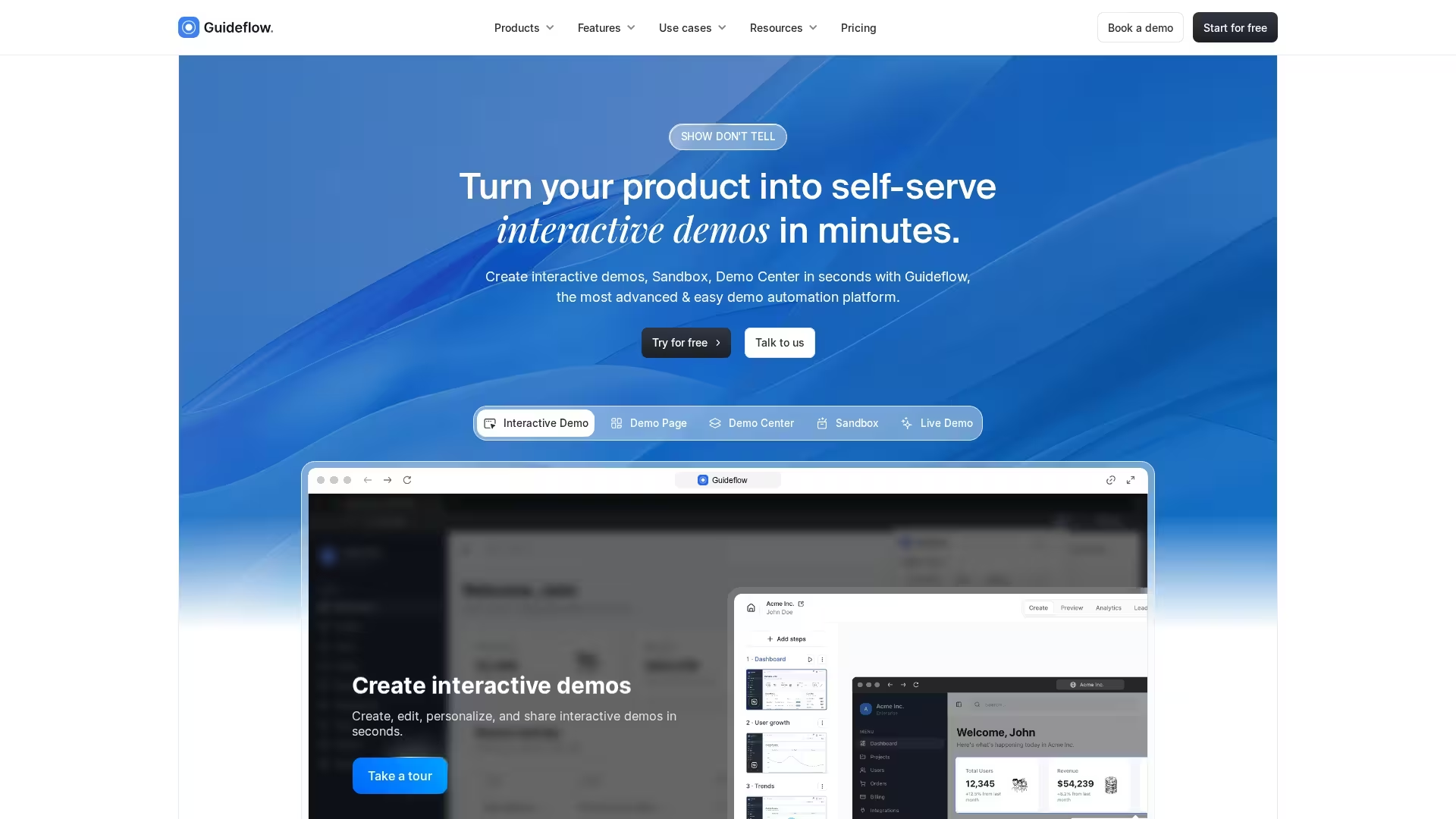
Guideflow is a no-code demo automation platform for building interactive demos, sandboxes, demo centers, live demos, and mobile demos. In an onboarding stack, it covers the layer that shows value instead of describing it: a guided, clickable product walkthrough that lives on a landing page, inside an activation flow, in a help article, or in a lifecycle email, so new users experience the product at their own pace before and during onboarding.
Best for: PMMs and product teams that want to show value with guided, interactive product experiences across every surface a new user touches.
Key strengths
- Interactive demos and sandboxes: capture a product flow in a few clicks and turn it into a clickable, guided walkthrough.
- Personalization: personalize demos by persona, role, or use case so the experience feels relevant.
- Analytics and integrations: analyze engagement and integrate that signal into the rest of your onboarding and CRM stack.
Why choose Guideflow: When your biggest onboarding gap is that users do not understand the value before they are deep in the product, a guided interactive demo carries the story onto landing pages, into activation flows, and across lifecycle emails. For a PMM, it is the layer that lets you share a working product experience anywhere without engineering time.
Guideflow pricing: Guideflow offers a free plan to get started, with paid plans listed from around $35/mo and custom Enterprise pricing for larger teams.
On G2, Guideflow holds a 5.0/5 rating.
Start your journey with Guideflow today!
2. Userpilot
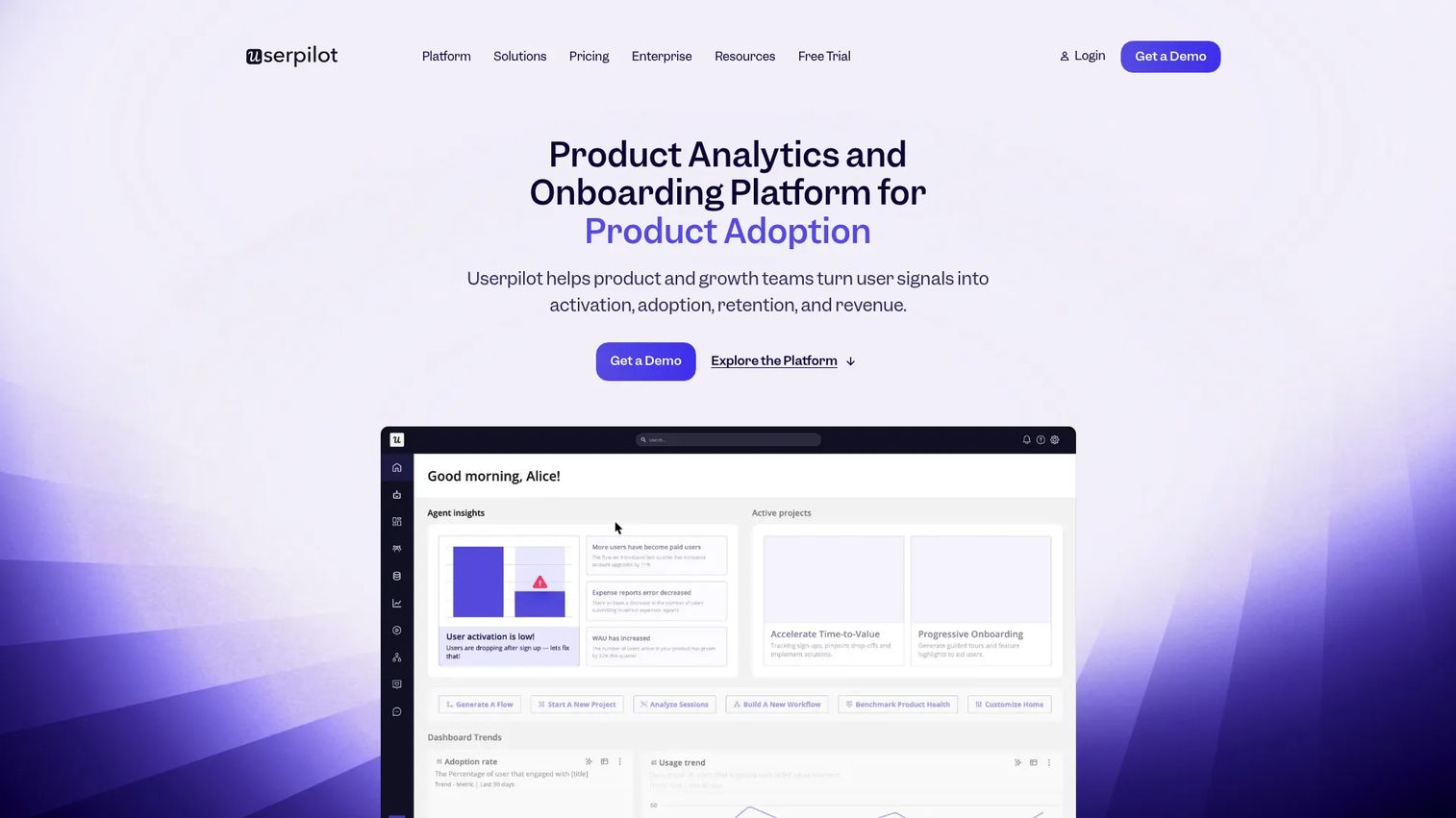
Userpilot is a no-code product growth platform that combines onboarding, product analytics, in-app engagement, and user feedback in one place. It is built for PMMs and growth teams who want to own the full in-app onboarding layer without filing engineering tickets for every flow. You build product tours, checklists, and nudges, target them by behavior, and measure activation from the same dashboard.
Best for: PMMs and growth teams that want a central in-app onboarding and adoption layer with built-in analytics.
Key strengths
- Product analytics: track activation events, funnels, and feature adoption alongside your onboarding flows.
- In-app engagement: build tours, checklists, modals, and tooltips with a no-code builder.
- User feedback: run in-app surveys and NPS to close the loop on what onboarding is missing.
Why choose Userpilot: It sits well as the central onboarding tool when you want guidance and measurement in the same place, so you are not exporting flow data into a separate analytics stack. For a PMM proving activation impact, that single source of truth shortens the loop between shipping a flow and seeing whether it worked.
Userpilot pricing: Plans are based on Monthly Active Users. The Starter plan begins at $299/mo billed annually, Growth is listed from $849/mo, and Enterprise is custom. Userpilot advertises a 14-day free trial.
On G2, it holds a 4.6/5 rating.
3. Appcues
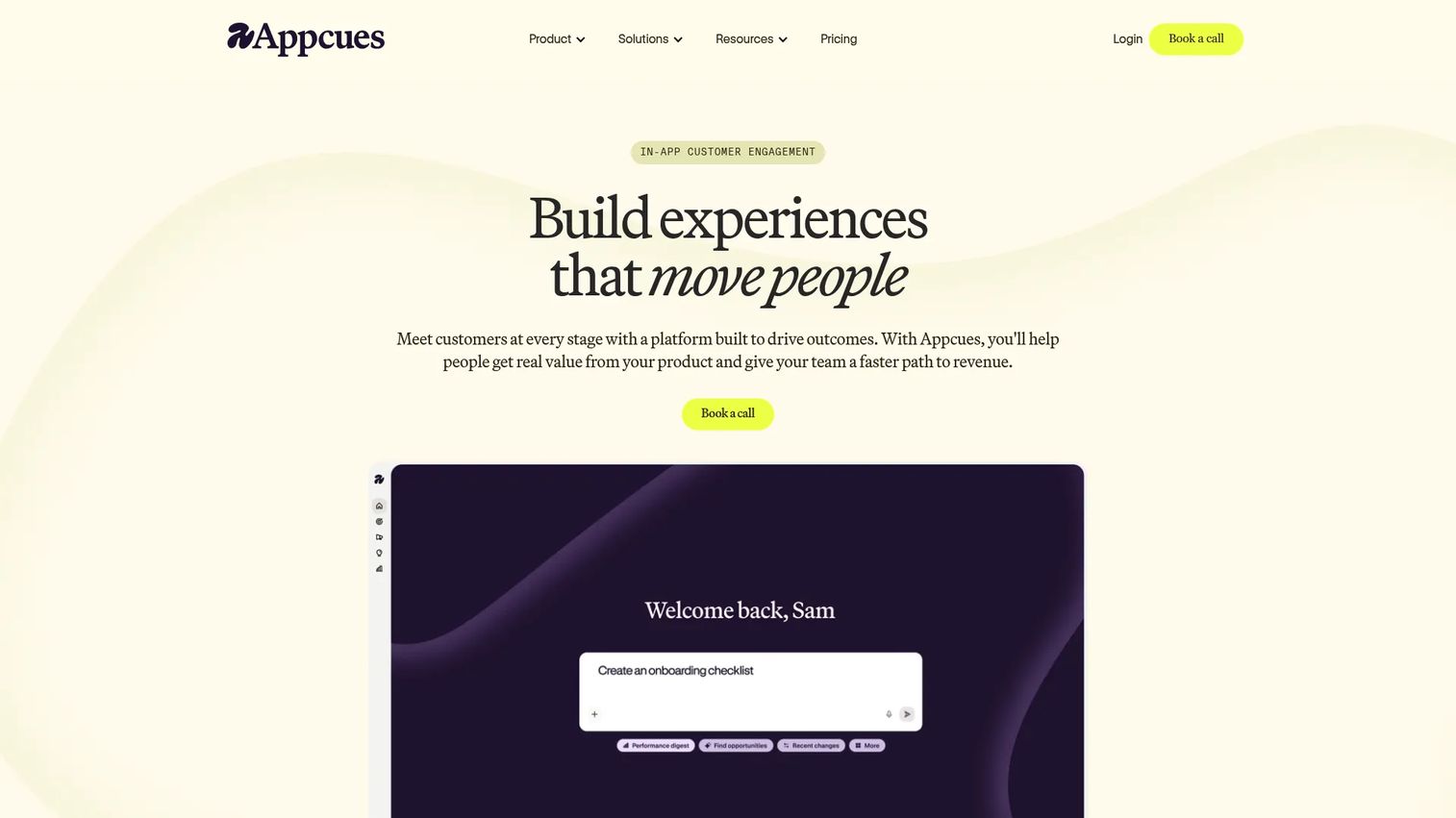
Appcues is a product experience platform for building in-app onboarding and engagement without code, across web, mobile, email, and push. It is a common pick for product-led SaaS teams that want to iterate on onboarding workflows quickly and reach users in more than one channel. The strength here is speed: launch a flow, measure it, adjust it, without waiting on a release cycle.
Best for: Product-led teams that want fast, no-code iteration on onboarding flows across multiple channels.
Key strengths
- Cross-channel experiences: reach users across web, mobile, email, and push from one platform.
- In-app guides: build modals, slideouts, banners, launchpads, tooltips, checklists, pins, and surveys.
- Analytics and experimentation: goals, segmentation, A/B testing, and Appcues AI to speed up building.
Why choose Appcues: If your onboarding needs to span both web and mobile, and you want lifecycle messaging in the same tool, Appcues covers that ground without stitching separate products together. PMMs and product teams choose it when iteration speed matters more than a heavy analytics suite.
Appcues pricing: The publicly listed Spark plan is $3,600/year for teams of 25 or fewer, covering up to 1,000 MAUs, plus a one-time implementation fee. Start, Grow, and Enterprise plans are listed without prices and require a call.
On G2, Appcues holds a 4.6/5 rating.
4. UserGuiding
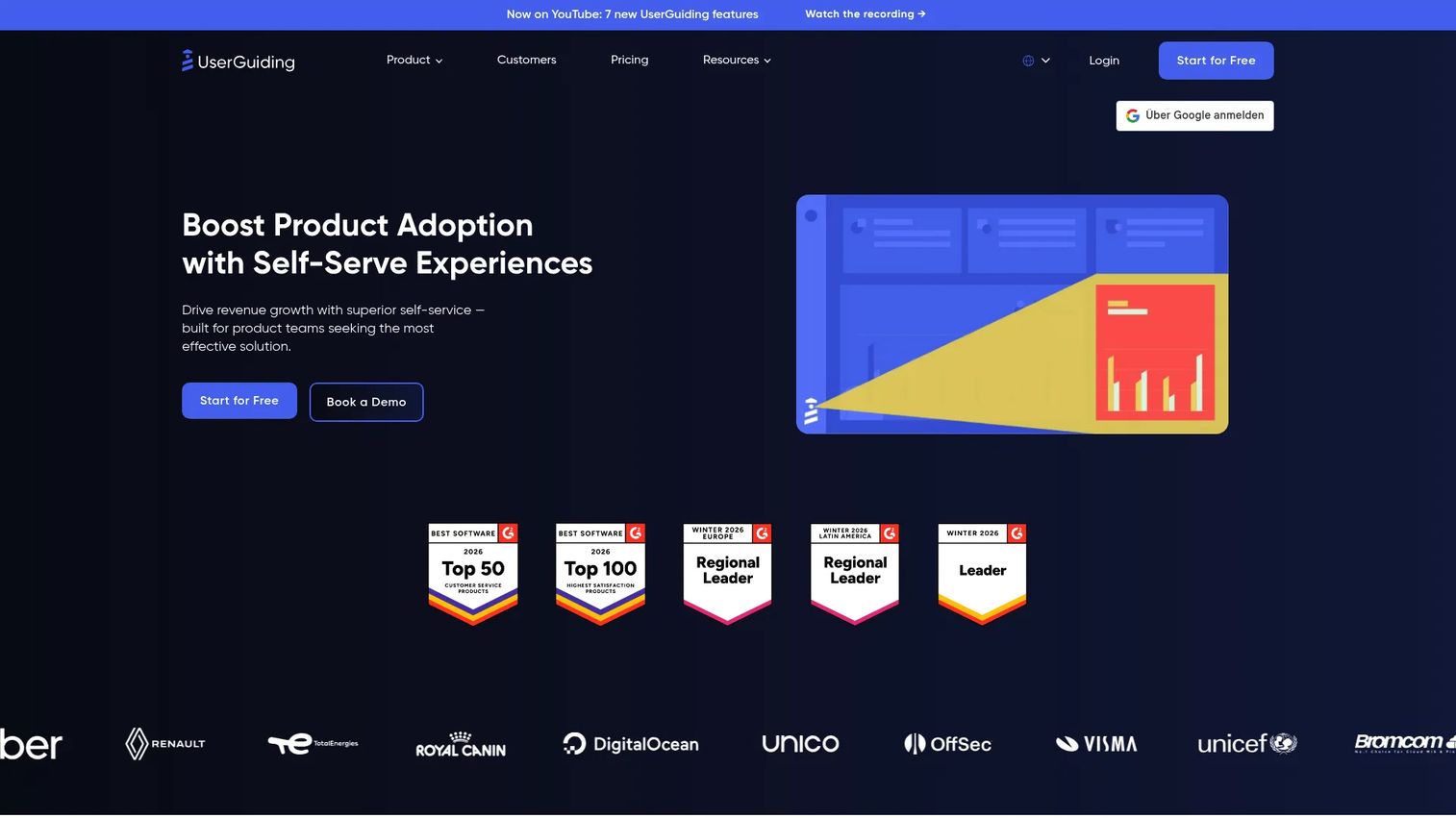
UserGuiding is a no-code product adoption and user onboarding platform built for quick setup. It covers product tours, hotspots, tooltips, checklists, and a resource center, plus a knowledge base and product updates. For smaller teams or simpler onboarding programs, it is one of the most accessible ways to get in-app guidance live fast.
Best for: Smaller teams that need to launch in-app onboarding quickly without a heavy platform.
Key strengths
- Product tours and guides: build step-by-step walkthroughs and interactive checklists with no code.
- Resource center and knowledge base: give users self-serve help and product updates in-app for support deflection.
- Surveys and AI assistant: collect NPS feedback and use AI to speed up content creation.
Why choose UserGuiding: When your priority is time to launch over deep analytics, UserGuiding gets guidance in front of users fast, and its free tier lowers the barrier to starting. It fits teams that want a clean onboarding layer without committing to enterprise pricing on day one.
UserGuiding pricing: A Support Essentials tier is free forever. Starter is $174/mo billed yearly, Growth is $349/mo billed yearly, and Enterprise is quote-based. Pricing scales with MAUs, and a 14-day trial is available.
On G2, UserGuiding holds a 4.7/5 rating.
5. Pendo
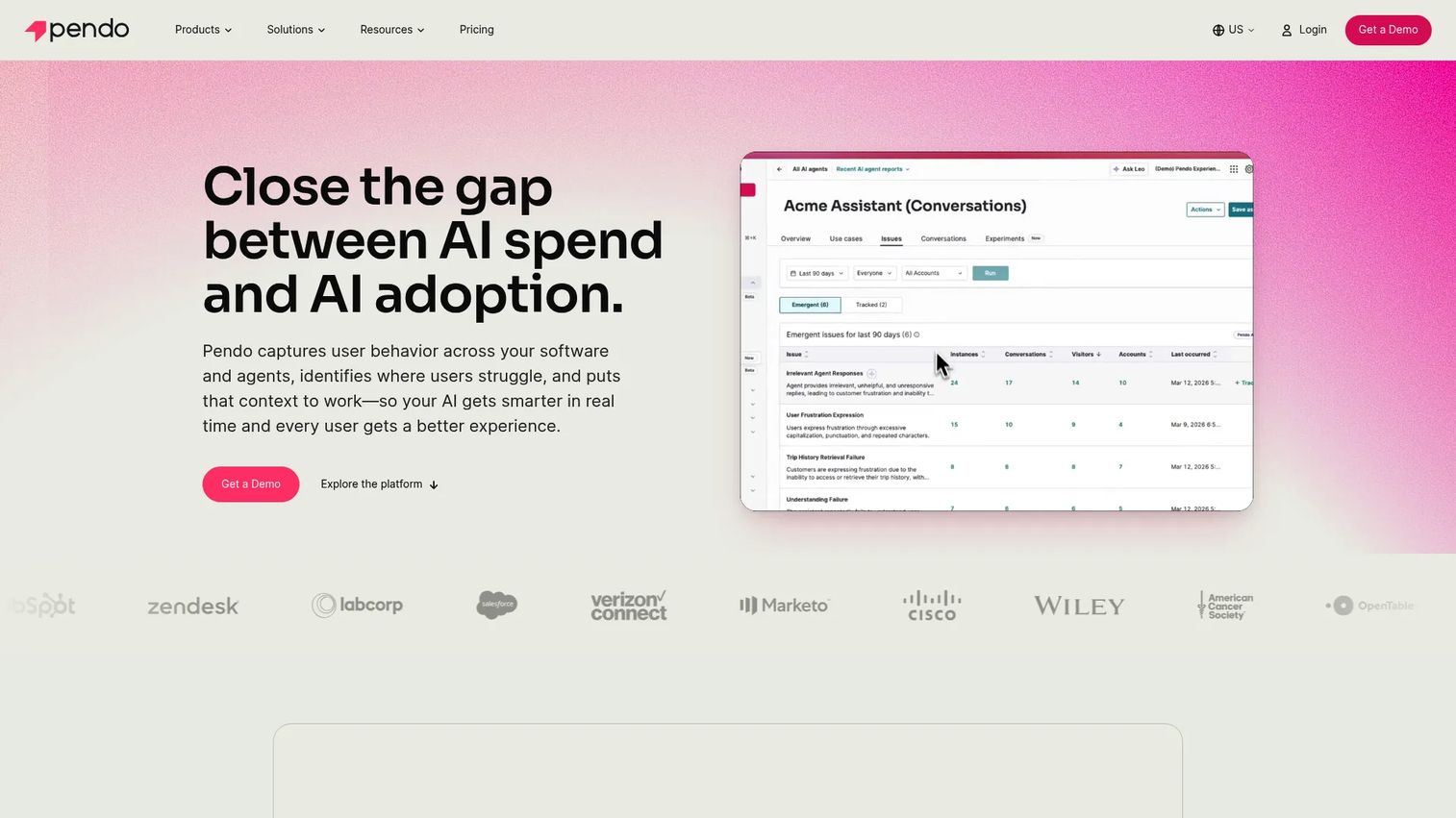
Pendo is a software experience management platform that combines product analytics, in-app guidance, and feedback in one system. It is a strong fit for larger SaaS companies that want onboarding flows and deep product analytics without running two separate tools. For PMMs who need to prove impact, having guides and behavioral data in the same place is the draw.
Best for: Product and growth teams at scale that want in-app analytics, guides, and feedback together.
Key strengths
- Product analytics: event tracking, segmentation, and journey orchestration to understand behavior.
- In-app guides: build onboarding flows, tooltips, and walkthroughs tied to usage data.
- Session replay, NPS, and surveys: see how users move through the product and gather feedback.
Why choose Pendo: When measurement depth is non-negotiable and you want onboarding guidance built on the same data layer, Pendo brings both under one roof. It suits enterprise teams that have outgrown point tools and need governance across a large onboarding program.
Pendo pricing: Pendo offers a Free plan for up to 500 MAUs. The Base, Core, and Ultimate plans are custom and require contacting sales.
On G2, Pendo holds a 4.4/5 rating.
6. Intercom
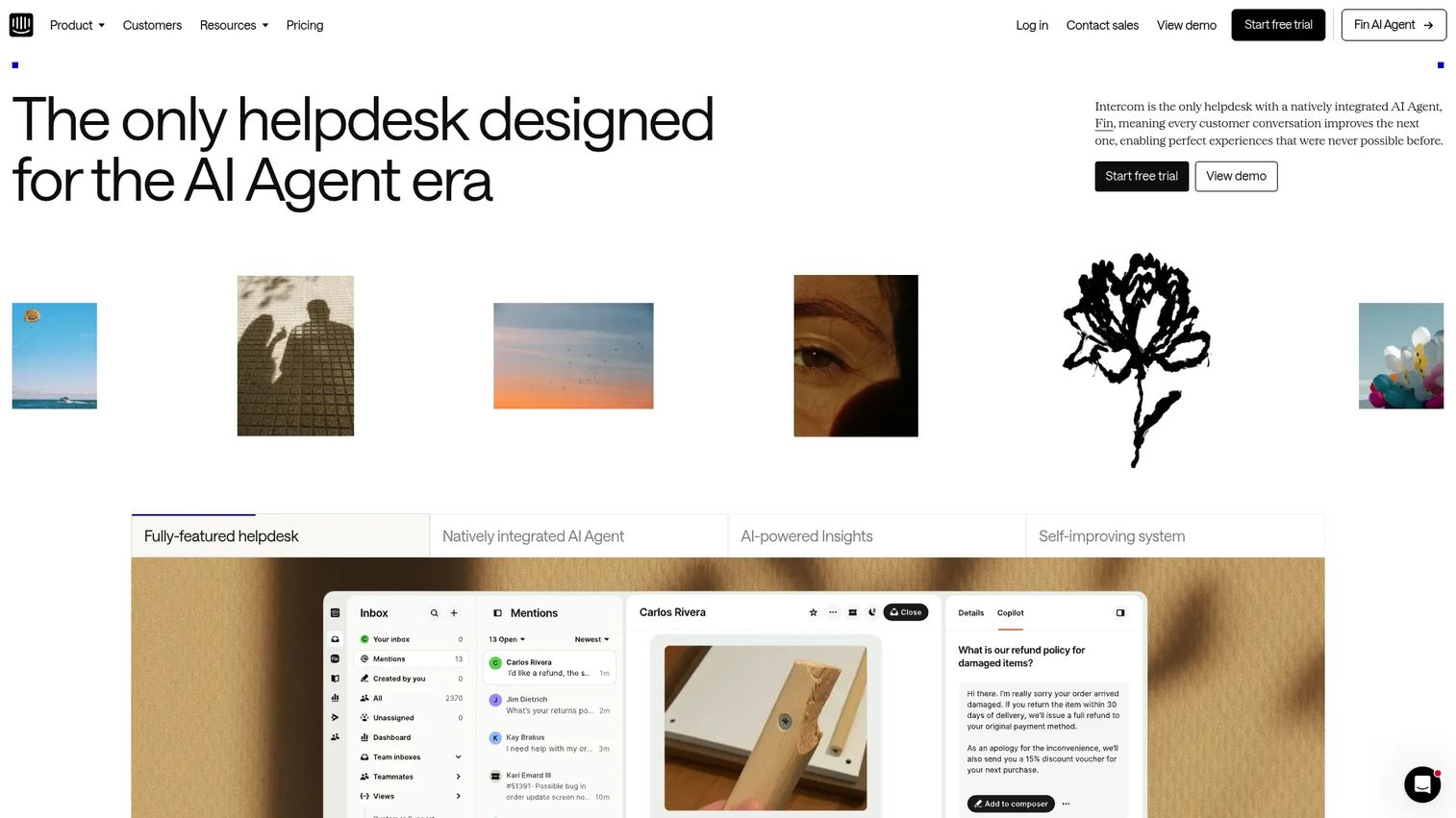
Intercom is an AI-first customer service platform that supports onboarding through chat, help content, and proactive support. It is the pick for teams where activation and support overlap, where new users get stuck and need an answer before they abandon. Its Fin AI Agent, shared inbox, and help center work together to deflect repetitive questions during onboarding.
Best for: Teams where onboarding and customer support share the same surface and workflow.
Key strengths
- Fin AI Agent: resolve common onboarding questions automatically before they reach an agent.
- Inbox, tickets, and help center: manage support and self-serve customer education in one place.
- Workflows and omnichannel support: automate proactive messages that guide users through activation.
Why choose Intercom: If your biggest onboarding bottleneck is users getting stuck and churning before they ask for help, Intercom's proactive chat and AI-driven support deflection close that gap. It works best when support and onboarding are two sides of the same activation motion.
Intercom pricing: Intercom uses seat-based pricing plus usage-based Fin outcomes, publicly listed from $0.99 per Fin outcome. The three plans are Essential, Advanced, and Expert, all including Fin AI Agent, with a free trial available.
On G2, Intercom holds a 4.5/5 rating.
7. Amplitude
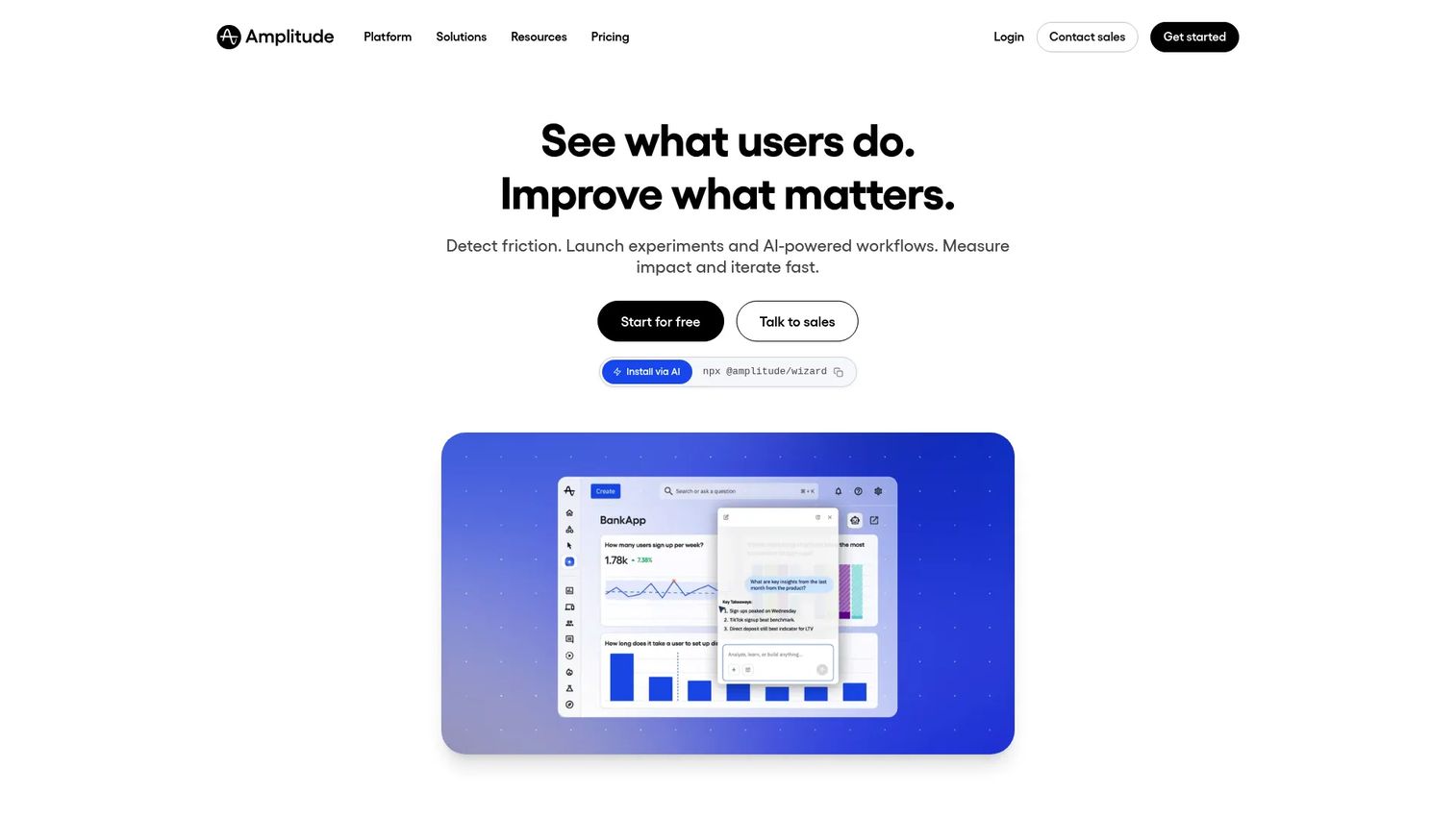
Amplitude is a product analytics platform that helps teams understand onboarding behavior and prove activation impact. It does not build the flows, it measures them, which makes it a complementary layer to in-app guidance tools. For PMMs who need to show that an onboarding change moved a real metric, Amplitude supplies funnels, cohorts, and retention curves.
Best for: Teams that need deep analytics to understand onboarding behavior and prove impact.
Key strengths
- Product analytics: build activation funnels and track events across the onboarding journey.
- Session replay: watch how users actually move through onboarding to spot friction.
- Feature experimentation: test onboarding variations and measure which one lifts activation.
Why choose Amplitude: Use it as the measurement layer alongside a guidance tool. When leadership wants evidence that onboarding drove retention, Amplitude's cohort and funnel analysis is where that proof lives. It pairs naturally with in-app onboarding software rather than replacing it.
Amplitude pricing: The Free plan includes 2 million events per month with no time limit. The Plus plan starts at $49/month and scales with monthly tracked users. Growth and Enterprise are custom-priced.
On G2, Amplitude holds a 4.5/5 rating.
8. Mixpanel
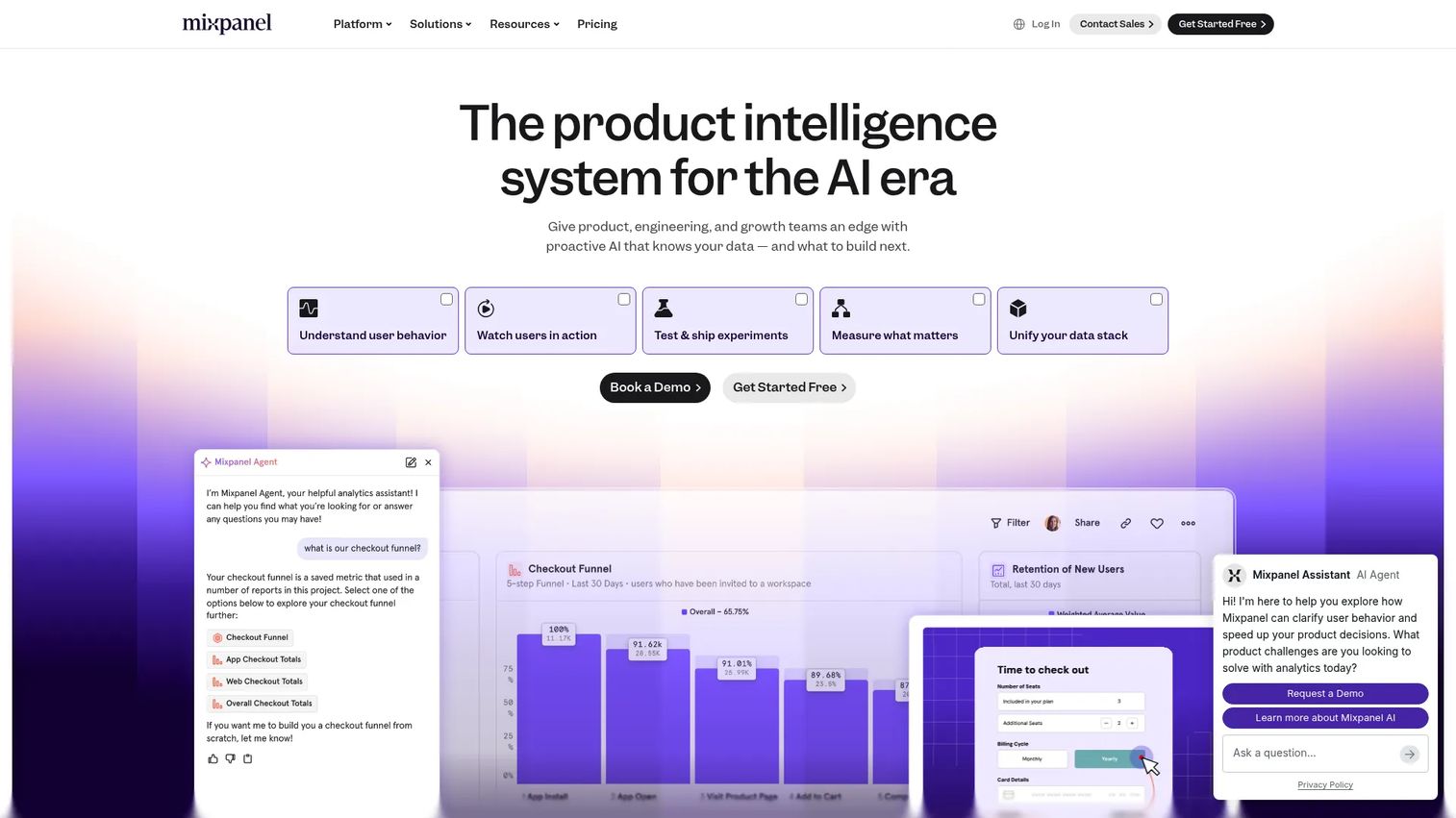
Mixpanel is a product analytics tool focused on event tracking, funnels, cohorts, and retention. Teams use it to measure onboarding performance and pinpoint where users drop off in the activation funnel. Like other analytics layers, it works alongside guidance tools rather than delivering the in-app experience itself.
Best for: Teams focused on activation funnels and event-level onboarding visibility.
Key strengths
- Product analytics: track events and build funnels to see exactly where onboarding stalls.
- Funnels and retention analysis: measure activation and early retention across cohorts.
- Session replay: connect the numbers to real user behavior during onboarding.
Why choose Mixpanel: When you need self-serve product analytics to diagnose onboarding drop-off and the team is comfortable defining events, Mixpanel gives clear funnel visibility. It fits well as the measurement half of a stack whose other half handles in-app guidance.
Mixpanel pricing: The Free plan is capped at 1 million monthly events. The Growth plan includes 1 million monthly events free, then $0.28 per 1,000 events after. Enterprise is custom-priced.
On G2, Mixpanel holds a 4.5/5 rating.
9. Heap
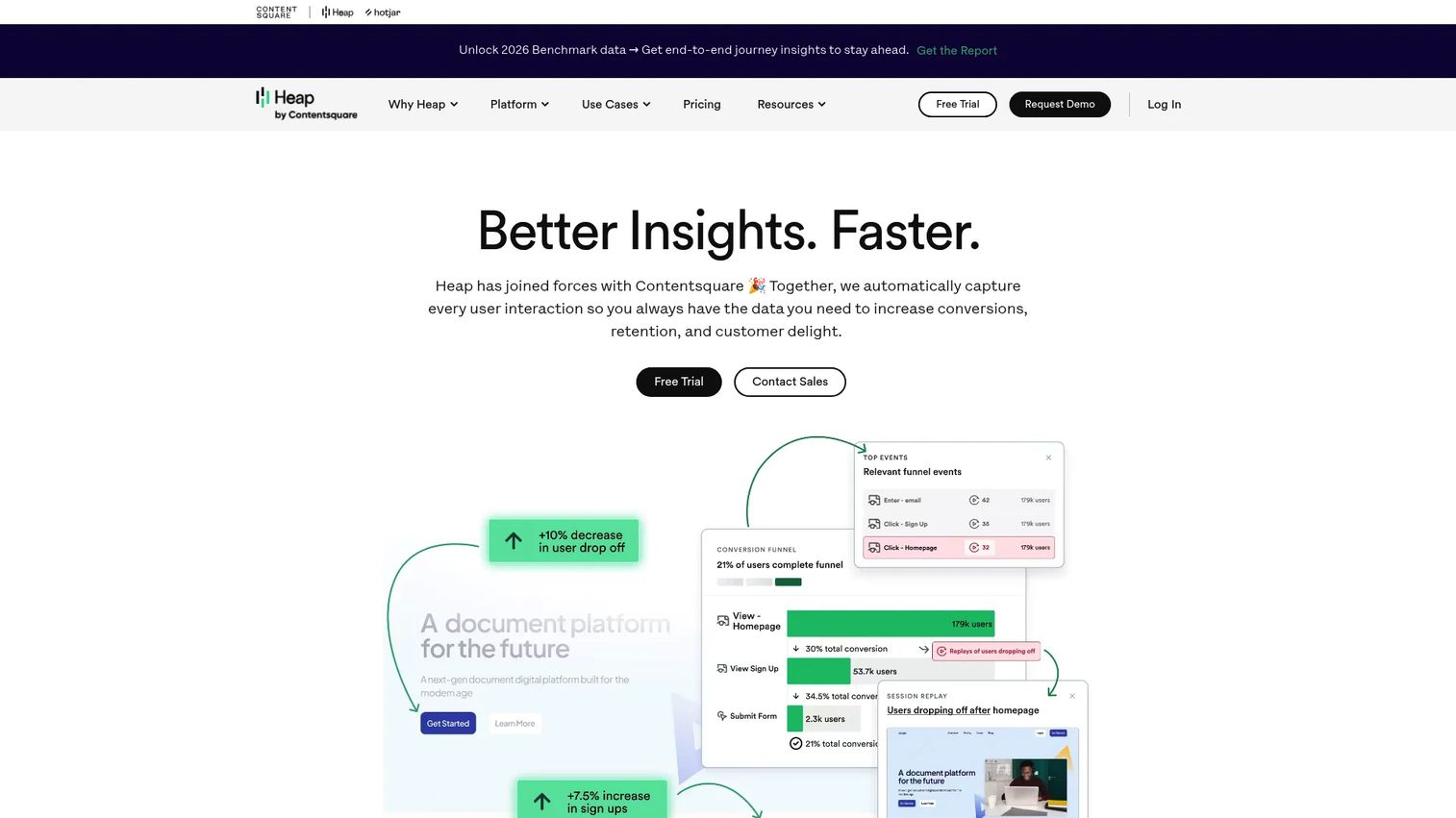
Heap is a digital insights and product analytics platform that automatically captures user interactions, so teams can analyze onboarding behavior without tagging every event up front. That autocapture model lowers the setup work of getting onboarding analytics in place. It is a good fit for teams that want behavioral visibility with minimal manual instrumentation.
Best for: Product teams that want autocapture-based analytics with minimal manual tagging.
Key strengths
- Automatic interaction capture: record user behavior without pre-defining every event.
- Funnels, retention, and path analysis: understand how users move through onboarding and where they stall.
- Session replay and warehouse integration: connect qualitative replay with your data stack.
Why choose Heap: If your team wants onboarding drop-off analysis without a long tracking-plan project first, Heap's autocapture gets you data faster. It works as the analytics layer for teams that would rather explore behavior retroactively than instrument everything in advance.
Heap pricing: The Free plan includes core analytics, six months of data history, SSO, and up to 10,000 monthly sessions. Growth, Pro, and Premier plans use custom session-based pricing and add features like AI assistant, account analytics, and warehouse integration.
On G2, Heap holds a 4.4/5 rating.
10. FullStory
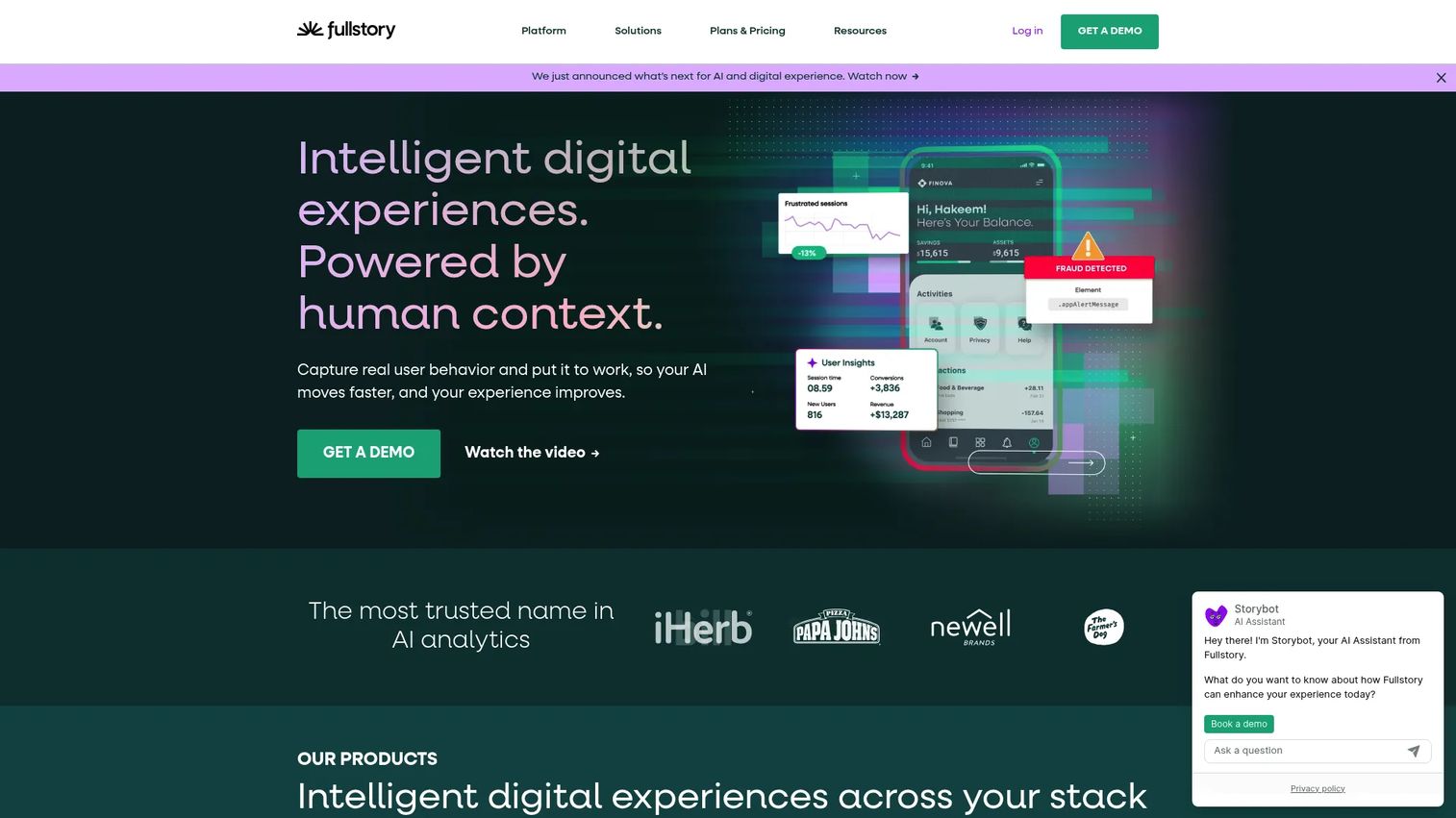
FullStory is a digital experience intelligence platform built around session replay and behavioral analytics. It is the tool you reach for when the funnel says users are dropping off but you cannot see why. Watching real sessions of new users struggling through onboarding turns a leaky metric into a specific, fixable friction point.
Best for: Teams that need to see exactly where users struggle during onboarding.
Key strengths
- Session replay: watch real onboarding sessions to find where users get confused.
- Heatmaps: see where attention and clicks cluster, and where they do not.
- Funnels and conversions: connect replay insight to activation and conversion data.
Why choose FullStory: When you have identified an onboarding drop-off but need the qualitative "why," FullStory's session replay is the diagnostic layer. It complements product analytics and in-app guidance by showing the human moments the dashboards miss.
FullStory pricing: A free plan includes 30,000 sessions per month with 12 months of session replay and analytics retention. Paid plan pricing is not disclosed.
On G2, FullStory holds a 4.5/5 rating.
11. Hotjar
Hotjar, now part of Contentsquare, is a product experience insights platform for behavior analytics, feedback, and user research. It is a lightweight way to spot where onboarding confuses users early, through heatmaps, recordings, and quick surveys. For teams that want fast qualitative insight without a heavy analytics deployment, it is an easy entry point into the stack.
Best for: Teams that want quick, easy insight into where onboarding confuses users.
Key strengths
- Heatmaps and session recordings: see where new users click, scroll, and hesitate.
- Surveys and feedback: ask users directly what is confusing during onboarding.
- Interviews, dashboards, and funnels: combine qualitative research with behavioral data.
Why choose Hotjar: Early in building an onboarding program, Hotjar helps you find where users get stuck before you invest in heavier tooling. It is useful as a low-friction feedback and behavior layer that pairs with your guidance and analytics tools.
Hotjar pricing: A free Basic tier is available. The Plus plan starts at $47/month and Business at $63/month, with a Scale tier priced on request. Plans are grouped across Observe, Ask, and Engage.
On G2, Hotjar holds a 4.3/5 rating.
12. HubSpot
HubSpot is an AI-powered customer platform spanning marketing, sales, service, and CRM. In an onboarding stack, it handles the lifecycle layer: email workflows, segmentation, and customer data that coordinate the journey around the in-app experience. For teams that run onboarding partly through email and CRM, it ties marketing, sales, and Customer Success together.
Best for: Teams that coordinate onboarding through CRM, email, and lifecycle automation.
Key strengths
- Free CRM: centralize customer data to segment and personalize onboarding journeys.
- Email workflows and automation: trigger lifecycle messaging based on user behavior and stage.
- Live chat and AI content: support users and generate onboarding content faster.
Why choose HubSpot: When onboarding depends on coordinated email sequences and shared customer data across teams, HubSpot connects the lifecycle layer to your in-app tools. PMMs and growth teams use it to keep messaging consistent from signup through activation and expansion.
HubSpot pricing: A free tier is available at $0/mo. On the Customer Platform, Starter begins at $7/mo/seat, with Professional and Enterprise tiers scaling up from there; pricing varies by hub and bundle.
On G2, HubSpot holds a 4.4/5 rating.
How to choose the right onboarding stack
The right SaaS onboarding stack depends less on feature counts and more on which layer is your biggest bottleneck. If activation is your problem, start with the layer that fixes activation. If proving impact is the problem, start with analytics. Adding tools you do not need is how the onboarding pile forms in the first place.
A few takeaways to anchor the decision:
- Best for showing value with interactive demos: Guideflow, for guided product walkthroughs that carry your onboarding story onto landing pages, activation flows, and lifecycle emails.
- Best for owning the in-app onboarding layer: Userpilot or Appcues, for tours, checklists, segmentation, and analytics in one place.
- Best for measuring activation and retention: Amplitude, Mixpanel, or Heap, for funnels, cohorts, and behavioral data.
- Best for support-led activation and lifecycle: Intercom for support deflection, HubSpot for CRM and lifecycle messaging.
Start with the tool that solves your single biggest bottleneck, prove it moves activation or retention, then layer in adjacent tools as the program matures. And when you need to show value instead of describing it, a guided interactive demo can carry your onboarding story onto landing pages, into activation flows, help articles, and lifecycle emails. Guideflow lets teams capture a product flow in a few clicks, personalize it by persona, analyze engagement, and integrate that signal into the rest of the stack.
Start your journey with Guideflow today!
FAQs about SaaS onboarding tools
SaaS onboarding tools are software products that guide new users to first value inside a product and help them adopt more of it over time. They combine interactive demos, in-app guidance, product tours, checklists, customer education, support deflection, and onboarding analytics. Teams use them to improve activation and retention without manually walking each user through the product.
User onboarding happens inside the product: tours, checklists, tooltips, and nudges that help an individual user reach a first success. Customer onboarding is the account-level journey, including kickoff, implementation, training, and success planning, usually owned by Customer Success. Product onboarding software focuses on the in-app layer, while customer onboarding tools lean toward project and lifecycle coordination.
Most teams use two to four tools because onboarding spans several layers: guidance, analytics, support, and lifecycle messaging. Start with the single layer that fixes your biggest bottleneck, prove it works, then add adjacent tools. Adding tools before you have a bottleneck is how onboarding stacks turn into disconnected piles.
For building activation flows, an in-app onboarding platform like Userpilot or Appcues lets you target guidance to the actions that lead to first value. For showing value before users are deep in the product, an interactive demo tool like Guideflow carries a guided walkthrough onto landing pages and activation flows. For measuring activation, a product analytics tool like Amplitude or Mixpanel shows where the funnel leaks. The strongest results usually come from pairing a guidance tool with an analytics tool.
They can, when they shorten time to value and drive early feature adoption. Users who reach a first meaningful success quickly are far more likely to stick, and onboarding tools help you deliver and measure that moment. The key is optimizing for activation events and early retention, not just flow completion.
Yes. Platforms like Pendo and Userpilot combine in-app guidance with product analytics, so you build flows and measure them in one place. That single-source approach is useful for PMMs who want to prove impact without exporting data between tools. Some teams still add a dedicated analytics tool for deeper cohort and retention analysis.
Prioritize activation measurement, behavioral segmentation, and integrations into your CRM, analytics, and support stack. A PMM needs to target the right onboarding to the right user, prove the change moved a metric, and keep messaging consistent across teams. Versioning and governance matter once more than one team touches onboarding.
Track activation rate, time to value, onboarding completion, early retention such as day-7 or week-1, and trial-to-paid conversion. Use funnels to find where users stall and cohorts to see whether a change improved outcomes over time. Secondary signals like fewer "how do I" support tickets confirm that customer education inside the product is working.