



You incorporated in Delaware, your team is spread across four time zones, and a tax notice just landed at an address nobody checks anymore. That is the quiet operational tax of running a distributed company. Mail still arrives somewhere physical, and someone still has to open it, scan it, decide if it matters, and act before a deadline passes.
A virtual mailbox service fixes this by giving you a real street address where a provider receives your mail, photographs the envelope, and lets you open, scan, forward, store, or shred each item from a web or mobile app. The category is growing fast. The global virtual mailbox software market was valued at USD 2.1 billion in 2025 and is projected to reach USD 5.8 billion by 2034, a 11.9% CAGR, according to Dataintelo (2025).
For a founder, this is not about convenience. It is about removing a manual dependency that routes through you or an office manager. The right virtual mail service gives you a legitimate business address, remote mail access for your team, and an audit trail you can defend during due diligence. The wrong one buries you in per-scan fees and address verification headaches.
This guide treats virtual mailbox software as an operational system, not a novelty. If you build self-serve product experiences, you already know that letting people act on their own terms beats manual handling, the same logic that drives teams toward interactive product demos instead of scheduling-heavy processes. Below, eight providers, verified pricing, and a clear way to match each to your business model.
What's inside
This guide covers eight virtual mailbox and digital mail handling providers, ranked by fit for remote operators, founders, and distributed teams. We focused on software-led solutions with real remote mail access, not generic forwarding. Each provider was assessed on four criteria: address legitimacy and CMRA compliance, scanning and forwarding workflow, package and carrier support, and pricing transparency. We pulled pricing and ratings from first-party pages and G2 at the time of writing. Brands range from broad consumer-and-business networks to enterprise records management and automation-first digital mailrooms.
TL;DR
- Broadest fit and largest address network: iPostal1 covers the widest range of business and personal plans, with public pricing from $9.99/month.
- Best for white-label and platform operators: SphereMail suits coworking spaces and enterprise mailrooms that need API integration and their own branding.
- Best for U.S. business address with registered agent: VirtualPostMail bundles a free registered agent and clean scanning workflows.
- Best for predictable month-to-month forwarding: Mailbox Forwarding and Traveling Mailbox both offer no-contract plans with clear scan limits.
- Best for enterprise records and compliance: Iron Mountain handles document storage, secure shredding, and regulated retention at scale.
- Best for automation-first digital mailrooms: Caya routes and extracts document data automatically, ideal for teams drowning in inbound paper.
What is virtual mailbox software?
Virtual mailbox software is a digital mail handling service that assigns you a real street address, receives your physical mail and packages, and lets you view, open, scan, forward, store, or shred each item remotely through a web or mobile app.
It replaces the physical act of checking a mailbox with a remote workflow. Mail arrives at a Commercial Mail Receiving Agency (CMRA) or facility, staff photograph the exterior, and you decide what happens next from your phone.
Core capabilities most providers share:
- Real street address: A legitimate physical address you can use for business registration, banking, and a local presence, not a PO Box.
- Mail scanning: Staff open and scan the contents of selected items, delivering a searchable PDF.
- Mail forwarding: Physical items shipped to any address you choose, with selectable carrier and speed.
- Package forwarding: Receipt and re-shipping of parcels from USPS, FedEx, UPS, and DHL.
- Mail storage: Temporary or extended holding of items at the facility.
- Mail shredding: Secure destruction of items you do not need, with privacy protection.
- App and web access: Real-time notifications and remote mail access from any device.
The category is sometimes called a virtual mailroom or digital mailroom when it scales to team workflows, routing rules, and admin controls. That distinction matters most for operators managing mail across multiple people or locations.
When to use virtual mailbox software
When you need a real business address without a physical office
If you run a remote or distributed company, you still need a credible business address for incorporation, banking, and customer-facing documents. A virtual post office box backed by a real street address gives you that local presence without signing an office lease. Many providers let you choose an address in a specific city or state to match where you operate or where you registered.
When you manage mail remotely from multiple locations
Founders and operators rarely sit near their registered address. When you travel, work across time zones, or split mail duties across a team, an online mailbox lets anyone with access view, scan, and route mail in real time. Forwarding and check deposit features mean you never need to physically retrieve anything.
When privacy, package theft prevention, or compliance matter
A virtual mailbox keeps your home address off public records, reduces package theft by holding parcels at a staffed facility, and creates a clean digital trail of received documents. For regulated businesses, mail shredding and records retention support compliance workflows that an unmonitored mailbox cannot.
Comparison table
The table below sorts all eight providers by intent and use case. Use it to filter by business address fit, automation depth, address network breadth, or enterprise records needs. Pricing and ratings reflect first-party pages and G2 listings at the time of writing.
| # | Product | Intent | Key differentiation | Pricing | G2 rating |
|---|---|---|---|---|---|
| 1 | iPostal1 | Broad business and personal mail management | Largest address network with virtual office add-ons | From $9.99/month | 3.8/5 |
| 2 | SphereMail | White-label mailroom platform | Open API and revenue-share model for operators | Custom | 3.7/5 |
| 3 | VirtualPostMail | U.S. business address with scanning | Free registered agent included | From $20/month | 3.9/5 |
| 4 | Traveling Mailbox | Remote mail for travelers and teams | Flexible forwarding and package handling | Public tiers | Not listed |
| 5 | PostNet | Storefront-backed mailbox and print | Locally owned centers with in-person services | Varies by center | 4.0/5 |
| 6 | Mailbox Forwarding | No-contract forwarding and scanning | Month-to-month with clear scan limits | From $14.95/month | 3.8/5 |
| 7 | Iron Mountain | Enterprise records and compliance | Secure shredding and regulated retention | From $140 | 4.0/5 |
| 8 | Caya | Automation-first digital mailroom | Rule-based routing and data extraction | From 9,99€/user/month | 4.8/5 |
1. iPostal1
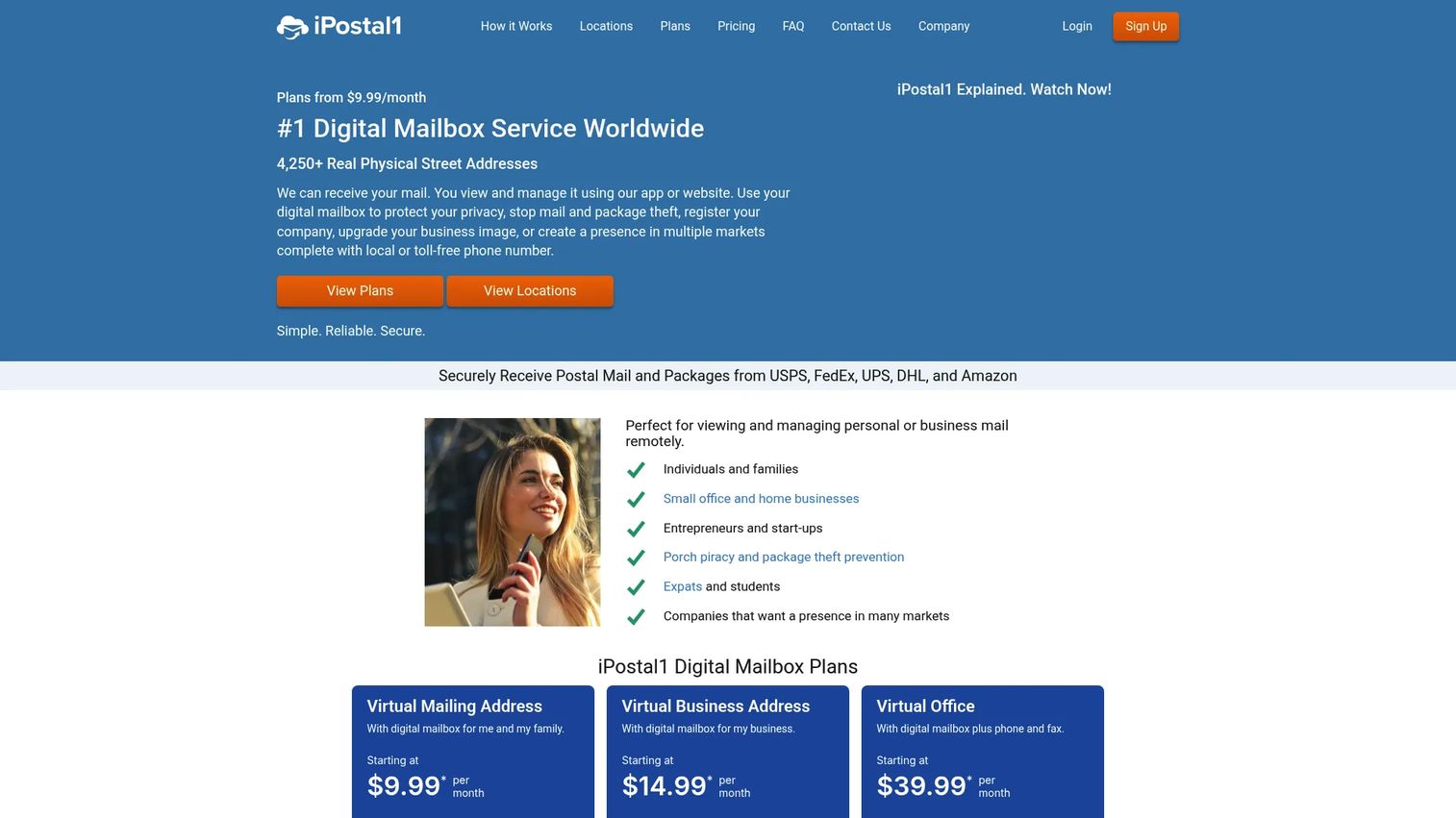
iPostal1 is the broadest and most established option in this category. It provides a real physical street address where you can receive, view, forward, and scan mail remotely, plus virtual office features like phone and fax. The network spans a wide range of locations, so you can pick an address that fits where you registered or want a local presence. For founders who want one provider that handles both business and personal mail at scale, this is the default starting point.
Best for: Individuals and businesses that want a remote mail-management address with the widest choice of locations and optional phone and fax.
Key strengths
- Real street address: A legitimate physical address usable for business registration, banking, and customer documents.
- Remote mail management: View, open, scan, forward, or discard each item from web or mobile with real-time shipping prices.
- Virtual office add-ons: Phone, fax, and an optional registered agent service for businesses that need more than mail.
Why choose iPostal1: If your priority is location choice and a single provider that scales from a personal mailbox to a full business presence, iPostal1's network breadth is hard to match. The registered agent add-on means you can consolidate compliance and mail in one place rather than stitching together separate services.
iPostal1 pricing: Public pricing starts at $9.99/month for a Virtual Mailing Address, $14.99/month for a Virtual Business Address, and $39.99/month for a Virtual Office, all billed monthly. A Registered Agent Service add-on costs $99/year. Plan pricing varies by Standard, Select, Premium, or Prestige mailbox location. There is no free tier.
2. SphereMail
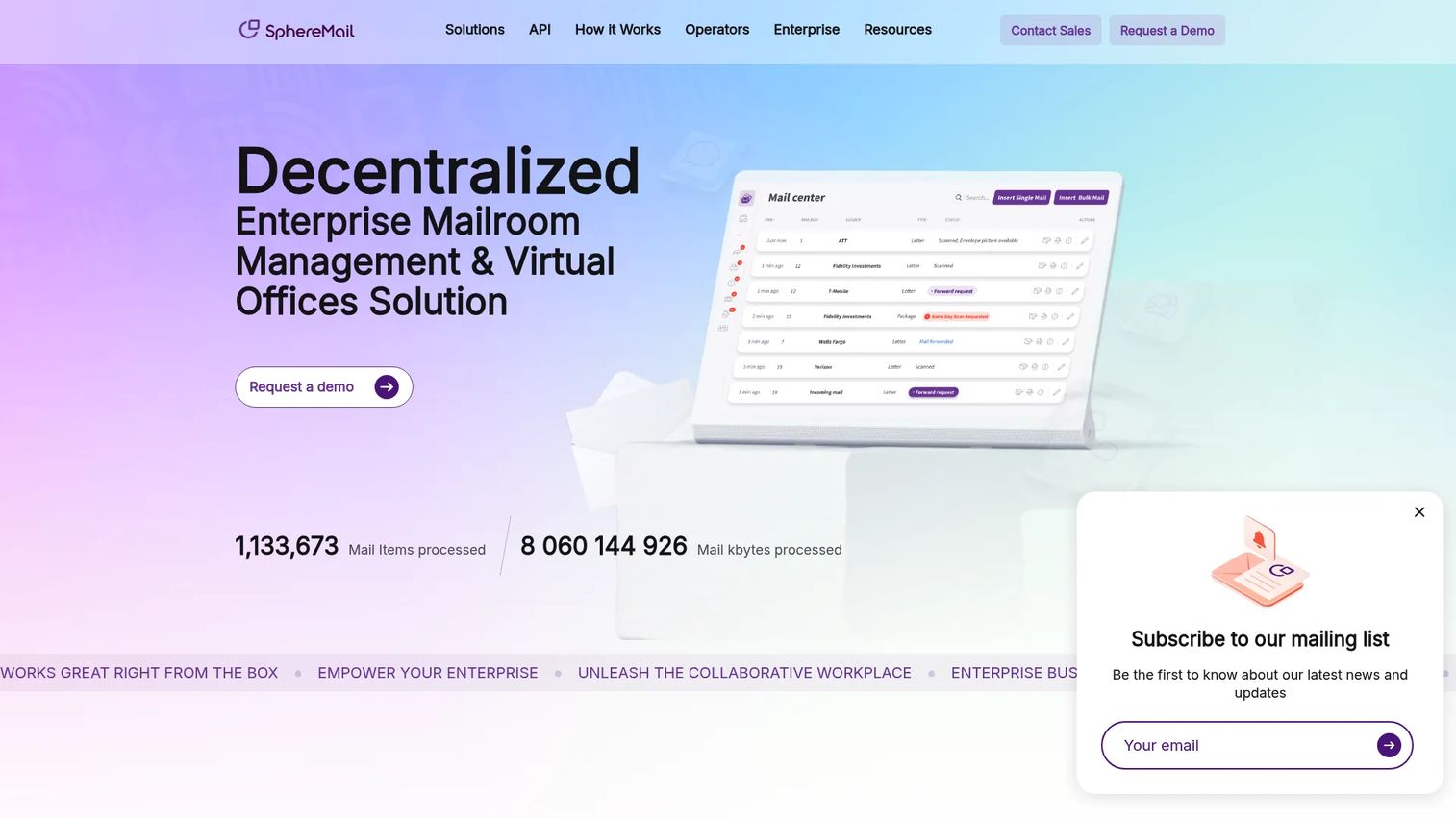
SphereMail is a white-label cloud platform for mailroom management and virtual office services. Instead of selling you a single mailbox, it gives operators the software to run their own branded mail service. That makes it a fit for coworking spaces, executive suites, apartment buildings, and enterprise mailrooms that want to offer remote postal mail and package management under their own name. This is virtual mailroom software for the people who run the mailroom, not just rent a slot in one.
Best for: Operators of coworking spaces, executive suites, apartments, or enterprise mailrooms that need white-label mail management.
Key strengths
- Remote mail and package management: Web and mobile access to postal mail and parcels for every subscriber.
- White-label and open API: Brand the platform as your own and integrate it into existing systems.
- Virtual office services: Virtual phone, live answering, and notary services alongside mail handling.
Why choose SphereMail: If you operate a space and want mail management as a revenue line rather than a cost center, SphereMail's platform model fits. You set subscriber pricing yourself and choose between revenue share or pay-by-user-license, which gives operators control most consumer mailbox services do not offer.
SphereMail pricing: SphereMail does not publish fixed plan prices on a public pricing page. Its terms describe a choice between a revenue-share arrangement or a pay-by-user-license model, and operators set their own subscriber pricing. Treat pricing as custom and confirm directly with the vendor based on your subscriber volume.
3. VirtualPostMail
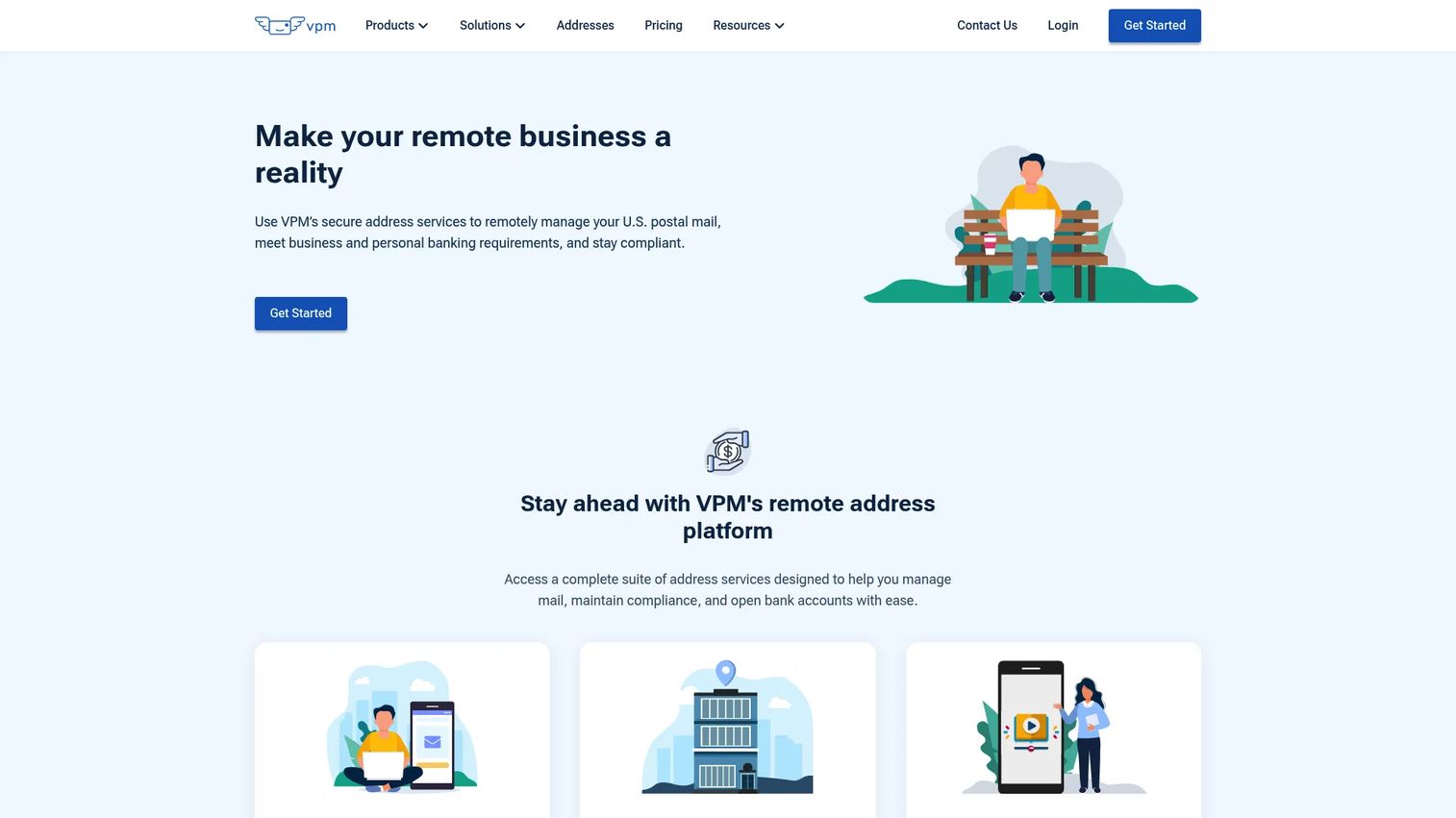
VirtualPostMail offers virtual mailbox and address services built for managing, scanning, forwarding, and depositing mail online. It targets remote businesses and travelers who need a stable U.S. mailing address with a polished scanning workflow. A standout for founders: a free registered agent service is included with mailbox plans, which removes a recurring compliance line item. Mail scanning delivers PDF-to-email output, and the service supports package forwarding and check deposit.
Best for: Remote businesses and travelers needing a U.S. mailing address with scanning, forwarding, and check deposit.
Key strengths
- Mail scanning to PDF: Scanned contents delivered straight to email for fast remote review.
- Free registered agent: Included with mailbox plans, consolidating a compliance cost into your mail service.
- Package forwarding and check deposit: Re-ship parcels and deposit checks without retrieving anything physically.
Why choose VirtualPostMail: If you want a clean U.S. business address with scanning and a registered agent bundled in, VirtualPostMail removes friction founders usually pay for separately. The tiered plans scale from a single user to business and premium volumes, so the service grows with team mail load.
VirtualPostMail pricing: Virtual mailbox plans start at $20/month for Starter, $35/month for Plus (marked best value), $60/month for Business, and $90/month for Premium, all billed monthly. Enterprise and custom pricing is also offered. There is no free tier.
4. Traveling Mailbox
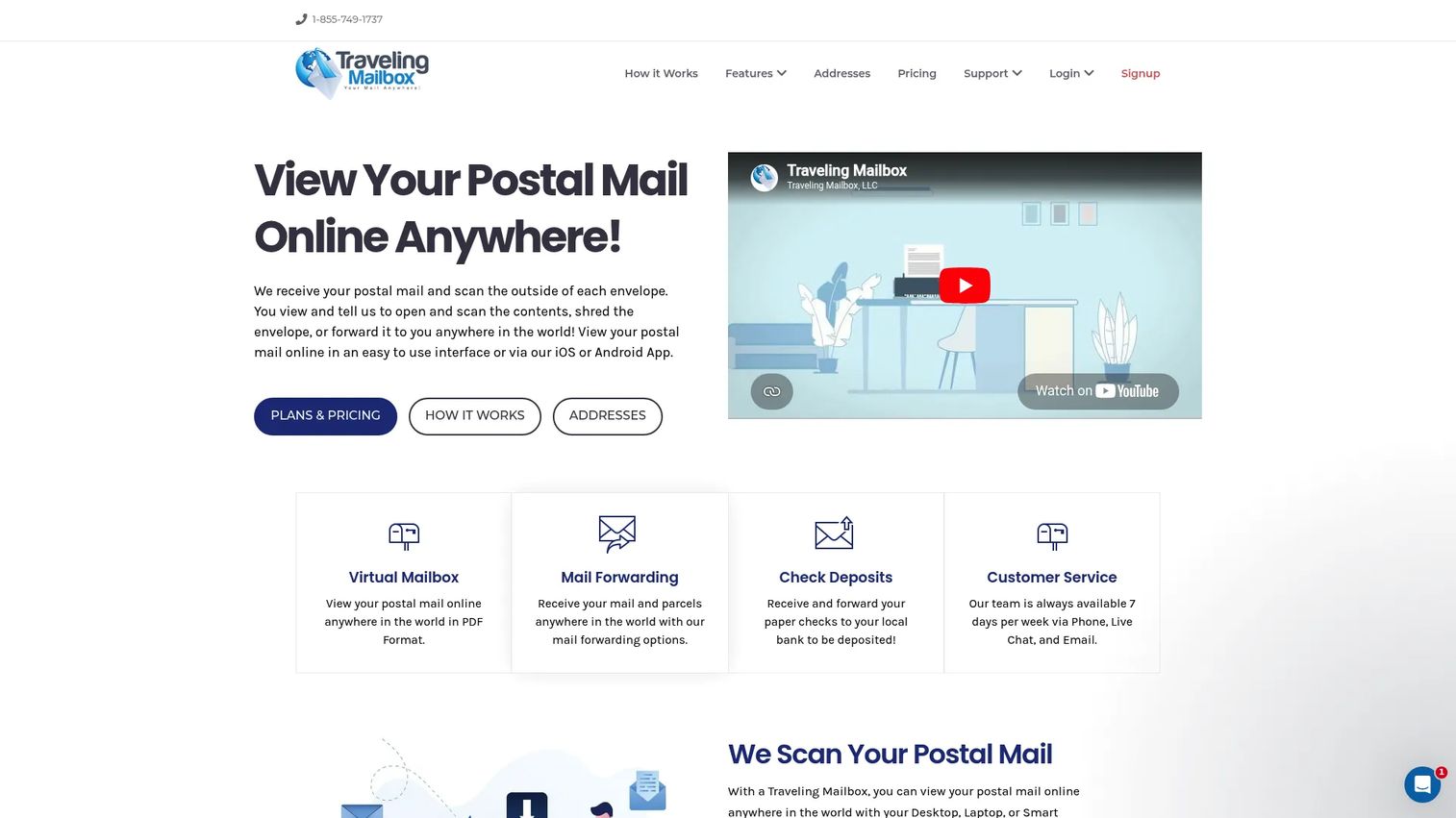
Traveling Mailbox focuses on remote mail access for travelers, digital nomads, and distributed teams. It provides a real street address, scans the contents of your mail, and gives you flexible forwarding and package handling from a web and mobile interface. The positioning is squarely operational: receive mail anywhere, decide what to do with it from your phone, and never tie yourself to one physical location. For remote teams that move often, the flexibility is the point.
Best for: Travelers, digital nomads, and remote teams that need flexible mail access and package handling from anywhere.
Key strengths
- Remote mail access: View, open, and scan mail from web or mobile in real time.
- Flexible forwarding: Choose carrier and speed when shipping physical items to any address.
- Package handling: Receive and re-ship parcels from major carriers without retrieving them yourself.
Why choose Traveling Mailbox: If your life or business moves frequently, Traveling Mailbox is built around that reality rather than a fixed home base. The scanning and forwarding workflow is straightforward, which keeps mail from becoming a recurring chore when you are on the road.
Traveling Mailbox pricing: Traveling Mailbox publishes plan tiers on its pricing page with entry-level options for individuals and higher tiers for heavier mail volume. Confirm the current entry price and scan limits directly on the provider's pricing page, since tier inclusions and any address-specific fees can vary by location.
5. PostNet
PostNet takes a storefront-backed approach. Its services run through locally owned PostNet centers that offer printing, shipping, design, notary, shredding, and a virtual mailbox. The model matters when you want a real, staffed physical location behind your business address, plus the option to walk in for in-person services. For small businesses that value local credibility and occasional hands-on help, the storefront network is the differentiator.
Best for: Small businesses and consumers that want local print, ship, and mailbox services backed by a staffed storefront.
Key strengths
- Storefront network: Locally owned centers provide a staffed physical location behind your address.
- Full-service shipping: Send through FedEx, UPS, USPS, and DHL from one place.
- In-person extras: Printing, graphic design, binding, notary, and shredding alongside your mailbox.
Why choose PostNet: If you occasionally need in-person services or want a storefront-backed address rather than a pure digital facility, PostNet's local centers give you both. It suits operators who value a physical presence and the ability to handle print, ship, and mail tasks in one visit.
PostNet pricing: Because PostNet centers are locally owned, pricing is set at the center level and is not published as a single public figure. G2 lists PostNet Virtual Mail at 4.0/5 and notes that pricing details are not currently available centrally. Contact your local PostNet center for a quote on virtual mailbox plans.
6. Mailbox Forwarding
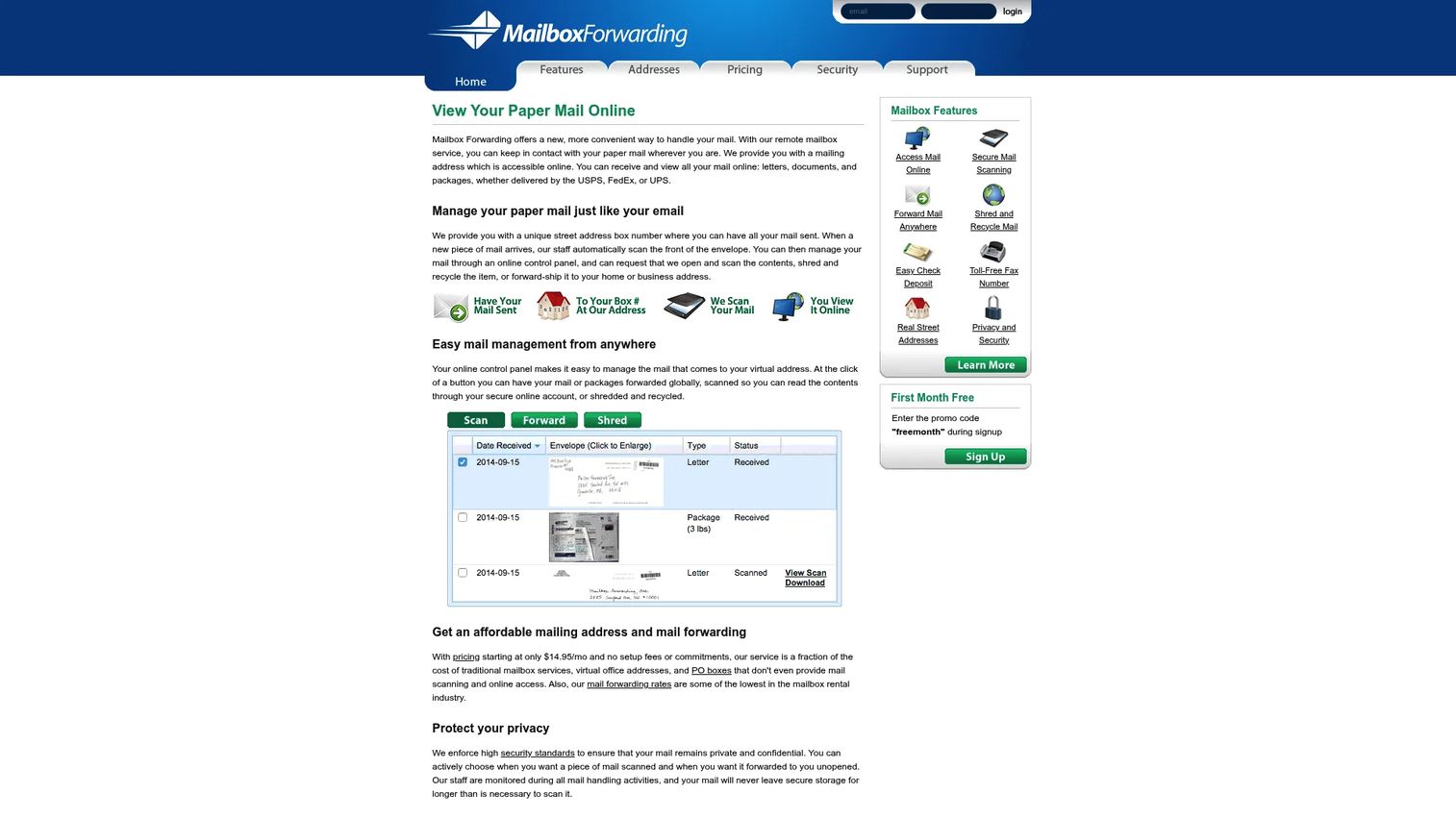
Mailbox Forwarding is a virtual mailbox and mail-forwarding service with online mail viewing, scanning, forwarding, shredding, and check deposit. It leads with simplicity: month-to-month plans, no contracts, no setup or cancellation fees, and clear scan limits per tier. You access mail online through envelope images and notifications, then open, scan, forward, or shred each item. For people who want predictable forwarding without long commitments, the pricing structure is the draw.
Best for: People or small businesses that want a no-contract virtual mailbox with scanning and forwarding.
Key strengths
- Online mail access: Envelope images and notifications keep you on top of incoming mail.
- Secure scanning: Selected items opened and scanned to PDF for remote review.
- Flexible forwarding: Forward anywhere with selectable shipping speed and carrier.
Why choose Mailbox Forwarding: If contract-free pricing and transparent scan limits matter to you, Mailbox Forwarding keeps the commitment low and the structure clear. The tiered plans scale from light personal use to higher-volume business mail without locking you in.
Mailbox Forwarding pricing: Plans are month-to-month with no contract, setup, prepayment, or cancellation fees. Basic is $14.95/month and includes 50 mail pieces received with 15 opened and scanned. Professional is $24.95/month with unlimited mail received and 50 scans. Premium is $49.95/month with unlimited mail received and 150 scans. Extra address fees apply for Los Angeles and Pompano Beach locations. There is no free tier.
7. Iron Mountain

Iron Mountain sits at the enterprise end of this list. It is an information management and secure destruction provider, not a consumer mailbox service. Where it fits this category is digital mailroom and records workflow for larger organizations: secure shredding, records and information management, and compliant retention. If your business operates in a regulated environment and needs an auditable chain of custody for documents, Iron Mountain is built for that scale.
Best for: Organizations that need compliant records storage, secure shredding, and information management at enterprise scale.
Key strengths
- Secure shredding: Compliant destruction of sensitive documents with a clear audit trail.
- Records management: Storage and retrieval of physical and digital records under retention policies.
- Data centers and colocation: Infrastructure services for organizations with broader information needs.
Why choose Iron Mountain: If compliance, retention, and chain of custody outrank cost and convenience, Iron Mountain is the enterprise-grade choice. It is overkill for a solo founder, but for a scaling company facing audits and regulated document handling, the records workflow is the value.
Iron Mountain pricing: Public first-party pricing is available for bulk paper shredding starting from $140 as a one-time service. Most other services, including records management and digital mailroom workflows, are quote-based. Contact Iron Mountain directly for pricing scoped to your retention and volume needs.
8. Caya
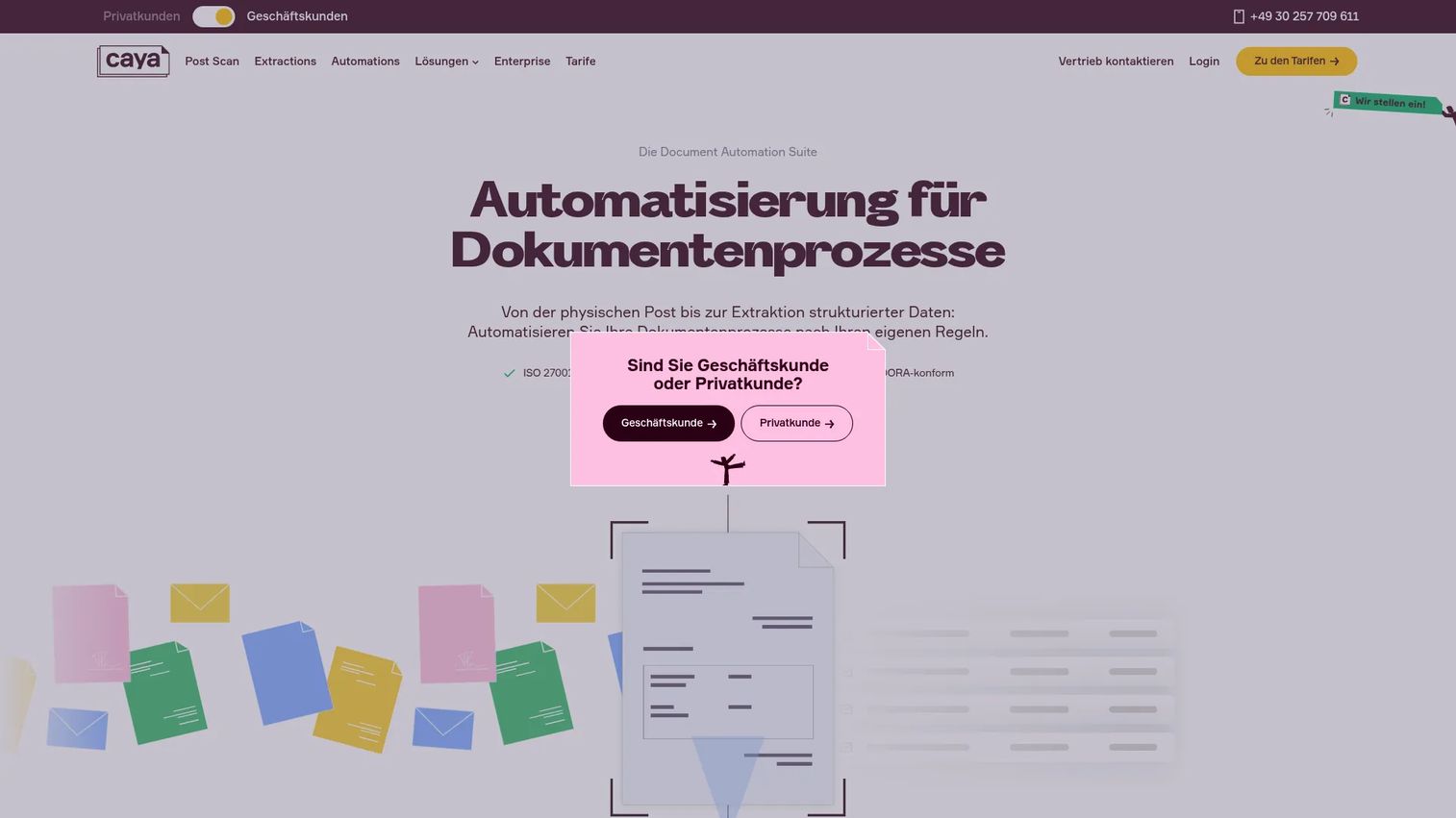
Caya is a document automation suite for digital mail handling, workflow automation, and document extraction. It is the most automation-first option here. Post Scan digitizes incoming mail, Document Automations routes documents by rule, and Document Extractions captures structured data from what arrives. For teams buried in inbound paper that needs sorting, routing, and data capture, Caya turns the digital mailroom into a workflow engine rather than a passive inbox. It carries the highest G2 rating on this list.
Best for: Teams that need digital inboxing plus automated document routing and data extraction.
Key strengths
- Post Scan digitization: Incoming mail captured and digitized automatically.
- Rule-based routing: Document Automations sends items to the right person or workflow by rule.
- Data extraction: Document Extractions pulls structured data from documents for downstream use.
Why choose Caya: If your bottleneck is not receiving mail but processing it, Caya's automation focus addresses the real cost. The routing and extraction features suit operations and finance teams that handle high document volume and want less manual sorting.
Caya pricing: Caya publishes pricing on its German tariff page. Essentials is 9,99€ per user per month, Standard is 24,99€, and Professional is 79,99€ on monthly contracts. Annual billing lowers the effective rate to 14,99€, 29,99€, and 99,99€ per user per month respectively. Prices are shown plus 19% VAT, and letter-volume add-ons apply. There is no separate free tier.
Considerations
Before you commit to a provider, verify these factors against your actual business model.
Address legitimacy and CMRA requirements
Confirm the address is a real street address backed by a Commercial Mail Receiving Agency, not a PO Box, if you plan to use it for business registration or banking. CMRA status affects what you can register and how carriers treat the address. Ask whether the specific location supports your incorporation state.
Package and carrier support
Check which carriers the facility accepts and re-ships. Some providers handle USPS only, while others accept FedEx, UPS, and DHL parcels. If you receive packages regularly, confirm storage limits and re-shipping fees before signing up.
Forwarding and scanning fees
Headline plan prices rarely include everything. Look at per-scan charges, forwarding postage, storage fees beyond the included window, and any address-specific surcharges. A cheap base plan with high per-action fees can cost more than a higher tier with generous limits.
Security, privacy, and identity verification
Most providers require USPS Form 1583 and two forms of ID to legally receive your mail. Confirm how the provider stores scans, who can access them, and whether mail shredding includes secure destruction. For distributed teams, check admin controls and access permissions.
Team workflow and admin controls
If multiple people handle mail, evaluate whether the platform supports multiple users, role-based access, and routing rules. A virtual mailroom that scales across a team beats a single-login mailbox once more than one person needs remote mail access.
Conclusion
The right virtual mailbox software depends on what you are actually solving. For the broadest fit and the widest choice of addresses, iPostal1 is the default starting point with public pricing from $9.99/month. If you want a U.S. business address with a registered agent bundled in, VirtualPostMail removes a compliance line item. Operators running their own space should look at SphereMail's white-label platform.
For no-contract simplicity, Mailbox Forwarding and Traveling Mailbox both keep commitment low. PostNet suits anyone who values a staffed storefront behind their address. At the enterprise end, Iron Mountain handles regulated records and secure shredding, while Caya turns a digital mailroom into an automated routing and extraction workflow.
Your next step: shortlist two providers that match your incorporation state and mail volume, then verify CMRA status, carrier support, and per-action fees before you sign. The cheapest base plan is rarely the cheapest total, so price the full workflow you expect to run.
FAQs
A virtual mailbox is a digital mail service that gives you a real street address where a provider receives your physical mail, photographs the envelope, and lets you view, scan, forward, store, or shred each item online. It replaces checking a physical mailbox with a remote workflow you control from a web or mobile app. You decide what happens to each piece of mail without ever being on site.
Mail arrives at the provider's facility, staff photograph the exterior, and you receive a notification. From the app, you choose to open and scan the contents, forward the item, hold it in storage, or shred it. Scanned contents are delivered as searchable PDFs, and forwarding lets you select carrier and speed.
Yes. Most providers offer a real street address suitable for business registration, banking, and customer-facing documents, which a PO Box cannot provide. Confirm the address has CMRA status and supports your incorporation state. Some providers, like VirtualPostMail, also bundle a registered agent service.
For business use, usually yes. A virtual mailbox gives you a real street address, remote scanning, package acceptance from all major carriers, and forwarding, none of which a standard PO Box offers. A PO Box can be cheaper for simple personal mail pickup, but it lacks remote access and often cannot receive carrier packages.
Most can. Providers typically accept parcels from USPS, and many also handle FedEx, UPS, and DHL. Holding packages at a staffed facility reduces package theft, and you can request re-shipping to any address. Confirm storage limits and re-shipping fees, since these vary by provider and location.
In the United States, you generally need to complete USPS Form 1583 and provide two forms of identification, at least one of which is a photo ID. The form authorizes the provider to receive mail on your behalf and often requires notarization. Some providers offer online notarization to streamline this step.
Most providers support international forwarding through major carriers, though rates and available services vary by destination. You typically select the carrier and shipping speed when you request forwarding. Check whether your provider charges handling fees on top of postage for international shipments.
Reputable providers store scans behind authenticated access, restrict who can view your mail, and offer secure shredding for documents you discard. Identity verification through Form 1583 adds a legal layer of accountability. For teams, look for role-based access and admin controls so only authorized people can view or route sensitive mail.










