You standardize a safety inspection. You print 200 copies. Three weeks later half the completed forms are illegible, a quarter never came back, and the one that flagged a failed pump is sitting in a truck glovebox in another state.
Paper doesn't scale. Neither does the spreadsheet that replaced it, the one with 14 tabs and a version history nobody trusts.
The cost is not the paper. It's what happens after. Inconsistent execution means you can't compare two sites. Missing evidence means you can't defend an audit. Slow reporting means a corrective action sits unassigned until it becomes an incident. The global compliance checklist software market hit $2.1B in 2025 and is forecast to reach $5.9B by 2034 at a 12.4% CAGR, according to MarketIntelo (2025). That growth is teams walking away from paper and Excel.
This guide compares six tools that turn checklists into mobile, trackable, often offline-capable workflows. If you own repeatable operations, you're deciding which one fits your reality, not whether the category matters.
What's inside
This guide is for product managers, operations leads, and quality or safety owners replacing paper, PDF, or Excel checklists with a system that scales. We selected tools based on the factors that actually decide rollout success:
- Mobile and offline execution: capture in the field with weak or no signal, then automatic sync
- Reporting and audit output: PDFs, dashboards, exports, and traceability that survive an audit
- Templates and migration speed: how fast existing checklists get digitized and reused
- Corrective action tracking: whether the tool closes the loop with tasks, owners, and deadlines
We prioritized workflow depth and maintenance burden over raw feature count.
TL;DR
- Best for enterprise inspections: SafetyCulture, with broad templates, evidence capture, and operational visibility
- Best for fast template-first setup: GoAudits, built to digitize existing checklists quickly with instant branded reports
- Best for manufacturing teams: Operations1, with no-code digital work instructions, conditional logic, and versioning
- Best for corrective action follow-up: Flowdit, with CAPA tracking, recurring checklists, and dashboards across sites
- Best for practical inspection digitization: Lumiform, with AI form creation, scheduling, and clean report exports
- Best for flexible form building: Jotform, a no-code form builder for lighter-weight internal process checklists
What is digital checklist software?
Digital checklist software turns paper checklists and spreadsheets into mobile, trackable, often offline-capable workflows for inspections, audits, safety checks, quality control, and field operations.
Instead of a printed form, a field worker completes a digital inspection checklist on a phone or tablet. Each entry is timestamped, attributable, and synced to a central system where anyone can see completion status, flagged failures, and open corrective actions.
Core capabilities of a modern digital checklist app include:
- Form builder: a no-code or drag-and-drop builder for checklists, audits, and inspection forms
- Evidence capture: photos and signatures attached directly to checklist items
- Timestamps and GPS: proof of when and where each check happened
- QR code scanning: pull up the right checklist for an asset, location, or batch
- Offline capture with automatic sync: work without signal, then upload when connected
- Reporting: audit-ready reports, PDFs, dashboards, and exports
- Corrective action tracking: follow-up tasks, owners, deadlines, and CAPA workflows
- Templates: a template library to speed setup and standardize execution
The category spans two ends. On one side, lightweight checklist maker apps for internal process checks. On the other, full operational inspection platforms with recurring inspections, workflow automation, and compliance traceability.
When to use digital checklist software
Replace paper forms and Excel files
Paper creates version problems. Someone prints last quarter's form. Someone else edits the master Excel and forgets to tell the field team. You end up with three versions of the "same" inspection and no way to know which one is current.
Digital checklists solve this with a single source of truth. Update the template once, and every device pulls the current version. Every completed record is stored, searchable, and traceable, so you can compare execution across sites, shifts, and time. That standardization is the point, not the paperless part.
Capture field evidence in real time
Some checks need proof, not just a checkmark. A failed fire extinguisher, a cracked pallet, a temperature reading out of range. Photos, signatures, timestamps, and GPS turn a claim into evidence.
This matters most for audits, safety inspections, and quality control, where "we checked it" is not enough. When an auditor asks for proof, you produce a timestamped photo and a signed record instead of a shrug. Real-time capture also means the evidence exists the moment the issue is found, not reconstructed later from memory.
Track corrective actions and recurring tasks
Completing a checklist is not the finish line. A flagged failure is worthless if nobody owns the fix. This is where corrective action tracking and CAPA workflows earn their keep.
Use this when checklist completion needs to trigger follow-up: assign a task, set a deadline, notify an owner, and escalate if it slips. The same logic applies to recurring inspections. Weekly facility inspections, monthly maintenance checklists, and daily housekeeping audits should schedule themselves and chase the right person automatically.
Comparison table
Here is how the six tools compare. Read the table by starting with the "Best for" column to find your operating reality, then check the key differentiator and pricing. Ratings and prices shift, so verify against each vendor's live pricing page and G2 listing before you commit budget.
| # | Product | Best for | Key differentiator | Pricing | G2 rating |
|---|---|---|---|---|---|
| 1 | SafetyCulture | Enterprise inspections and compliance | Broad platform for inspections, actions, assets, and training | Free tier; Premium from $24/month; Enterprise custom | 4.6/5 |
| 2 | GoAudits | Fast template-first digitization | Instant branded reports with corrective action workflows | From $10/user/month; 14-day free trial | Not listed |
| 3 | Operations1 | Manufacturing shop-floor workflows | Digital work instructions plus checklists and versioning | Request offer | Not listed |
| 4 | Flowdit | Corrective action and multi-site ops | CAPA tracking with AI-automated reports | Free tier; Standard from $12/user/month | 4.9/5 |
| 5 | Lumiform | Practical inspection digitization | AI form creation, scheduler, and flexible exports | Professional and Enterprise plans | 4.6/5 |
| 6 | Jotform | Flexible no-code form building | Drag-and-drop builder with conditional logic | Free tier; Bronze from $34/month | 4.7/5 |
Best digital checklist software for 2026
1. SafetyCulture
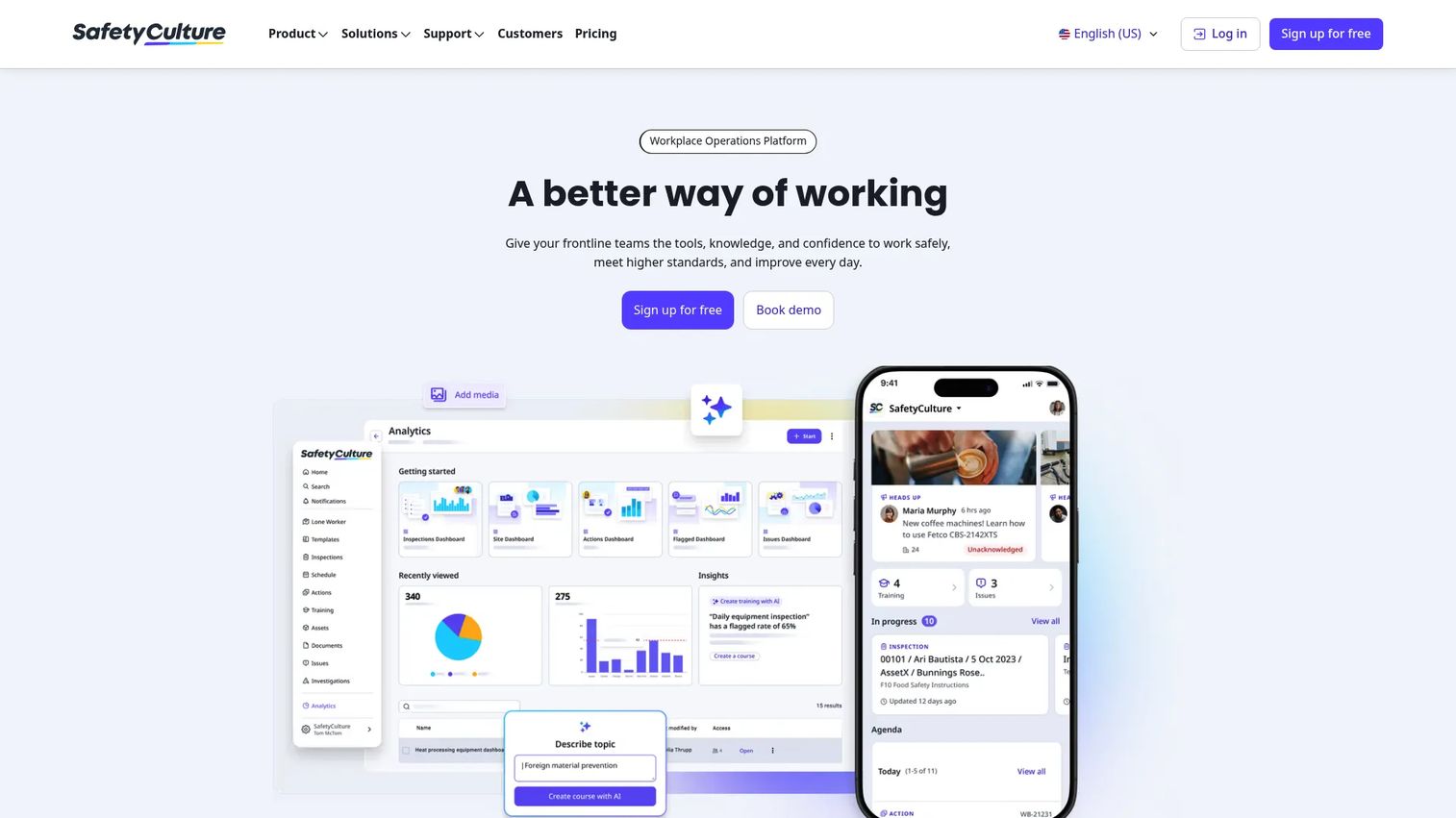
SafetyCulture is the workplace operations platform most teams shortlist first when they move off paper. It covers inspections and reports, actions and issues tracking, and assets and analytics in one system. If you want a familiar, flexible starting point that works across safety, quality, and operational checks, it is the default reference point.
The pull is breadth. You can build a digital inspection checklist, capture photos and signatures in the field, run it offline, then push completed records into dashboards that show completion and trends across locations. Its template library shortens setup, so teams digitize existing checklists without starting from a blank form.
Best for: Teams digitizing frontline inspections, compliance, and operational workflows at scale.
Key strengths
- Inspections and reports with evidence capture
- Actions and issues tracking for corrective follow-up
- Assets and analytics in a single platform
- Template library for fast digitization
- Offline mobile execution with automatic sync
Why choose SafetyCulture: Pick it when you want one platform covering inspections, corrective actions, assets, and analytics rather than a narrow single-purpose tool. It suits operations-heavy teams that value a broad, familiar starting point.
SafetyCulture pricing: A free plan is available. Premium is listed at $24 per month, and Enterprise is custom quote-based. A free trial is offered.
2. GoAudits
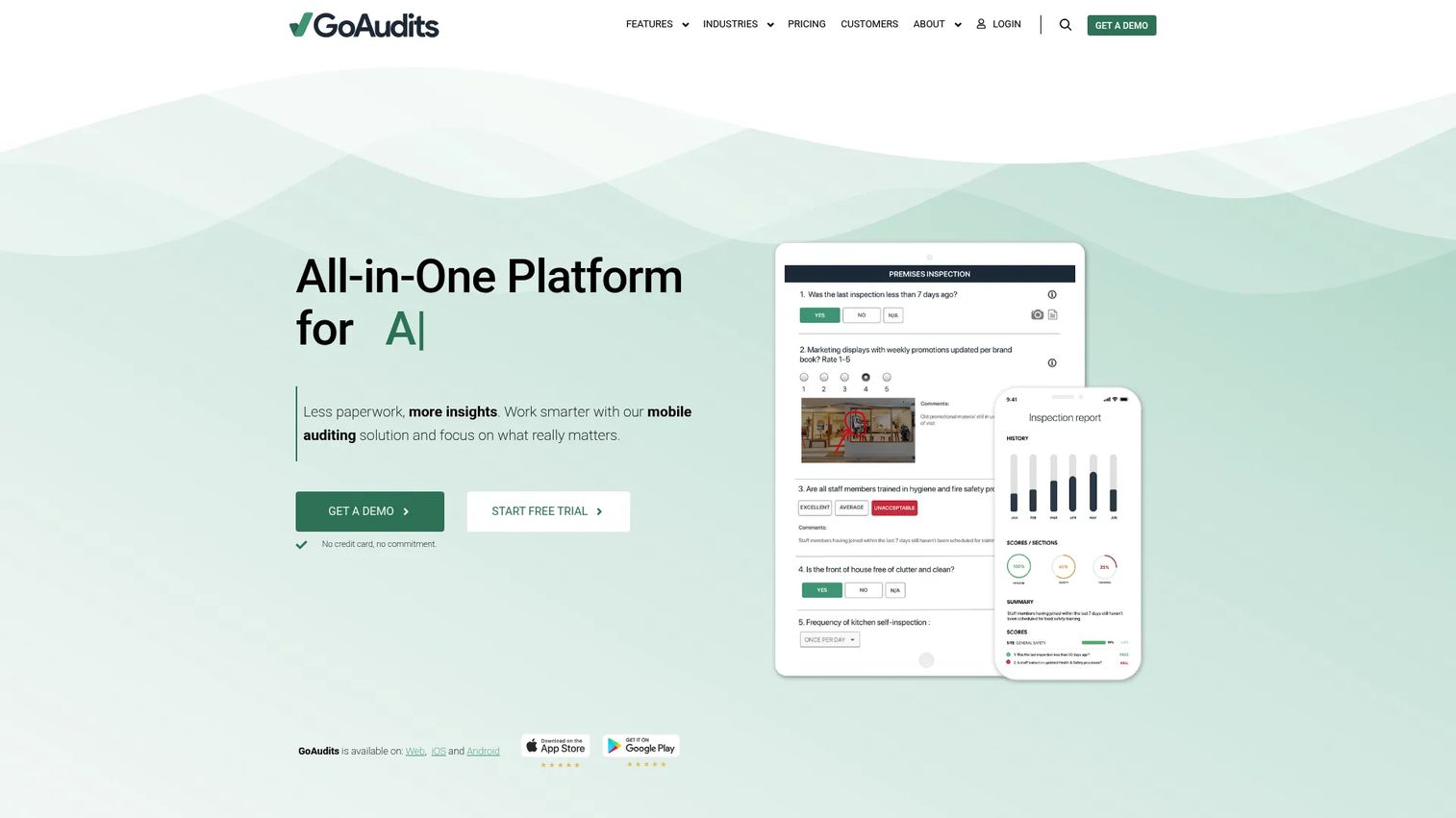
GoAudits is an all-in-one audit and inspection platform built for teams that want to digitize existing checklists fast and get branded reports the moment an inspection ends. It pairs a mobile app with a web portal, so field work and oversight live in the same system.
Where it stands out is the report-first workflow. Finish an inspection and GoAudits generates a branded, audit-ready report automatically. Task and action tracking closes the loop on failures, while dashboards surface trends. Offline plus online auditing means weak-signal sites do not block execution.
Best for: Teams needing mobile-first inspections, reporting, and corrective action tracking.
Key strengths
- Mobile app and web portal for inspections
- Automatic branded report generation
- Task and action tracking with workflows
- Dashboards and trend analytics
- Offline and online auditing
Why choose GoAudits: Choose it when speed to first report matters and you want existing checklists live quickly. It fits quality, safety, and standards teams that value instant, shareable outputs over heavy configuration.
GoAudits pricing: Starter is $10 per user per month and Enterprise is $30 per user per month, both on annual billing. A 14-day free trial is available.
3. Operations1
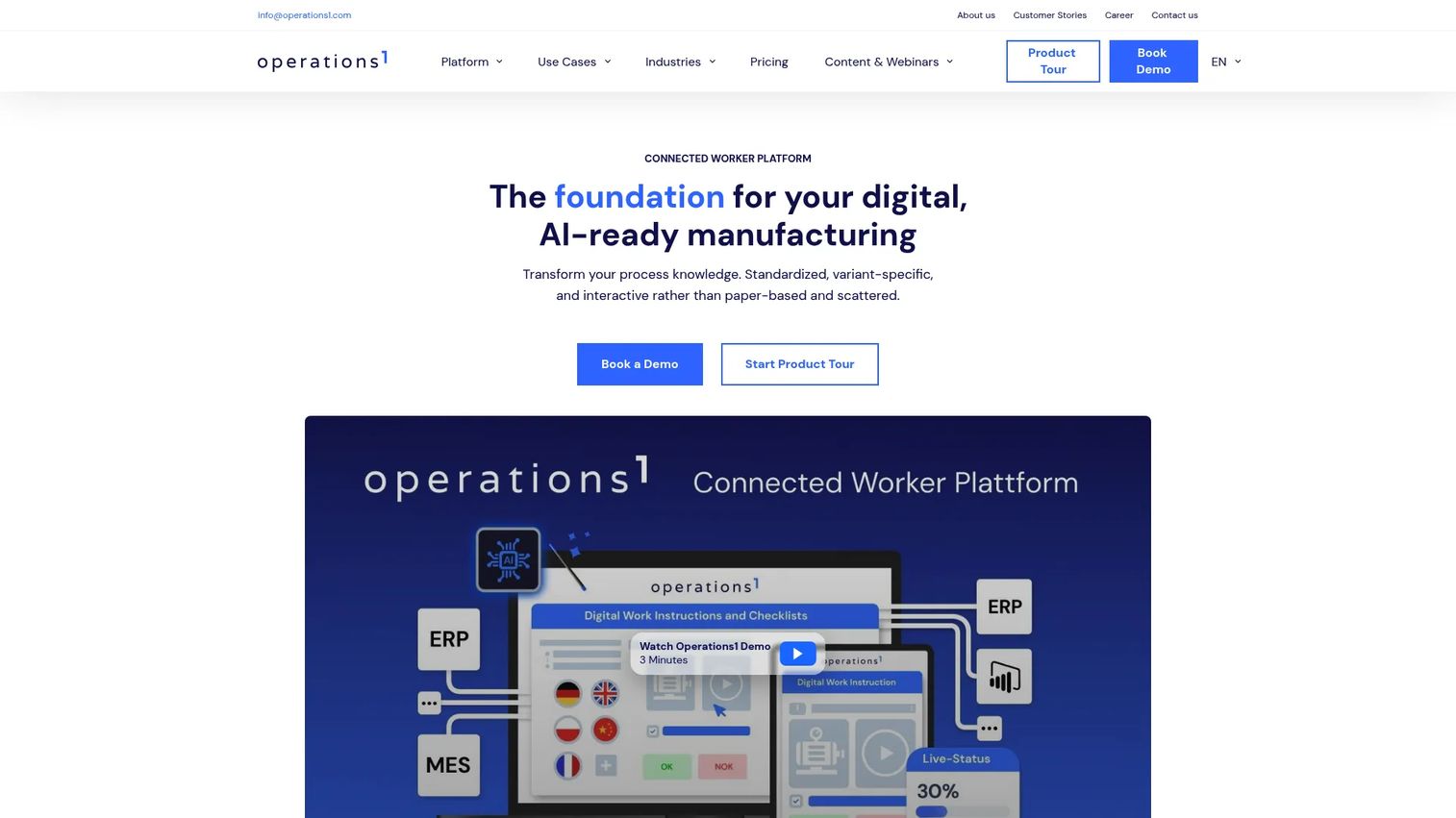
Operations1 is a connected worker platform built for manufacturing. It goes beyond simple checklists into digital work instructions and SOPs, pairing structured guidance with inspection records. For operational teams with complex processes and structured quality requirements, that depth is the draw.
The manufacturing focus shows in the workflow model. You build digital work instructions, checklists, audits, and inspection records with no-code creation, then connect them into the rest of your stack through REST API, webhooks, and standard connectors. That makes it a fit for teams standardizing shop-floor execution across lines and sites.
Best for: Manufacturing companies that need digital shop-floor workflows and connected worker capabilities.
Key strengths
- Digital work instructions and SOPs
- Checklists, audits, and inspection records
- No-code workflow creation
- Integrations via REST API, webhooks, and connectors
- Structured quality and audit records
Why choose Operations1: Pick it when checklists are only part of the job and you need work instructions, conditional guidance, and versioning for complex manufacturing processes. It fits teams scaling structured execution.
Operations1 pricing: Pricing is request-offer only, with no public numeric price listed. Contact the vendor for a quote based on your requirements.
4. Flowdit

Flowdit is software for inspections, audits, maintenance, and frontline workflows, with a clear emphasis on closing the loop after a checklist is done. It targets manufacturing, safety, maintenance, and field operations teams that need standardization across locations and shifts.
Corrective action is the center of gravity. Flowdit tracks CAPA, runs recurring checklists, and rolls results into dashboards, so a flagged failure becomes an owned task rather than a forgotten line item. AI-automated reports cut the manual write-up, and mobile checklists keep field capture simple.
Best for: Manufacturing and field operations teams needing inspections and audit workflows.
Key strengths
- Mobile checklists for field capture
- CAPA and corrective action tracking
- Recurring checklists and scheduling
- AI-automated reports
- Dashboards across sites and shifts
Why choose Flowdit: Choose it when follow-up ownership is the weak point in your current process and you need CAPA plus recurring inspections in one place. It fits multi-site operations that must standardize execution.
Flowdit pricing: A free plan is available. Standard is $12 per user per month and Premium is $22 per user per month, with monthly and annual billing options. Enterprise requires contacting sales.
5. Lumiform
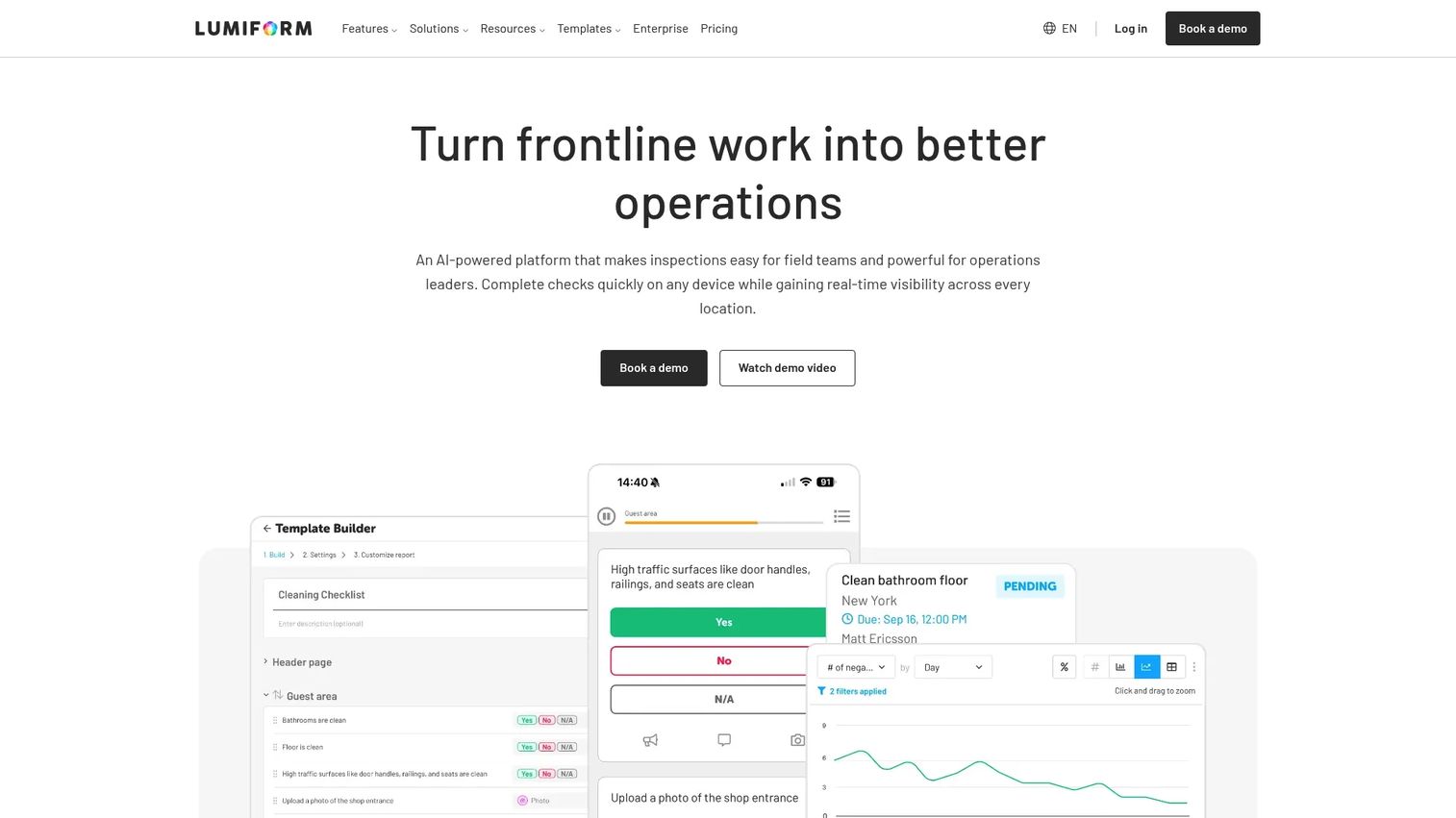
Lumiform is inspection, audit, and frontline operations software for deskless teams that want practical digitization without a heavy implementation. It leans on AI to speed the setup work that usually slows a rollout.
The practical angle is the appeal. AI form creation, translation, and photo validation reduce the manual build, while a scheduler handles recurring tasks and reminders. Reports export to PDF, Word, Excel, and CSV, so outputs fit whatever your auditors or ops teams already use.
Best for: Teams needing mobile inspections, audits, and compliance workflows.
Key strengths
- AI form creation and translation
- Photo validation and analytics
- Scheduler for recurring tasks and reminders
- Reports exported to PDF, Word, Excel, and CSV
- Mobile-friendly inspection execution
Why choose Lumiform: Pick it when you want structured inspection digitization fast and value AI-assisted form building plus flexible export formats. It suits teams that need results without a long setup project.
Lumiform pricing: Lumiform offers Professional and Enterprise plans. Public numeric pricing was not listed at time of writing, so contact the vendor for current figures.
6. Jotform
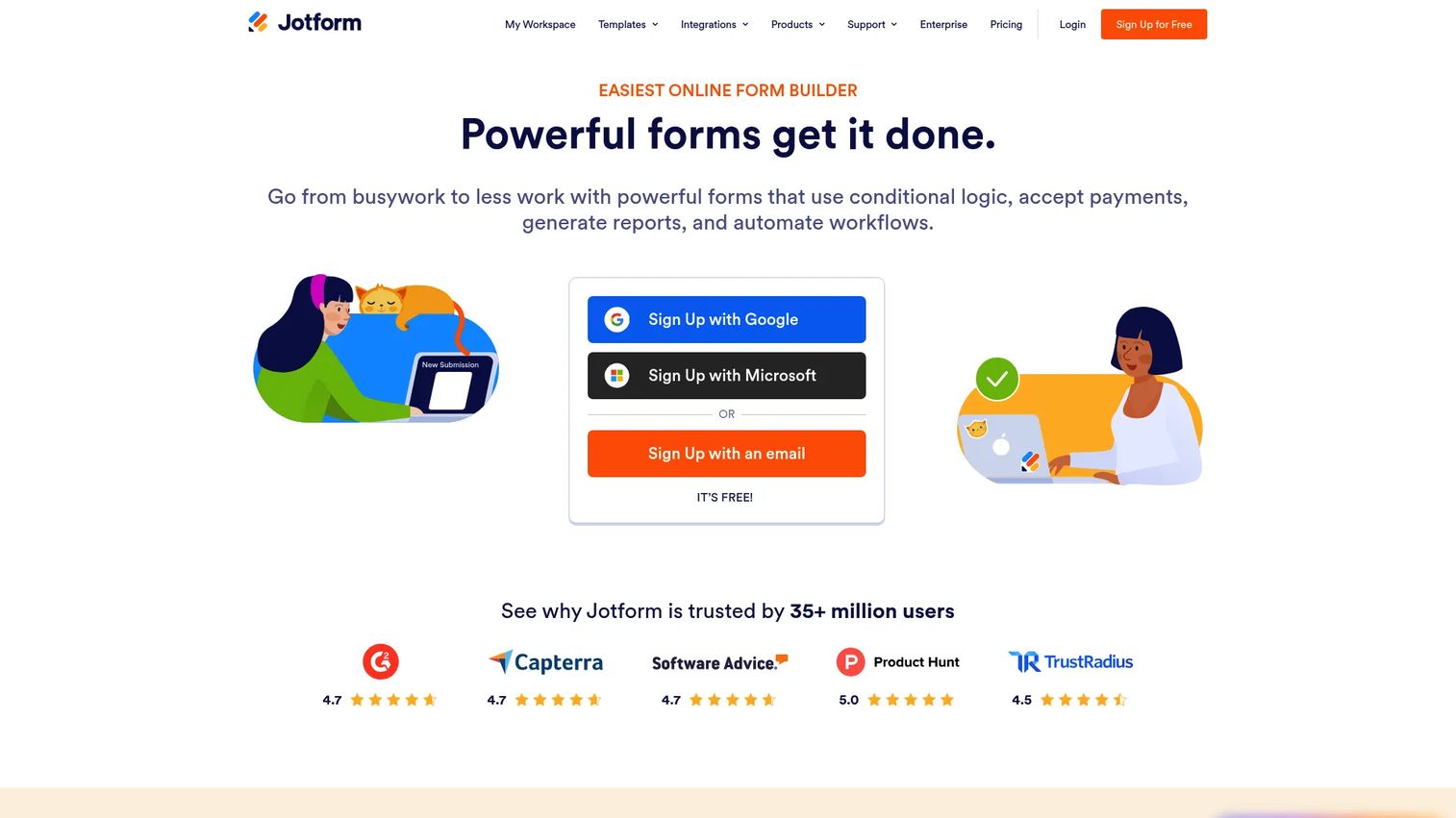
Jotform is a no-code online form builder for forms, surveys, and related workflows. For checklists, it performs best when the workflow is lighter weight than a full operational inspection suite: internal process checks, intake forms, and adaptable request flows.
Flexibility is the strength. The drag-and-drop builder lets you assemble a checklist-style form in minutes, conditional logic adapts the form to responses, and payment integrations extend it beyond simple checks. Distribution is easy, which helps for internal process checklists you need many people to complete.
Best for: Teams that need a flexible no-code form builder with workflow and payment features.
Key strengths
- Drag-and-drop form builder
- Conditional logic for adaptive forms
- Payment integrations
- Fast form creation and distribution
- Large template selection
Why choose Jotform: Choose it when you need adaptable forms and internal process checklists rather than heavy field inspection tooling. It fits teams that value speed and flexibility in building and sharing forms.
Jotform pricing: Starter is free. Bronze is $34 per month, Silver is $39 per month, and Gold is $99 per month, all billed annually. Enterprise is custom-priced.
Considerations
Offline reliability
Field work happens in basements, warehouses, and remote sites where signal drops. Verify how the app behaves with no connection: can workers complete a full digital inspection checklist offline, including photos and signatures? Then check how automatic sync handles conflicts when two devices update while offline. Test it on the actual devices your team uses, not a demo phone on office wifi.
Reporting and audit output
An audit-ready report is only useful if it survives scrutiny. Confirm what the tool produces: branded PDFs, dashboards, and raw exports. Check whether reports preserve timestamps, GPS, photos, and signatures as traceable evidence. Ask how far back records are retained and how quickly you can pull a specific inspection when an auditor asks.
Template and migration speed
Rollout stalls when digitizing checklists is slow. Evaluate the template library and whether AI-assisted form creation can turn an existing paper or Excel checklist into a working form quickly. The faster you migrate, the sooner the team gets value, and the less likely they revert to old habits.
Corrective actions and ownership
Completion without follow-up is theater. Confirm the tool supports corrective action tracking: assigning a task, setting a deadline, notifying an owner, and escalating when it slips. For regulated work, check whether it supports full CAPA workflows and links each action back to the checklist item that triggered it.
Integrations and rollout fit
A checklist tool that lives in isolation creates another silo. Check how it plugs into your operations, data, or workflow systems through APIs, webhooks, and connectors. Consider maintenance burden too: who owns template updates, and how does the tool avoid rot as processes change across frequent operational updates?
Conclusion
The right digital checklist software depends on your workflow maturity, not the longest feature list.
For broad enterprise inspections and operational visibility, SafetyCulture is the familiar default. For fast template-first digitization with instant branded reports, GoAudits gets you live quickly. Manufacturing teams with complex shop-floor processes should look at Operations1. If closing the loop on corrective actions is your weak point, Flowdit centers on CAPA and recurring checklists. Lumiform suits teams that want practical, AI-assisted inspection digitization. Jotform fits lighter internal process checklists and adaptable forms.
Start with the tool that matches your current reality. If you are replacing paper inspections, prioritize offline capture and reporting. If completion is not your problem but follow-up is, prioritize corrective action tracking. Run a short pilot on your actual devices, with your actual checklists, before you roll out across every site.
FAQs
Digital checklist software converts paper checklists and spreadsheets into mobile, trackable workflows for inspections, audits, and field operations. It typically includes a form builder, evidence capture like photos and signatures, timestamps, offline execution, reporting, and corrective action tracking. The goal is consistent execution and traceable records instead of scattered paper.
They standardize repeated workflows: safety inspections, quality control, facility inspections, maintenance checklists, housekeeping audits, and warehouse checks. Teams use them to prove compliance, capture field evidence, and keep execution visible across sites and shifts. The recurring, auditable nature is what separates them from a simple to-do list.
Start in the tool's form builder, usually a no-code or drag-and-drop editor. Add your checklist items, response types, photo and signature fields, and any conditional logic. Many tools offer templates or AI form creation so you can turn an existing paper or Excel checklist into a working digital form quickly, then assign it to a team or schedule.
Yes. Most field-focused tools support an offline checklist app mode where workers complete inspections, attach photos, and add signatures without a connection. The data syncs automatically once the device reconnects. Always test offline behavior, including photo capture and sync conflict handling, on the exact devices your team uses.
Recreate the checklist in the tool's form builder, or use AI form creation to convert a photo or document into a digital form. Start with your highest-volume or most audit-sensitive checklist first. Keep the structure close to the original so field teams recognize it, then refine once it is live and generating data.
Look for a form builder, offline capture with automatic sync, photos and signatures, timestamps and GPS, QR code scanning, audit-ready reports and exports, dashboards, and corrective action or CAPA tracking. For regulated work, prioritize compliance traceability and the ability to link corrective actions back to the checklist item that triggered them.
Yes. Timestamped records, photo and signature evidence, GPS data, and retained history give you the traceability auditors expect. Audit-ready reports and dashboards make it far faster to produce proof than searching through paper or spreadsheets. Confirm retention periods and export formats match your compliance requirements before committing.
Form builders like Jotform excel at flexible, adaptable forms and lighter internal process checklists. Operational inspection platforms add field-specific depth: offline mobile execution, recurring inspections, evidence capture, CAPA workflows, and compliance traceability. Choose a form builder for adaptable data collection, and an inspection platform when field execution and corrective action tracking are core.