Your company has more channels than ever. The problem is that a product launch still gets explained five times, frontline employees miss policy changes, and every important decision ends up back in the founder's inbox.
You hired leaders precisely to carry that load. But without a reliable internal layer for company knowledge, announcements, and cross-team context, information still routes through whoever people trust most. Usually, that's you.
Gartner retired its "Enterprise Social Networking Applications" category on July 2, 2026, a signal that buyers now evaluate this software across employee communications, social intranet, employee experience, and frontline workforce categories rather than a single clean market. That consolidation makes the buying decision harder. Mordor Intelligence put the broader enterprise social software market at USD 18.8 billion in 2025, so the vendor landscape is crowded.
The right platform is not the one with the busiest feed. It's the one that makes company knowledge, leadership communication, and cross-functional context easier to find without creating another system the founder has to keep alive.
What's inside
This guide is for founders and operating leaders evaluating a communication layer for growing companies, typically between 30 and 200 employees.
- Who this guide is for: Founders, COOs, and heads of people or operations building a scalable internal communication system
- How the 10 platforms were selected: Social networking depth, knowledge discovery, mobile access, governance controls, ecosystem integrations, and scale to enterprise
- How to distinguish platforms: Social intranets vs. workplace collaboration suites vs. employee experience platforms
- What to evaluate before buying: Adoption potential, content ownership, frontline coverage, and total cost of ownership
Pricing and G2 ratings were verified from each vendor's official pricing page and G2 listing before publication.
TL;DR
- Best overall for employee engagement and social intranet: Workvivo combines company communications, recognition, communities, and mobile frontline delivery in one operating layer
- Best for knowledge-centered employee experience: Simpplr suits growing companies where employees can't find the latest approved information
- Best for Microsoft-first organizations: Microsoft Viva Engage adds community and leadership dialogue inside the Microsoft 365 stack you already own
- Best for Google Workspace-centered teams: Happeo centralizes company knowledge and communications without pulling people out of familiar tools
- Best before adding a dedicated platform: Google Workspace covers core communication and knowledge-sharing needs for teams that haven't yet proven the need for a separate employee experience platform
- Best for frontline and distributed workforces: MangoApps suits companies with employees who don't spend their day in email or a desktop productivity suite
What is enterprise social networking software?
Enterprise social networking software is an internal platform that helps employees communicate, share knowledge, discover colleagues and communities, and participate in organization-wide conversations through feeds, profiles, groups, searchable content, and activity updates.
The category now overlaps significantly with adjacent categories. Buyers commonly evaluate platforms across social intranets, employee engagement software, employee experience platforms, digital workplace software, and workplace collaboration suites. Understanding the difference matters before you choose.
Core capabilities to look for:
- Employee profiles, directories, and expertise discovery
- News feeds, announcements, communities, and group discussions
- Searchable knowledge, documents, and policy updates
- Mobile access for frontline and non-desk employees
- Moderation, permissions, publishing workflows, and analytics
- Integrations with Microsoft 365, Google Workspace, HRIS systems, identity providers, and collaboration tools
Enterprise social network vs. intranet vs. collaboration suite
| Category | Primary job | Best when | Common risk |
|---|---|---|---|
| Enterprise social network | Build conversations and communities | Employees need connection and peer knowledge sharing | Feed becomes inactive without ownership |
| Social intranet | Publish trusted company knowledge and updates | Teams need a searchable home for policy and communications | Content becomes stale |
| Collaboration suite | Coordinate daily work and messages | Teams need meetings, chat, files, and workspaces | Information fragments across channels |
An enterprise social network works best when paired with operating habits. It is not a culture fix by itself. If the underlying problem is unclear content ownership or poor documentation discipline, a new feed won't solve it.
When to use enterprise social networking software
Connect distributed employees around company priorities
When your organization has remote, hybrid, multi-office, or frontline teams, critical updates reach employees unevenly. Leadership communications get buried in chat, missed in email, or filtered out by people who aren't in the right meeting. A dedicated enterprise social network gives leaders a channel that reaches every employee, with analytics to confirm who actually saw the update.
Make knowledge findable before hiring outpaces onboarding
At Series B, the founder often becomes the institutional memory. New hires ask the same operating questions. Leaders repeat the same explanations. A searchable community management platform with organized knowledge hubs, groups, and reusable updates means a new VP of Sales can find the go-to-market rationale without booking time with you.
Create two-way communication without turning every update into a meeting
Q&A features, recognition, targeted communities, and employee feedback loops give employees a place to respond without demanding synchronous time. This only works with clear moderation and content governance. Without a named owner for each channel, feeds quickly become noise rather than a source of signal.
Enterprise social networking software comparison
Ecosystem fit, mobile access, governance depth, and pricing model are more useful filters than a generic feature checklist. Enterprise social networking is no longer a clean standalone category. Many of the strongest platforms combine intranet, employee communications, knowledge management, and social features under one product.
Use this table as a starting point, then read the tool entries to match platform strengths to your workforce type and tech stack.
| # | Product | Best for | Key differentiator | Pricing | G2 rating |
|---|---|---|---|---|---|
| 1 | Workvivo | Employee engagement and frontline communications | Social intranet, recognition, and mobile reach combined | Custom quote | N/A on G2 |
| 2 | Simpplr | Structured employee experience and knowledge delivery | AI-enabled intranet with personalized communications | Custom quote | 4.6/5 |
| 3 | Microsoft Viva Engage | Microsoft 365 organizations | Communities and leadership conversations inside Microsoft stack | From $2/user/month (annual) | 3.6/5 |
| 4 | LumApps | Global digital workplaces with complex system landscapes | Intranet with Microsoft and Google support plus AI agents | Custom quote | 4.4/5 |
| 5 | Happeo | Google Workspace-centered companies | Google-native social intranet and knowledge hub | Contact sales | 4.5/5 |
| 6 | eXo Platform | Organizations needing deep customization and open standards | Open-source digital workplace with configurable architecture | From $8/user/month (Platinum, annual) | 4.3/5 |
| 7 | MangoApps | Frontline and distributed workforce use cases | Mobile-first employee hub with operational workflows | From $9/employee/month | 4.2/5 |
| 8 | Jostle | Culture, connection, and employee participation | Recognition and simple social intranet experience | Contact sales for current pricing | 4.6/5 |
| 9 | Appspace | Mixed-environment digital workplace deployments | Employee communications across intranet, signage, and workplace channels | Free plan available; Express and Enterprise by contact | 4.7/5 |
| 10 | Google Workspace | Teams that want collaboration within an existing productivity suite | Gmail, Drive, Chat, Meet, Sites, and shared knowledge workflows | From $8.40/user/month (Business Starter, flexible billing) | 4.6/5 |
Pricing and G2 ratings verified October 2026 from each vendor's official pricing page and G2 listing.
Best enterprise social networking software tools for 2026
1. Workvivo
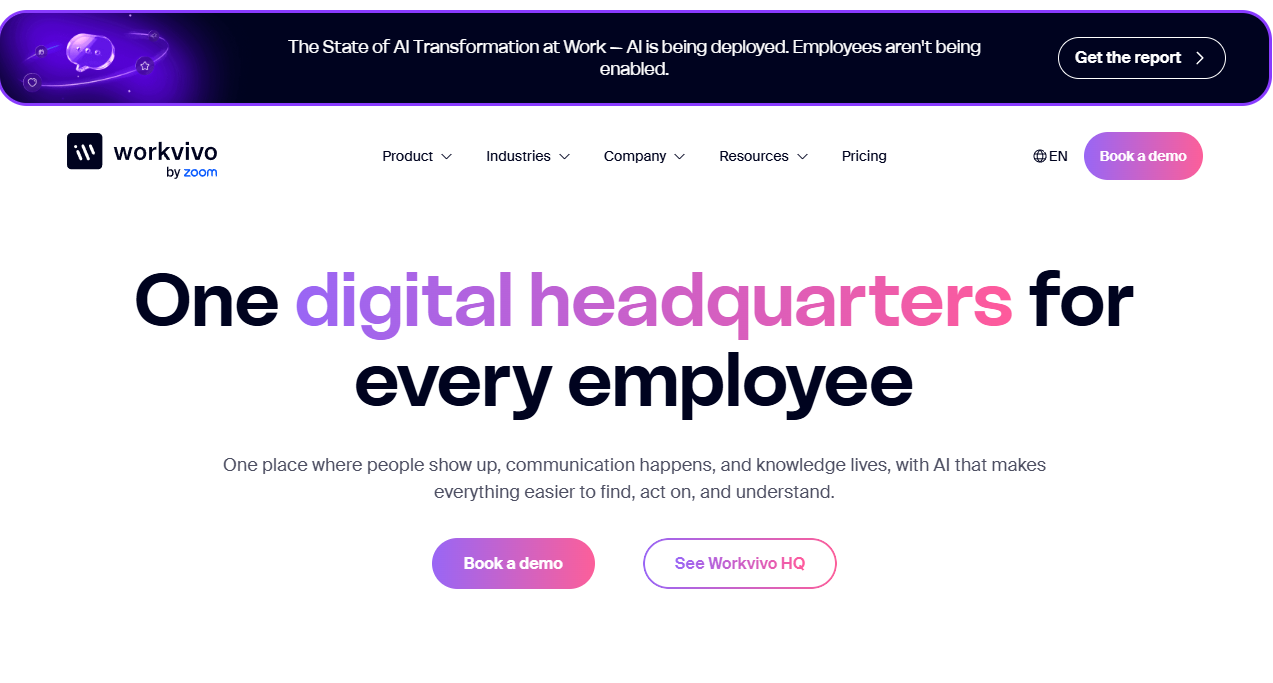
Workvivo is an AI-native employee experience platform that combines internal communications, social intranet capabilities, employee recognition, communities, and frontline delivery in one layer. Acquired by Zoom in 2023, it is positioned as a broad operating surface for companies scaling past the point where Slack channels and all-hands meetings can carry the internal communication load.
Best for: Founders scaling a distributed company that needs leaders to communicate consistently without relying on meetings, chat cascades, or founder-led follow-up.
Key features
- Company news feeds and targeted audience updates
- Employee recognition and peer celebrations
- Communities, groups, and social spaces
- Mobile app for frontline employees
- Content approvals and publishing workflows
- AI-powered enterprise search and answers
- Journeys for onboarding and change programs
- Livestreams and digital signage support
Why choose Workvivo: It fits companies where high employee participation and a social-media-style internal experience are the goals. The founder case is straightforward: A new people leader or head of communications gets a centralized surface they can own and measure, rather than inheriting a stack of chat channels with no single source of truth.
Workvivo pricing: Workvivo uses custom, quote-based pricing shaped by required licenses and organizational needs. No free trial is offered. Contact Workvivo directly for package details.
2. Simpplr
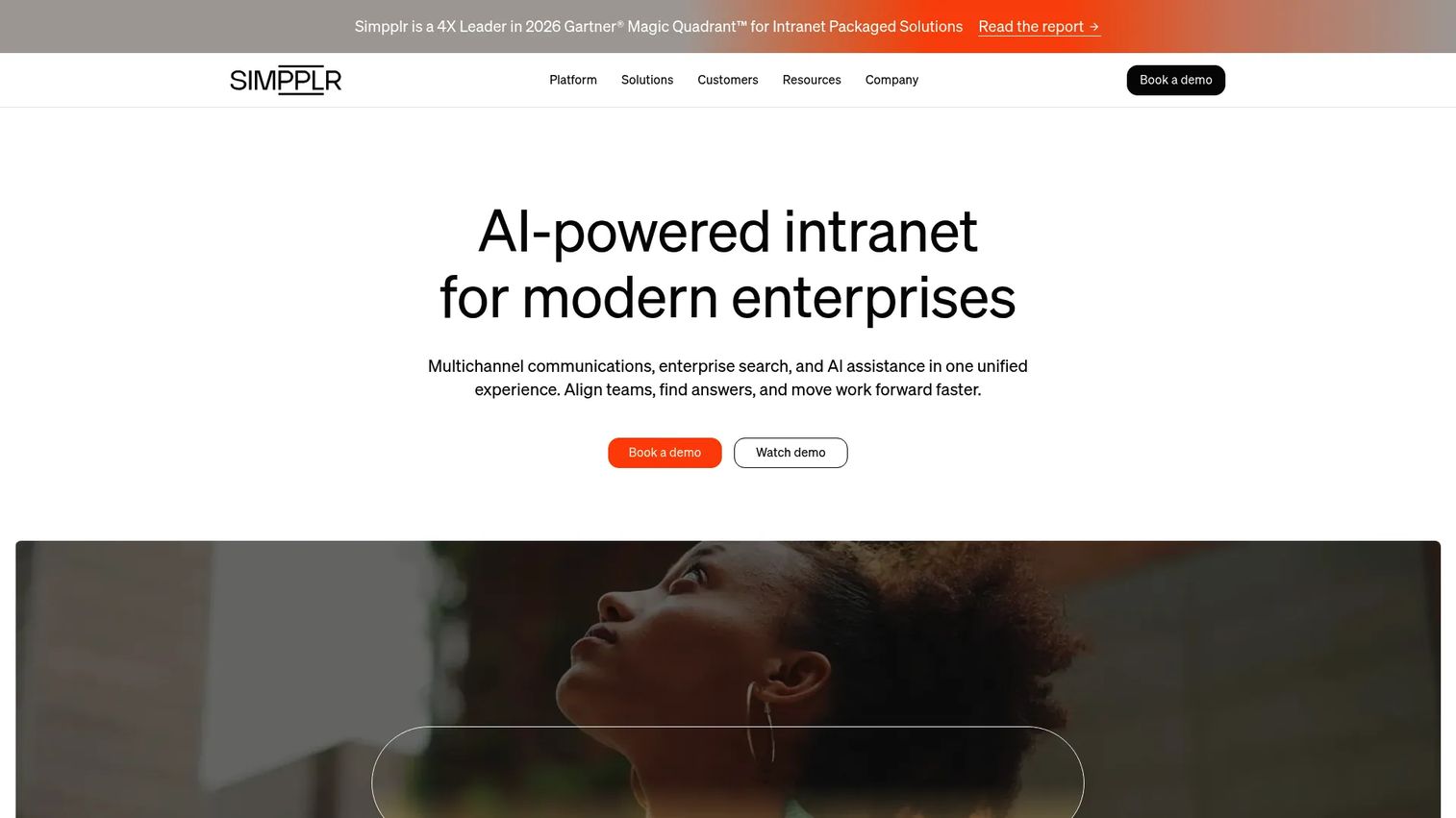
Simpplr is an AI-powered employee experience platform built around intranet publishing, personalized communications, enterprise search, and knowledge discovery. It positions itself as the Digital HQ for organizations that need a governed, single source of truth for company information rather than another social feed.
Best for: Growing companies where leadership updates and employee knowledge currently live across too many channels and employees fail to find the latest approved information.
Key features
- Personalized intranet pages and Digital HQ
- Multichannel communications and Must-Reads tracking
- AI Assistant and enterprise search
- Employee surveys and sentiment analysis
- Content governance workflows and analytics
- 200+ integrations and open APIs
Why choose Simpplr: The platform suits leaders who need a durable internal source of truth rather than improved chat volume. When the biggest problem is employees acting on outdated information or ignoring policy updates, Simpplr's governance tools and Must-Reads tracking address it directly.
Simpplr pricing: Simpplr prices by volume and organizational complexity. The vendor mentions limited 14-day trials on its pricing page; contact sales for package details. Reviewer-reported ranges on G2 suggest mid-market deployments typically involve annual contracts with per-user components.
G2 rating: 4.6/5 (verified October 2026).
3. Microsoft Viva Engage
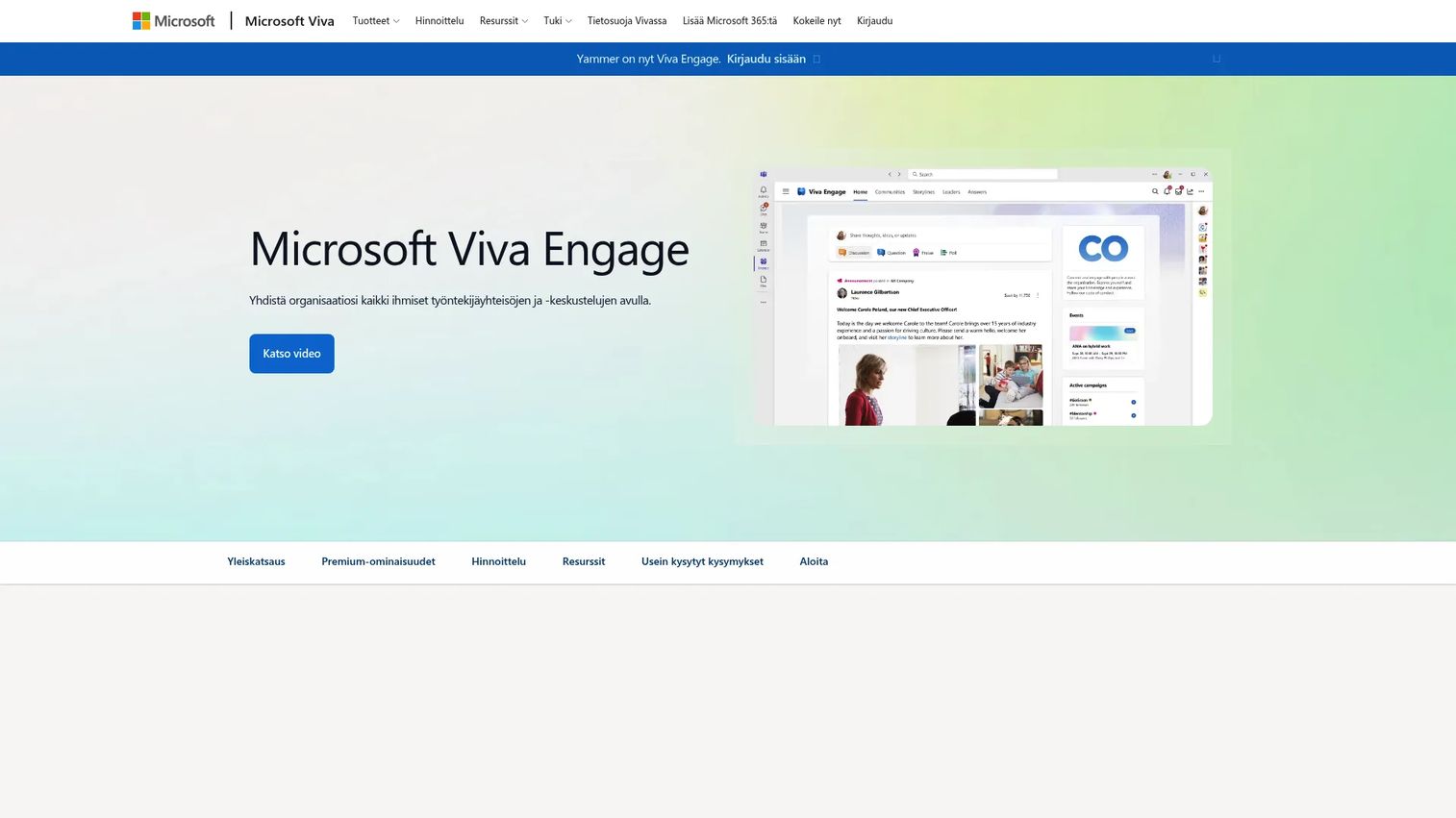
Microsoft Viva Engage is Microsoft's enterprise social networking and community layer, evolved from Yammer. It adds employee communities, leadership dialogue, Ask Me Anything events, and social participation to organizations already standardized on Teams, SharePoint, Outlook, and Microsoft 365.
Best for: Microsoft-first organizations that want leadership dialogue and employee communities without buying a separate communication platform.
Key features
- Employee communities and group conversations
- Leadership Corner and Storylines
- Ask Me Anything virtual events
- Announcements, polls, praise, and Q&A
- Microsoft 365 and Teams integration
- Engagement analytics and Microsoft Copilot assistance
Why choose Microsoft Viva Engage: The ecosystem advantage is the deciding factor. If your company already pays for Microsoft 365, core Engage capabilities are accessible through qualifying plans. Adding premium features requires a Microsoft Viva Employee Communications and Communities license or the full Viva Suite. Adoption friction matters here more than a new standalone interface, and Viva Engage avoids asking employees to log in to another product.
Microsoft Viva Engage pricing: The Microsoft Viva Employee Communications and Communities license starts at $2.00/user/month (billed annually). The full Microsoft Viva Suite is $12.00/user/month (billed annually). Core Engage features are available in qualifying Microsoft 365 plans. Verify which capabilities your existing plan includes before purchasing a Viva add-on.
G2 rating: 3.6/5 (verified October 2026).
4. LumApps
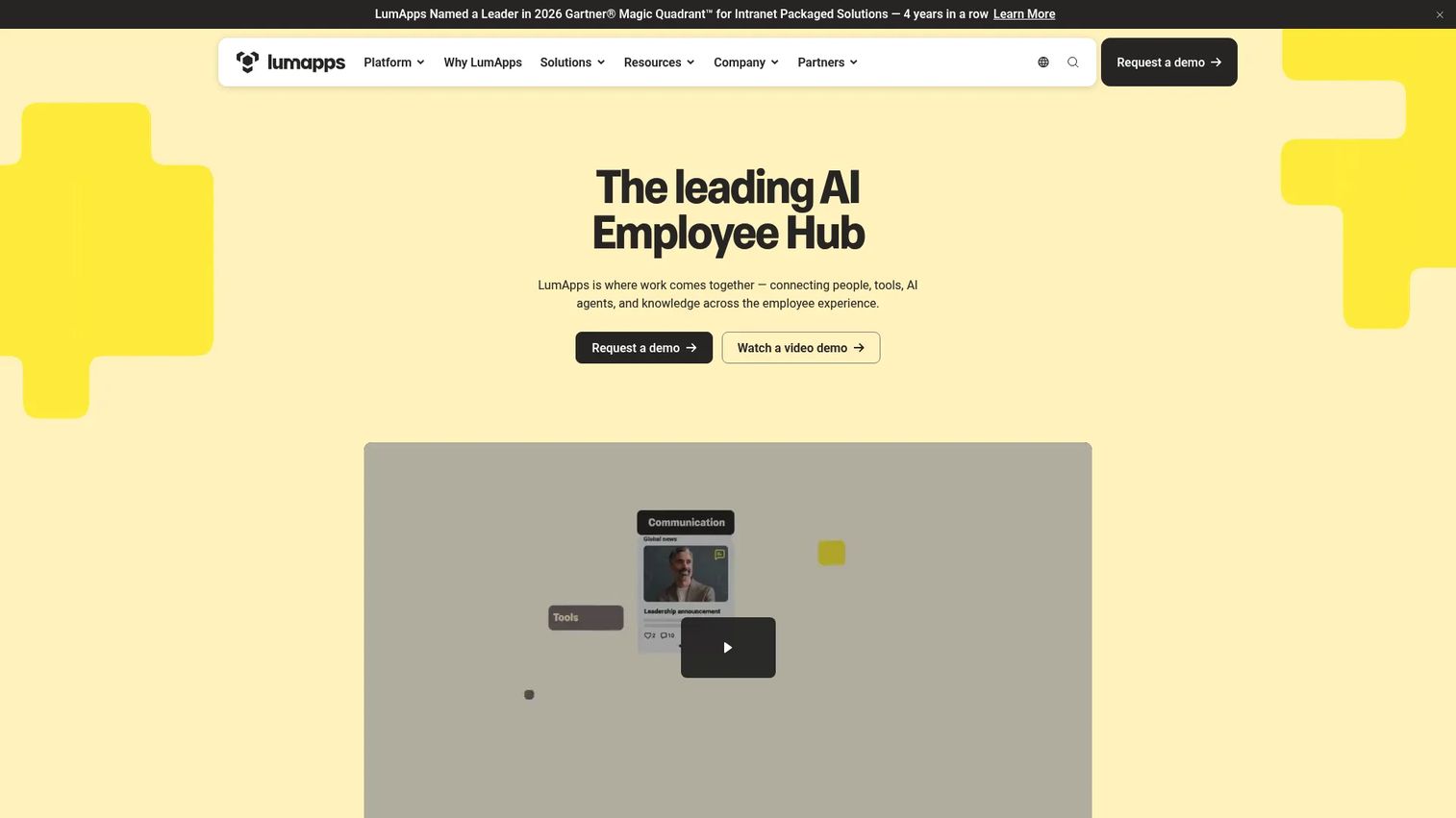
LumApps is an AI-powered employee hub and intranet platform for organizations that need branded employee portals, multi-language communications, knowledge distribution, and support for complex system landscapes. It connects with Microsoft 365, Google Workspace, Workday, ServiceNow, and more than 50 no-code app connectors.
Best for: Companies with multiple regions, business units, and communication audiences that need more control over targeting, localization, and information architecture.
Key features
- Personalized employee portals across desktop, mobile, and digital signage
- AI-powered enterprise search and governed AI agents
- Multi-language communications and employee journey targeting
- No-code workflows, task automation, and digital forms
- Employee onboarding, learning, recognition, and HR self-service
- Integrations with Microsoft 365 and Google Workspace
Why choose LumApps: It suits organizations where internal communication has become an architecture problem. For a Series B founder preparing for the next phase of growth, LumApps helps prevent each department from building its own disconnected hub as headcount doubles. The platform's multi-language and multi-audience targeting becomes meaningful once you have regional teams or multiple product lines.
LumApps pricing: LumApps requires a personalized demo for pricing; no figures are shown on the vendor's site. Package details depend on employee count, modules selected, and implementation scope.
G2 rating: 4.4/5 (verified October 2026).
5. Happeo
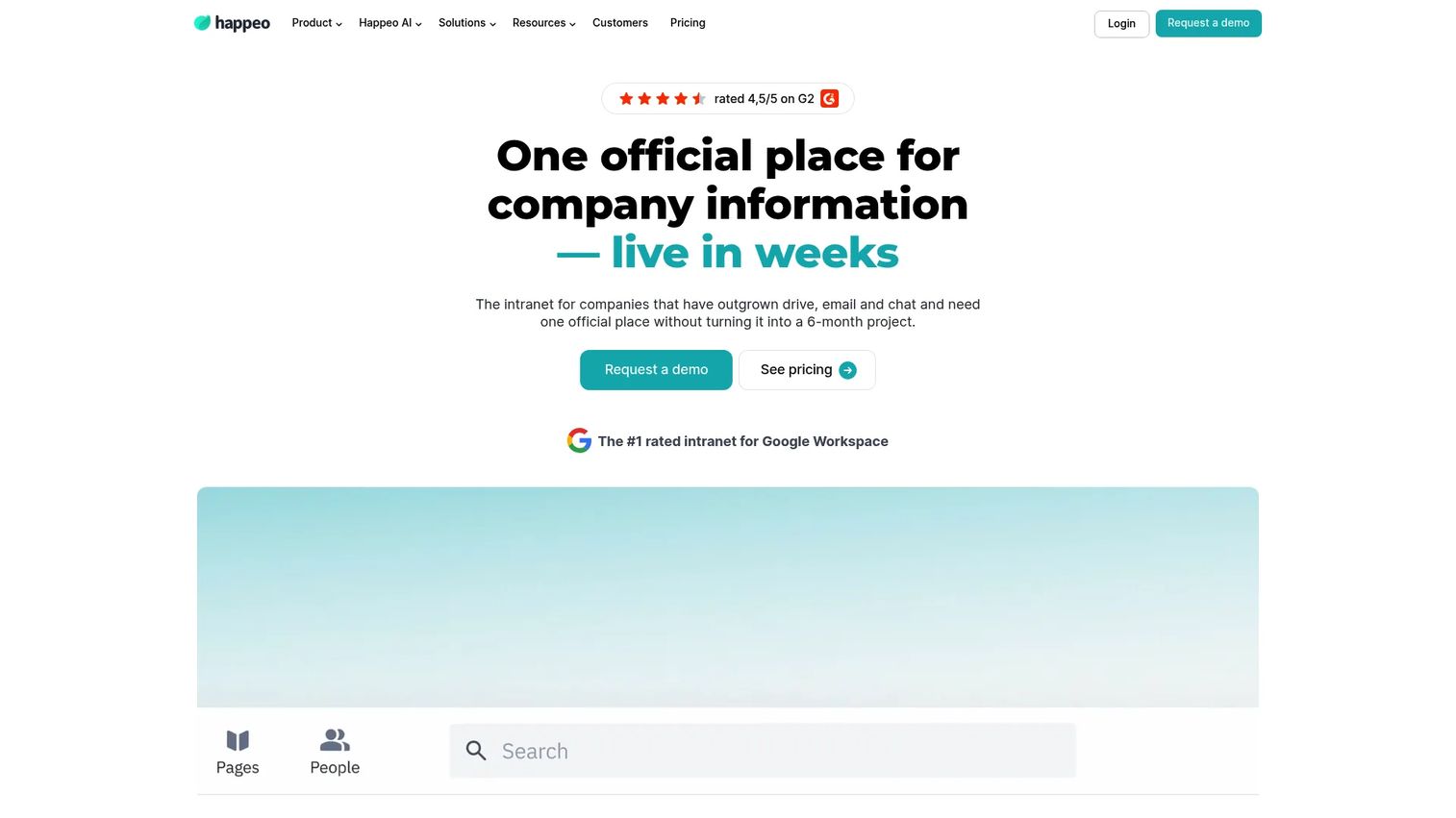
Happeo is an AI-powered intranet and knowledge hub with strong relevance for Google Workspace organizations. It centralizes company knowledge, internal communications, and discoverability inside a social intranet experience that sits on top of tools teams already use.
Best for: SaaS companies running Gmail, Drive, Calendar, and the broader Google Workspace suite that want a structured knowledge and communications layer without forcing employees to abandon familiar tools.
Key features
- Knowledge pages and hubs with governance controls
- Channels for collaboration and announcements
- AI-powered and federated search across connected tools
- People directory and organizational chart
- Internal communications analytics and mobile access
Why choose Happeo: It directly addresses the "where does this live?" problem in a Google-first operating environment. Company context, policy updates, and leadership communications get a permanent, searchable home without asking teams to migrate to a new productivity suite. AI features are included across all plans.
Happeo pricing: Happeo offers Starter, Growth, and Enterprise tiers, all priced by quote. No monetary amounts are shown on the pricing page. Contact Happeo for user minimums and annual contract terms by tier.
G2 rating: 4.5/5 (verified October 2026).
6. eXo Platform
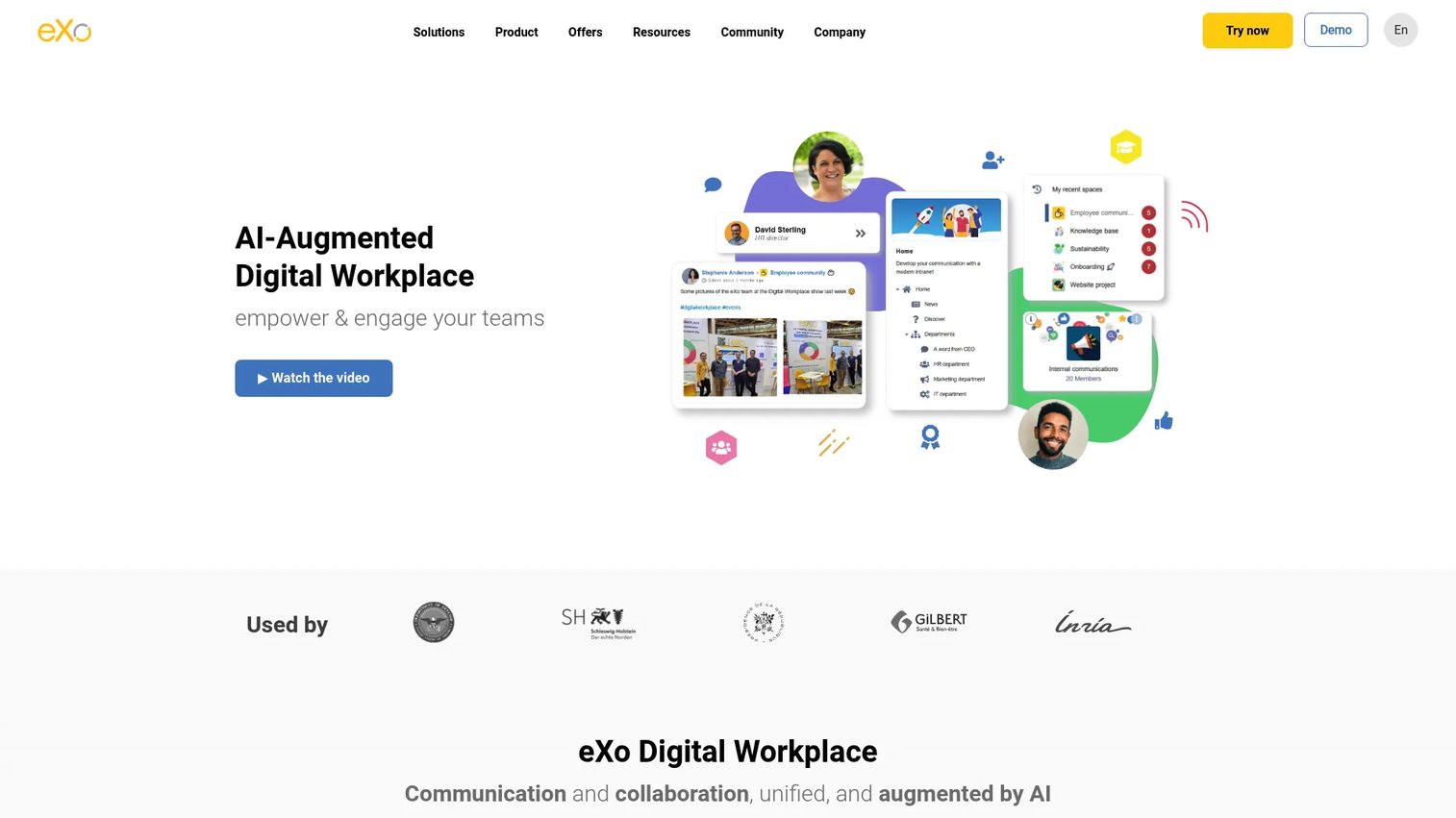
eXo Platform is an open-source digital workplace platform that combines internal communications, collaborative workspaces, knowledge management, document co-editing, and configurable employee portals. It is built for organizations with specific integration, deployment, or customization requirements that don't fit a more packaged employee communications product.
Best for: Technology-led companies with nonstandard system requirements or organizations that want to host and customize their own digital workplace environment.
Key features
- Internal communication and social interaction spaces
- Collaborative workspaces with chat, video, projects, and tasks
- Knowledge base and document management
- Unified search and personal productivity tools
- No-code customization and AI-assisted capabilities
Why choose eXo Platform: The deciding factor is whether the platform can fit existing systems and internal processes rather than the other way around. For companies with compliance constraints, existing infrastructure investments, or development teams that want to extend the product, eXo's open-source architecture is the reason to choose it over a packaged alternative.
eXo Platform pricing: The Platinum plan is priced at $8/user/month (billed annually, minimum 10 users). Silver and Gold plans are listed on the pricing page but marked as coming soon, with prices to be confirmed. A 14-day trial of eXo Hubs is available.
G2 rating: 4.3/5 (verified October 2026).
7. MangoApps
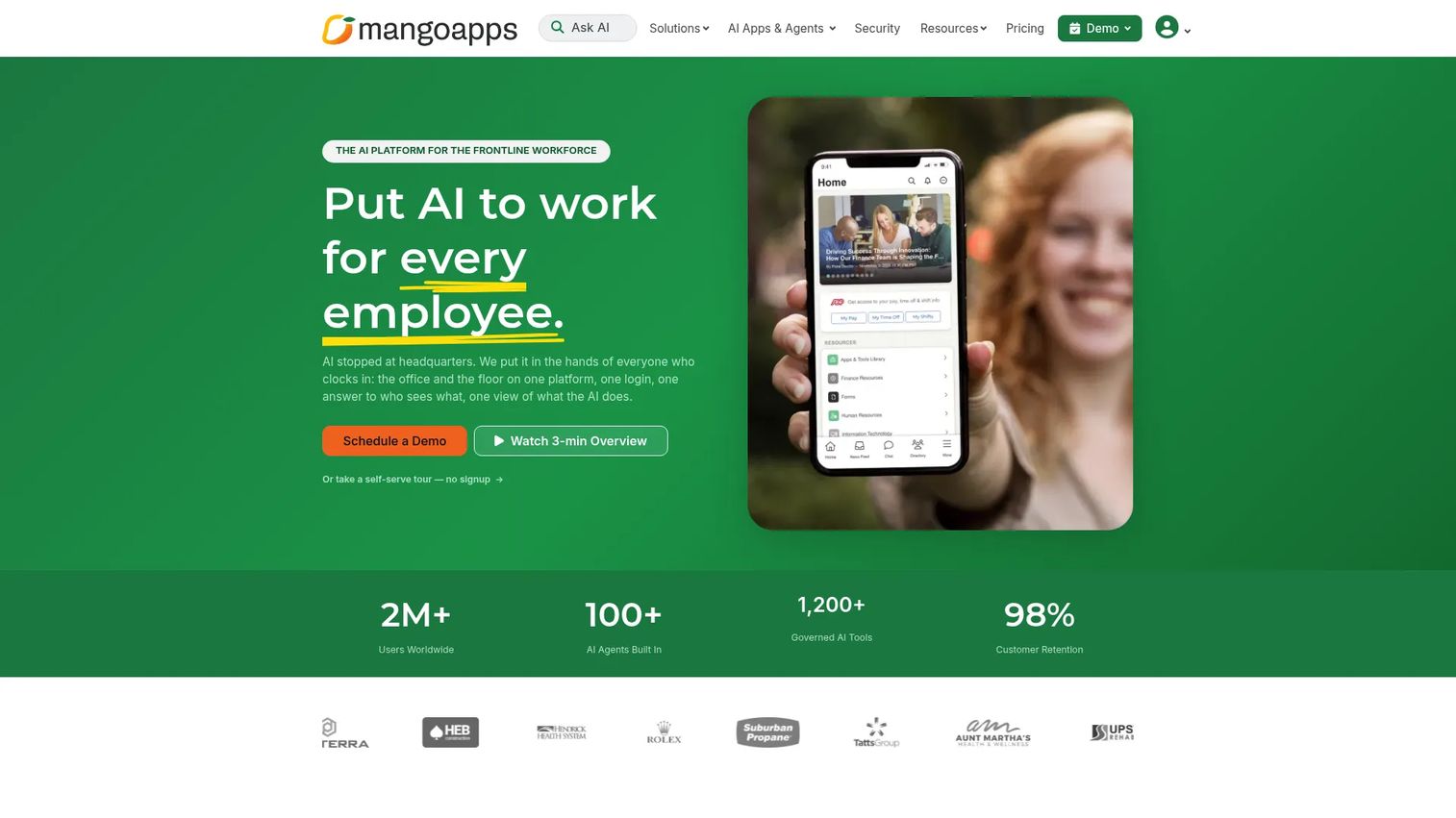
MangoApps is an AI platform for frontline and office workforces that combines employee communications, intranet capabilities, collaboration, operational workflows, HR functions, and mobile access. It addresses the workforce coverage problem directly: Employees who don't spend their day in corporate email or a desktop productivity suite can still receive and act on updates.
Best for: Companies with operations, services, customer-facing, or distributed teams where a significant share of the workforce never opens a corporate laptop.
Key features
- Mobile employee communication and targeted announcements
- Team collaboration spaces and messaging
- Knowledge hubs and document resources
- Frontline operations and scheduling tools
- Workforce forms, workflows, and HR operations
- Performance and learning modules
Why choose MangoApps: A founder with frontline employees faces a specific problem: Standard internal communication tools were designed for desk-based workers. MangoApps closes that gap with mobile-first delivery and operational workflows that extend beyond a social feed into scheduling, compliance, and task management. Company suite plans require a 200-employee minimum.
MangoApps pricing: The Communications and Intranet suite starts at $9/employee/month. Frontline Operations is $10/employee/month and Performance and Learning is $15/employee/month. An all-employee suite covering every module is $39/employee/month. A 14-day free trial is available.
G2 rating: 4.2/5 (verified October 2026).
8. Jostle
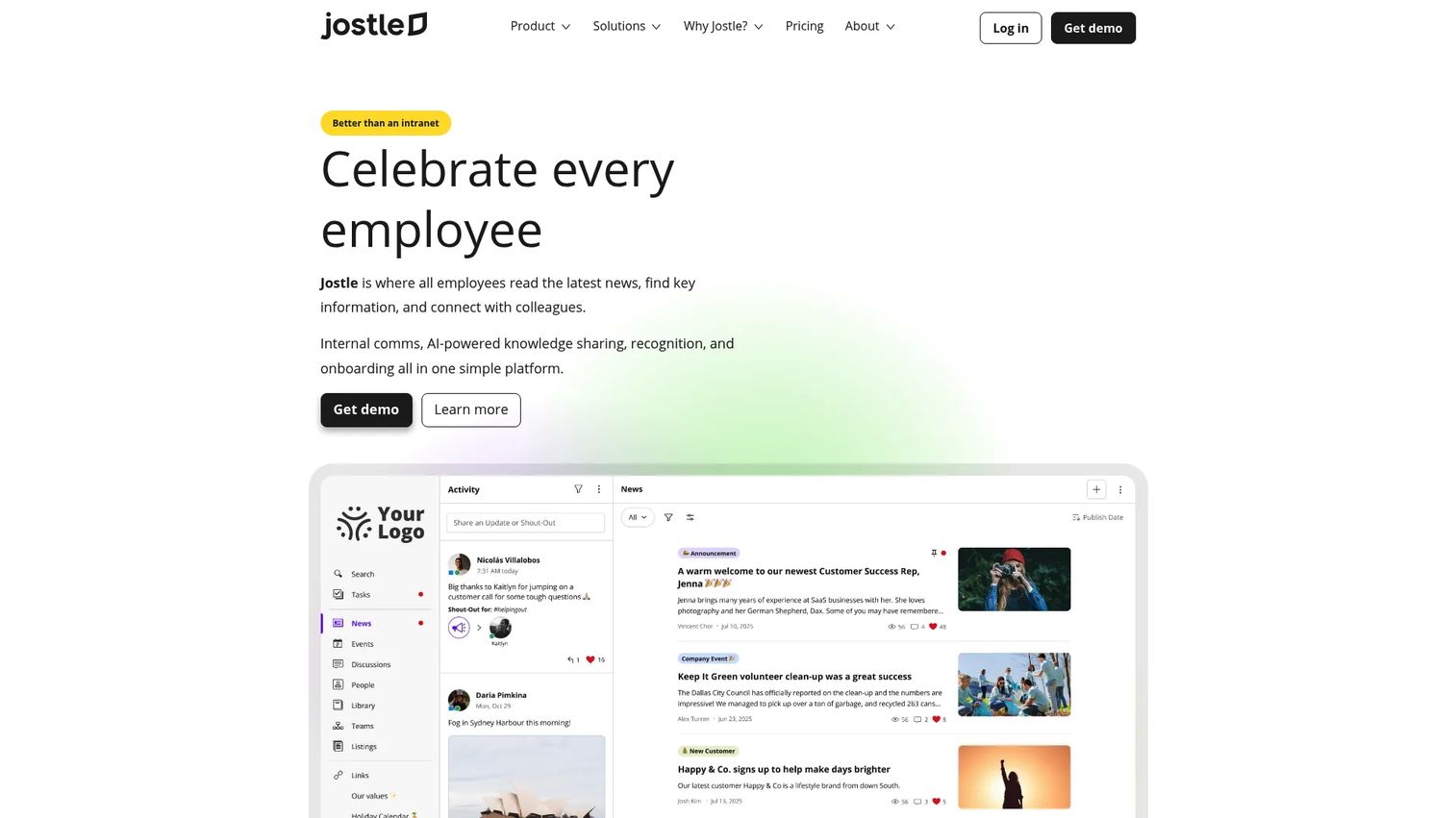
Jostle is an employee success platform centered on internal communications, knowledge sharing, employee recognition, and company culture. It keeps the experience simple: A news feed, a people directory, a knowledge library, and recognition tools without the complexity of a full digital workplace deployment.
Best for: Companies that need to improve visibility, employee connection, and organization-wide participation without deploying a deeply complex system.
Key features
- News, activity feeds, discussions, and newsletters
- People directory and org chart views
- Knowledge Library with universal search and document organization
- JostleAI question answering
- Recognition, shout-outs, events, and tasks
Why choose Jostle: It suits organizations with a clear internal communications owner who needs to make culture visible as headcount grows. The founder handoff case is direct: Fewer ad hoc requests to explain what's happening across the company, because employees have a place to see it themselves.
Jostle pricing: Jostle offers four tiers, Bronze through Platinum, on a prepaid annual subscription basis. The pricing page currently displays $0.00/user/month for each tier. Contact Jostle directly to confirm current plan costs, seat minimums, and trial availability, as the displayed figures may reflect a pricing page configuration rather than final rates.
G2 rating: 4.6/5 (verified October 2026).
9. Appspace
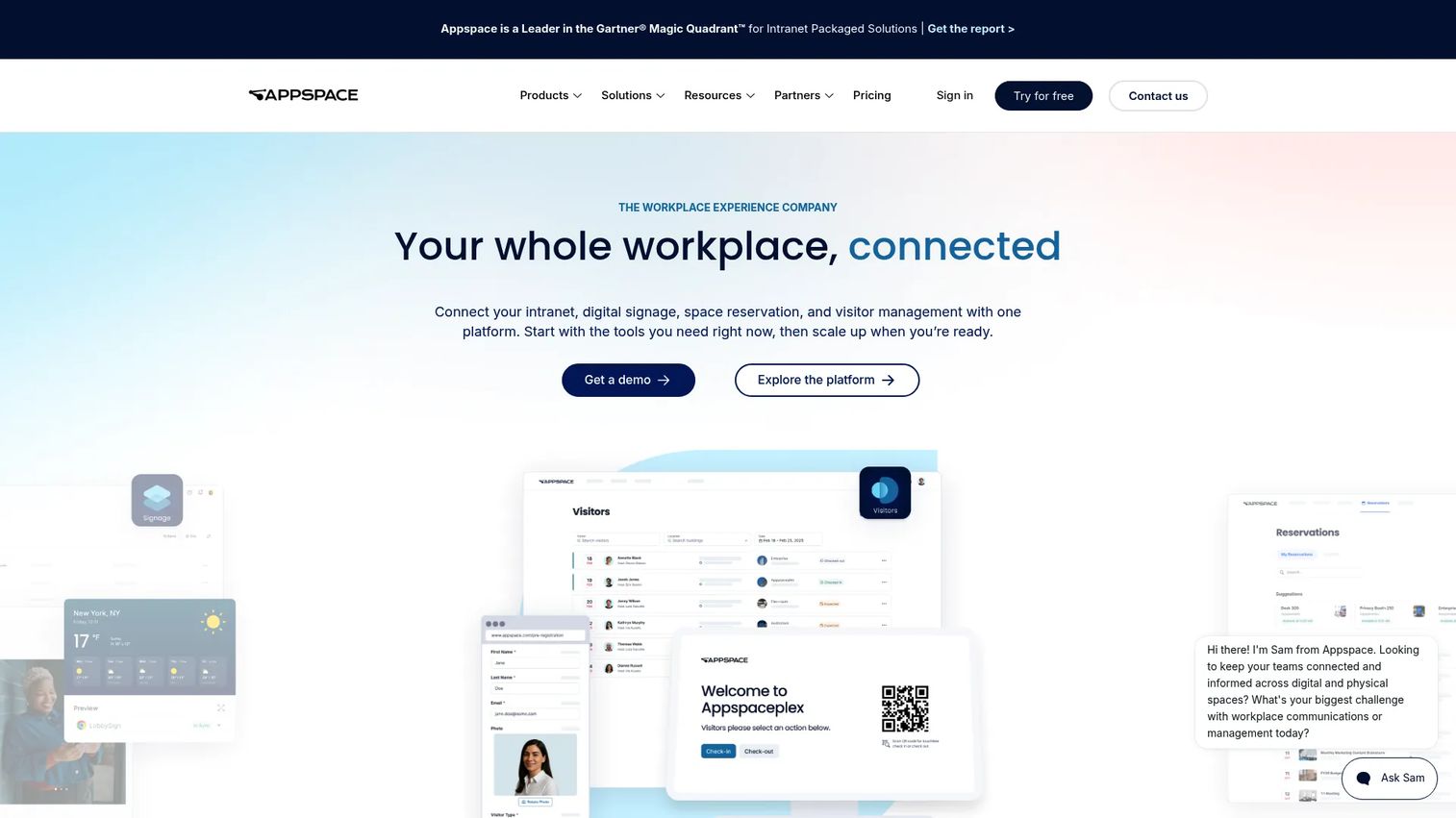
Appspace is a workplace experience platform that combines intranet and employee communications with digital signage, space reservation, visitor management, and workplace content delivery. Its distinguishing feature is omnichannel reach: The same communication can publish to an employee app, a desktop intranet, office screens, Microsoft Teams, and email from a single workflow.
Best for: Organizations with office-based and non-desk employees who need company messages to reach people across laptops, mobile devices, and physical screens.
Key features
- Omnichannel publishing to intranet, digital signage, employee app, and collaboration tools
- Digital signage creation, scheduling, device management, and video walls
- Room and desk booking, maps, visitor management, and calendar integrations
- AI-generated content, summaries, translations, and narration
- Built-in governance and content controls
Why choose Appspace: Internal communication must reach a mixed environment. When critical updates need to hit office screens in a manufacturing floor, the mobile app for field staff, and the desktop intranet for remote employees simultaneously, Appspace handles the channel complexity that single-surface platforms don't.
Appspace pricing: Appspace lists a Free plan alongside Express and Enterprise tiers on its pricing page. No monetary prices are shown; the page compares included users, device IDs, storage, and feature access by tier. Contact Appspace for current pricing by module and deployment scale.
G2 rating: 4.7/5 (verified October 2026).
10. Google Workspace
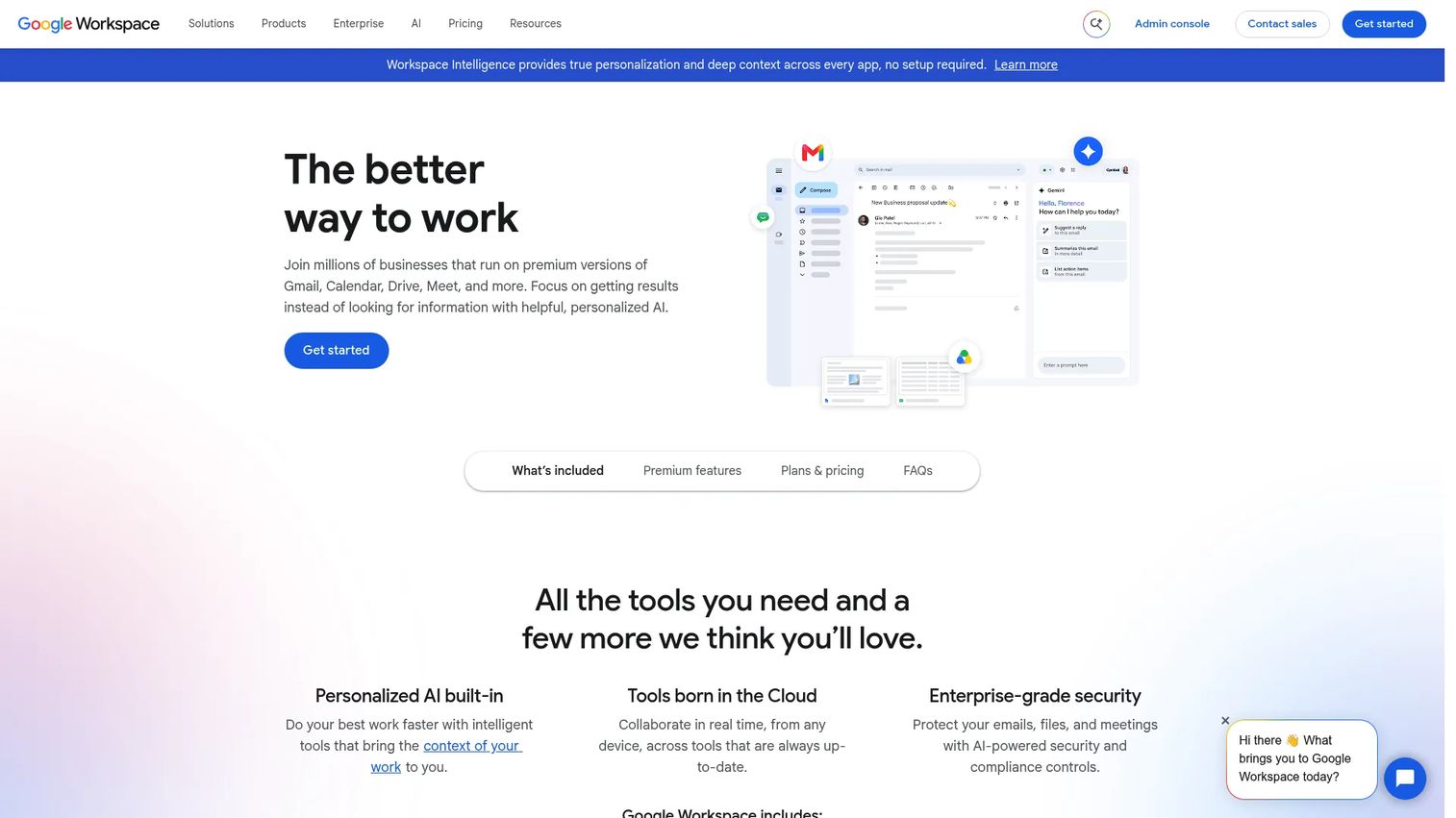
Google Workspace is a cloud-based productivity and collaboration suite. It belongs on this list for one pragmatic reason: Many Series B SaaS companies can cover core communication and knowledge-sharing needs with tools they already use, before adding a dedicated employee engagement platform. Chat, Drive, Sites, and shared search form a workable internal knowledge layer when used with clear ownership and operating discipline.
Best for: Series B SaaS teams that want to improve internal collaboration without adding a separate platform before they have proven the need.
Key features
- Google Chat and Spaces for team messaging
- Google Drive for cloud storage and file sharing
- Google Sites for internal knowledge hubs
- Gmail, Meet, and Calendar for communication and coordination
- Gemini AI assistance across the suite
- Security and admin controls
Why choose Google Workspace: Start here if the problem is weak operating habits, unclear documentation ownership, or poor use of existing tools rather than a missing platform. The limitation is real: Google Workspace does not provide the structured social intranet, recognition, or employee engagement experience that dedicated platforms offer. It's the right answer when adding another system would create more overhead than the problem it solves.
Google Workspace pricing: Business Starter starts at $8.40/user/month on a flexible monthly plan, or $7/user/month on an annual plan. Business Standard is $16.80/user/month (monthly) or $14/user/month (annual). Business Plus is $26.40/user/month (monthly) or $22/user/month (annual). Enterprise pricing requires contact with sales. A 14-day free trial is available.
G2 rating: 4.6/5 (verified October 2026).
Considerations when choosing enterprise social networking software
Decide whether you need a social layer or a system of record
A feed does not solve a documentation problem. Before evaluating platforms, define which content belongs in immutable policy documents, which belongs in searchable knowledge spaces, and which belongs in social updates. Buying a social network to fix a knowledge management gap will leave both problems unsolved.
Test mobile access with your actual frontline employees
A mobile app is not enough. Test login, push notifications, search, video viewing, language support, and whether a non-desk employee can complete key actions without a company laptop. What works in a demo environment often breaks on a mid-range Android with inconsistent signal.
Assign content ownership before implementation
Every platform needs named owners for leadership announcements, knowledge content, moderation, policy updates, and expired material. A practical rule: Every top-level channel or content area gets one accountable business owner before launch. Platforms without content governance plans go stale within two quarters.
Measure adoption beyond logins
Track weekly active users, repeat contributors, content reach across departments, search success, and question resolution rates. A survey from Advancing Digital Collaboration (2023) found that only 34.8% of desk-based workers said they regularly used enterprise social media, which means logins alone are a weak adoption signal. Cross-department participation and repeat use tell you whether the platform is working.
Price the ongoing operating model
Evaluate software fees alongside migration effort, launch communications, integration work, translation, moderation, content creation, and internal admin time. The cheapest license can become the most expensive program when no one owns the content calendar or clears stale pages.
Conclusion
The best internal communication platform is the one your employees use and the one your team can maintain without the founder's attention.
Workvivo suits companies that need high employee participation, a mature social intranet, and mobile delivery for frontline teams. Simpplr is the pick when the core problem is employees failing to find approved company information. Microsoft Viva Engage makes sense when you're already deep in the Microsoft 365 stack and adoption cost matters more than new features. Happeo fits Google Workspace teams that want structured knowledge without pulling people away from familiar tools. LumApps serves complex, multi-region organizations that need tight control over targeting, localization, and architecture. eXo Platform is for teams with technical ownership who need open-source flexibility. MangoApps handles frontline and distributed workforces that standard platforms ignore. Jostle works for companies that want culture and connection to be visible without a heavy deployment. Appspace closes the gap when internal messages need to reach office screens, mobile devices, and desktops simultaneously. Google Workspace is the right starting point if the problem is operating discipline rather than a missing platform.
The practical first step: Audit where company decisions, product updates, and internal knowledge currently live. Pick the employee journey that matters most, pilot the platform with a real communication workflow, and measure repeat use before expanding access.
Start your journey with Guideflow today!
FAQs
Enterprise social networking software is an internal platform that supports employee communication, communities, knowledge sharing, profiles, activity feeds, and collaboration across an organization. The modern category overlaps with social intranets, employee experience platforms, and frontline communication apps. Most platforms evaluated in 2026 combine two or more of these functions rather than operating as standalone social networks.
Examples include Workvivo for social intranet and employee engagement, Simpplr for knowledge-centered employee experience, Microsoft Viva Engage for community and leadership communications inside Microsoft 365, Happeo for Google Workspace organizations, MangoApps for frontline and distributed teams, and Google Workspace for companies covering core needs through an existing productivity suite. The right choice depends on workforce type, ecosystem fit, and whether the primary need is social interaction, structured knowledge, or mobile frontline delivery.
An intranet prioritizes trusted information, structured navigation, and formal knowledge storage. Enterprise social networking adds conversations, communities, peer profiles, recognition, and real-time activity streams on top of that base. Many modern platforms combine both: A governed knowledge layer for policy and approved content, plus a social layer for discussion and culture. The distinction matters when choosing because a pure intranet won't drive organic participation, and a pure social feed won't reliably surface authoritative company information.
Microsoft Viva Engage is the rebranded evolution of Yammer. Microsoft repositioned Yammer as the community and enterprise social networking layer within the broader Microsoft 365 and Viva environment. The product carries new capabilities, including Storylines, Leadership Corner, Ask Me Anything events, and Copilot assistance, while retaining the community and conversation model from the Yammer era.
Google Workspace can support internal collaboration through Chat, Drive, Sites, Meet, and shared search. For companies under 50 employees with strong operating discipline, it may cover core communication and knowledge-sharing needs without a dedicated platform. Dedicated platforms offer stronger employee communications targeting, recognition, structured community management, frontline mobile delivery, and intranet governance. Only 39% of desk-based U.S. employees cited the intranet as a main source of company information in 2025, according to Staffbase, which means even well-structured Workspace setups may leave a participation gap at scale.
Track activated users, weekly active users, repeat contributors, content reach by department, search success rates, cross-group participation, content freshness, and feedback resolution. Logins and likes are weak indicators because they don't confirm whether employees found what they needed or acted on the information. A more useful signal is whether the volume of "where does this live?" questions to managers and founders decreases after launch.
Frontline teams need mobile-first login that doesn't require a corporate email address, multilingual communication support, targeted push notifications, and offline or low-bandwidth performance for teams in the field or on production floors. Look for simple access to schedules, policy updates, and team resources without navigating a desktop-first interface. MangoApps, Workvivo, and Appspace are built with these requirements as first-class considerations rather than afterthoughts.
Meta announced the shutdown of Workplace on May 14, 2024. Customers could continue using the platform until August 31, 2025, and then accessed it in read-only mode until the service fully shut down on May 31, 2026. Meta directed Workplace customers to migrate to alternative platforms. Do not evaluate Workplace as an active option; it is no longer a live product.