
You wrote the same five-step walkthrough for the thirtieth time this week. A customer skimmed the help article, missed step three, and opened a ticket anyway. The screenshot in your most-used macro is two releases out of date, and nobody noticed until a confused user pointed it out.
That is the daily reality for support teams, and knowledge management tools exist to break the loop. The economics back the urgency. According to LivePro research on knowledge management, organizations using knowledge management tools cut time spent searching for information by roughly 30%. A knowledge management statistics roundup compiled by C8 Health knowledge management statistics reports that 39% of organizations see improved business execution from effective KM practices.
Self-service is what customers want first. Zendesk CX Trends research on self-service has repeatedly shown that most customers try to resolve issues on their own before they ever contact a human, and the cost of a self-service interaction is a fraction of an agent-handled one. For a support leader, that gap is the whole game: every answer a customer finds without you is a ticket that never lands in the queue, and an agent freed up for the issues that actually need a human. Many teams pair these tools with self-service experiences that walk customers through workflows step by step.
The hard part is not believing in self-service. It is choosing the right knowledge management software to deliver it, then keeping that knowledge accurate as your product changes. The wrong tool becomes a graveyard of stale docs nobody trusts. The right one quietly absorbs the repetitive questions and gives agents a single source of truth they can pull from in seconds. For a deeper look at the dedicated KB category, see our guide to the best knowledge base software.
What's inside
This guide is for support leaders and agents at SaaS companies who are evaluating or consolidating their knowledge stack. That includes Heads of Support, Customer Support Managers, Team Leads, Support Operations, and senior agents who own the help center, macros, and the line between self-serve and human-handled tickets.
We picked these 15 knowledge management tools on four criteria that matter for support specifically:
- Support use-case fit: ticket deflection, faster resolution, and self-serve strength
- AI search and answer quality: does it resolve questions, or just store them?
- Customer-facing versus internal: public help center, agent knowledge, or both
- Integrations and pricing transparency: how it plugs into your existing support stack
TL;DR
Short on time? Here are the decision shortcuts by support scenario.
- Best KM inside your helpdesk: Zendesk and Freshdesk, if you want native help center and AI agents in the same tool as your tickets.
- Best for cutting agent handle time: Guru, for verified, in-workflow answers that surface where agents already work.
- Best enterprise AI search: Glean and Bloomfire, for surfacing knowledge wherever it lives across large orgs.
- Best for small support teams: Tettra, Nuclino, and Slite, for lightweight internal knowledge without heavy setup.
- Best free tier: Notion, ClickUp, Slab, and Confluence offer free plans to start without budget approval.\ Best customer-facing knowledge base: Document360, for teams building a branded, AI-searchable self-serve help center.
What knowledge management tools are
A knowledge management tool is software that centralizes, organizes, and surfaces a company's information so people and customers can find accurate answers fast.
The category spans a few overlapping types: customer-facing knowledge base software, internal wikis, document management, and AI search or answer engines that sit on top of all of it. For support teams, the term that carries the most weight is knowledge base software, the searchable repository that powers your public help center and deflects tickets before they open.
Most knowledge management systems share a core set of capabilities:
- Centralized repository: one home for articles, SOPs, and documentation instead of scattered docs and Slack threads
- Search and AI answer engines: keyword and semantic search versus keyword search, plus AI that returns a direct answer with sources rather than a list of links
- Document management and editing: collaborative authoring, templates, and rich media
- Version history and governance: track changes, set permissions, and control who edits what
- Content health: flagging stale or unverified articles before they mislead a customer
- Analytics: which articles get viewed, which searches fail, and which content deflects tickets
- Integrations: connections to your helpdesk, chatbot, CRM, and collaboration tools
For a support team, these features map directly to the job: deflect repetitive questions, resolve live tickets faster, and let customers self-serve at any hour.
Some teams push past static text and turn their highest-volume how-to articles into interactive walkthroughs that sit alongside the help center. This format performs best when a customer needs to see a multi-step workflow rather than read it: clicking through the actual screens lands faster than a wall of numbered steps and stale screenshots. Used as a complement to your knowledge base, interactive demos give visual learners a path that text alone cannot, while the knowledge base remains your searchable system of record.
When to use a knowledge management tool
Deflect repetitive "how do I" tickets
The same handful of questions account for a huge share of any support queue. A knowledge management tool centralizes those answers into a searchable help center customers reach before they open a ticket. Pair good articles with AI search, and many of those questions resolve without a human ever touching them. That is the difference between a doc that exists and a doc that actually deflects.
Cut average handle time on live tickets
When a ticket does come in, agents should not be re-deriving a multi-step answer from memory or hunting across five tabs. An internal knowledge management system gives them one trusted source they can pull from mid-conversation. Verified answers surfaced inside the helpdesk or chat tool shave minutes off every interaction and keep responses consistent across the team. Lower average handle time benchmarks, fewer escalations, less burnout.
Keep docs current as the product changes
Knowledge goes stale the moment your product ships a new release. Version control, content ownership, and stale-article flagging are what stop screenshots and steps from drifting out of date. The best knowledge sharing tools make it obvious which articles need a refresh and who owns them. That ongoing hygiene is what separates a living knowledge base from a graveyard customers learn to ignore.
Comparison table
Here is how the 15 tools stack up for support teams. Pricing and G2 software review methodology ratings reflect the vendors' listings as of mid-2026 and may change, so confirm current figures on each vendor's site before you buy. Tools are sorted by relevance to a customer support use case.
| # | Product | Intent | Key use case | Pricing | G2 rating |
|---|---|---|---|---|---|
| 1 | Zendesk | Helpdesk + KM | Native help center inside support suite | From 19 €/agent/mo | Not listed |
| 2 | Guru | Internal agent knowledge | Verified in-workflow answers to cut AHT | Custom | 4.7/5 |
| 3 | Freshdesk | Helpdesk + KM | SMB helpdesk with built-in KB and AI | From $19/agent/mo | 4.4/5 |
| 4 | Helpjuice | Dedicated KB | Brandable customer and internal KB | From 249/mo | 4.7/5 |
| 5 | KnowledgeOwl | Dedicated KB | Documentation-heavy support orgs | From $100/mo | 4.6/5 |
| 6 | Notion | Workspace/wiki | Internal team docs and SOPs | Free; from $10/user/mo | 4.6/5 |
| 7 | Atlassian Confluence | Enterprise wiki | Jira-connected support knowledge base | Free; from $5.42/user/mo | 4.1/5 |
| 8 | Tettra | Internal KB | Answers in Slack for small teams | From $8/user/mo | 4.7/5 |
| 9 | Glean | Enterprise AI search | Surface knowledge across all apps | Custom | 4.7/5 |
| 10 | Bloomfire | Knowledge engagement | Cross-functional knowledge sharing | Custom | 4.6/5 |
| 11 | Slite | AI team KB | Async support team knowledge | From $10/user/mo | 4.6/5 |
| 12 | Slab | Modern wiki | Structured, searchable internal docs | Free; from $6.67/user/mo | 4.6/5 |
| 13 | Nuclino | Lightweight KB | Fast collaborative knowledge for small teams | Free tier available | 4.7/5 |
| 14 | ClickUp | Work platform + Docs | Consolidate KM with task management | Free; from $7/user/mo | 4.7/5 |
| 15 | Document360 | Customer-facing KB | AI-searchable self-serve help center | Quote-based, 14-day trial | 4.7/5 |
Best knowledge management tools for support in 2026
1. Zendesk
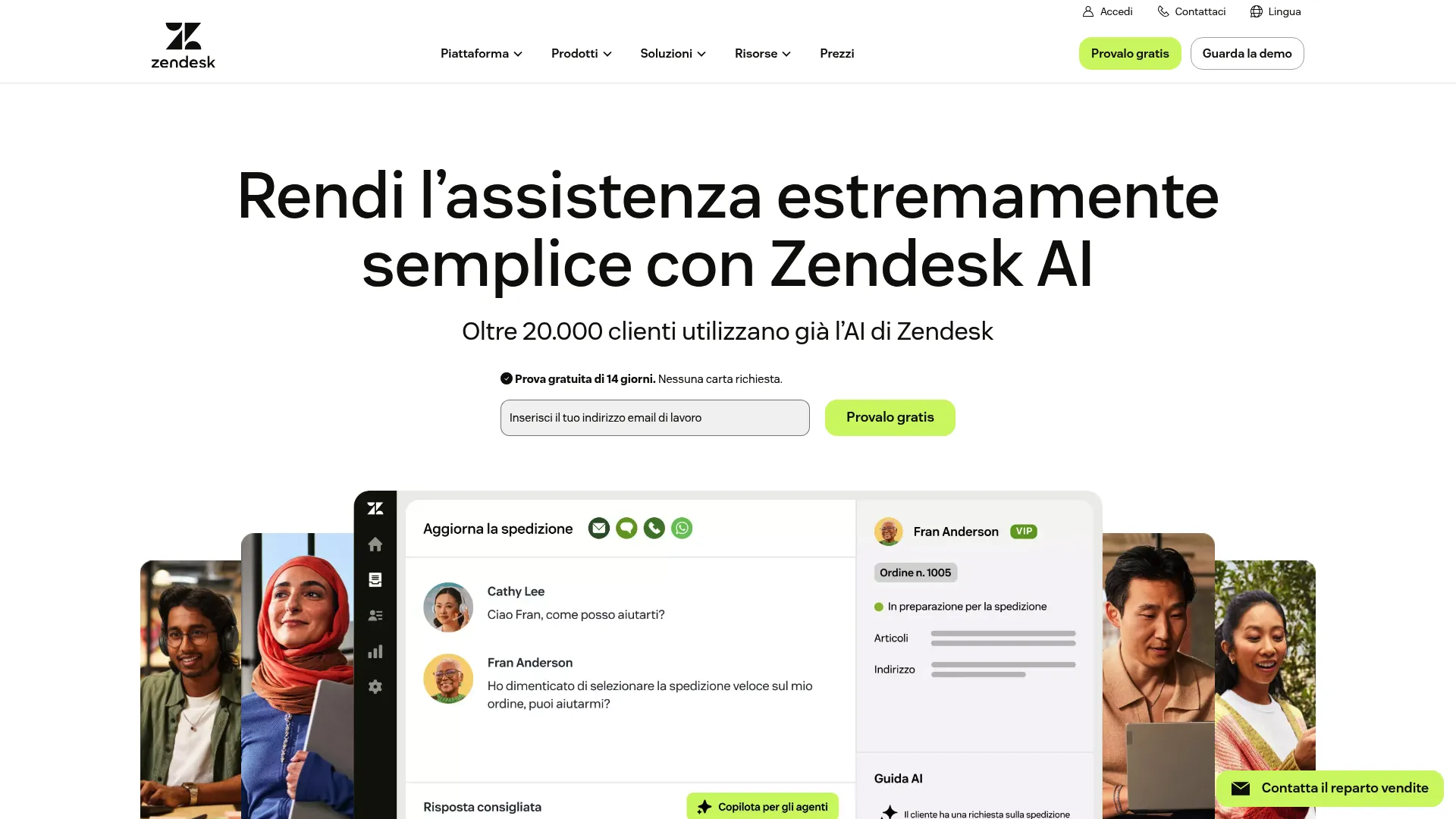
Zendesk is an AI-first customer service platform for managing and resolving customer inquiries across channels. Its knowledge management lives inside the support suite, so the help center, tickets, and AI agents share one system. For teams already running Zendesk, native KM means no extra integration and no second tool to maintain. You can even explore an interactive Zendesk demo to see the platform in action.
Best for: Teams already on Zendesk who want a native help center and AI agents without adding a separate knowledge management system.
Key strengths
- Native help center: A built-in knowledge base that customers and agents draw from inside the same platform as the ticket queue.
- AI agents and automation: AI agents and bots resolve common questions before they reach a human, with agent assist for live tickets.
- Content cues: Flags articles that may be outdated or have gaps, so your help center does not quietly drift stale.
Why choose Zendesk: Consolidation is the case here. If your tickets, messaging, and help center already run through Zendesk, keeping knowledge in the same suite removes the seams where context gets lost. Content cues directly address the stale-screenshot problem support leaders know too well.
Zendesk pricing: The Support Team plan starts at 19 €/agent/month billed annually for ticketing and analytics. Suite Team at 55 €/agent/month adds AI agents, knowledge base, and omnichannel routing. Suite Professional runs 115 €/agent/month, and Suite Enterprise with Copilot is contact-sales pricing. A free trial is available; there is no permanent free tier.
2. Guru
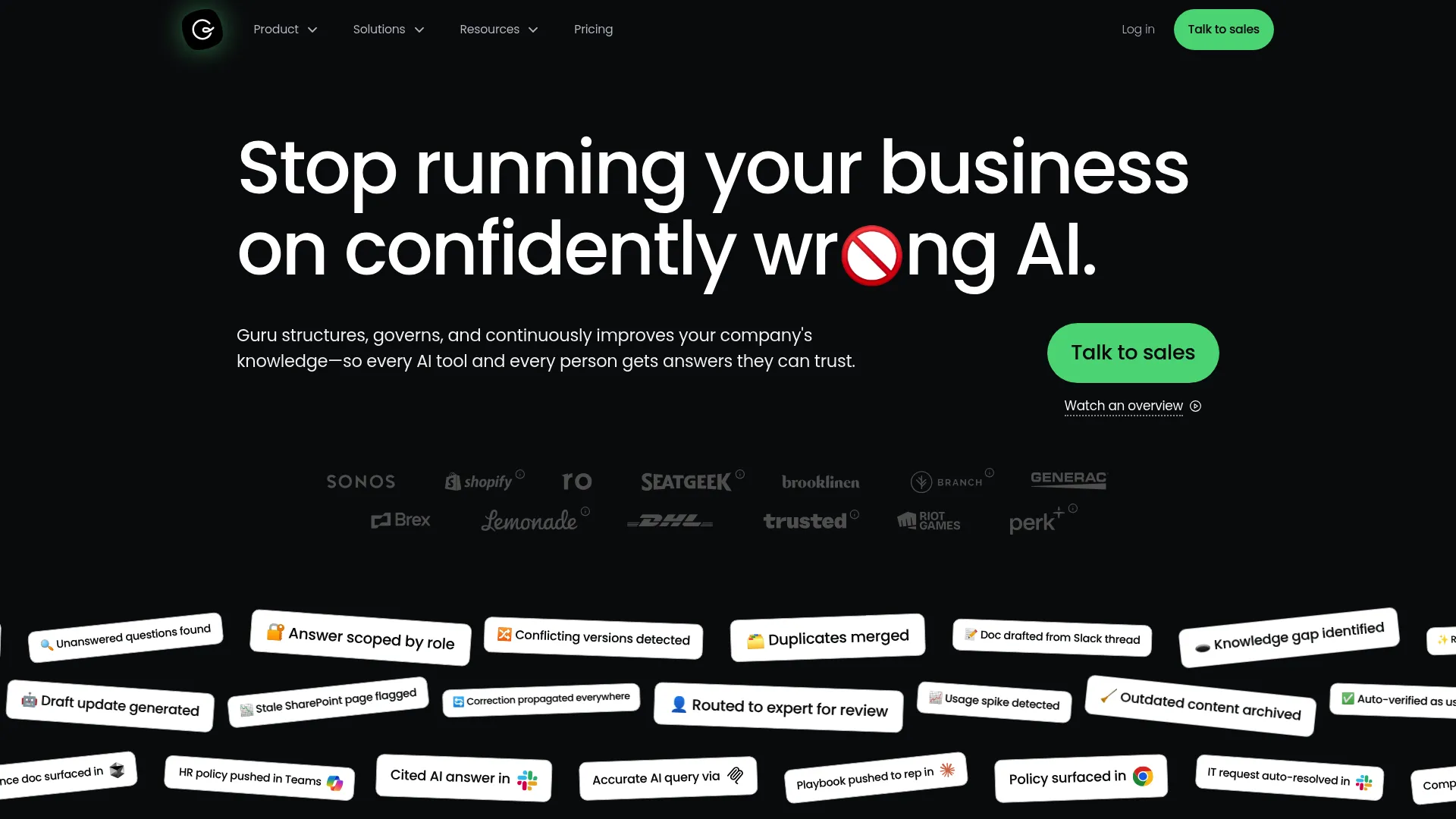
Guru is a governed enterprise AI knowledge platform that structures, governs, and continuously improves company knowledge so people and AI tools get trusted answers. Its sweet spot is internal agent knowledge: surfacing verified answers exactly where agents already work, rather than forcing them to leave a ticket to go hunting.
Best for: Support orgs focused on cutting average handle time with verified, permission-aware answers delivered in the agent's workflow.
Key strengths
- Knowledge agents: Cited, permission-aware AI answers grounded in your governed knowledge, so agents trust what they surface.
- In-workflow delivery: 100+ integrations and Model Context Protocol (MCP) standard delivery surface answers inside Slack, the CRM, and the tools agents already use.
- Verification workflows: Automated knowledge quality and verification keep answers accurate, with usage signals showing what is working.
Why choose Guru: When AHT is your problem, the bottleneck is usually agents re-deriving multi-step answers or escalating because they cannot find a trusted source. Guru attacks that directly by putting verified answers in the workflow, with governance and audit trails that satisfy security teams in larger orgs.
Guru pricing: Guru's pricing page describes a custom-fit platform tailored to an organization's scale, knowledge complexity, and AI maturity. It does not display public prices or named paid tiers, and directs prospects to book a call.
3. Freshdesk
Freshdesk is an AI-powered customer support solution from Freshworks for ticketing, workflows, self-service, analytics, and customer service operations. Like Zendesk, it bundles a knowledge base into the helpdesk, which makes it a strong fit for smaller teams that want ticketing and KM in one place without stitching tools together.
Best for: Small to mid-sized support teams wanting helpdesk and knowledge management in a single AI-assisted platform.
Key strengths
- Freddy AI: An AI Agent, AI Copilot, and AI Insights assist both customers in self-service and agents on live tickets.
- Built-in knowledge base: A self-service knowledge base and customer portal power deflection alongside the ticket queue.
- Multilingual support: Intelligent ticketing and a multilingual knowledge base suit teams serving customers across regions.
Why choose Freshdesk: For an SMB support team, the value is having ticketing, automation, self-service, and reporting under one roof at a transparent price. Freddy AI handles the repetitive deflection work, and the multilingual KB scales as you add markets without a separate translation tool.
Freshdesk pricing: The Growth plan starts at $19/agent/month billed annually. Pro is $55/agent/month and Enterprise is $89/agent/month, adding security and workflow controls. Freshworks also offers a free program at $0 for 1 to 2 agents for 6 months.
4. Helpjuice
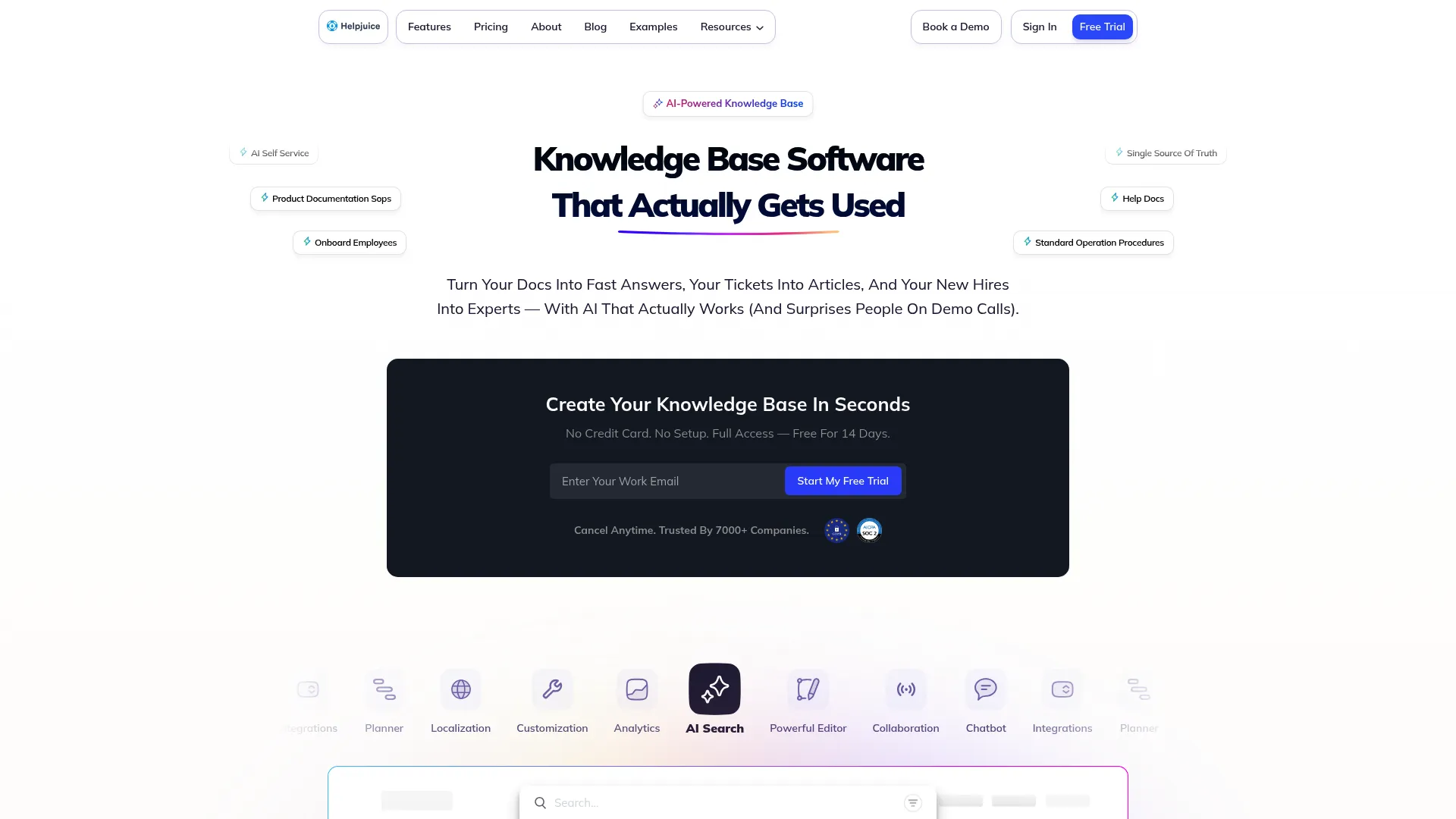
Helpjuice is knowledge base software for creating a searchable single source of truth for support docs, SOPs, employee onboarding, and self-service. It is a focused, heavily customizable KB rather than part of a broader suite, which appeals to teams that want their help center to look and feel exactly like their brand.
Best for: Teams that want a focused, deeply brandable knowledge base for both customer self-service and internal documentation.
Key strengths
- AI search and chatbot: AI-powered search and a chatbot pull answers directly from your knowledge base content.
- Content management depth: Unlimited categories and articles, an article planner, version control, links management, and a glossary.
- Multilingual workflows: AI-powered translation and localization workflows keep a single source of truth across languages.
Why choose Helpjuice: If a generic-looking help center undermines your brand, Helpjuice's customization is the draw, paired with analytics that show which articles and searches succeed or fail. It serves both customer-facing self-service and internal docs, so a support org can run both from one platform.
Helpjuice pricing: The Knowledge Base plan starts at 249/month for 30 users. AI-Knowledge Base is 449/month for 100 users with SSO and the AI Suite, and Unlimited AI-Knowledge Base is 799/month for unlimited users. A 14-day free trial is available; there is no ongoing free tier.
5. KnowledgeOwl
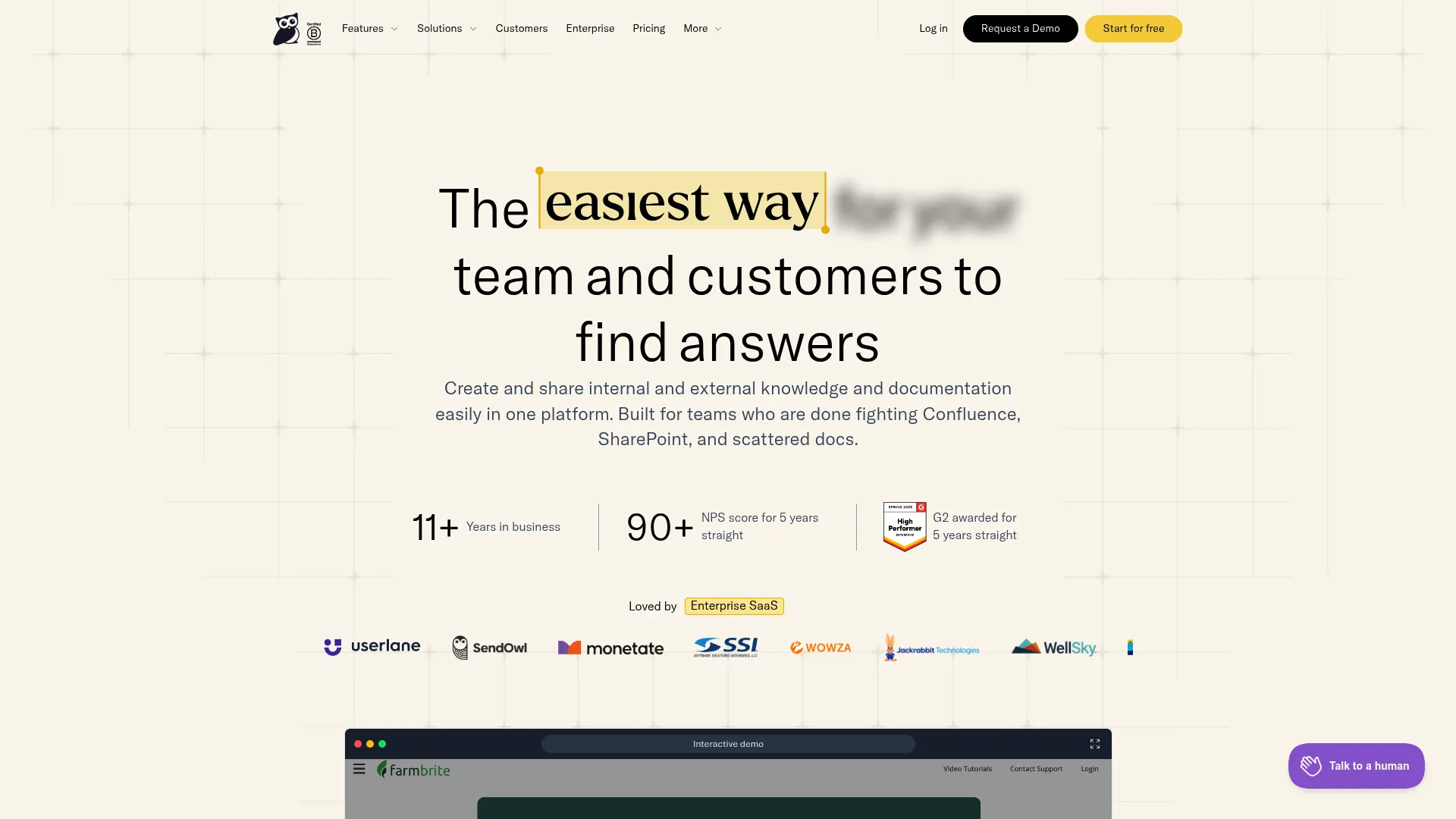
KnowledgeOwl is knowledge base software for creating and sharing internal and external knowledge and documentation in one platform. It suits documentation-heavy support orgs that need flexibility, strong search, and a contextual help widget to surface answers right where users get stuck.
Best for: Documentation-heavy support teams that want a flexible standalone knowledge base for internal and external content.
Key strengths
- Dual knowledge bases: Internal and external knowledge bases with unlimited private and public readers in one platform.
- Strong search and AI: Semantic search, an AI chatbot, AI search, AI article creation, and AI summaries help users find answers fast.
- Built-in analytics: Search and article performance tracking plus reader reports surface content health and gaps.
Why choose KnowledgeOwl: For teams that live in their documentation, KnowledgeOwl's flexibility and reader-focused analytics make it easy to see what is working and what needs a refresh. The contextual help widget embeds answers in-product, which is exactly where many "how do I" questions arise before they become tickets.
KnowledgeOwl pricing: The Basic plan starts at $100/month for 1 knowledge base and 1 author, with add-ons at $25/author and $50/KB. Pro is $250/month and Business is $500/month, with a custom-priced Enterprise tier. A 30-day free trial is available.
6. Notion
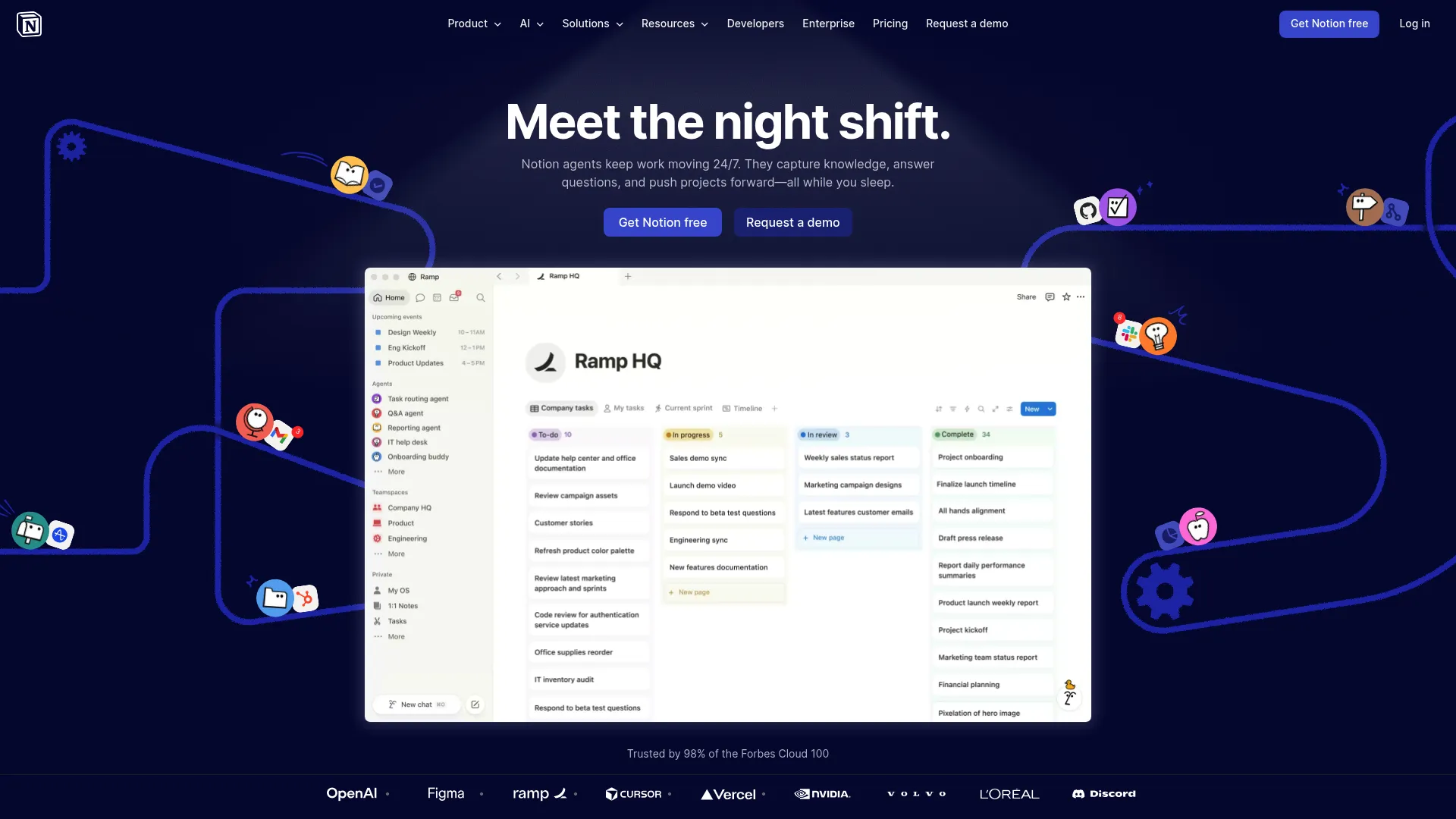
Notion is an AI workspace for organizing work, capturing knowledge, managing projects, and collaborating in one place. For support teams, its strength is internal knowledge: SOPs, runbooks, and team docs that agents reference, all in a flexible workspace the whole company can share.
Best for: Support teams that want flexible internal documentation and SOPs inside a workspace the broader org already uses.
Key strengths
- Notion Agent and search: Notion AI, an agent, and enterprise search answer questions from your workspace knowledge.
- Databases and structure: Databases with subtasks, dependencies, custom properties, and filters organize knowledge however your team works.
- Connected tools: Connections to Slack, Google Drive, GitHub, and Asana pull knowledge into one place.
Why choose Notion: Notion shines as an internal source of truth, especially if your company already builds docs there. For a customer-facing public help center it is less specialized than a dedicated KB, so many support teams use Notion for internal SOPs and pair it with a purpose-built tool for customer self-service.
Notion pricing: The Free plan covers individuals at $0 per member/month. Plus is $10 per member/month for small teams, Business is $20 per member/month, and Enterprise is custom-priced with added security and controls.
7. Atlassian Confluence
Atlassian Confluence is a collaborative workspace for creating, organizing, and sharing team knowledge, project documentation, pages, whiteboards, databases, and connected work. Its natural fit is orgs already in the Atlassian ecosystem, where it integrates with Jira Service Management to serve as the support knowledge base.
Best for: Organizations already running Jira and Atlassian tools that want a connected enterprise wiki and support knowledge base.
Key strengths
- Pages and spaces: Structured pages and spaces for creating, organizing, and sharing knowledge across teams.
- Jira Service Management integration: Surfaces Confluence knowledge inside JSM so support agents and customers reach answers in context.
- Collaboration and governance: Real-time editing, commenting, page versioning, permissions, templates, whiteboards, and Atlassian Intelligence on eligible plans.
Why choose Confluence: If your support, IT, and engineering teams already live in Jira, Confluence removes a tool boundary and keeps documentation next to the work. The integration with Jira Service Management makes it a practical knowledge base for support orgs that have standardized on Atlassian.
Confluence pricing: The Free plan covers up to 10 users at $0. Standard is $5.42 per user/month and Premium is $10.44 per user/month, adding Rovo AI, more automation, and admin controls. Enterprise is contact-sales pricing with advanced security and analytics.
8. Tettra
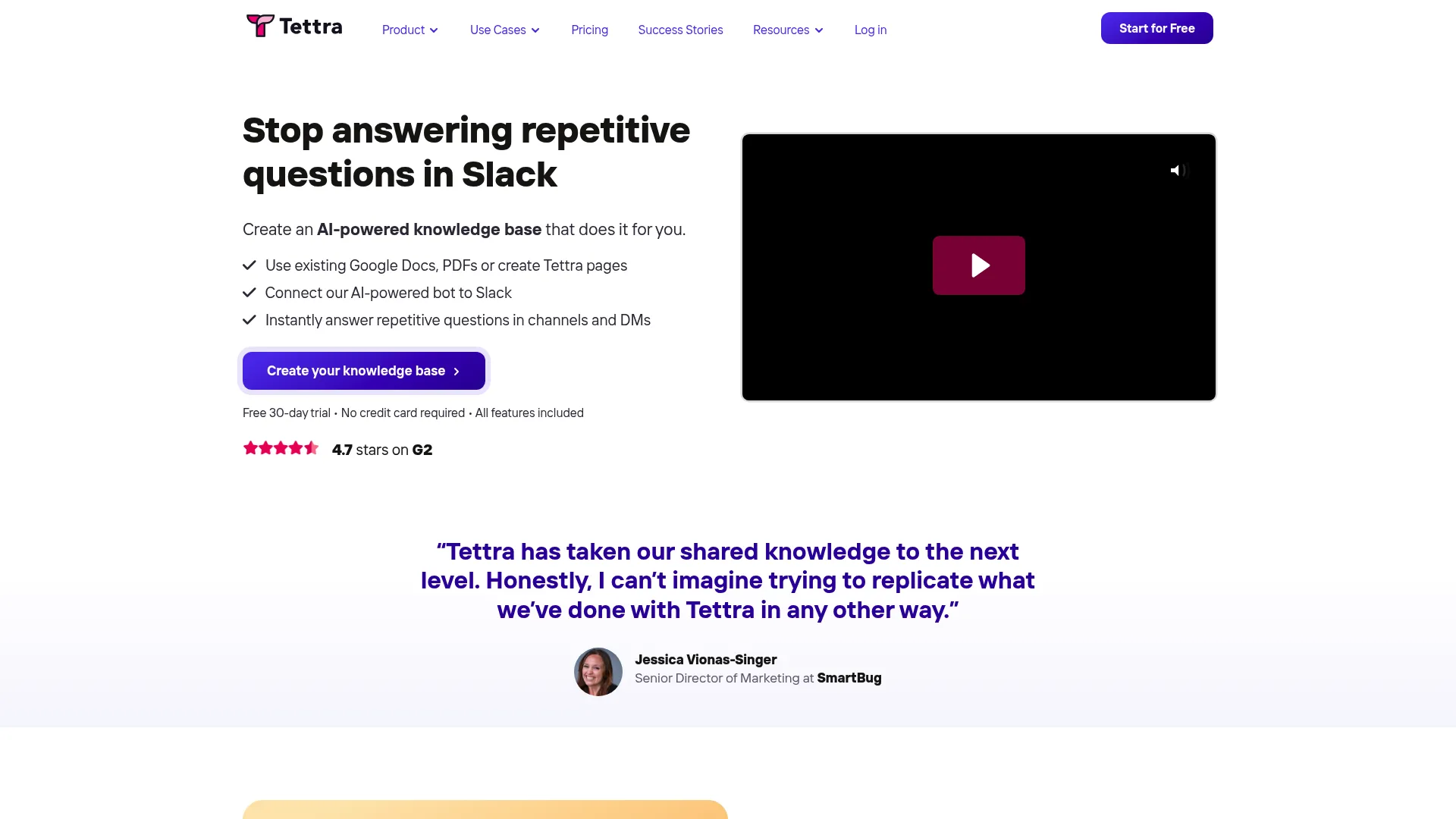
Tettra is an AI-powered internal knowledge base and knowledge management platform for answering repetitive team questions in Slack or the web app. For small support teams that practically live in Slack, Tettra answers questions where agents already ask them, without forcing a context switch.
Best for: Small support teams that want AI-powered internal answers delivered directly in Slack.
Key strengths
- AI answers in Slack: A Slack AI bot answers questions in DMs and channels, trained on your company knowledge.
- Knowledge automation: Verification, stale-pages reports, and page requests keep documentation current with minimal overhead.
- Simplicity: A lightweight setup that small teams can adopt without a long implementation.
Why choose Tettra: Tettra is built for teams that do not want a heavy platform. If your agents ask each other the same questions in Slack all day, Tettra turns those into self-answering knowledge, and its verification and stale-page reports stop the docs from rotting as you grow.
Tettra pricing: The Scaling plan starts at $8 per user/month billed monthly, with a 10-user minimum, and includes AI features, the Slack AI bot, Google Workspace integration, and usage analytics. Enterprise is custom-priced with SSO, SCIM, and hands-on onboarding. A 30-day free trial is available.
9. Glean
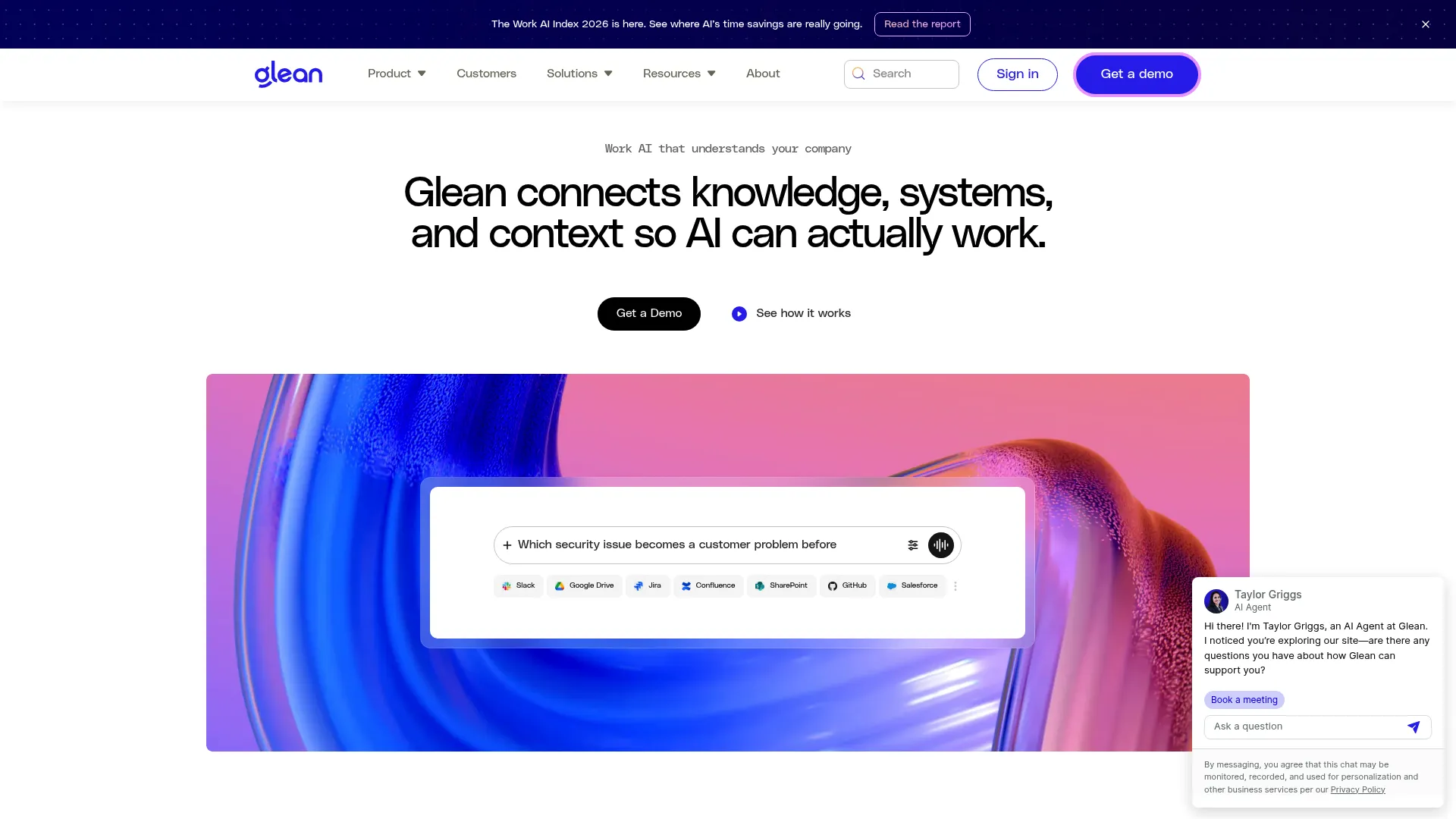
Glean is a Work AI platform that connects company knowledge, systems, and context for enterprise search, assistants, and agents. It does not store your knowledge in one place; it searches across everywhere knowledge already lives, which is the reality at most large organizations.
Best for: Large support orgs that need permission-aware AI search across many systems rather than a single repository.
Key strengths
- Connected enterprise search: Searches across the enterprise graph and many business systems so agents find answers wherever they live.
- Glean Assistant: A personal AI assistant for research, data analysis, content creation, and getting work done.
- Permissions-aware results: Returns only what each user is allowed to see, with governance built in for security teams.
Why choose Glean: In a large org, knowledge is scattered across dozens of tools, and asking agents to remember where each answer lives is a losing battle. Glean's connected, permission-aware search meets that reality by surfacing answers across systems, which keeps handle time down without a massive content-migration project.
Glean pricing: Glean does not display public pricing. Its pricing guide directs prospects to contact the company, and plans are scoped to the organization. Confirm current pricing directly with Glean.
10. Bloomfire
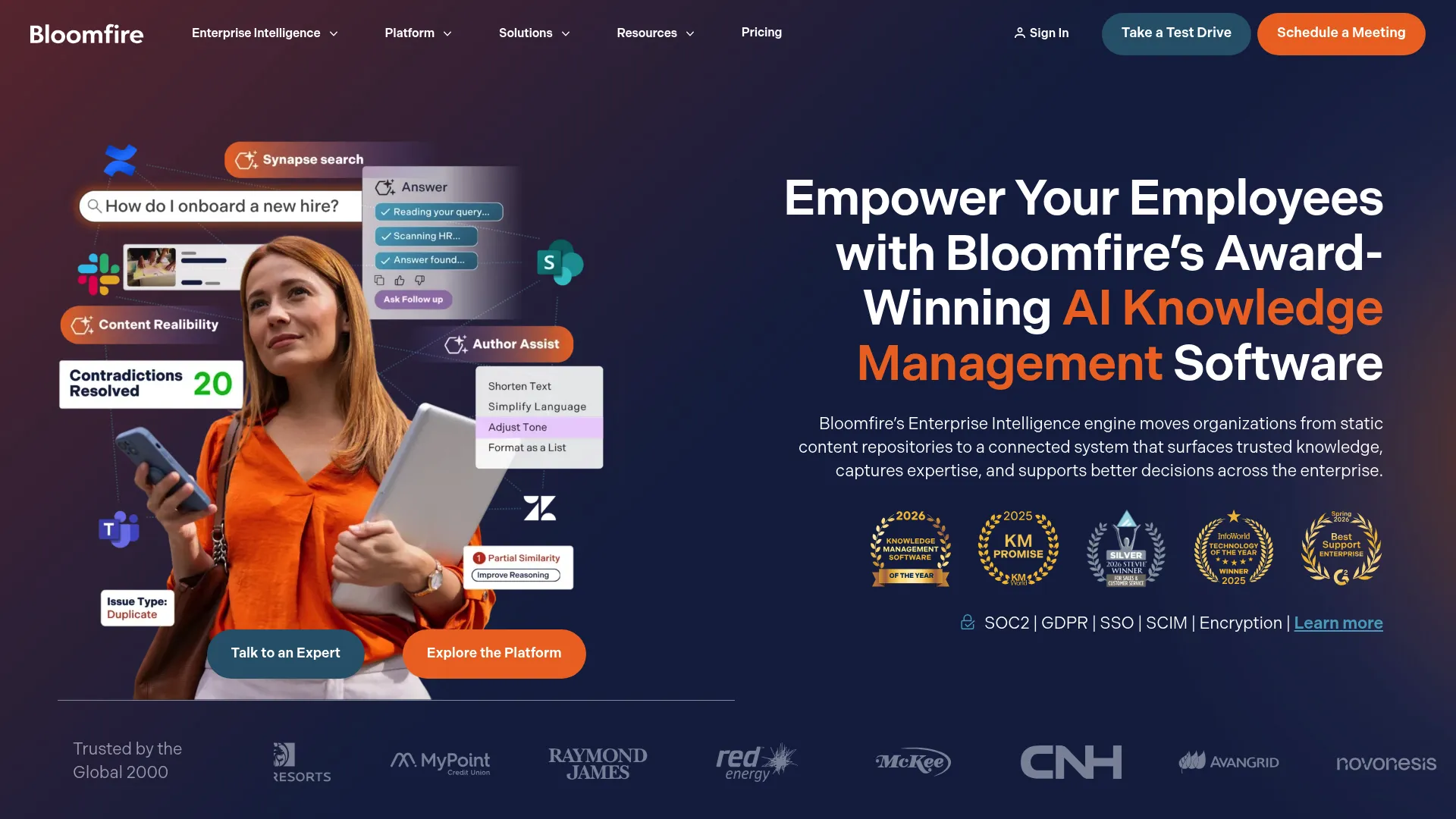
Bloomfire is an AI-powered enterprise intelligence and knowledge management platform for helping employees access, manage, and collaborate on company knowledge. Its deep indexing, including video transcripts, makes it strong for support teams that share knowledge across functions and media types.
Best for: Support and cross-functional teams that need a scalable, AI-powered knowledge hub across departments.
Key strengths
- AI search and discovery: AI-powered search across content and enterprise sources, including deep indexing of video transcripts.
- AI-enhanced authoring: Generative AI helps create and manage content so knowledge stays fresh.
- Governance and analytics: Moderation workflows, audit trails, reporting, and analytics keep knowledge accurate and measurable.
Why choose Bloomfire: Support rarely operates in isolation; answers often live with product, sales, or operations. Bloomfire's deep indexing surfaces knowledge buried in videos and documents, which is useful when your best explanation of a workflow is a recorded walkthrough rather than a written article.
Bloomfire pricing: Bloomfire offers Team, Department, and Enterprise plans priced by the scope of the knowledge program rather than per user. Plans involve an annual fixed cost plus implementation fees, and pricing is not publicly listed. Contact Bloomfire for a quote.
11. Slite
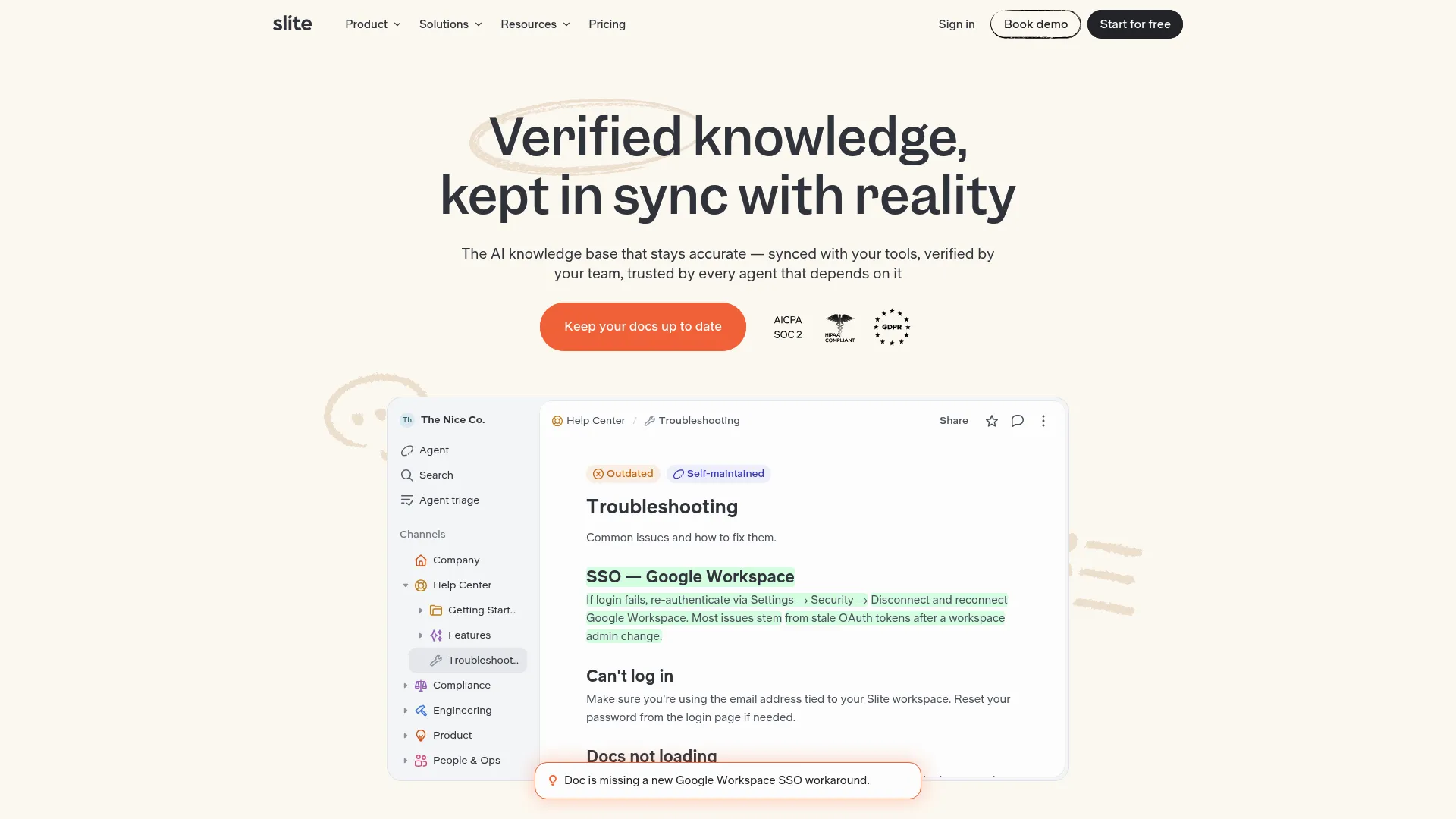
Slite is a self-maintaining knowledge base for teams to write, organize, verify, and find trusted company information with AI. Its clean editor and "Ask" AI make it a comfortable home for async support teams that need quick, accurate internal answers. You can preview an interactive Slite demo before committing.
Best for: Async support teams that want a clean, AI-powered internal knowledge base with built-in verification.
Key strengths
- Ask AI with sources: AI search and answers cite sources and respect permissions, so agents trust the results.
- Doc verification: A verification workflow and knowledge management panel keep documentation fresh over time.
- Clean editor: A distraction-free AI editor with templates, summaries, and translation makes writing knowledge fast.
Why choose Slite: Slite suits teams that value simplicity and accuracy over feature sprawl. The verification workflow directly tackles the stale-docs problem, and Ask AI answers with sources so agents are not second-guessing whether the information is current. For async, distributed support teams, that trust matters.
Slite pricing: The Basic plan starts at $10 per user/month billed yearly, with unlimited docs, Ask, and the verification workflow. Pro is $20 per user/month, adding the Slite Agent, connected-tool search, and fact-checking. Enterprise is custom-priced. A 14-day free trial is available.
12. Slab
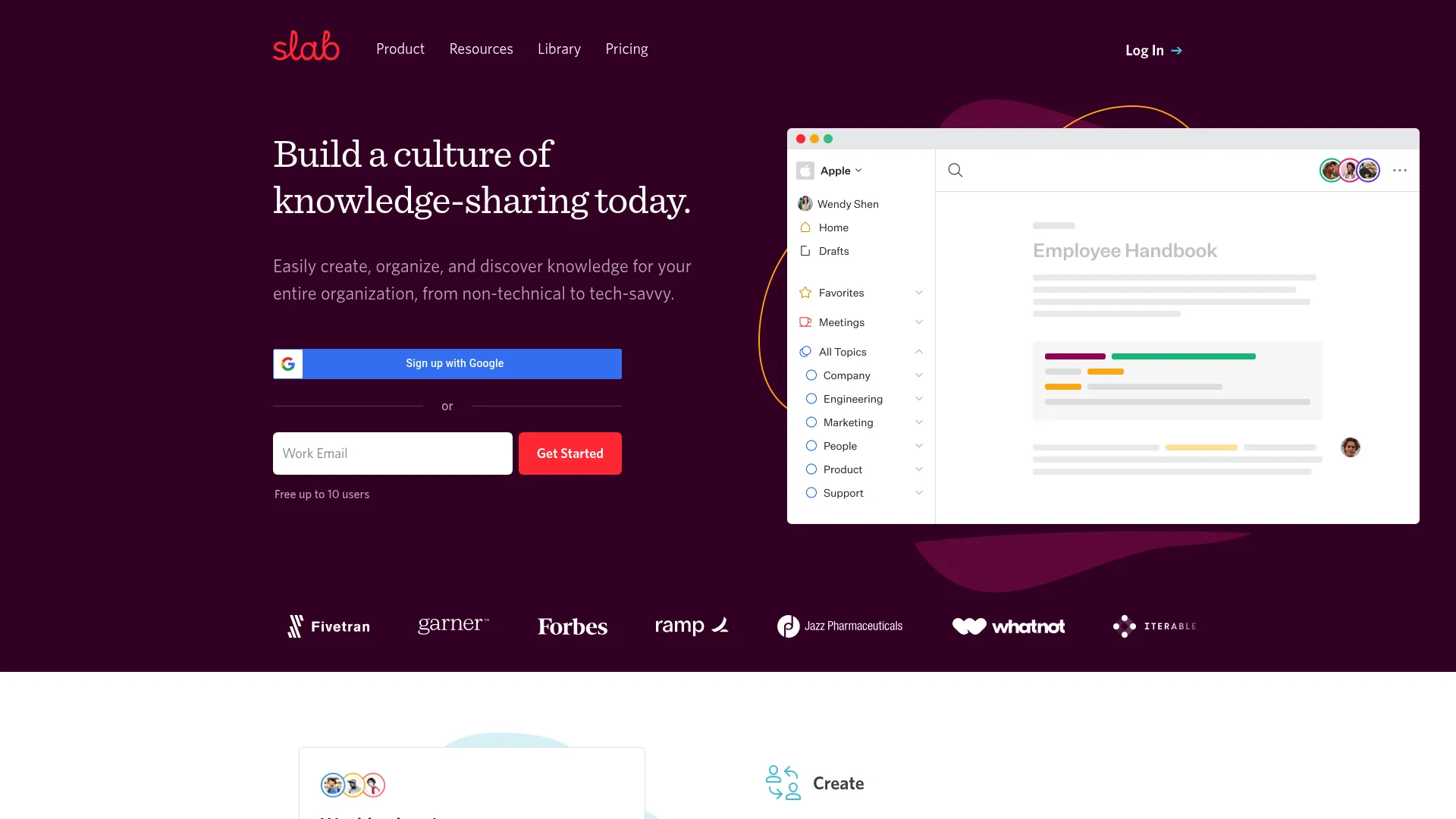
Slab is a knowledge base and team wiki platform for creating, organizing, collaborating on, and retrieving shared company knowledge. Its structured topics and fast unified search make it a clean fit for fast-growing support teams that want their internal docs to stay findable.
Best for: Support teams that want structured, searchable internal documentation with strong workplace-tool integrations.
Key strengths
- Hierarchical topics: Organize posts and knowledge into structured topics so nothing gets buried.
- Unified search: Fast search across Slab and integrated tools like Slack, GitHub, and Google Workspace.
- Collaborative editor: A real-time editor with templates, rich embeds, and content verification.
Why choose Slab: Slab balances structure and simplicity, which suits teams outgrowing scattered docs but not ready for a heavy enterprise platform. Unified search across your connected tools means agents find answers without remembering which app holds them, and verification keeps the knowledge trustworthy as the team scales.
Slab pricing: The Free plan covers up to 10 users at $0. Startup is $6.67 per user/month billed annually with unlimited users, and Business is $12.50 per user/month, adding SSO, SCIM, and advanced AI. Enterprise is custom-priced for at least 100 users.
13. Nuclino
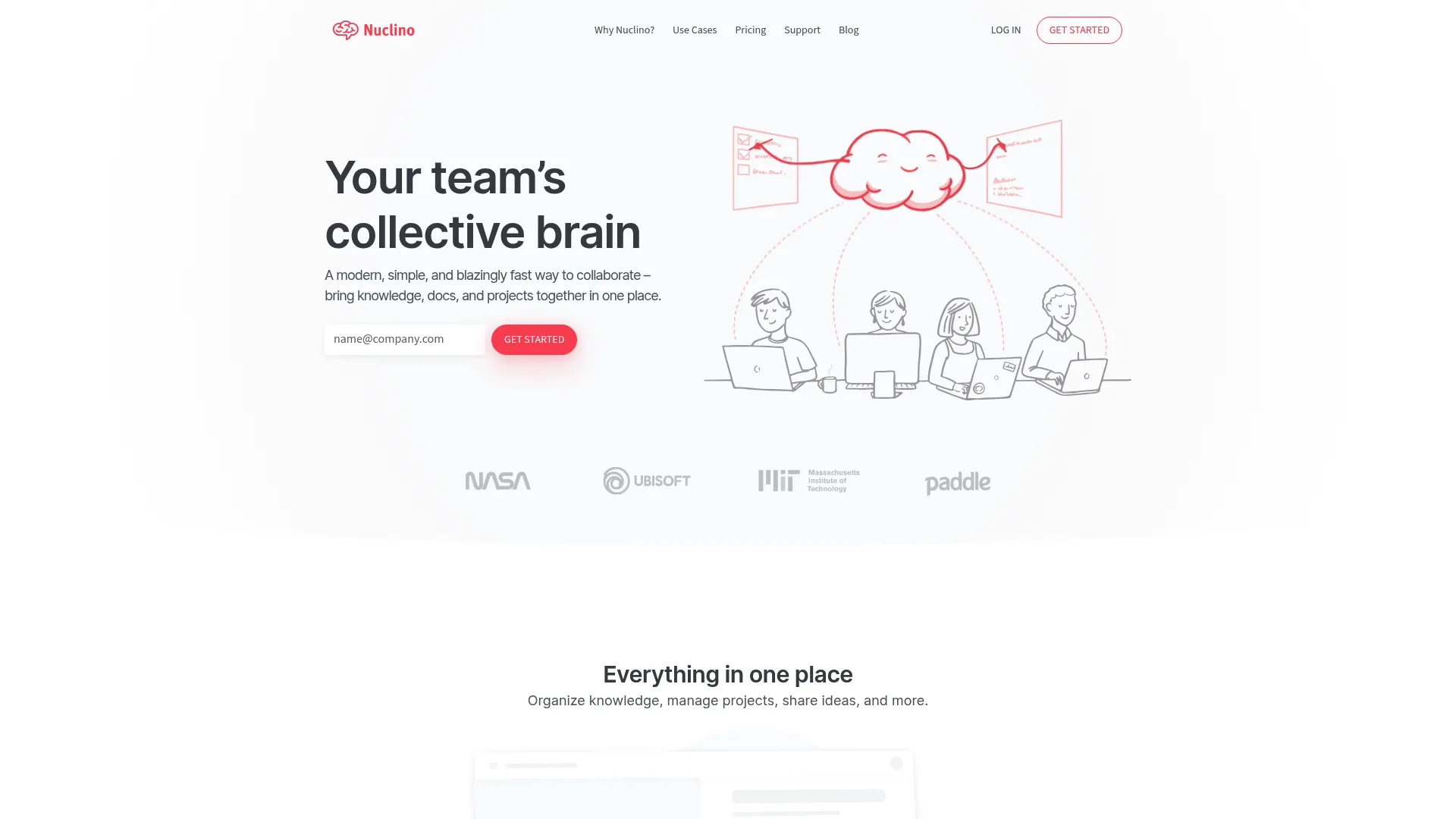
Nuclino is a collaborative workspace for team knowledge, documents, projects, whiteboards, and AI-assisted content creation. Its speed and simplicity make it a favorite for small teams that want to capture knowledge without ceremony.
Best for: Small support teams that want a fast, lightweight collaborative knowledge base with visual organization.
Key strengths
- Real-time collaboration: Collaborative documents with list, board, table, and graph views for organizing knowledge however you think.
- Graph view: Visualize connections between articles and topics to navigate knowledge spatially.
- Sidekick AI: AI for questions, drafting, editing, summaries, and action items on higher tiers.
Why choose Nuclino: Nuclino's appeal is speed: it opens fast, captures knowledge fast, and gets out of the way. For a small support team that wants documentation without a steep setup, it covers the essentials, and the graph view offers a different way to navigate related answers than a flat folder structure.
Nuclino pricing: Nuclino offers Free, Starter, and Business plans. The Free plan includes up to 50 items, up to 3 canvases, and 2GB storage. Starter adds unlimited items and 30-day version history, and Business adds Sidekick AI, audit logs, and SAML SSO. Confirm current per-user pricing on Nuclino's pricing page.
14. ClickUp
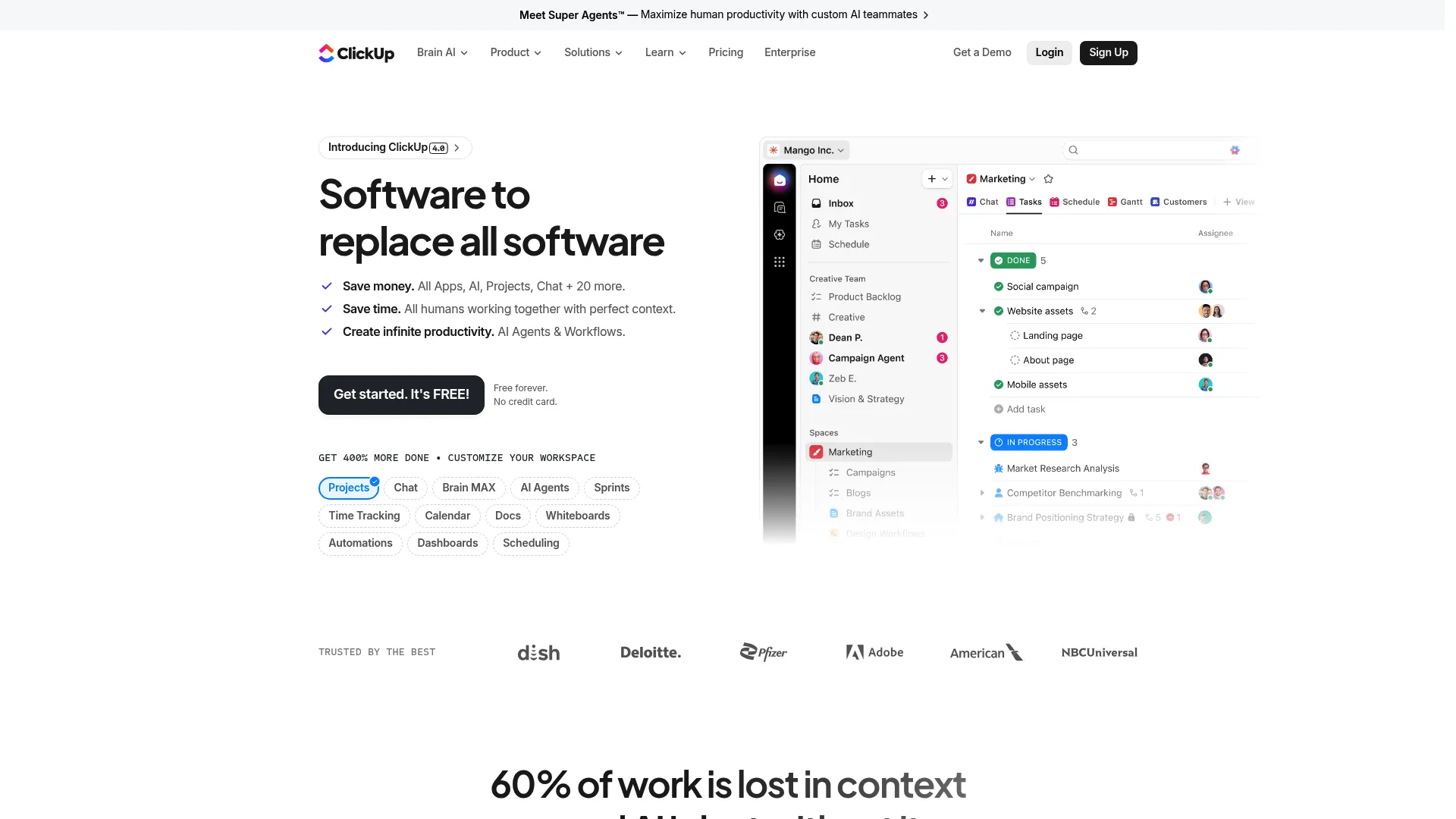
ClickUp is a work management platform that combines projects, tasks, docs, chat, dashboards, automation, AI, and integrations in one workspace. For support teams that want to consolidate knowledge with task management rather than run a separate KB tool, Docs and ClickUp AI cover the knowledge layer.
Best for: Support teams consolidating internal knowledge with task and project management in a single platform.
Key strengths
- Docs and wikis: Docs, wikis, and comments hold internal knowledge alongside the work it relates to.
- ClickUp AI: AI assists with drafting, summarizing, and answering questions across your workspace.
- Broad integrations: Connections, an API, and webhooks tie knowledge into the rest of your stack.
Why choose ClickUp: ClickUp suits teams that want fewer tools, keeping documentation, tasks, and projects in one place. For a support team that already manages work in ClickUp, adding Docs as the internal knowledge layer avoids paying for and maintaining a separate system, with AI on top to surface answers.
ClickUp pricing: The Free Forever plan covers core features at no cost. Unlimited is $7 per user/month billed yearly, Business is $12 per user/month, and Enterprise is contact-sales pricing with advanced security and governance.
15. Document360
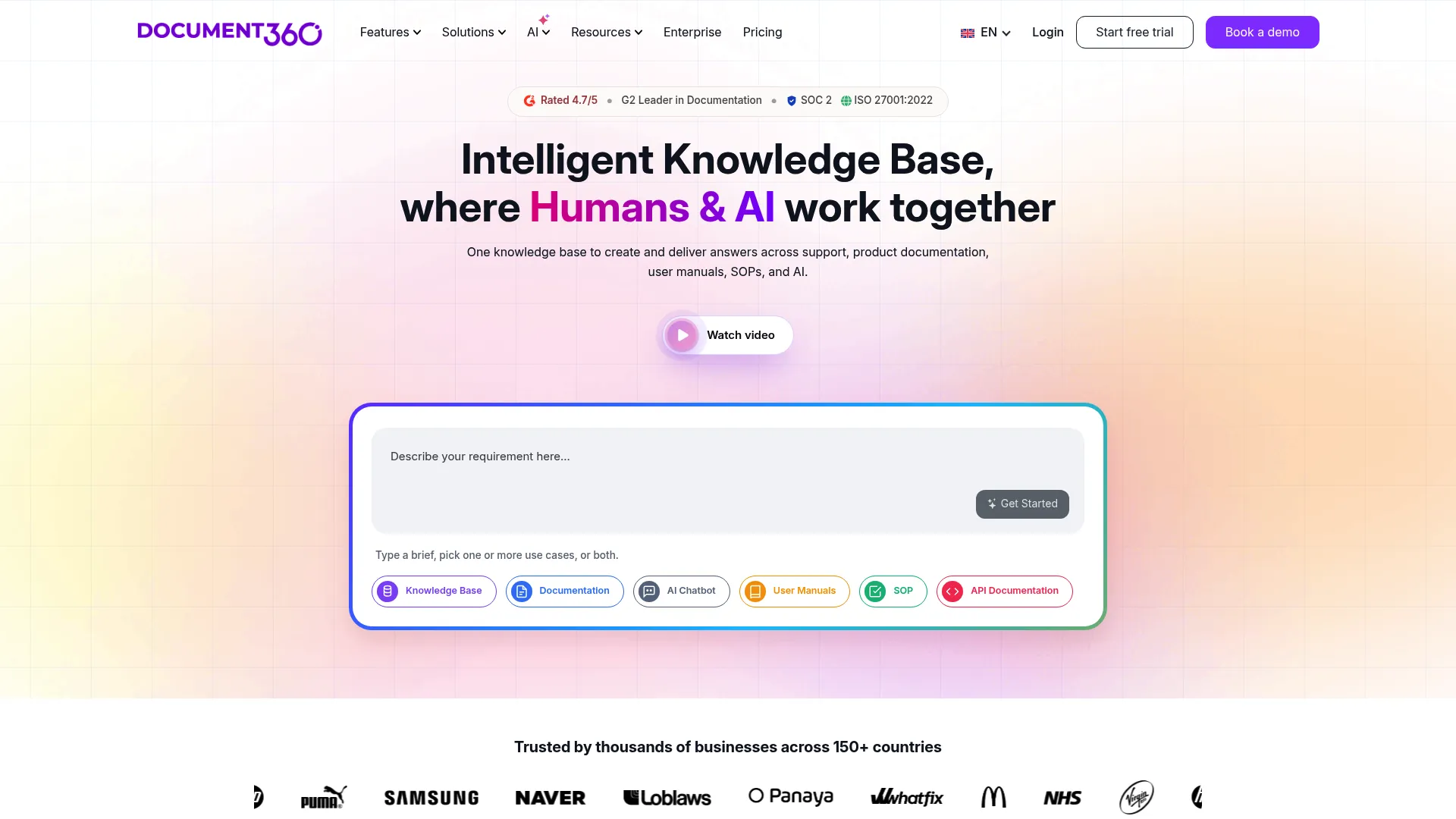
Document360 is an AI-powered knowledge base platform for creating public and private documentation sites for customers and employees. It is purpose-built for the support job: a branded, searchable help center that customers can navigate on their own. For teams whose first goal is deflecting how-to tickets through self-service, it is one of the most focused knowledge management platforms on this list.
Best for: Support teams building a scalable, branded self-serve help center as their primary deflection channel.
Key strengths
- AI search and chatbot: AI search, an AI writing agent, and an AI chatbot surface direct answers from your articles instead of a link list.
- Structured authoring: A knowledge base portal with separate roles for editors, writers, and reviewers keeps content organized and governed.
- Public or private sites: Publish a customer-facing site with custom branding and domain, or a private internal knowledge base, from the same platform.
Why choose Document360: If your support strategy lives or dies on the quality of your public help center, Document360 treats that as the main event rather than an afterthought bolted onto a helpdesk. The reviewer experience and analytics on article performance help you spot which content deflects and which content fails, so you can iterate toward fewer tickets.
Document360 pricing: Document360 lists Professional, Business, and Enterprise plans, all displayed as "Get a quote" rather than public prices. A 14-day free trial is available before you commit to a subscription. The Enterprise plan is billed yearly.
Considerations: What to verify before you buy
Before you commit, pressure-test each shortlisted tool against how your support team actually works.
AI search and answer quality
Plenty of tools claim AI. The real question is whether it returns a direct, cited answer that resolves the question, or just a smarter list of links. Test it with your own messy, real-world queries during the trial, not the vendor's demo content.
Customer-facing versus internal-only
Decide what job the tool does. A public help center, an internal agent knowledge base, or both. Some tools, like Document360 and Helpjuice, serve both well. Others, like Guru or Tettra, are built primarily for internal knowledge. Matching the tool to the job avoids paying for capabilities you will not use.
Integrations with your support stack
Knowledge is only useful where agents and customers already are. Confirm native connections to your helpdesk, chatbot, and CRM. If answers cannot surface inside a ticket or chat, agents will skip the tool and the deflection benefit evaporates.
Content health and governance
Stale articles are worse than no articles because they actively mislead. Look for stale-article flagging, clear content ownership, version history, and verification workflows. These features are what keep your knowledge base trustworthy as the product changes release after release.
Analytics and deflection measurement
You cannot improve what you cannot see. Check whether the tool reports failed searches, article performance, and self-serve rates so you can tie content to actual ticket reduction rather than guessing.
How to choose the right knowledge management tool for your support team
Match the tool to your primary problem, not the longest feature list.
If you need a polished customer-facing knowledge base as your main deflection channel, look hard at Document360, Helpjuice, and KnowledgeOwl. All three treat the public help center as the main event, with branding, AI search, and analytics built for self-service.
If you are already standardized on a helpdesk, the native option usually wins. Zendesk and Freshdesk both bundle a help center and AI agents into the suite, which removes integration work and keeps tickets and knowledge in one system.
If agent average handle time is the problem, prioritize internal knowledge that surfaces in the workflow. Guru delivers verified, permission-aware answers inside Slack and the CRM, while Glean searches across every system at enterprise scale.
If you want enterprise AI search across scattered tools, Glean and Bloomfire both surface knowledge wherever it lives rather than forcing a single migration.
And if you are a small team that wants speed and simplicity, Tettra, Nuclino, and Slite get you a working internal knowledge base without a heavy rollout. Many of these also overlap with the best user onboarding software when self-serve onboarding is part of your support strategy.
Conclusion
The best knowledge management software for your team is the one that solves your specific bottleneck, not the one with the most features. Customer-facing deflection points to Document360, Helpjuice, or KnowledgeOwl. Helpdesk-native KM points to Zendesk or Freshdesk. Handle-time problems point to Guru or Glean. Small teams should start with Tettra, Nuclino, or Slite. And if guided product education is your goal, a digital adoption platform can complement any of these.
The next step is concrete: pick the two or three tools that match your primary use case and start a trial with each. Load in your real help articles and test with the actual questions clogging your queue this week. Watch which tool returns the cleanest answers and which one your agents actually want to use. You can also build an interactive demo library to deepen product understanding for both customers and agents.
Every question a customer answers on their own is a ticket your team never has to touch. The right knowledge management system turns that from an aspiration into a measurable, repeatable outcome: fewer repetitive tickets, faster resolution, and agents freed up for the work that genuinely needs a human.
FAQs
A knowledge management tool is software that centralizes, organizes, and surfaces a company's information so people and customers can find accurate answers quickly. For support teams, it powers self-serve help centers and gives agents a trusted internal source of truth. The goal is faster answers and fewer repetitive tickets.
Knowledge management software is the broader category, covering both internal knowledge (SOPs, agent docs, wikis) and external knowledge (customer help centers). Knowledge base software is a more specific term for a searchable repository of articles, often customer-facing. Many tools do both, but if your priority is a public self-serve help center, you are shopping for knowledge base software specifically.
They deflect repetitive "how do I" questions by letting customers find answers themselves before opening a ticket. AI answer engines can resolve many questions directly, and verified internal knowledge helps agents resolve the rest faster. According to LivePro, organizations using knowledge management tools cut time spent searching for information by roughly 30%.
Prioritize AI search and answers that actually resolve questions, a customer-facing help center, native helpdesk integration, content health and stale-article flagging, and deflection analytics. Together these let you deflect tickets, cut handle time, and keep knowledge accurate as the product changes. Skip features that do not map to your specific bottleneck.
Several tools on this list offer AI-powered search or AI answer capabilities, including Glean, Guru, Document360, Bloomfire, Slite, and Freshdesk. The quality varies, so test each with your own real-world queries during a trial. Look specifically for direct, cited answers rather than a smarter list of links.
Yes. Several tools offer free tiers, including Notion, ClickUp, Slab, Confluence, and Nuclino. Others, like Document360, Helpjuice, Tettra, and Slite, offer free trials rather than permanent free plans. Always check the current pricing page, since free tiers and limits change over time.
Lightweight tools tend to fit small teams best because they require minimal setup. Tettra delivers AI answers directly in Slack, Nuclino offers a fast collaborative workspace, and Slite provides a clean, verified internal knowledge base. All three avoid the overhead of a heavy enterprise platform.
Track deflection rate, self-serve resolution rate, average handle time, first-contact resolution metrics, and overall ticket volume trends over time. Compare those numbers before and after rollout, and watch failed searches to find content gaps. The clearest signal is a steady drop in repetitive tickets while CSAT measurement best practices holds or improves.