A store reset is a coordination problem before it is a design problem. Someone at head office builds the shelf layout. Someone in the field has to actually place the products. Between those two steps sit version conflicts, outdated screenshots, and a spreadsheet nobody trusts. The layout that looked clean on a laptop rarely survives contact with a real aisle.
That gap is exactly what planogram software exists to close. The global planogram software market was valued at USD 6.43 billion in 2025 and is projected to reach USD 9.16 billion by 2032, according to Verified Market Reports (2025). Retail drives most of that demand, with the sector representing over 60% of global adoption led by grocery, apparel, and specialty stores, per a Planogram Software Market Report (2026). The tools have matured. The question is which one fits how your team actually works.
Because the honest answer depends less on feature count and more on operating reality. A single-store operator building a handful of planograms has different needs than a category manager coordinating resets across 400 locations. Speed to create matters for one. Cloud collaboration and compliance tracking matter more for the other. This guide sorts the field by those working realities, not by marketing claims, so you can match a tool to your store complexity instead of chasing the longest feature list.
What's inside
This guide is for retail operators, category managers, visual merchandising teams, and operations leads comparing planogram creation software in 2026. We ranked eight tools using four criteria that reflect how planogram work actually happens: speed to create a shelf layout, cloud and mobile collaboration between head office and field teams, template and library depth, and how well each tool scales from a single store to enterprise retail execution. Every pricing figure and rating below was pulled from each vendor's live pages. Where a vendor keeps pricing behind a sales conversation, we say so rather than guess.
TL;DR
- Best for shelf planning on a budget: Shelf Logic, with ProView plans starting at $14.99/month for cloud viewing and mobile edits at the shelf.
- Best free tier: OPENCatman and DotActiv both offer genuinely usable free plans for small teams.
- Best for teams already diagramming: SmartDraw, if you want scaled floor plans alongside general diagrams from $7.95/month.
- Best for enterprise retail planning: RELEX, for unified demand, space, and assortment planning at scale.
- Best for category management depth: DotActiv, pairing planograms with assortment and cluster optimization.
- Best for shelf compliance analytics: Planorama, now operating under Trax, for image recognition and on-shelf availability tracking.
What is planogram software?
Planogram software is a tool for designing, sharing, and updating the visual layout of products on retail shelves and across a store floor. A planogram (sometimes called a POG) is a diagram that specifies exactly where each product sits, how many facings it gets, and how the shelf is organized to drive sales and simplify restocking. Planogramming turns merchandising strategy into an executable map that field teams can follow store by store.
Modern retail planogram software goes beyond static shelf diagrams. Most platforms now combine layout design with product libraries, analytics, and store-level execution tracking so head office and field teams stay aligned.
Core capabilities to expect from shelf planning software in 2026:
- Planogram creation: Drag-and-drop shelf building with product images, dimensions, and facings.
- Product and template libraries: Reusable planogram templates and shared product databases that speed up new layouts.
- Floor planning: Store layout planning that maps fixtures, aisles, and departments, not just individual shelves.
- Cloud and mobile access: Cloud planogram software lets teams view and edit layouts from any location, including mobile planogram software for field edits at the shelf.
- Collaboration and approvals: Collaborative planogram tools that let multiple people work on and sign off layouts.
- Analytics and compliance: Shelf space optimization reporting, plus compliance checks that confirm stores match the approved layout.
- Retail execution: Rollout workflows that push approved planograms to stores and track store reset planning.
The category sits inside the broader visual merchandising software space. Some tools focus purely on drawing shelves. Others extend into assortment planning, demand forecasting, and retail execution, which is where the enterprise suites live.
When to use planogram software
Not every retail team needs the same depth. Here is how to pattern-match your situation before comparing tools.
Plan and reset shelves faster
If you are rebuilding shelves each season or after a range review, planogram creation software cuts the manual work. Drag-and-drop editing, saved planogram templates, and product libraries let you produce a compliant layout in minutes instead of rebuilding from scratch. This is the core use case, and even lightweight tools handle it well.
Coordinate head office and store teams
The moment planning and execution live in different places, collaboration becomes the bottleneck. Cloud planogram software keeps one source of truth, so the layout a merchandiser approves is the exact layout a field associate sees on a tablet. Look here for mobile access, approvals, and version control if your resets span multiple locations.
Optimize shelf space with data
If you are trying to justify facings, defend range decisions, or lift category performance, you need analytics. Tools with heatmaps, comparison reports, and shelf space optimization metrics turn planogramming from a guessing game into a data-backed process. This matters most for category managers and larger retail organizations.
Comparison table
Here is how the eight tools compare on intent, differentiation, pricing, and rating. Use it as a shortlist filter, then read the full sections for fit.
| # | Product | Intent | Key differentiation | Pricing | G2 rating |
|---|---|---|---|---|---|
| 1 | Shelf Logic | Shelf planning and cloud viewing | Affordable ProView cloud plans plus one-time desktop editions | From $14.99/month | Not rated |
| 2 | SmartDraw | Diagramming plus scaled floor plans | General-purpose drawing with retail templates | From $7.95/month | 4.5/5 |
| 3 | OPENCatman | Collaborative planograms | Large shared product library, generous free tier | Free; Pro $99/month | Not rated |
| 4 | RELEX | Enterprise retail planning | Unified demand, space, and assortment planning | Custom (demo request) | 4.6/5 |
| 5 | One Door | Visual merchandising execution | Digital Store Model with image-recognition compliance | Custom (demo request) | 4.4/5 |
| 6 | DotActiv | Category management | Planograms plus assortment and cluster optimization | Free; paid from $800/year | 4.5/5 |
| 7 | GoPlanogram | Browser-based planogram building | 2D, top-down, and 3D views with reporting | From $1,995/user/year | Not rated |
| 8 | Planorama | Shelf compliance analytics | Image recognition and on-shelf availability (via Trax) | Custom (demo request) | 4.5/5 |
1. Shelf Logic
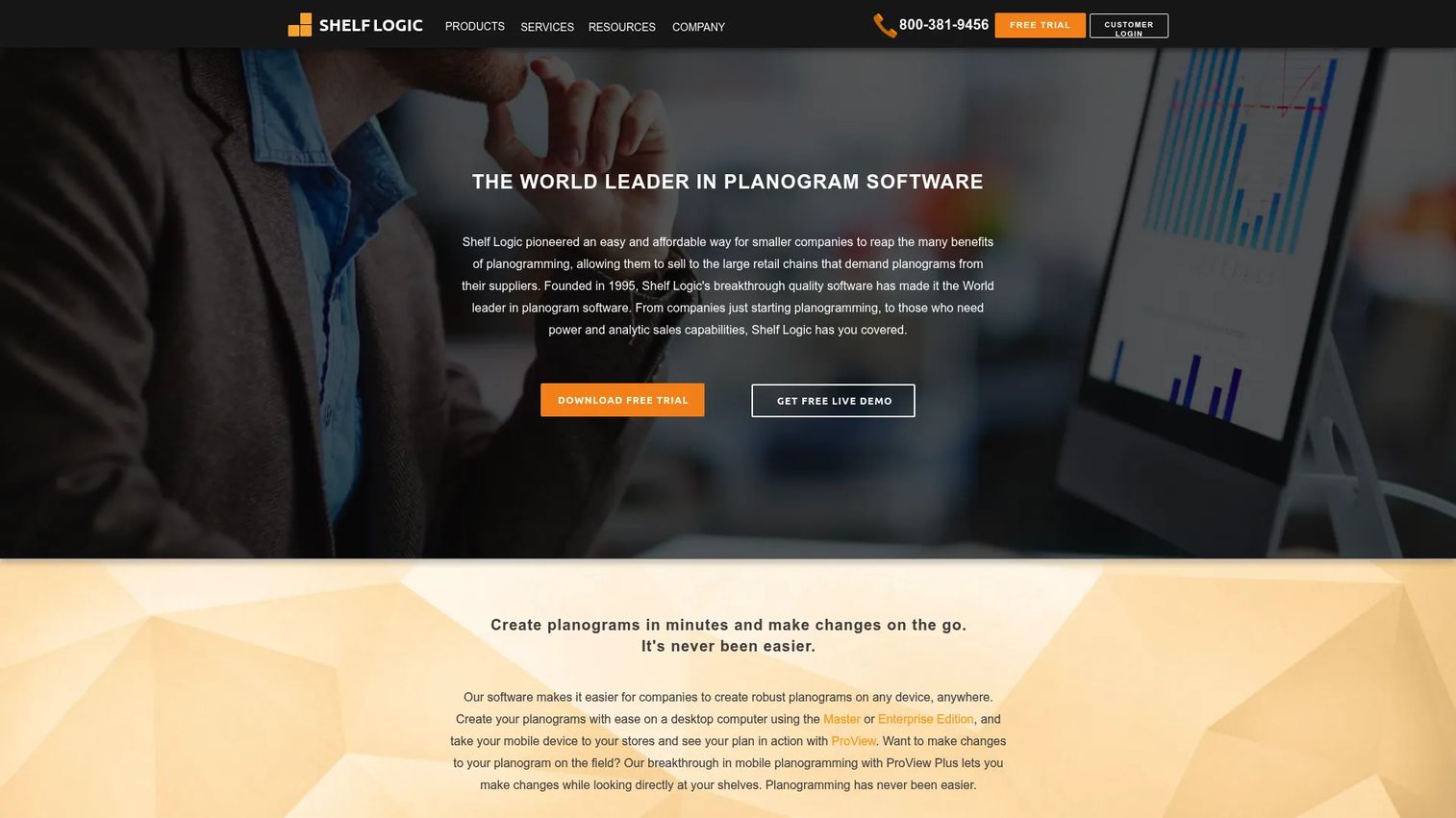
Shelf Logic is planogram software built for creating, viewing, and editing retail shelf layouts and store floor plans. It appears as one of the clearest category authorities, with a product range that spans low-cost cloud viewing through full desktop editions. The lineup covers everyday shelf planning without pushing every buyer into an enterprise contract, which makes it a practical starting point for teams new to structured planogramming.
The standout is flexibility across how teams work. ProView delivers cloud viewing and mobile access, so a merchandiser can pull up a layout and make edits while standing in front of the shelf. The desktop Master and Enterprise editions handle deeper builds, and Enterprise Plus adds floor planning for full store layout planning, not just individual bays.
Best for: Retail teams that need affordable planogram creation and shelf-space planning software with a clear upgrade path.
Key strengths
- Cloud and mobile via ProView: View and edit shelf layouts from any device, including edits made at the shelf.
- Range of editions: Low-cost monthly cloud plans through one-time desktop licenses fit different budgets.
- Floor planning in Enterprise Plus: Map fixtures and aisles for whole-store layout, beyond single shelves.
Why choose Shelf Logic: If you want to start small and scale, the pricing structure is the draw. A single merchandiser can begin on a cheap monthly ProView plan, then move to a desktop edition as needs grow. It fits solo operators and small chains that want planogram capability without a committee-led purchase.
Shelf Logic pricing: ProView cloud plans run $14.99/month (Level I), $24.99/month (Level II), and $49.99/month (Level III). Desktop editions are one-time purchases: Master Edition at $995, Enterprise Edition at $4,995 (with a $595 yearly renewal for updates and support), and Enterprise Plus at $7,495. No public free tier is listed on the official pricing page.
2. SmartDraw
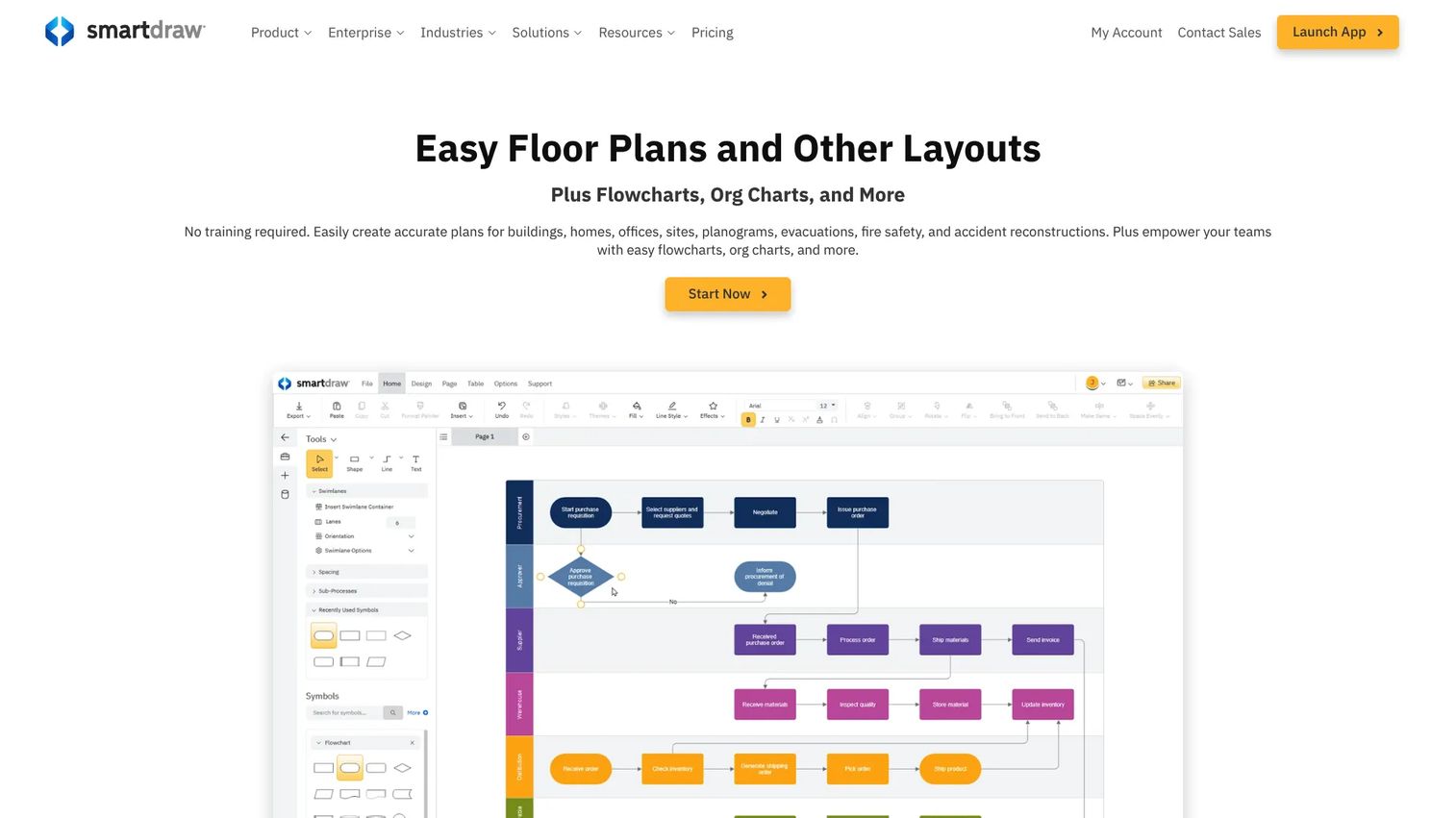
SmartDraw is a general-purpose diagramming tool that creates scaled drawings, floor plans, and flowcharts in a browser or desktop app. It is not a dedicated planogram suite, but its scaled floor plan capability and deep template library make it a credible option for retail store planning software when your needs lean toward store layout and fixture mapping rather than shelf-by-shelf facing analytics.
The appeal is breadth. Teams already using SmartDraw for org charts, process maps, or facility diagrams can reuse the same tool for floor planning without buying separate software. Thousands of templates and symbols speed up layout work, and collaboration and sharing features let multiple people contribute.
Best for: Teams that need scaled floor plans plus general diagramming, especially if they already work in Microsoft or Google workspace tools.
Key strengths
- Scaled floor plans: Precise, to-scale layouts for stores, fixtures, and departments.
- Template and symbol library: Thousands of starting points cut setup time on new layouts.
- Collaboration and sharing: Multiple contributors can work on and share diagrams.
Why choose SmartDraw: The trade-off is depth versus breadth. SmartDraw will not give you facing-level shelf analytics or planogram compliance tracking. But if your priority is store layout planning and you value one flexible diagramming tool over a specialized suite, it is efficient and affordable, and it slots neatly into existing document workflows.
SmartDraw pricing: The Individual plan is $7.95 per month, billed annually. The Team plan is $6.95 per user per month, billed annually, with a three-user minimum. Enterprise pricing is quote-based. SmartDraw promotes a free trial, so you can test the floor planning templates before committing.
3. OPENCatman
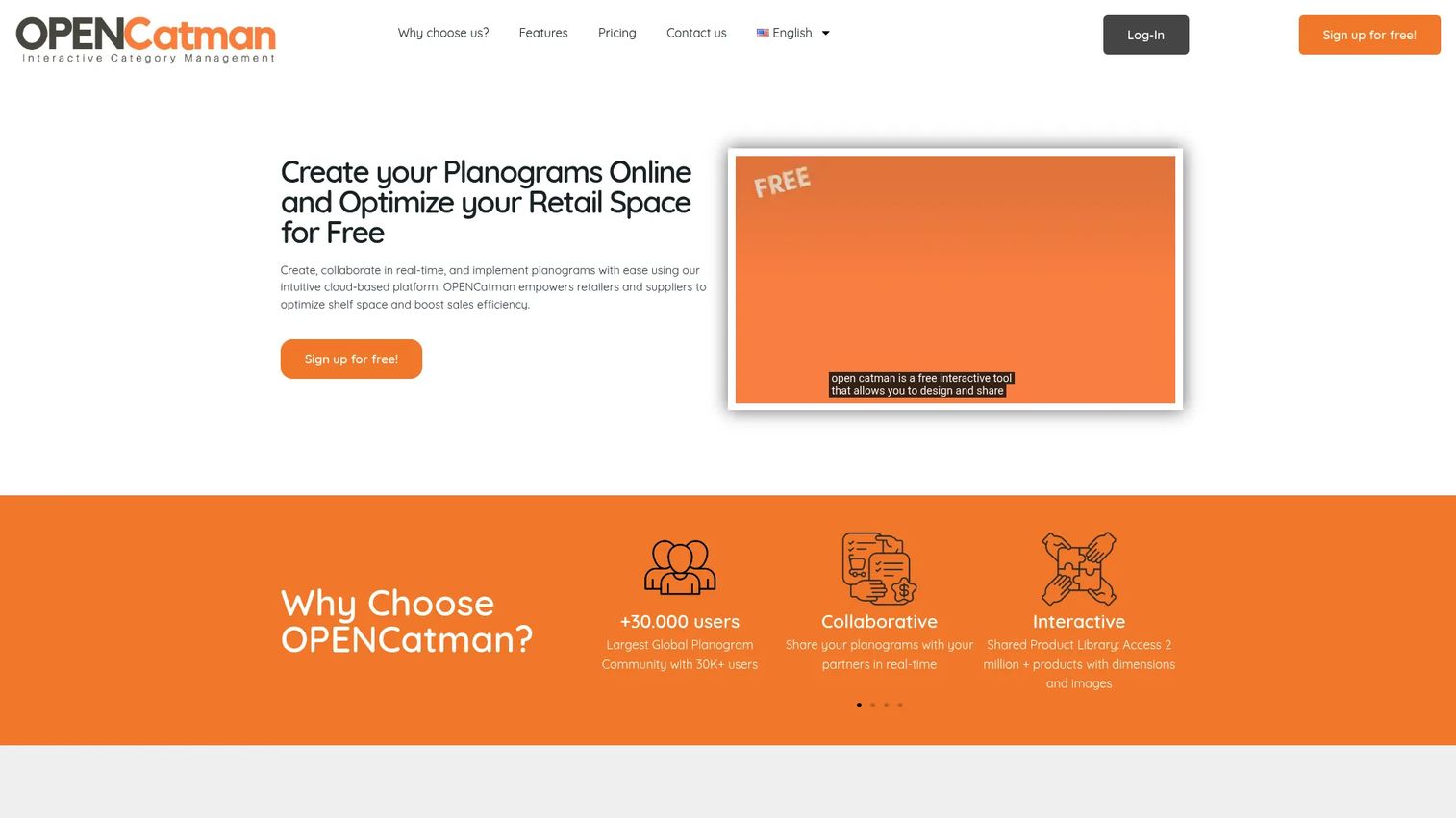
OPENCatman is cloud-based planogram and space management software for retailers and manufacturers, and it is the strongest low-friction entry point in this set. Most features are free, which makes it a genuine option for small teams or anyone testing planogramming before committing budget. The collaborative angle is real, not a marketing line: multiple users can work on the same planogram in real time.
For a lightweight tool, the product library is a notable asset. OPENCatman advertises access to a shared library of over two million products, which removes one of the most tedious parts of building a new layout from scratch. Exports to PDF, .pln, and .psa formats mean layouts move cleanly between systems.
Best for: Retailers and manufacturers who want collaborative planogram and shelf-space planning without upfront cost.
Key strengths
- Real-time collaboration: Multiple users edit the same planogram together, live.
- Two-million-plus product library: A shared database that speeds up new layouts.
- Flexible exports: PDF, .pln, and .psa formats for moving work between tools.
Why choose OPENCatman: If your priority is getting started with free planogram software that still supports real collaboration, this is the pragmatic pick. Small teams can validate their planogram process at zero cost, then move up to Pro when volume or advanced needs demand it.
OPENCatman pricing: Most features are available on a free plan. Pro is $99/month or $990/year. Corporate and Ambassador plans are available by contacting the company. That free-to-Pro path suits teams that want to prove value before spending.
4. RELEX
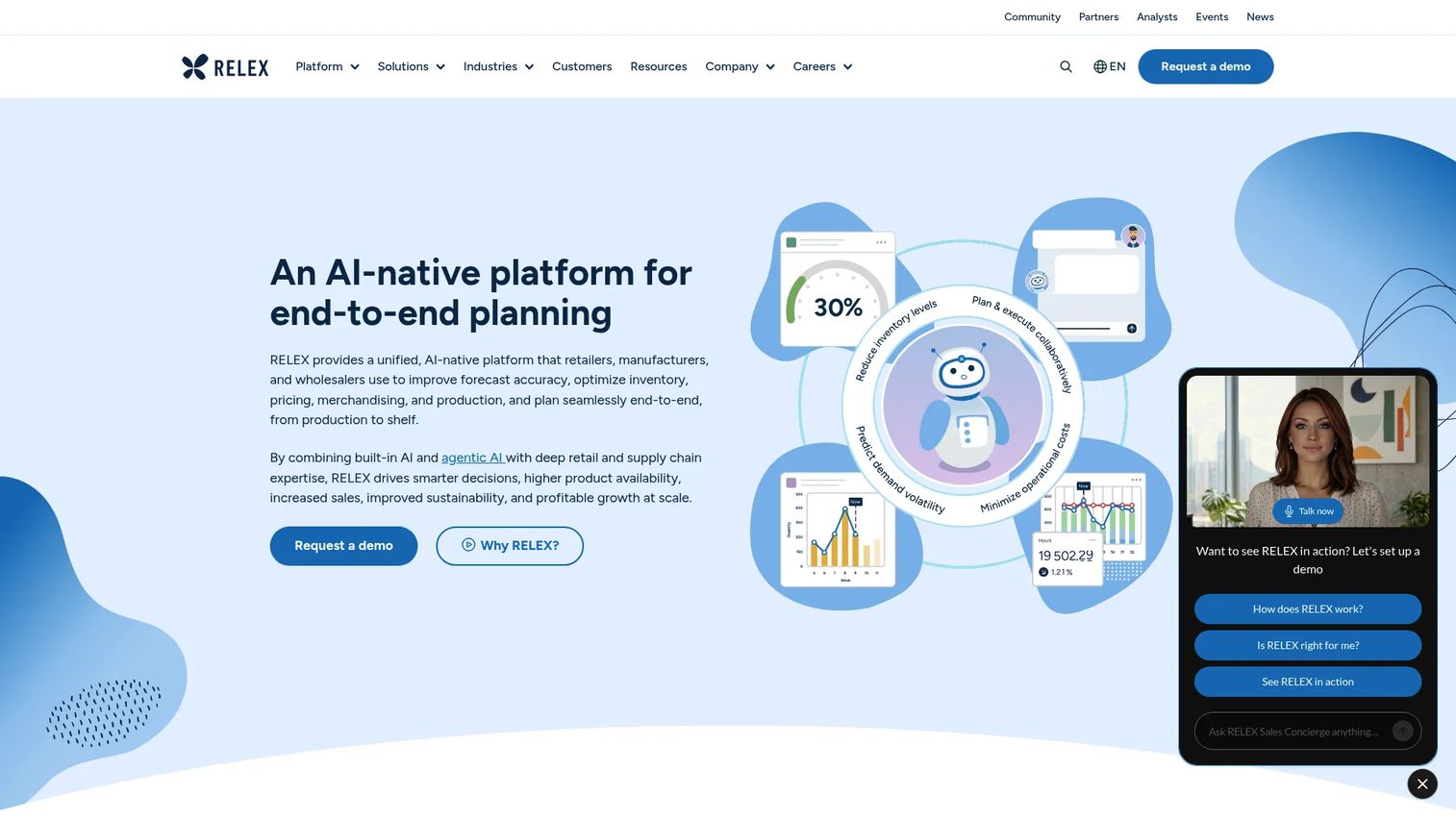
RELEX is an AI-native supply chain and retail planning platform, and it sits at the enterprise end of this list. Planograms here are one part of a much larger picture that includes demand forecasting, replenishment, pricing, promotion, and space planning. Larger retail organizations evaluate RELEX when shelf planning cannot be separated from inventory, assortment, and store execution decisions.
The reason to consider it is unification. Instead of a standalone planogram tool that hands off to other systems, RELEX connects space and assortment planning to the demand and supply signals that should drive those decisions. For a category manager tired of stitching together forecasts and shelf layouts by hand, that integration is the value.
Best for: Enterprise retailers and supply-chain teams needing unified planning across demand, inventory, pricing, and space.
Key strengths
- Demand forecasting and replenishment: Ties shelf planning to what will actually sell and restock.
- Pricing and promotion optimization: Aligns merchandising decisions with margin strategy.
- Space, assortment, and production planning: Connects planograms to the broader plan.
Why choose RELEX: This is not a tool for a single-store operator, and that is the point. If you run a chain where planogramming is inseparable from forecasting and replenishment, a unified platform reduces the coordination tax across teams. Smaller teams will find it heavier than they need.
RELEX pricing: RELEX does not publish pricing. The site directs prospects to request a demo, which is standard for enterprise retail planning software where scope and seat counts vary widely. Expect a sales-led, quote-based process. G2 reviewers rate it 4.6/5.
5. One Door
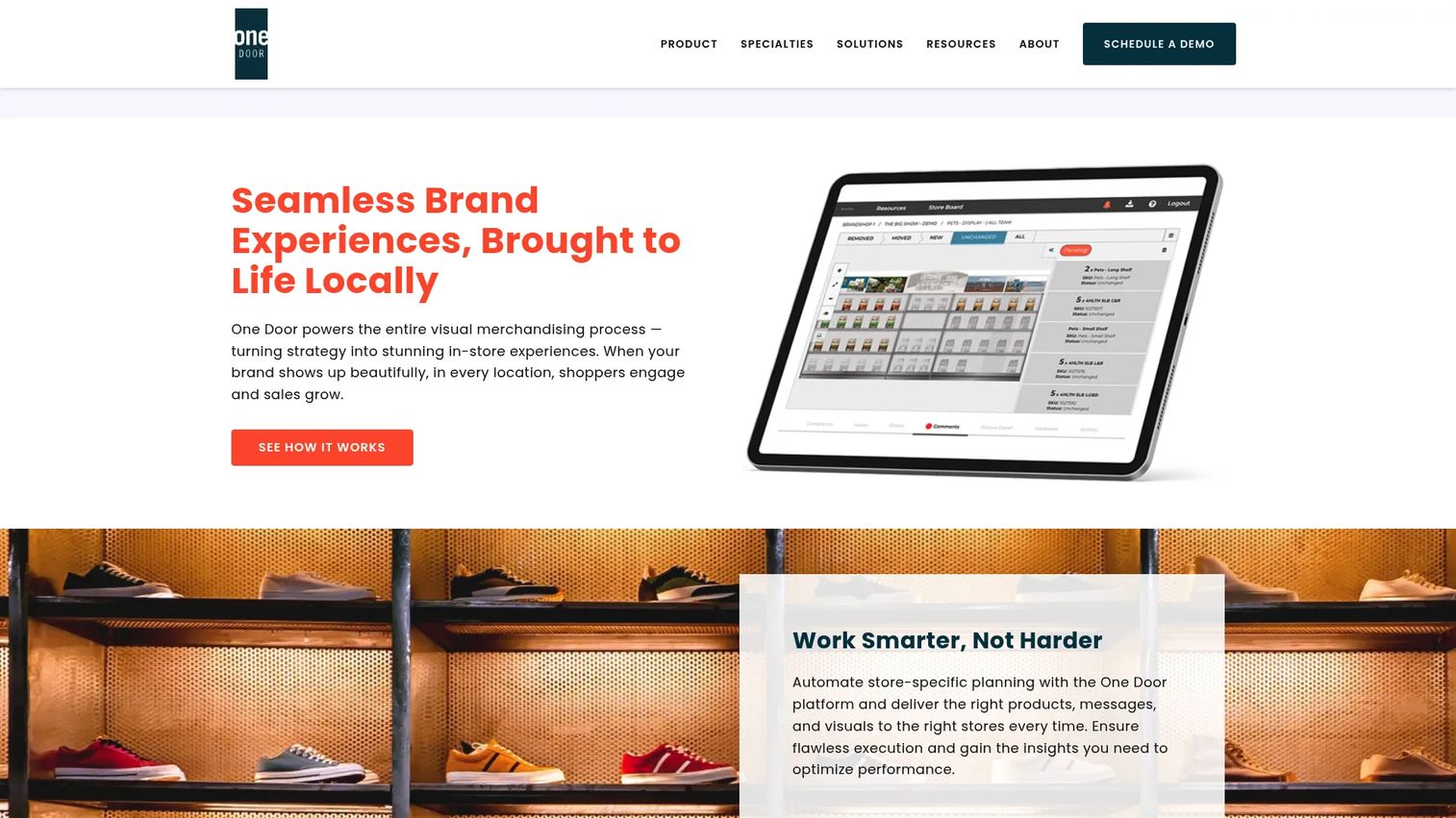
One Door is cloud-based visual merchandising software focused on retail planning, execution, compliance, and analytics. Where a pure planogram tool stops at the design, One Door pushes into what happens after the layout is approved: getting stores to execute it correctly and confirming they did. That retail execution focus is its defining characteristic.
The centerpiece is the Digital Store Model, which lets teams plan against store-specific realities rather than a generic template. Store execution features give field associates interactive guidance and a feedback loop, and AI-powered image recognition checks compliance by comparing shelf photos against the approved planogram.
Best for: Enterprise retailers that need visual merchandising software connecting planning to store-level execution.
Key strengths
- Digital Store Model: Store-specific planning instead of one-size-fits-all layouts.
- Guided store execution: Interactive instructions and feedback for field teams.
- Image-recognition compliance: Automated checks that stores match the plan.
Why choose One Door: If your problem is not designing planograms but getting hundreds of stores to execute them consistently, this is where One Door earns its place. The execution and compliance layer closes the gap between head office intent and shelf reality that trips up large retail operations.
One Door pricing: One Door does not display public pricing and uses a request-a-demo flow instead. Pricing will be scoped to your store count and requirements. G2 shows a 4.4/5 rating based on 14 reviews, a small but positive sample.
6. DotActiv
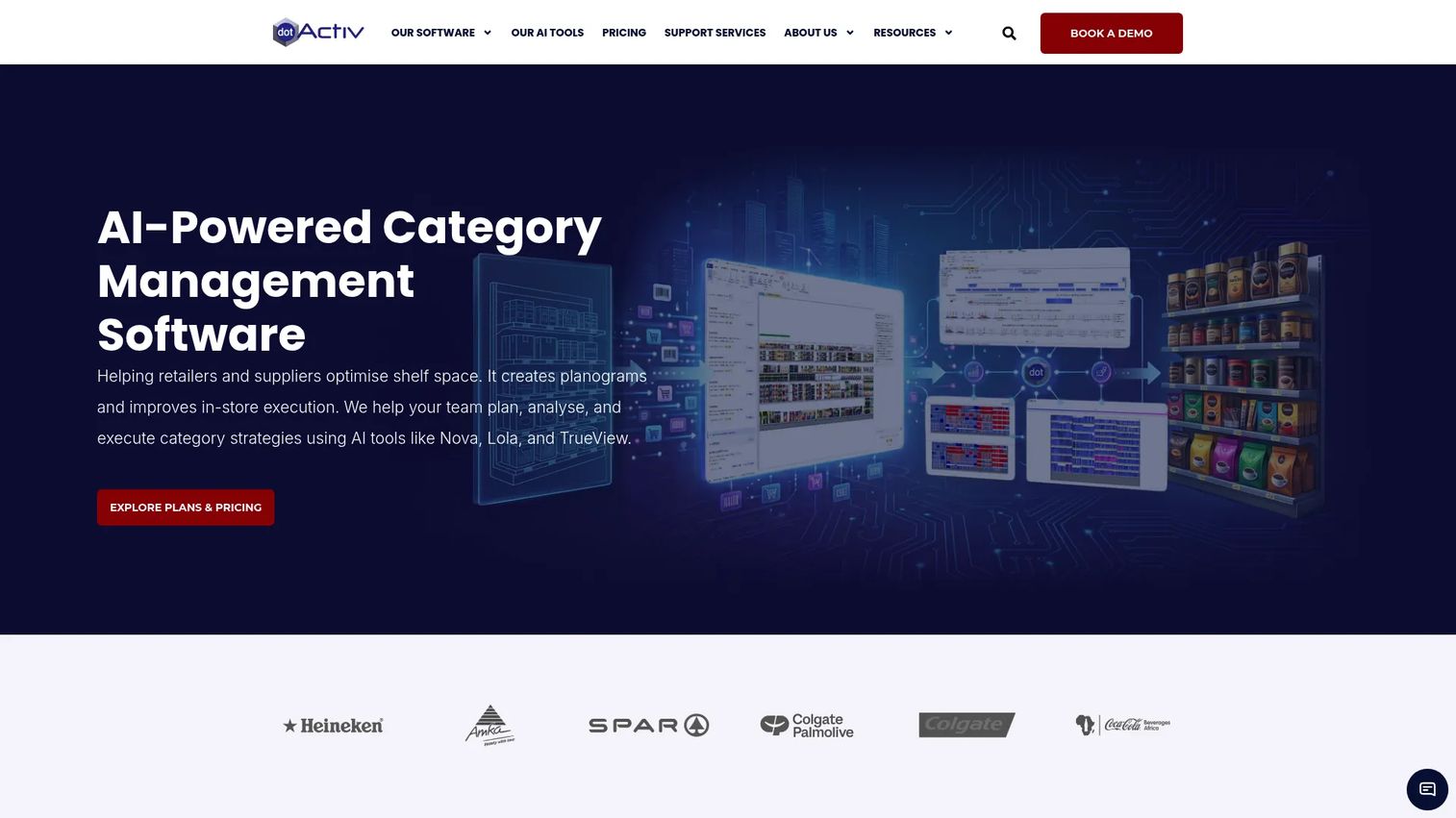
DotActiv is category management software for retailers and suppliers, combining planograms with assortment planning, clustering, floor planning, analytics, and AI tools. It occupies a useful middle ground: more structured than a simple shelf drawer, more accessible than a full enterprise suite, and it offers a free tier so teams can start without a purchase order.
The strength is that DotActiv treats the planogram as one output of a category decision, not the whole job. Assortment and cluster optimization help you decide what belongs on the shelf before you arrange it, and the analytics layer supports shelf space optimization with real numbers. Floor planning rounds out store layout planning alongside shelf work.
Best for: Retail teams needing category management software with planograms, analytics, and shelf-space optimization.
Key strengths
- Planogram automation and reporting: Faster builds with generated reports.
- Assortment and cluster optimization: Decide the range before arranging the shelf.
- Floor planning and analytics: Whole-store layout with data-backed decisions.
Why choose DotActiv: The tiered pricing, including a genuine free plan, makes DotActiv unusually approachable for a category management tool. A small supplier can start free and scale into Pro or Enterprise as category responsibilities grow, without switching platforms.
DotActiv pricing: Publicly listed tiers are priced per license per year: Free at $0, Lite at $800, Pro at $2,000, Enterprise at $4,500, and Enterprise AI at $7,500. Prices exclude localized tax. That clear ladder from free to AI-assisted enterprise is rare in this category. G2 reviewers rate it 4.5/5.
7. GoPlanogram
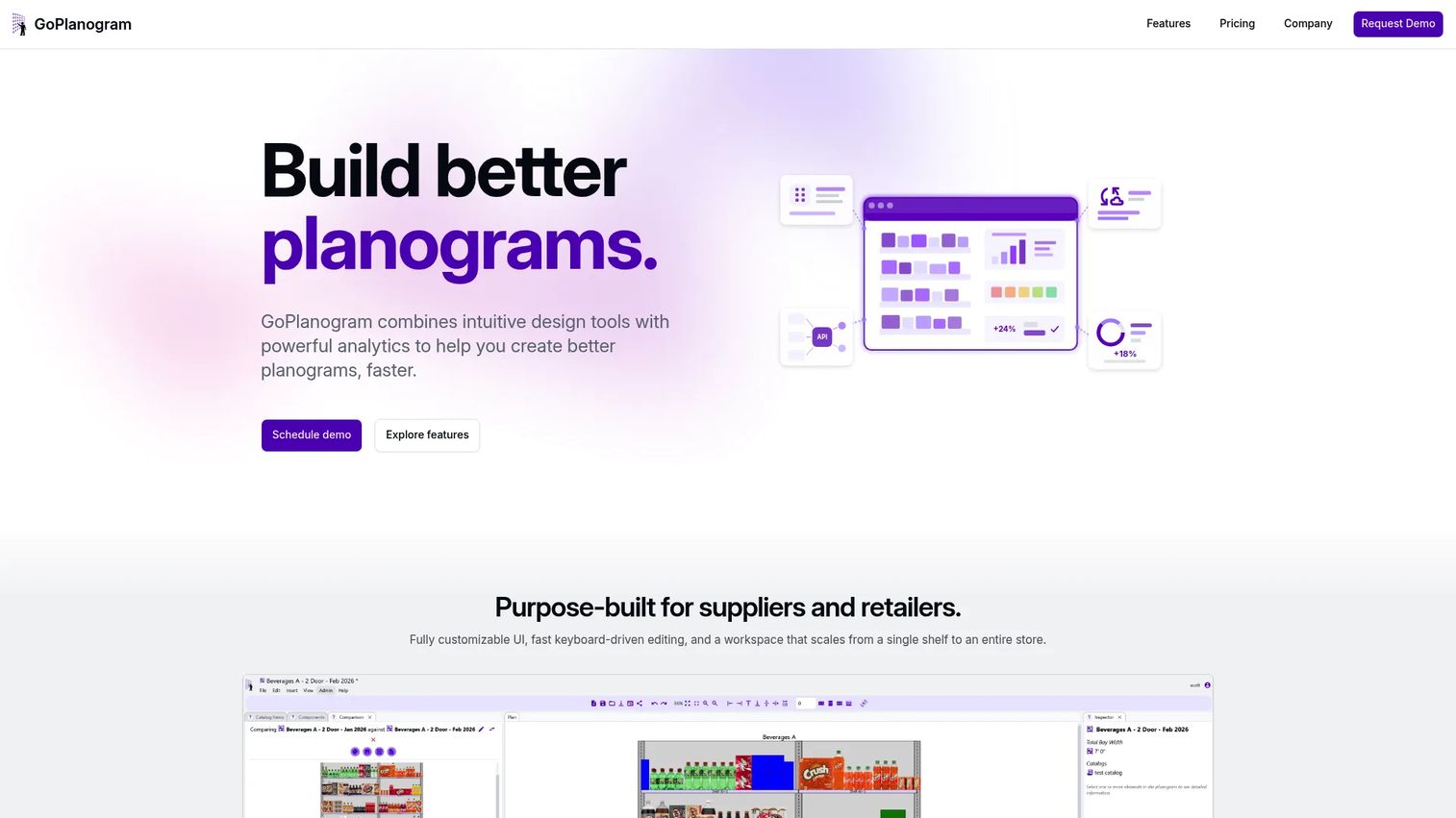
GoPlanogram is cloud-based planogram software for creating, analyzing, and sharing retail merchandising layouts. It is a focused, browser-based builder for teams that want planogram creation and reporting without an enterprise supply-chain platform wrapped around it. Everything runs in the browser, so there is no desktop install to manage across a team.
The differentiator is how you view layouts. GoPlanogram offers 2D, top-down, and realtime 3D views, which helps merchandisers and stakeholders actually see the shelf as shoppers will. Heatmaps, comparison reports, and generated reports add an analytics layer that supports shelf space optimization decisions, and drag-and-drop editing keeps the build fast.
Best for: Retail suppliers and retailers wanting browser-based planogram creation, analytics, and collaboration.
Key strengths
- Multiple view modes: 2D, top-down, and realtime 3D for clearer layout review.
- Heatmaps and comparisons: Analytics that surface how a layout performs.
- Drag-and-drop editing: Fast, browser-based planogram building.
Why choose GoPlanogram: Compared with heavier retail suites, GoPlanogram keeps the focus narrow and the workflow quick. If you want strong planogram building and reporting without paying for forecasting and replenishment modules you will not use, the tighter scope is a feature, not a limitation.
GoPlanogram pricing: This is annual SaaS pricing at the higher end of the standalone-tool range. The Standard plan is $5,500 per year and Professional is $9,000 per year, each including five users. Enterprise is custom. Individual licenses start at $1,995 per user per year. There is no free tier, so it suits teams ready to commit.
8. Planorama
Planorama is retail image recognition and shelf analytics software now operating under Trax. Its focus differs from the pure design tools above: rather than building planograms from scratch, Planorama specializes in confirming whether real shelves match the plan. For CPG brands and retailers tracking shelf execution and store conditions, that compliance-and-analytics angle is the draw.
The technology centerpiece is AI-powered image recognition applied to retail shelf photos. From those images, Planorama surfaces shelf analytics including pricing accuracy, share of shelf, and on-shelf availability, then reports on planogram compliance and in-store execution. It answers the question that design tools cannot: did the store actually follow the layout?
Best for: CPG brands and retailers tracking shelf execution, compliance, and store conditions across many locations.
Key strengths
- Image recognition for shelf photos: Turns store images into structured data.
- Shelf analytics: Pricing, share of shelf, and on-shelf availability metrics.
- Compliance and execution reporting: Confirms stores match the approved plan.
Why choose Planorama: If your planograms are already built and your real problem is execution at scale, Planorama complements a design tool rather than replacing it. It is most valuable to operationally mature organizations with many stores where manual compliance checks do not scale.
Planorama pricing: The Planorama site redirects to Trax, and public pricing is not exposed. Expect a sales-led, quote-based engagement scoped to your store footprint and image volume. The current product identity, Trax Retail, carries a 4.5/5 rating on G2.
Considerations before you buy
Feature lists blur together fast. These are the criteria that actually separate a good fit from an expensive mistake.
Speed to create a layout
How long does it take to build one compliant planogram from a blank shelf? Drag-and-drop editing, saved planogram templates, and a shared product library are what make this fast. If your team resets shelves frequently, speed to output compounds. Test it during a trial with your own products, not a demo dataset.
Cloud and mobile collaboration
If planning and execution happen in different places, verify that the tool keeps one source of truth. Look for cloud access, mobile editing at the shelf, approvals, and version control. Collaborative planogram tools prevent the classic failure where a field team executes an outdated layout because the approved version lived on someone's laptop.
Analytics and shelf space optimization
Decide whether you need layouts or decisions. Basic tools draw shelves. Stronger platforms add heatmaps, comparison reports, and shelf space optimization metrics that help you defend facings and lift category performance. Match the analytics depth to whether you are executing a strategy or building one.
Scale and retail execution fit
Be honest about store complexity. A single operator does not need enterprise forecasting. A 400-store chain needs retail execution, compliance tracking, and store reset planning that a lightweight tool will strain to deliver. Buy for where you will be in two years, but do not overbuy for scale you do not have.
Pricing model and total cost
Watch the pricing shape. Some tools charge low monthly cloud fees, some sell one-time desktop licenses, and enterprise suites run custom annual contracts. Per-user annual pricing scales quickly with team size. Factor in renewal fees, seat minimums, and which features are gated behind higher tiers before committing.
Conclusion
The best planogram software is the one that matches how your team works today, not the one with the longest feature list. For solo operators and small chains, Shelf Logic and OPENCatman get you planning fast without a heavy commitment, and OPENCatman's free tier is hard to beat for testing the waters. Teams already living in diagramming tools can extend SmartDraw into scaled floor planning without a second purchase.
For category managers who need decisions and not just drawings, DotActiv pairs planograms with assortment and analytics on a pricing ladder that starts free. And for enterprise retail organizations, the choice comes down to scope: RELEX unifies planning across demand and space, One Door owns store-level execution and compliance, and Planorama, via Trax, confirms whether shelves match the plan at scale.
Start with your operating reality. Map your store count, your reset frequency, and whether your bottleneck is design or execution. Then shortlist two tools that fit that reality and run a trial with your own products before you commit.
Start your journey with Guideflow today!
FAQs
Planogram software is used to design, share, and update the layout of products on retail shelves and across a store floor. It specifies where each product sits, how many facings it gets, and how shelves are organized to drive sales and simplify restocking. Retail teams use it to plan resets faster, keep stores consistent, and support store layout planning.
The features that matter most are speed to create a layout, cloud and mobile access, template and product libraries, collaboration and approvals, and analytics for shelf space optimization. If you coordinate across stores, prioritize collaborative planogram tools with version control and mobile editing. If you build category strategy, prioritize analytics and assortment planning depth.
Yes. OPENCatman offers most of its features for free, and DotActiv includes a genuine free tier alongside its paid plans. Both let small teams build and collaborate on planograms without upfront cost, which is a practical way to validate your process before paying. Free planogram software works best for lower volumes, with paid tiers unlocking advanced analytics and scale.
Many can. Beyond individual shelves, tools like Shelf Logic (via Enterprise Plus), SmartDraw, and DotActiv include floor planning that maps fixtures, aisles, and departments. This is the difference between planning a single bay and planning a whole store. If store layout planning is a priority, confirm the tool supports scaled floor plans, not just shelf diagrams.
Planogram software focuses on designing the shelf and store layout. Retail execution software focuses on getting stores to implement that layout correctly and confirming they did, often through mobile guidance and compliance checks. Tools like One Door and Planorama lean toward retail execution, while pure planogram tools stop at the design. Many enterprise buyers need both.
The stronger ones do. Cloud planogram software keeps a single source of truth so the layout head office approves is the exact one field teams see, often on a tablet at the shelf. Look for mobile access, approvals, and version control. This coordination is where store resets succeed or stall, so it is worth testing before you buy.
Match the tool to your store complexity and bottleneck. A single operator or small chain building a handful of layouts is well served by an affordable or free tool like Shelf Logic, OPENCatman, or DotActiv's lower tiers. A multi-store chain where planograms connect to forecasting, execution, and compliance should evaluate enterprise platforms like RELEX, One Door, or Planorama. Buy for where you will be in two years, without overbuying for scale you do not have.